AI voiceover for video: what it is and how it works
AI voiceover is text-to-speech: a model takes a line and returns an audio track in a chosen voice, pace and tone. Nobody has to record every take in a booth anymore, but a person still decides which voice fits, where the pause goes and which word carries the sentence.
There are four main use cases. Narration, a voice that carries the video. Character dialogue, often paired with lip sync. Dubbing, translating a finished video into another language while keeping the voice. And audio generated with the picture: some video models now output footage with sound and speech in one pass.
For short-form video, AI voiceover is already the default. AI video production almost always includes synthetic voice, because booking a narrator for every version of a video is slow and expensive. The same holds for vertical video ads: each test needs its own voice, and a live narrator cannot keep up.
How to make an AI voice for video, step by step
Write for the ear, not the eye: short sentences, no brackets or abbreviations, numbers spelled out where pronunciation matters.
- Pick a voice for the audience: age, timbre, delivery. A cleaning-product ad and a training course need different voices.
- Generate several takes of the same line and choose the best. Speech synthesis, like video generation, varies from take to take.
- Fix stress and pauses: most tools offer markup or phonetic hints.
- Mix the voice with music and effects. A raw voice laid over a track sounds detached from the video.
- Check it on a phone. Most short videos are watched through a phone speaker, and mistakes sound different there than on studio monitors.
Voice cloning: what is fine and what is not
Voice cloning creates a synthetic copy of a specific person's voice from a sample of their speech. For a business it is convenient: a founder's voice or a regular narrator can be used across dozens of videos without recording each one.
The line here is legal and ethical. Clone only the voice of someone who has agreed to it, and only within the scope they agreed to. A celebrity's voice, a public figure's, or a stranger's from someone else's clip is a fake, not a voiceover. We work only with voices the client holds the rights to and with the stock synthetic voices that tools provide.
Good practice is written consent that describes where and how the voice will be used, plus a synthetic-speech label wherever the platform or the contract requires one.
Lip sync and dubbing into other languages
Lip sync matches a character's mouth movement to the audio track. You need it when someone speaks on screen in close-up. In wide shots and voiceover-only formats you can skip it, and that is noticeably cheaper.
AI dubbing solves a different problem: one video ships in several languages with the same narrator's voice. That is the backbone of multi-market video, when the same message has to run in several countries. Translation alone is not enough; jokes, units and forms of address need adapting.
Line length is the classic dubbing trap. German or Spanish copy usually runs longer than English, and if the translation is not trimmed, the voice starts to rush.
Where an AI voice sounds fake
Almost all of these are fixed by a person rather than by switching tools: editing the copy, choosing a take, mixing.
- The same intonation on every line: the model reads evenly, and ten seconds in you can hear it.
- Wrong stress on names, brands and rare words.
- Audio that is too clean, with no room tone: the voice sounds recorded in a vacuum while the picture is outdoors.
- The wrong emotion: an upbeat tone over a serious problem.
- Breaths and pauses in odd places, especially in long sentences.
What the sound editor still does
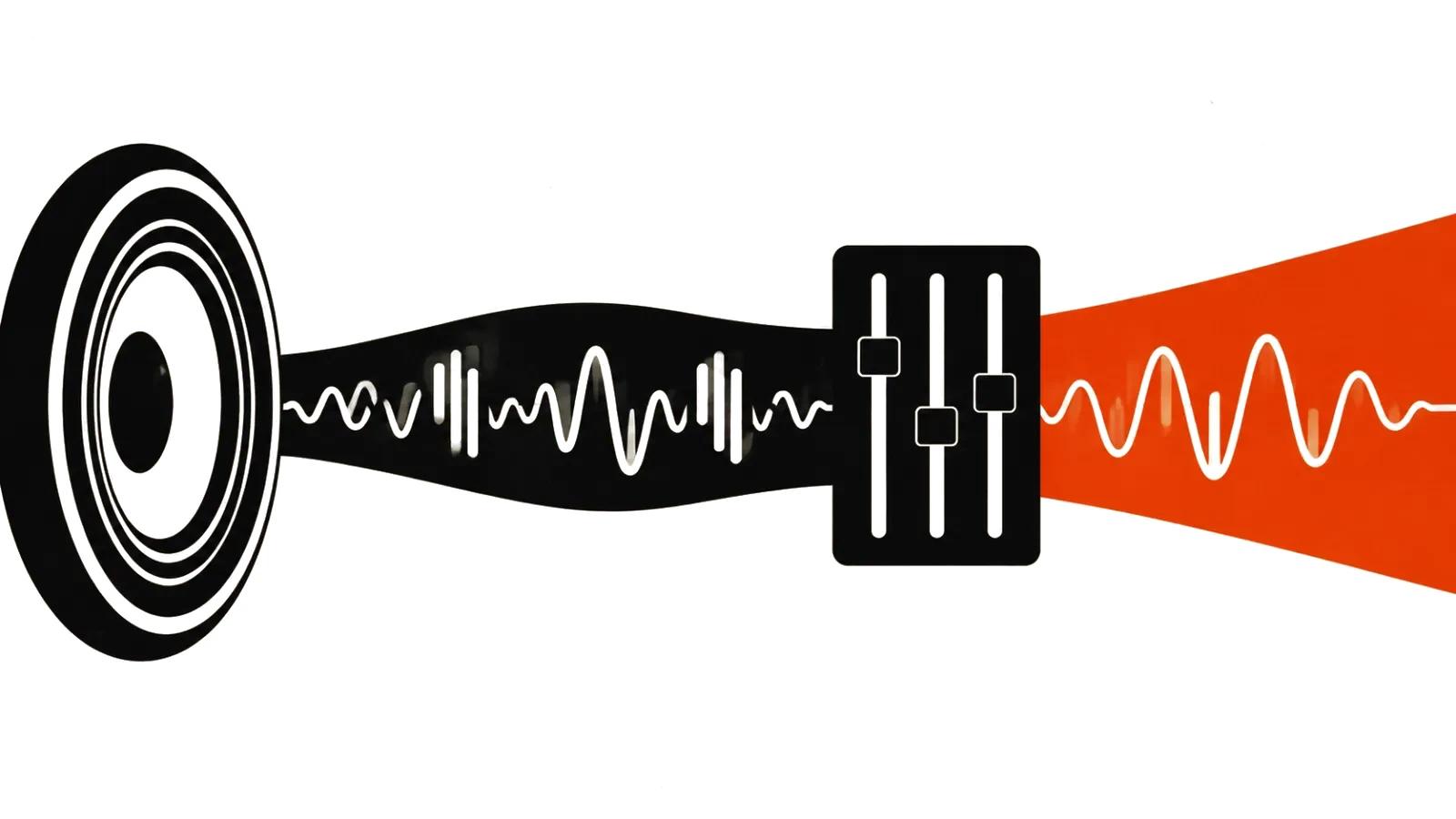
A model generates the voice; it does not build the soundtrack. Balancing voice and music, effects that follow the action, loudness for each platform's specs, cleaning up synthesis artifacts: that is still human work.
That is why our handcrafted videos include the edit, music and full sound, not just synthesized lines. In mass formats the sound is built once in the format template, and after that only the copy and the voice change.
Voiceover at volume
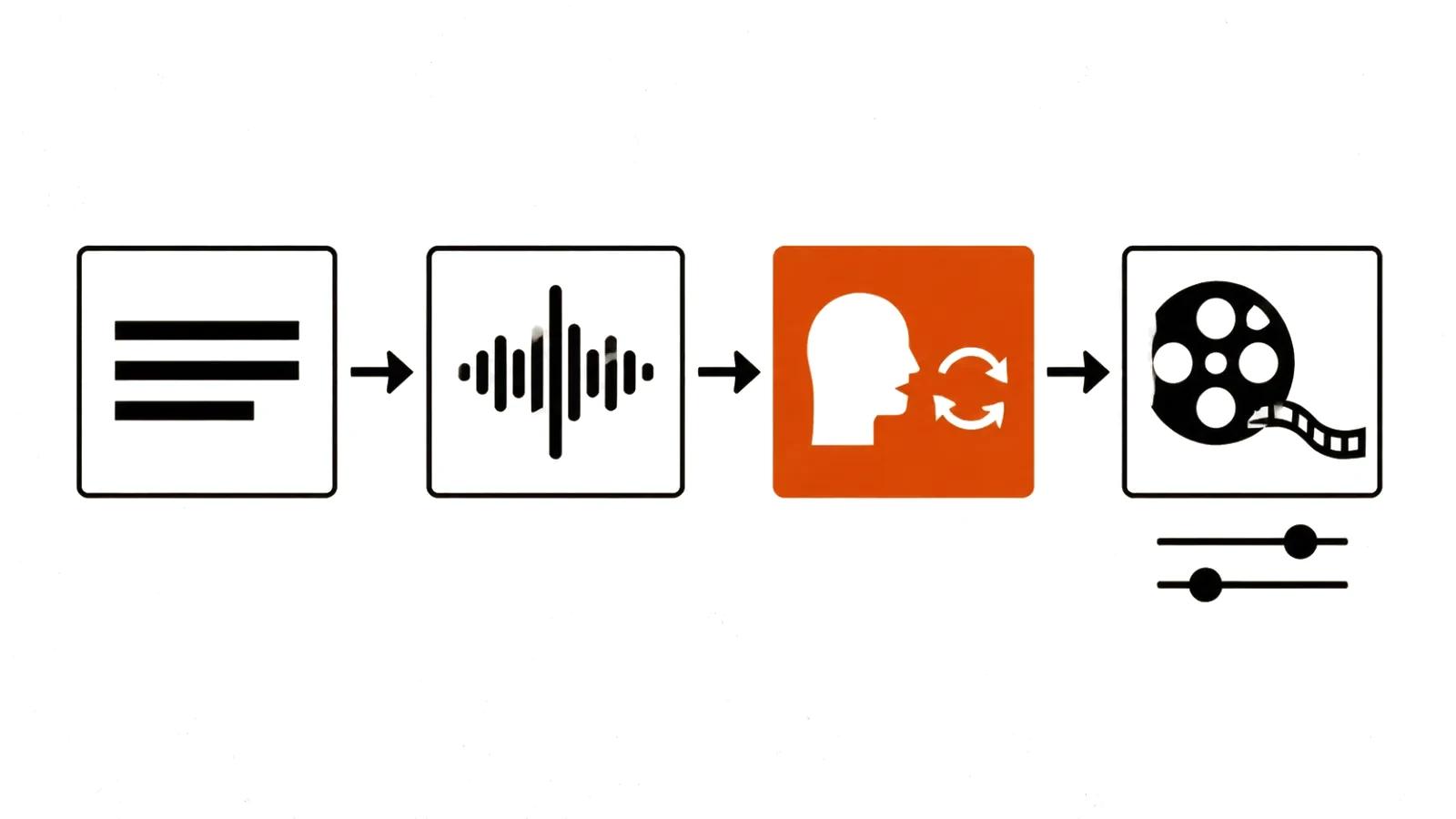
When there are hundreds of videos, voiceover becomes part of the pipeline: one script structure, several voices for different audiences, versions in several languages. Mass vertical videos cannot be produced without synthetic voice; recording a live narrator for every variant simply does not fit the timeline.
The rule at volume is to spot-check. Even with the same template, some tracks will come out with a misplaced stress or an odd tone, and it is better to catch that before publishing.