What happened to Sora
On April 26, 2026 OpenAI closed the Sora web app. On September 24 the Sora 2 models and the Videos API were switched off. No direct replacement has been named, and the OpenAI help centre page on the shutdown carries dates and nothing about what comes next.
For projects that ran on Sora this is a break: new renders have nowhere to come from. I went through the timeline in the Sora shutdown piece, including what happened to model access.
The day-to-day work did not stop with it. Video from the chat still gets made, except third-party services render it now, and they started arriving in ChatGPT within the last month.
The chat as a writer: script and shot list
ChatGPT no longer renders video on its own, yet it handles the text around video well: the script, a shot-by-shot breakdown, prompts for video models, voiceover copy and subtitles. That is exactly the part where two hours used to disappear and nothing came out of it.
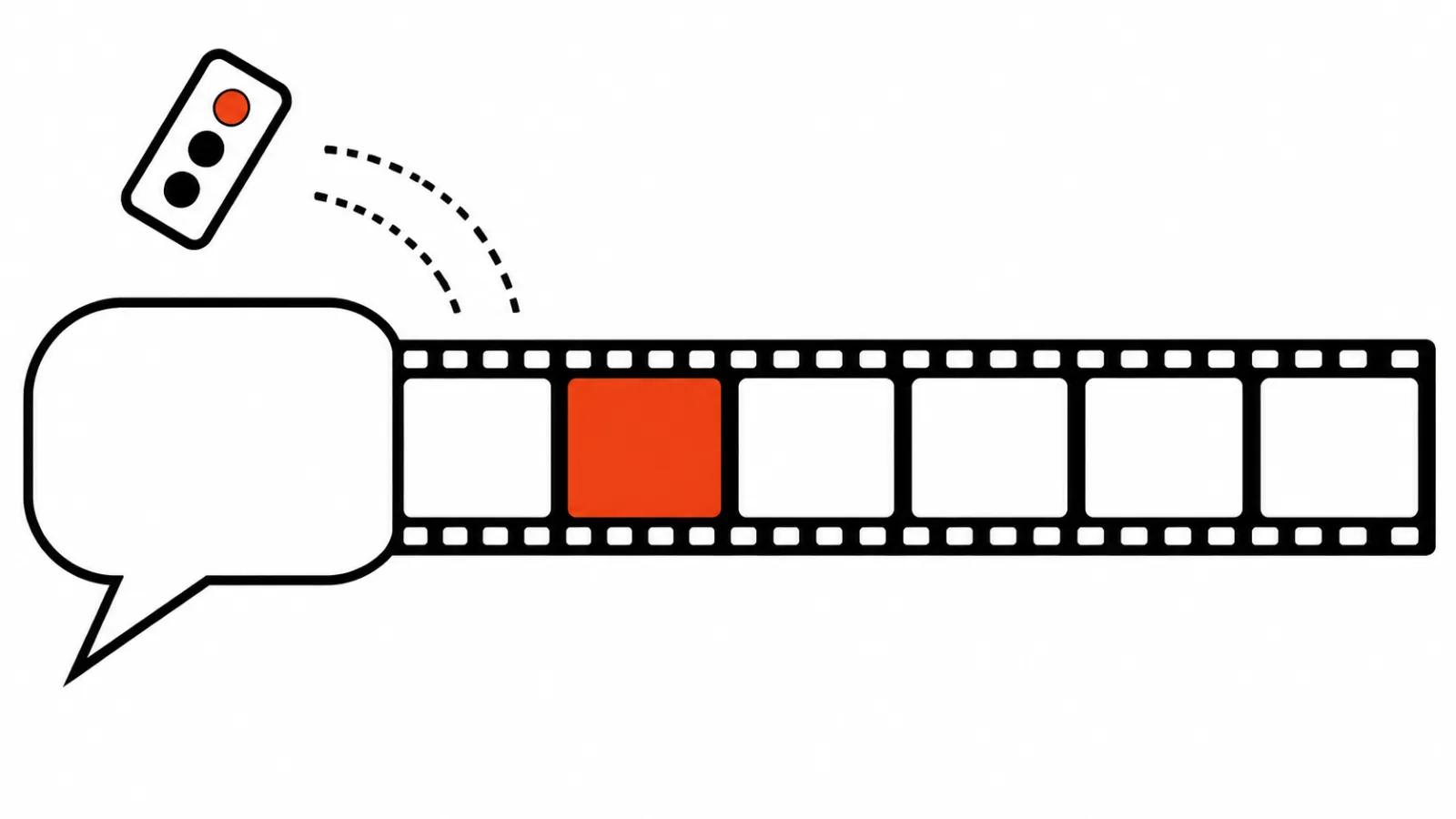
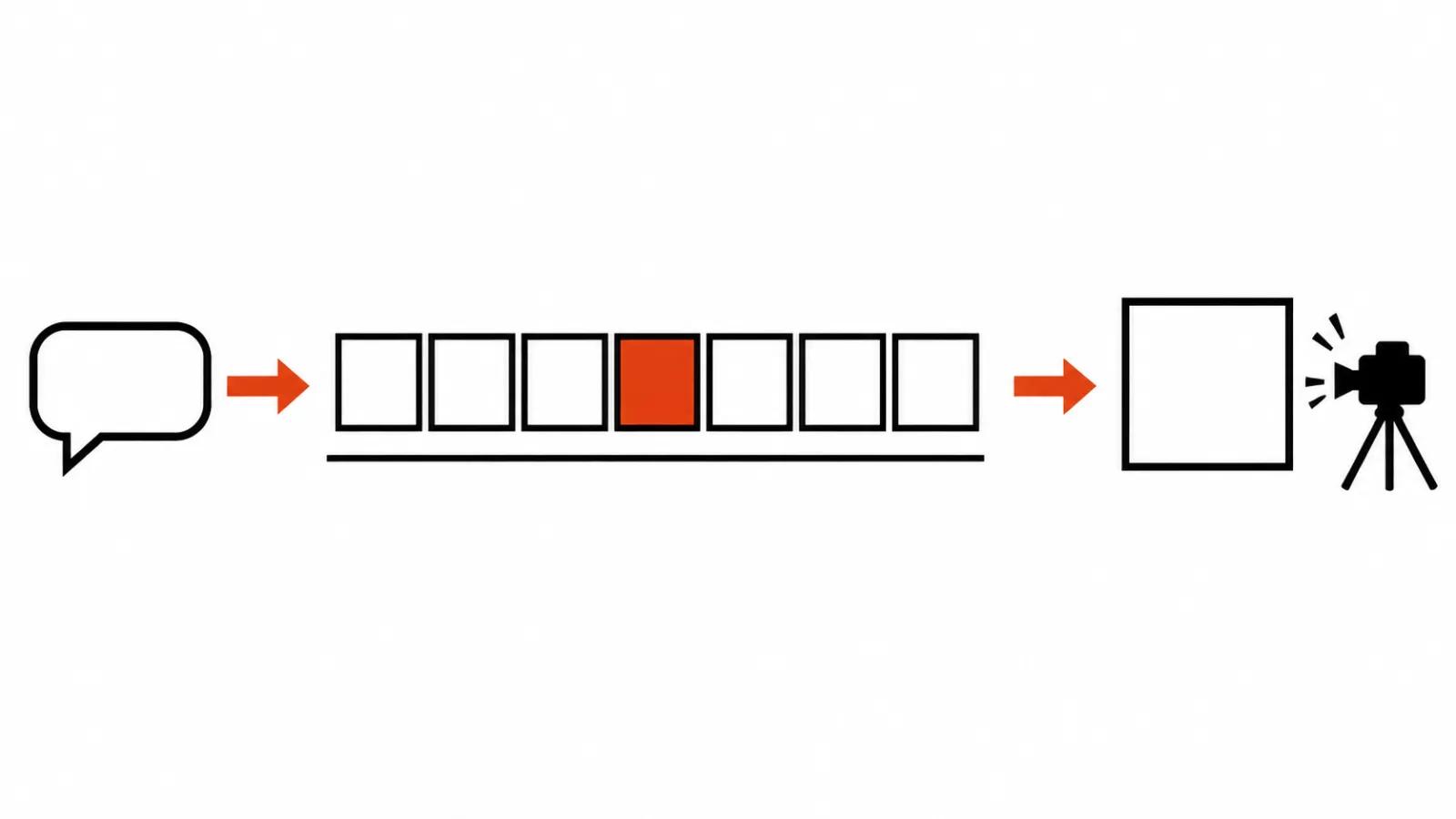
The routine I use has three steps: the idea, then five to eight shots of three to five seconds each, then a prompt per shot. I ask the chat to split the idea into pieces and describe each one: what happens in frame, where the camera sits, how long the piece runs.
Five to eight shots add up to a video of twenty to forty seconds, which matches what video models hold together in one pass. Short pieces also make regeneration cheap, since one bad frame no longer drags the whole video with it.
I check the shot list on paper first. If a shot cannot be described in one sentence, it will fall apart on screen too, and finding that out before you pay for renders is worth the five minutes.
Prompts for the model that does the rendering
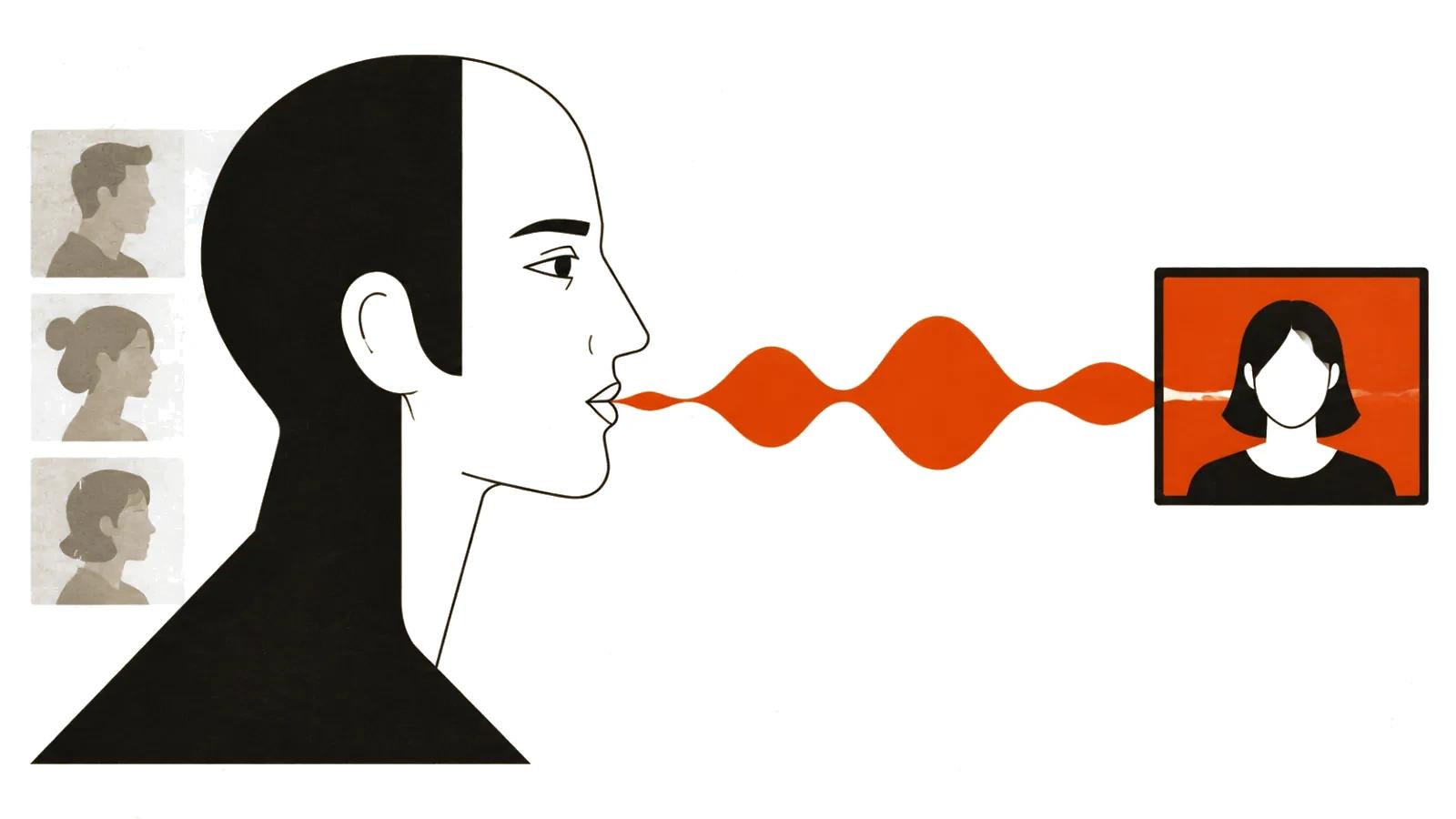
The second skill is translation, from the language of the brief into the language of the model. A prompt needs to describe movement and camera position. Mood helps too, yet without action and angle the model fills the scene in on its own taste.
I build each prompt from six fields: subject, action, camera, light, background, duration. Then I add a ban on lettering in frame, because video models spell text wrong, and titles are cheaper to lay on in the edit.
After that I ask for three versions of the same prompt at different lengths: a short one for a quick test, a medium one for working renders, a long one for the hero shot. The gap shows up on the first render and tells you where the model breaks.
One more request saves the most time: have the chat keep a glossary of repeating details. What people wear, the colour of the walls, the car model, the lens. By the fifth shot the model starts drifting on those details, and the glossary pins them down.
Plugins: Pika and CapCut move rendering into the chat
On October 16, 2026 Pika shipped a plugin for ChatGPT: more than forty creative apps and more than a hundred models for images, video and sound inside the chat. A prompt written in the script goes straight to a render without copying between tabs, the result comes back into the same thread, and the next fix can be asked for in plain words.
CapCut announced its own plugin on October 24 at CapCut World in Los Angeles: the idea lives in the chat, the plugin builds a draft video, and finishing happens in the CapCut web editor. The announcement said soon, with no dates and no prices. I would not put a publishing calendar on CapCut inside the chat yet: the announcement carried no launch date.
Both follow the same logic. The chat becomes the entry point into someone else's render farm, and the editor stays the place where a video is finished. For me the convenience is that script, shot list and test renders share one window.
Music through Suno MCP
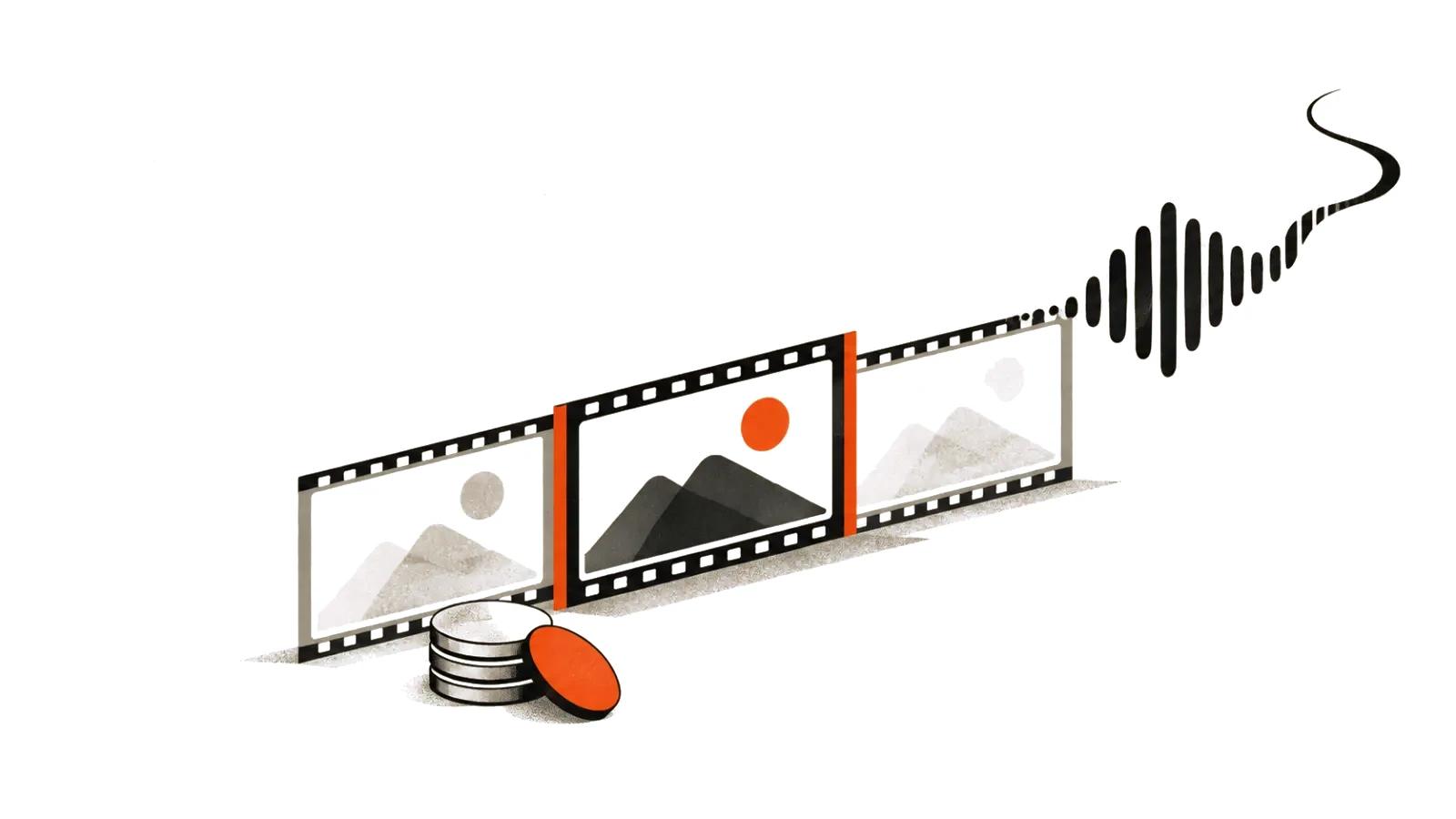
On October 28, 2026 Suno opened a beta of Suno MCP. The service connects to ChatGPT, Claude and other MCP clients, songs are created in the chat, they spend Suno credits, and early access comes by request.
For a video that covers the music under both the voiceover and the cut. You ask for a thirty-second track that builds toward the fifteen-second mark, get a draft in the same thread that holds the shot list, and adjust the arrangement there.
Credits burn on every attempt, so the habit of generating ten versions in a row shows up on the bill. I ask for a text description of the track first and spend credits only after that.
Where the chat stops: editing, sound, fixing shots
Editing, colour, sound, titles and exact shot lengths stay in the editor. ChatGPT will suggest scene order and timing, write the title list and the voiceover copy, and it will not build a timeline.
Fixing shots takes two rounds. First a re-render of the weak piece in the plugin, then trimming and joining in the editor. As long as the prompt sits next to the shot list, a re-render costs minutes, and that is the real gain of the whole setup.
The second risk is structural. Plugins run on someone else's rules: limits, prices and availability change without notice, and the Sora shutdown showed how fast an entire service can go. Keep the script and the prompt library in your own files, so a plugin swap does not wipe the work.
My take: the chat is now a control desk
Over six months the role of the chat shifted. It stopped being an image generator and became a control desk: it sets the task, splits it into shots, writes the prompts, checks continuity and holds the detail glossary between scenes. Rendering goes to plugins, and that split is honest, since the chat is strongest on text.
The practical version for a project is short. Write the script and the shot list in the chat, where speed is highest. Render in the plugin, where the prompt is already written. Assemble in the editor, because the final cut decides more than the model does.
I have one doubt, and it is an expensive one. The whole setup hangs on third-party plugins whose terms change unilaterally. Your own templates and prompt library cannot be taken away, though.
Volume decides the rest. One video a month runs fine on a subscription. Ad series and regular episodes get counted differently: AI video production from a single template yields a dozen versions of one scene, while a shot with a real person on camera, face and intonation included, works better from a set, and that is where a filmed promo video earns its place. Handcrafted videos start from $190 and stay predictable next to API subscriptions, and an AI YouTube channel run for you starts from $200 per month. Mass vertical video is priced per view, up to $2.40 per 1000 views.