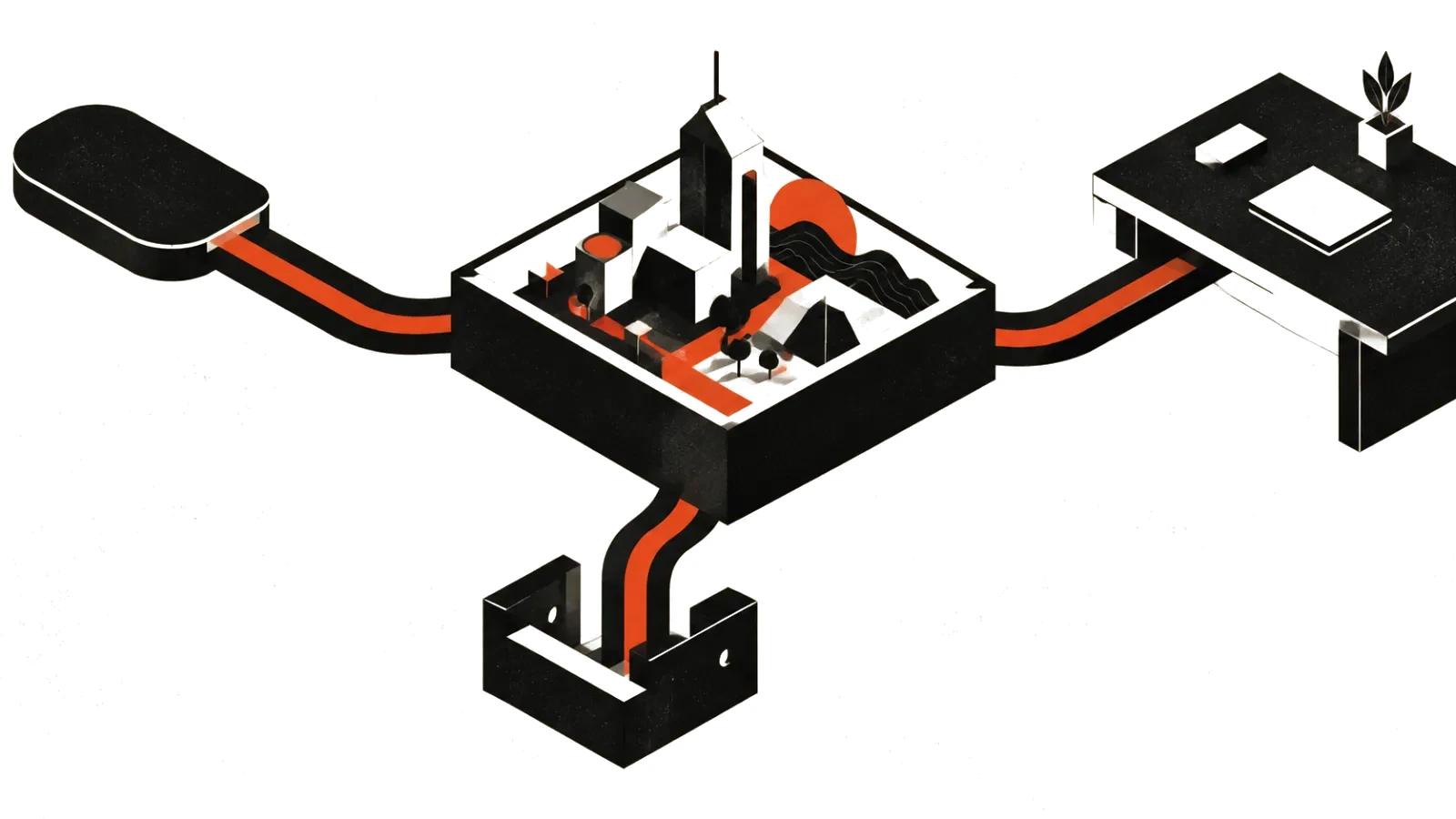
Three products behind one phrase
People searching for a Gemini video generator usually expect one thing and land on three.
Google's own API documentation (ai.google.dev, video generation page, last updated June 30, 2026) lists two models for video: Gemini Omni Flash and Veo 3.1. Omni Flash is recommended as the default. Veo 3.1 stays for specific capabilities.
Then there is the Gemini app, where video comes from Omni. And Google Flow, a studio for video and images. Three entrances, three sets of limits.
What Gemini Omni does, per Google
The gemini.google video page is direct: Gemini Omni will replace Veo in the Gemini app. That is an editorial decision. The technical footnote is secondary.
What the same page promises:
The Omni family was announced on Google's blog on May 19, 2026, in a post by Koray Kavukcuoglu, CTO of Google DeepMind. The same post says the first model, Gemini Omni Flash, was rolling out to the Gemini app, Google Flow and YouTube Shorts.
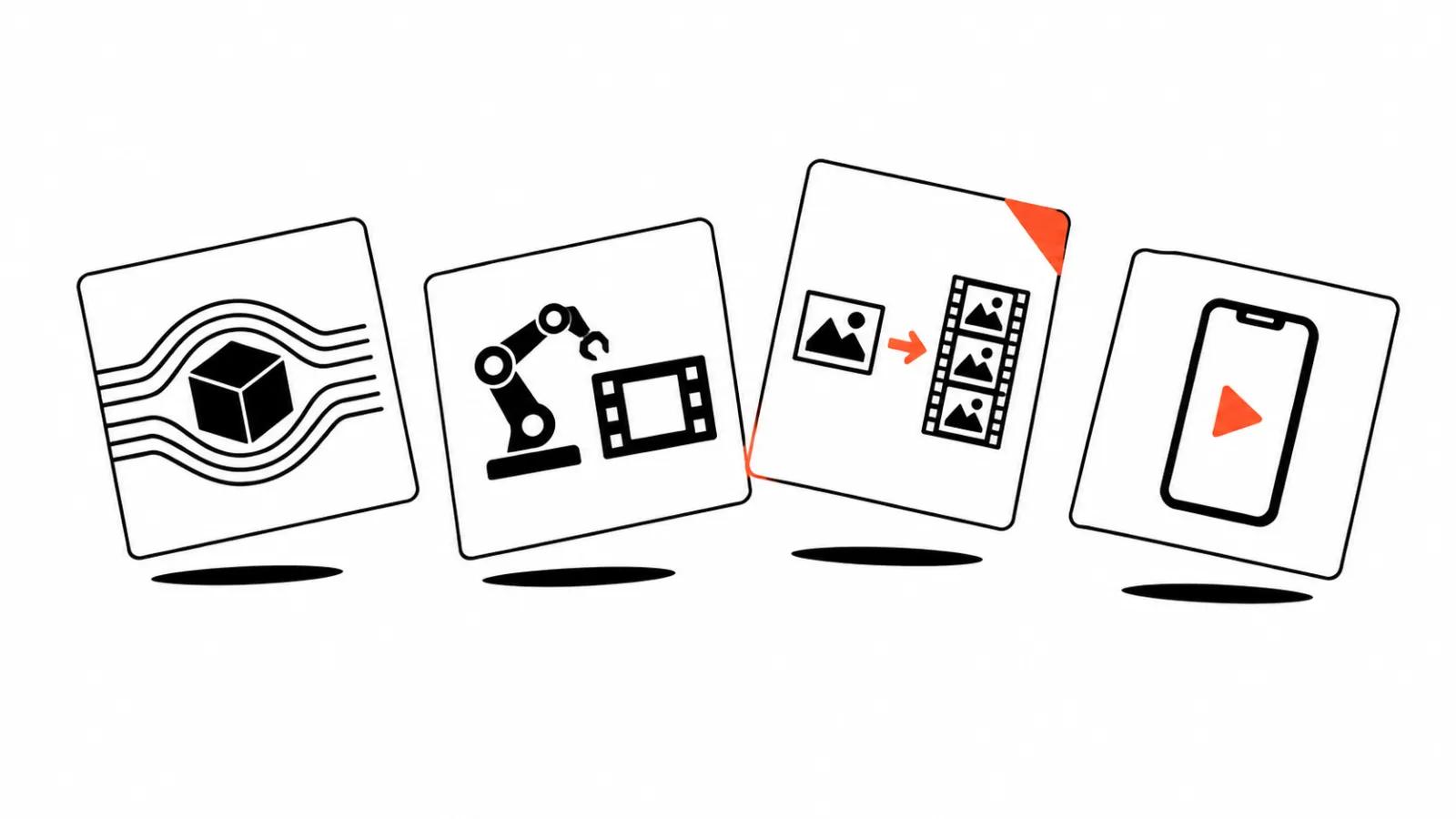
- input from text, photos and video in any combination;
- up to five photo references for one clip;
- editing by conversation: swap a character, change lighting, stabilise, replace the background;
- scene extension so the story continues;
- an AI avatar, so you do not upload your photo every time;
- an invisible SynthID watermark on everything generated in the app;
- verification: upload a file and ask whether Google AI made it.
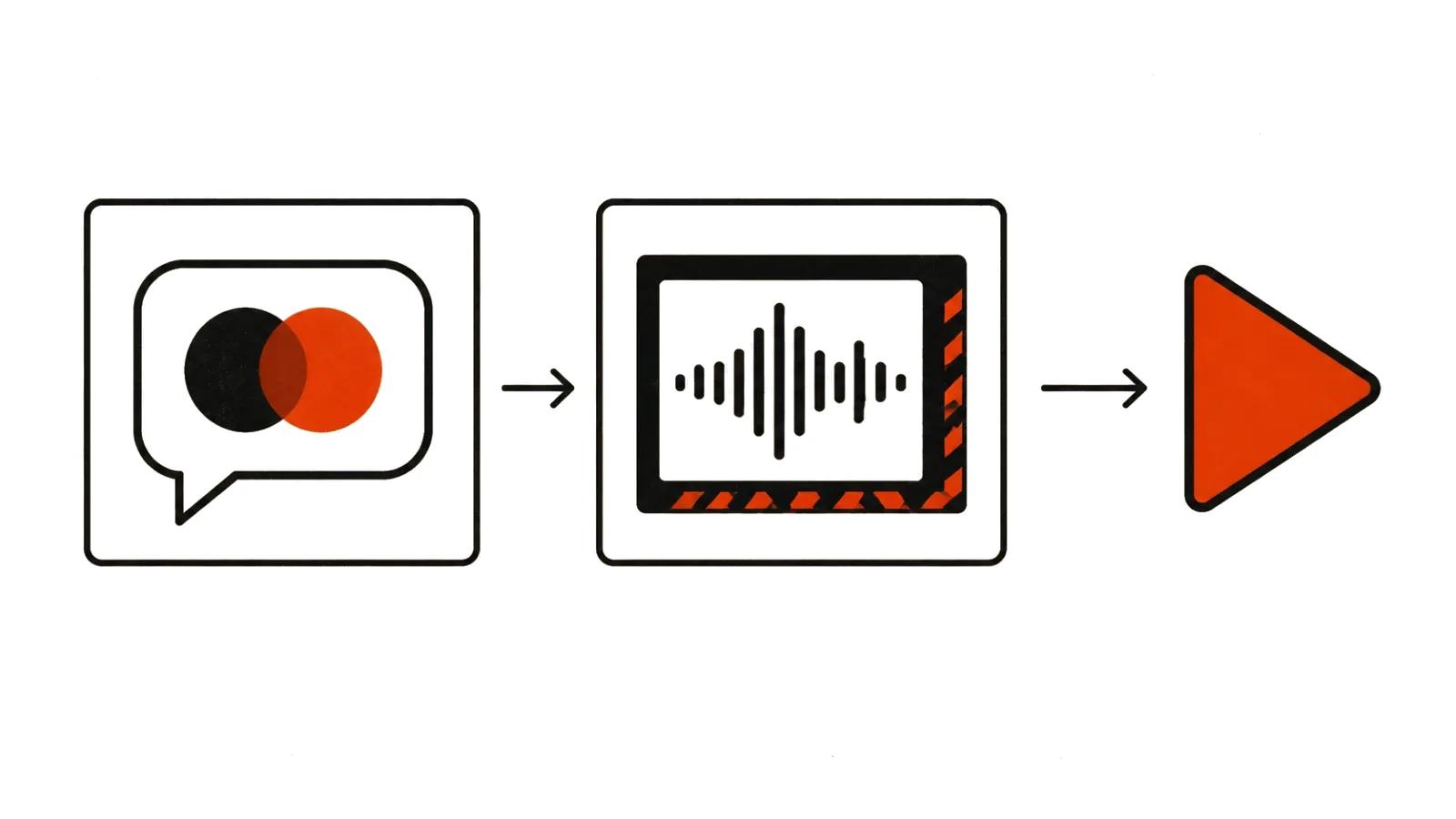
Where Veo 3.1 still lives
Veo is not gone, and that matters if you build a pipeline.
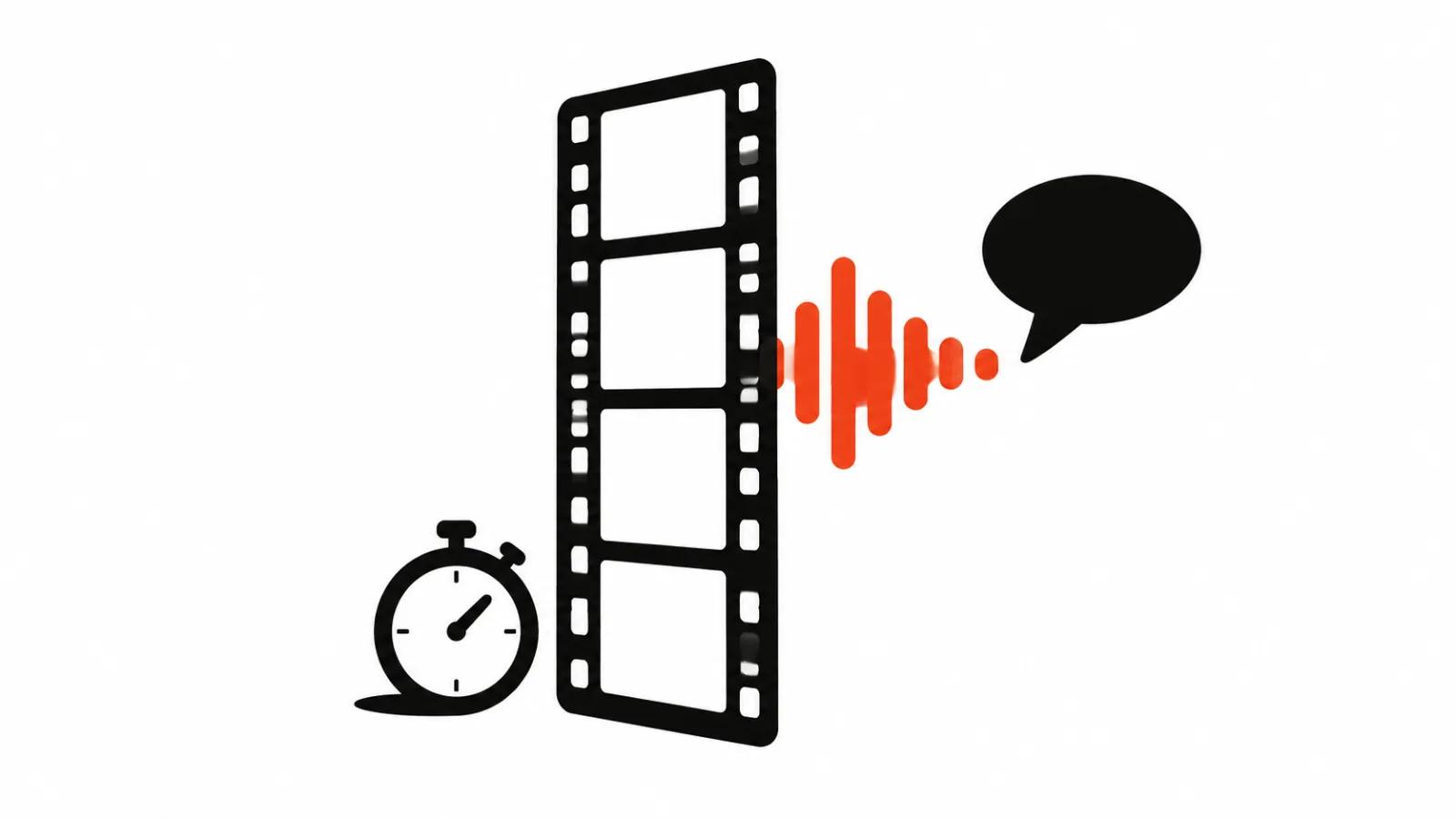
The Gemini API docs list what it does well: native audio, scene extension, last-frame control, and image-based direction. For existing integrations it remains a working option.
In plain terms: Omni is about dialogue and universal input, Veo is about precise frame parameters. If the task reads "continue this scene from exactly this frame", you want Veo. If it reads "keep the character, change the background", that is Omni.
Flow, plans and prices
Flow sits outside the Gemini app. Its official page lists three models: Gemini Omni, Nano Banana for images, and Veo 3.1, plus an agent that helps plan a project.
The same page lists Google AI plans in dollars: Pro at $19.99 per month, Ultra at $99.99, and an Ultra tier at $199.99. Google adds that prices may vary by market.
It also states that features vary by subscription tier, platform and region, and that the service is for users 18 and over. The country list lives on a separate support page and has to be checked before paying.
What this means in practice
Three scenarios where the difference between products shows up immediately.
First, product advertising. You need one precise shot and repeatability. Veo with frame control does that better, while Omni is useful for draft variants and conversational fixes.
Second, an automated YouTube channel with regular episodes. Iteration speed matters more there: build a scene, fix the background, extend the ending. That is Omni mode.
Third, a stream of vertical clips for social. The template and the review process decide the outcome. The model is secondary. Vertical video ads get built from one skeleton, and generation covers individual shots.
AI video production in that setup is not a choice of one model, it is a division of labour between them.
Limits to know before you start
First, SynthID. The watermark is invisible, it is still there, and it matters if you have labelling obligations.
Second, the 18+ rule on Flow. That rules it out for school projects and classroom courses.
Third, regional restrictions. Google says features vary by region. Check availability for your country before planning a project around it.
Fourth, different entrances mean different quotas. App, Flow and API count limits separately, and experience from one does not transfer.
Choosing between Omni and Veo without testing
A simple rule when there is no time to compare.
Take Omni when the task is described with verbs: redo, extend, combine references. Take Veo when the task is described with nouns: last frame, audio, scene, continuation from an exact point.
And check what is current: the fastest way to see the model landscape is a guide to AI video models 2026, which maps models to the tasks they fit.