Start with the family, before any prompt
The first decision belongs to the relatives. Some people find revived photographs genuinely hard to watch, and that is better learned before the edit, while the material can still be assembled another way. I ask how the person moved: how they turned their head, how they smiled, what they wore. Two minutes of that talk beats any preset.
The second question is who will watch. For a small circle at home a calm chronicle with captions is enough. For a hall during a service the rhythm changes: tighter close ups, longer pauses between shots.
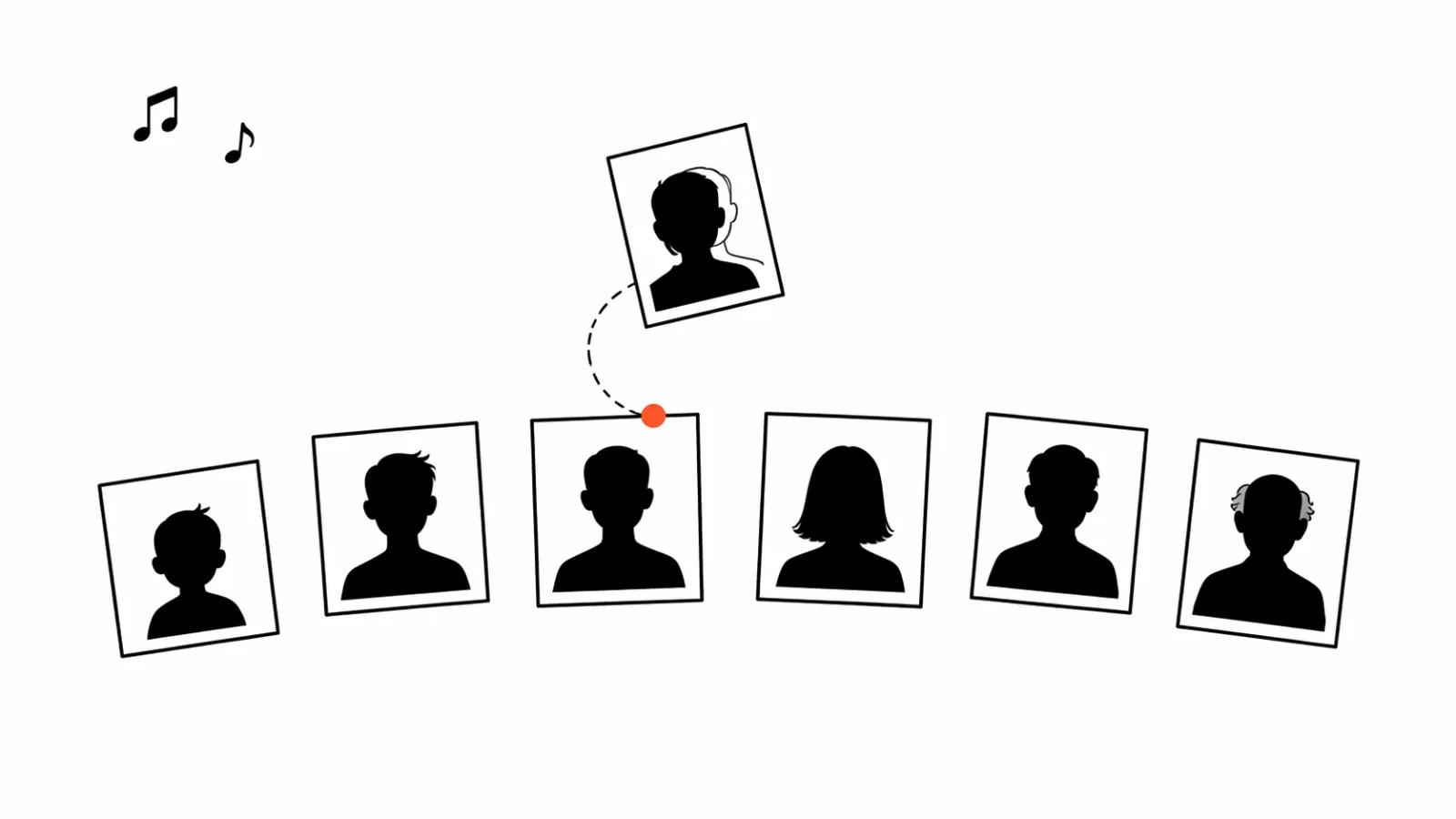
Gather 15 to 30 photos in chronological order
Chronology holds attention. Open with the earliest frame where the person is still young, then run the line to the last years. That many pictures cover two to four minutes: about 6 to 10 seconds for a shot that comes alive and 3 to 4 seconds for a still with a camera move.
Ask relatives for pictures from different periods, including the unposed ones: a courtyard, a workshop, a kitchen, a trip. The studio portrait tells less about a person than a random frame with the family in it.
Restore before you animate
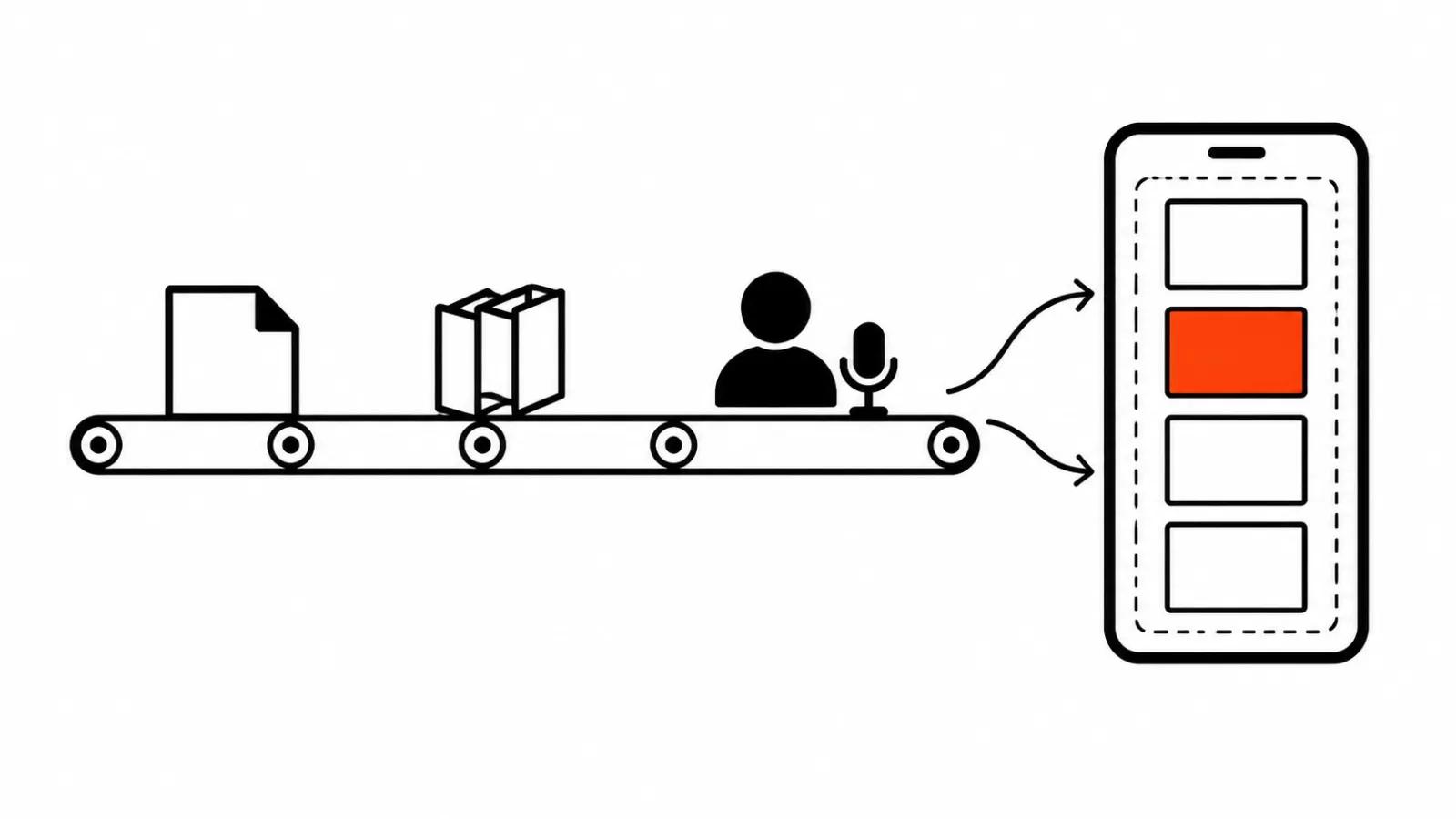
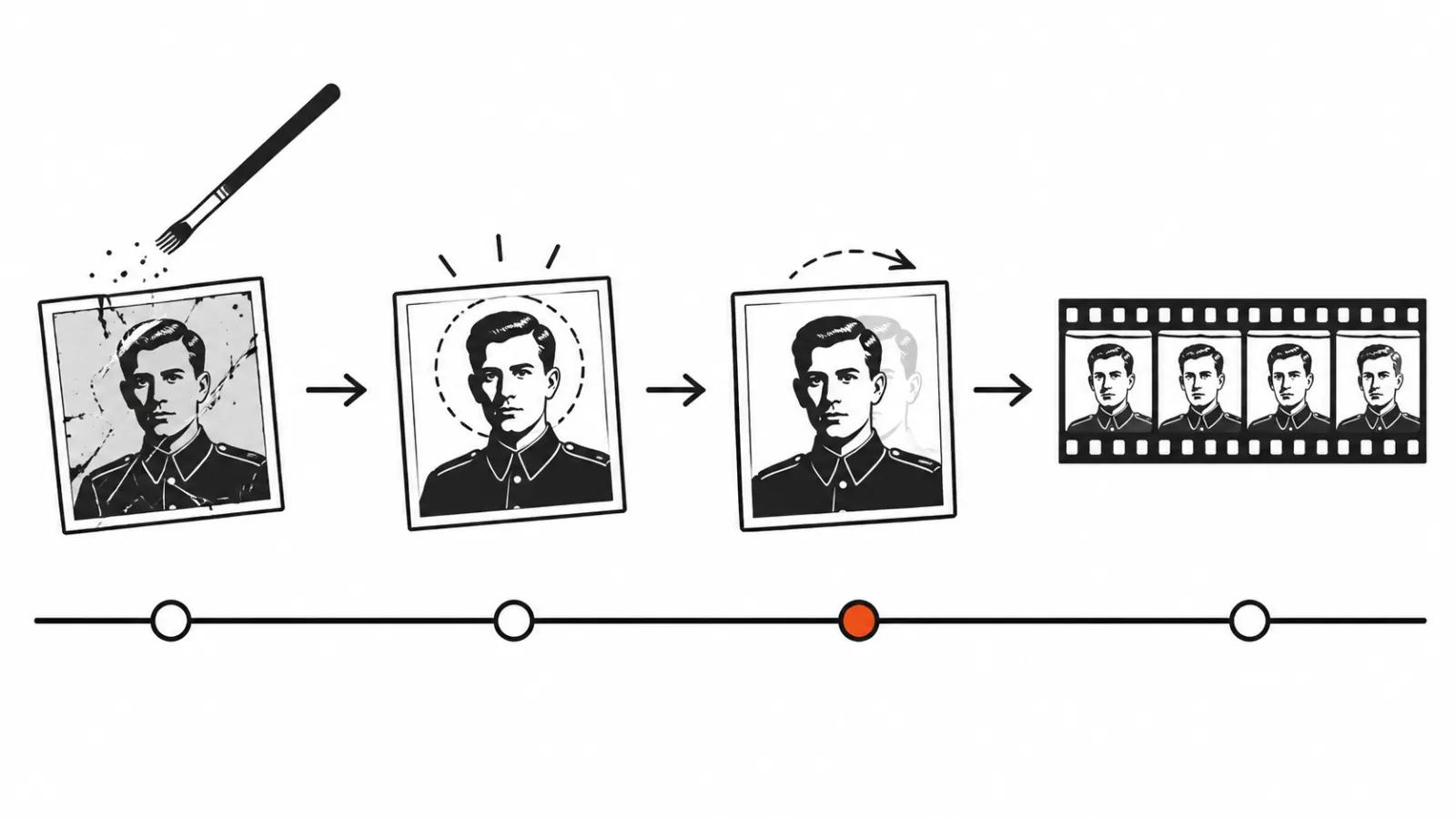
Old prints get treated first and animated second. In Topaz Photo three models do the work: Dust & Scratch for dust and scratches, Recover Faces for faces, and Upscale. A licence costs $39 a month or $199 a year.
The order matters. Scratches come out before upscaling, faces are restored last and lightly. Push Recover Faces too far and the person looks like themselves, only younger and smoother, and relatives notice that before anyone else does.
Old recordings go through Topaz Video with the Starlight Mini model: input up to 1080p, output up to 4K, and since version 1.7.0 on August 11, 2026 the model is open to every licence tier. Those clips then sit between the photographs, and the film stops reading as a slideshow.
Making a slideshow video from photos with AI
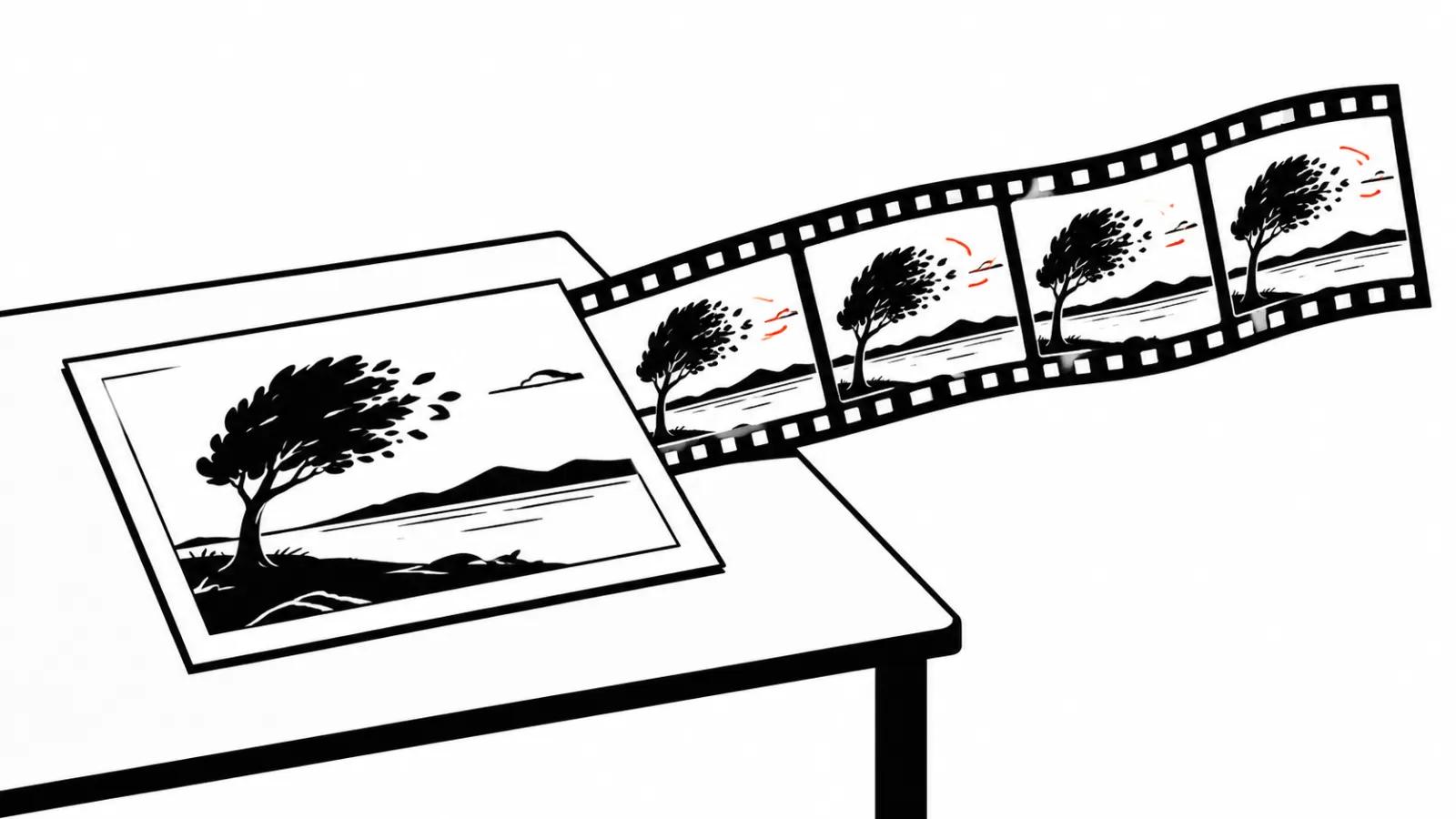
I animate in short scenes of 4 to 6 seconds each. Wan 3.0 builds video from a first frame or from a first and a last frame, runs up to 30 seconds and renders from 480p to 1080p. Pricing starts at $0.05 per second at 480p. For a portrait built on a photograph that is enough headroom, as long as the motion stays small.
The general order of assembling pictures is covered in the guide on a photo slideshow with music, and the technical side of animating a portrait sits in the photo to video piece. If the job is wider than one film, there is a separate page on AI video production.
Bringing a photo to life: where to stop
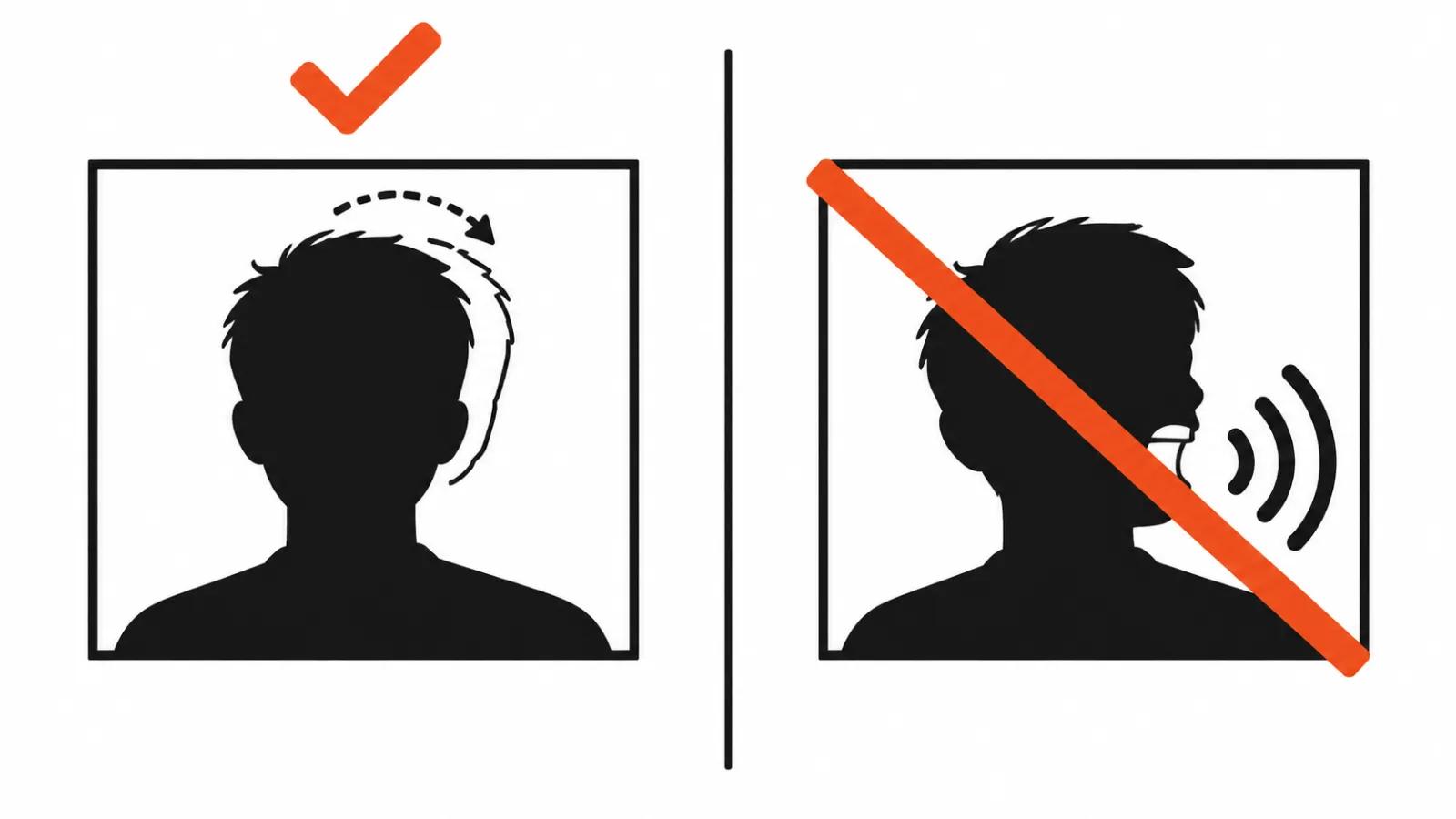
This is the line that matters. A blink, a slight turn of the head, a slow camera drift across the print all carry weight. Full animation with speech kills the effect: the person on screen says words they never said, and the family hears a fake.
I keep the appearance intact: build, age, clothes and hair stay as they were. The only exception is a damaged print where the face cannot be read without repair.
A simple rule works. When in doubt, hold the frame still and add a slow push in. People remember someone alive, and light motion recalls that memory better than a full performance.
Music and length
Music falls into two groups: what the person loved, and calm instrumental tracks. The first works better when relatives remember a specific song.
Generation has a catch. On Suno's free plan only personal non commercial use is allowed, and downloads are either unavailable or limited to trial credits without commercial rights. The reliable path to a file and commercial use is the Pro or Premier plan. Without a downloaded track there is nothing to edit.
I keep length between two and four minutes. Longer and a hall gets restless, shorter and the story does not land.
Show the family first
The final cut gets screened with relatives. I show the film to the people who will be at the service and ask two things: is this recognisably him or her, and is there a frame that hurts. Sometimes they ask to drop a specific photograph, sometimes to add one I considered weak technically. Their call outweighs my taste here.
If someone says the revived photos are hard to watch, the film is rebuilt on stills with music. That is a normal outcome, and I offer it before anyone has to ask.
My conclusion
The software settles little in this work: restoration, short scenes, a pause in the edit. The ethics cannot be skipped, because the film is watched once and remembered for years. When a project needs a careful hand build with frame by frame selection and changes after a family screening, I do it by hand: handcrafted AI videos start at $190.