What HeyGen added to voice
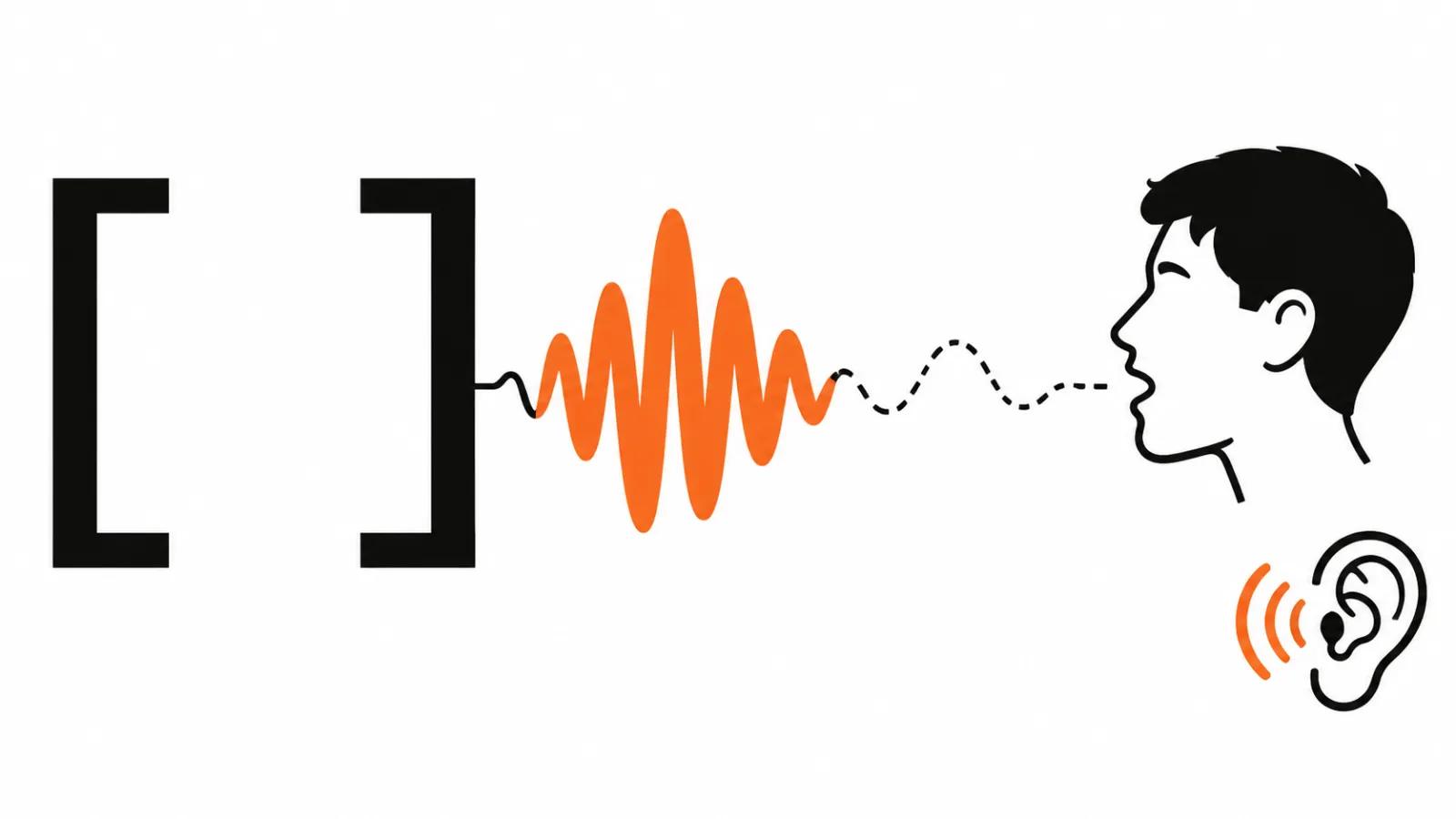
The November entries in the HeyGen changelog cover audio tags. The POST /v3/models/audio/tts and /tts/stream endpoints accept them inside the text: [whispers], [laughs] and the rest of the set. The supported count is 201 tags.
There is one catch worth knowing up front. Public and instant voices perform tags on all three HeyGen Voice models. Professional voice clones do not perform them, so no whispers or laughs from a clone.
The test is cheap. Take one line with a laugh, run it through a public voice and through your clone, listen to both files. That tells you right away whether the voice or the text is the problem.
Cinematic Avatar: avatar and voice as cast members
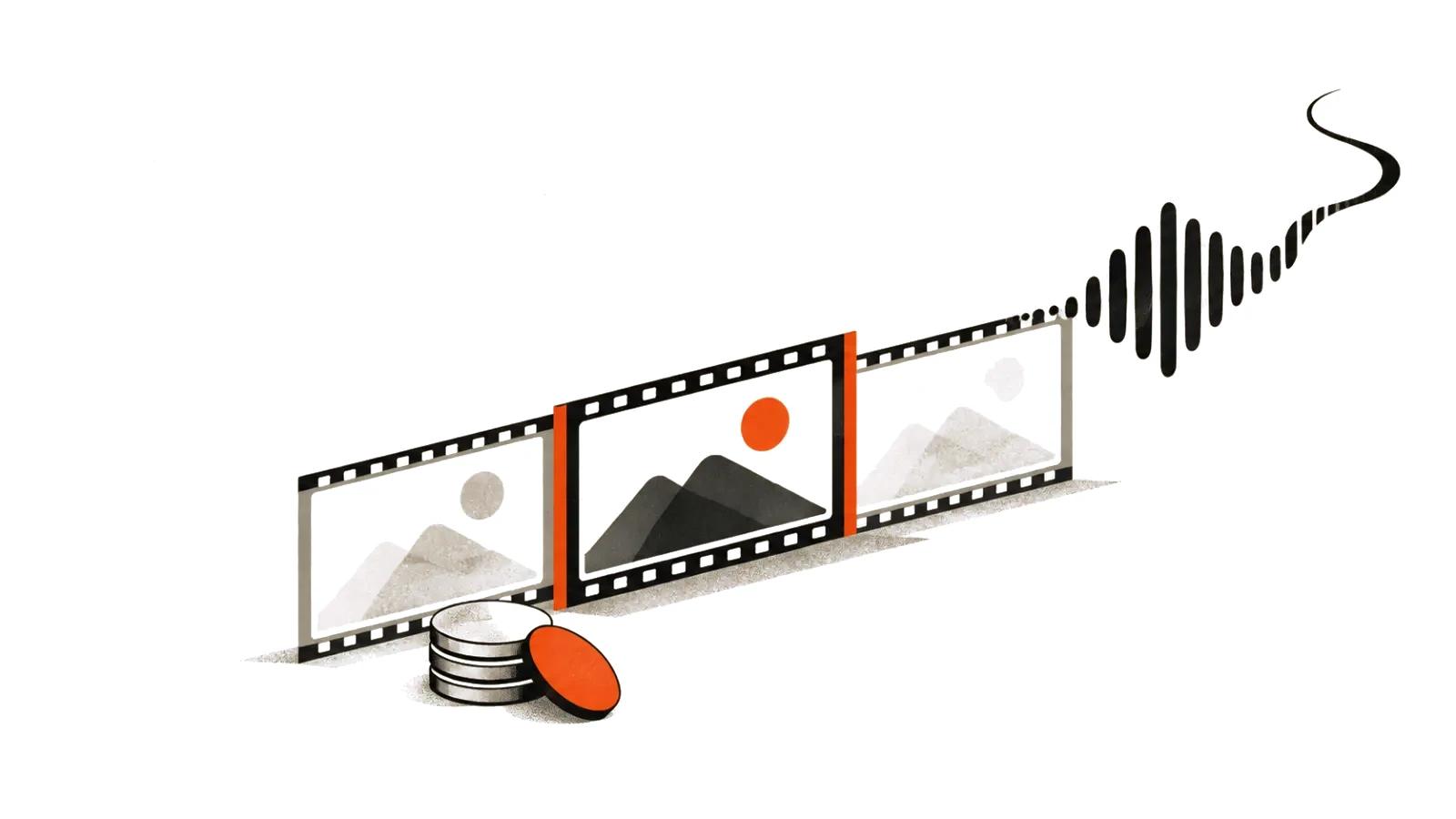
On the HeyGen Video side, POST /v3/videos with type "cinematic_avatar" now accepts the model heygen_video_1. Output is 16:9 or 9:16 at 720p, five to fifteen seconds per shot, with up to three audio references alongside images and video.
The practical shift: an avatar and its voice stop being a separate track that gets glued onto footage later. They become actors inside the shot, so motion, line and sound land in one pass. For a ten-second scene that is exactly right, and a minute of dialogue still gets built shot by shot.
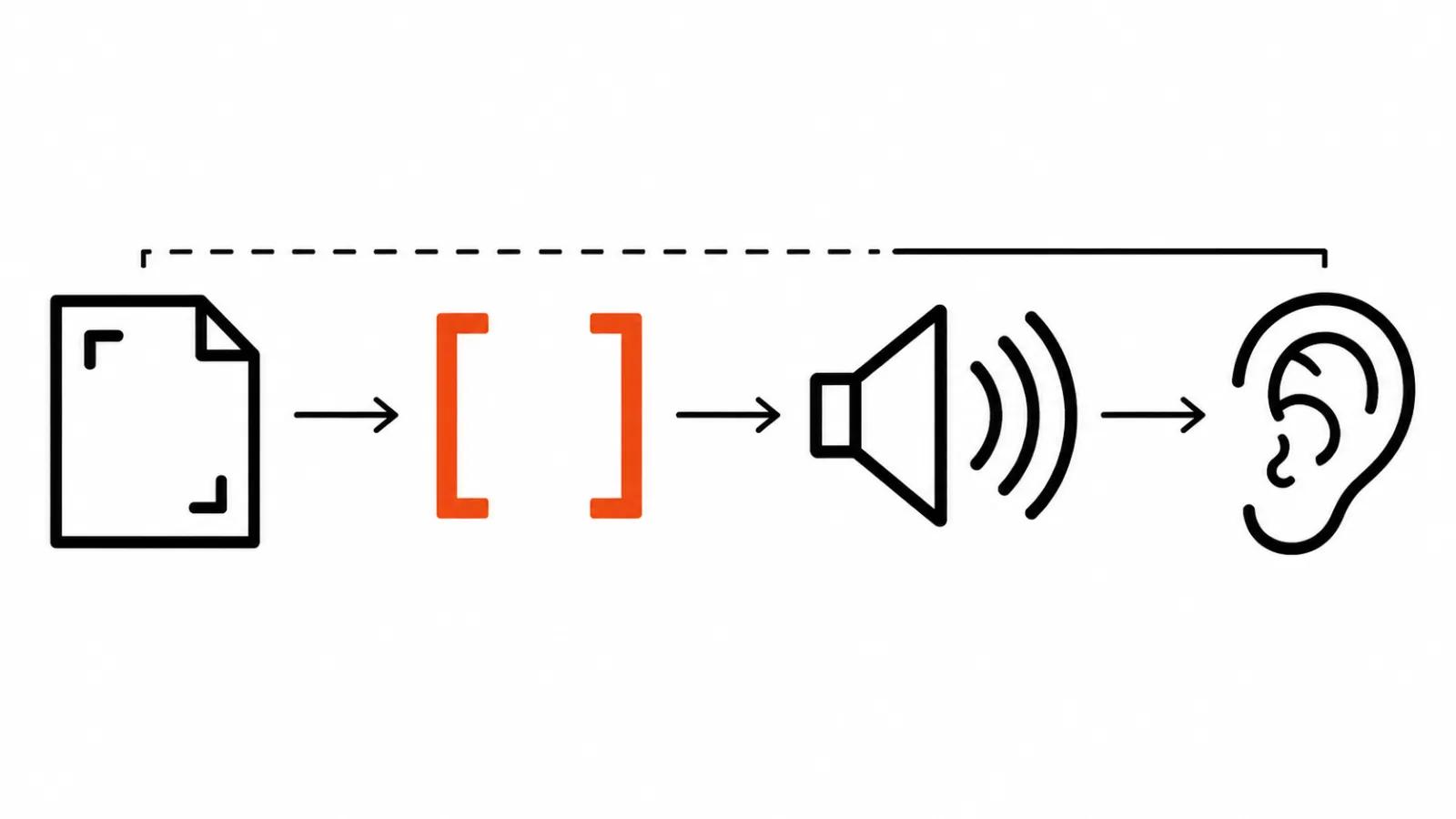
Higgsfield Intone: hints in square brackets
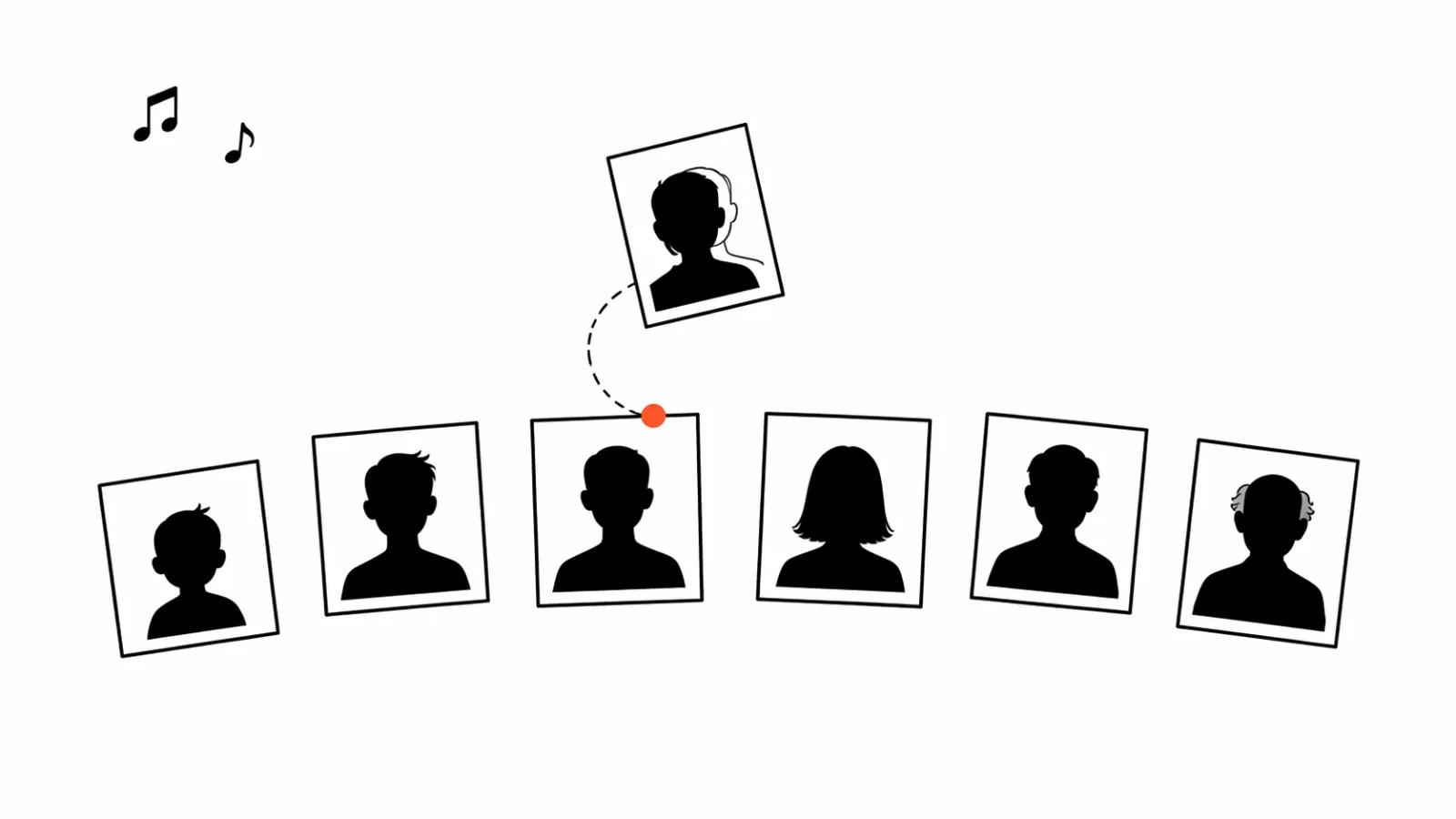
Higgsfield listed Intone in its changelog on October 30, 2026. The tool assembles a talking character from three parts: the character (an uploaded photo, your own included, or a hero from AI Influencer), a location and speech. Speech arrives as a recording or gets generated on the spot. You get video with lip sync and one voice from scene to scene, up to 30 seconds of speech per generation.
Delivery is set with bracketed hints such as [smirks] or [short pause]. Alongside that: 720p or 1080p, five aspect ratios, and an optional prompt for motion and camera. The 30-second ceiling means a long monologue has to be cut into lines, and each line gets checked on its own.
How to create AI video with text and voice: five steps
This is the sequence that holds up on both services.
- Write for the voice. Short sentences, one idea per line, no stacked clauses. A voice reads exactly the way you write, and a long periodic sentence comes out flat and lifeless.
- Add tags. One or two per paragraph, placed at the start of the line where the state changes. Five tags in a row sound like a parody, and listeners catch it.
- Pick the voice. Use a public or instant voice when you need tags. Keep the clone for the places that need a recognisable timbre, and expect no emotion from it.
- Check by ear. Listen end to end. A single tag can sound convincing alone and fall apart at the seam between two paragraphs.
- Build the video. Avatar, lip sync, timing. In HeyGen that means a 5 to 15 second shot, in Intone a scene of up to 30 seconds of speech, and the join happens in the edit.
AI video generation with voice: where it breaks
First place: the clone. If the whole video is voiced by a professional clone, tags in the text simply will not work. Check the voice before recording a full script. After the recording it is late and expensive.
Second: length. Fifteen-second shots and 30-second scenes set the rhythm. A script written for a one-minute monologue has to be rewritten, or the line cuts off mid-phrase.
Third: context. An instant voice built from a picture in HeyGen picks up the background atmosphere, a quiet room or a noisy street. Great for an ad, less great for a ten-minute explainer.
Fourth: the surrounding toolkit grew through October. Speech to speech re-voices up to 300 seconds of a recording with an instant voice, same words, same timing. HeyGen Voice 1 Turbo cuts latency for instant voices. Voice previews let you audition before generating. All of it saves takes, and all of it needs testing on your own scripts.
Square brackets became a shared directing language
My argument is simple: two services with different architecture landed on the same syntax. HeyGen keeps tags at the API level, Higgsfield at the scene prompt level, and the author types the same thing either way: [whispers], [laughs], [short pause], [smirks]. That is no longer one vendor's feature. It is a way of talking to a model about delivery.
The practical consequence: keep the script separate from the generation, tags included, so it moves between services. If another vendor gets cheaper next month, you swap the tool and keep the script.
The second consequence concerns people. Voice direction used to happen in a studio with a narrator: quieter here, a smirk there, a pause before the punchline. That work now looks like editing text, and the scriptwriter can do it. We keep a voiceover guide on the site covering voice selection and recording. This piece is about controlling delivery inside the line.
My take
Tags do not replace listening. They cut the number of takes. On a short scene the gain is obvious, and on a long monologue the edit still decides everything.
Start here: rewrite the script into short lines, put one tag per paragraph, run it through a public voice, listen, and only then touch the avatar. A short scene with a line or two fits a HeyGen shot, and a talking character in frame is easier in Intone with its brackets and five aspect ratios.
Where the workflow does not save you: a complex scene with cutaways, location changes and a reaction to a partner's line. That needs a human in the edit, and handcrafted AI videos from $190 stay the reference point for the labour involved. If the job is repeated short lines, AI avatar videos plus a single template per series cover it.
One expectation to set. HeyGen shipped audio tags in November, Intone landed on October 30, and both are under a week old. No audience numbers exist yet, so there is no engagement data to quote. Watch your own niche and your own length, and treat the changelog demo as a demo.