What showed up in two days
On 10 November a repository called PedroMarinhoDev/ComfyUI-ReCaVSR appeared: the ReCaVSR video super-resolution model ported into ComfyUI. The code is GPL-3.0, the USTC weights went up on Hugging Face on 3 October. The same day brought win520-1206/ComfyUI-H3-LowVRAM-Workflows under MIT, a set of MiniMax H3 workflows for cards that run short on memory. On 11 November AnniCodex/ComfyUI-H3-FaceRefine-Plus followed, MIT as well, an add-on to ComfyUI-H3-FaceRefine with a feature called Flow Lock.
Three repositories in two days is not a market, it is a scouting trip. People checked what runs on a desktop machine and published working workflows with their own measurements attached. For a studio that scouting is worth reading, because it shows where a cloud subscription stops being the answer.
AI video upscaling on your own card: the ReCaVSR numbers
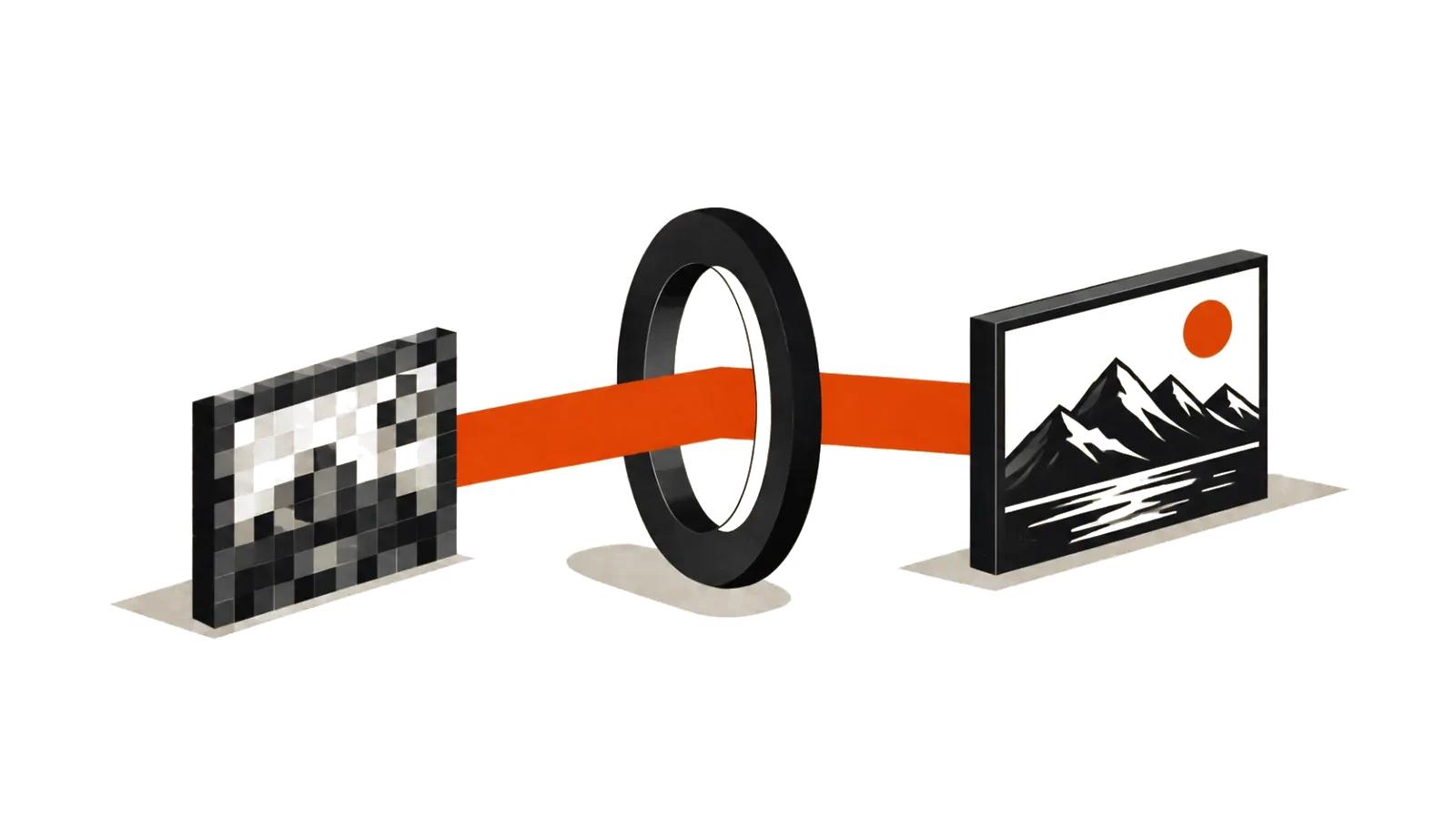
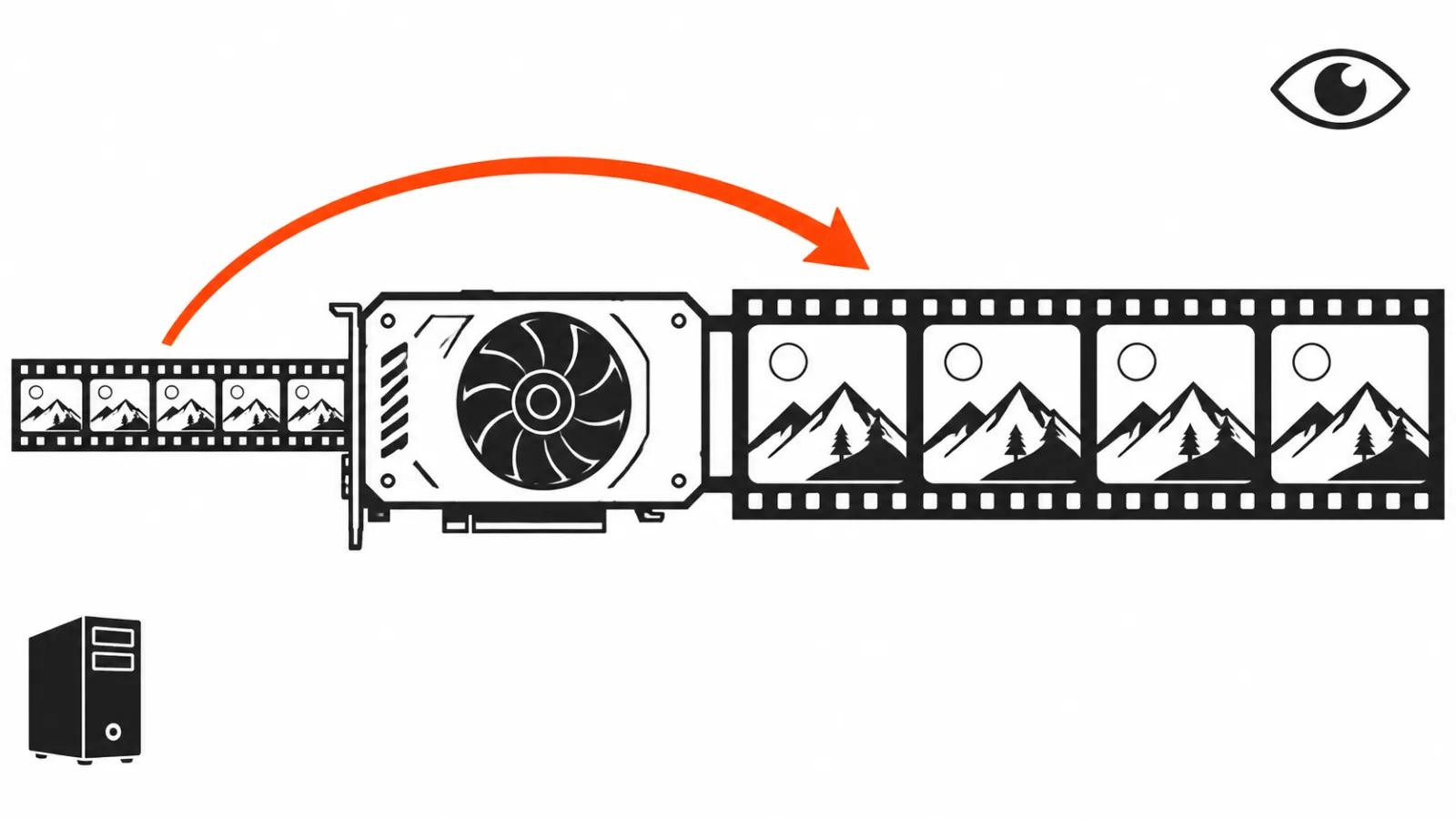
ReCaVSR is trained for 4x, and the upscale runs in a single pass per frame block. The port author's README reports 149 frames from 960x480 to 3840x1920 in 36 seconds on an RTX 4090 and 67 seconds on an RTX 3090. Those runs use the int8 weight file at 6.27 GB; the bf16 version weighs 10.6 GB. The README claims the build runs from 8 GB of VRAM.
149 frames is about six seconds of video at 24 frames per second, and 36 seconds for a 4x pass on that means upscaling stopped being an overnight job. The entry ticket is now a gaming card and a disk with weights on it.
Streaming to disk, and what a fast decoder costs
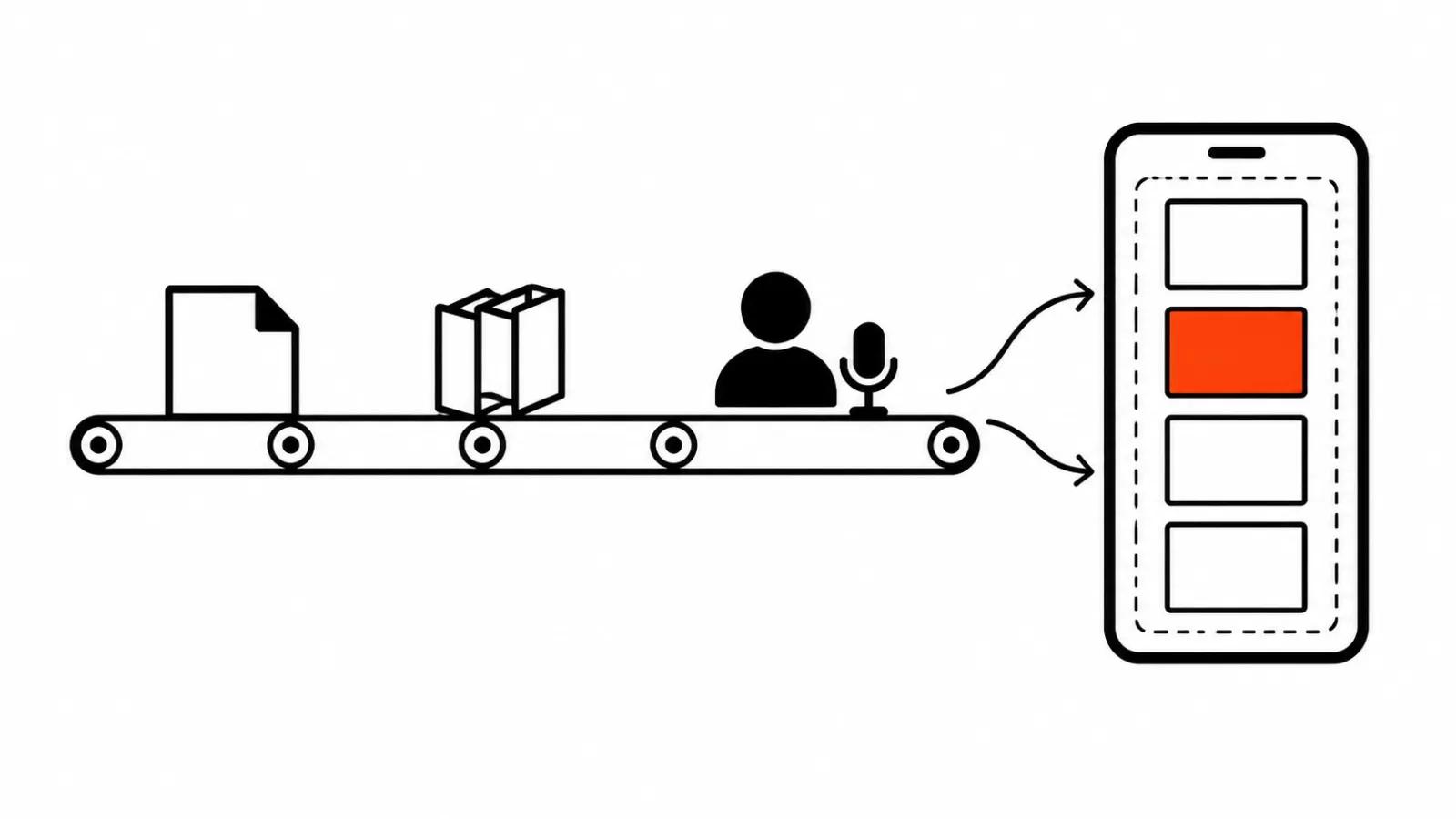
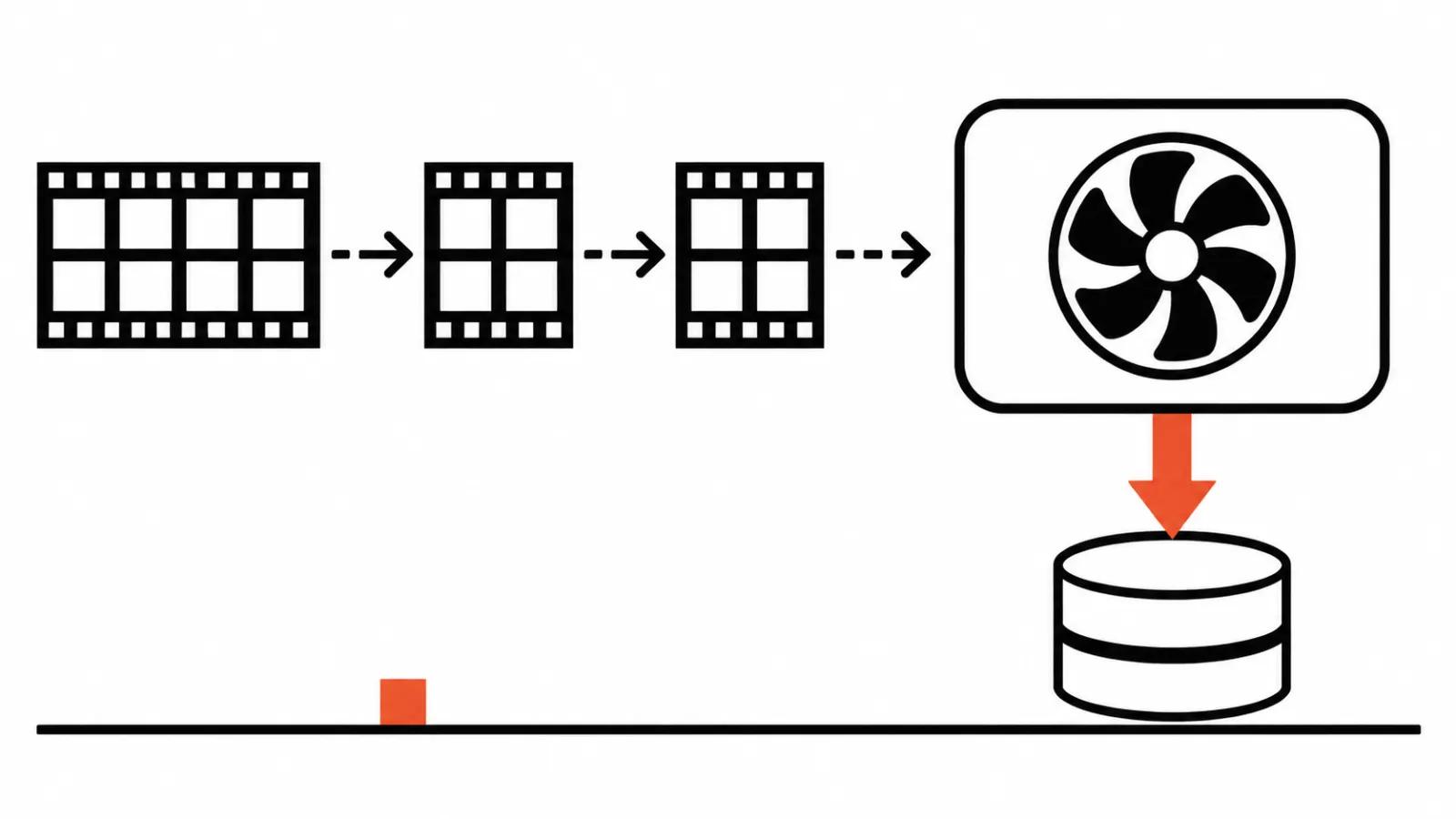
Frames go in blocks: 21 frames first, then 8 at a time. Every finished block is written to disk immediately, so peak memory depends on the block size. Clip length has no say in it, only the clock does.
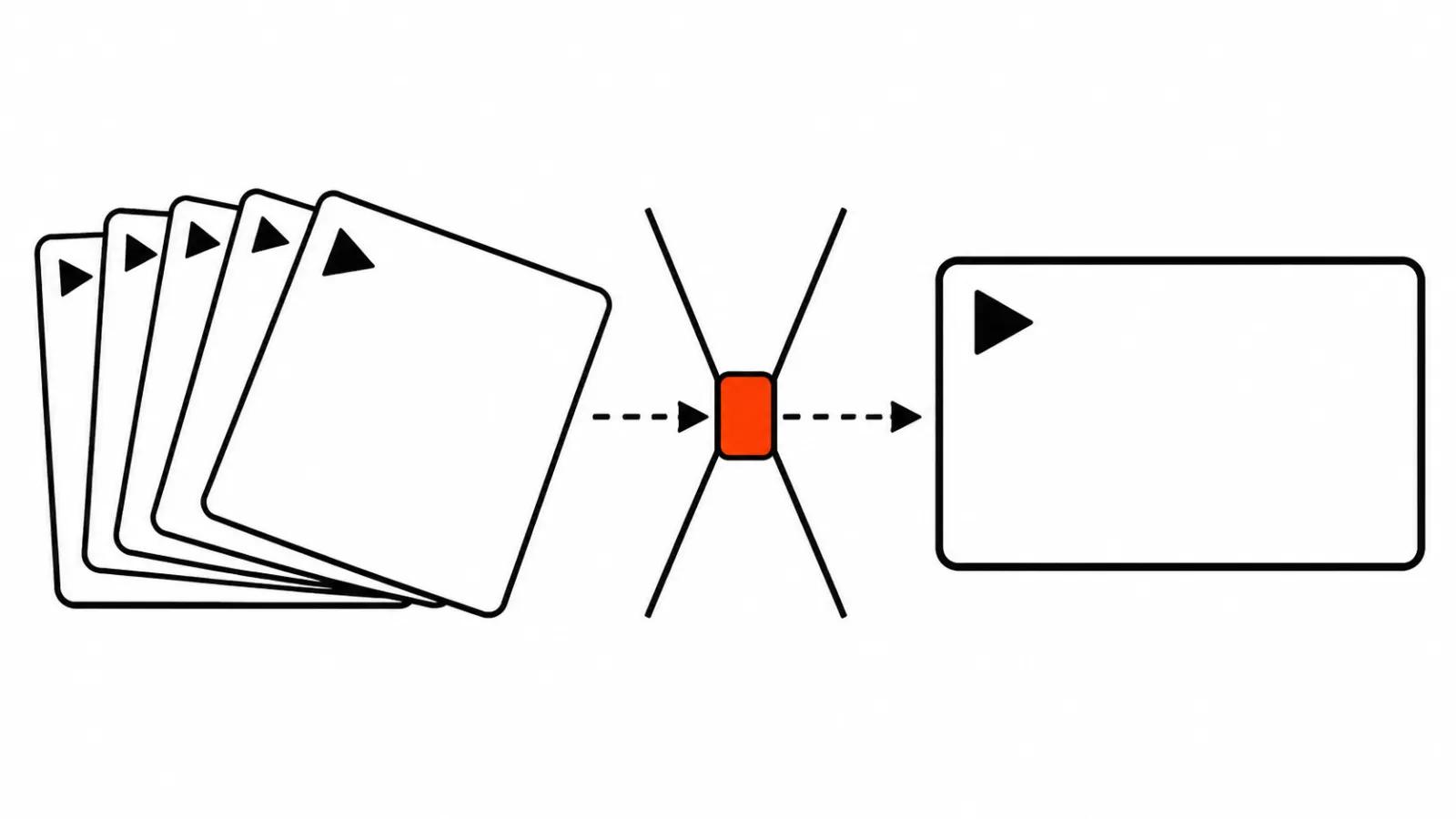
The second fork is the decoder. The fast option is softer. The Wan 2.2 decoder renders hair and skin with more detail, at 25-40 times the runtime. On a clip that takes a minute, a factor of 25-40 turns the job into half an hour, and that decision belongs before the run. During the run all you can do is watch the counter.
Jittering faces in MiniMax H3 and Flow Lock
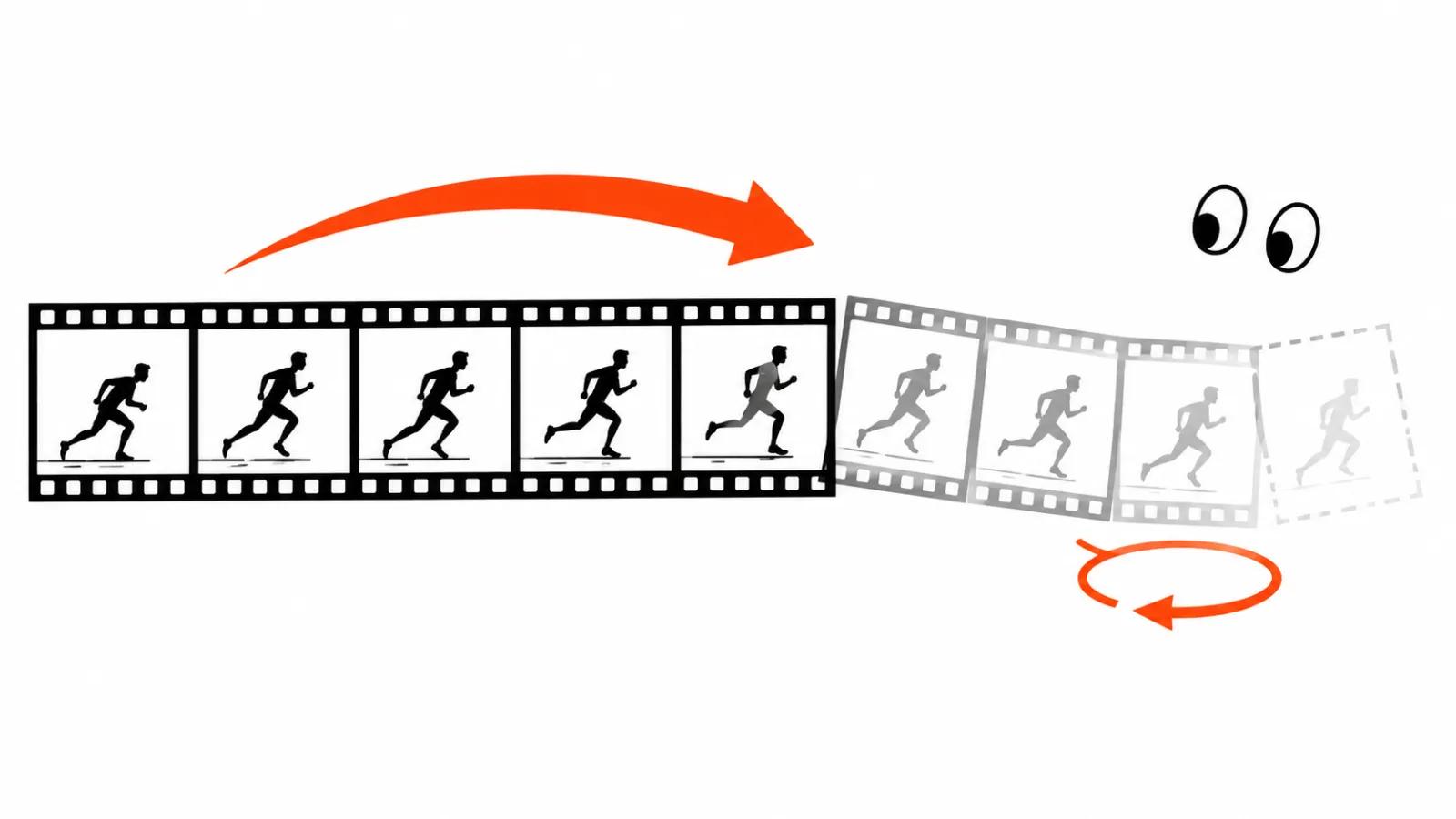
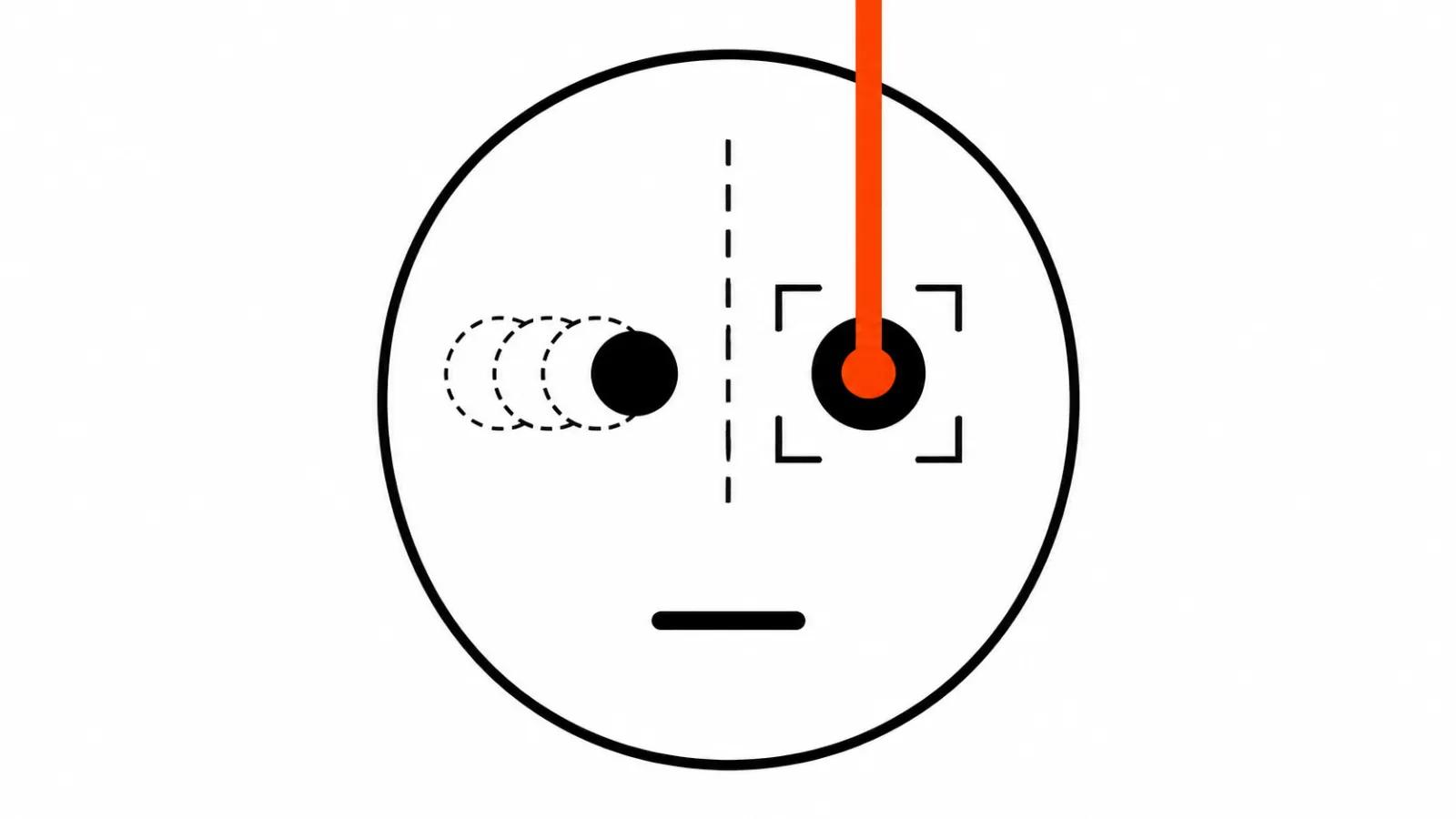
The diagnosis in that add-on is precise and familiar to anyone who has fixed a face in a finished clip. When the model repaints a face it shifts the eyes and the corners of the mouth by 1-2 pixels, differently on every frame. Hair and ears stay put, so the eye catches the tremor at once, even when the viewer cannot name what is moving.
On the author's test Flow Lock cut the jitter from 0.73 to 0.19 percent of face height. The price is time: the build runs 2.3-2.9 times longer than the official refine. Stitch Plus and Tone Match come in the same package, the first stitches the refined face back into the frame, the second pulls its colour back to the source.
The test set is modest. One clip per case, one RTX 5090, everything on MiniMax H3 video and under its licence. One clip is not statistics, yet the direction holds, and 0.19 percent tells you exactly what was being fixed.
Weak cards: 18-21 minutes for a five second clip
The third repository solves the opposite problem: getting H3 to run where memory is thin. According to Fervor Creative AI's write-up, the workflows turn out a five second clip in 18-21 minutes on a laptop RTX 5070 with 8 GB and about 32 GB of system RAM. Fine for a single test, six to seven hours of compute for a batch of twenty versions.
Licences: three documents of different weight
The ReCaVSR port code is GPL-3.0, and the weights carry their own upstream licence, so read that separately from the code before any paid work. The two add-ons are MIT, and their code raises no questions.
The MiniMax H3 licence does not apply in the US, the EU, the UK or South Korea without permission from MiniMax. That limit comes from the model itself and travels with everything built on top of H3, including the low-VRAM workflows and the FaceRefine add-on.
What to check in the delivered file
Upscaling does not replace a QC pass. Watch frame by frame at full scale, wherever things move, on hair, on skin, on small text inside the shot. Then toggle layers against the original: the eye adapts to new sharpness within seconds and stops seeing artefacts.
The third check is on a phone, since platform compression eats soft transitions and sharpens hard edges. What upscaling fixes and what it breaks is covered in a separate guide to AI video upscaling.
On client work upscaling sits inside AI video production, where a person still watches the frame. When a project needs the whole package, there are our handcrafted AI videos from $190. If the card is already in the machine and you want to render more than an upscale at home, there is a guide to running a local video model with audio on a desktop.
My take
Local upscaling became ordinary work on a gaming card: 36 seconds for a hundred and fifty frames speaks for itself. Face jitter stopped being a verdict too, it now has a number and a price in compute time that grows 2.3 to 2.9 times.
Then comes the dull part. Frame by frame QC, reading licences, checking on a phone. The client pays for the result on their screen, and there the soft decoder shows, and so do those 1-2 lost pixels.