What people actually want when they search for AI video upscaling
The query usually means one of three situations. There is an old recording that has to go online again. There is phone footage that is embarrassing to show a client. There is third-party material that needs to reach a platform's delivery spec.
People want one button. In practice quality is made of four different defects, and each one needs different treatment.
Which defects can be repaired at all
The first defect is resolution. A 720p file stretched across a large screen looks soft. That is upscaler work.
The second is noise and compression artifacts. Dark footage, bad light, a file re-encoded by a messenger. Restoration handles this, and it sits close to upscaling in the pipeline.
The third is shake and defocus. Shake is stabilised. Defocus is close to hopeless: if the detail never entered the frame, there is nothing to recover.
The fourth is motion judder. Too few frames per second, and movement breaks into steps. That is interpolation work.
Order matters. Noise and artifacts first, resolution next, frames last. Run an upscaler on noisy footage and the model enlarges the noise as well.
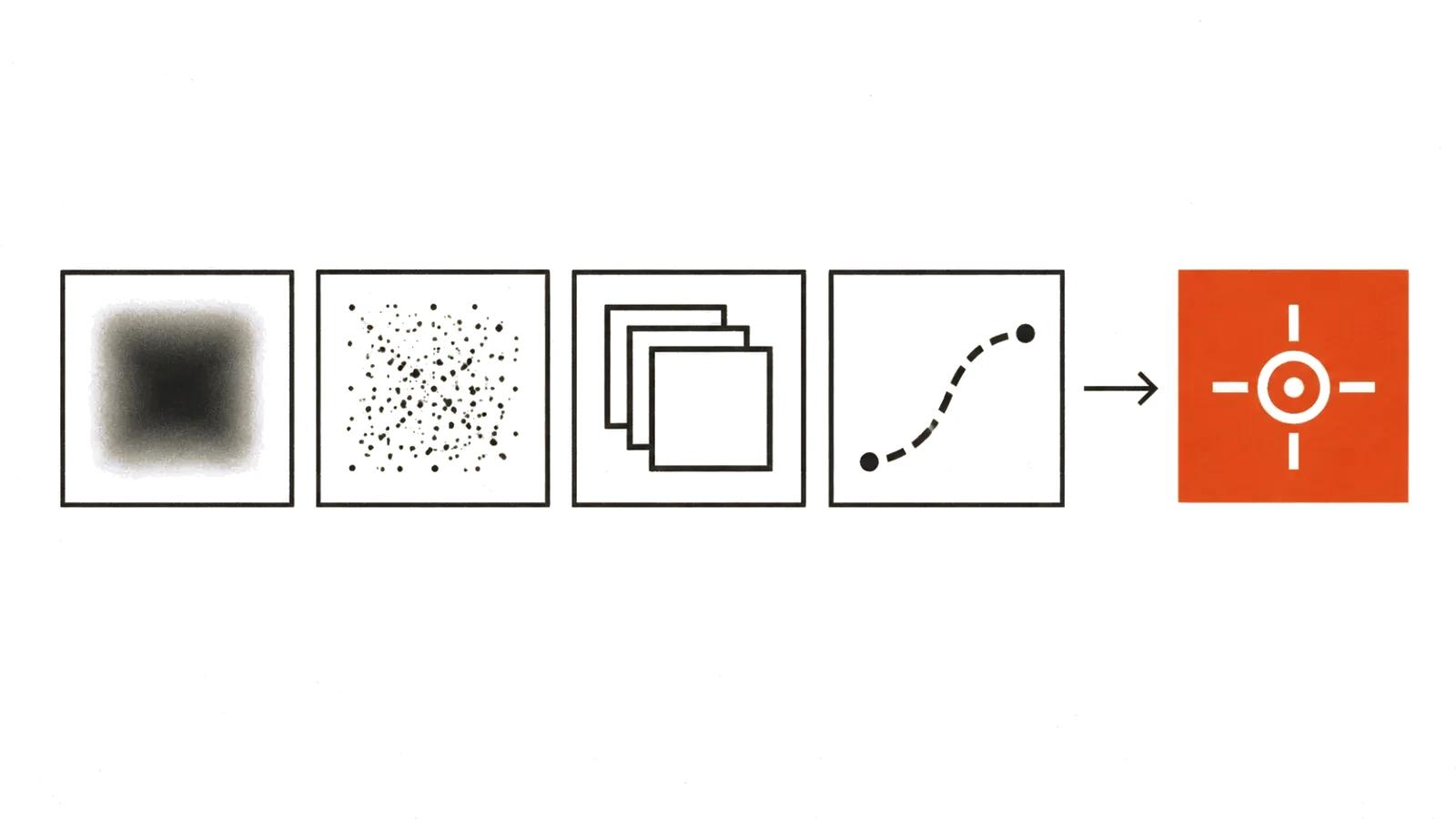
Upscaling: what it adds and what it cannot return
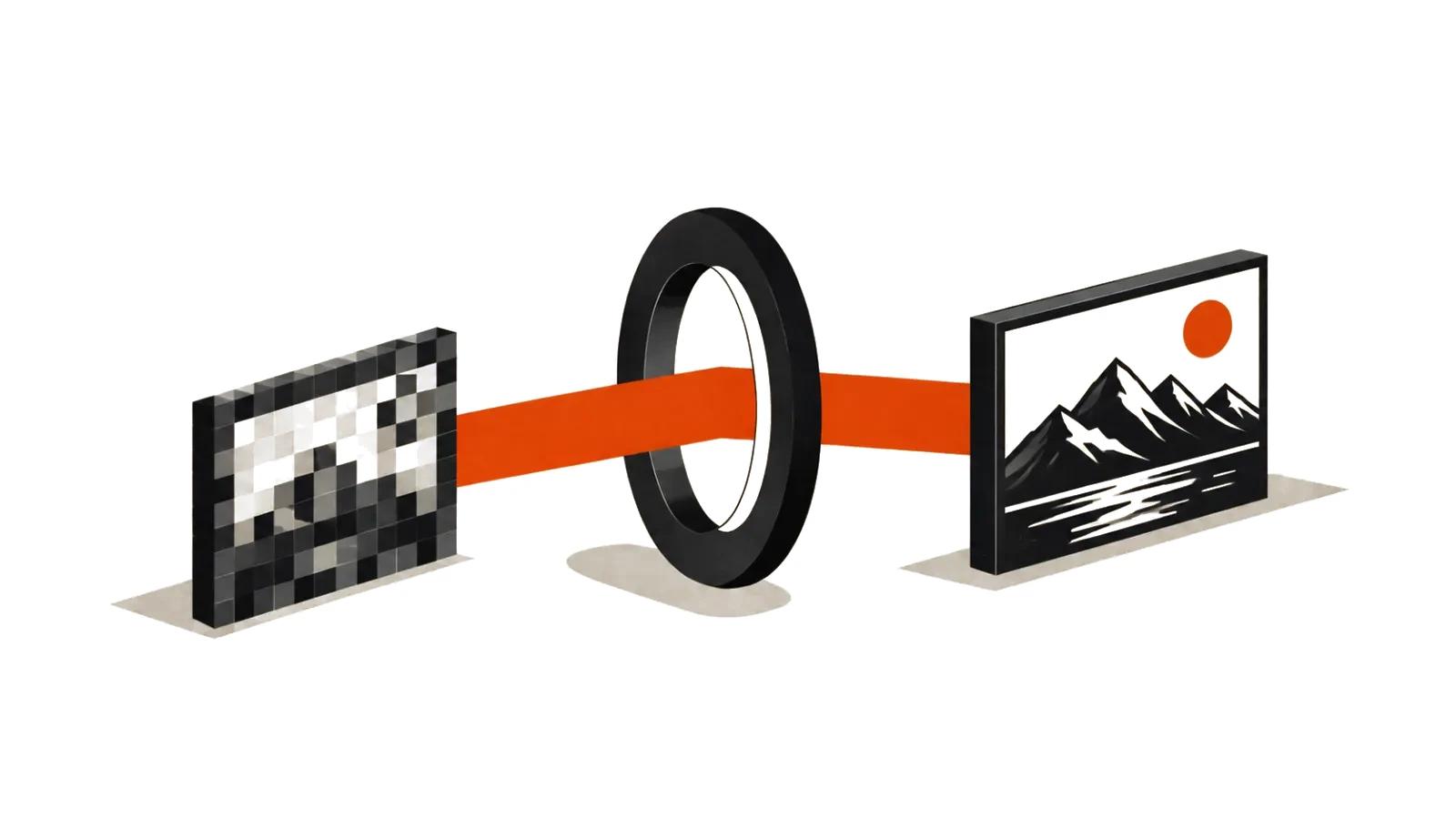
Upscaling increases the pixel count. Detail is invented from the statistics of similar frames, because there is nothing in the source to recover. The distinction matters: small text on a distant sign stays unreadable, since the information about those letters was never captured.
What upscaling does well:
What it does badly:
So the practical rule: judge the result on a face, a line of text and a logo. If those three hold up, the rest usually does too.
- removes softness and stair-stepping on edges;
- rebuilds skin, fabric and other surfaces where texture is what sells the shot;
- makes footage presentable on a large screen at a sensible enlargement, usually up to two times per side.
- faces in wide shots, where a person is a few dozen pixels tall;
- text and logos, which it redraws its own way;
- small mechanical details, where an engineer spots the mistake instantly.
Frame interpolation and stabilisation
Interpolation inserts frames between existing ones. Twenty-five frames per second becomes fifty or sixty, motion turns smooth, and the clip is easier to watch on a television with a high refresh rate.
The side effect is documented in the manuals as well: on fast movement and overlaps the model confuses objects, and a hand passes through a prop for a second. In advertising that reads as a mistake, in training video it barely shows.
Stabilisation crops the edges and smooths the camera path. On handheld footage it rescues the shot, on tripod footage it makes the image feel slack. Apply it to problem sections rather than the whole clip.
What it costs: licence, subscription, open weights
Three payment models exist, and the right one depends on volume.
The first is a desktop licence. Topaz Video AI (https://docs.topazlabs.com/sales-account-licensing/before-you-buy/is-our-software-a-subscription) sells a standard licence for $299, which includes one year of updates, and commercial use is allowed for entities making less than $1 million a year in revenue, as the vendor's own documentation states. Larger companies need a professional licence at $1,099 a year.
The second is a monthly subscription. The same vendor charges $49.99 a month. That makes sense for one archive, one project, one month.
The third is open weights. SeedVR2 (https://github.com/ByteDance-Seed/SeedVR) from ByteDance Seed, accepted at ICLR 2026, restores video in a single diffusion step; 3B and 7B checkpoints (https://huggingface.co/ByteDance-Seed/SeedVR2-3B) are on Hugging Face, the code is on GitHub, and the 3B release is Apache 2.0. Nothing to pay, but you need a GPU and time to set it up.
For recurring commercial work the maths changes: an ad is shot once and runs for months, so the restoration cost spreads across the whole flight. For a one-off clip on a single screen, sending it out is cheaper. When the goal is selling rather than restoring, the budget sits with AI video ads, where formats and turnaround set the price.
How to test the result on your own footage
Do not judge from demo reels. Take your worst clip: a dark scene, movement, a face in profile. Then run five checks.
That last one often decides the project. Ten minutes of footage taking forty minutes to render turns a hundred-clip archive into weeks of work.
A general map of tools is in our guide to AI video models, where models are grouped by task, restoration and upscaling included.
- Text. Is what was readable still readable, and did new letters appear.
- Face. Did the close-up turn plastic.
- Background. Did grain become a pattern of identical blotches.
- Motion. Is there shimmer on objects that should be still.
- Time. How many minutes of processing per minute of footage.
When upscaling is not worth it
First case: the video will be watched on a phone. The difference between 720p and 1080p barely reads there. File size and render time, however, grow.
Second case: the source is badly out of focus. The model draws sharpness that was never there, and the result looks like wax.
Third case: the video has not been shot yet. Shooting in decent light with a decent camera is cheaper. AI video production solves a different problem: building a clip from scratch for a specific placement, where archive restoration is irrelevant.
Fourth case: AI video for product pages. Colour and texture accuracy carry the sale, and upscalers like to reinterpret shades. If the page sells a specific item, reshoot it.