What the model actually sees
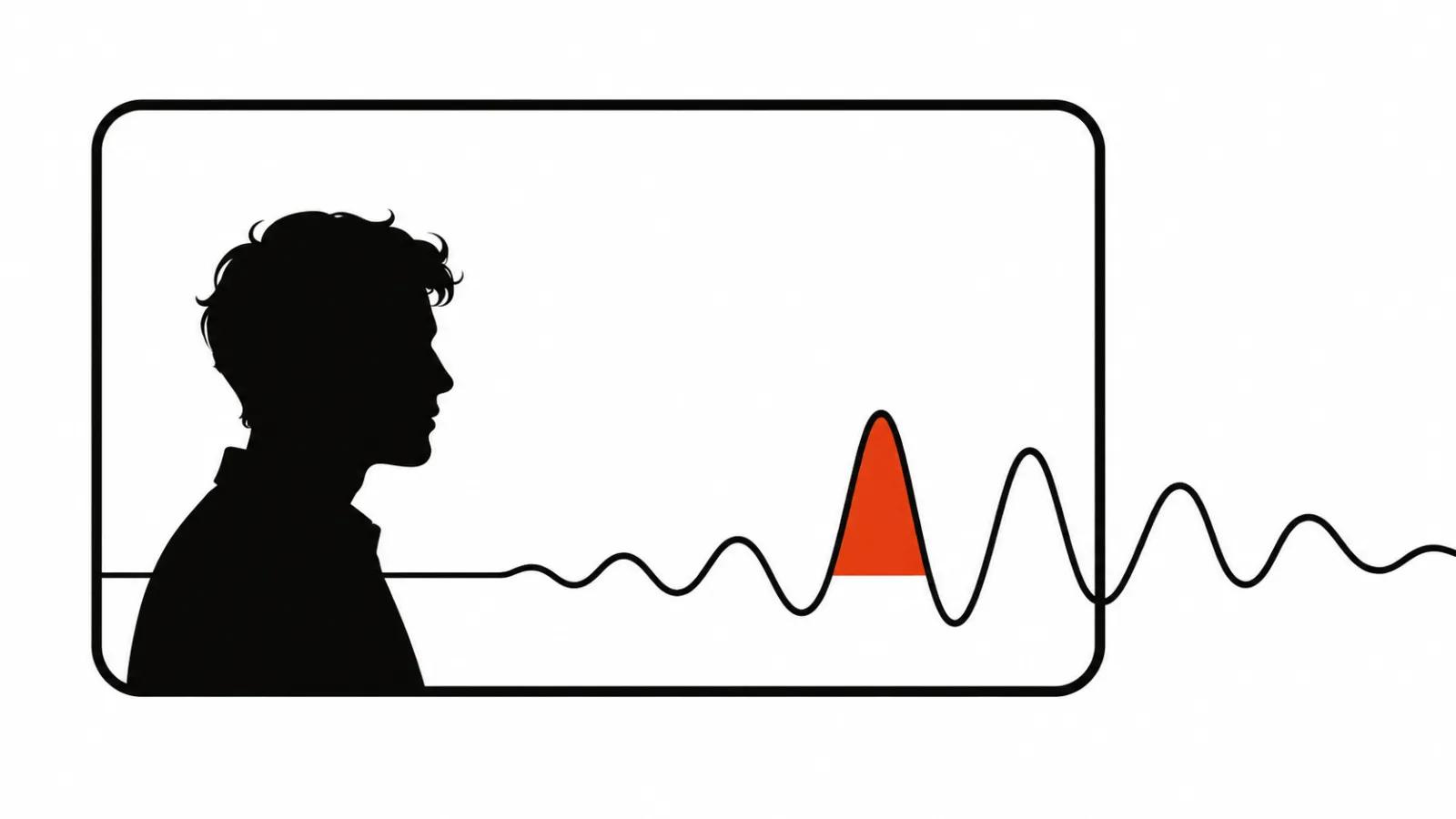
You hand it a file or a YouTube link. It samples frames, and if the model handles audio, it listens to the track as well.
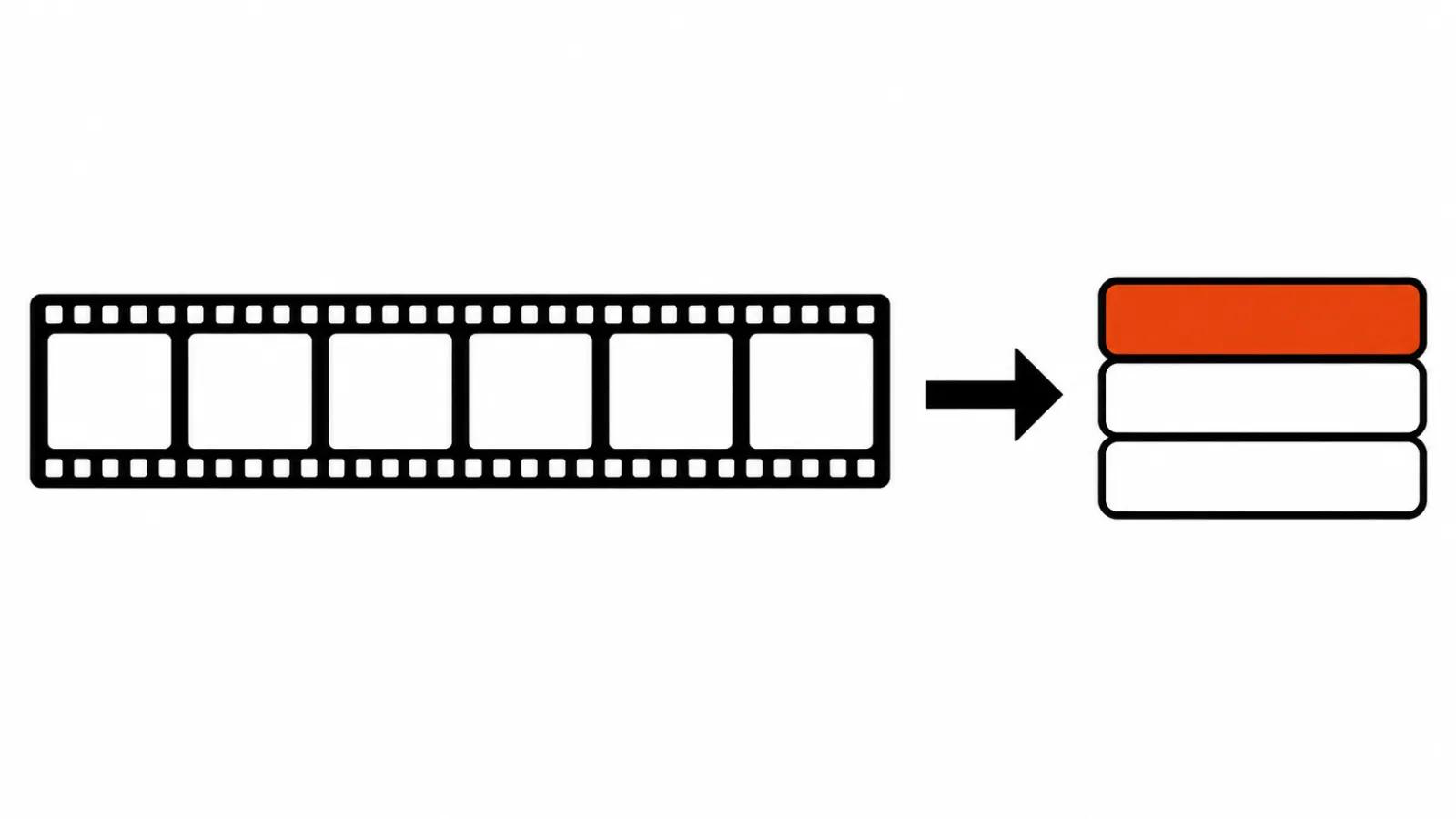
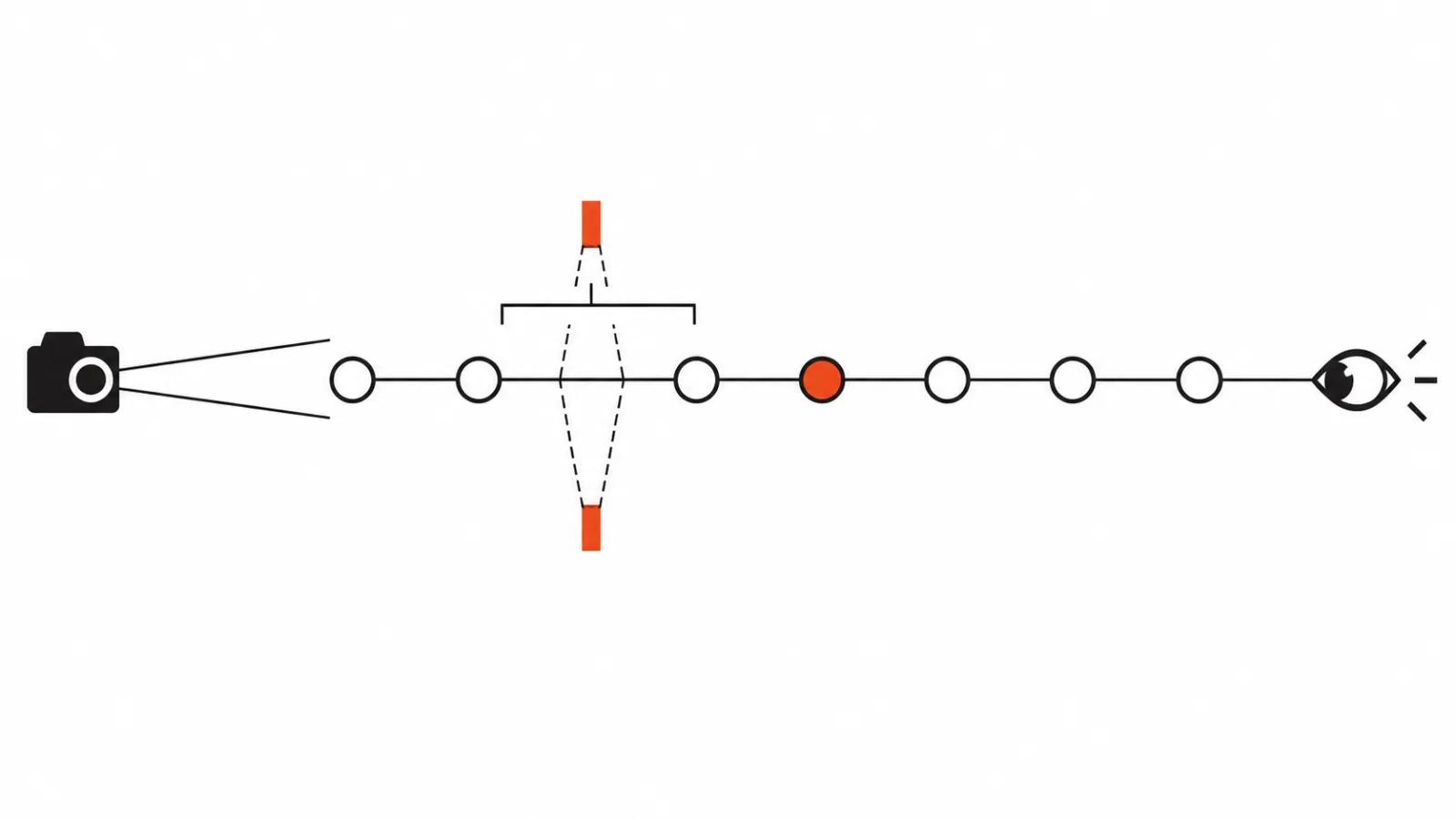
It does not watch every frame. The default sampling rate is one frame per second, and that number is adjustable in the request.
At standard resolution a single frame costs about seventy tokens. A minute of video is sixty frames, so the arithmetic for a long file is easy to do before you send anything.
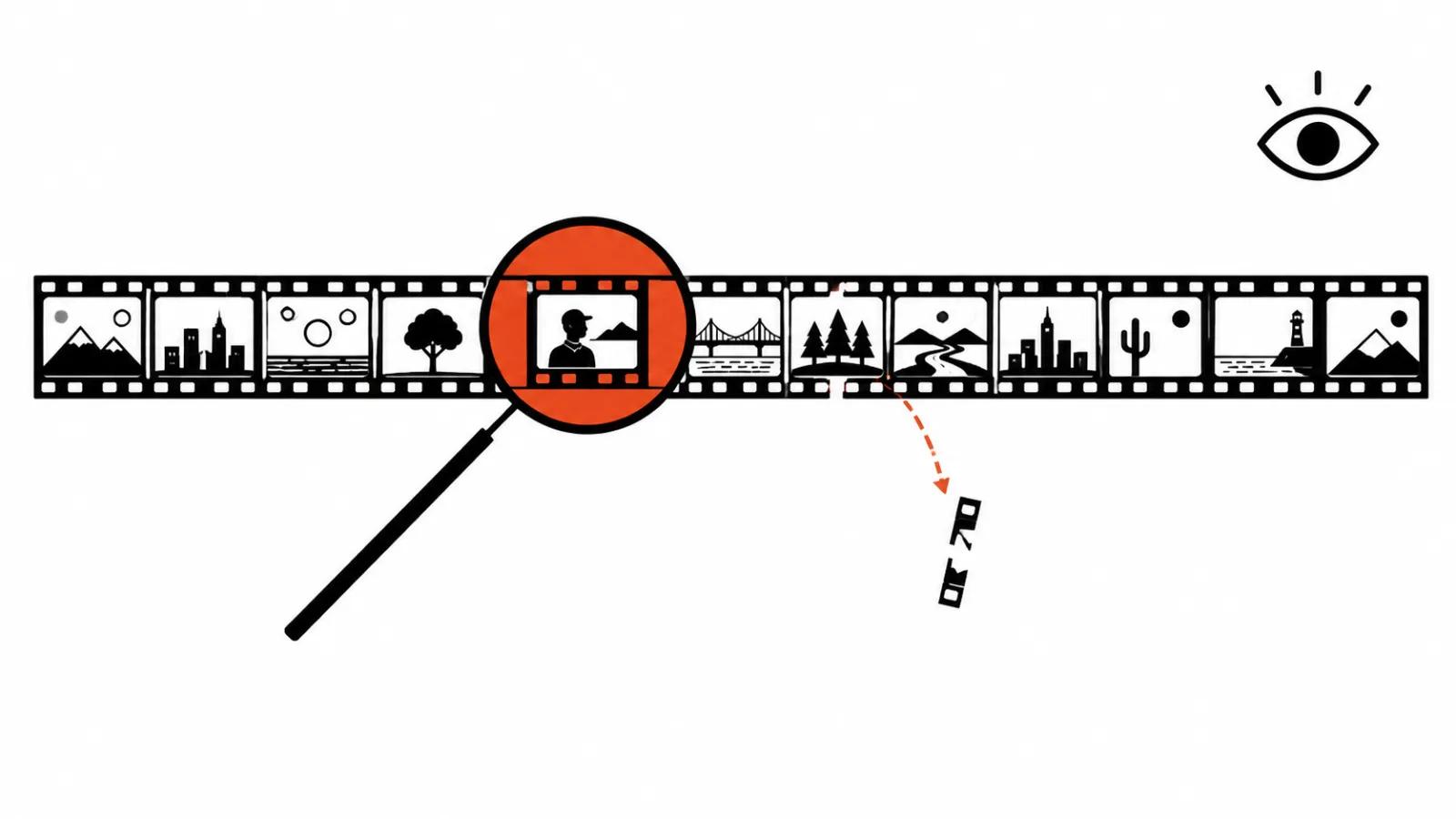
The practical consequence shows up immediately. Anything shorter than a second sits between two samples and gets picked up by luck.
A quarter-second cut can vanish entirely, and the model will still describe a coherent scene that never existed in the source.
Three jobs where it saves a day
The first is finding a scene in a long recording. A forty-minute interview, and you need the part about price. That used to be scrubbing with a notebook. Now it is a question in plain language and a timestamp back.
The second is taking apart someone else's video. What the competitor shows in the first three seconds, how many shots it uses, whether a person is on screen, how it ends. For teams doing AI video production in volume, this replaces a first pass through a batch of versions.
The third is checking an ad before it goes live. Does the on-screen text match the voiceover, does the logo appear where it should, does the message land in the opening seconds, is there a stray person or a third-party brand in frame.
| Job | What to ask | What to check by eye |
|---|---|---|
| Scene search | Which minute covers pricing and what is audible there | Cut accuracy and pauses |
| Competitor teardown | Shot count, opening frame, ending | Cutting rhythm and colour |
| Ad pre-flight | Whether titles and speech agree, logo presence | Legibility on a phone |
How much footage fits in one request
On the main multimodal line the ceiling is roughly forty-five minutes with audio and about an hour without. A single request can carry up to ten videos.
A two-hour podcast therefore means splitting it and sending one request per part. YouTube channel management with hour-long interviews hits the same ceiling.
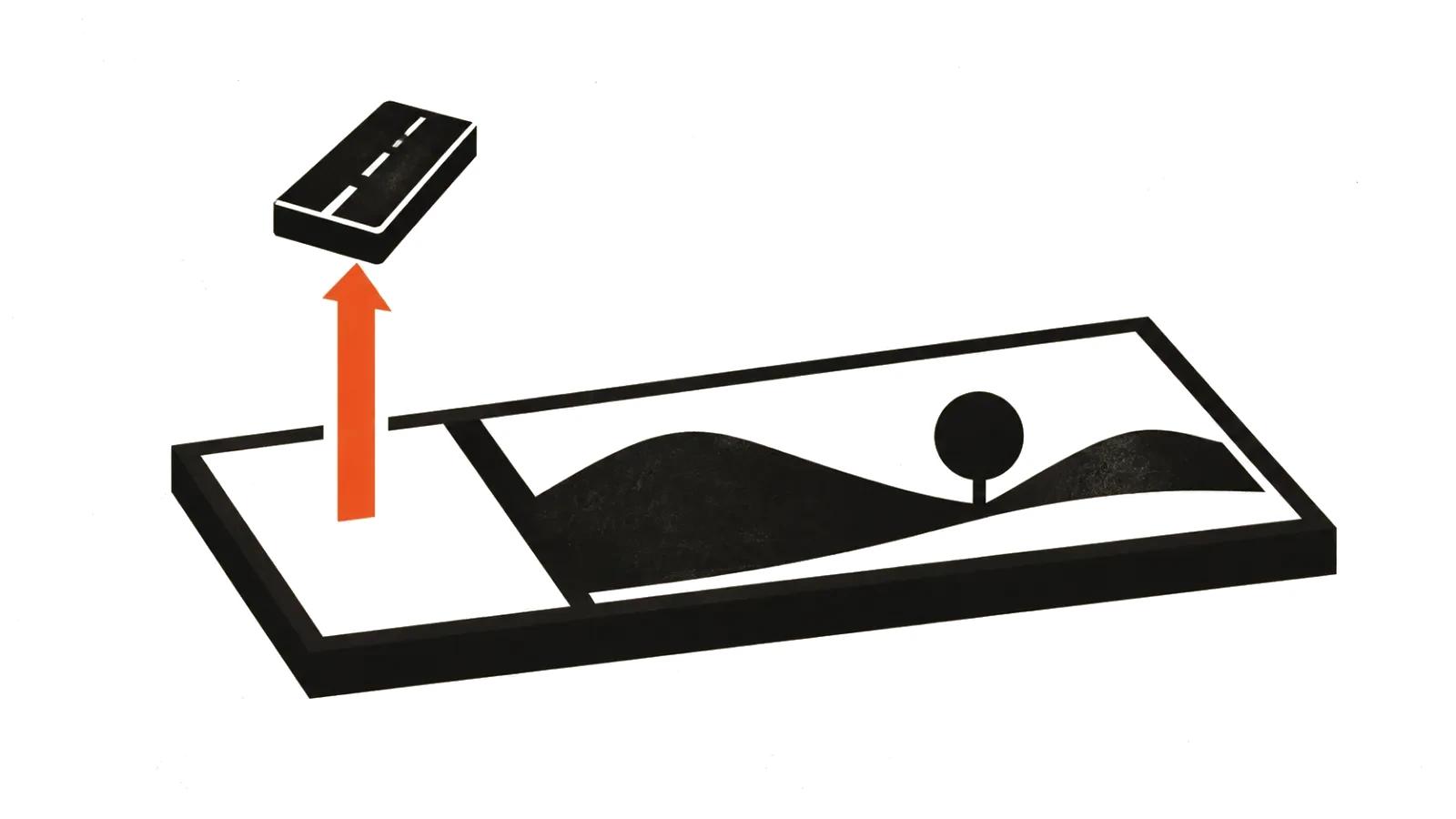
You can trim inside the request by giving a start and end offset. That costs less than sending the whole file when you need one episode.
Timestamps and how precise they are
The model will return timecodes when you ask for them explicitly. Left alone, it writes "near the beginning" or "towards the end", and then you go hunting anyway.
A phrasing that works: give a timestamp in minutes and seconds for every passage where this idea appears.
Expect the mark to drift. On an hour of material, ten seconds off is normal, and for an edit that is enough to land in the neighbouring sentence.
For small details there is a separate move: ask the model to zoom into one timestamp. That is how you read on-screen text, a scoreboard, or small captions in a slide.
Recognition is not understanding
Recognition answers what was said. Understanding answers what it means for the job. The second is where models are weaker, and the gap is easy to miss.
It will summarise a dialogue cleanly and never mention that the speaker is looking away from the person they are talking to. Or that a licensed track is playing underneath.
Audio support also varies by model. When the track is not in context, a question about intonation and pauses returns invention.
One more boundary: the model has no idea how the clip performs in a feed. Watch time, retention and audience reaction stay outside the request.
Where the analysis goes wrong
Fast cutting is the first place. One frame per second misses inserts and blinks, so "one person on screen" can be plain wrong.
On-screen text is the second. Small type, captions, price tags need the zoom step, and without it the model invents a plausible label.
Counting is the third. "How many times the product appears" comes back approximate, and a report should not lean on that number.
Legal detail is the fourth. The model will name a logo and will not tell you whether the music is licensed or the person on camera signed a release.
How to write the request
Build it from three parts: what to watch, what to look for, and what shape the answer takes.
For example: "This is a thirty-second ad. List every shot in order with timecodes. Separately flag frames where the logo is visible and frames with people. Return a list with no preamble."
"Rate the quality" produces adjectives. "Find the mismatch between the titles and the voiceover" produces a checklist someone can act on.
With many files, ten in one request works worse than ten separate ones. The model starts mixing up which observation belongs to which file.
What a person still checks
Treat the output as a draft teardown. Verify the timecodes on a timeline, read the quotes in the source, recompute the numbers.
For ads I keep two passes by eye and ear: the opening frame on a phone, and the sound in headphones. The model does not hear room tone burying a line. Handcrafted videos get the same treatment for the opposite reason, since performance and micro-expression carry the piece and sampling flattens them.
And before uploading anything, check the file for third-party rights and personal data. Sending someone else's footage to a service is a decision of its own, and the model has nothing to do with it.
AI video analysis saves an evening of reviewing and does not replace the final watch. That order suits me: the routine goes into the request, the decision stays with a person.