Why an AI video summary takes a minute and often helps nobody
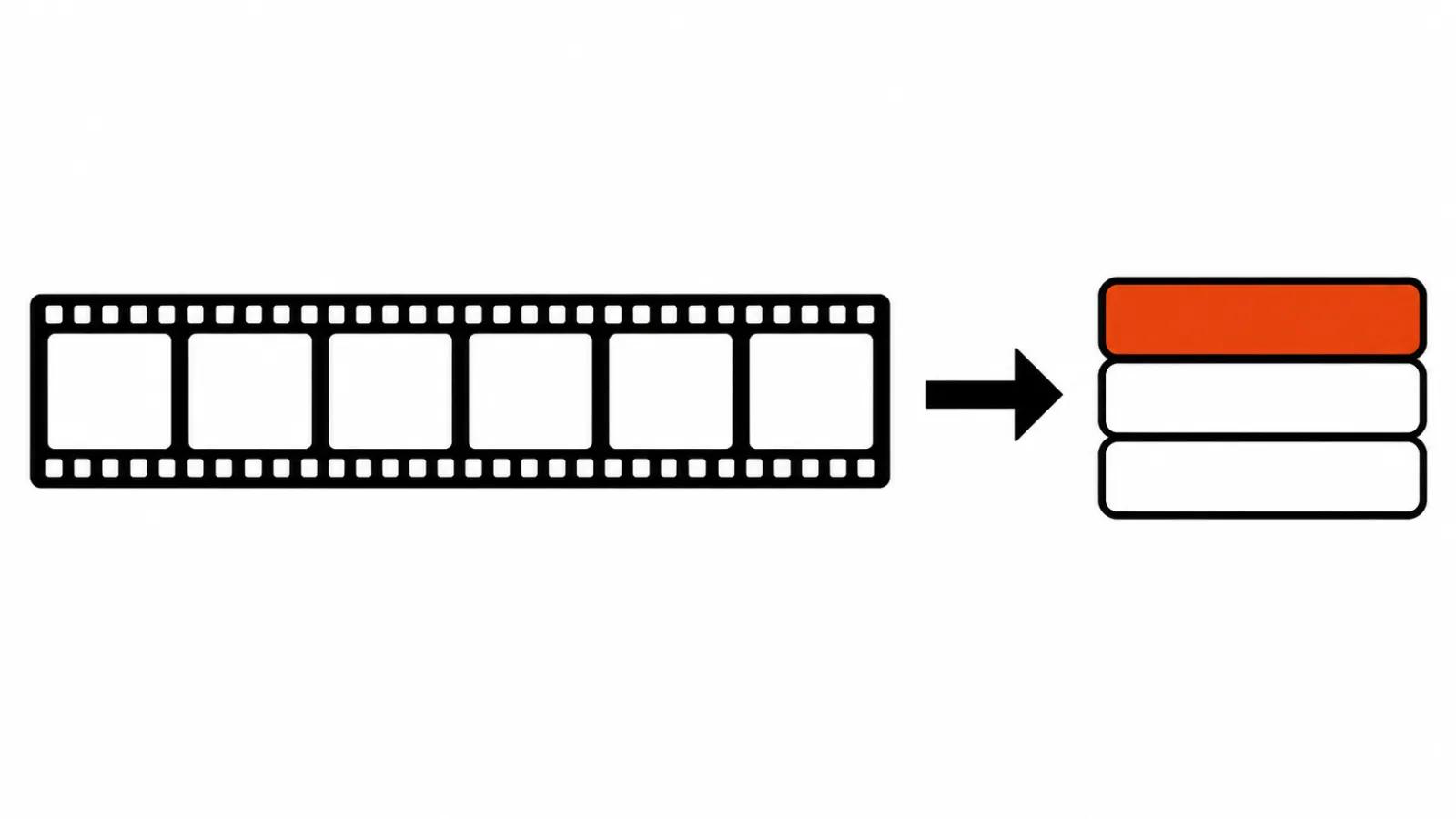
Upload an hour-long talk, get eight paragraphs of bullet points a minute later. The problem is that this is a compressed surface reading. The model retells what is said and skips what is shown.
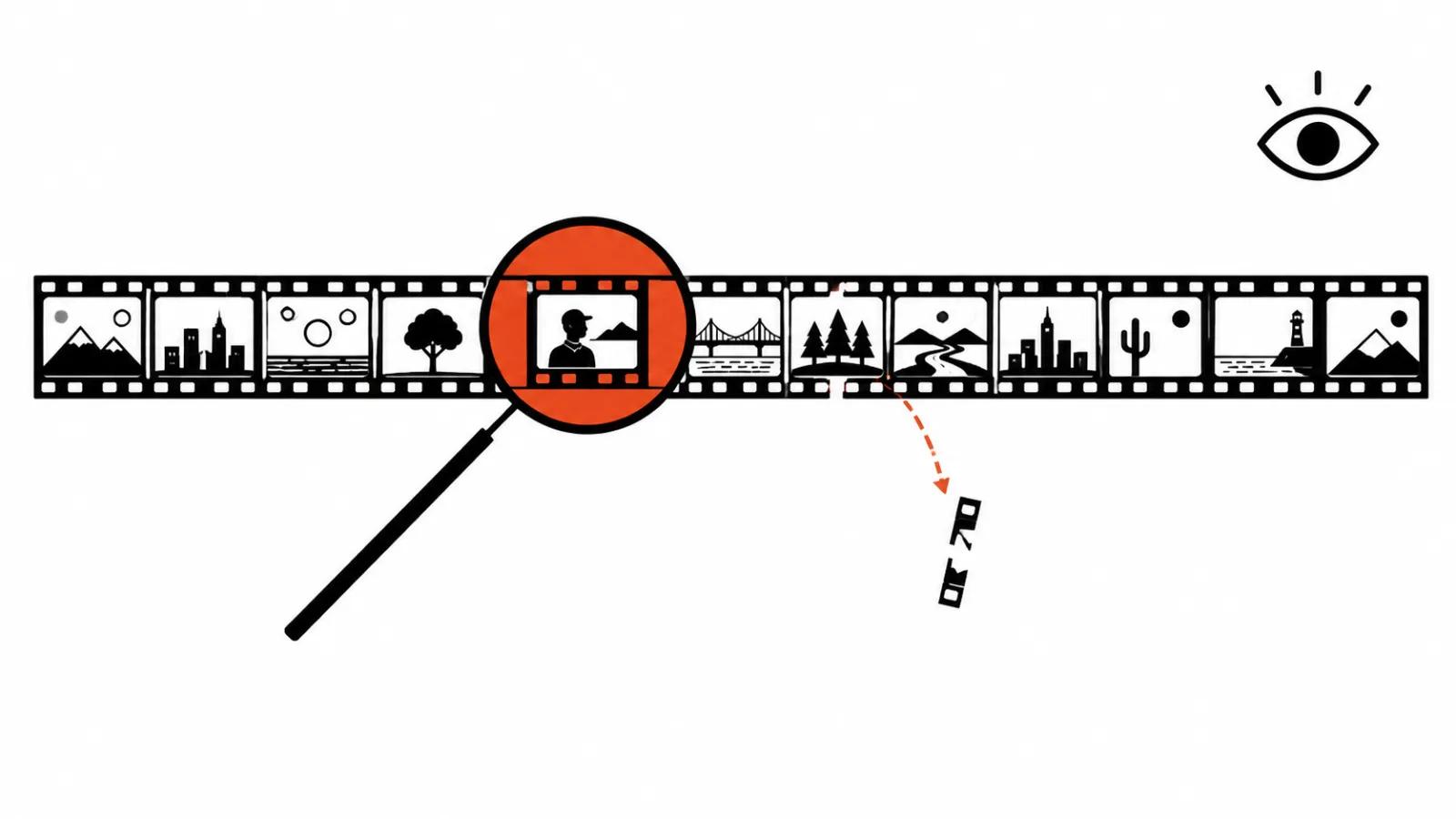
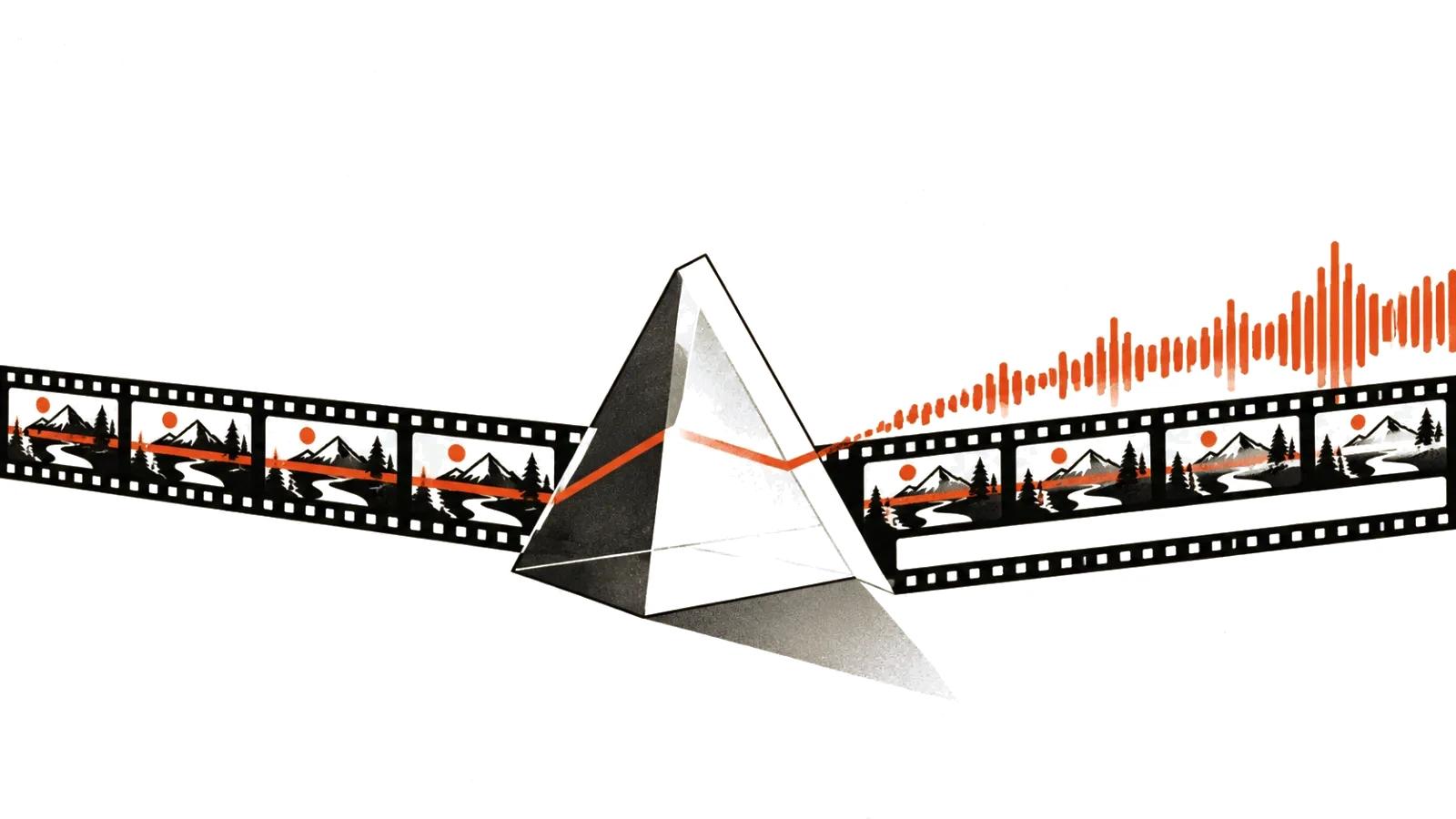
Video carries two streams. Speech and picture. Most tools work on speech, and treat frames as an afterthought. When the meaning sits in a chart, a diagram or a screen recording, a text summary loses the point.
The second loss is structure. A good talk wanders, and a good summary rebuilds the argument. A model usually keeps the order of speech, because that is easier, and drags the filler along with it.
What the model sees and what it misses
The mechanics set the limits.
The Gemini API samples video at one frame per second. Audio arrives at 32 tokens per second. At high media resolution a frame costs 258 tokens, which comes to roughly 300 tokens per second of video. You can pass a public YouTube link straight into a request, and point at a moment in MM:SS.
Three consequences follow. One: a full second passes between frames, so fast cuts become guesswork. Two: long video is expensive, because tokens accumulate per second. Three: on the free tier the documentation caps YouTube input at eight hours per day, and newer models accept up to ten videos per request, so a big batch of lectures cannot go through in one pass.
A model watching one frame per second answers "what is this video about" well. It answers "at which second did that number appear on screen" badly. The second question needs frame-level access, while a uniform stream mostly adds cost.
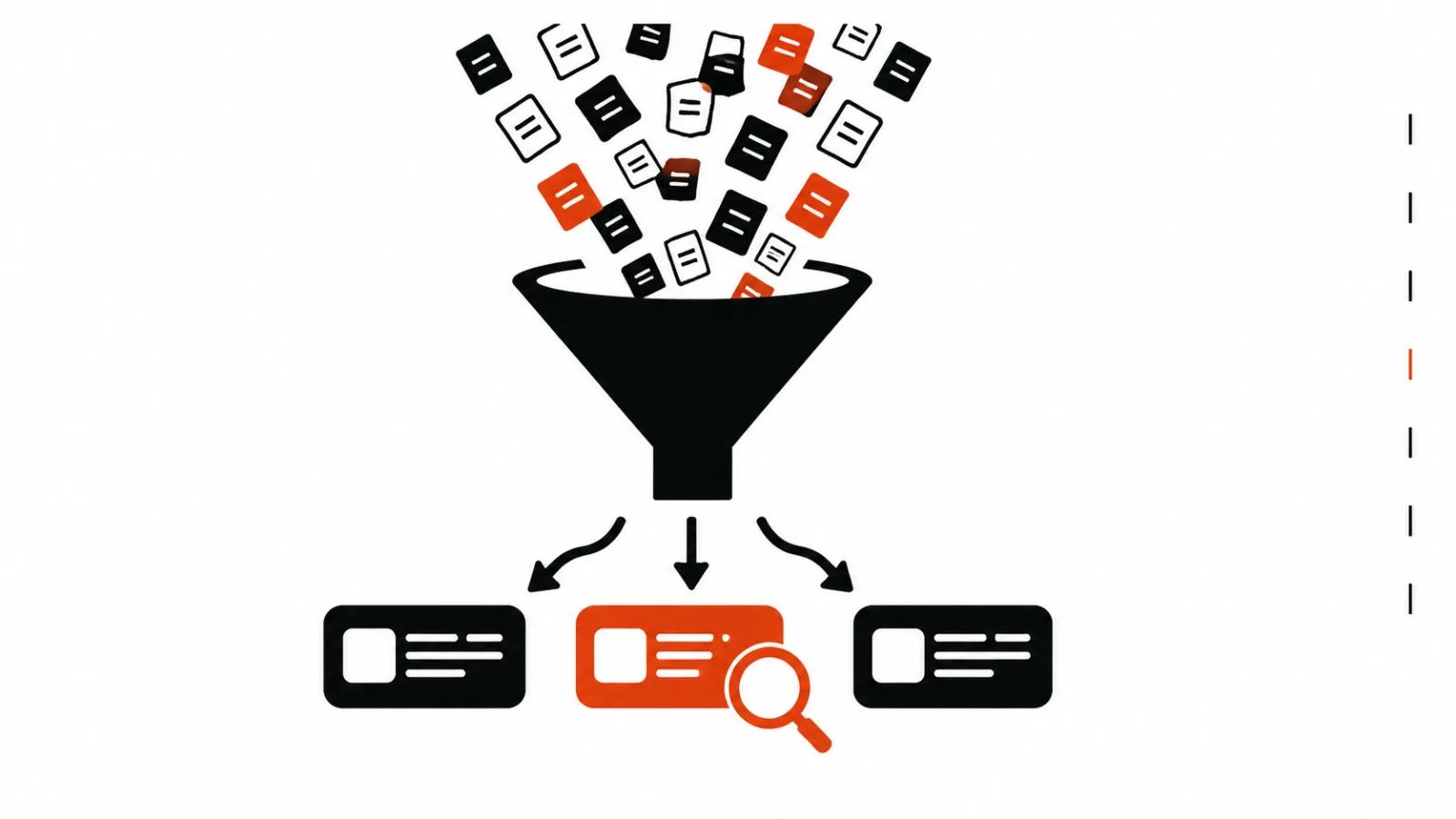
Transcript first, meaning second
My workflow starts with a transcript. Text is cheaper, more precise and easier to check.
Whisper from OpenAI was trained on 680,000 hours of speech. Audio is split into thirty-second windows, and the model returns text with phrase-level timestamps. Those timestamps are the anchor: they let you return to the exact moment and hear what was actually said.
Then comes the model that compresses text. Give it a frame: how many points, how long, what counts as an argument, whether quotes are needed. Without that frame you get a recap that reads nicely and is impossible to use.
Three levels of summary
The same transcript produces three different documents, and mixing them up causes trouble.
Level one, a map. Ten points about what was covered, with timestamps. This is for deciding whether to watch the whole thing.
Level two, the argument. Claim, evidence, objections, conclusion. This is where models start to slip, because rebuilding logic is harder than listing topics.
Level three, quotes. Five verbatim sentences with timestamps that can go into an article or a deck. This level is the most valuable and the most dangerous: any edit turns a quote into an invention.
How to verify a summary
Verification takes minutes when the summary is structured for it.
Every claim carries a timestamp. Open the moment, listen for thirty seconds, compare. If the claim is not there, it goes.
Numbers get their own pass. A model can combine two figures from different parts of a conversation and produce a total that never existed. That is simply how text generation works.
The third check is the boring one: names. Companies, products, job titles. One wrong name devalues the whole document, even when everything else holds.
Where a transcript saves hours
Some jobs pay for the transcript immediately.
Market research. Twenty hours of expert interviews become a table of claims with timestamps. The analyst then works from a map of meaning, opening recordings only where needed.
Team training. A webinar recording becomes steps and quotes, and a new hire reads an instruction sheet without sitting through three hours.
Sales. Call reviews produce a verbatim list of objections. Here it matters most that quotes are real.
In all three cases the time comes back from search, and retelling alone saves nothing. A timestamped transcript is an index.
Summarizing from a YouTube link
The link is convenient, and it has edges.
Public video goes through without downloading. Private, paid or removed video does not go through at all. Volume and per-day limits should be checked before promising a client a result by tomorrow.
Then privacy. If the recording contains client names or internal numbers, sending it to an external service needs permission. Local models solve that question and demand hardware.
Finally, audio quality. A noisy room with echo produces a garbage transcript, and the summary will be garbage regardless of the model.
When a summary becomes a production document
For a video team, the summary earns its place as an editing tool. A timestamped transcript makes the rough cut faster: you can see where an idea starts and where it ends.
At volume, this connects to splitting video into shorts, because timestamps show which fragments carry the point and which can be dropped. For tool comparisons there is a separate breakdown of the best AI video models 2026, including which of them handle long context.
Then the fork. A stream of short clips is easier to produce through AI video production, where transcription and assembly sit in one process. Material shot with people that has to live for years goes through handcrafted videos, and there the summary stays a supporting document for the editor.