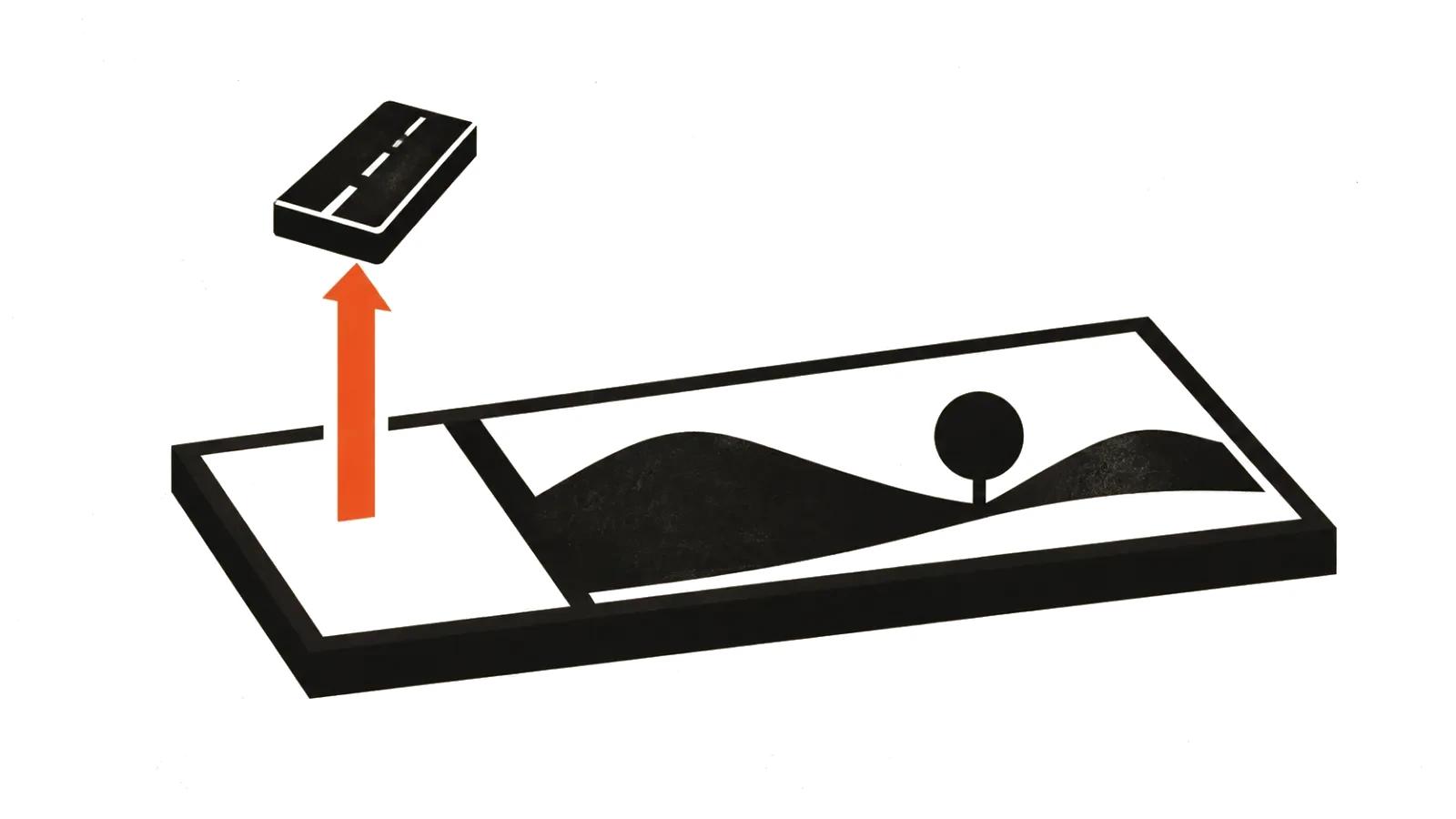
What people want when they search for AI video editing
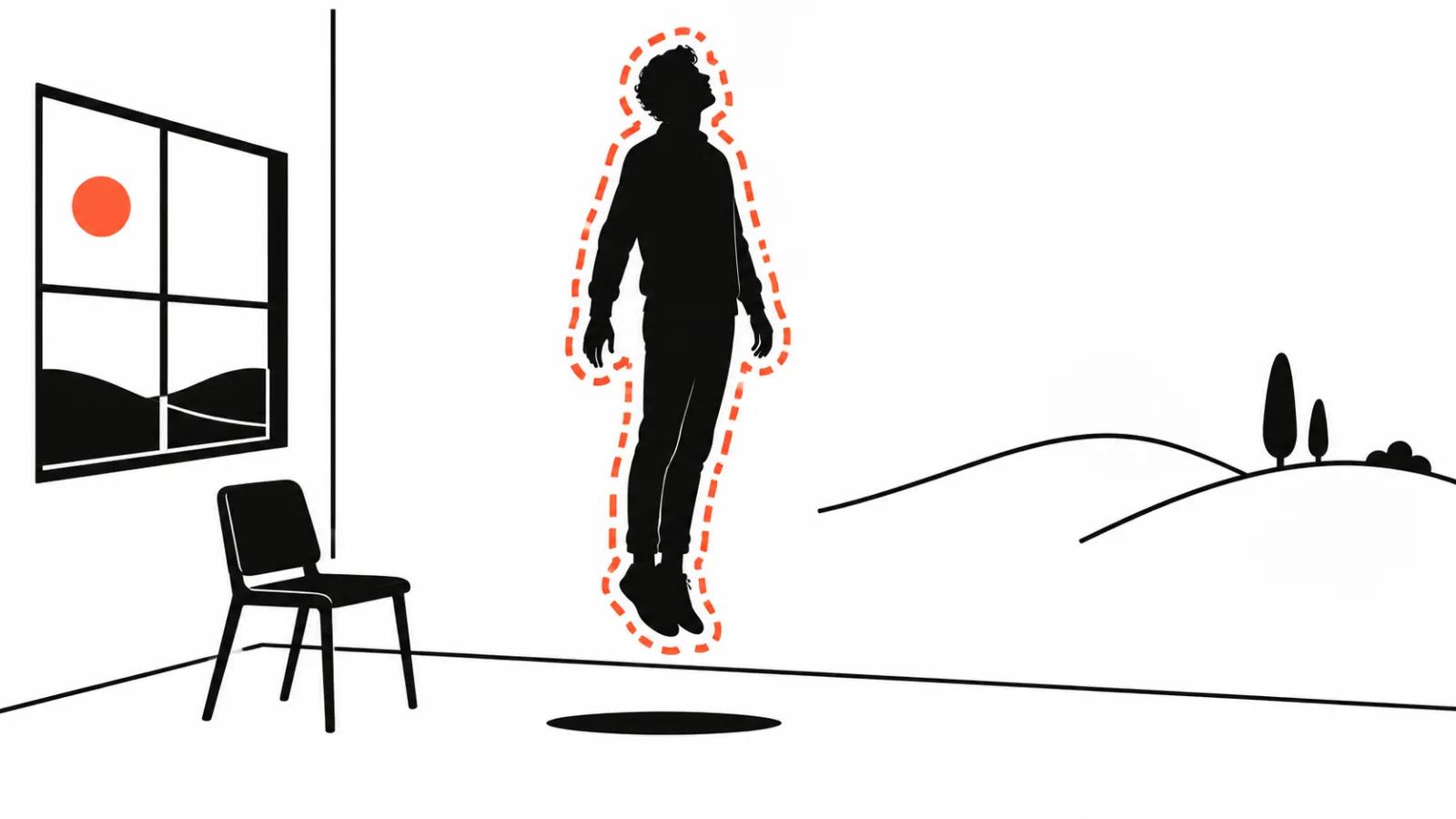
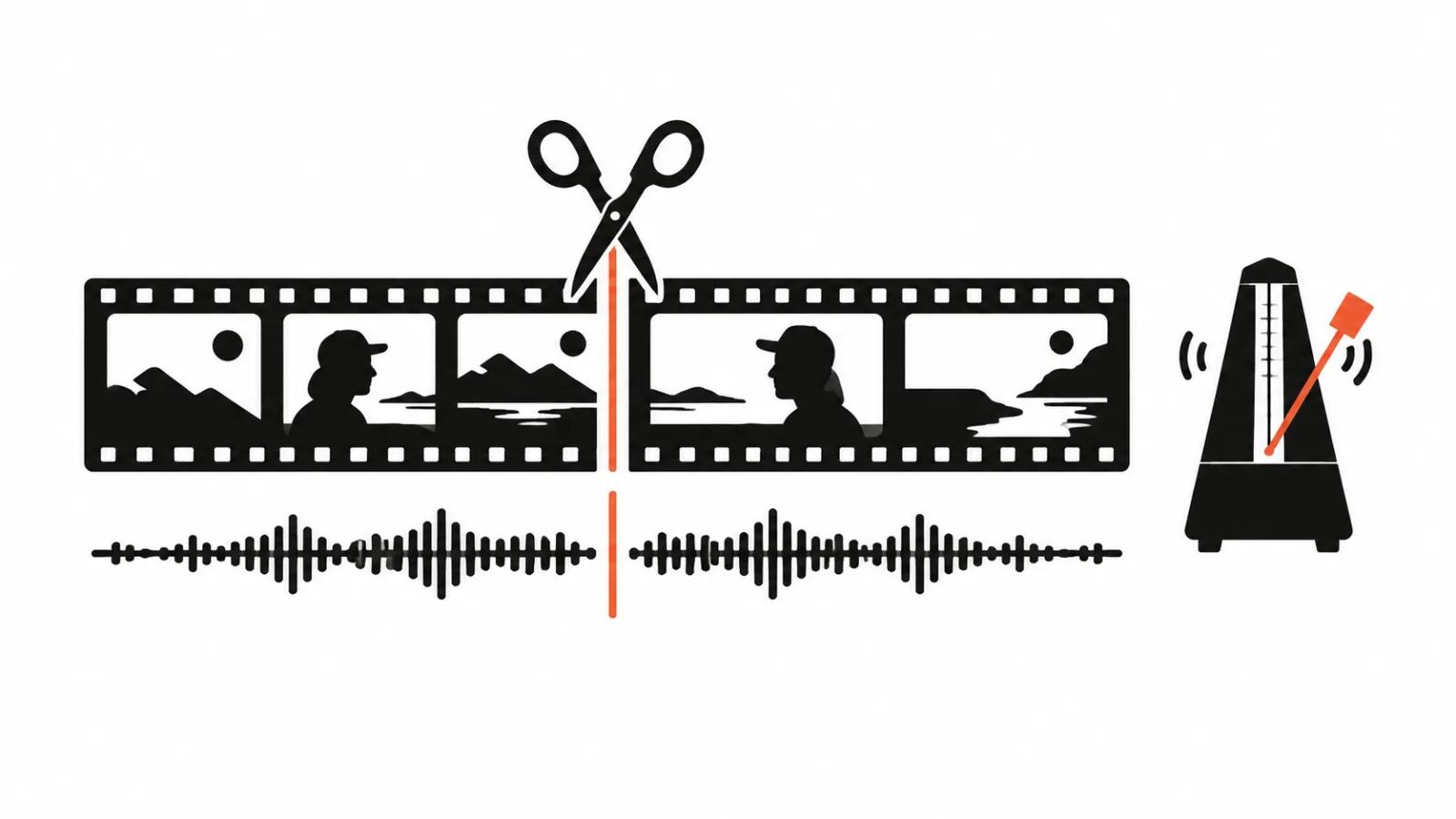
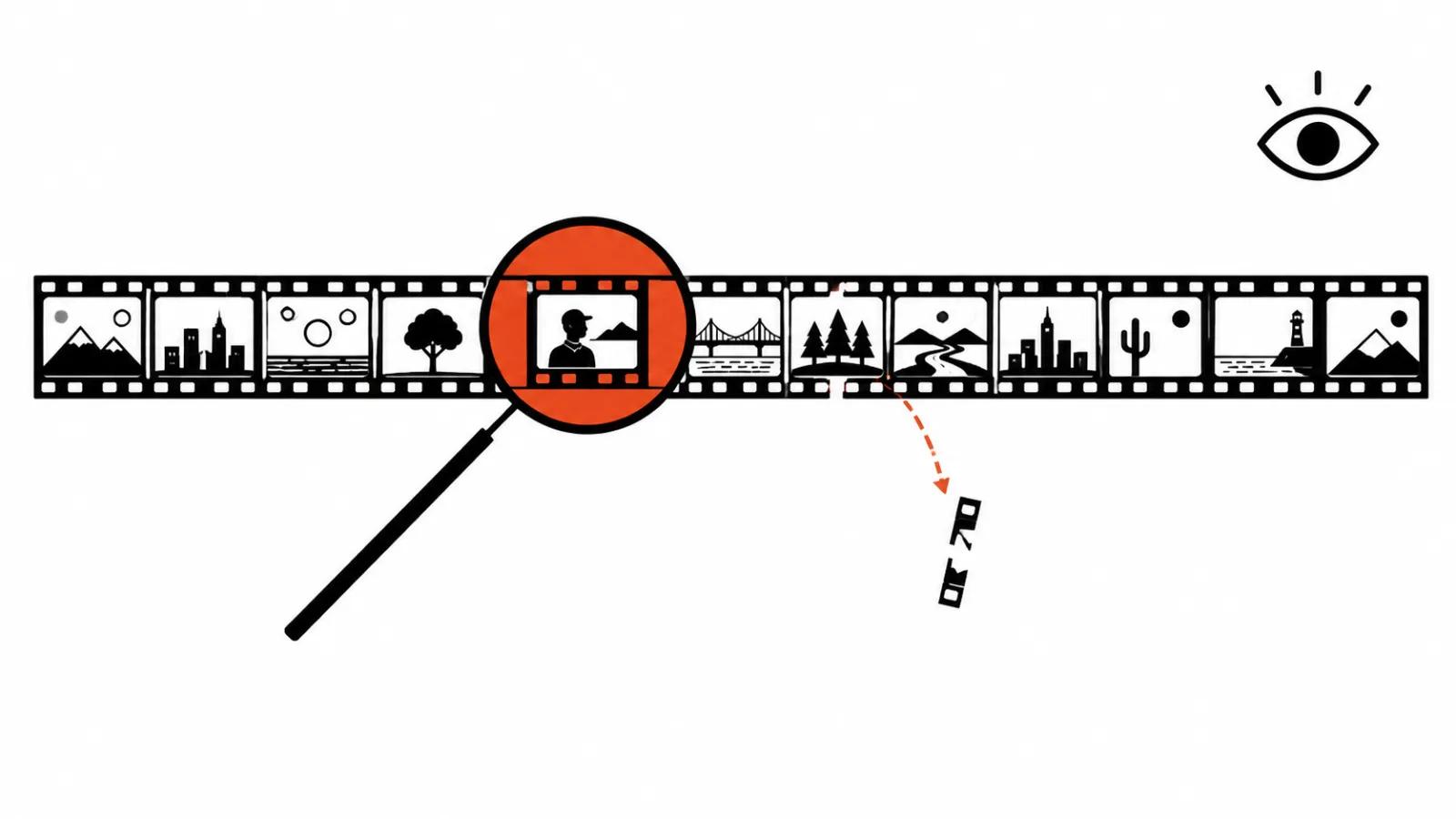
Three different jobs hide behind one phrase. Cleaning something out of the frame. Changing the background or the light. Replacing a person. The first two get done on finished footage in minutes. The third needs paperwork.
One caveat before the details: editing is not a service we sell on its own, and I will not pretend otherwise. What follows is what the models do and how to judge the result.
Removing an object: five seconds and the cost of a miss
Object removal is the most dependable scenario today. Runway ships a dedicated app: footage up to five seconds, a plain-language description of what to remove, output on the other side (Remove Object from Video (https://runway.com/apps/remove-from-video)). The five-second cap is not marketing. On a longer fragment the model loses consistency between frames.
Veo 3.1 can add and remove objects inside generated video while preserving the composition of the scene (Google Cloud guide (https://cloud.google.com/blog/products/ai-machine-learning/ultimate-prompting-guide-for-veo-3-1)). That applies to generated output. Your own footage goes through a separate tool, and the distinction matters when you plan a job.
What breaks most often. The shadow of the removed object stays behind and lives its own life. A reflection in glass or a puddle keeps showing the object. The edge of frame where a person walked in jitters at the join. If the object moved and the background behind it is busy, the invented texture boils on playback.
A practical rule: remove what takes less than a third of the frame and does not cross a face. Everything else is cheaper to reshoot.
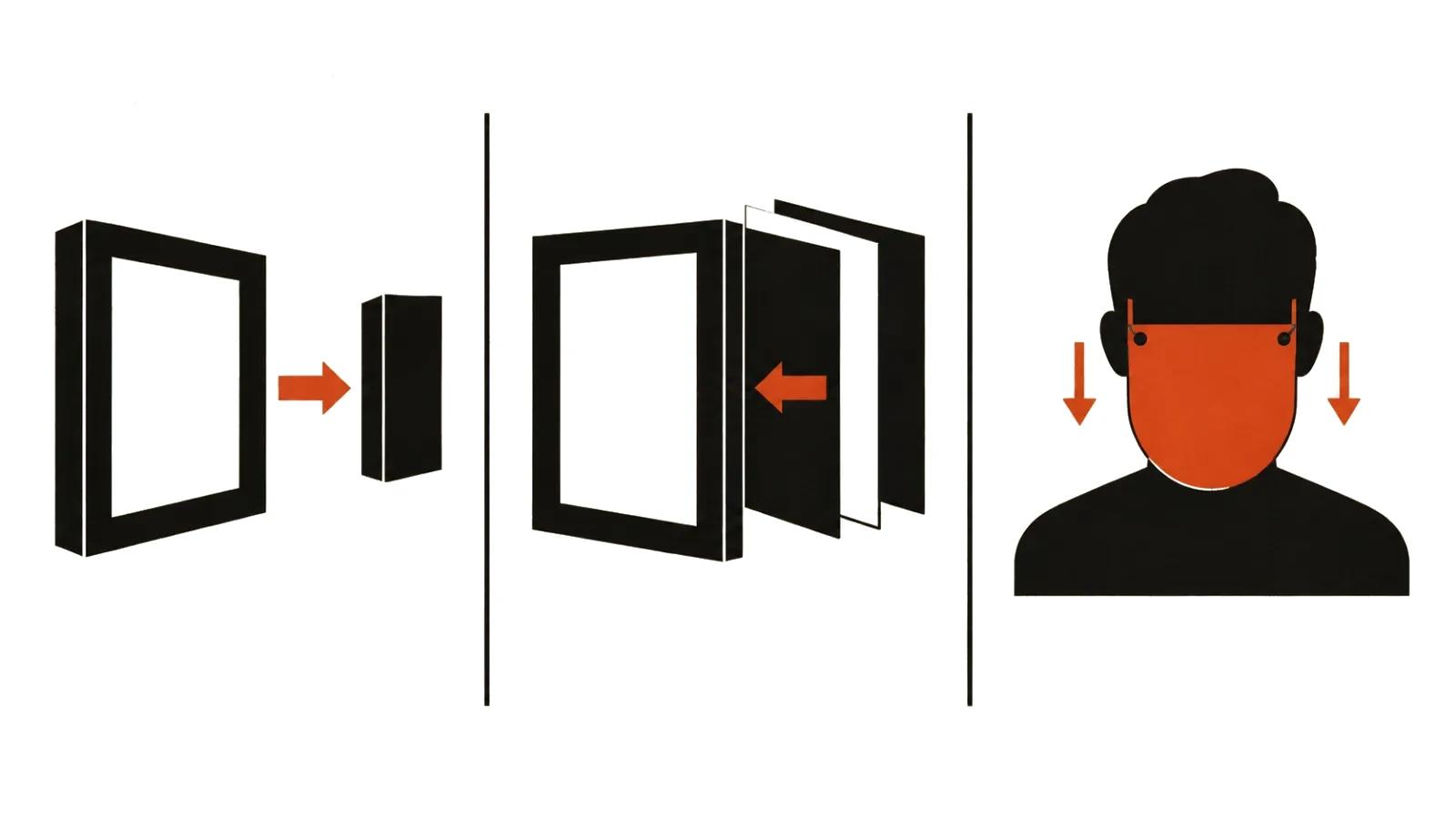
Replacing background and light
Background replacement resembles removal but needs a careful matte. Hair, sheer fabric and moving edges are where the model gives itself away.
Runway's Aleph 2.0 promises localized edits that preserve the source, with an edited frame steering the result: you show how the frame should look, and the model carries that through the video (Aleph 2.0 announcement (https://runway.com/news/introducing-aleph-2-and-edit-studio)). For a background that is convenient, because one reference frame fixes wall colour, light and depth.
Light is harder than background. The model shifts brightness but does not recompute shadows cast by objects. If a person and a lamp share the frame, a warmer look can leave shadows pointing the old way. Close-ups expose it.
Swapping a face: how it is done
Face replacement is its own class of tooling. Akool's API handles face swap on images and video, several faces in one frame and real-time work (Akool docs (https://docs.akool.com/ai-tools-suite/faceswap)). In Kling, element replacement is a documented capability: elements can be marked, replaced, added or removed (capability map (https://kling.ai/document-api/guides/capability-map/video)).
Technically the result convinces in a static medium shot. In motion you get seams along the jawline, mismatched skin texture and lost micro-expression. The more the head turns, the worse it gets.
Now the part that matters. Putting someone's face on a performer without written consent is not an editing task. It is use of a person's likeness, and in most jurisdictions that requires permission. For staff, consent is a separate document. For actors, a contract clause. For public figures, check the rights in the likeness as well.
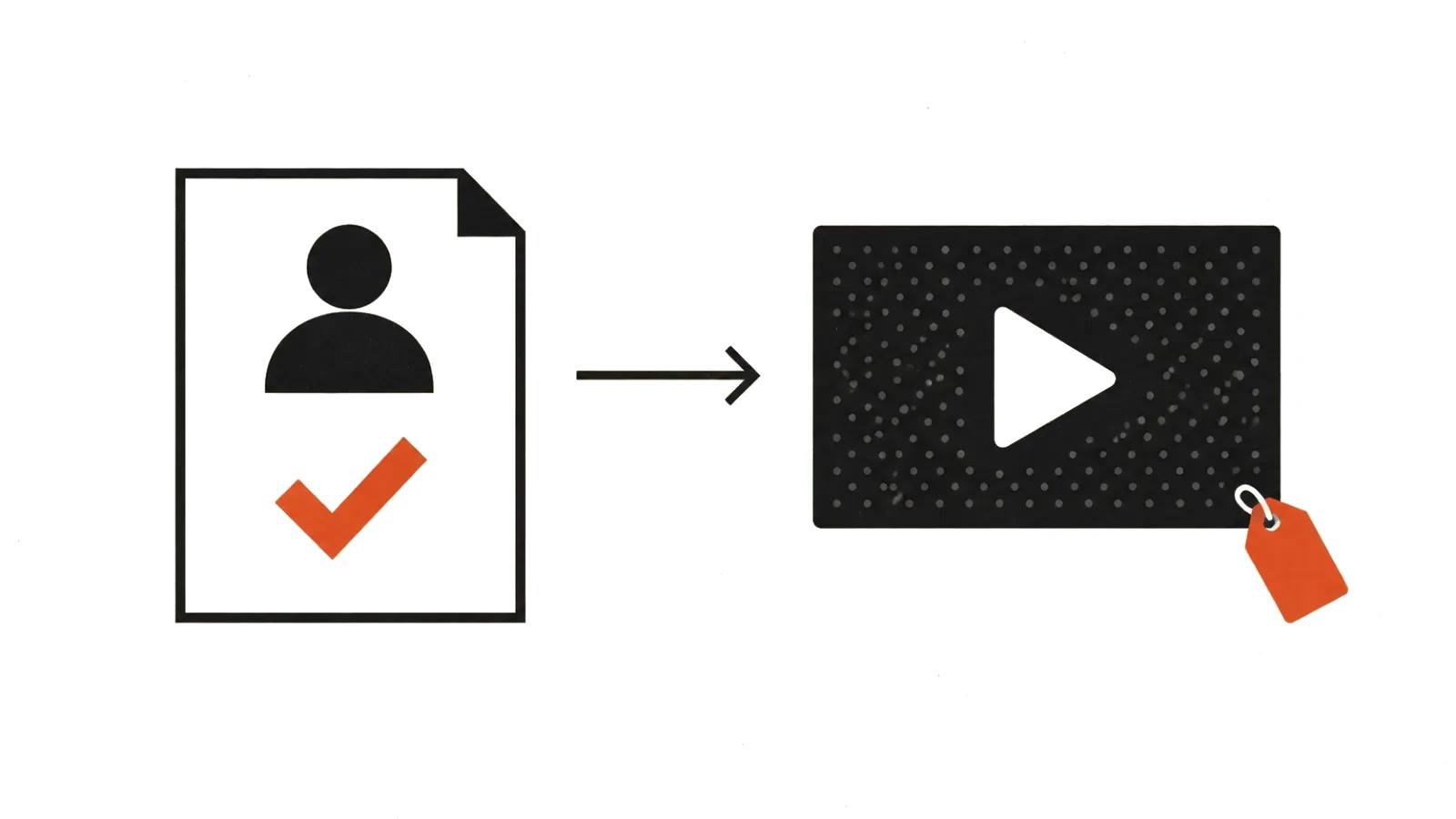
Consent, law and labels
Regulation has caught up with the technology in Europe. Article 50 of the AI Act has applied since 2 August 2026: providers must embed machine-readable marks in synthetic content, and anyone deploying it must tell people they are looking at a deepfake (European Commission explainer (https://digital-strategy.ec.europa.eu/en/policies/guidelines-ai-transparency-obligations)).
Two mechanisms carry that duty. Watermarks such as SynthID are embedded at generation time. Content Credentials metadata describes the origin of a file and can be checked with a public tool, though re-encoding can strip it (C2PA Explainer (https://spec.c2pa.org/specifications/specifications/2.2/explainer/Explainer.html)).
For a studio the practical consequence is simple. If a synthetic face or a synthetic scene appears in the cut, the label gets set during production and recorded at sign-off. The AI content labeling rules breakdown covers how the requirements differ by market.
The review checklist
Judge in motion, on the screen where the clip will be watched.
If a fix fails the third check, reshoot the shot. It costs less than finishing the matte.
- Object edge. Step through the join frame by frame: no jitter, no boiling texture.
- Shadow. Does direction and softness match the light already in the shot.
- Reflections. Glass, puddle, metal: is the removed object still visible in them.
- Face. Expression matches speech, no seam along the hairline or jaw.
- Camera move. Any jolt across the edited section while the camera was moving.
- Compression. Platform encoding amplifies artifacts, so review at the bitrate viewers will get.
What it costs
Count edits and versions. Minutes are the wrong unit. One clip with five fixes is five review passes, and each one needs a person.
Handcrafted videos are priced per finished clip, and fixes sit inside the review cycle. Volume formats are priced per view, which is where video versioning lives: one piece of footage becomes dozens of versions for different placements, and nobody watches them one at a time.
For a single campaign, a promo video is the closer fit, because fixes get agreed before anyone shoots. When fixes run continuously, AI video production against one written standard helps: the same requirements for object edges, shadows and labels on every deliverable.