What AI editing looks like in practice
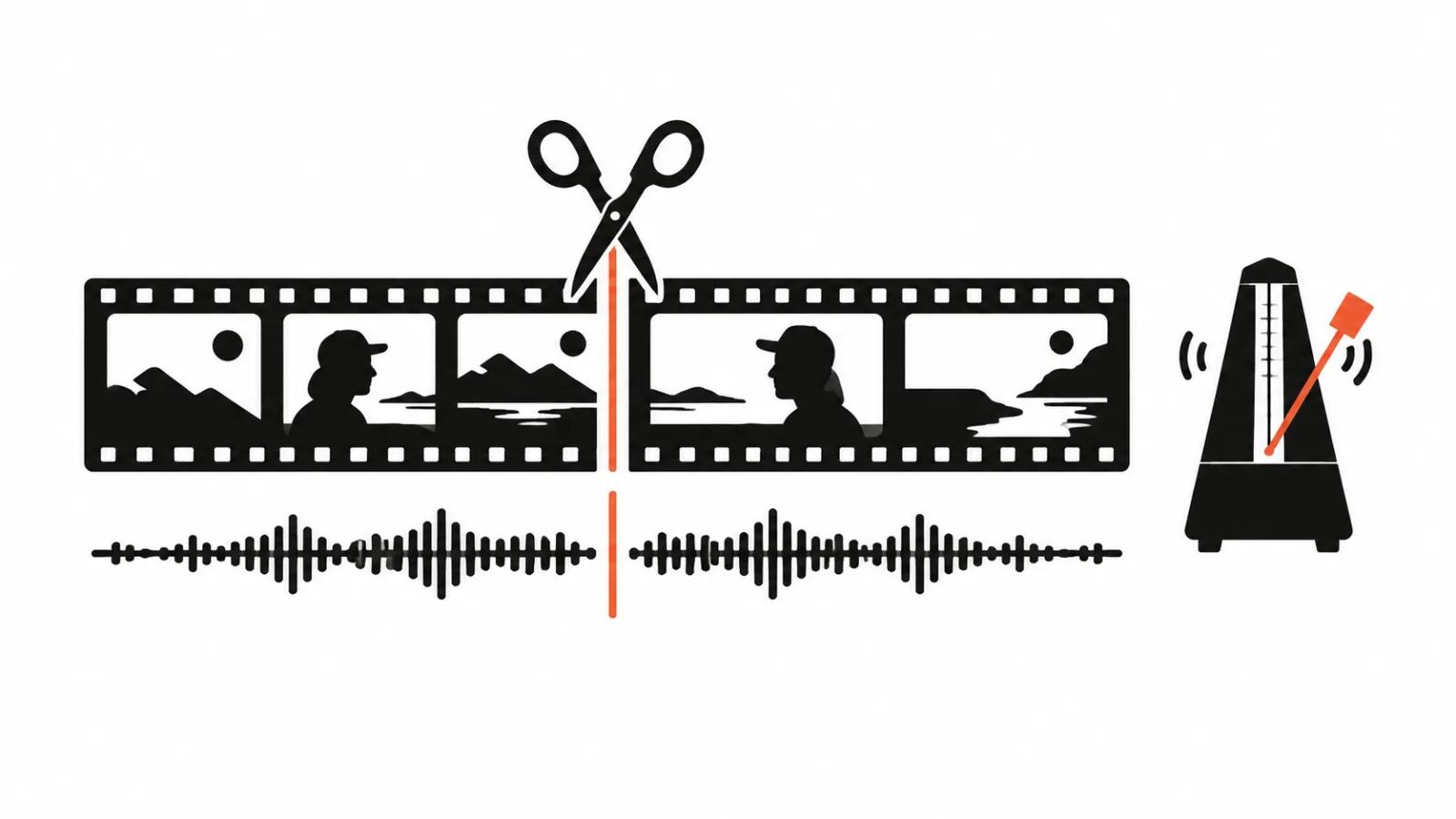
AI video editing is a set of operations a program performs on command or from a transcript. It covers cutting on silence, removing flubs, generating captions, levelling audio, picking music by mood, assembling a rough cut from text and adding simple transitions.
Two levels matter. The first is a set of features inside a normal editor, where you decide what stays. The second is a service that takes your footage and returns a finished file. The second sounds more impressive and disappoints more often, because it does not know what the video is for.
A rough cut from the transcript
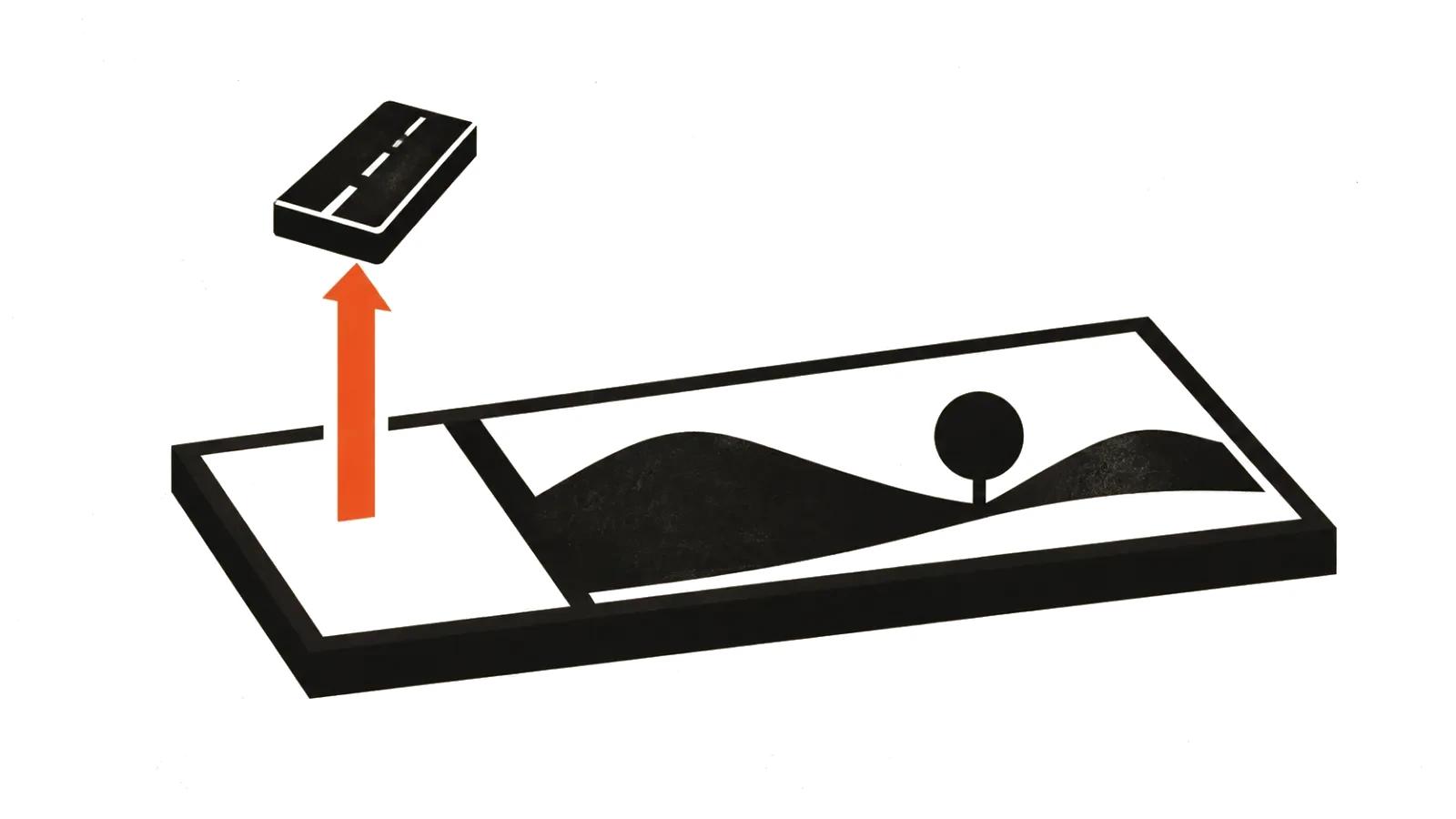
The most useful workflow looks like this. You record a forty minute interview, transcribe it, strike out what you do not need in the text, then ask the tool to assemble a cut from the remaining lines. You get a sequence of clips that can be watched and corrected.
The saving is real, because the tedium disappears: hunting for a phrase on the timeline, setting in and out points, stitching. The rough cut still needs a human pass. The program cuts on words, and meaning lives in the pauses and glances it throws away.
Captions, silence and rhythm
Captions are the most mature part of automation. Errors cluster around names, jargon and numbers, so proofreading stays mandatory. For vertical video, captions also set the rhythm: a line has to fit in two rows. Five rows do not read on a phone.
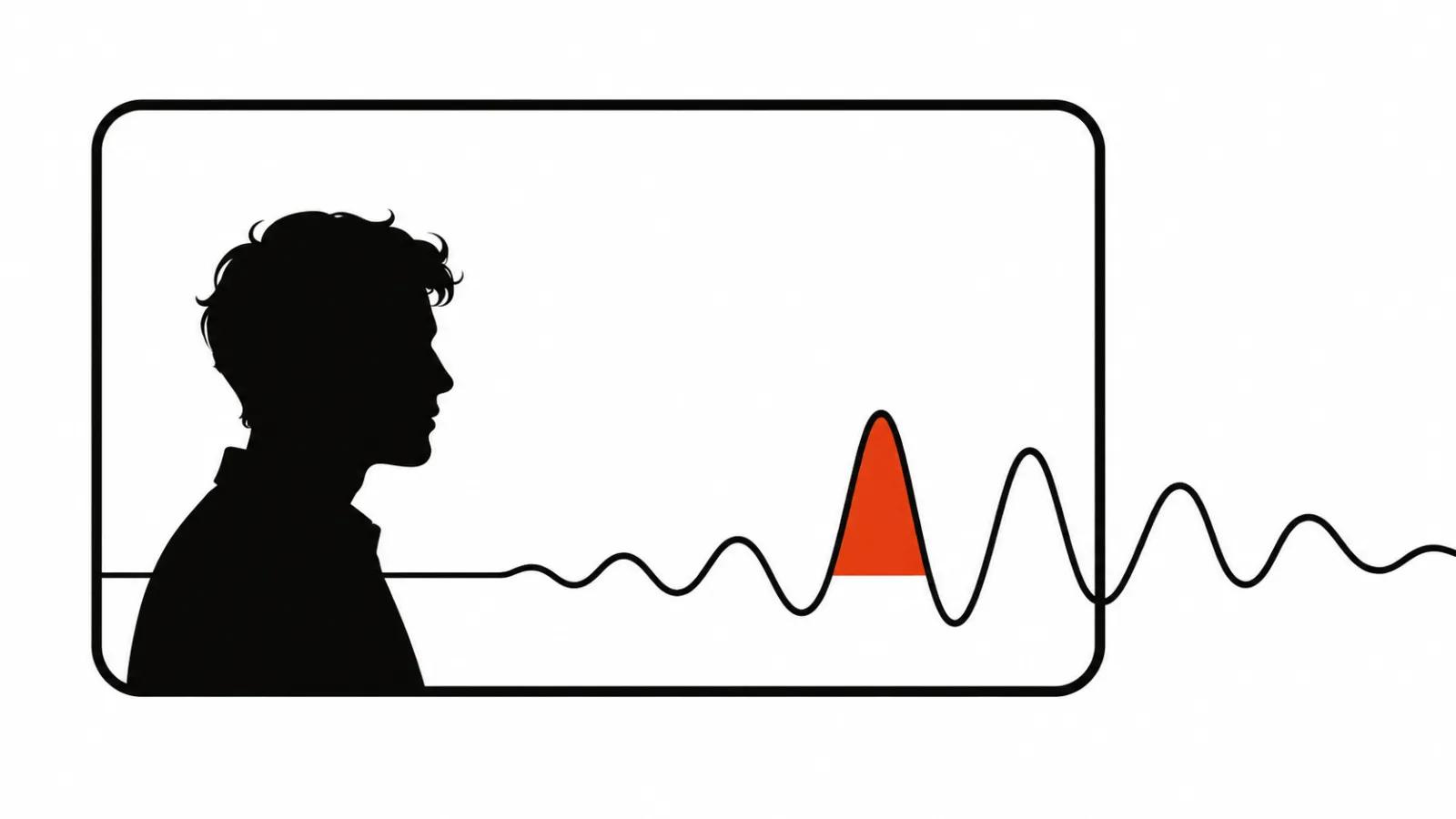
Silence removal works well on podcasts and lectures. On drama it is risky, because the pause often carries the meaning. I set the threshold softer and check every join by ear, otherwise speech turns into a race.
What AI does to sound
Noise reduction, loudness levelling, hum and echo removal are already automatic and decent. A voice can be separated from music, music from a voice, and an air conditioner can be removed almost completely.
Then taste begins. Automatic music matching by mood gives a predictable result that is audible from the first second. For ads and presentations, pick the track by hand and clear the rights, which I will come back to.
Where automation breaks
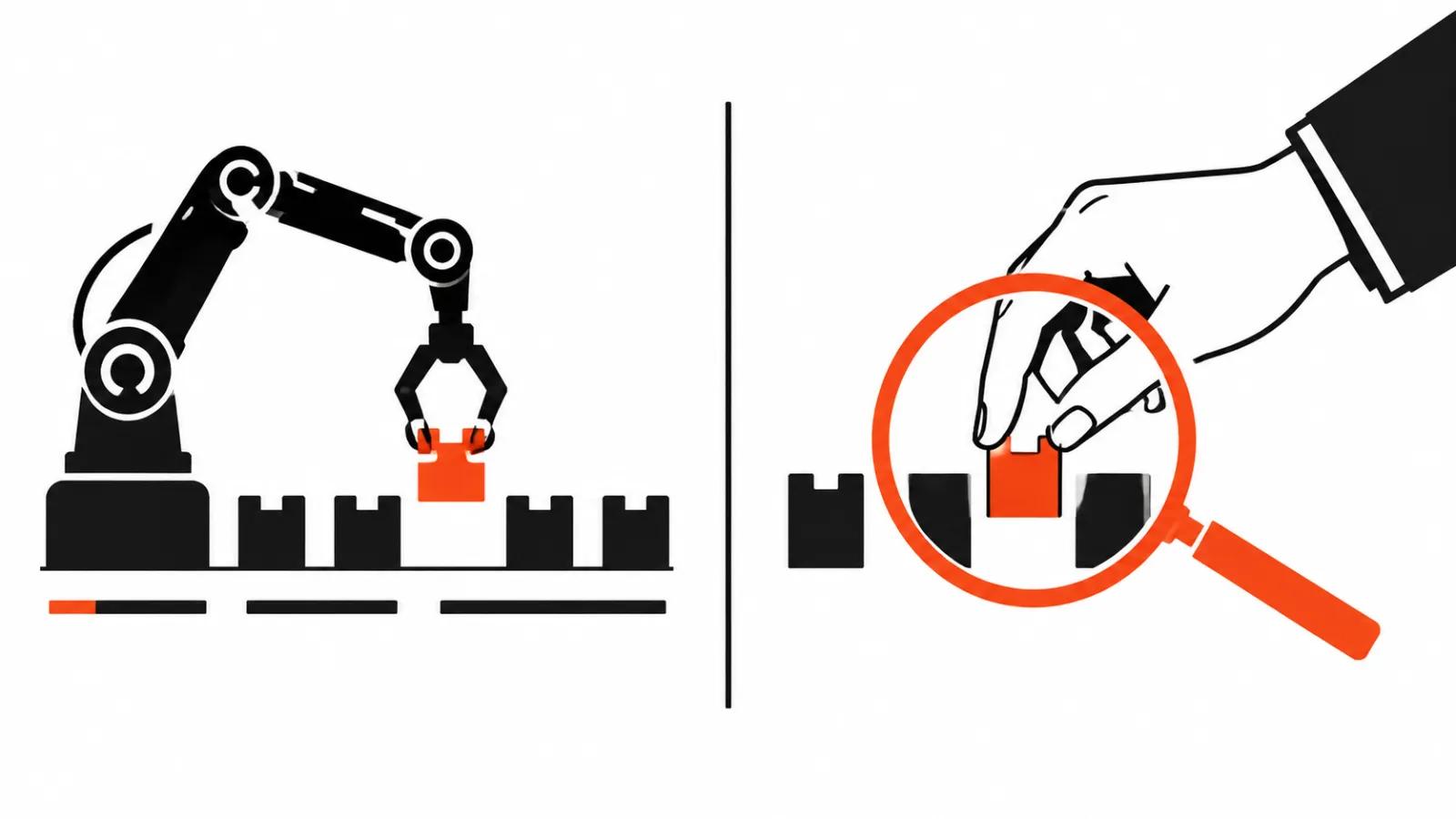
First, humour. A program does not understand that the pause before a joke matters more than the joke. Second, multicamera footage, where the cut should follow a reaction. Third, narrative transitions, where a cut has to land on a movement or a look.
Fourth, titles and graphics tied to meaning. Fifth, the final platform pass, where length, aspect ratio and the first three seconds change. Automation produces a template, and a template is not a version.
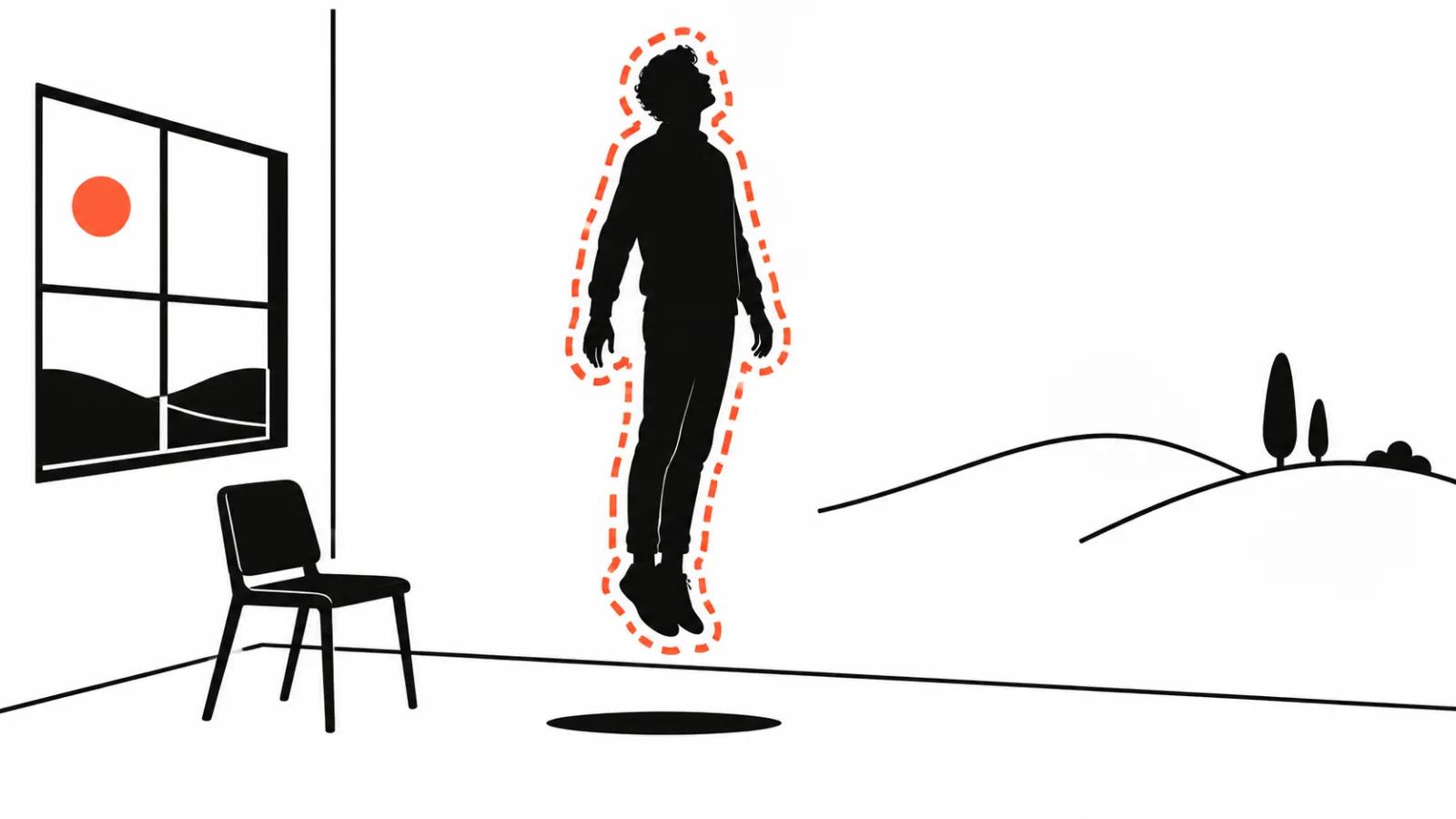
One separate case: fixing the frame itself. Removing an object, replacing a background or rewriting a line in a synthetic voice is AI video editing in the narrower sense, with its own verification rules. I covered those separately.
How to fit it into a workflow
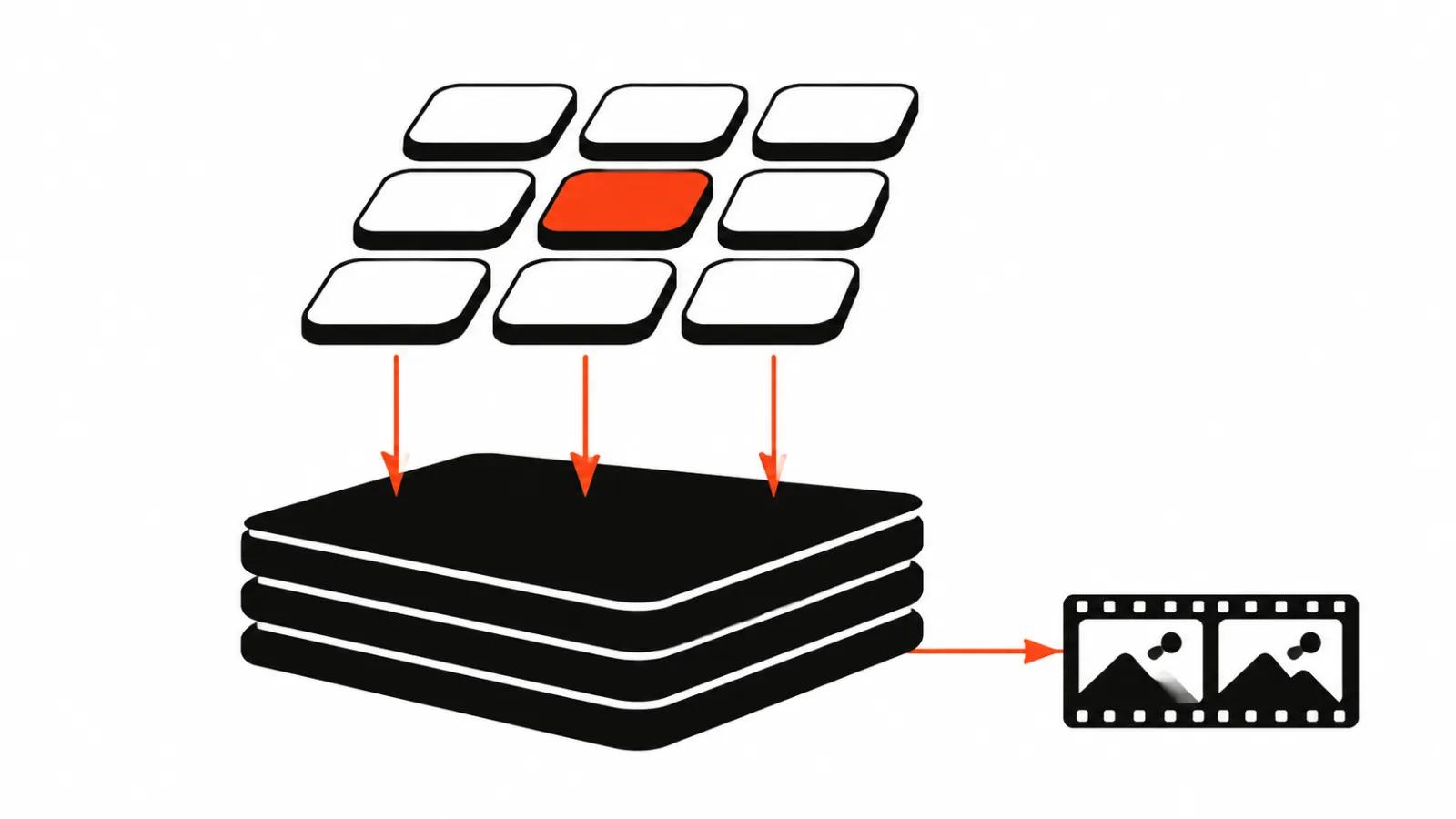
My order is simple. Transcript first, then a text pass to find the structure. Then a rough cut from the transcript so the shape is visible. Then a manual rhythm pass, because that is what separates a film from a pile of clips. Then sound and captions with automation. Finally colour, graphics and platform versions.
On volume work, such as short-form video at scale from one source, automation pays for itself on cutting and captions. On a single expensive film, saving on an editor makes no sense: a rhythm mistake costs more than the hours.
What to pick for the job
For interviews and podcasts, choose a tool with strong transcription and a text editor. For social, captions and a fast 9:16 export matter most. For ads and presentations, I would keep manual editing and use automation only for technical chores.
If you are cutting long footage into short pieces, read the separate breakdown on splitting video into shorts. If you want a full automated video editing agent, the same piece and our tool reviews show what to expect: a rough assembly. The finished film is still assembled by hand.