What people actually want when they search for AI video translation
The query sounds like a language problem. Language is the easy part. Keeping the voice, the pacing and the lip movement intact is harder, and so is not losing the meaning of a sentence about money or deadlines.
People are shopping for a tool. What they need is a video that gets watched to the end in another language.
I will take it apart, because one word covers three different products with different prices and different quality.
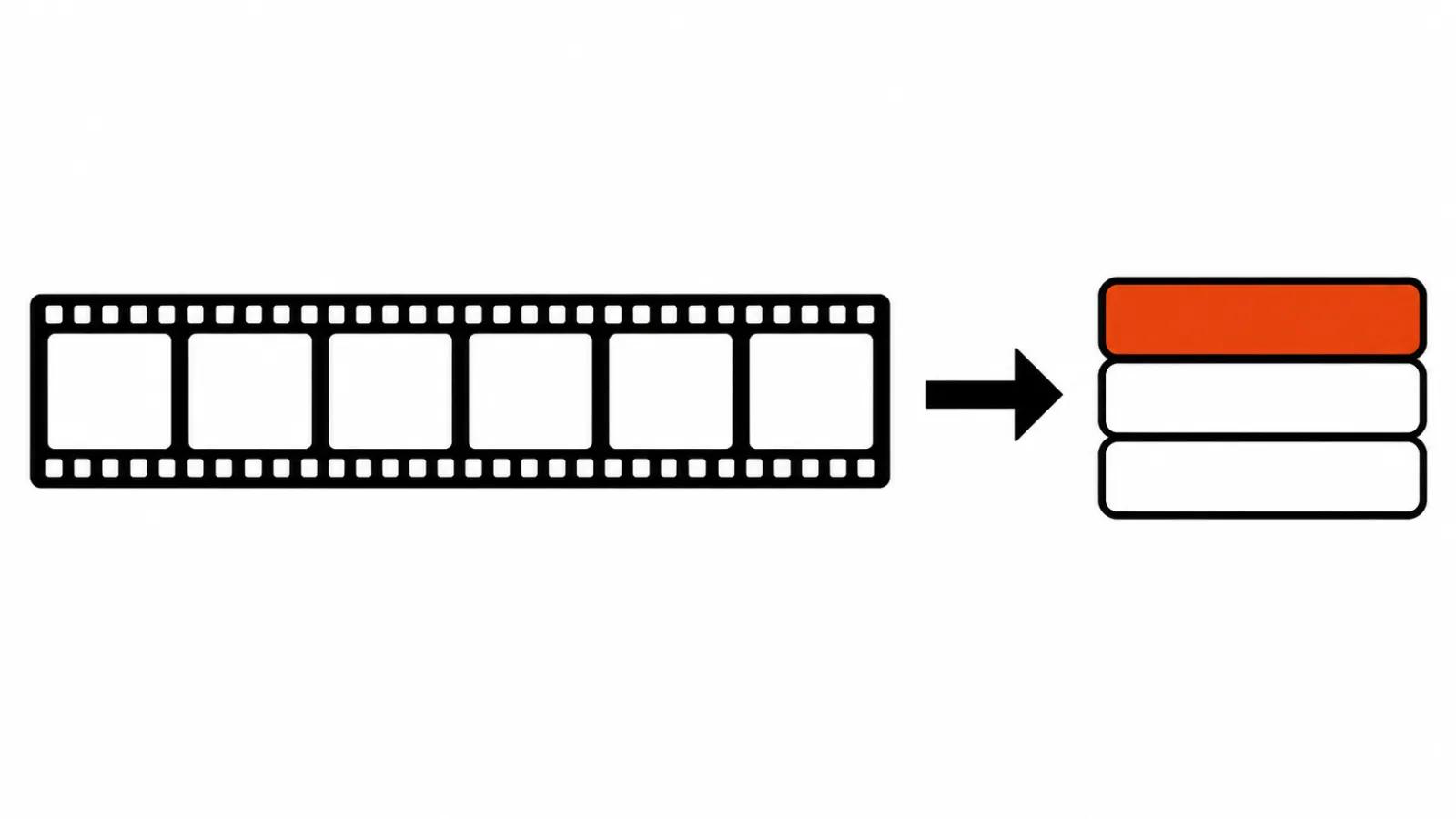
The first level is subtitles. The machine transcribes the speech, translates the text and places lines on timecodes. Cheapest and most predictable. Errors are visible, fixes are manual, and the viewer still hears the original voice.
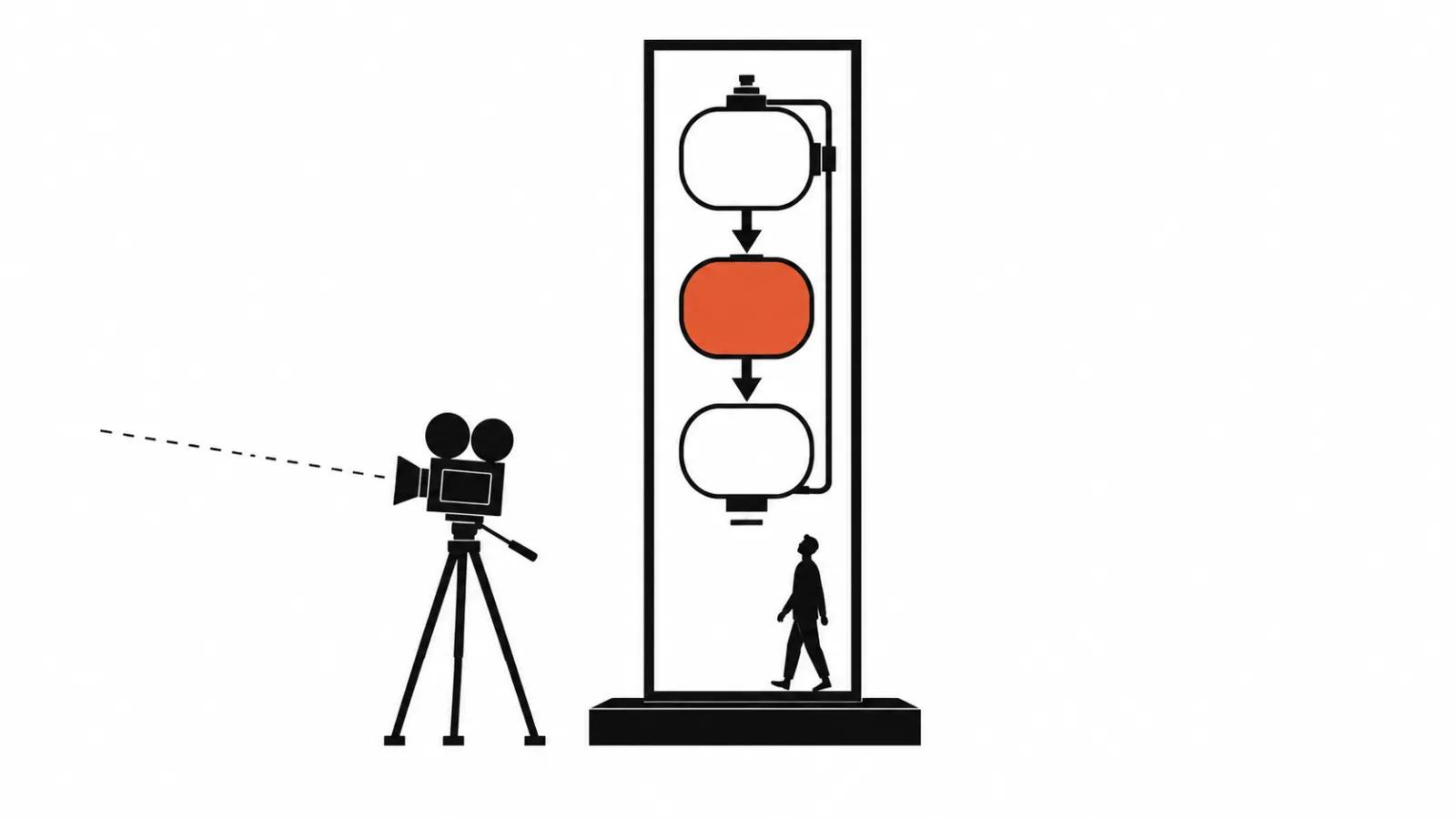
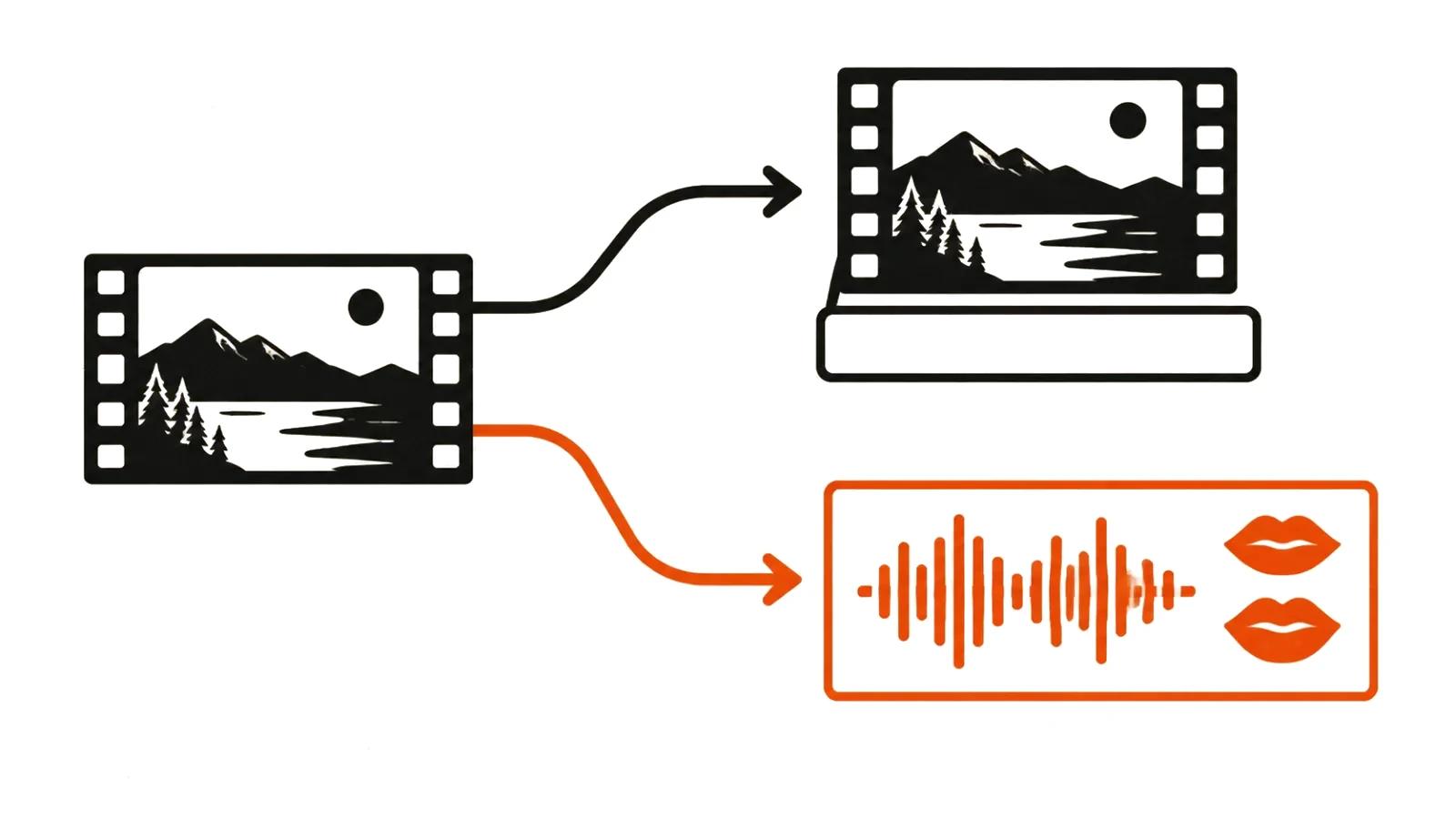
The second level is dubbing. The original voice is replaced with synthesized speech in another language, sometimes keeping the speaker's timbre. A new problem shows up here: length. A Russian line is usually longer than its English source, so the synthesis either speeds up or runs past the cut.
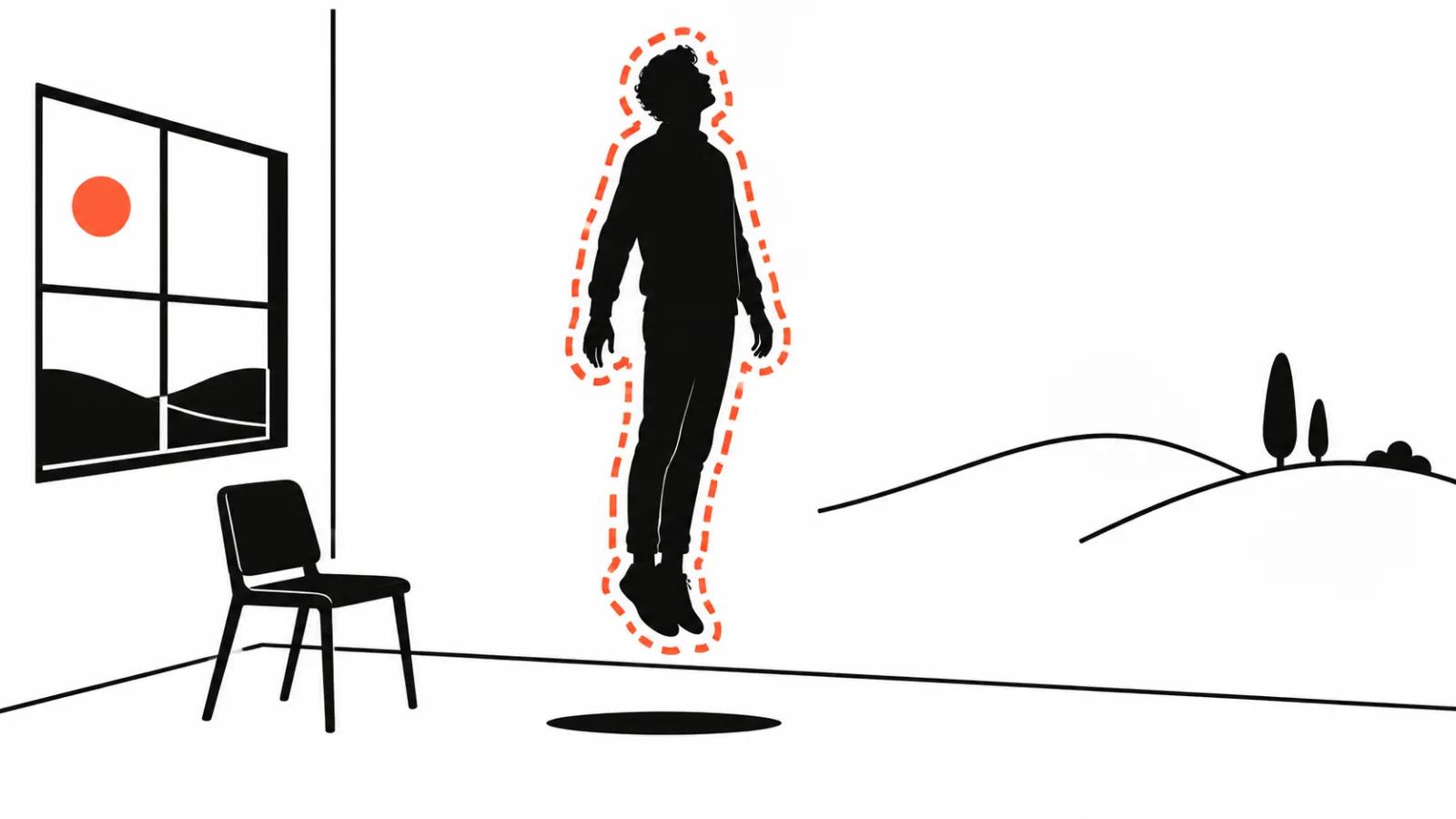
The third level is lip sync, matching articulation to the new track. The most expensive part and the most noticeable when it fails: the face starts living separately from the sound, and viewers feel it before they can name the reason.
The practical conclusion is simple. Pick the level that fits the job. The most advanced option available is often the one you did not need.
What YouTube already gives away
Automatic dubbing on YouTube is no longer a beta for a chosen few. According to the YouTube blog (https://blog.youtube/news-and-events/youtube-auto-dubbing-expressive-speech/), the feature is available to all channels and the language library has grown to 27. Expressive speech, which reproduces the creator's intonation, works in eight languages: English, French, German, Hindi, Indonesian, Italian, Portuguese and Spanish.
The free option has clear limits, and you should know them before you plan a launch: the YouTube help page (https://support.google.com/youtube/answer/15569972) lists them.
For a channel of explainers that is enough. For a sales video it almost never is.
- a video longer than 120 minutes will not get an automatic dub;
- material without speech, music only or almost no words, does not qualify;
- a video with a copyright claim is excluded;
- a finished automatic dub cannot be edited, only deleted and replaced with your own track;
- uploading your own track requires access to advanced channel features.
What paid dubbing adds
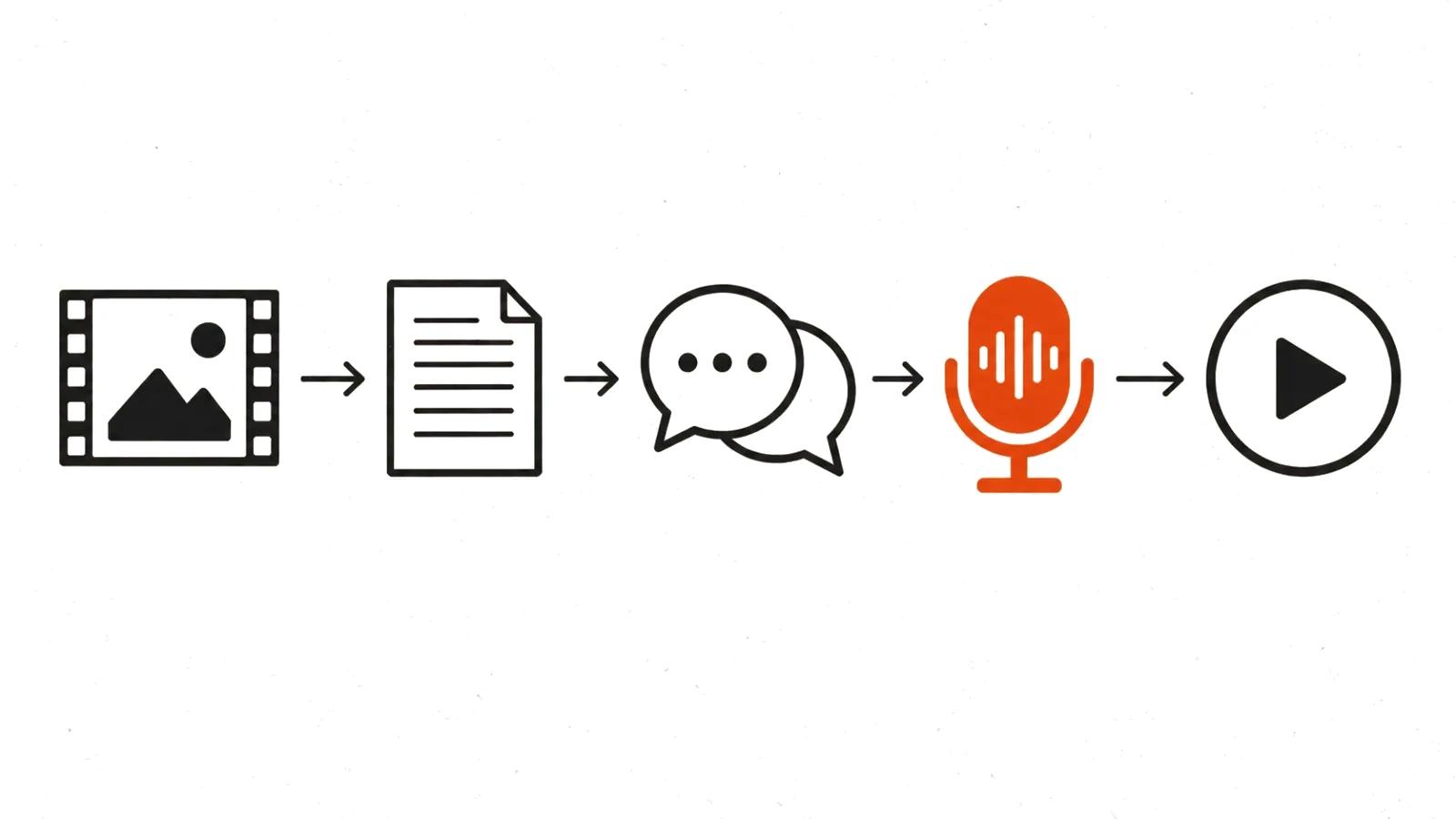
Paid services sell control. You choose the voice, fix the pronunciation of names and technical terms, set pauses, and translate for the meaning of the scene. You also get usable lip sync and an export at source resolution.
ElevenLabs, for example, bills dubbing per minute of source media for each target language, as its help centre states plainly (https://elevenlabs.io/docs/help-center/product/dubbing/how-much-does-dubbing-cost). A twenty-minute video in five languages counts as one hundred minutes. The first language is prepaid when the project is created, and each additional one is charged when you queue it.
Hence the first budgeting rule: take the runtime and multiply it by the number of languages.
Why the bill scales with source minutes
The usual planning mistake looks like this. A team budgets by the number of videos and forgets the languages. Later it turns out that ten videos in six languages means sixty tracks, each needing a listen-through and sign-off.
The second layer is review. Someone has to listen to every language and check the terminology. Without that person, dubs ship with errors, and the first team to notice is usually sales in another country.
The third layer is re-recording after edits. The offer changes, the price changes, and the track has to be rebuilt. It is worth fixing in the contract how many revision rounds are included.
For a regular schedule this becomes a pipeline: AI video production delivers the master, and dubbing adds language versions to material that already exists. If videos ship every week, building the process once is cheaper than reinventing it each time. The shape is close to an automated AI YouTube channel: episodes go out on a schedule, and dubbing becomes one more station along the way.
Where automatic dubbing breaks
First, names and brands. The synthesis confidently pronounces a company name the way the transcript read it, and the result is comic. Hand over a list of tricky words with the project.
Second, humour and sarcasm. A literal translation kills the joke, and a loose one changes the meaning. This needs a human who knows the language and the context.
Third, numbers and units. A billion in one language is not a billion in another, and currency has to be spoken explicitly.
Fourth, pace. If the speaker talks fast, the synthesis either accelerates into mush or drops part of the sentence.
Fifth, the legal side. A person's voice is personal data, and cloning it requires written consent. In a corporate video with employees that is a separate form, and it is often forgotten.
How to test a dub in one evening
Take one of your own videos, the most awkward one: technical terms, names, fast speech. Then run five checks.
If cleanup takes longer than recording from scratch, the service is not for you. That is a normal test result. Do not go looking for a magic button.
For corporate content, test on a corporate video: it usually has terms, names and figures, which is the full set of hard cases at once.
- Terms. How many errors in names and figures per minute.
- Length. Does the English line fit the same timecode as the original.
- Voice. Is the speaker recognisable, or does the synthesis sound like a phone menu.
- Lips. Is the mismatch visible in a close-up.
- Fixes. How long does one minute take to clean up by hand.
What to do about voiceover and subtitles
Dubbing moves meaning into another language, while AI voiceover for video gives a voice to text in the same language. If you need the second one, that is a different job with its own errors in emphasis and pronunciation.
Subtitles stay mandatory even with a finished dub. Some viewers watch without sound, and search systems read the track text. Subtitling is separate work with separate mistakes.