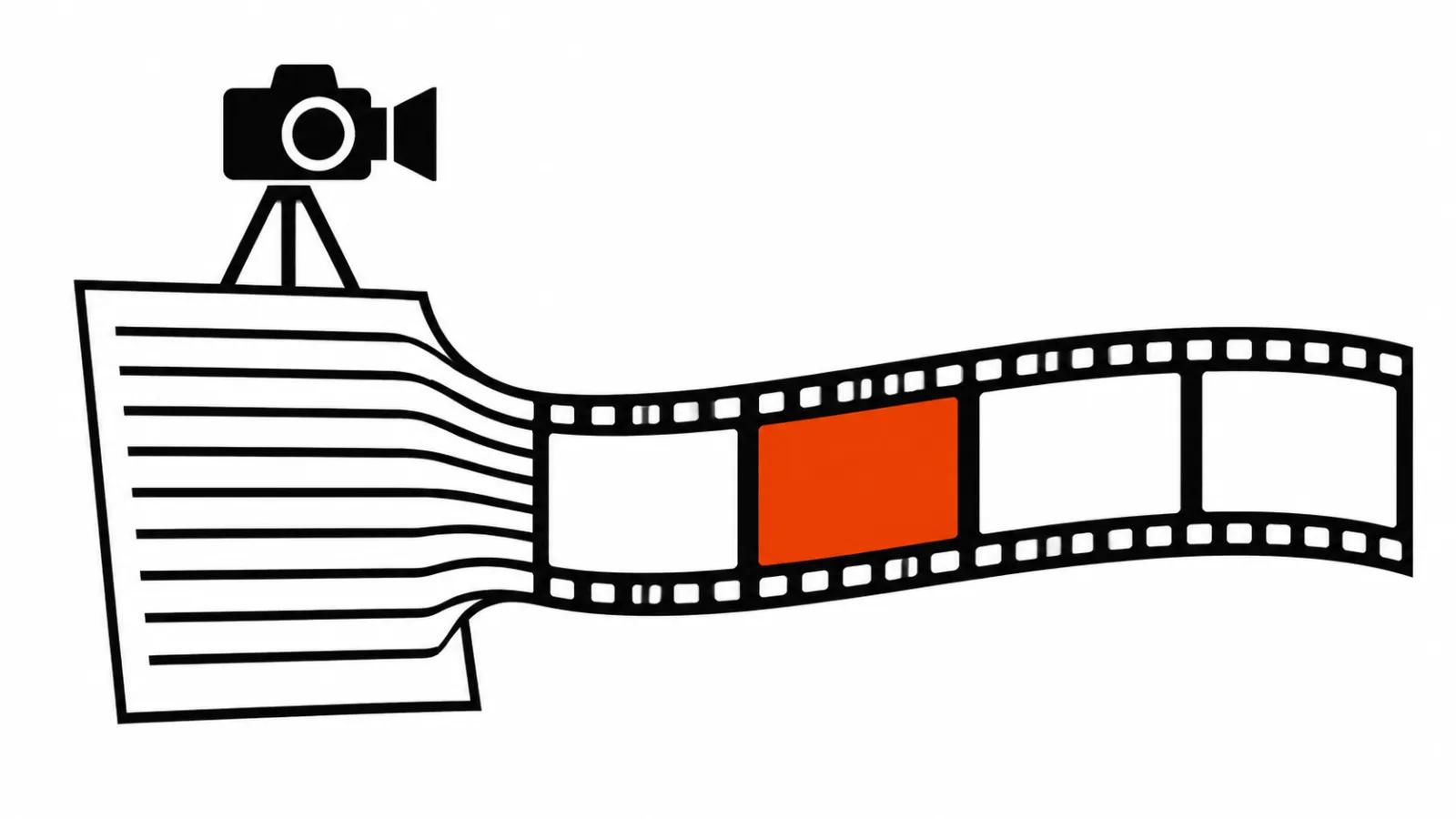
What text to video actually is
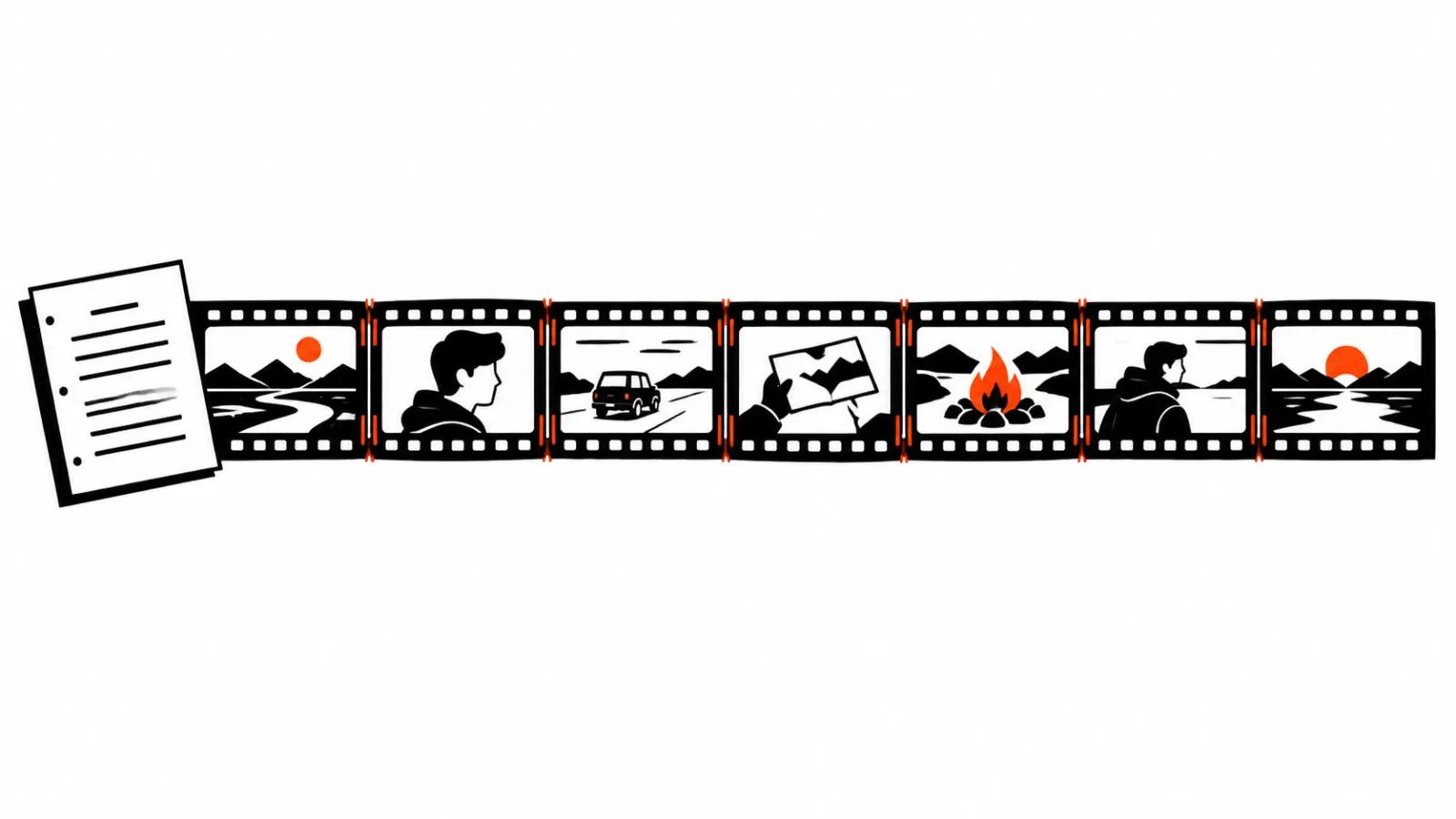
Text to video turns a description into a clip with no source image. You write what happens, the model builds frames, motion and light.
It is the easiest entry into generation: no product photo, no storyboard. It is also the most deceptive, because words are harder to control than a picture.
The difference shows on the first test. The same description returns different takes, and predictability arrives only after the text is broken into controllable parts.
What the model takes from a description
A model parses text into entities and relations: who is in frame, what they do, where, in what light, with what camera. It fills the details from training.
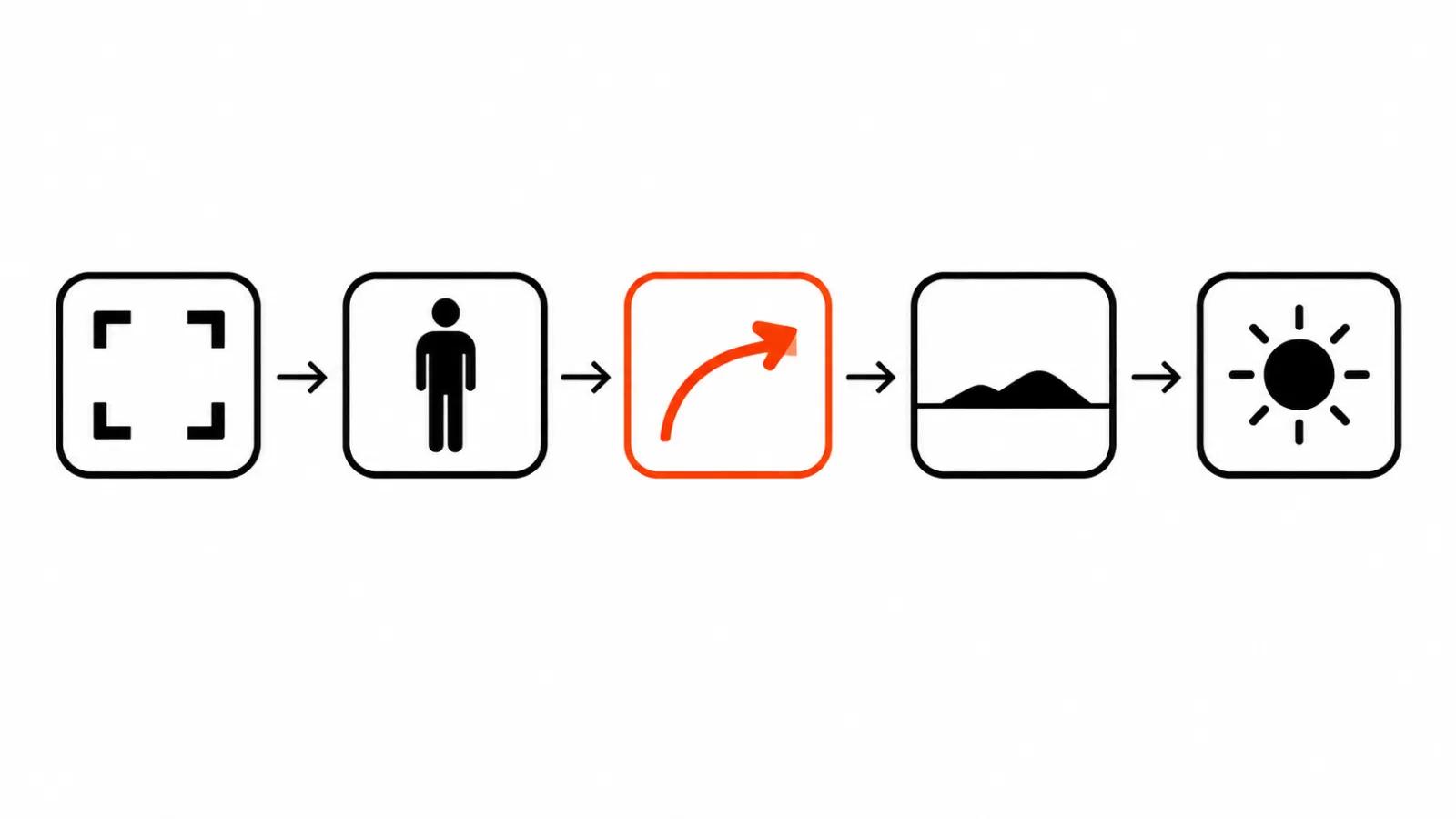
My working frame has five elements: shot type, subject, action, setting, light. An example: wide shot of a child with a red kite in a park, golden hour, camera slowly tilting up.
Anything unnamed gets filled in typically. That is where identical faces, identical weather and strange hands come from.
Text versus an image reference
Text wins in three cases.
When the scene does not exist yet: you need to see mood, light and camera movement before building a set.
When variation matters: ten interpretations of one idea cost less than ten artist sketches.
When the product does not need to be exact: atmosphere, backdrop, abstraction, transition.
An image reference wins everywhere else. If the product must stay itself, you need a reference: a pack shot, a frame from the shoot, a character generated from a reference. Text will not hold the shape of a jar and a logo.
The practical rule: text sets the scene, an image holds the object. Most projects combine both.
Lengths and settings the vendors publish
Limits differ, and they belong in the plan before the storyboard.
Kling 3.0 in text-to-video accepts resolution, aspect ratio, duration, audio and multi-shot settings. The documented example uses 4K resolution, 16:9, a 15 second duration and multi-shot on.
Kling 4.0, per the platform's own release notes, generates up to 30 seconds in one run, supports up to ten keyframes and up to fifteen references.
Runway bills by credits: its pricing page states that Gen-4.5 uses 12 credits per second of video. That makes a long take cheaper to assemble from short runs that are easy to select.
Google notes in the Gemini API docs that the Veo 3.1 preview in that API has been shut down, and points to Gemini Omni Flash for generation and multi-turn conversational editing with text, image, audio and video inputs.
The planning conclusion is simple: a long shot comes from cutting short ones together.
Writing the description
Name five things every time: shot type, subject, action, setting, light. Add lens and camera movement when they matter.
Word order counts. The first sentence sets the scene, the second pins the movement, the third fixes the style. Put style first and the model may subordinate everything to it.
Be concrete. "A woman in a light shirt sets a cup on a table by the window, morning light from the side, static camera" beats "a cosy morning with coffee".
Negative phrasing is weak. "No text, no logos" often produces text, because the model latches onto the noun. Regenerating the take is faster.
Iterations are the method
Generation rarely delivers the shot on the first run. That is a property of the mode.
The practice: one run to test the idea, then five to ten takes with small changes. Change one parameter at a time so you learn what moved the result.
Plan the clock as well. Renders take minutes, and that is a normal part of the process when a scene list is long.
If a scene is due on a date, put generation at the start of production, where a rebuild still fits.
A checklist before the first render
State the shot in one sentence. Decide what must stay unchanged. Decide whether an image reference is needed. Pick the model by duration and resolution. Write the description with the five elements. Run one test. Compare with the task. Freeze the wording that worked and change one parameter at a time.
Check rights and disclosure as well. When a realistic scene is generated and reads as footage, YouTube asks for the disclosure setting at upload. Handle it at publishing time.
The conclusion
Text to video is a staging tool. It is strong where an idea, a mood and speed matter, and weak where the frame must match a real object.
My approach: text for the scene, an image for the object, editing for meaning. Live frames with people stay with the camera, which is why handcrafted videos still carry faces and emotion. Environment and effects go to AI video production, and serial formats with a fixed frame benefit from short-form video at scale. For prompt libraries, the AI video prompts collection covers the reusable part.