What people actually want when they search for AI video prompts
The searches are impatient. People want a formula they can apply today and a clip that comes back predictable.
A generator does not read intent. It parses text into features: what is in frame, what happens, where the camera sits, what lights the scene. When half the features are missing, it fills the gaps from training data and returns the average of everything it has seen.
So the work is to close the slots before pressing generate.
Five slots: camera, subject, action, context, style
Google's practical guide to Veo 3.1 suggests building a prompt from five parts: cinematography, subject, action, context, style and ambiance (Google Cloud guide (https://cloud.google.com/blog/products/ai-machine-learning/ultimate-prompting-guide-for-veo-3-1)). The DeepMind prompt guide lists the same elements in different words: shot framing and camera motion, style, lighting, character description, location, action, dialogue (DeepMind guide (https://deepmind.google/models/veo/prompt-guide/)).
Five slots cover almost any idea. Shot type and movement first, then who is in frame, then what they do, then where it happens, then how it is shot and lit.
One slot at a time. A man makes coffee is a subject and an action with no scene. A close-up of a man in an apron making coffee in a cramped kitchen, morning light from a window on the left, handheld camera is a brief.
Camera and light: the vocabulary models understand
These models learned from scripts and shot lists, so standard terms beat adjectives: close-up, medium shot, wide shot, low angle, pan, push in, tracking. The DeepMind guide names a low-angle view and a pan across the scene (prompt guide (https://deepmind.google/models/veo/prompt-guide/)).
One camera move per shot. A prompt asking for a pan, a push in and an orbit at once gets one of the three plus an improvised fourth.
Light is a source and a quality. Golden hour, overcast diffusion, a single hard lamp on the right, window light with soft shadows. The word cinematic on its own specifies nothing, because every model has its own idea of cinema.
Style is material. 35mm film, digital sensor, VHS tape, stop motion, claymation. The DeepMind guide treats style as a separate instruction, which is right: it changes everything downstream, including how movement reads.
Motion: how much fits into eight seconds
Duration decides what can happen. Veo 3.1 generates clips of 4, 6 or 8 seconds at 16:9 or 9:16 (Gemini API docs (https://ai.google.dev/gemini-api/docs/veo)). Kling 3.0 runs from 3 to 15 seconds and up to 4K (Kling capability map (https://kling.ai/document-api/guides/capability-map/video)).
That gives one action per clip. A person getting into a car and driving off is two clips. Three events in one prompt make the model stretch the first across the shot or cut with a jolt.
Movement inside the frame counts too: a step, a head turn, a door opening. Slow movement survives better, because fast action leaves fewer frames per gesture and more artifacts.
Negative prompts without the word no
The Google Cloud prompt guide carries a counterintuitive note: avoid words like no and don't, because the model reads them as part of the scene. The recommended pattern lists unwanted objects instead, for example wall, frame (prompt guide (https://docs.cloud.google.com/gemini-enterprise-agent-platform/models/video/video-gen-prompt-guide)).
In practice, a request for nobody in the shot becomes a list: crowd, vehicles, traffic. A request for sharp edges becomes the opposite list: motion blur, soft focus. Objects work as a filter, negation confuses the parse.
The second trick is removing the cause. If a stray object keeps appearing, the sentence probably implies it. An empty room with one window leaves fewer options than an office does.
Before and after
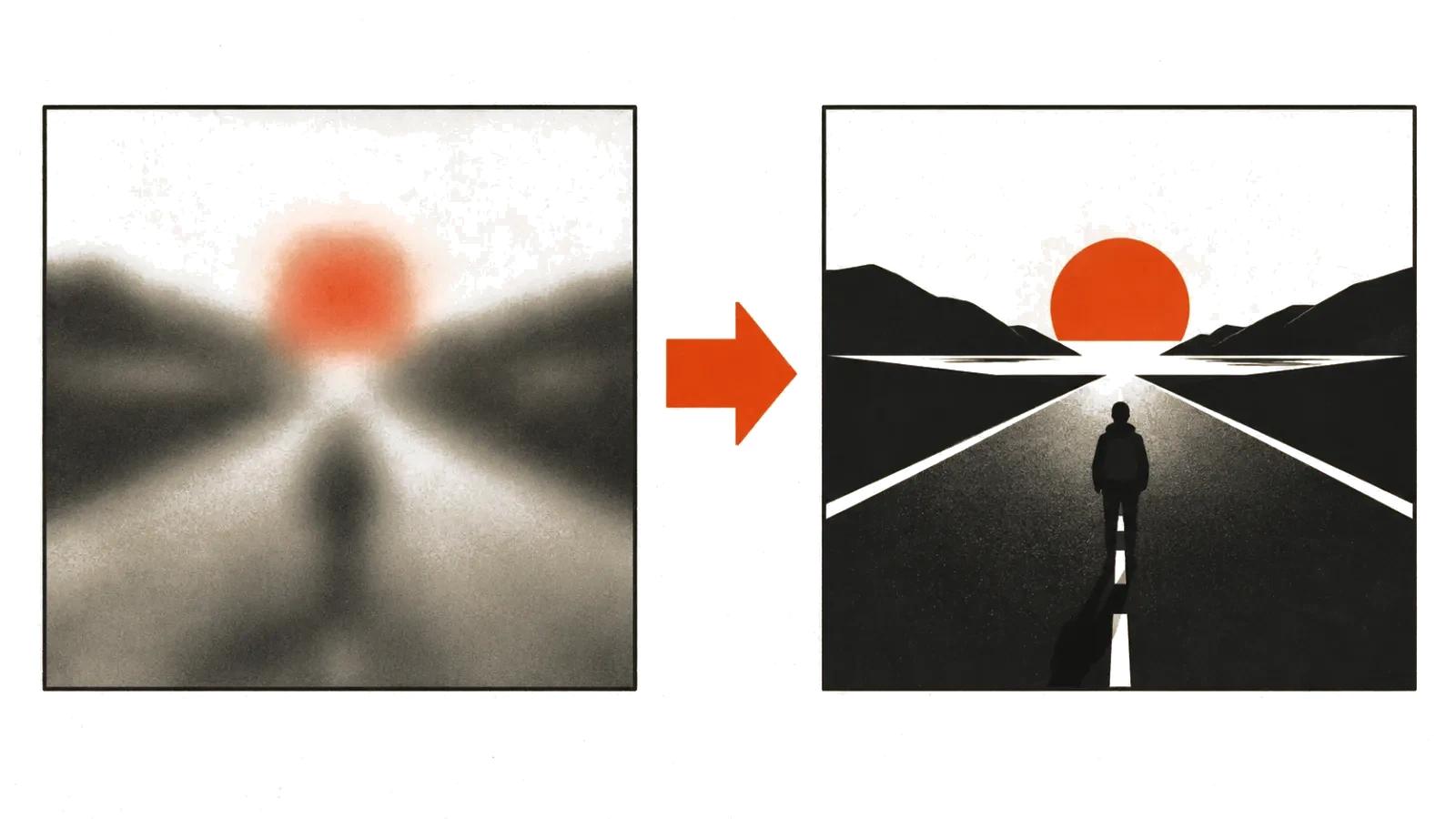
Three pairs from my own work. The idea stays the same, only the slots change.
- Before: a beautiful city at night. After: medium shot, a wet street after rain, a neon sign reflected in a puddle, camera slowly trucks right, cold light from the shop windows. What changed: shot, movement, light source, surface.
- Before: a woman walking through a field. After: wide shot, a woman in a summer dress walks through a wheat field, golden hour, low sun on the right, handheld camera follows her, wind in the stalks. What changed: time of day, light direction, camera behaviour.
- Before: a cat in space. After: close-up, an orange cat in a spacesuit slowly turns its head toward the porthole, cold instrument light, stars beyond the glass, eight seconds. What changed: one action and a duration, so the clip holds together.
What a bad prompt costs
A weak prompt is expensive in a way that hides. Every attempt is a generation, and every generation costs money and time. Ten takes per shot where two would do doubles the budget quietly, since the charges arrive in small pieces.
Handcrafted videos are priced per finished clip, and the shot list is part of that price. Volume formats are priced per view, so a sloppy prompt shows up as impressions spent on clips nobody watches.
A prompt library saves more than a subscription. Describe the shooting style, the light vocabulary and the banned objects once, and reuse them across dozens of scenes. At scale that structure has to travel between everyone who writes prompts, otherwise the look drifts from clip to clip. That is the practical argument for AI video production with a written standard, and for reading the guide to AI video models 2026 first, since length and resolution limits shape the prompt as much as the idea does. If the text and the storyboard exist already, start there, as argued in the piece on AI video from a script.