What counts as video from audio
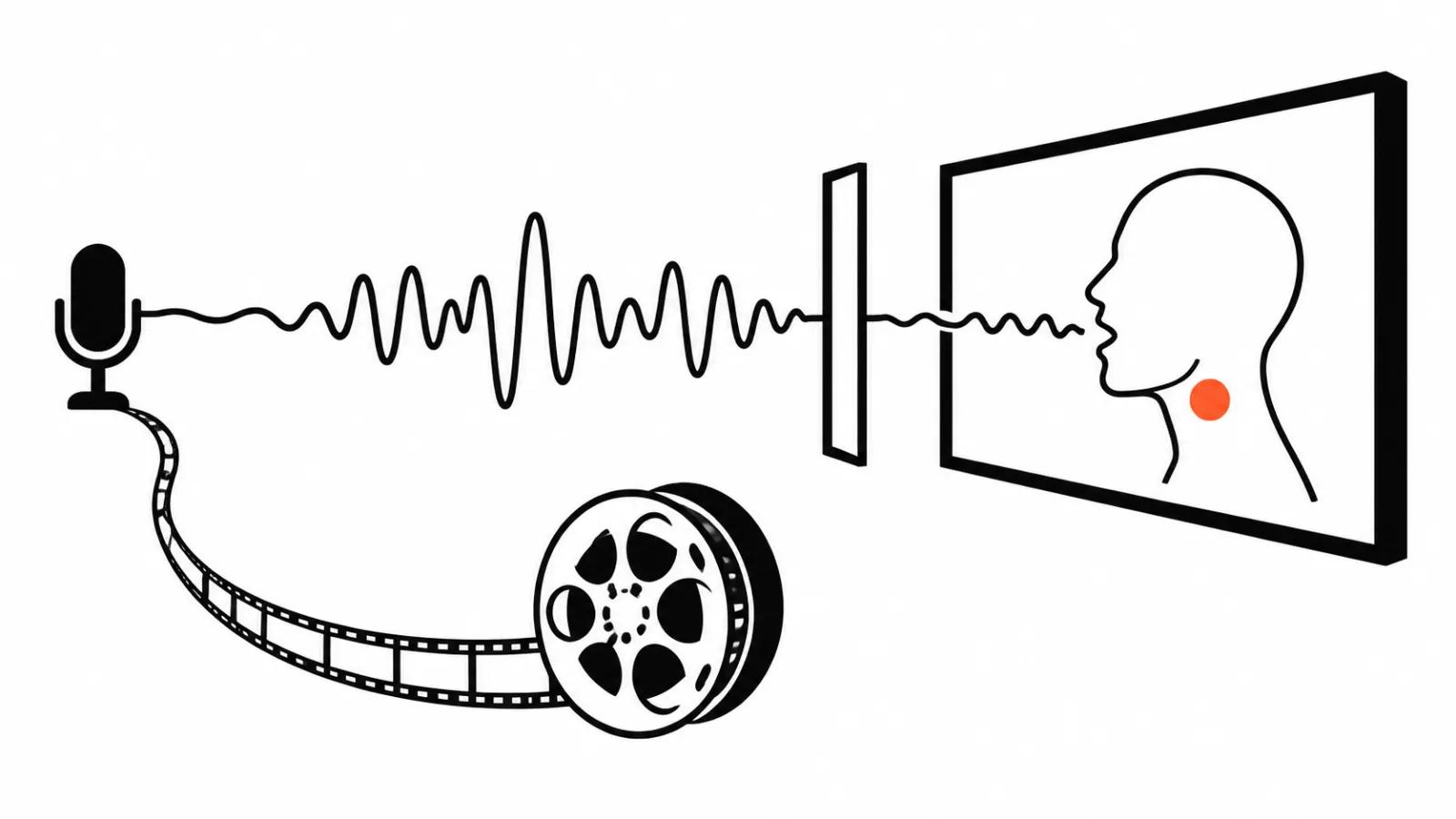
The input is a file with speech or music already in it. The model does not invent the content, it builds a picture around what is heard.
That is the main difference from generating from text, where the frame and the sound appear together. Here the track leads and everything else follows it.
The second difference is length. The clip runs as long as the recording, which constrains both the service and the viewer's patience.
Three routes
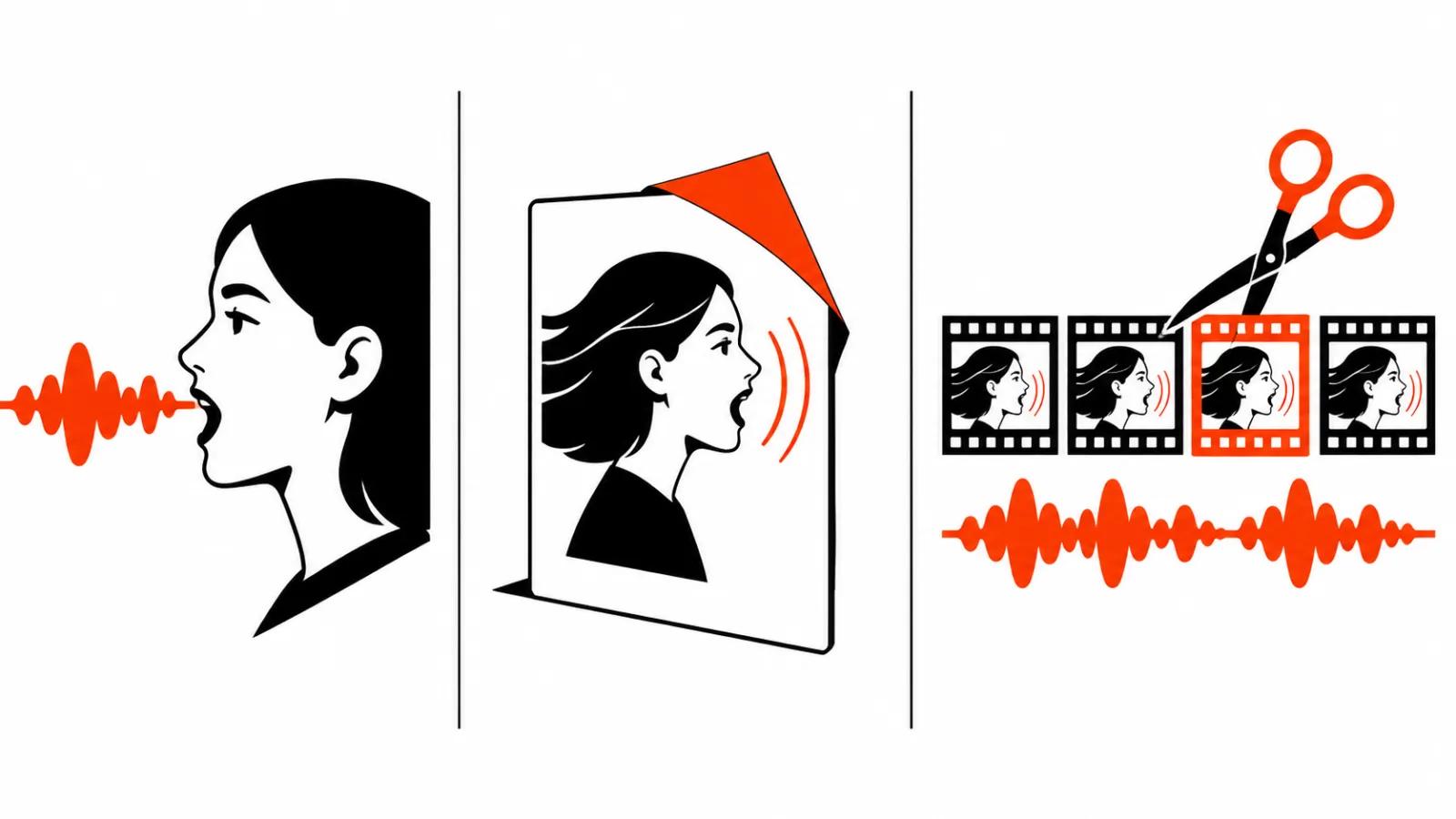
The first is an avatar speaking your audio. The finished track goes in, the service syncs lips and expression to it. It fits explainers, instructions and company updates.
The second is a single photo brought to life. A portrait becomes a talking head over the same track. Cheaper than a shoot, and nobody has to sit in a studio.
The third is footage cut to the voice. Shots come from a generator or an archive and get trimmed to the speech accents. No avatar, but the edit needs a person or at least a solid timing sheet.
| Route | Input | Where it works |
|---|---|---|
| Avatar | Recording plus an existing look | Instructions, breakdowns, announcements |
| Photo | One portrait plus a recording | Short answers, greetings |
| Cut to voice | Recording plus footage | Podcasts, lectures, interviews |
What the documented limits say
The HeyGen documentation for this scenario is explicit: bring your own audio, then lip-sync it onto an avatar, a digital twin, or any image of a single person.
Audio comes in as MP3 or WAV, up to thirty-two megabytes. One request renders up to thirty minutes, and the video's length follows the audio.
A longer recording is split into segments of thirty minutes or less, one per request. That is not a quirk of the service, it is how a render stays inside memory.
The thirty-minute figure belongs in planning. A one-hour podcast means at least two requests, and the seam has to be joined in the edit afterwards.
The podcast problem: two voices
A host and a guest almost always force a choice. An avatar animates one person, and the other stays off camera.
In practice the host's lines carry the avatar, and the guest's lines carry captions and cutaways. Or the reverse, when the guest's face is the recognisable one.
Pauses and interruptions break sync more than anything else. The service maps mouth movement to the track, and where two people speak at once the result is movement without meaning.
A good move is to clean the track before rendering: remove breaths, level the loudness, cut the overlaps. It is dull work, and it saves more time than a second render.
Voice notes and lectures
A two-minute voice note is the most underrated source there is. It becomes a short answer to a frequent customer question, and nothing needs filming.
An hour-long lecture runs into the segment limit and into monotony. One talking head for forty minutes loses people, so the lecture gets split into blocks with diagrams between them.
For lectures there is another route: keep the voice and build the frame from slides and graphics. An avatar is optional here, and the viewer stops being distracted by a face.
Short-form video at scale works from the same principle: one question, one short answer, captions large. The recording is the script and the picture is secondary.
With a long lecture I map the topics first: five or six questions it actually answers. Each block gets a title and its own clip, which turns one recording into a series that can be scheduled.
Where lip-sync breaks
Fast speech is the first place. Above a comfortable pace the model runs short of frames and the lips start trailing by a syllable.
Consonants without vowels come second. Plosives like p and b need precise articulation, and a close-up shows every miss.
Profile and head turn come third. A frontal face syncs better than three-quarters, and a profile is close to hopeless.
Music under speech comes fourth. When the track is loud, the service can treat it as a voice and start articulating to the beat.
Several faces in frame come fifth. The algorithm picks a primary face, and in a group shot that choice may not be the one you wanted. A tight single shot on a calm background avoids the problem.
Very short lines come sixth. On a single word the model has no room to reach full articulation, and the result jerks. Cut those inserts before rendering.
What to check before the render
The track: one voice, even loudness, no clipping, less than half a second of silence at the start.
The text: the transcript matches the speech, and names and numbers are written the way they must appear.
The frame: a full face, eyes open, a calm background, even light. For a photo, a frontal portrait in decent light is enough.
The rights: to the voice, the music and the person's likeness. Consent for the recording should be in hand before upload.
Then the phone test: sound on, first five seconds. If the lips already disagree with the speech there, nobody watches the rest.
What this changes
Video from audio is assembly around a track that already exists. The cleaner the recording, the less the model has to fix and the fewer re-renders you pay for.
My order is fixed: transcript, audio cleanup, cut into meaningful blocks, then choose between avatar, photo and footage over the voice.
That is how a podcast sitting in the archive becomes a run of short answers. AI video production handles the routine here, while handcrafted videos remain the right call when a real reaction on camera is the point.