What people mean by AI video from video
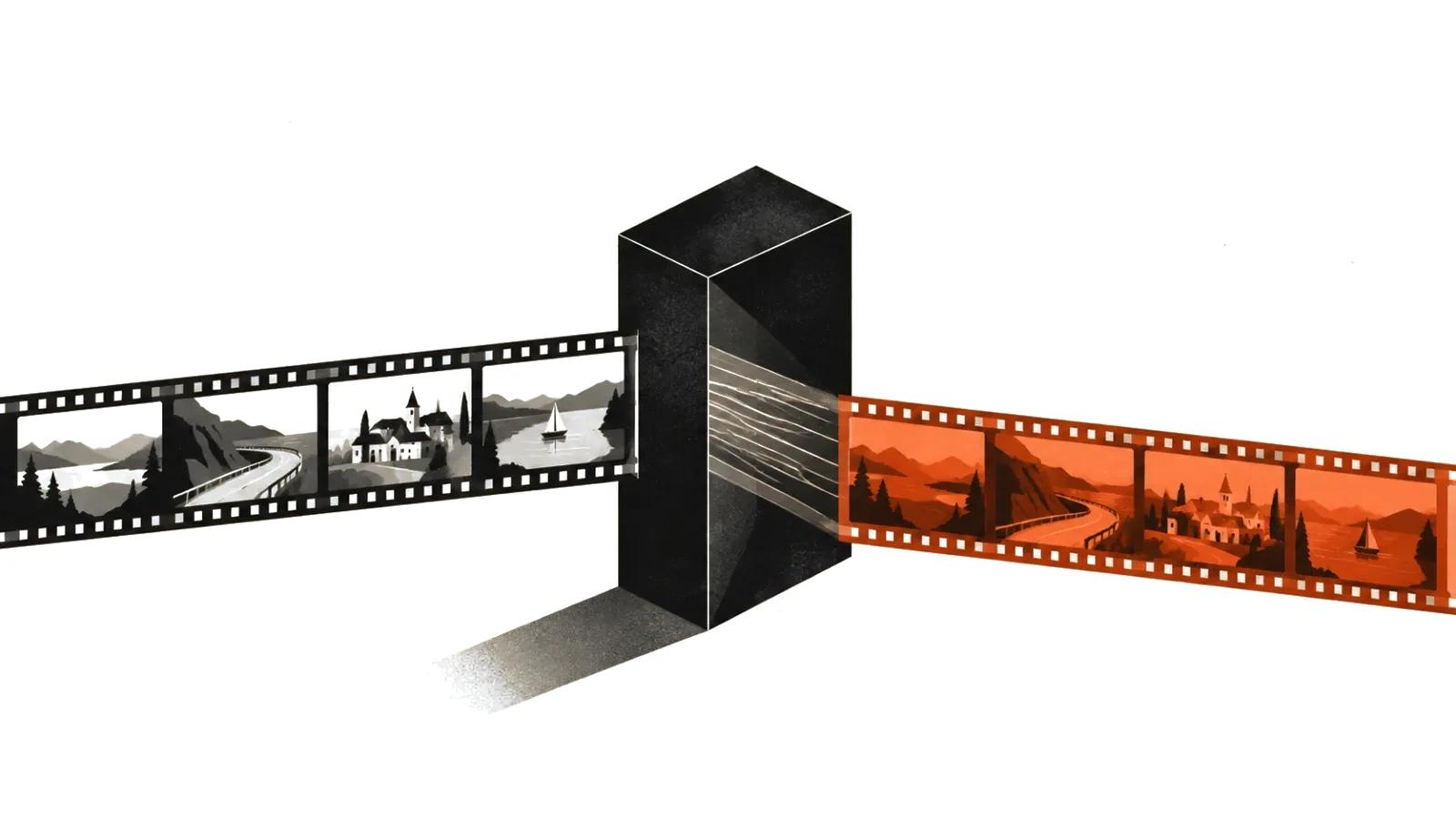
The intent behind the searches is mixed. Somebody wants a clip redrawn as a cartoon. Somebody needs a background swapped. Somebody wants a still photo to move like a person. All three land in the same basket, because the input is footage and the output is new footage with the original motion intact.
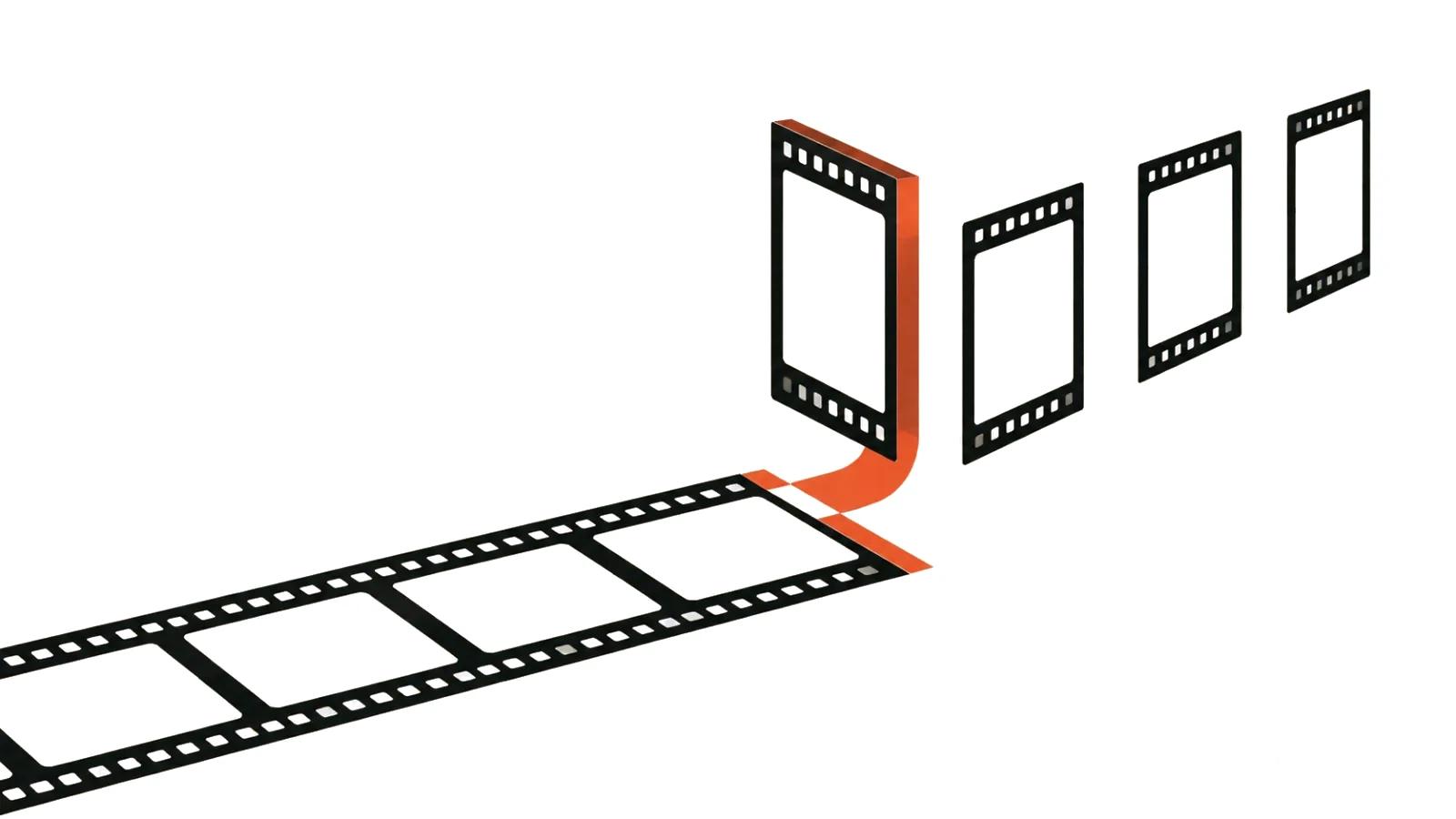
That is video to video: the model takes your clip as a structure and redraws what fills it.
Restyling and upscaling are different jobs
The two get confused constantly. Upscaling keeps the same video and makes it sharper: less noise, fewer compression artifacts, same content. Restyling takes the video and paints it again from a new description, so the content changes while the movement stays.
If the goal is clarity, read the piece on AI video upscaling. If the goal is a different look or different objects in frame, keep reading here.
Three modes: style, element swaps, character animation
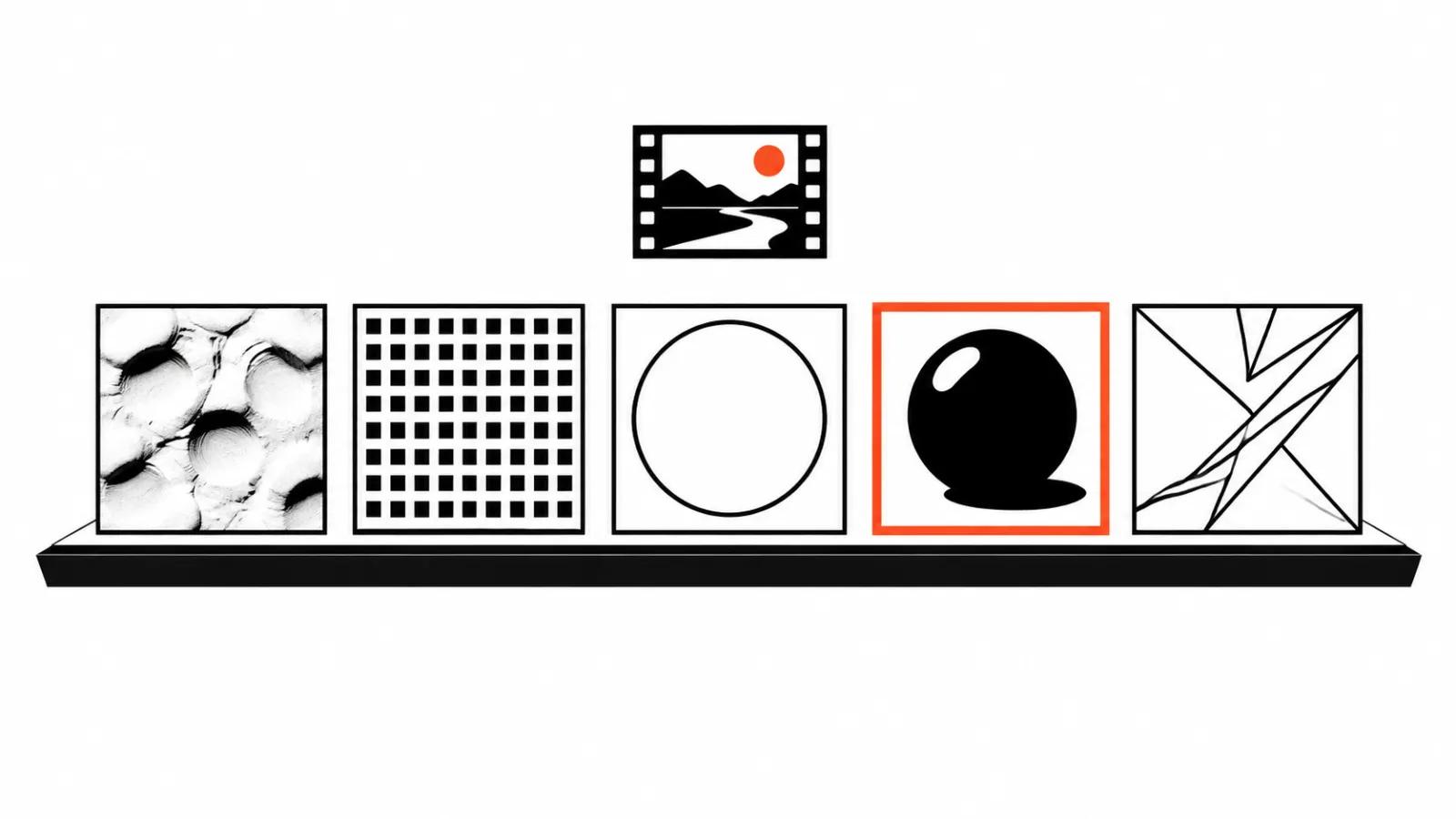
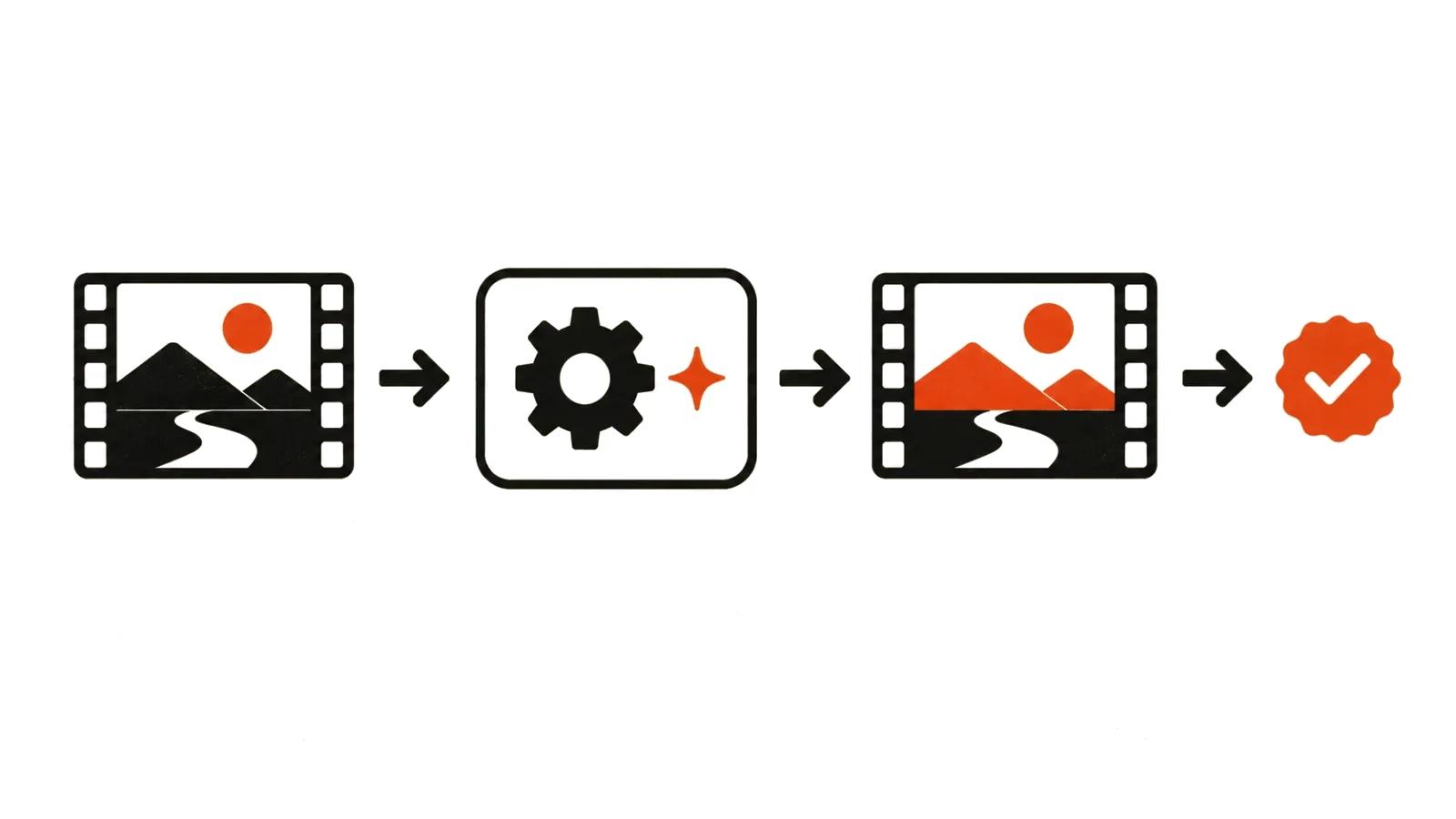
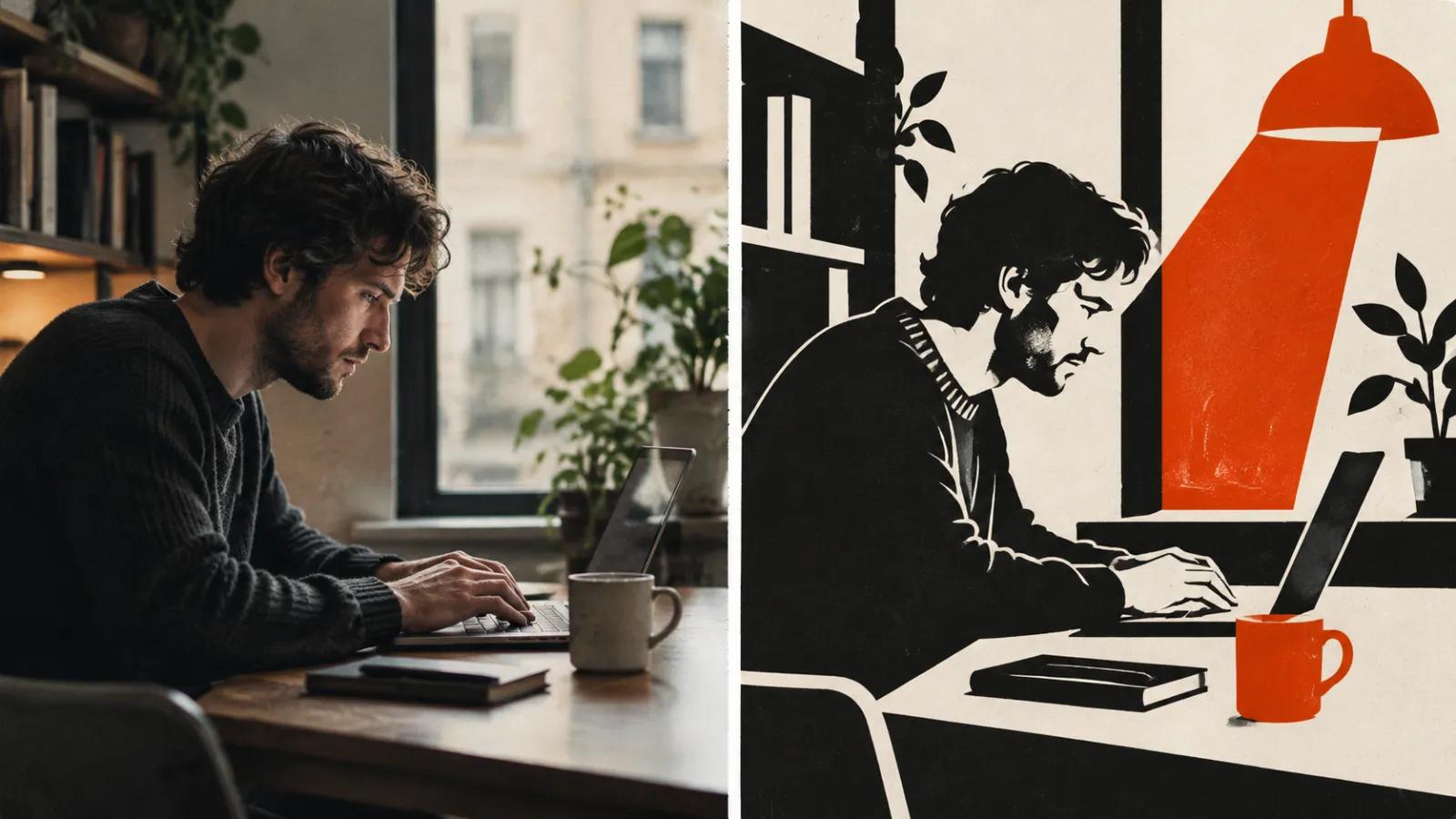
The first mode is style transfer. The model receives the source clip plus a text description and repaints the frames along the original motion path. Kling 3.0 and O1 accept video as input and support element handling (capability map (https://kling.ai/document-api/guides/capability-map/video)). The fal documentation describes the same mode as editing an existing video with an instruction while retaining the original motion structure (fal Kling O1 (https://fal.ai/docs/model-api-reference/video-generation-api/kling-o1-edit-video)).
The second mode is replacing or removing elements. Runway's Aleph 2.0 promises localized edits: only the requested part changes, everything else stays as it was, and an edited frame defines the target look (Aleph 2.0 announcement (https://runway.com/news/introducing-aleph-2-and-edit-studio)).
The third mode is character animation driven by a performance clip. A photo of a character and a video of a person go in, and the character repeats the facial expression and gestures. The open Wan-Animate-2 model, a 14B release from August 2026 under Apache 2.0, handles up to 720p and in its default configuration expects eight A800 accelerators (model card (https://huggingface.co/Wan-AI/Wan2.2-Animate-2-14B)).
Each mode costs differently and needs different preparation. Style needs a description, element swaps need a mask or an instruction, animation needs clean performance footage.
A five-step workflow
This order saves generations.
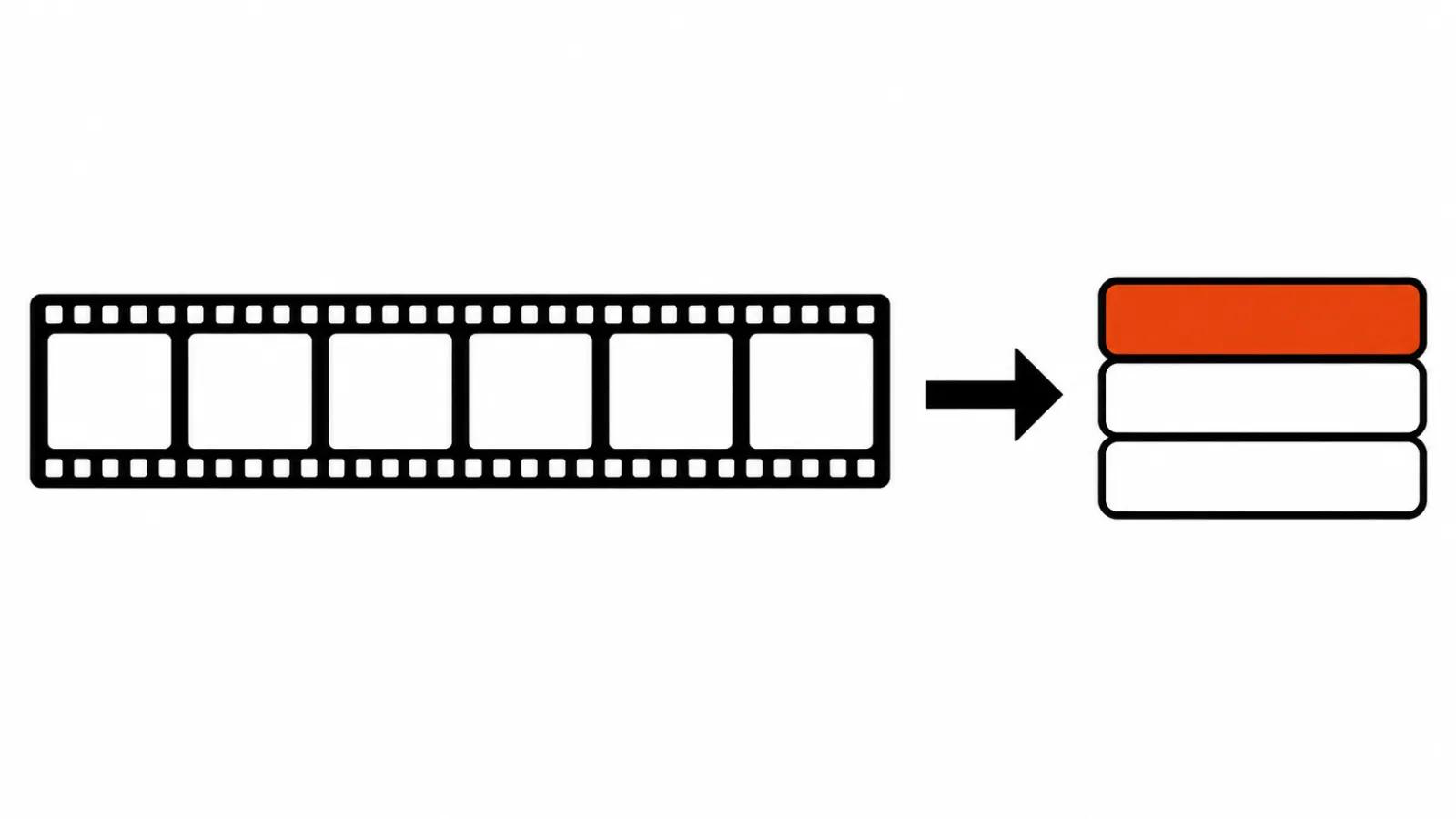
- Cut a short fragment. Five to ten seconds with one action. Shorter means less room for the model to drift.
- Run one cheap test. Low resolution, one scene, to learn how the model reads your description.
- Lock the motion. The camera in the source should move smoothly. A hard whip or a heavy zoom comes back with artifacts.
- Change one attribute at a time. Style first, then light, then background detail. Three changes in one prompt produce an uncontrollable result.
- Review in motion. Watch the whole clip. Judder shows on playback and hides on a still frame.
Where the model breaks the frame
Faces. In close-up, small expressions vanish and eyes stop agreeing with speech. Moving to a medium shot helps, though it limits the shot list.
Hands and small objects. Fingers fuse, a cup changes shape between frames, print on packaging turns into pattern.
Fast action. Running, dancing and sport produce smear and double contours. Slowing the source before restyling helps.
Length. Kling 3.0 runs from 3 to 15 seconds, and Veo 3.1 clips last 4, 6 or 8 seconds (Gemini API docs (https://ai.google.dev/gemini-api/docs/veo)). A long scene gets assembled from fragments, and the joins need manual work.
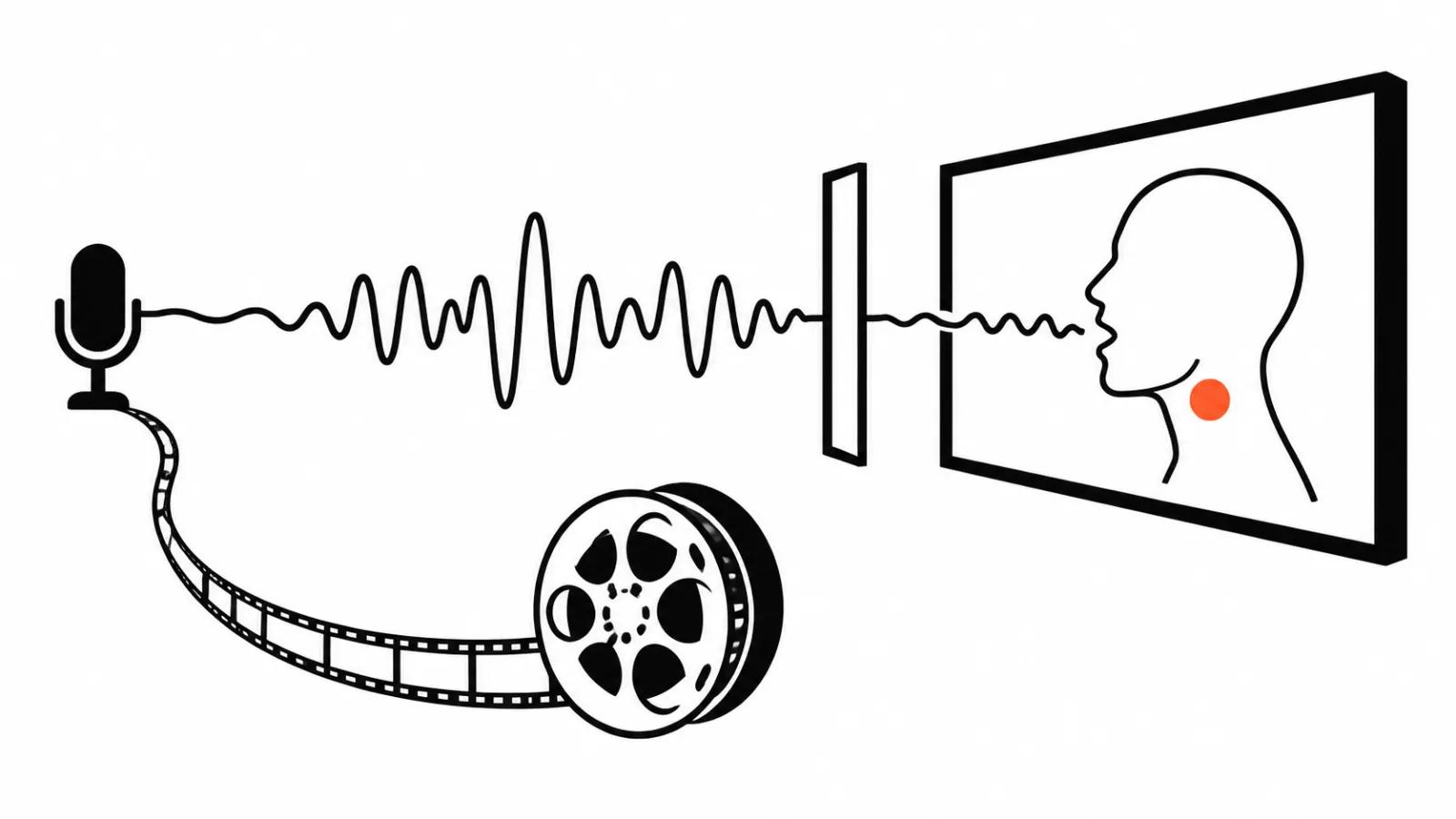
Sound. Restyling does not carry audio across. The track comes from the source or gets rebuilt.
Who owns the source clip
This is the part people remember late. Restyling creates a new work derived from an existing one. If you shot the footage or commissioned it with a contract, the question is settled. If it comes from a stock library, read the licence: some prohibit derivative works and some prohibit training use.
If people appear in frame, you need consent to use their likeness. For staff that is a separate document, for actors a clause in the contract. Putting someone else's face on a performer without consent turns a production task into a claim.
And labelling. Synthetic material increasingly needs a disclosure, and the rules differ by market. The AI content labeling rules breakdown covers where that landed.
What volume does to the bill
Restyling is priced by seconds of source and by the number of variants. Ten clips of fifteen seconds across three looks is forty-five deliverables, each one needing a human review.
Handcrafted videos are priced per finished clip, shot list and review included. Volume formats are priced per view, which suits short-form video at scale, where one scene multiplies into dozens of versions and nobody watches them one by one.
There is another route. When the footage exists and the job is assembly without repainting, an editing agent such as Mosaic Motion is cheaper than generation. When the job is one consistent look across a whole channel, AI video production against a single written standard beats improvising each clip.