Video for a website: which clips you need
The search usually describes one situation: the page exists, conversions do not. A visitor arrives, reads two paragraphs, and leaves. Video in that spot works as a replacement for text where text is most expensive — on the first screen and next to the button.
There is no universal clip for a whole site. A background loop, an explainer, a product demo, and testimonials do different jobs and belong in different places. One file used everywhere does none of them well.
Four kinds of clips and where they go
A background loop on the first screen. Five to ten seconds, no sound, no story: atmosphere, process, product in motion. Its job is to set a tone, not to tell a story.
An explainer. Sixty to ninety seconds about how the product works and who it is for. It sits below the headline and above the form. Motion design fits here, because movement explains relationships between blocks better than a static diagram.
A product demo. Fifteen to thirty seconds of close-ups: how it opens, how it works, what is inside. It earns its place on a product page or a pricing page.
Testimonials. Thirty to sixty seconds of someone speaking. The cheapest format to produce and the hardest to shoot: people talk unevenly, and the cut has to stay coherent.
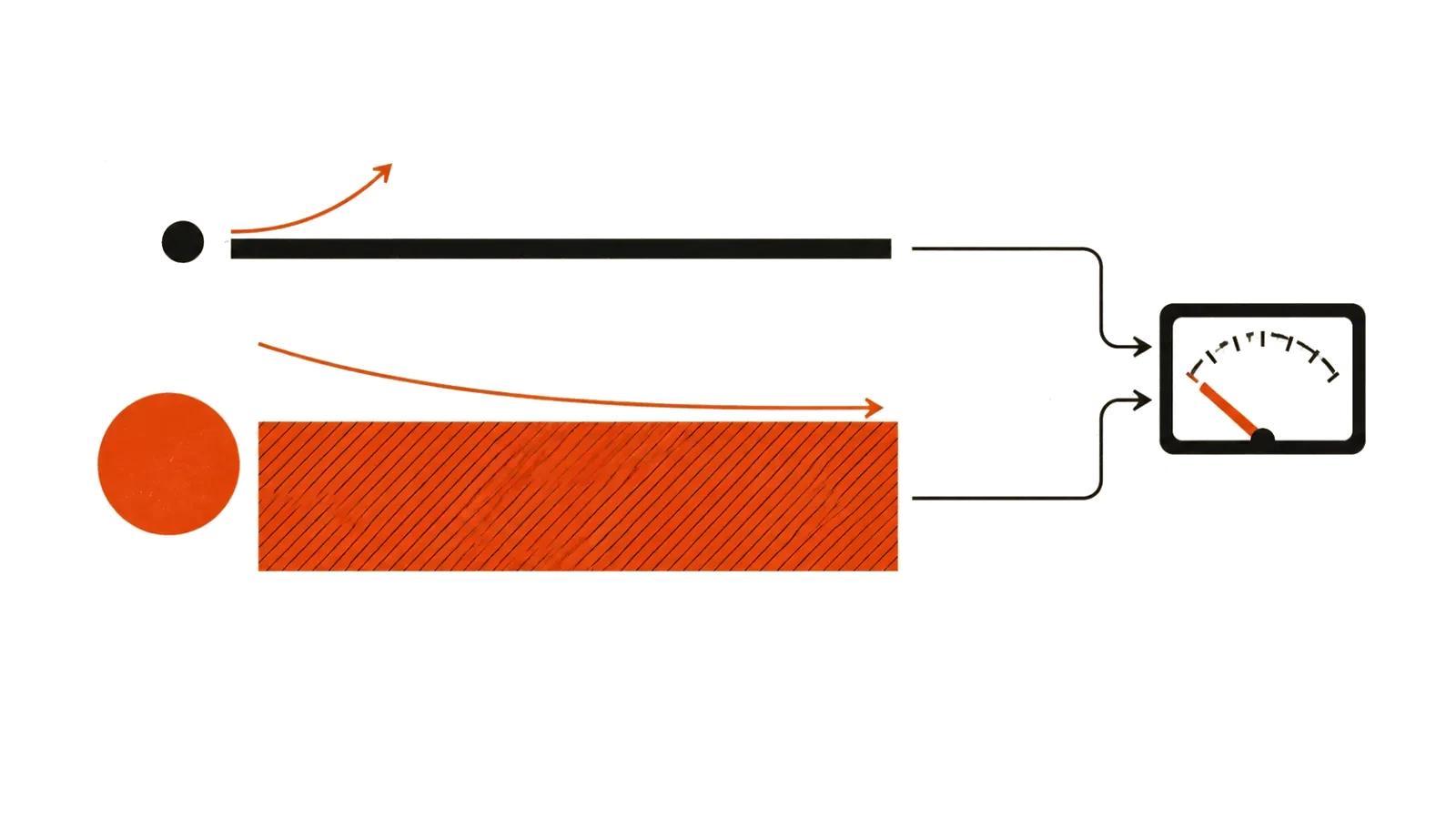
Background video: where it helps and where it hurts
A hero background adds presence when there is something concrete behind it: manufacturing, material texture, a city, movement. It hurts when text sits on top. A busy frame destroys legibility, and no dark overlay rescues it on a phone.
A simple rule: the loop owns the first screen, and text sits on a calm part of the frame or on its own panel. The loop should be short and free of a hard cut at the seam, or the eye catches the jump every cycle.
If most visits come from phones on mobile data, background video often gets switched off entirely: traffic savings matter more than atmosphere. In that case the page serves a still frame and loads the file only on wide screens.
How heavy a website video should be
Weight is the main constraint. A 40 to 50 MB file on the first screen means some visitors leave before they see anything.
The math is straightforward: bitrate times duration. Eight seconds of 1080p at 4 Mbps is about 4 MB; a minute at the same bitrate is about 30 MB. A loop needs five to eight seconds at 720p or 1080p with a moderate bitrate. An explainer is less critical because it loads on click.
Codec choice is the second lever. Modern codecs reach the same visual result at a lower bitrate, but they need testing on older devices before they become the default.
Formats and embedding: MP4, WebM, poster
Browsers support different containers and codecs, so the markup carries several sources: the browser takes the first one it understands. That behavior is documented for the video element (https://developer.mozilla.org/en-US/docs/Web/HTML/Reference/Elements/video).
The working setup: MP4 with H.264 as the compatible baseline, WebM as a lighter alternative for browsers that support it. The poster attribute sets an image shown before playback — it covers the gap while the file loads and can itself become the largest element on the page.
The preload attribute controls how much the browser fetches ahead of time. For a background, preload="none" plus a poster works well: the still frame appears first, the file arrives when it is needed. A click-to-play clip benefits from the same approach without losing anything.
Page speed: what actually moves the needle
Largest Contentful Paint measures when the biggest element in the viewport has rendered, and that element can be a video. web.dev (https://web.dev/articles/lcp) documents how the metric works. A heavy file on the first screen pushes that moment later and damages the score.
What helps: a poster instead of autoloading, a short loop, a lighter file for mobile, and deferred loading for anything below the fold. What does not: aggressive compression that leaves artifacts, five formats at once, and video on every page of a catalog.
Test on a real phone on a mobile network, not on a laptop in an office. The gap between those two conditions is usually the reason a video "works fine" while conversion drops.
Sound, captions, and autoplay
Browsers block autoplay with sound. The rule MDN gives in its autoplay guide (https://developer.mozilla.org/en-US/docs/Web/Media/Guides/Autoplay): playback is allowed when audio is muted or absent, or when the user has already interacted with the page. That is why a background loop is muted, looping, and playsinline.
Captions matter even when there is audio. A large share of viewing happens silently, and a clip without captions loses its point. The track element attaches the file; the text repeats the speech rather than summarizing it.
An unmute button has to be visible and must not cover the interface. Sound after a click is acceptable, but only as a response to a user action.
Cost and what to order
A video up to 90 seconds starts at $394, with about a week of turnaround: script, shot list, generations or a shoot, edit, sound, and titles. A background loop costs less because it has no story and no voiceover.
AI video production speeds up backgrounds and demos: the product can appear in a dozen scenarios without a shoot day. Handcrafted videos are for the places where a real voice and trust matter: testimonials, employee stories, interviews.
If a company video is needed in parallel, for investors or hiring, that is a separate job with its own structure — there is a separate breakdown on company video.