Why AI subtitles for video take a minute and then take all afternoon
Speech recognition stopped being the hard part years ago. A model hears the audio, adds punctuation, and returns a caption file with timestamps. The trouble starts on the second step, when that draft has to become captions a viewer can actually read.
The two jobs differ. Recognition guesses words. A caption needs them split by meaning, arriving in time with the voice, and that part stays manual.
What breaks recognition: names, numbers, jargon
Three categories fail consistently.
Names and company names. The model hears an unfamiliar sequence of sounds and picks the nearest familiar word. The more niche the product, the funnier the result.
Numbers and units. Fifteen percent and fifty percent differ by one sound, and in a caption that difference changes the whole argument. Years, sums, SKUs and equipment model numbers break almost every time.
Industry terms and abbreviations. Talk about Foley, ambience, greenscreen or color grading on camera, and recognition will confidently produce something phonetically close and completely meaningless.
There is a fourth problem people mention less often: confidence. The model does not mark the places it guessed. It returns smooth text, so mistakes are visible only when you read, and a quick glance at the timeline hides them.
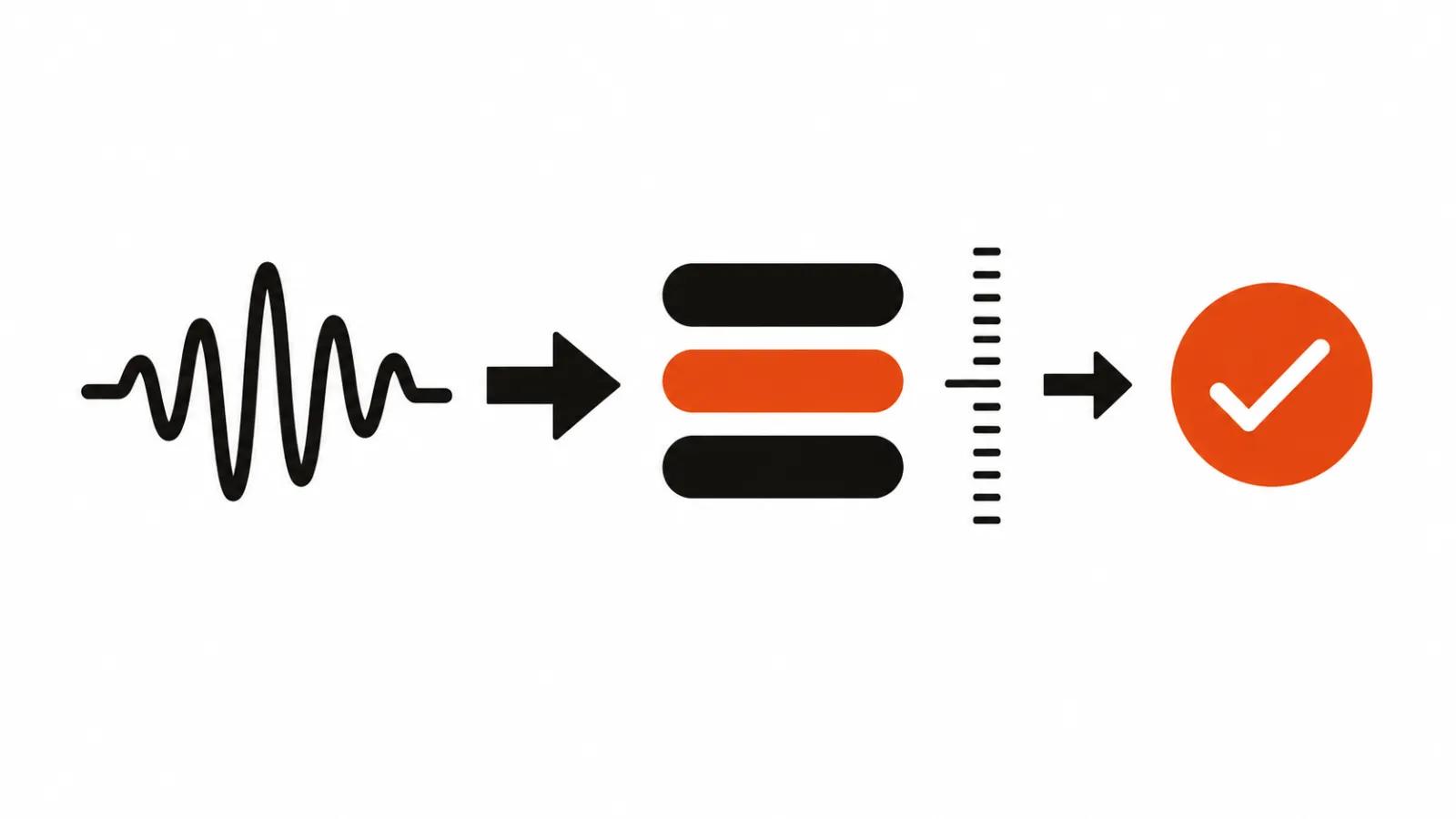
How the path from audio to captions actually works
The mechanics explain where to put your checks.
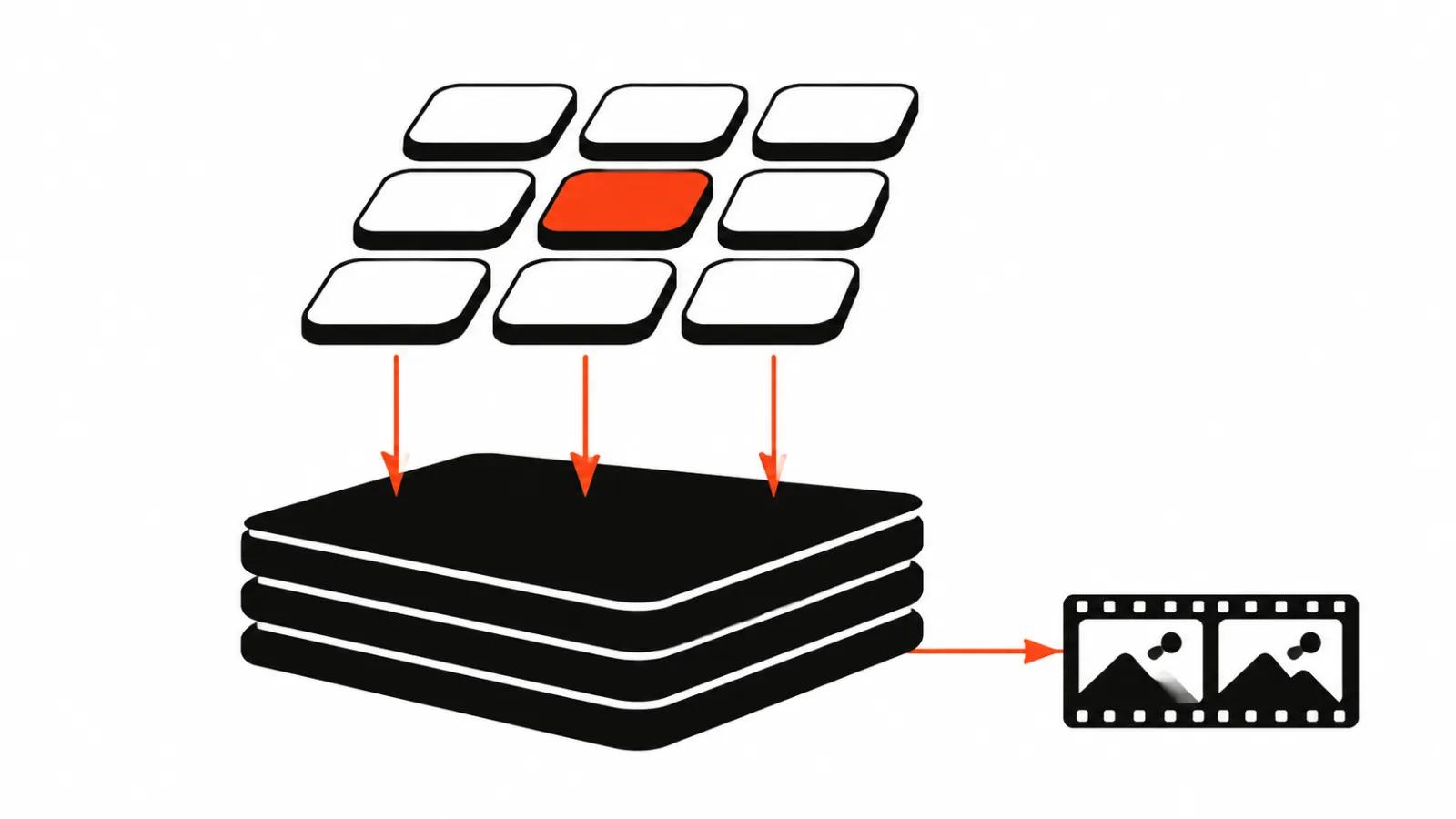
Whisper, released by OpenAI in September 2022, was trained on 680,000 hours of multilingual audio. The audio is split into thirty-second windows, each window becomes a log-Mel spectrogram, and a decoder predicts the transcript alongside special tokens. Some of those tokens carry phrase-level timestamps, so the model marks the boundaries of a spoken phrase as well as the words.
That matters more than it sounds. Phrase boundaries decide when a caption appears and when it leaves. When the boundaries drift, the caption either sits on an empty frame or swaps mid-word.
The other route, through video models, works differently. The Gemini API samples video at one frame per second and adds audio at 32 tokens per second. At high media resolution each frame costs 258 tokens, which lands around 300 tokens per second of video. You can hand that model a YouTube link and ask for a specific moment using MM:SS. It is not the main captioning tool, but it is a useful way to check whether a caption matches the picture.
What platform auto-captions actually promise
YouTube generates automatic captions itself, and its help center is honest about quality. It states that automatic captions may misrepresent speech because of pronunciation, accents, dialects or background noise, and it tells creators to review and correct the parts that were transcribed badly.
A second fact from the same page: the list of languages with automatic captions runs past sixty entries. That is great for reach and risky for accuracy, because a less common language means less training data and more errors.
Practical read: platform auto-captions are a decent first draft for long talking-head video. For a paid ad, where every sentence carries weight, they need a human pass.
How to generate captions online without a mess
The order that saves time.
Start with a glossary. Company name, speaker names, products, technical terms, abbreviations. Put that list into the recognition settings or into the prompt of whatever cleans the draft. One minute of work removes half the corrections.
Let recognition produce the draft. Do not skim it with your eyes, listen to it. Play the video and follow the caption: mismatches are easier to hear than to spot.
Then fix timing. A caption should appear at the start of a phrase and leave before the viewer starts reading the next one. If two lines of dialogue merged into one block, split the block.
Finally, layout. Short lines, no more than two on screen, generous type size, a backing plate for contrast. In a vertical frame, lift the caption above the lower third, otherwise the platform interface covers it. Automatic wrapping by box width produces breaks that read as one word, like "net / work", so break by meaning.
Where to split the work between people and models
My rule: the machine gets audio into text, the human keeps meaning and rhythm.
Automation is strong at three things. Draft transcription, time markers, and search across everything that was said.
People are needed for four. Names and terminology, line breaks, sync with edit cuts, and the final read-through. There is a fifth item people remember late: consistency. If captions jump in size and position across a series, the whole channel looks sloppy.
The checklist before you publish
Five minutes of checking removes complaints.
That last point matters most. Recognition sometimes invents words during silence, and an invented line looks like an editing mistake.
- Names, titles and technical terms match the glossary.
- Numbers match what is said on camera.
- No caption sits on a pause for more than a second.
- Captions do not cover faces or interface elements.
- The style matches earlier videos in the series.
- The track contains no words that were never spoken.
Captions at volume
Once you ship dozens of videos, manual proofreading stops scaling. What helps is not faster recognition, it is organization: one glossary across the series, one style template, one written brief for whoever proofreads.
One more detail for teams producing vertical formats in batches. A caption in a 9:16 frame competes with the platform interface, so the space for it belongs in the composition stage. Rebuilding a frame later costs more than leaving the lower zone empty on the first pass.
If captions belong to a series and not one clip, it makes sense to look at the whole pipeline, including AI video production, where transcription and captions sit inside one process. For pieces that live for years and are shot with people, the logic flips: handcrafted videos get a separate read-through on every line. And for feed campaigns, check how vertical video ads are built, because the readability bar there is the highest.