Why the camera breaks more often than the story
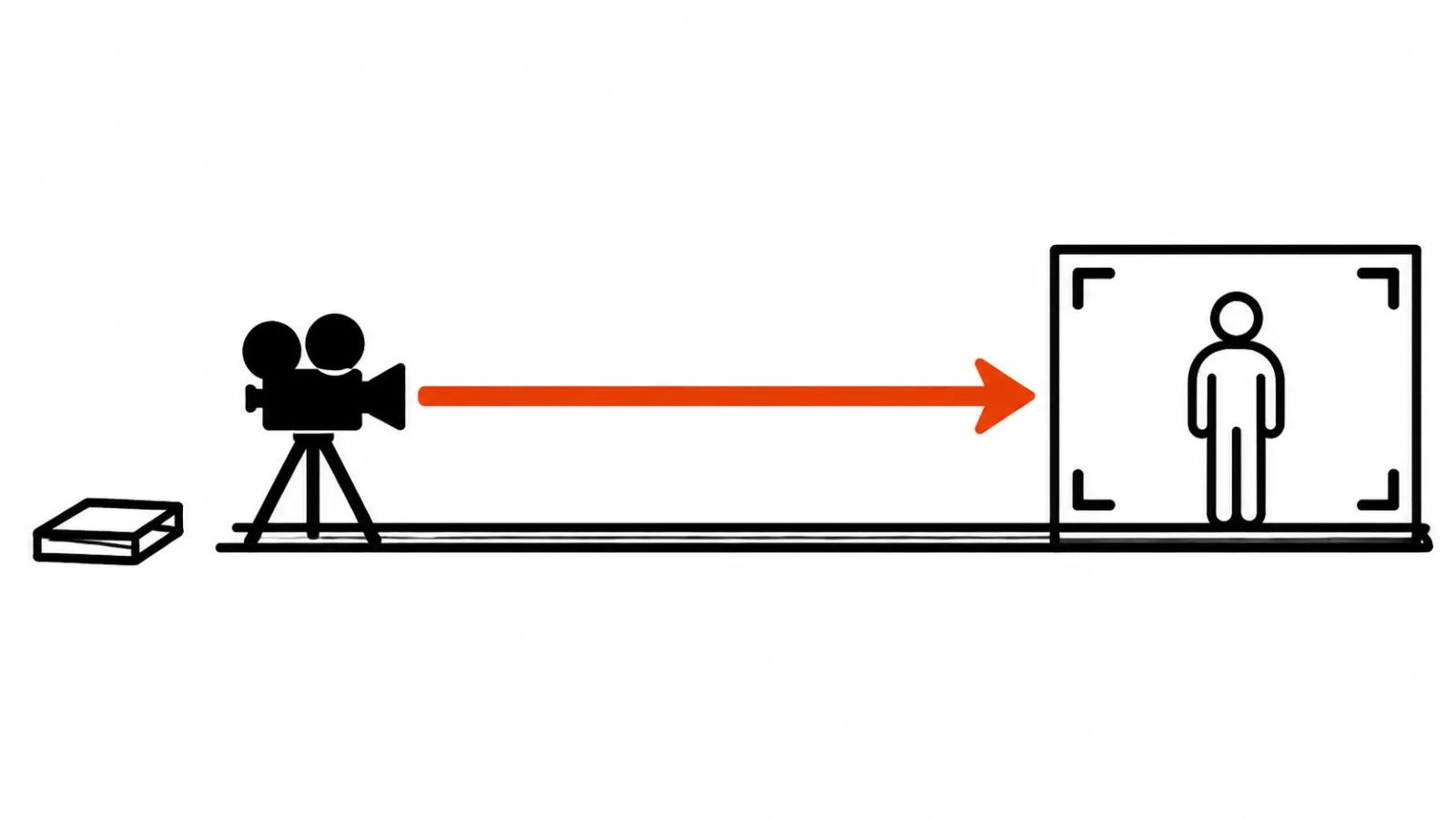
The camera line is usually the last thing written, squeezed between the character and the weather. The model answers either with a dead frame or with an orbit nobody requested. A camera counts as one more object in the scene, and it obeys the rules printed in the documentation.
Three official sources sit under this piece: the Gen-4 Video Prompting Guide at Runway, Google DeepMind's prompt guide for Gemini Omni, and Google Cloud's documentation on video prompts.
What the official guides actually say
Runway states that Gen-4 produces a 5 or 10 second clip from an input image plus text. The image sets the starting point, so the text has to describe motion, and repeating details from the image can reduce motion. That gives the first rule for image-to-video: a written description of the character's look eats the camera move.
The guide suggests starting with a simple prompt built around one main motion, then adding a single element at a time: subject motion, camera motion, scene motion, style descriptors.
Negatives are unsupported and can backfire. The guide's own example: instead of «No camera movement. The camera doesn't move» write «Locked camera. The camera remains still.»
Google DeepMind puts the emphasis elsewhere. Think about the frame first: wide, medium or close. Then the movement: smooth or sharp. For an unbroken take they ask for one continuous shot or oner. Stillness is written as static, locked off, fixed, and moves are named push in, punch in, dolly zoom. The camera body can be named too: natural smartphone zoom, film camera, webcam style. Google notes that Omni needs less detailed instruction than Veo.
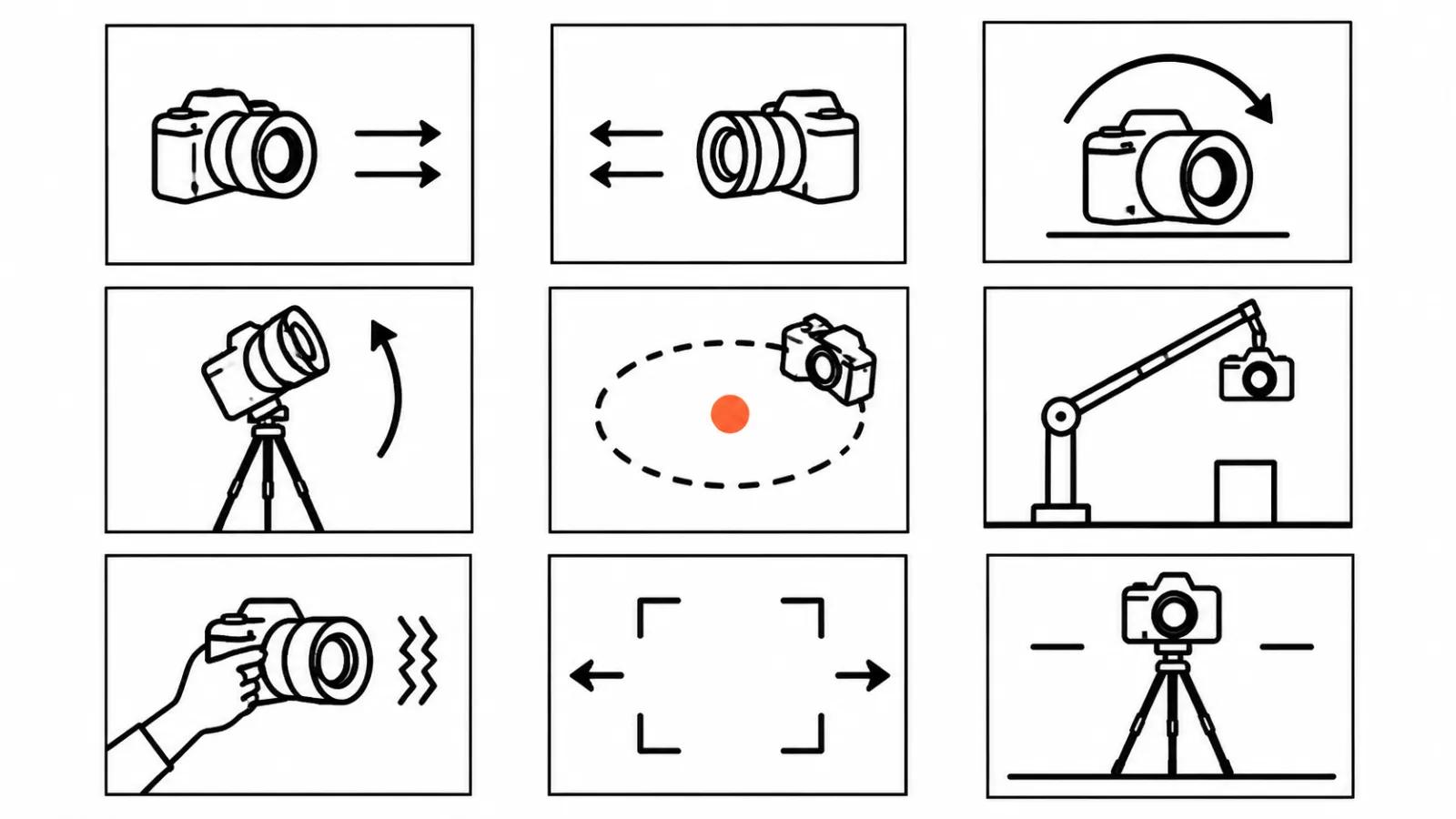
Google Cloud's documentation lists the moves: static and fixed, pan, tilt, dolly in and out, truck, pedestal, zoom, crane, aerial or drone, handheld, whip pan, arc.
How to write a video prompt with camera movement
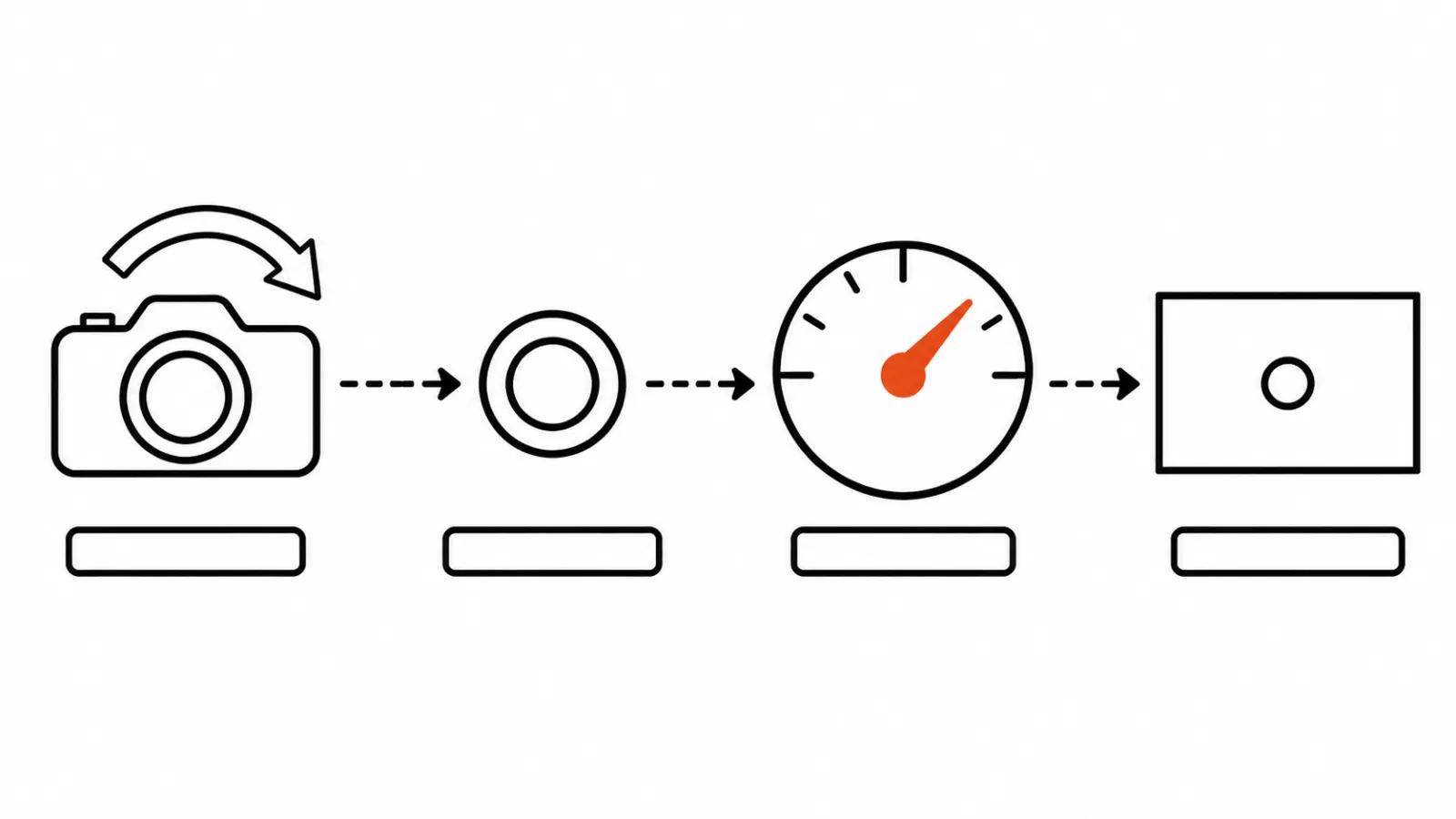
Four slots do the job: the move as a term from that list, the direction and the object it travels toward (toward the hands, from the character), speed (slow, quick), and what sits in frame when the move stops.
Assembled: Slow dolly in from medium shot to close-up on the hands, ending on the fingertips.
One move per shot. Gen-4 runs 5 or 10 seconds and that is one scene. Scripting every second with scene changes, the camera spinning 360 and going underwater, gives an unpredictable result according to the guide. Three moves means three shots.
If you need a single take, say so: one continuous shot. Google's example adds no jump cuts. In the first and last frame mode the guide asks for a clear description of the opening frame, the exact path of the camera between them, and what the final frame holds. Fly-throughs, zoom transitions and loops all come out of that pattern.
Conversational commands such as can you please add are the one thing Runway asks you to drop. The camera is part of the set, described the same way as the character's action.
The table: move, English wording, result
Speed shows up only in a few guide examples (slow dolly out, quickly tilting up), so it is worth adding yourself. On a pan or a tilt speed matters more than the term itself: quick tilt up reads as a jolt, slow tilt up reads as a breath.
| Move | How to write it | What you get | Where the guide puts it |
|---|---|---|---|
| Stillness | Locked camera. The camera remains still. | Frame holds, only the subject moves | Runway Gen-4, Gemini Omni, Google Cloud |
| Push | Slow dolly in toward the hands | Camera drifts closer to the hands | Google Cloud, Gemini Omni |
| Pull | Slow dolly out from the character to emphasize isolation | Subject shrinks in frame, isolation reads | Google Cloud |
| Pan and tilt | Quick tilt up from the shoes to medium shot | Camera snaps upward from shoes to face | Gemini Omni |
| Whip pan | Whip-pans, one continuous shot | Smear across the frame, cut stays invisible | Gemini Omni |
| Handheld | A handheld camera tracks the character | Live shake, documentary feel | Runway Gen-4, Google Cloud |
| Crane and aerial | Crane up, aerial shot | Camera rises over the set, overhead view | Google Cloud |
| Arc | Arc | Camera circles the subject on a curve | Google Cloud |
| Dolly zoom | Dolly zoom | Background stretches, subject keeps its size | Gemini Omni |
Three before and after examples
Example one, stillness written as a negative, on Runway Gen-4.
before: No camera movement. The camera doesn't move. A man sits on a stool.
after: Locked camera. The camera remains still. A man on a stool turns his head toward the window.
The frame holds and the man turns to the window. The second version drops the negative and leaves one motion in the shot, a human one.
Example two, five moves jammed into one shot, on Gemini Omni.
before: Camera spins 360 degrees, goes underwater, flies up and zooms into the eye.
after: One continuous shot. Slow push in from medium shot to close-up on the eye.
One unbroken take, a smooth push from medium shot to a close-up on the eye. Five ideas became one, and one is what fits in 5-10 seconds.
Example three, the image described instead of the movement, in image-to-video.
before: A woman in a beige coat with brown hair stands in a bakery, warm light, wooden shelves.
after: Handheld camera tracks the woman as she walks along the counter, then settles on the tray of bread.
The camera follows the woman down the counter and lands on the bread tray. The input image already carries the look, so the whole text went into movement.
Where the camera sits in the text
Runway suggests starting with the main motion and adding one element at a time: subject motion, camera, scene motion, style. The guides set no strict order. I put the camera straight after the subject and the action, with style words at the end, so the camera line is easy to find and change on the next iteration.
Gemini Omni is looser about order because the model needs less detail. Camera changes can happen after generation, in dialogue with the finished clip, for instance over the violinist's shoulder.
Keep only the details that steer the frame. Forty words with one move hold up better than a wall of text where the camera appears once between the jacket and the weather forecast.
Checklist before you hit generate
One camera move per shot, the rest split across shots.
- The move is named with a term from the guides: dolly in, tilt up, arc.
- Direction and object are stated.
- Speed is stated when it matters to the beat.
- The final frame is named, with the camera resting somewhere.
- Stillness is written as a positive: locked camera, the camera remains still.
- A single take says one continuous shot.
My take
The camera line is a note to a camera operator, and the model reads it literally. One move, four slots, stillness written as a positive, a named final frame: that removes the most common reasons for reruns.
After that it becomes an editing question. Shots with different moves get cut into a scene, and the wider set of AI video prompts covers the rest. When a set of vertical ads is built end to end, camera moves are fixed at the storyboard stage, which is the AI video production side of the job. Handcrafted AI videos take the camera from the shoot, and prompts for extra shots follow the same rules. There is a separate guide on how to label references in AI video prompts.