AI video prompts: what changed by November 2026
These tips travel through chats for years and almost never get updated. A video model reads a prompt differently from a chat bot: it has separate parameters for duration, resolution and sound, and the text describes the frame, the motion and the order of events.
I stopped giving the six tips below, and each one is checked against an official model page. The replacement logic is the same everywhere: write what the camera sees, what moves, how the camera moves, how long the shot lasts and what it sounds like. Looks come from photos and references, and we have a separate piece on labelling references.
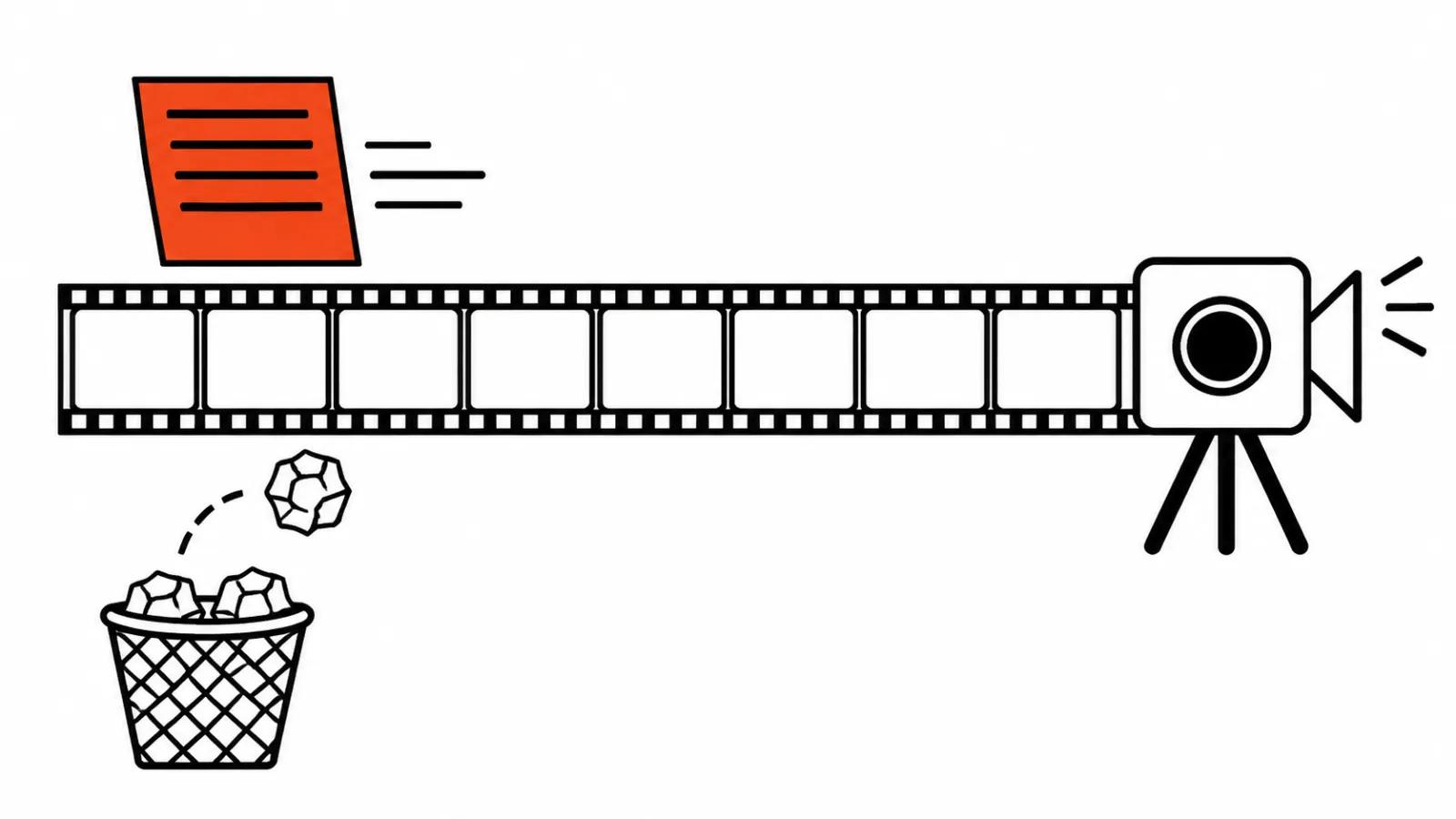
Tip one: assign a role, you are a professional director
Role framing came from text chats, where the model adjusts tone to a persona. Video has no such setting, and the Runway Gen-4 Video Prompting Guide states it plainly: conversational elements and explanations waste space in the prompt, since the model is tuned to visual detail.
The same guide has an example that draws the line. The line "can you please add my dog to the image" counts as weak, while "A dog excitedly runs into the scene from off-camera" works, because the second one describes a visible action.
The Kling 4.0 User Guide dated 4 November 2026 asks for the same thing: start with a single sentence naming the element, the scene, the action and the emotion, then add only what changes the result. Abstract terms like "premium look" should be replaced with concrete ones, meaning light, materials and composition.
Tip two: add masterpiece, 4K, best quality
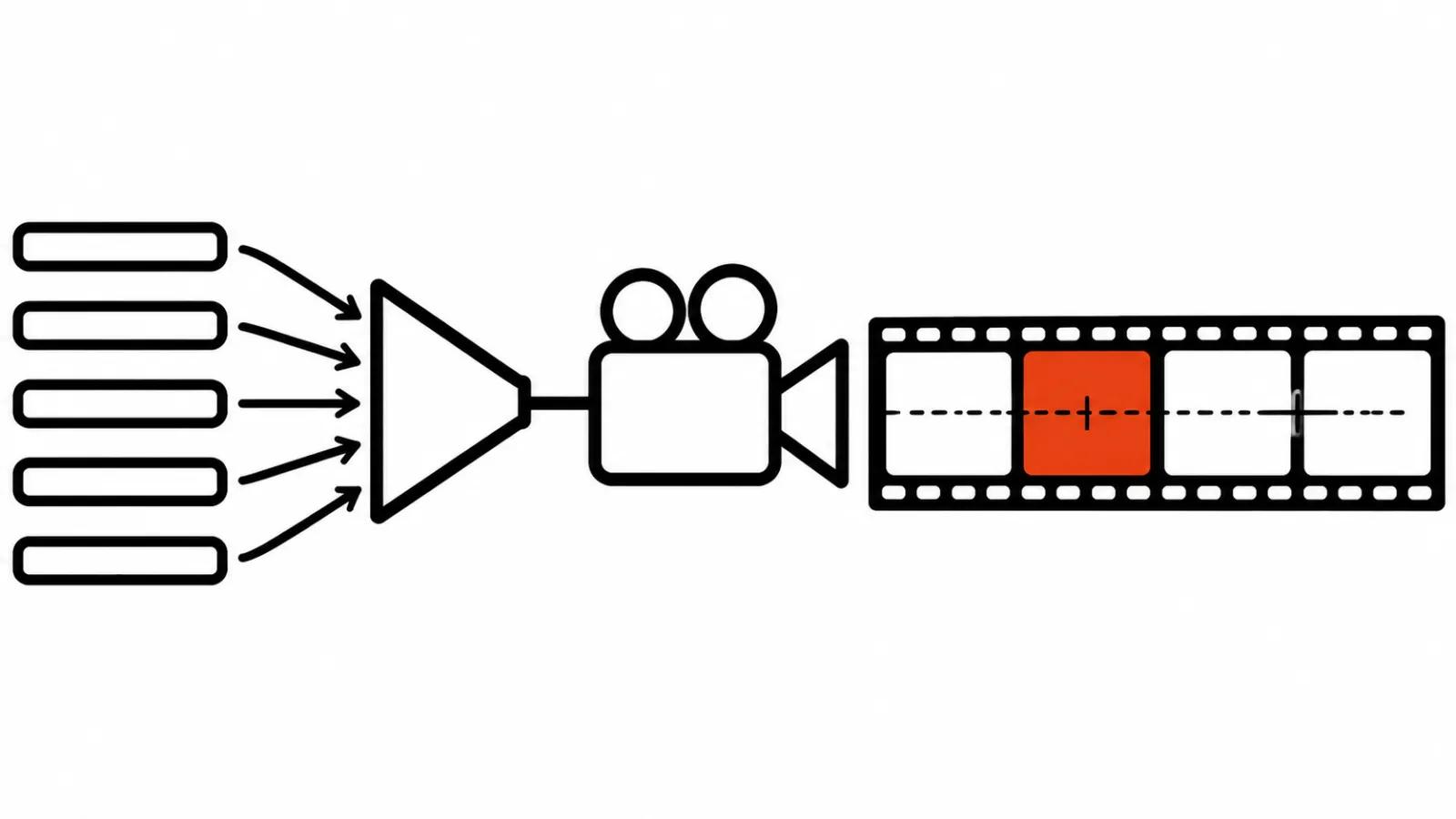
Quality words were a working trick for 2023 image models. In video, resolution belongs to a model parameter, and a list of words in the text does not move it.
Kling 4.0 sets resolution through a choice of 720p, 1080p or 4K. In the Gemini Omni 1.2 Flash documentation in AI Studio the resolution parameter accepts 360p, 720p, 1080p and 4K, where 1080p and 4K are marked as upscales and 720p is the default. Typing "4K" into a prompt line does not give you 4K on output: the output follows the setting.
Light, lens, surface material and pace of motion do more work than stock phrases.
Tip three: write negatives, no blur, no extra people
Here the answer depends on the model. Runway Gen-4 does not support negatives: the guide says negative phrasing can produce unpredictable and even opposite results. Their example: write "Locked camera" instead of "No camera movement".
Gemini Omni Flash in the AI Studio documentation allows simple negatives, and there is a section on removing unwanted things with examples "No dialogue" and "No extra sound effects". The general Google Cloud prompt guide for Gemini Omni Flash and Veo adds a caveat: instructions built on the words no and don't perform worse than listing the unwanted elements themselves, for instance "wall, frame".
Seedance 2.5 in the BytePlus ModelArk documentation has no separate negative field, so negatives go into the text, and two of them are documented: subtitles and sound. The examples there read "No subtitles" and "No BGM; generate only environmental sounds and action sounds".
A practical takeaway: before a batch of shots I open the guide of the chosen model and check whether it has a negative field.
Tip four: list in the text everything already in the image
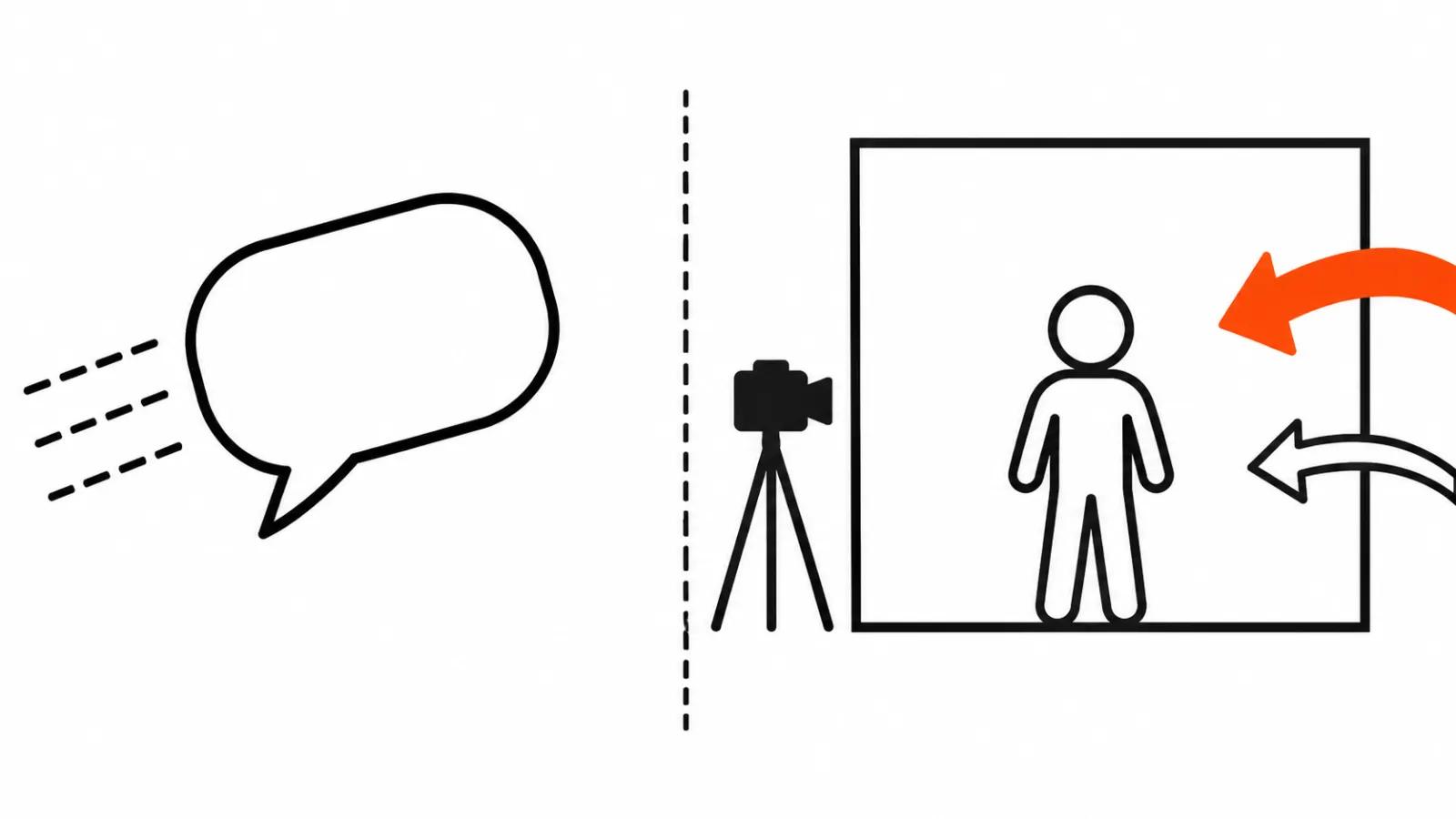
This tip broke motion more often than the rest. The Runway Gen-4 guide explains that text and image count as one prompt, so a detailed listing of what is already in the input image reduces motion or gives a surprise. The same guide asks you to name the character in a general way, "the subject", so the model does not reinvent details.
A working line from the guide: "The man extends his arm to shake hands, then nods politely". The look of the character stays in the image, and the text handles action.
The opposite case is worth knowing too. Gemini Omni 1.2 Flash accepts up to 6 reference images per request, and the prompt describes how each image should be used. The documentation shows an example where a drawing serves as a motion guide, and it should not appear in the final video.
Tip five: the prompt should be short
The idea about prompt length is old and imprecise. A short prompt was a forced measure back when the input field cut text at a couple hundred characters. Kling 4.0 has a different limit: up to 8,000 tokens on input, up to 10 key frames per generation, and a duration of 3 to 30 seconds.
The FAQ of the same guide answers whether a long prompt is always better. The answer is no: start with one sentence about the element, the scene, the action and the emotion, then add only what changes the result.
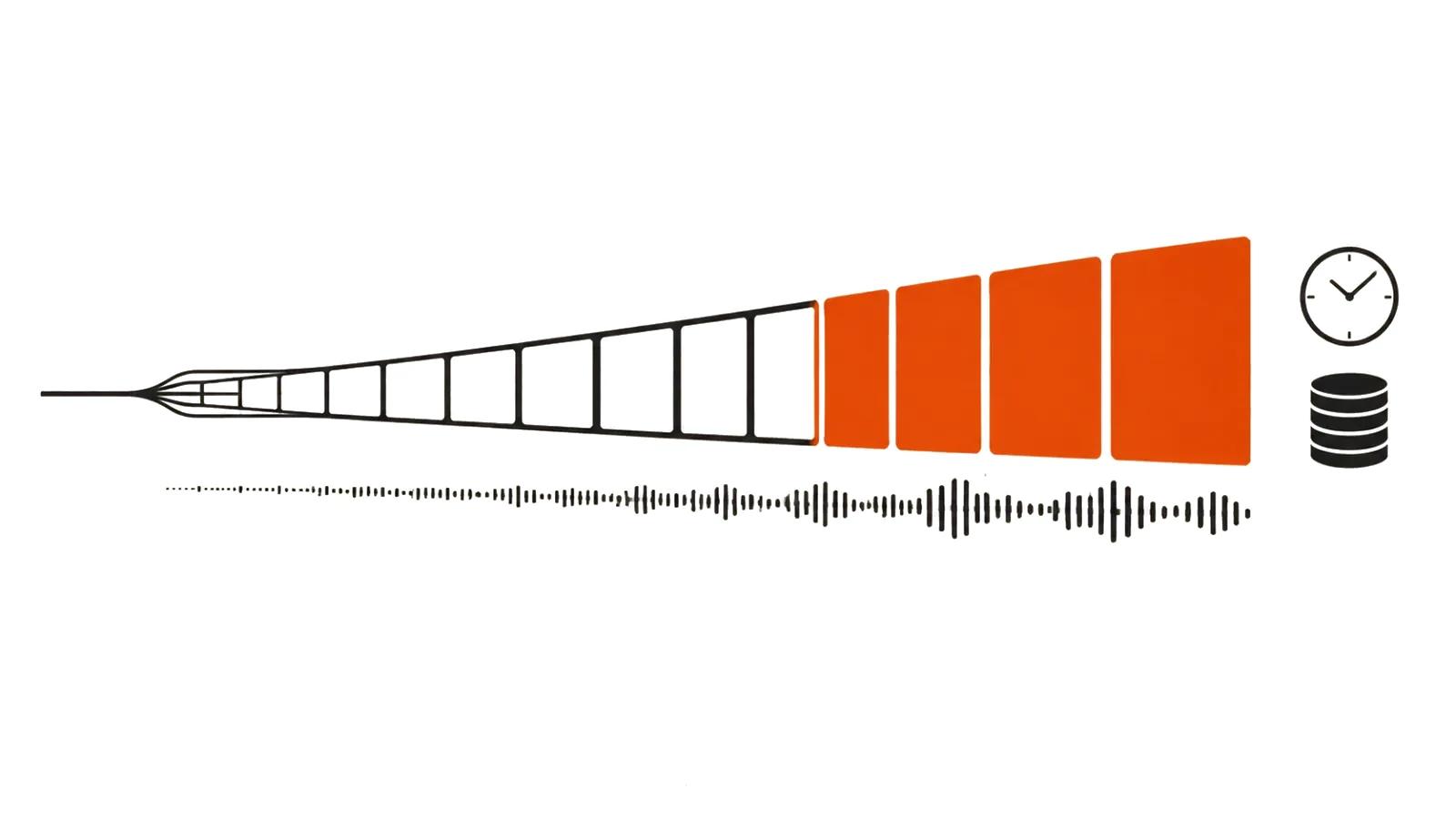
Prompt length follows the task. With a single shot and a single action, a long text dilutes it. When a thirty-second scene holds several beats, the text is written against time: the Gemini Omni 1.2 Flash documentation uses timecodes from zero to five seconds, and Seedance 2.5 responds to a phrase about an event at the second second. Length pays off where a sequence is described, and adds nothing where adjectives pile up.
Tip six: build the sound separately
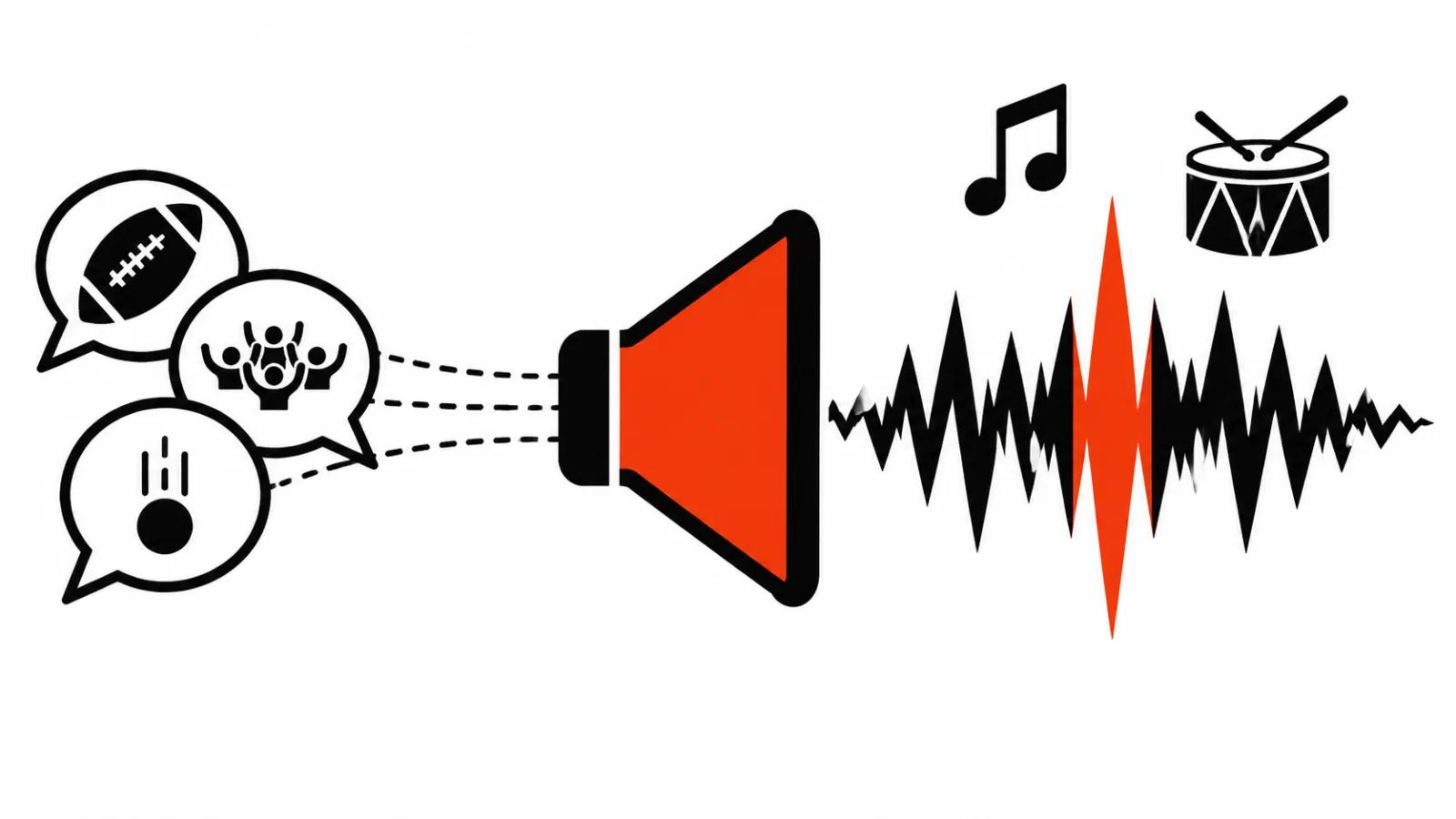
Native sound stopped being a separate service. Gemini Omni 1.2 Flash generates video together with sound, and the prompt describes music, noises and the moment of an event: the documentation has an example where a choir comes in at the fifth second of the background track. The model tries to assemble sound on its own by default, and the guide suggests saying outright which sound you need.
Kling 4.0 gives stereo, two channels, and the guide asks for sound requirements in a sound block of the prompt, apart from the frame description. Lip sync is listed there as part of the model.
Seedance 2.5 generates audio by default, the generate_audio parameter is true. The syntax for a multimodal prompt goes like this: music in round brackets, noises in angle brackets, dialogue in curly braces, subtitles in special brackets. In a neighbouring guide the line is written inside the shot block in quotes, with the speaker named.
A separate track still matters where you need your own recorded voice.
How to write a prompt for video generation: a working scheme
After checking the guides, the scheme comes down to five lines.
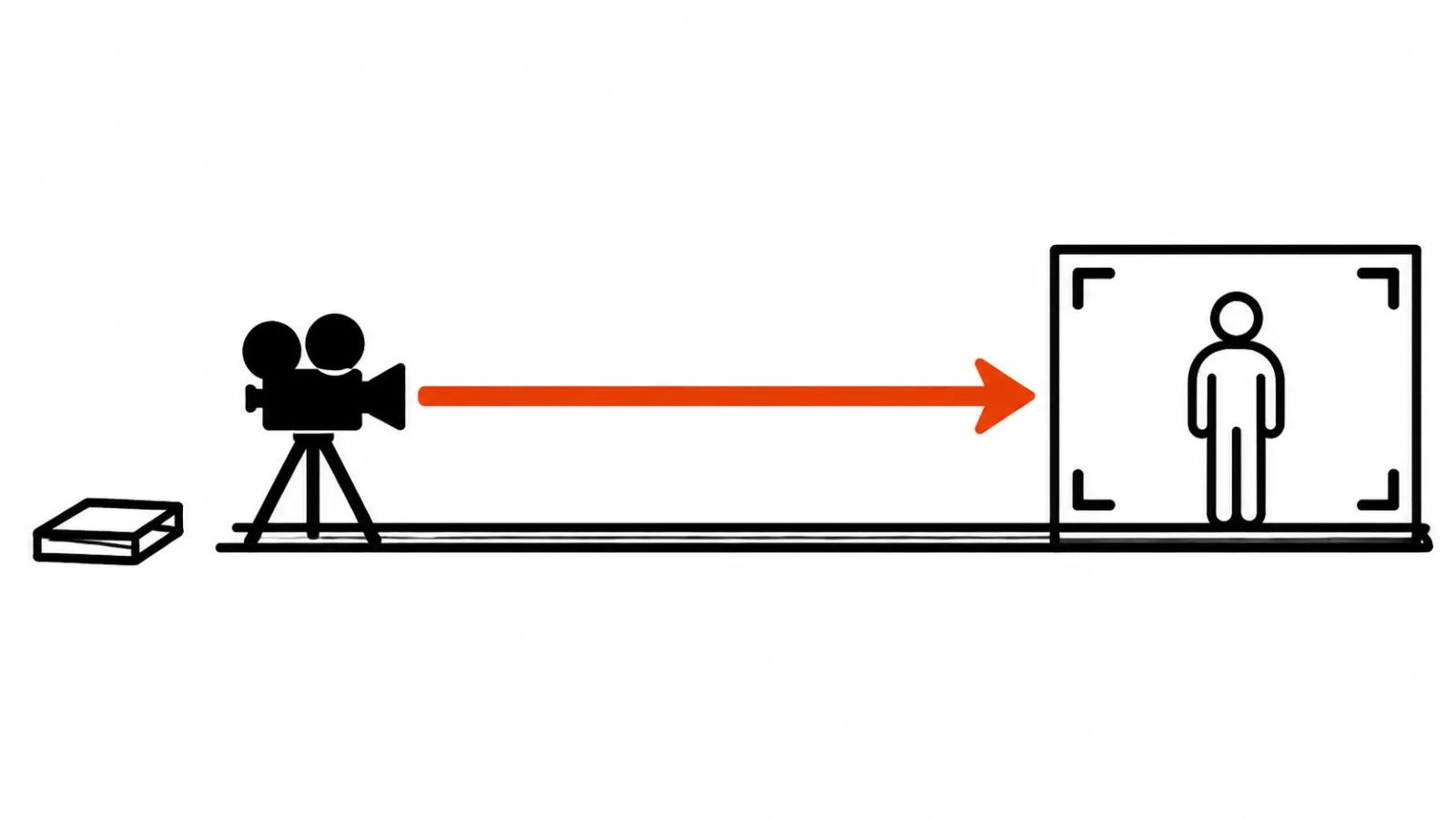
Line one: what the camera sees, meaning subject, place, light and lens. Line two: what moves and how, micro-gestures included. Line three: camera behaviour, tripod, push in, orbit, and the way it is described in our piece on camera movement in prompts. Line four: duration, resolution and frame format, all through model parameters. Line five: sound, music and dialogue, if the model takes them.
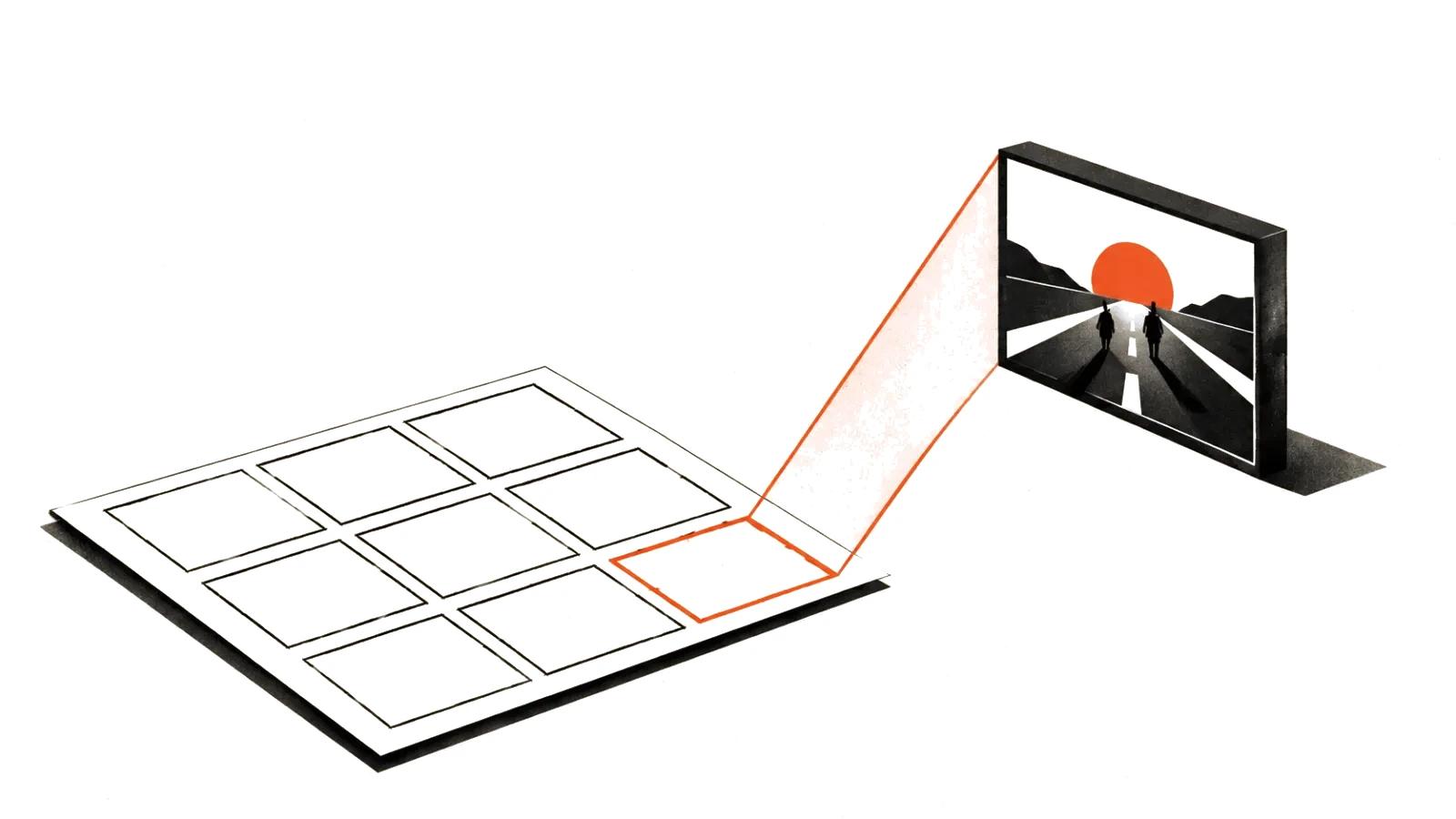
If a scene runs longer than one beat, timecodes or key frames are added, and photos plus references go on the input and stay out of the text.
Next comes a check on a short test. Five seconds of a problem shot show whether the model got the motion, and seeing that before a batch is cheaper. This test is part of AI video production work, and on longer projects a shot is built into handcrafted videos from $190, where the prompt sits inside the storyboard.
My take
What went out of date is the habit of writing video the way people wrote an image. The model now has parameters, key frames, timecodes and sound, so half of the old tips argue with its own guide.
The practice is simple. Before a batch I open the official model page and check three things: how it treats negatives, what its prompt length limit is, and whether it takes sound in the text.
A prompt is a technical brief for a shot. The more precisely it shows what happens and at what moment, the fewer fixes come back from the render.