What shipped on 9 November
DeepBrain AI, led by Chang Se-young, pushed out AI Studios 5.0. Officially it is a platform update. In practice the front door changed: you used to arrive with a script and assemble scenes by hand, now you arrive with a file or a link and talk to an agent. The Video Agent proposes an outline first, then fills it in with a script, images, generated clips, voice and AI avatars.
I like that order better than one-shot generation from a single sentence. Seeing the structure before the render starts costs less than three reworked versions afterwards.
Turning text into video: three ways in
There are three inputs and they behave differently.
A document. Once the file is uploaded you pick one of two modes. Pages as background turns every page of the file into the backdrop of a 16:9 scene. Extract content makes the agent read the document and build new scenes with images and narration. For a deck you will show on a call the first mode is more honest, for summarising a report the second one earns its keep. Giving the choice openly is a good sign, because automation usually guesses here and ends up with a slide of small text on screen.
Supported formats are TXT, MD, CSV, PDF, DOC and DOCX, PPT and PPTX, XLS and XLSX.
A link. The agent opens the page, pulls the content and writes an outline. YouTube links are a separate case: you get a download of the source or an AI dub. I would be careful with dubbing someone else's video, since rights to the source do not disappear.
Your own script. There is a formal threshold: text counts as a script when it has at least 300 characters, or two or more paragraphs, or four or more sentences. Anything shorter is treated as a topic, and the agent starts inventing around it.
What the text-to-video engine runs on
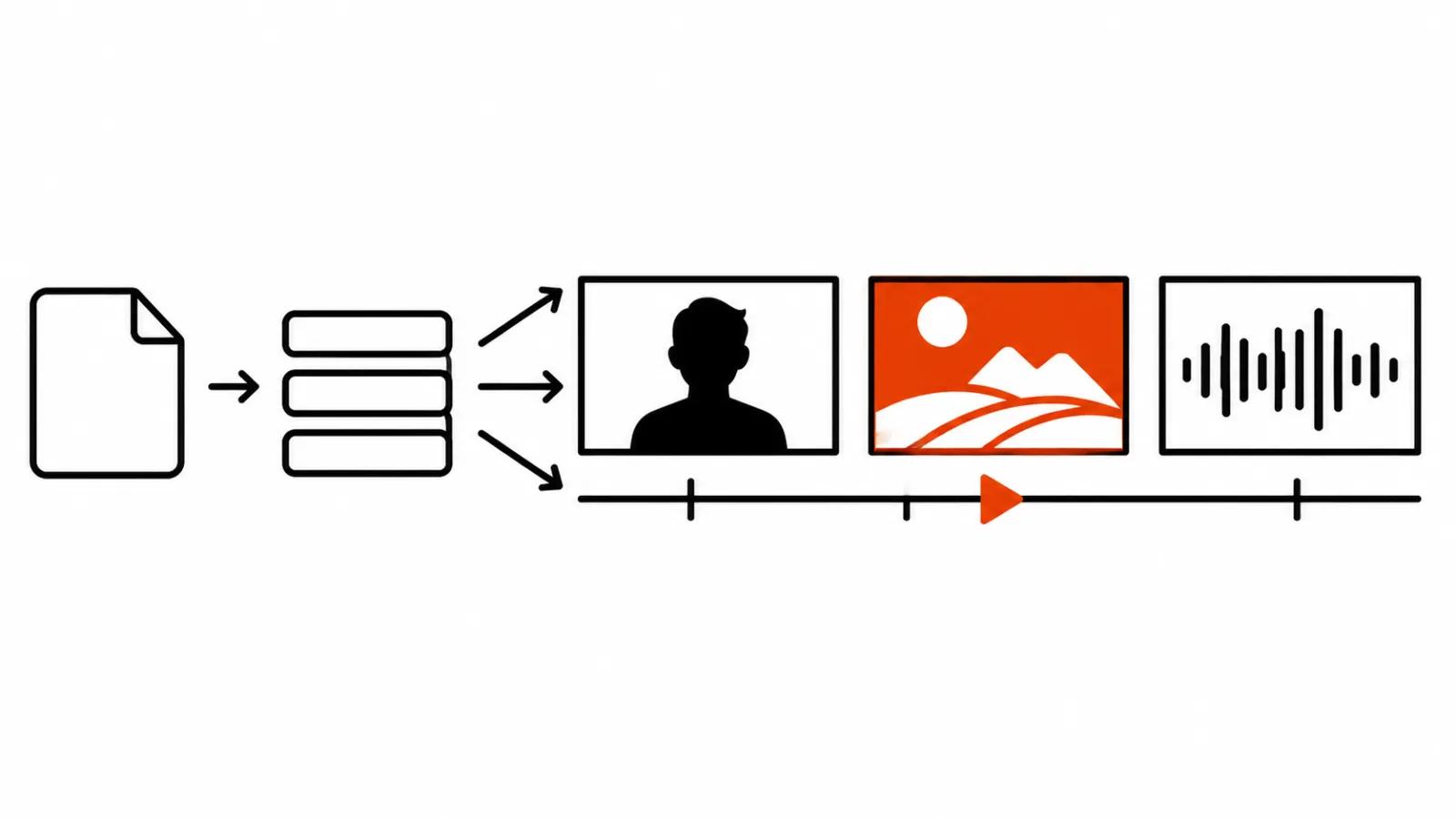
Clips come from Seedance 2.5 and 2.0, Veo 3.1 and Veo 3.1 Fast, Kling 3.0 Turbo and Pro, Kling 2.6 Pro, Kling 2.5 Turbo, Wan 2.2 and LTX-Video. A decent line-up, though Kling 4.0 is missing even though that model is already out. So on the newest generation of clips the platform runs a step behind, which matters when physics of motion is the point of the shot.
Two billing rules are refreshingly sane. Planning an outline burns no credits. A failed generation does not charge them either. The second one matters more than it sounds: video services drop mid-render fairly often, and paying for an empty run is worse than the crash itself.
Credits and pricing from 9 November
As of 9 November 2026, separate time-based billing and generative credits are combined into one credit balance.
Free gives 12 credits at signup and up to three videos a month, each up to a minute, watermarked. Personal is $29 a month, or $24 on annual billing, with 700 credits. Team is $69 per seat with a two-seat minimum and 1,000 credits per seat. Exporting an avatar video costs 9 credits per minute, AI dubbing 3 credits per minute.
What the price list does not say is the cost of a typical finished video. How many credits a minute of assembled footage with scenes, images and voiceover burns is not published. There are no quality benchmarks either, so comparing agent output to a manual edit by numbers is impossible for now. Your own footage is the only test.
The rest of 5.0: Role Play, AI Interview, avatars
The release carries a few other working pieces. Role Play is a sales trainer with an AI customer who pushes back. AI Interview is an AI interviewer for screening and practice. There is an avatar built from a single photo, Dual Avatar for a two-avatar conversation in one frame, and a multi-track timeline, which finally makes editing feel like an editor.
One limit is sensible: an avatar of a real person requires identity verification. If the face is an employee in a training video, get written consent before uploading the photo, or the clip will never go out without a fight.
Where the agent pays for itself
I see one case that pays off immediately. A training video built from an internal document, a policy or a manual. The document turns into a short video with an avatar and captions, and the fixes after the first pass take less time than building the scenes from scratch. The same approach works for a series of explainers, where the scene skeleton arrives ready and you edit by hand from there.
We covered the underlying mechanics separately, in a piece on how text-to-video actually reads your prompt, which explains where an agent differs from a bare generator.
For a channel, videos like this ship in batches, so automating an AI-run YouTube channel is the natural next step. When you need a run of similar product clips, it is usually cheaper to order AI video production than to build a workflow inside someone else's subscription.
The honest boundary: the agent is good where there is text to grow a structure from. No text, no outline.
Why a PDF will not give you an ad
The request "make us an ad from our deck" runs into the logic of the tool. The agent walks the structure of the document: section, subsection, conclusion. Advertising is built from the viewer: the pain, the first frame, the proof, the action. A twelve-slide brochure yields twelve tidy scenes and not one of them lands.
So the better input is a finished script that states the viewer, the opening line and what should happen after the watch. Then the agent handles the boring half: voiceover, avatar, cuts, export. The idea stays with a person. If the clip has to sell and the frame has to hold attention, hand it to handcrafted AI videos from $190, where the script is written before anything is assembled.
One note on phrasing. "Topic: our factory" gives the agent freedom and an average result. "Script: three lines, avatar on camera, diagram in the background" gives you a predictable clip on the first run.
My conclusion
AI Studios 5.0 is the first DeepBrain release where the argument is about process. Avatar quality is already a secondary question. The agent takes the tedious part off your hands: splitting a document into scenes, voicing the text, matching an image to a paragraph. In exchange it charges credits and reliably misses on meaning.
Two things I would test. First, how many credits a minute of your typical video burns, since the price list stays quiet about it. Second, how the agent reads your document when it contains tables and small print. Excel is on the format list, and it is the most likely source of garbage in the script.
The free 12 credits show you the interface and little else. I would decide on a subscription after one test video built from a real document that will actually go out to people.