What HeyGen opened on 9 November
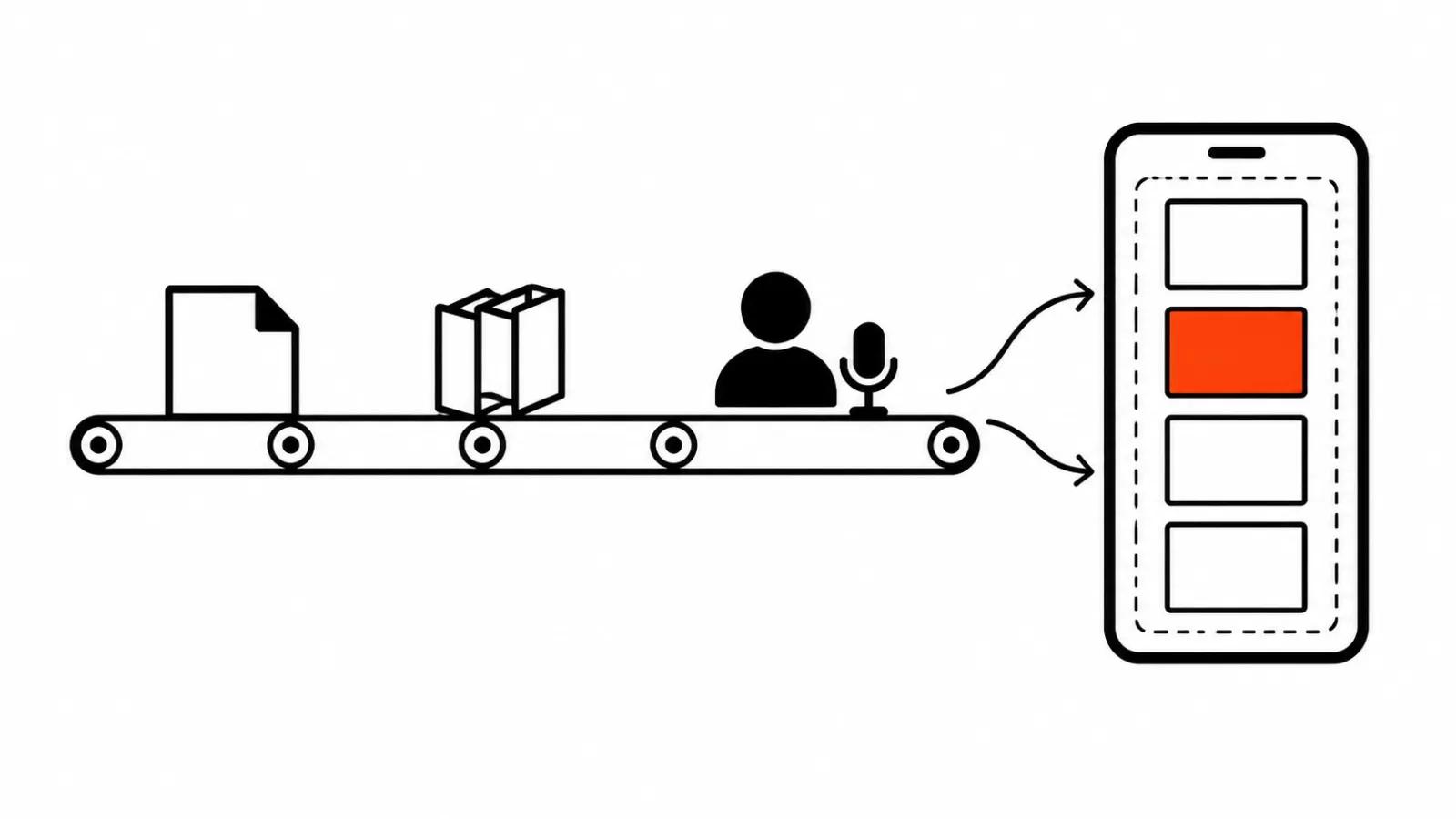
On 9 November 2026 HeyGen posted from @HeyGenDev and updated developers.heygen.com: HeyGen Platform and Playground are open. Video, Voice and avatar models now sit in one place where you can test them directly, then call the same models through the API in production. No new speech model shipped with this launch, which is worth saying early so nobody hunts for one in the changelog.
The part that matters to me is not the model list. It is the gap that disappeared. Testing in the dashboard and code in production used to live apart, and the mismatch surfaced on the first client video. Now both run on one set of models, and the argument about a build that worked in the interface ends with a link to the same engine.
HeyGen AI avatars: what Playground is for
People searching for a HeyGen avatar usually want one thing: to hear how their face and voice land in a finished shot before they pay for it. Playground answers exactly that, with Video, Voice and avatars side by side, so the same script can be compared across engines.
The practical gain is smaller than a new model launch, and I count that as a plus. An hour in Playground shows whether an engine holds a specific voice over a long sentence, where it places pauses, where it breaks on names and numbers. Those questions used to get answered on a paid render.
How to build a digital avatar in HeyGen without re-rendering the video
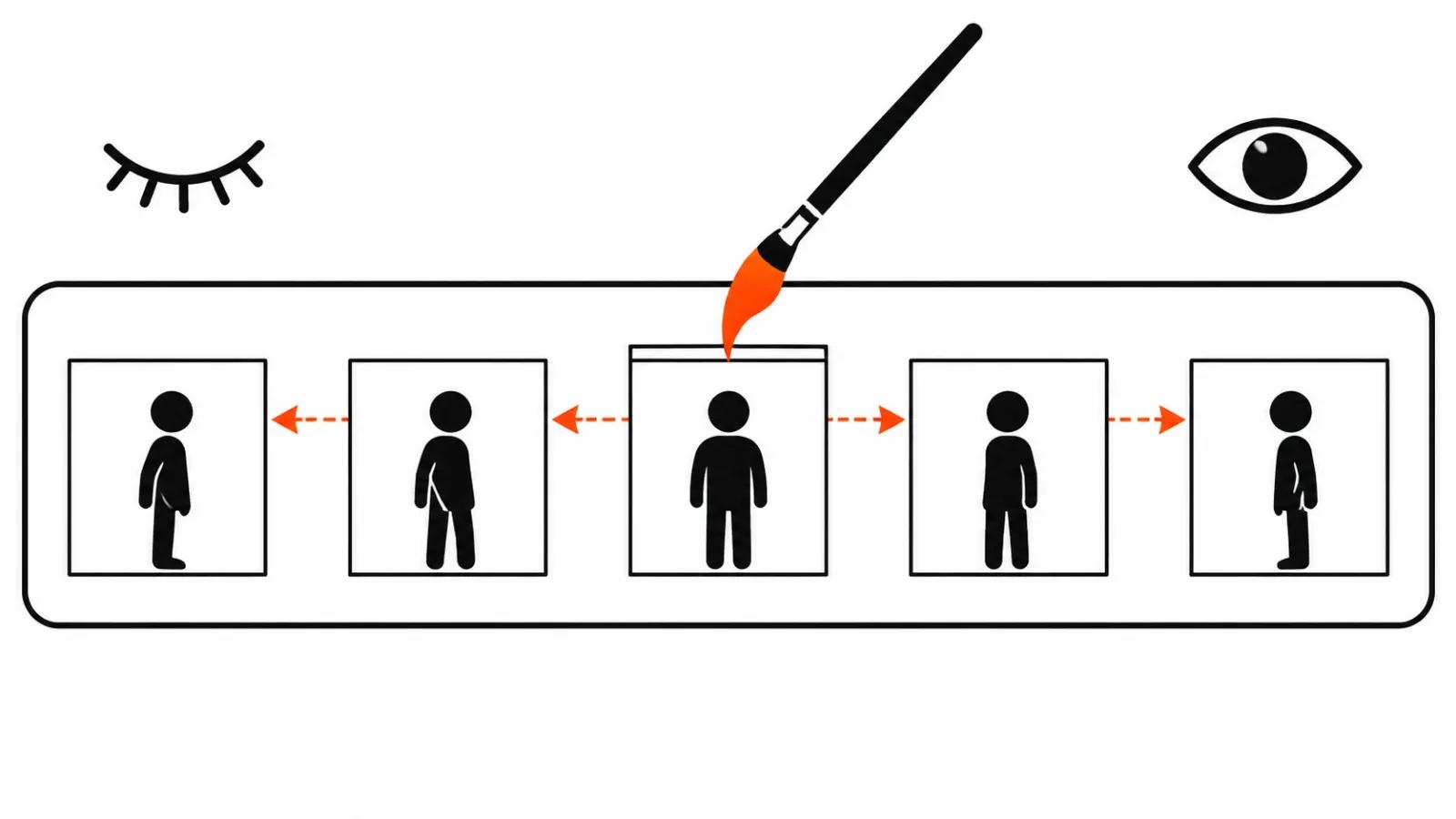
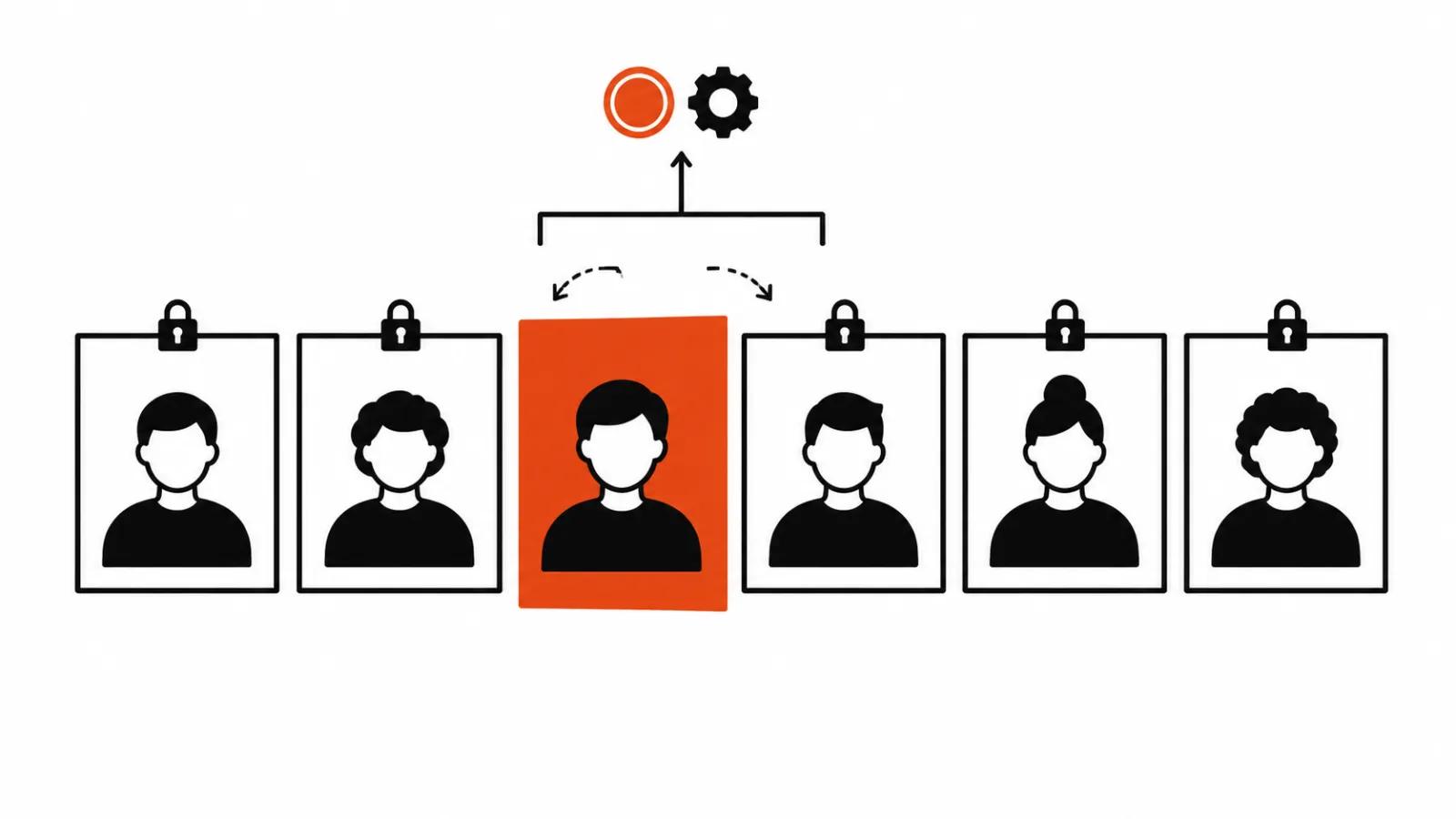
Short answer: pick the avatar and the voice once, then edit only the scenes that changed. That is what the November changelog entry actually means by editing.
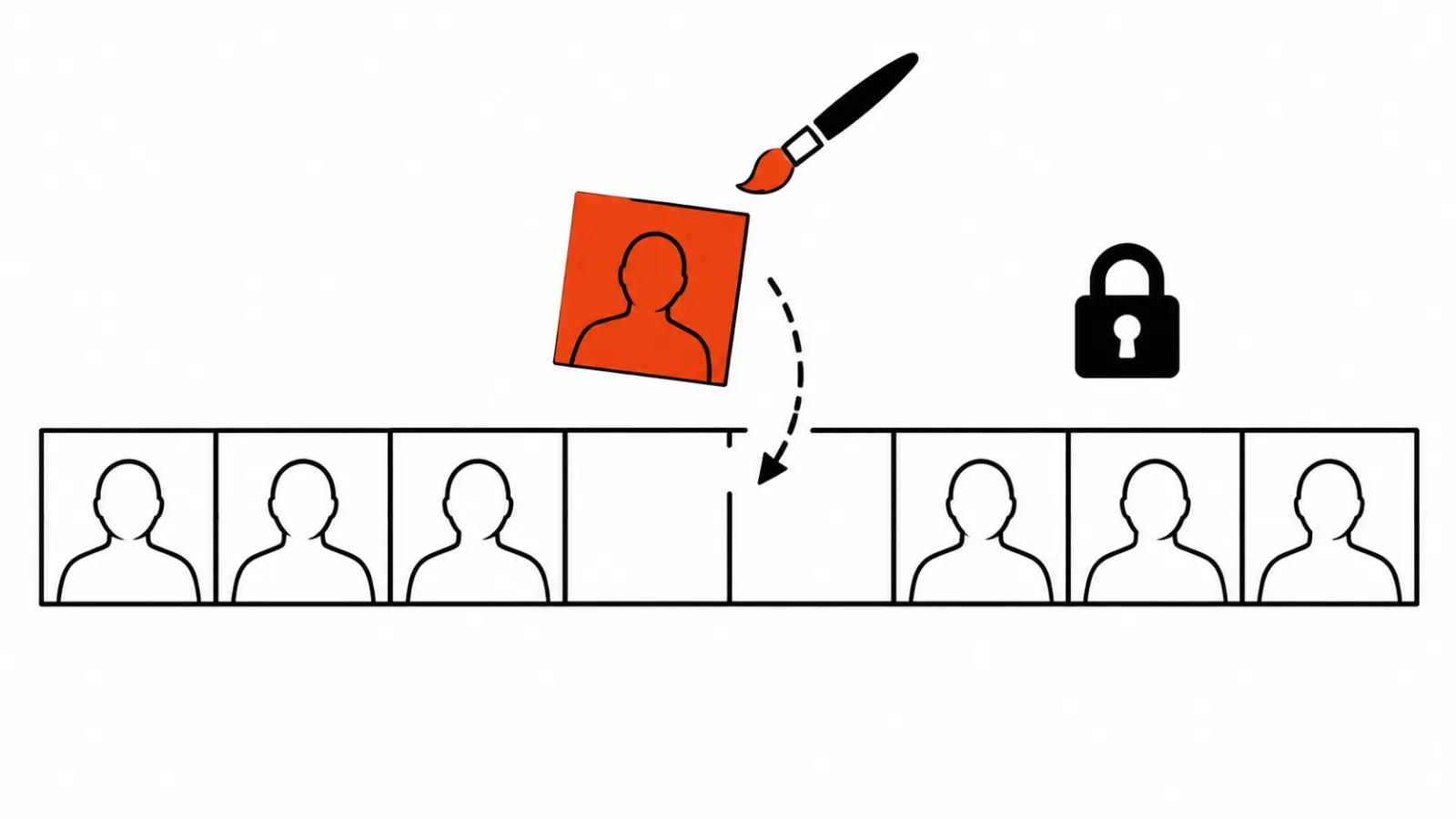
In the API it looks like this. A POST to /v3/videos/{video_id} changes the script text, the voice, the avatar engine and the motion prompt, keyed by scene id. The video_id stays the same, and only the scenes you touched are re-rendered and billed. Everything else stays as it was, paid render included.
For a single clip it is a nice detail. For a run of thirty avatar videos a month it changes the budget and the calendar, because notes arrive in batches: the price moved in scene three, the product name was wrong in scene seven, the greeting needs a different tone. Each of those used to mean a full re-render.
What scene level editing does not fix
The temptation to call this a new era is real and premature. The unit of work changes, the quality of the frame does not. If the avatar engine produced odd mouth shapes on the word "delivery", editing the text of that scene repairs the wrong thing.
Scripts are still written by people. The API takes text, voice and a motion prompt, and the wording still decides whether the stress lands on the right word.
The third limit is the awkward one. Until you check how a redrawn scene cuts against an old one in light and in voice, promising a perfect join is premature. I keep that as a working doubt: the frame where two renders meet can show a shift in skin tone and in level.
Cinematic Avatar on heygen_video_1
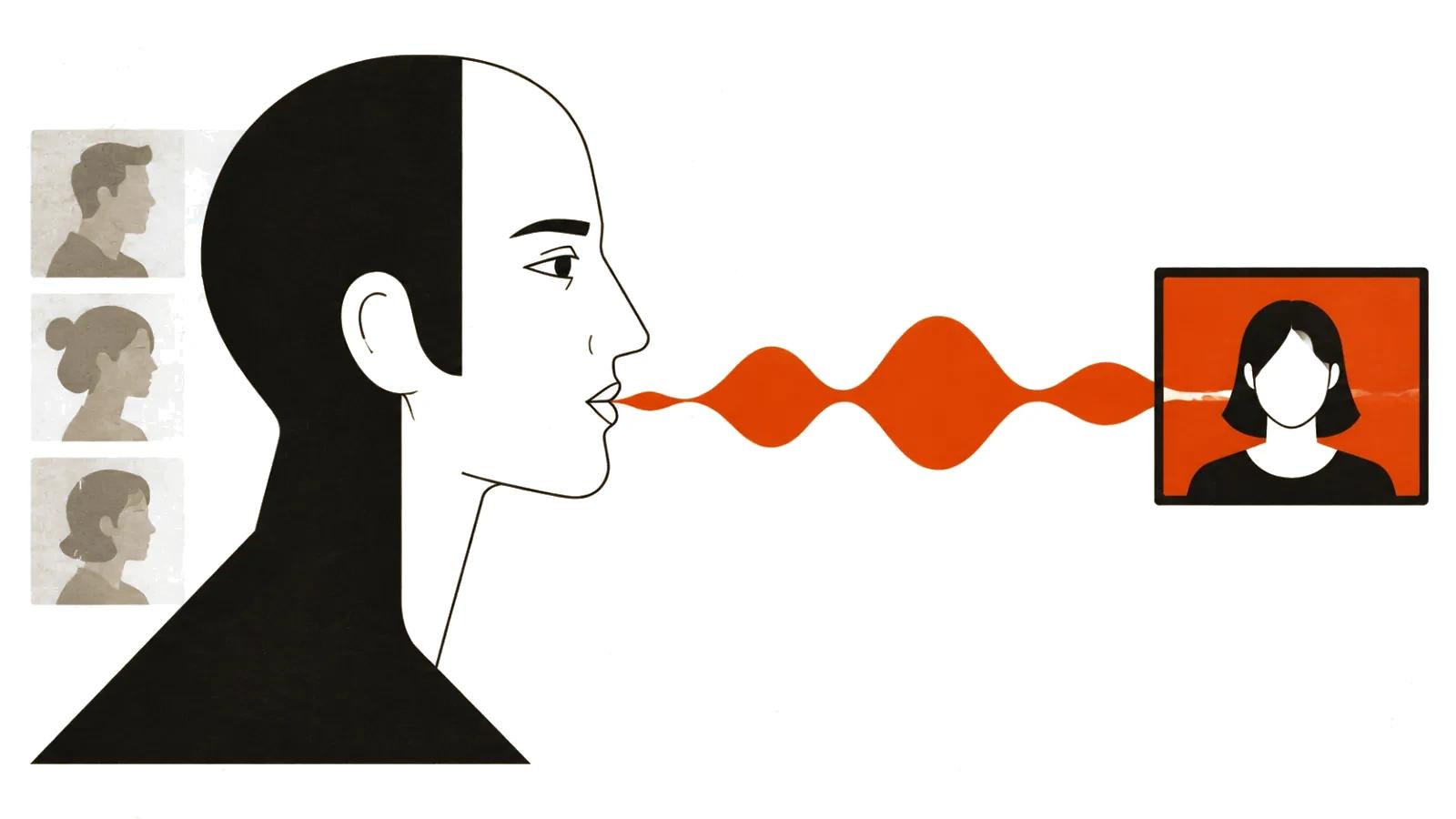
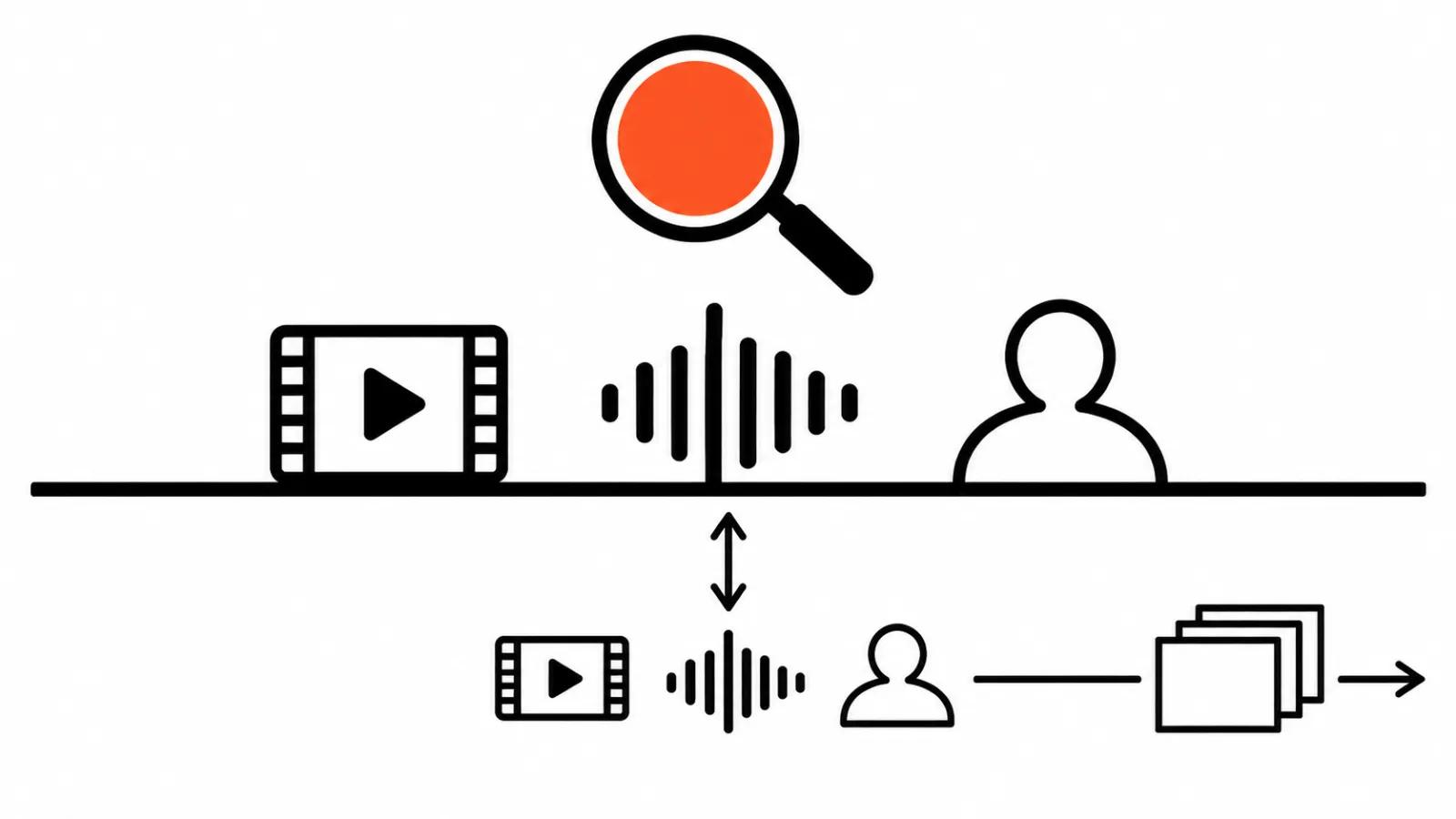
Another changelog entry covers shooting. Cinematic Avatar runs on heygen_video_1 and works like a stage: your avatars and their voices become the actors in the shot. You get 16:9 or 9:16, 720p, 5-15 seconds, and up to three audio references alongside images and video.
The three audio references are the interesting bit. Voice, pace and delivery come from a sample, so there are no sliders, which is closer to directing an actor than to synthesis. The length limit is honest: 5-15 seconds is a shot, and a full scene will not fit. Vertical 9:16 and 720p say the same thing, this is feed material and inserts between wider shots.
Audio tags, streaming and speech formats
Three voice changes look small and turn out to matter.
Audio tags. You can write [whispers], [laughs] and other cues in the text, with 201 tags supported. They work on public and instant voices. Professional clones do not perform tags, and that limit belongs in voice selection: a scene that needs a whisper will not get one from a clone.
Streaming speech over WebSocket. Text arrives in chunks, LLM tokens for example, audio leaves the other end, up to five contexts per connection. For a conversational bot or for voice generated on the fly this is the only mode that works, since waiting for the full text is not an option.
Speech formats. pcm, mp3, ulaw, alaw and 8 to 48 kHz. A dull line that saves a day of integration when audio has to land in telephony or in an edit without extra conversion.
One line of context: the October notes have HeyGen Video making 5-30 second clips from text and an image, with reference-to-video up to 15 seconds. I covered that line separately, in the pieces on HeyGen Video 1 with MCP and on 2K and a free voice, which dealt with the model and the resolution. This one is about the platform and about editing.
Where scene level editing pays off
The direct saving shows up on volume. Avatar videos nearly always ship as sets: a greeting, three benefits, a price, a call to action. Notes on such a set arrive after every review round, and each one used to cost a full render.
The second saving is quieter, and it is time. While the whole video renders, the editor waits and the next scene does not get made. When one scene is redrawn, work continues and the day does not dissolve into waiting.
The third saving sits on the vendor side. The November notes carry no prices and I am not inventing any. The honest calculation compares the cost of a full re-render of a set against the billing for changed scenes at your own volume.
We build sets like this inside AI video production, and when a real person has to own the frame with light under control, that is our turnkey AI avatar video. For a channel on a schedule, scene level editing fits an AI YouTube channel from $200 per month, where the set ships on a calendar and notes come in along the way.
My take
Scene level editing matters more than any new model, and I will defend that. Models change monthly. The cost of a fix sits in the budget every day. As long as a re-render costs like a new video, a studio hesitates to touch finished work, and the client gets a compromise instead of a corrected line.
What I do on a new project: build the video in scenes with some headroom, check the seam between a redrawn scene and an old one on the first change, and only then promise fast edits. If the seam shows in light or voice, redrawing the neighbouring scene is more honest than explaining the difference away.
One more thing. Platform and Playground remove some blind renders, and scene editing removes some rework. Neither replaces a ten second test on the worst frame, because that is where you learn whether an engine holds a specific voice and a specific face.