What happened at Adobe MAX Sneaks 2026
On 11 November 2026 Adobe held its usual Sneaks session at Adobe MAX. The host was Terry Crews, and ten projects went on stage. The format has not changed in years: engineers show rough ideas, the room reacts, and some of those ideas end up as a feature inside a shipping app. Adobe says on the event page that every project is a research preview, with no commitment to release a product. Keep that in mind from the first minute: what you saw may never reach Premiere or Firefly.
Only two projects were hands-on, and neither is about video. Deep Brush and Hands On went into the Adobe Labs Playground, the other eight stayed on stage and in the recording. For an editor the takeaway is simple: watch and remember now, check in a year what actually reached beta.
AI video editing: Scene Sweep carries one fix across a scene
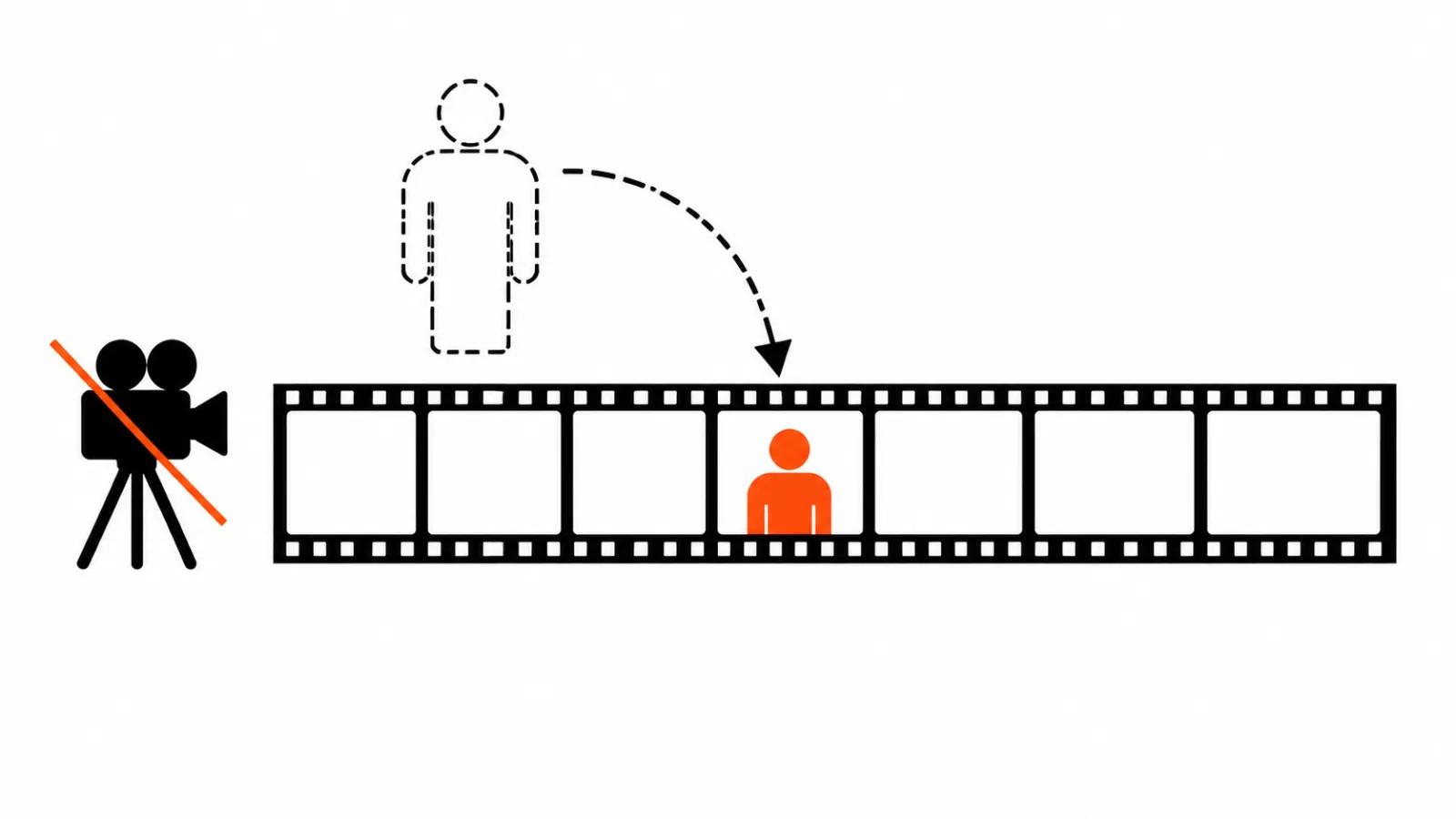
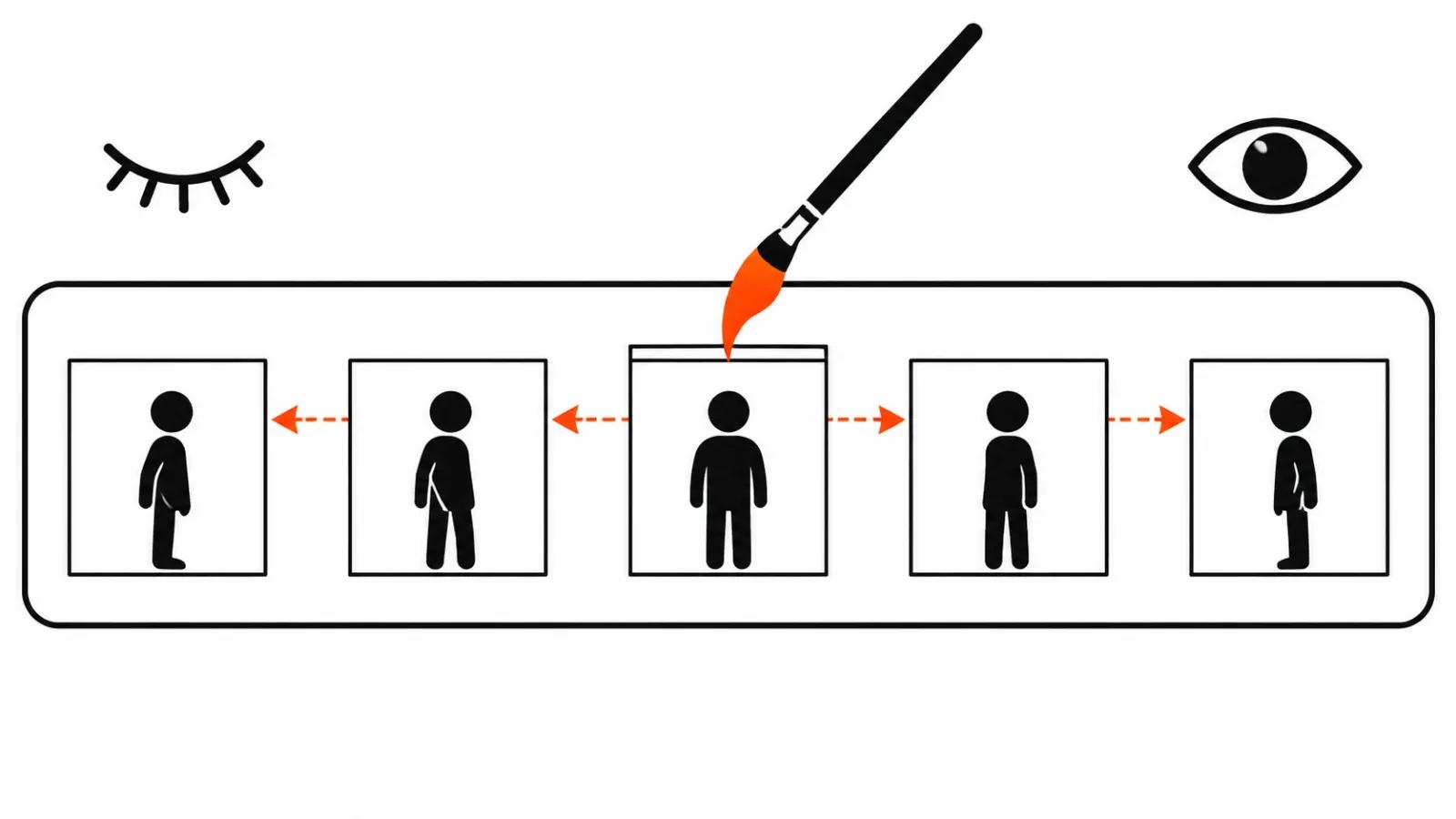
Project Scene Sweep understands the characters, the locations and the scenes inside a sequence. One edit then travels to every cut and every camera angle in that scene. Fix the light on a medium shot and the close-up and the reverse angle follow.
Why it matters: a lot of manual work in an edit goes into repeating one decision. A scene built from six cuts asks for the same action six times, and by the fifth one your eye gives up. A tool that treats a scene as the unit of work saves attention and takes the routine off your hands. Clients phrase it as "just fix it everywhere", and that is the promise Scene Sweep makes.
Project Screen Test: a character you can talk to
Screen Test lets you build the look, the voice and the personality of a fictional character, then have a conversation with it. The conversation exists to show how that character behaves in different scenes: what it says, how it reacts, where it breaks.
Why it matters: generated video usually fails on character before it fails on pixels. A face holds between frames while the behaviour drifts, because nobody decided in advance how this person acts. Talking to the character before the shoot is a cheap way to find a hole in the script while the fix still costs one paragraph.
Project Live Set: directing while the scene plays
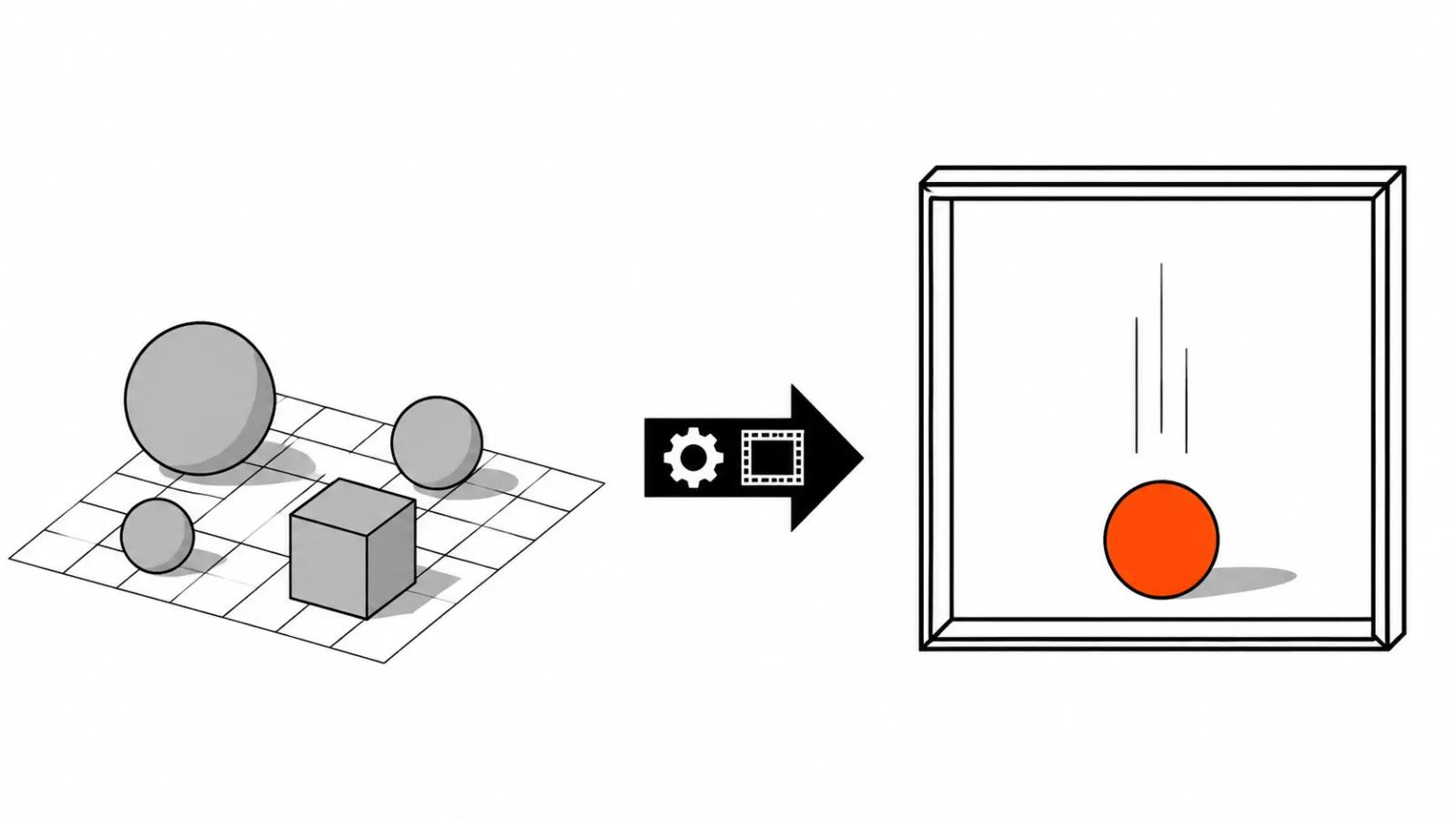
Live Set lets you change the hero, the environment or the camera direction while the scene keeps playing, with the result visible in real time. According to Variety, you can feed in a reference character. This is early research and Adobe is not discussing the models behind it yet, as Adobe's Mysore told Variety.
Why it matters: editing a clip today runs in queues. Generate, watch, rewrite the prompt, generate again. Every iteration costs minutes and money, so decisions stay cautious. When the result shows up instantly, directing returns to a normal tempo: try, undo, try something else.
Project On Cue: events on a signal
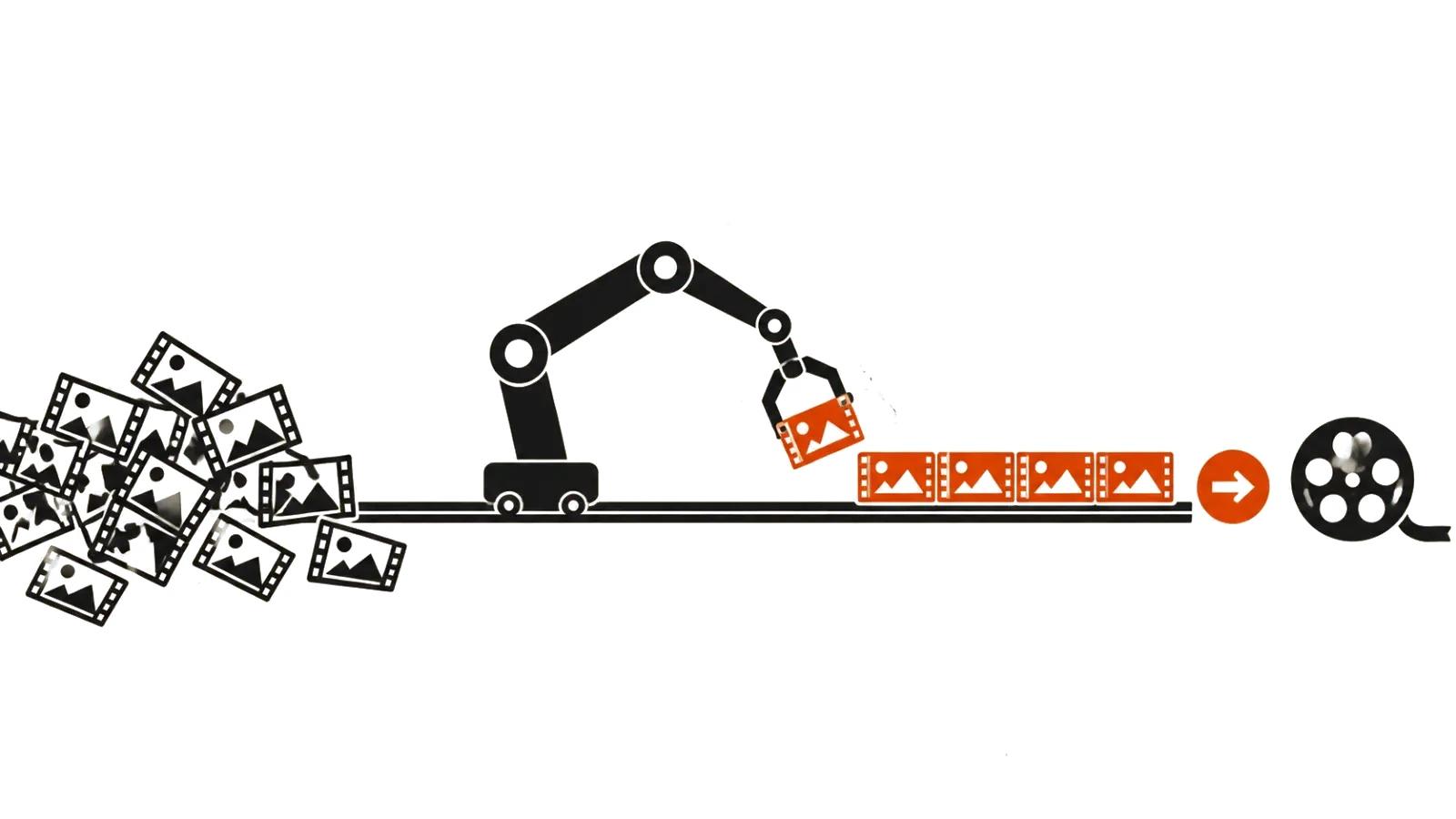
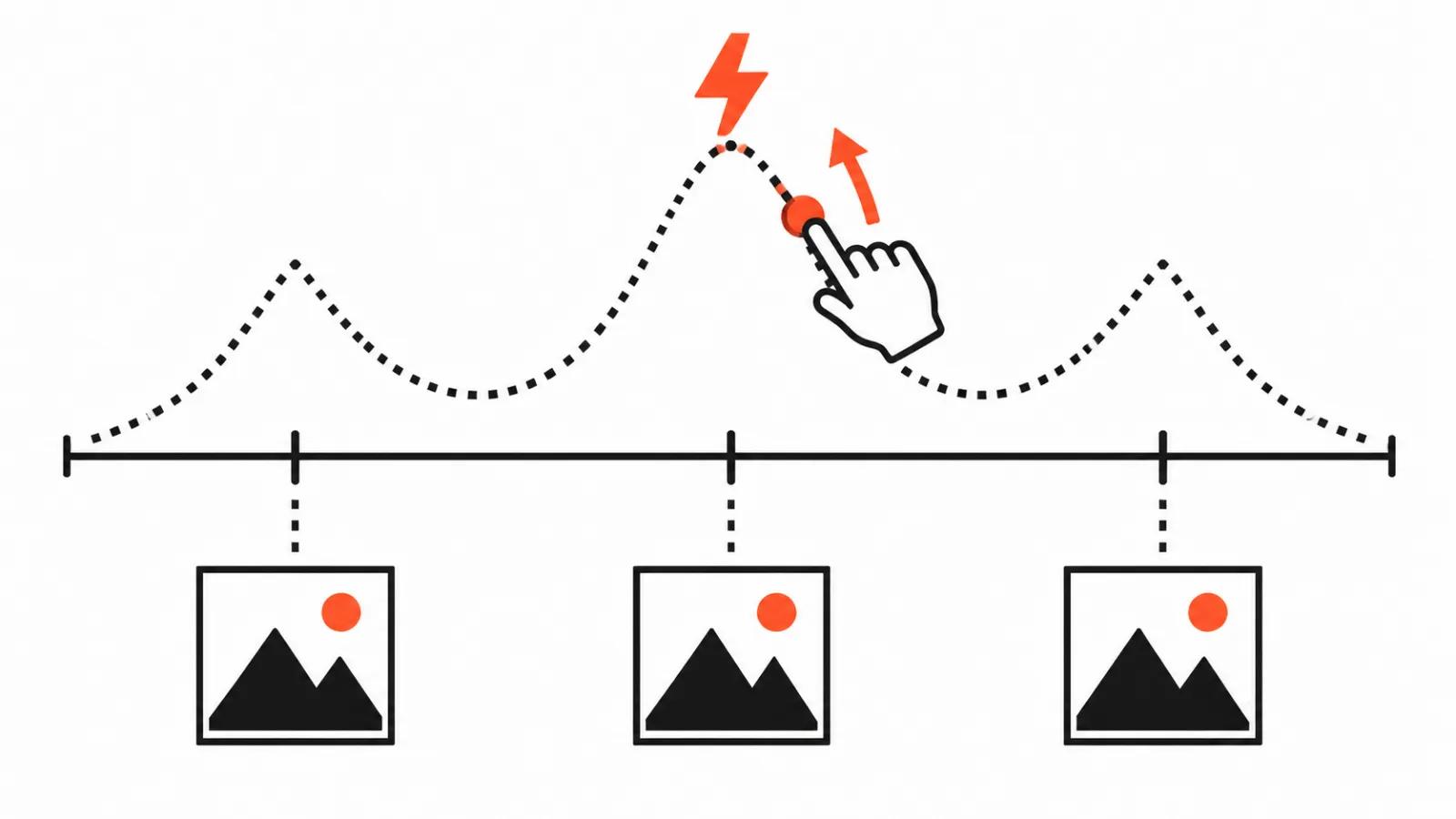
On Cue splits a question that usually lives inside one prompt. The prompt describes what happens, On Cue sets when: the timing of an event (a flash of light, a hit, a cut) comes from an editable signal. You draw that signal by hand or pull it out of footage or music, and the motion lands on the sound.
Why it matters: hitting the beat is still done by eye and ear, cut after cut. In an ad cut to a beat that eats a lot of editing time. An editable timing curve turns the work into a parameter you can fix with a number.
Project Sound Bender: sound described in words
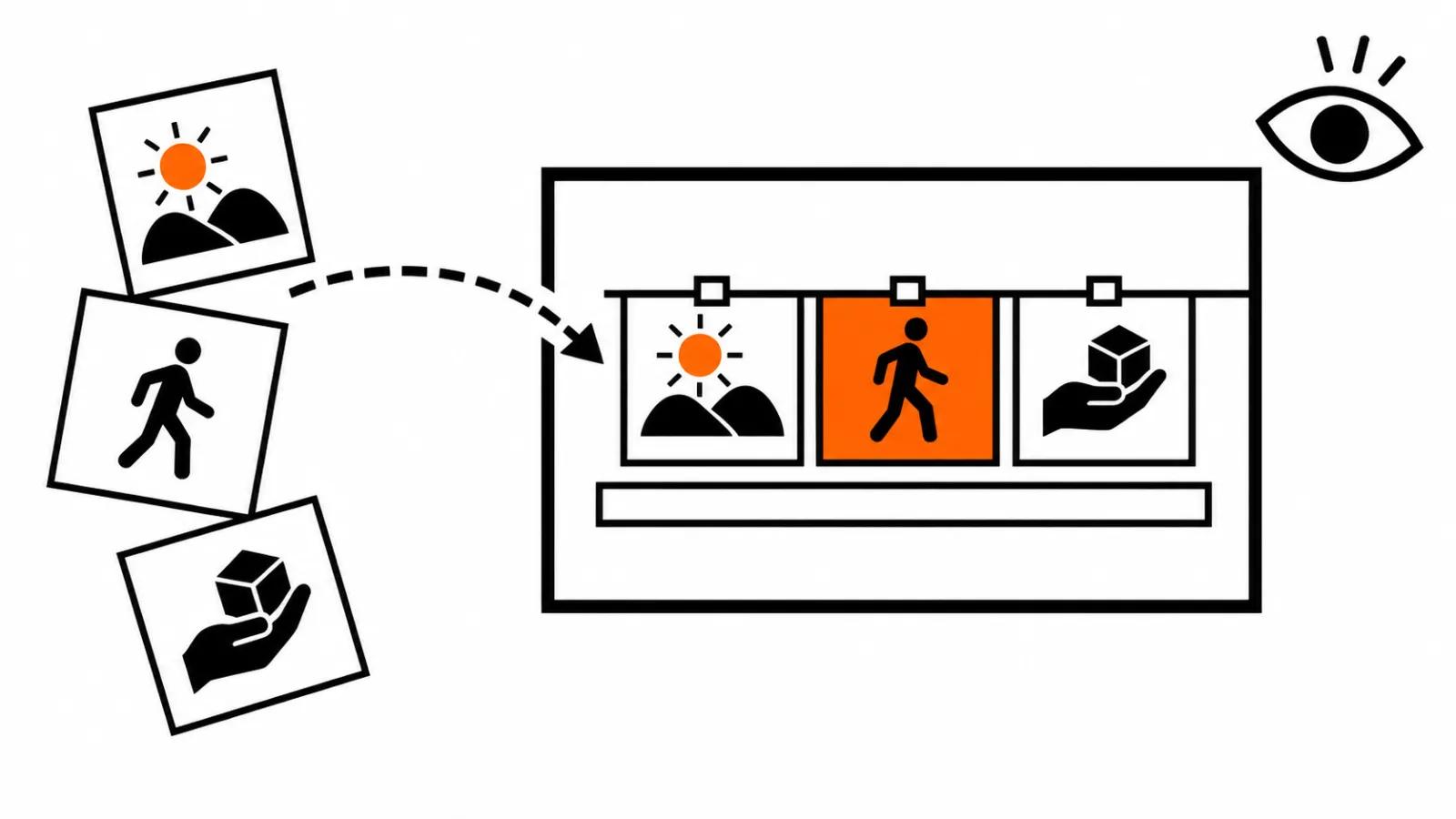
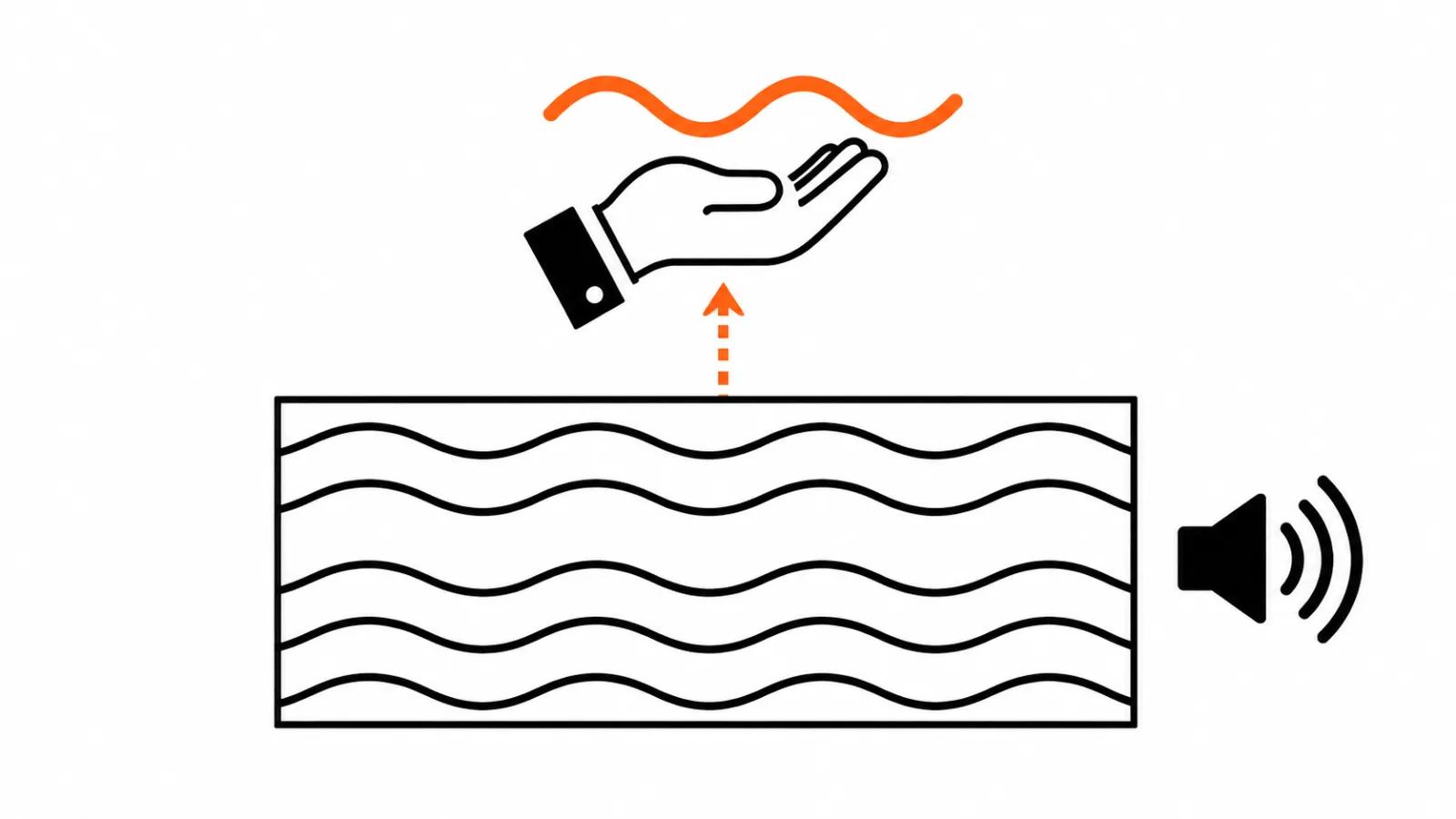
Sound Bender lets you describe a sound in words, pull it out of an existing mix, try variations on a canvas and match the movement of the sound to the picture. Words instead of EQ sliders, with the result sitting on the same canvas as the frame.
Why it matters: swapping a sound in a finished cut means rebuilding the audio track. It is fiddly work, it is audible, and it almost always surfaces in review. A tool that pulls one layer out of a mix on description cuts the least favourite part of the job.
The rest went past in one line: Deep Brush, Sight Span (a still becomes an environment you can walk through to hunt for angles), Hands On, Rinse Repeat and Link Up. The last one has nothing to do with video.
What this means for AI video editing
All five video and sound projects aim at the same spot: the unit of work moves from the clip to the scene. Today AI video editing looks like a queue of separate generations stitched together on a timeline. Sneaks shows a sequence where a scene lives as a whole, and the fix, the timing and the sound apply to it at once.
These ideas have a track record. Earlier Sneaks produced Generate Soundscape in Premiere and Relight in Photoshop, and both shipped. Watch the list of what Adobe puts into beta over the next year, and treat the demo magic as a bonus.
The practical read for anyone commissioning video is short. While these tools stay in preview, AI video production still rests on a person who decides what counts as a scene and how to hold it. Our handcrafted videos work the same way: a human owns the decision, and the result does not depend on whether a research project ships.
For the wider picture we have our Adobe Firefly breakdown, from the first video model to a finished cut. The MAX announcements themselves, including Adobe agents inside Premiere and After Effects, have their own write-up.
Sneaks this year answers a question editors have asked for ages: when does a fix stop being frame by frame work. The answer is careful and comes as a preview, yet the direction is clear.