What Adobe announced on 10 November
At Adobe MAX on 10 November the company said third-party AI agents get access to its applications. Local MCP integrations went into preview. MCP is the Model Context Protocol, a way to connect an agent to a program running on your own machine. A professional hands their own agent the job of changing project files in Photoshop, Illustrator, Premiere and After Effects locally. Layers, sequences and comps stay editable while that happens.
The second piece is Adobe Creative Agent, the layer that feeds expanded AI assistants in beta inside Illustrator, Premiere, InDesign, After Effects and Frame.io. You describe a multi-step task in your own words and the assistant walks through it in steps. A single prompt does not get you there.
Why the important word is "editable"
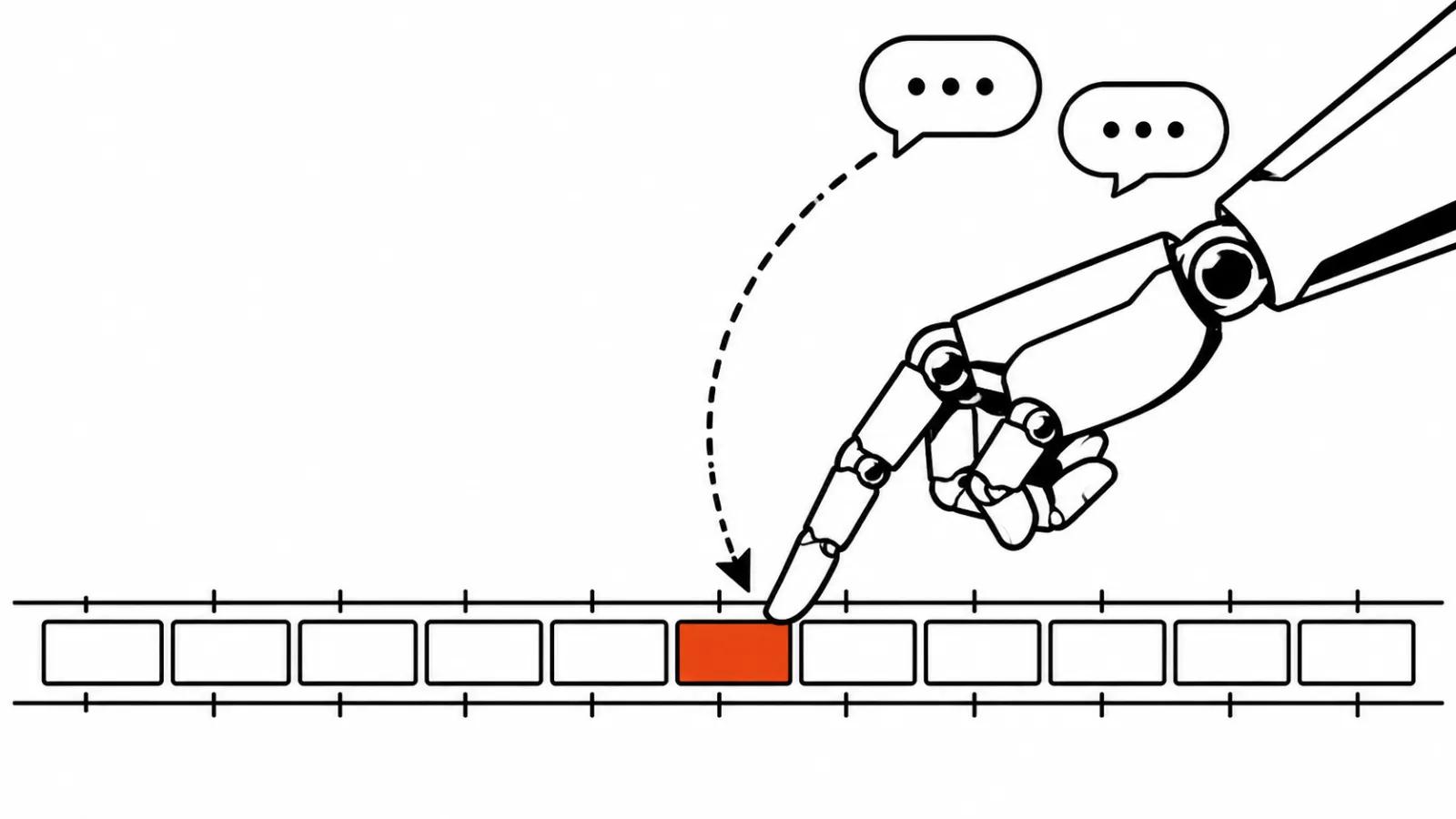
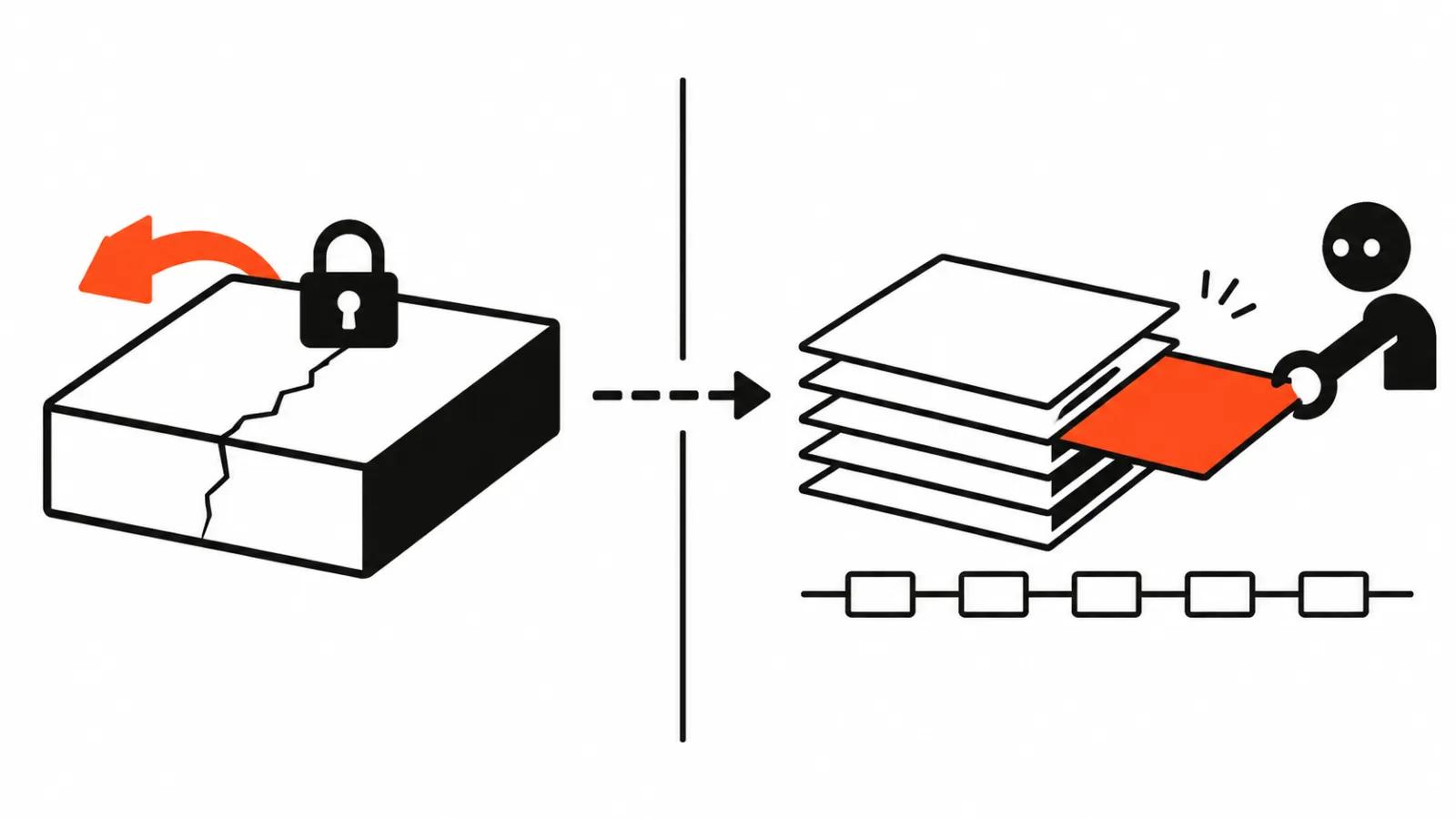
Most AI video arrives as a finished file. You accept the mp4 or you redo the whole thing. Here the agent works inside the project. It moves clips on the timeline, changes effect parameters, sorts tracks, and what you get back is the same project, ready to be rolled back, corrected or finished by hand.
The practical difference shows up in the quote. Inside a flat render there is nothing to fix: a caption sits three frames off and the scene gets rebuilt. A project with live layers takes a correction in one place. A fix in one place is usually cheaper than a second assembly of the same scene.
AI video editing in Premiere Pro: what the agent actually gets
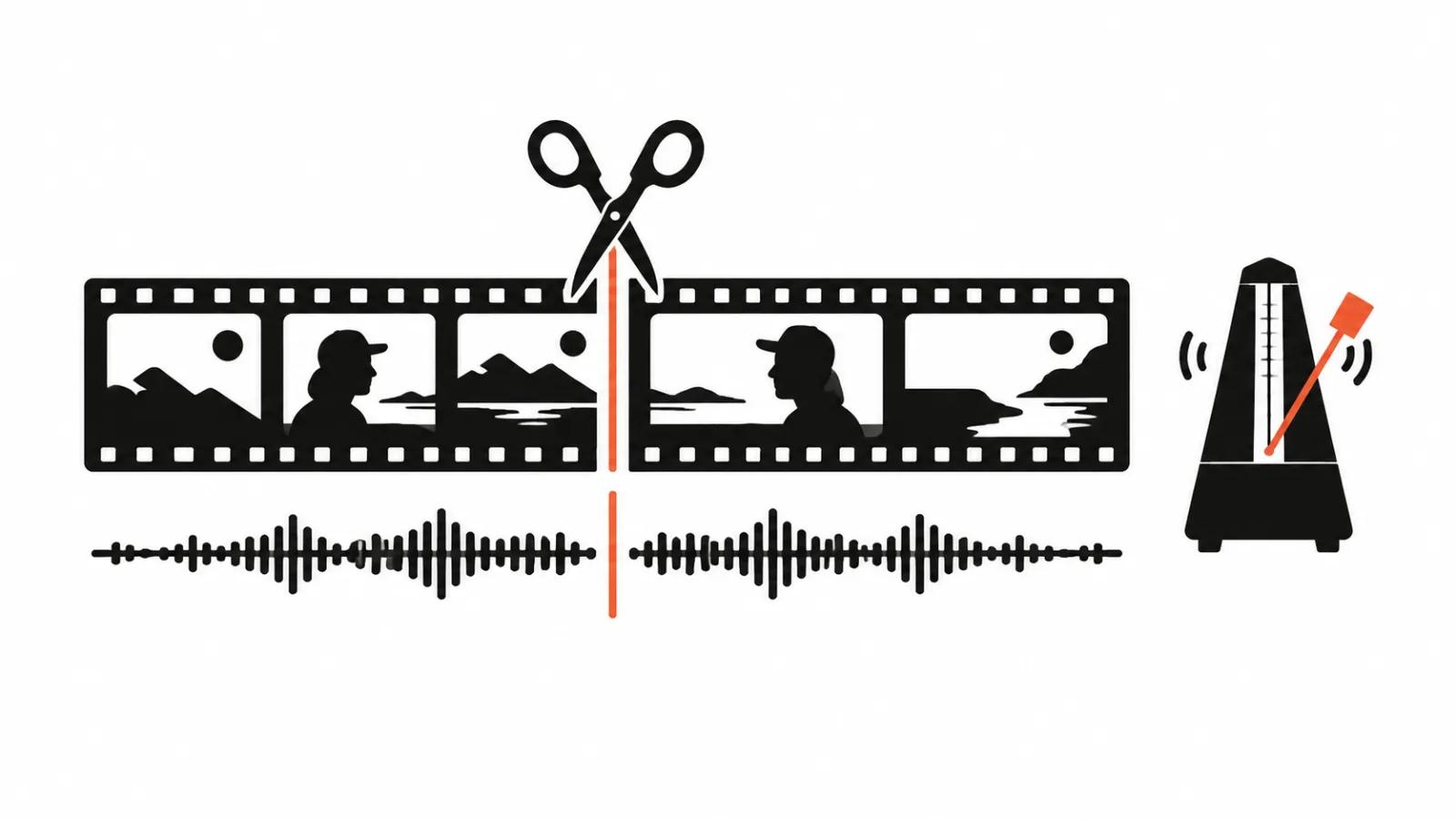
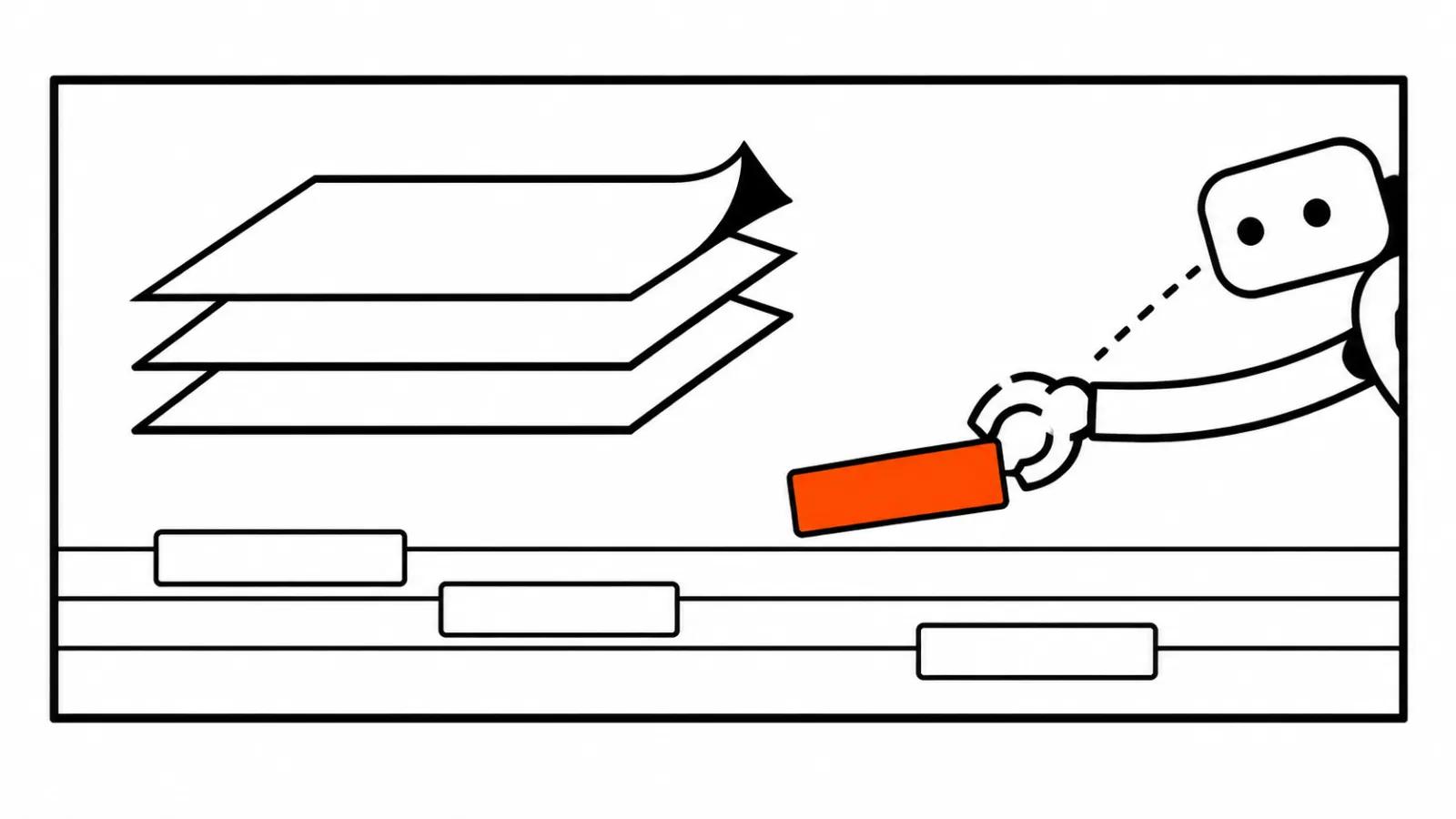
The announcement does not list operations, so I read it through what project access gives you. Rename shots and sort them into bins. Build a rough sequence from flagged fragments. Fit versions to formats, 16:9 for the site, 9:16 for feeds that run vertical. Spread voiceover and music across tracks. Check that captions match everywhere.
That is the routine that stretches a long edit across a day. An AI video editor working this way does not replace the author. Choosing which take survives stays with a person. The mechanical pass goes to the agent, and that is already money saved.
If you want the wider picture of what these tools can do, we have a separate piece on AI video editing: what it can and cannot do, and where the seams show.
Colour Mode and the assistants
In Premiere Adobe showed a new Colour Mode and calls it a colour grading system, a first of its kind. The announcement stays thin on detail: how it looks on a panel, what it costs, when regular subscribers see it. In Photoshop the same announcement brings Generative Restyle and Relight, meaning a restyled look and a relit frame from a description.
The name of the mode is the least interesting part. How it behaves on footage with mixed light in a single shot is something practice will settle on your own project.
Partners: Anthropic, OpenAI, Slack, Google, Microsoft
Adobe connectors already exist at Anthropic, OpenAI and Slack. The Google partnership expanded: Google models for images and video arrive in Firefly, Photoshop, Adobe Express and Premiere. Microsoft is a different story. Photoshop, Premiere, After Effects and Substance 3D Painter in beta are optimised for Arm-based Windows PCs.
The shape of it is clear enough. Adobe keeps one closed assistant out of the centre and opens its formats to several model vendors instead. For a studio that is convenient, you can pick the agent already sitting in your workflow. It is also awkward, because output quality now depends on someone else's model. Adobe showed Firefly Video the same day, and that is a separate story about generating and assembling a clip.
What it means for a studio
A typical picture: a studio ships a batch of versions of the same clip every day: feed, shorts, site. Sort them, rename them, trim the runtime, match the captions. That work is easy to describe in words and easy to check by eye. It is the first thing worth handing to an agent.
There is a catch. Local access means the project sits on your machine. For client footage under NDA that helps. For a team spread across cities it opens a separate conversation about whose disk holds the current version.
In AI video production a human owns the final edit either way. Vertical ads ship as a series of versions, and fixes like swapped captions or a recrop cost less inside the project. Handcrafted videos from $190 are built by a person, and an agent in that setup saves hours of rough assembly while the person decides what belongs in the shot at all.
What the announcement does not say
Adobe gave no dates and no prices for the local MCP. This is a preview: nobody knows when the integrations leave preview, which plans include them, or what limits a project will carry. How an agent behaves on a heavy project with hundreds of clips and dozens of tracks has not been shown either. One bad pass on a sequence like that can cost more than the hour it saved, and that is the main risk in the whole idea.
My conclusion
I am betting on one word from the announcement: editable. An agent that hands the project back fits into a studio's work without rebuilding the process. An agent that hands back an mp4 stays a generator and lives somewhere else.
The practical step this week is small. Write down three routine operations from your own edit that can be described in one sentence and checked by eye. When the preview opens up, start there. Creative decisions can wait until last, because a person with experience still owns them.
Before the first run on client footage, put the agent on a mid-weight project of your own. That is how you see whether it holds a large sequence and what is left after a rollback.