What YouArt shipped on November 13
YouArt, a Y Combinator platform, announced the YouArt Desktop App on November 13, 2026. It is an AI agent for Mac and PC that works with local project files: the edit sits on your drive, the agent opens it and works there.
The release went out on GlobeNewswire from San Francisco, and the key line is short. The agent sits down at the editing software you already use.
How the agent works in Premiere and DaVinci
With the user's permission the agent controls Adobe After Effects, Premiere Pro, DaVinci Resolve, CapCut and Blender. It does that literally: walks the menus, clicks buttons, types commands. From the outside it looks like an editor who took your chair and repeats your moves, only faster and without coffee breaks.
The difference from a web editor is structural. A web service takes the footage, renders something, hands back a file. Here projects, templates and plugins stay where they are, because the work happens inside the software you already know.
Access runs only with the user's permission. The agent gets the right to press buttons in your application, so trust gets settled before the first run.
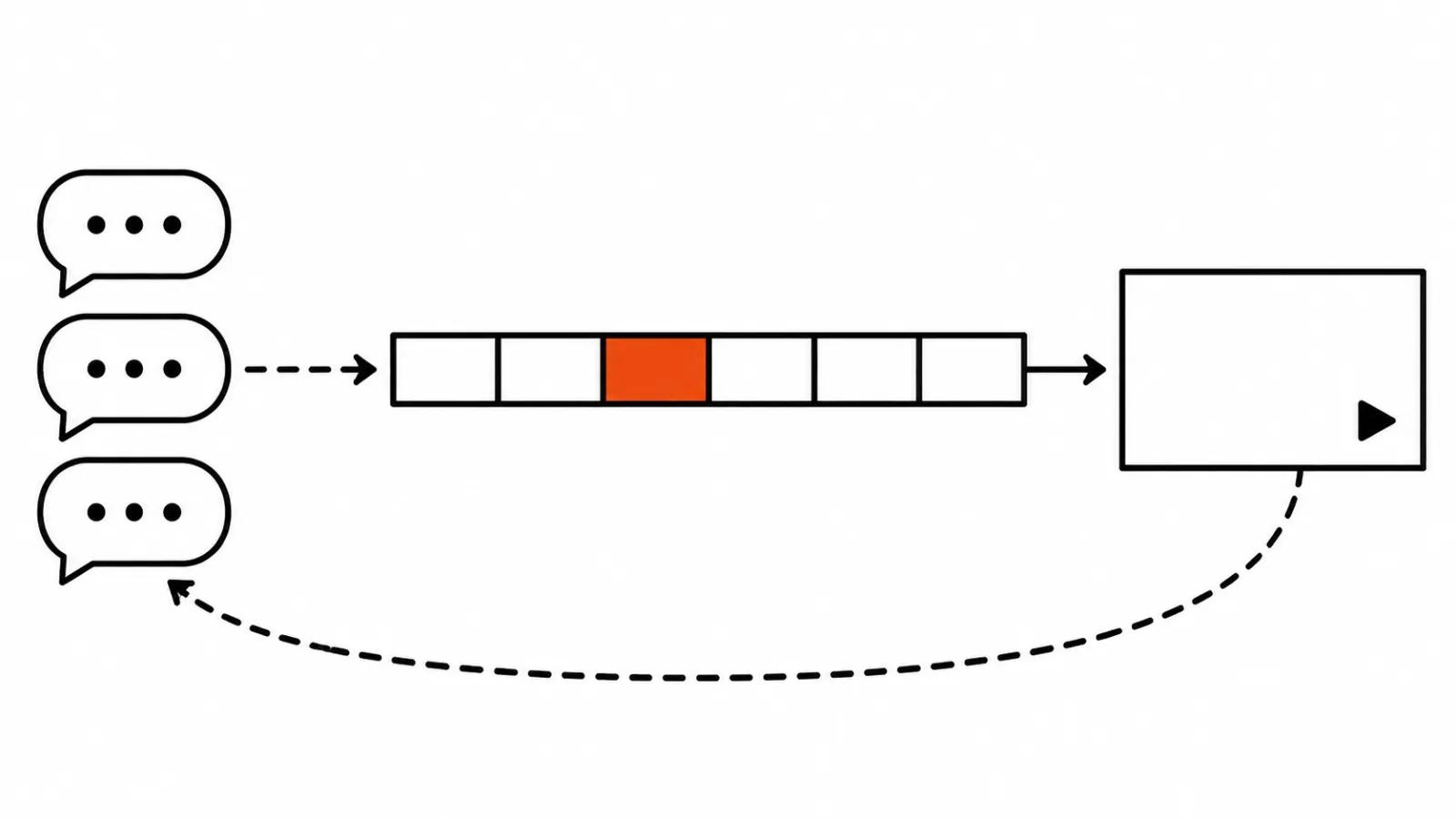
What an AI that edits video does with client notes
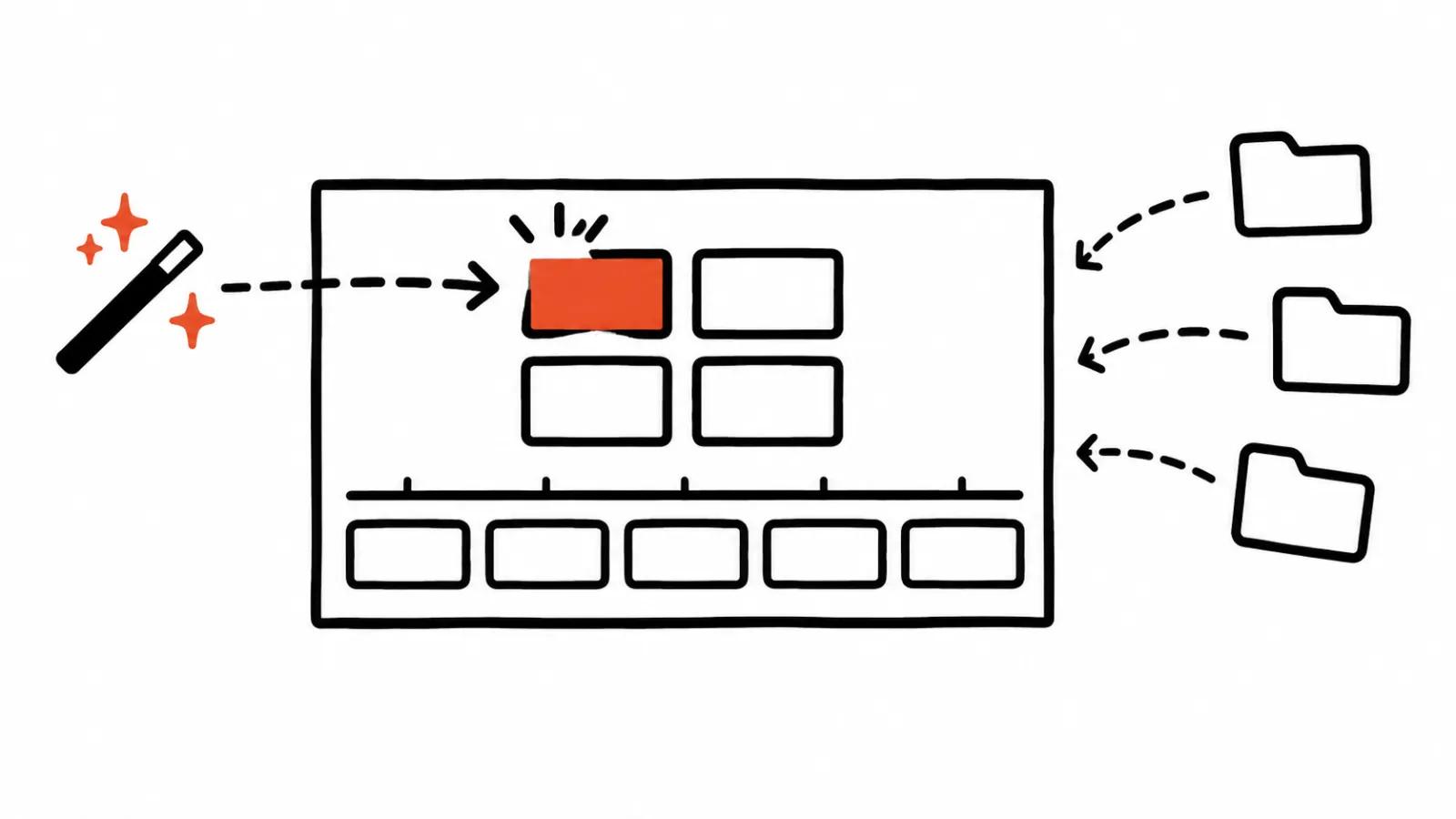
The core piece is the project canvas. Sources, scripts, brand materials, generated clips, comments and version history all live on it.
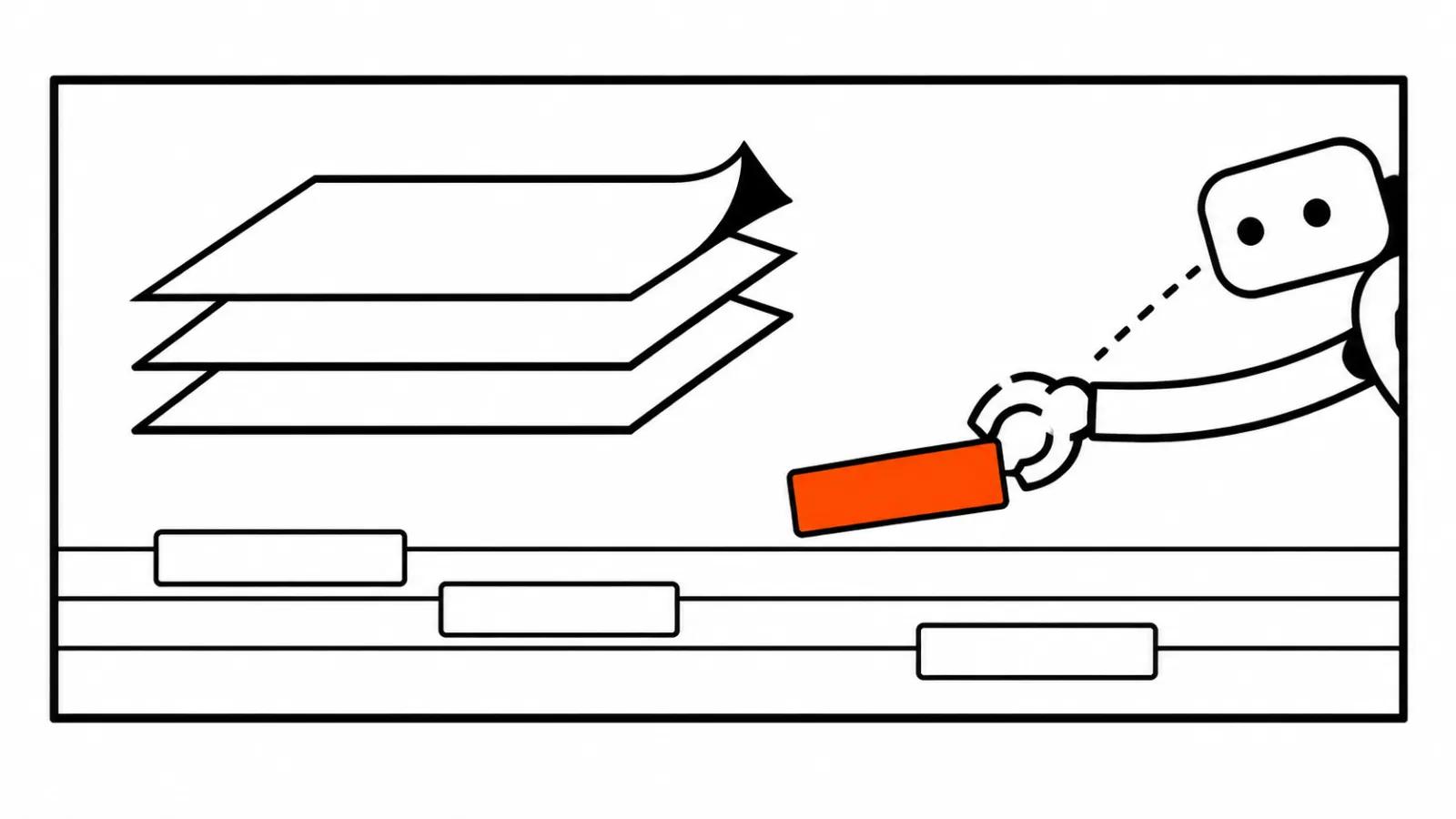
Then comes the part this was built for. Client notes arrive in Slack or Gmail. The agent moves them onto the canvas as a comment pinned to a specific shot, frame or element, and applies them in the project. A human decides what survives into the final cut.
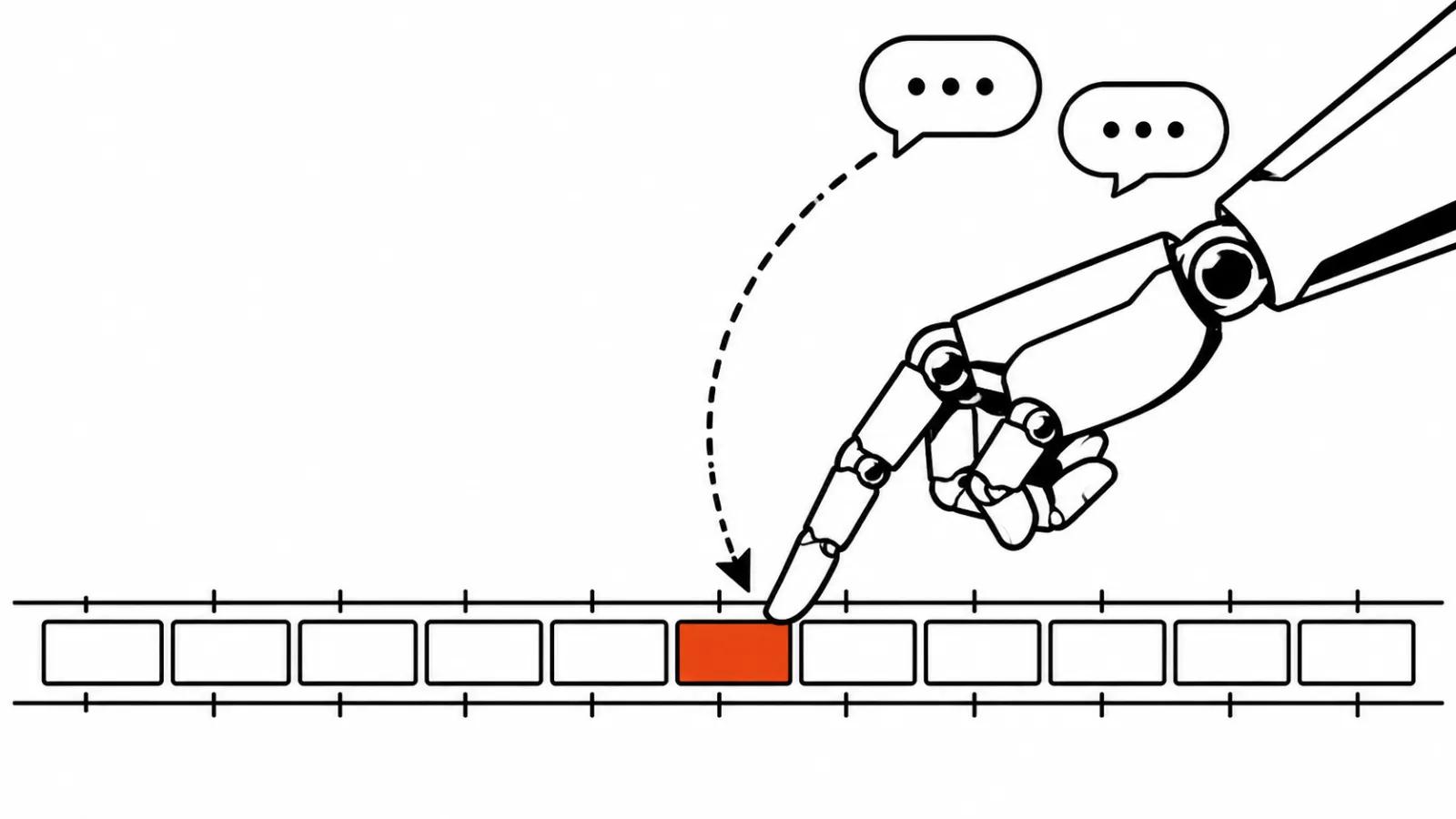
The second mode is Chat to Edit. You select an element and type a normal sentence: use our brand blue, hold this title for one more second. The agent changes that element, and the manual timeline stays usable.
Browser, references and AutoClip
A browser inside the app handles reference hunting. You can see when the agent works with a page and take the controls back at any moment.
Per the release, for social teams the agent researches trending videos, breaks down their hooks, pacing and structure, and helps build original content from the brand's own assets. Editors rarely describe references in words, so a browser built into the agent saves the step of mailing links around.
One more feature is AutoClip: a long video gets cut into short clips with captions for each platform.
Your own keys and the price of a Seedance second
The agent runs on your own API keys: Higgsfield, fal, BytePlus. Smart routing picks the cheapest provider for the model you chose. Video, images, voice on ElevenLabs v3, music from Suno, lip sync and avatars sit inside the platform as well.
Numbers for Seedance 2.5 at 720p: 20.8 cents a second on pay as you go, and 13.8 cents a second on the annual YouArt Max plan. By the company's own table that lands roughly 56 percent below fal and 55 percent below Higgsfield, with the annual plan stretching the fal gap to 71 percent.
YouArt ran that comparison itself, and that is worth remembering: independent measurements do not exist yet. The second thing I would test by hand is routing. The agent will pick the cheaper provider, and the real question is what you get for the money.
AI video editing: where the agent stumbles
An agent that clicks through other companies' software depends on their interfaces. A menu gets reorganised, a button moves, the render dialog changes, and the click path breaks. Run that kind of tool on a copy of the project and keep the only master safe.
Long projects carry the second risk. The bigger the timeline, the more steps, and the higher the chance the agent goes wrong halfway and never notices.
The comparison that helps: Adobe's local MCP puts agents into Premiere and After Effects through a protocol. DomoAI's video agent builds a spot from one sentence in a chat and waits for the plan to be approved. YouArt took a third road, live clicking through the interface with the user's permission. All three solve one job, each with its own level of control.
My take
This launch looks more useful to me than another web editor, because the change lands in a project that already sits on your drive. For studios and agencies the real win is the feedback loop: a client note reaches the right shot, and nobody digs through last week's thread to find it.
For our own work it argues for handcrafted AI videos from $190, where a person owns the frame, and for AI video production when a campaign needs a pile of versions fast. The tool takes over the drudge work of carrying notes, and the picture calls stay with the editor.
Test a new agent like this on a ten minute scene, on a copy, with three typical notes. If it handles them without surprises, it can go into the pipeline. If it drifts on the second one, the rest of the week gets expensive.