What Avid shipped on November 10
Ready to Play is an extension for Media Composer that connects Google models straight to the editing window. The Gemini family and Veo sit inside it. Avid calls it the first commercial product of its expanded partnership with Google Cloud, and it installs into the same Ultimate and Enterprise seats editors already run.
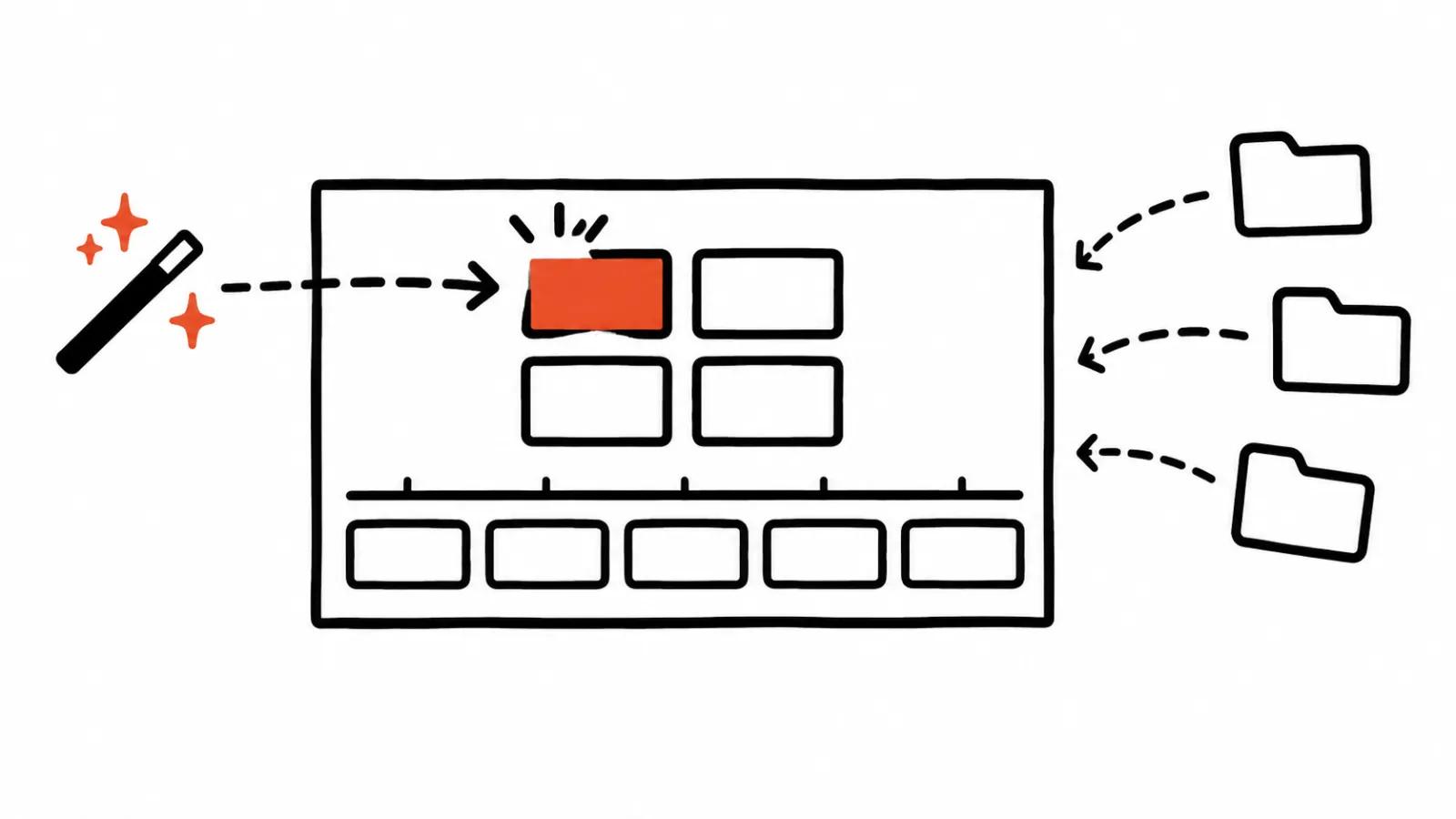
Until now generation lived in a browser and the cut lived in Media Composer, with files travelling between them through folders and renames. Now a request leaves the timeline and lands in the project bin.
Three features: AI video editing inside Media Composer
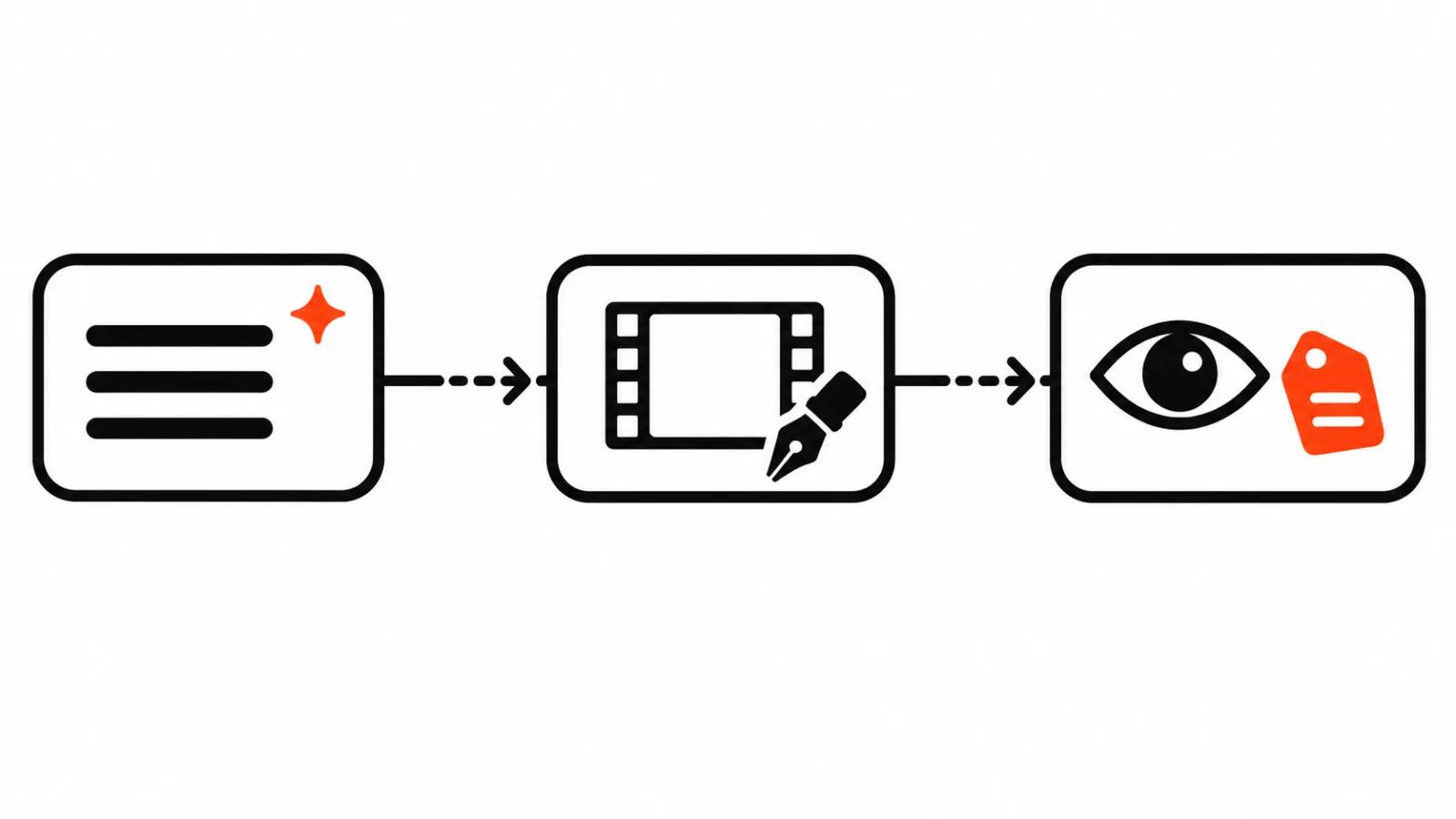
Create Video comes first. A clip is built from text or from a frame taken directly off a source clip or a sequence. The result drops into the bin. The use is plain: temporary B-roll, a preview for the client, a placeholder wherever graphics and VFX have not arrived yet.
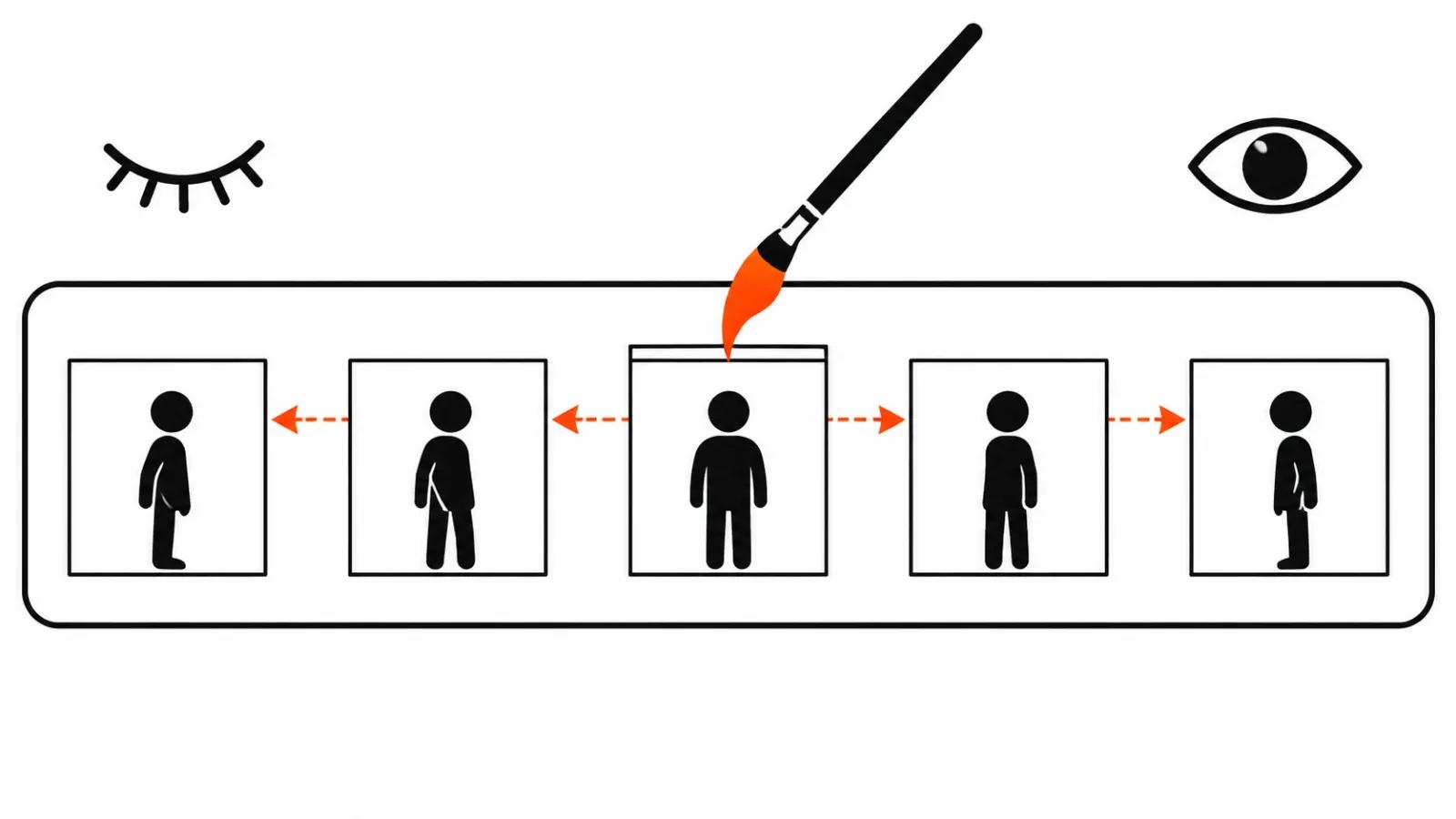
Modify Video is second. You edit footage that already exists by describing the change, and the source stays untouched. In practice you can take a microphone out of the shot with a line of text. For a VFX team the other side matters more: one take yields several versions of the same scene. Create and Modify always write new files, so originals and sequences are never overwritten.
Analyze Video is third. The model watches the footage and writes descriptions into the clip metadata. Existing metadata is not replaced, which counts in projects where the fields were filled in by hand.
Why Analyze Video and the placeholders beat the generation
My position: the third feature and the placeholder bins are the valuable part. Analyze Video answers a pain every editor knows. Raw footage holds twenty near-identical takes, and the right one gets found by scrubbing, because file names tell you nothing. Descriptions in metadata turn that search into a filter on words.
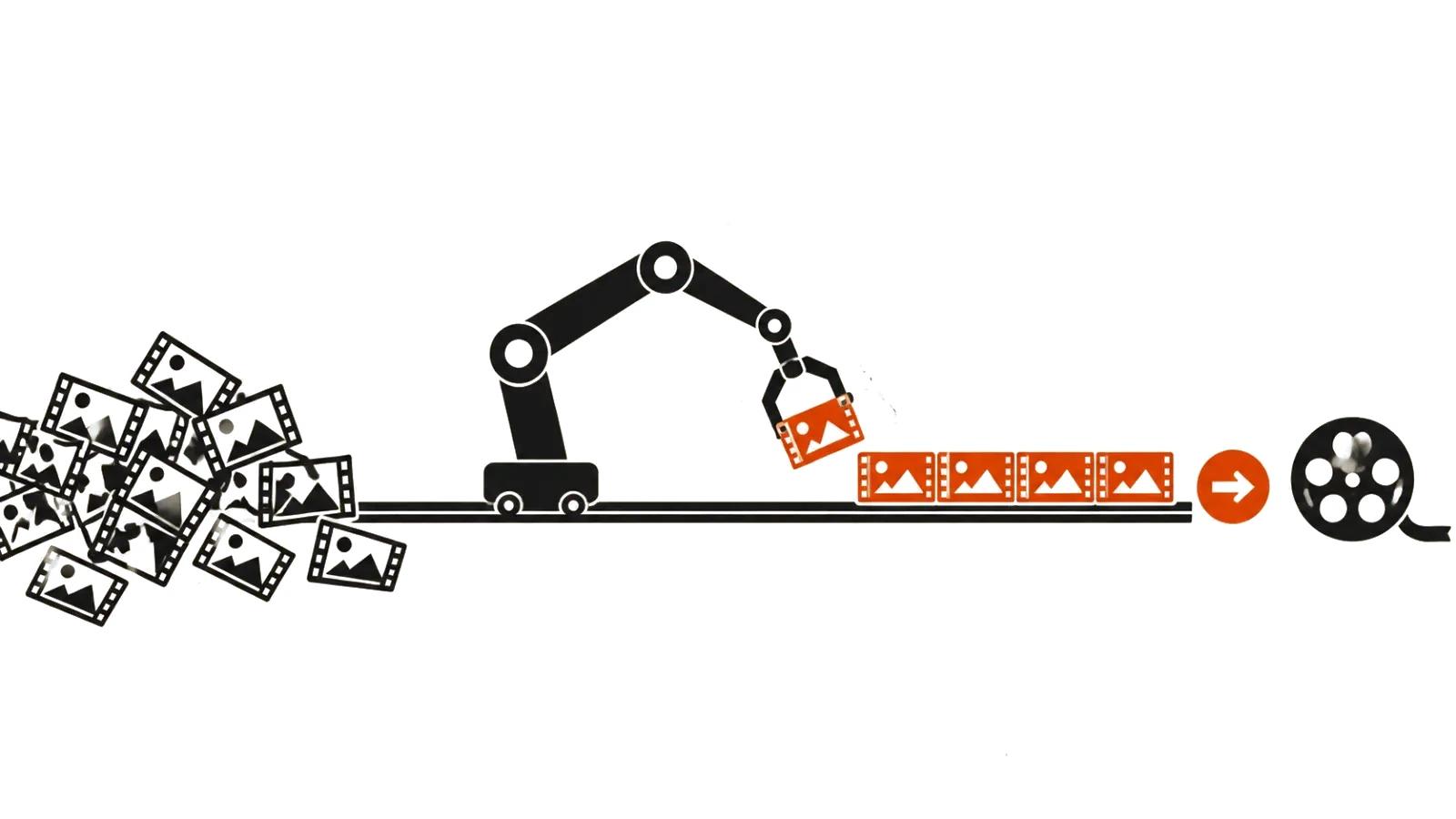
Placeholders cover the second pain. A shot sits empty in the rough cut while a designer draws graphics or a VFX team builds the comp. A placeholder from the bin lets you show the client timing and rhythm today, without waiting for final elements.
I use generation for the rough cut and the preview. A generated clip reaches the master after its own check for artefacts and for brand consistency, since the model has no idea what the neighbouring scene looked like.
What 120 editors said
Avid and ACE surveyed 120 editors. Among those who use AI daily or weekly, 98% say AI helps most when it amplifies the author's intent. 76% report that AI sped up their work. More than 80% want AI inside the software they already cut in.
The numbers explain Avid's decision. Editors are not asking for another service on the side, they are asking for a button where the cursor already sits.
Where it saves a shift
AI video editing in this shape stops being a separate craft outside the cutting room. The scenario is familiar. A client orders a set of vertical ads, there are no finished assets, and a preview is due in the morning. Create Video covers that stage, and then the ordinary work starts: colour, sound, rhythm.
Our handcrafted AI videos, from $190, are built the other way round, with a person owning the frame and generation working from a storyboard. Series work runs in two passes, placeholders on the timeline first, then the clean assembly and a check on every cut. Vertical spots almost always collect notes after the first viewing, and Modify Video saves a reshoot there.
Past a dozen versions a week the job becomes a production line with a budget per shift. The extension removes part of the routine, it does not remove the budget.
The price question and one open point
The extension is included with Media Composer Ultimate and Enterprise at no extra charge from Avid. The Google models are billed through your own Google Cloud account. Avid does not quote a final figure, because the bill depends on your tier, region and volume. Before a pilot it is worth estimating how many clips a week you generate and comparing that with your current Google Cloud invoice.
What Avid promises next
Two things are on the roadmap. Ready to Edit, an agent that prepares a project: it reads the material and lays it out before the first cut. And Avid Assist, a layer for managing agents, shown at IBC2026. Both are announced without dates.
We covered the wider shift in AI for video editing in an earlier guide, and it still holds up.
My take
Ready to Play makes sense for an editor who lives in Media Composer and cuts rough versions constantly. Analyze Video and the placeholders can pay for themselves quickly, and a clip generated into the bin saves hours on a preview. It does not change the craft: a metadata filter does not replace the eye, and a generated shot in a master needs its own pass.
Worth adopting now: teams that keep footage in Media Composer and already pay Google Cloud, since the cost arrives on two invoices. Worth waiting: anyone cutting in Premiere or DaVinci, where nothing here changes.