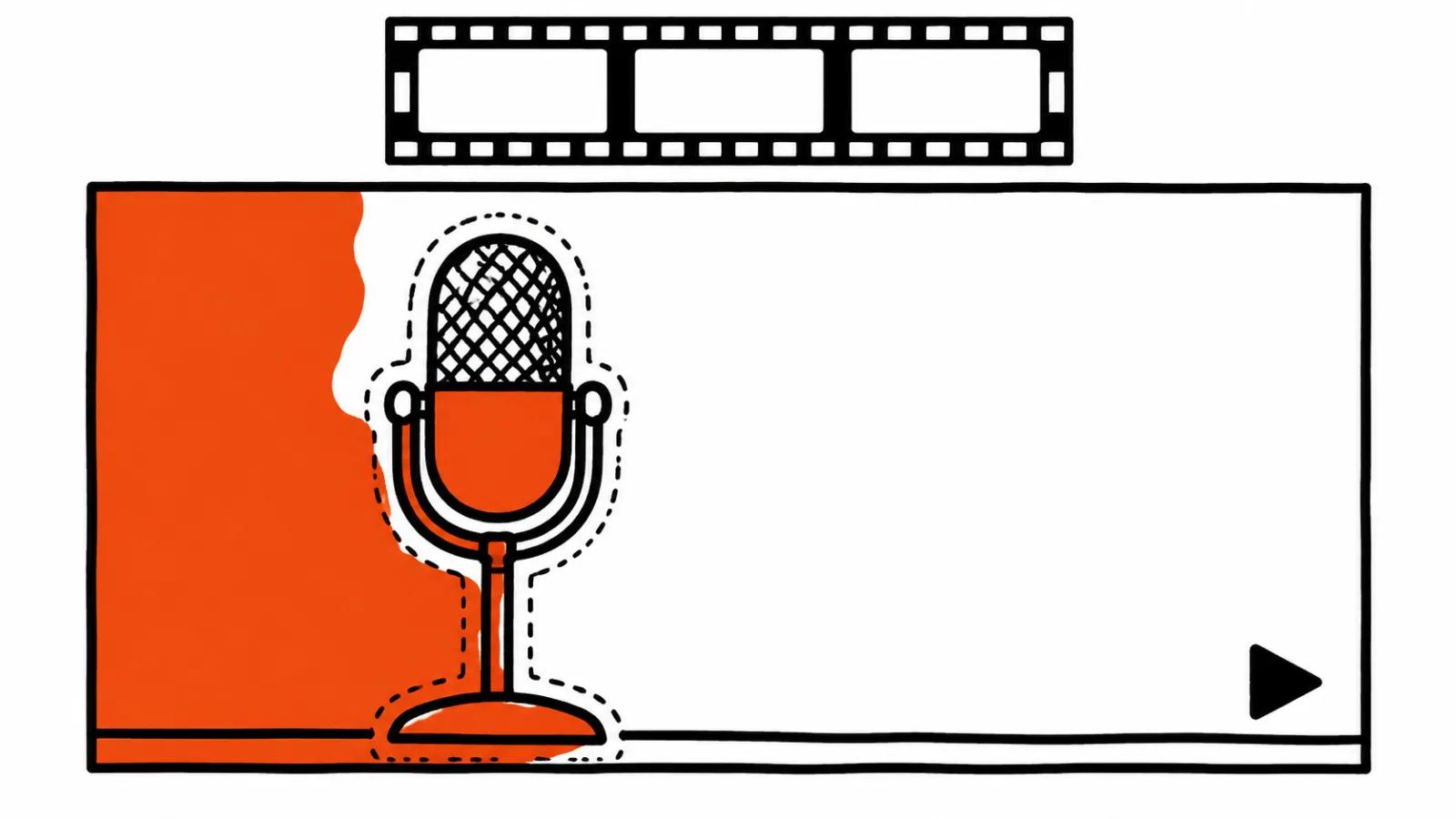
What people actually ask for
The requests repeat: lose the microphone, lose the brand logo on a shirt, lose the car that drove past in the background, lose the second person in the back. In vertical ads these fixes arrive in batches, because a shot lives a few seconds and one stray detail pulls the eye.
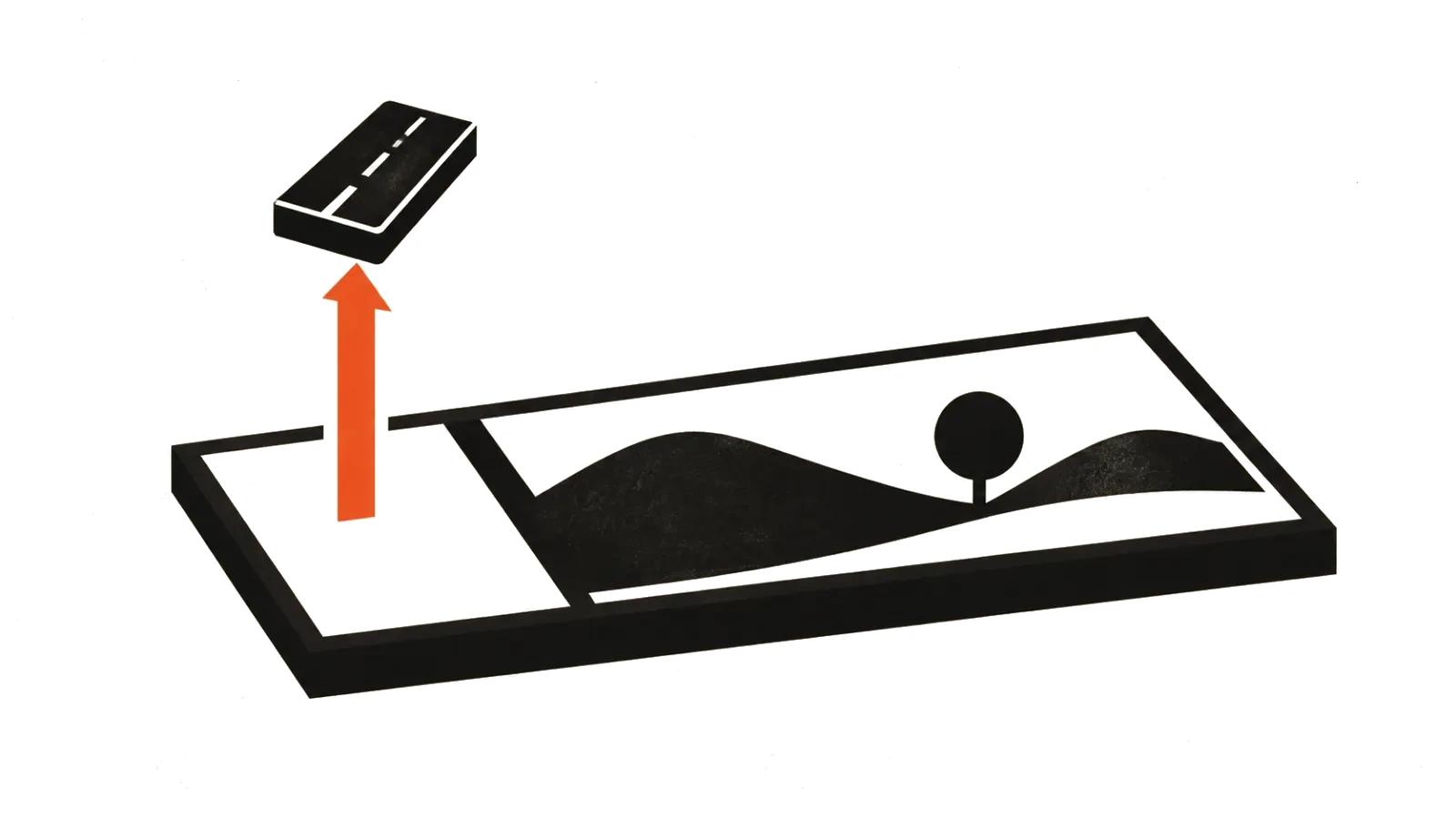
Two words describe the job. Object removal, and inpainting. The model paints plausible background where the thing used to be, borrowing from neighbouring frames. The difference between cutting and removing matters: cutting is a mask and transparency, removing means there is a wall or asphalt or sky behind the object, and it has to look the same at the start of the scene and at the end.
Why the patch flickers
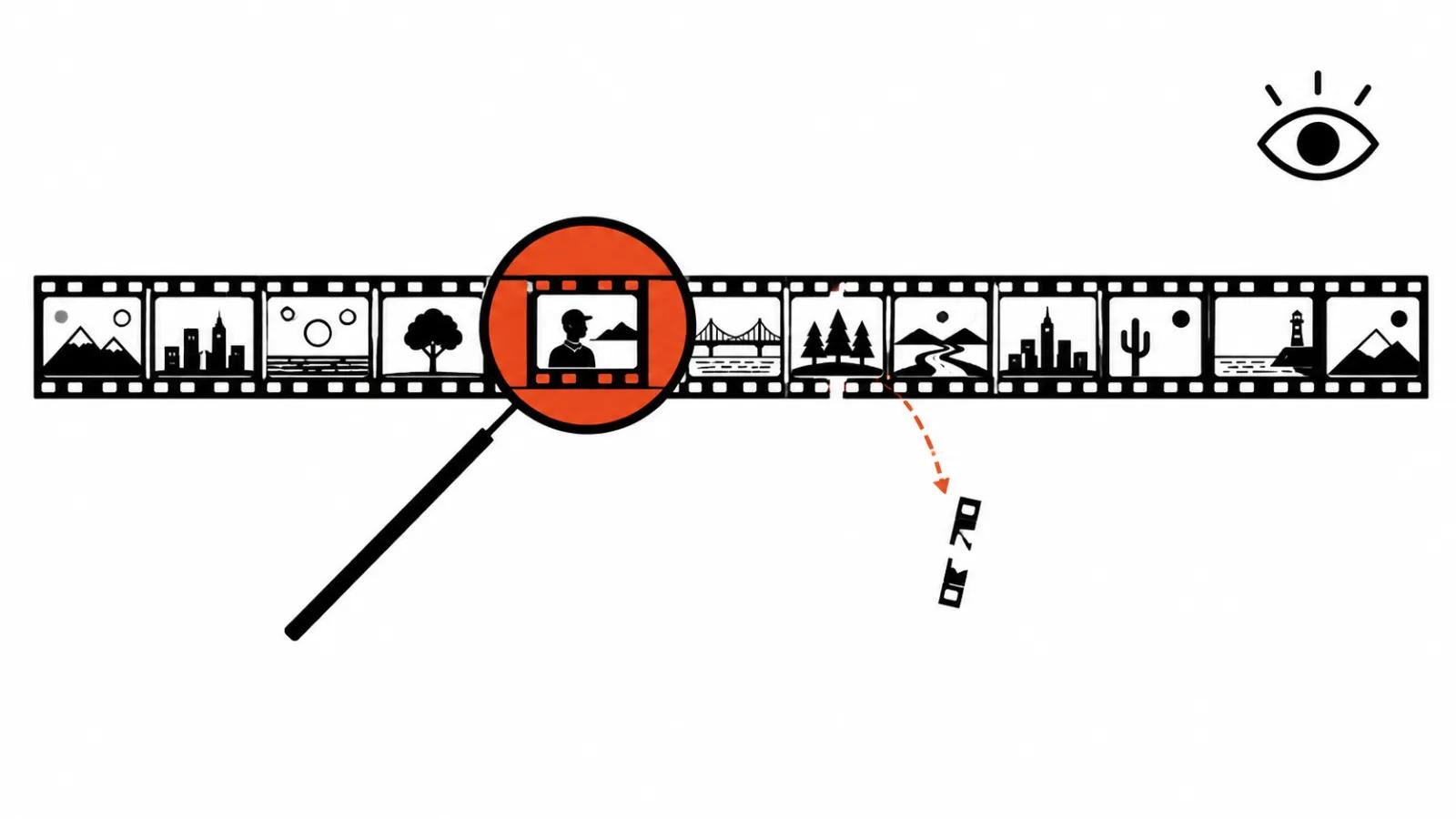
Clean a clip frame by frame, the way you would treat a folder of photos, and the background inside the hole starts living its own life. Texture hops, the border breathes, motion picks up a rhythm the eye catches instantly even when the viewer cannot name the cause. Hence the one requirement that decides the tool: temporal consistency. The model has to remember the previous frame and continue the same wall instead of inventing a new one.
That is why object removal in video is harder than the same job on a still. A single frame can be fixed by hand in ten minutes. A minute of movement needs a different approach.
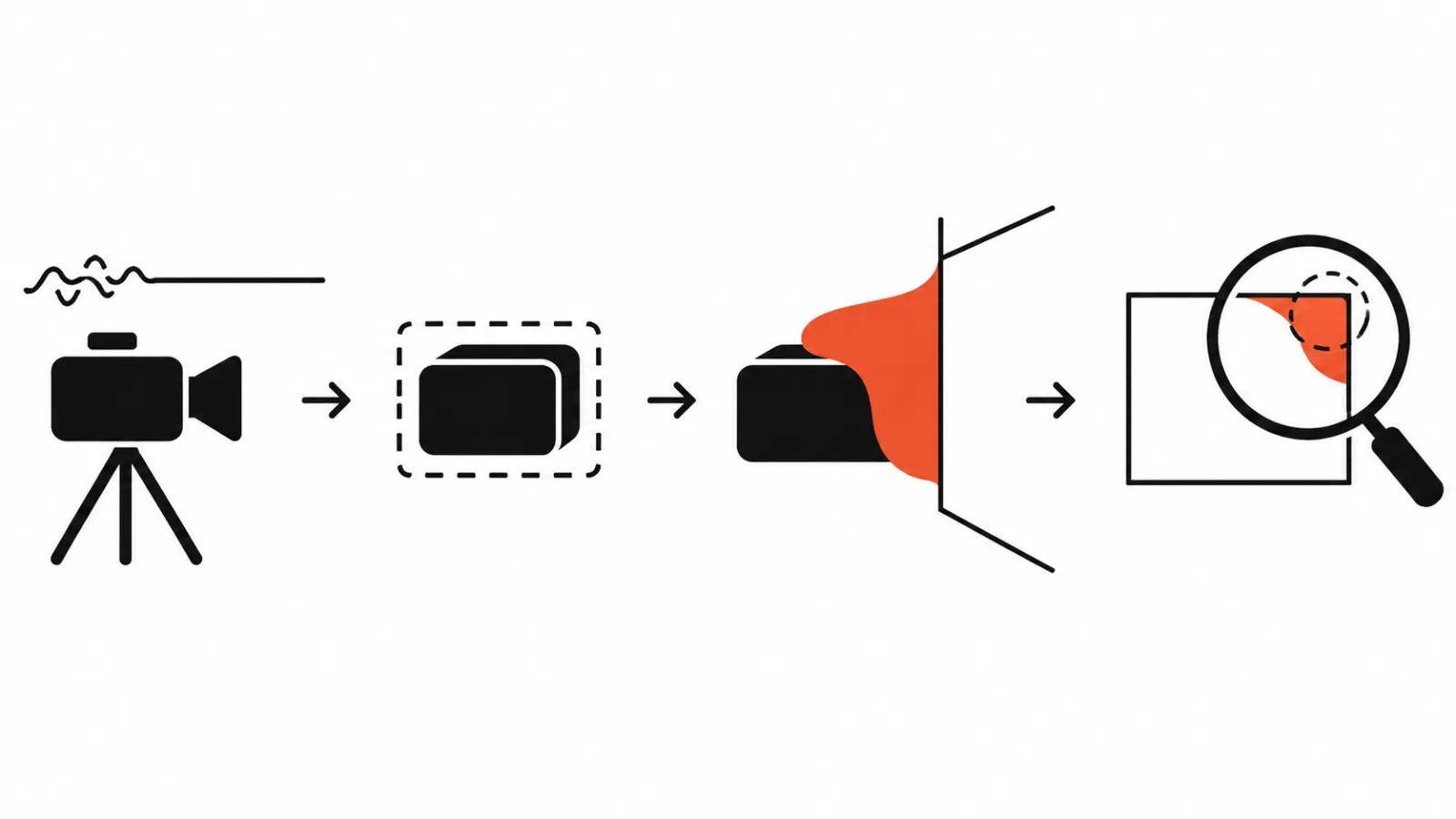
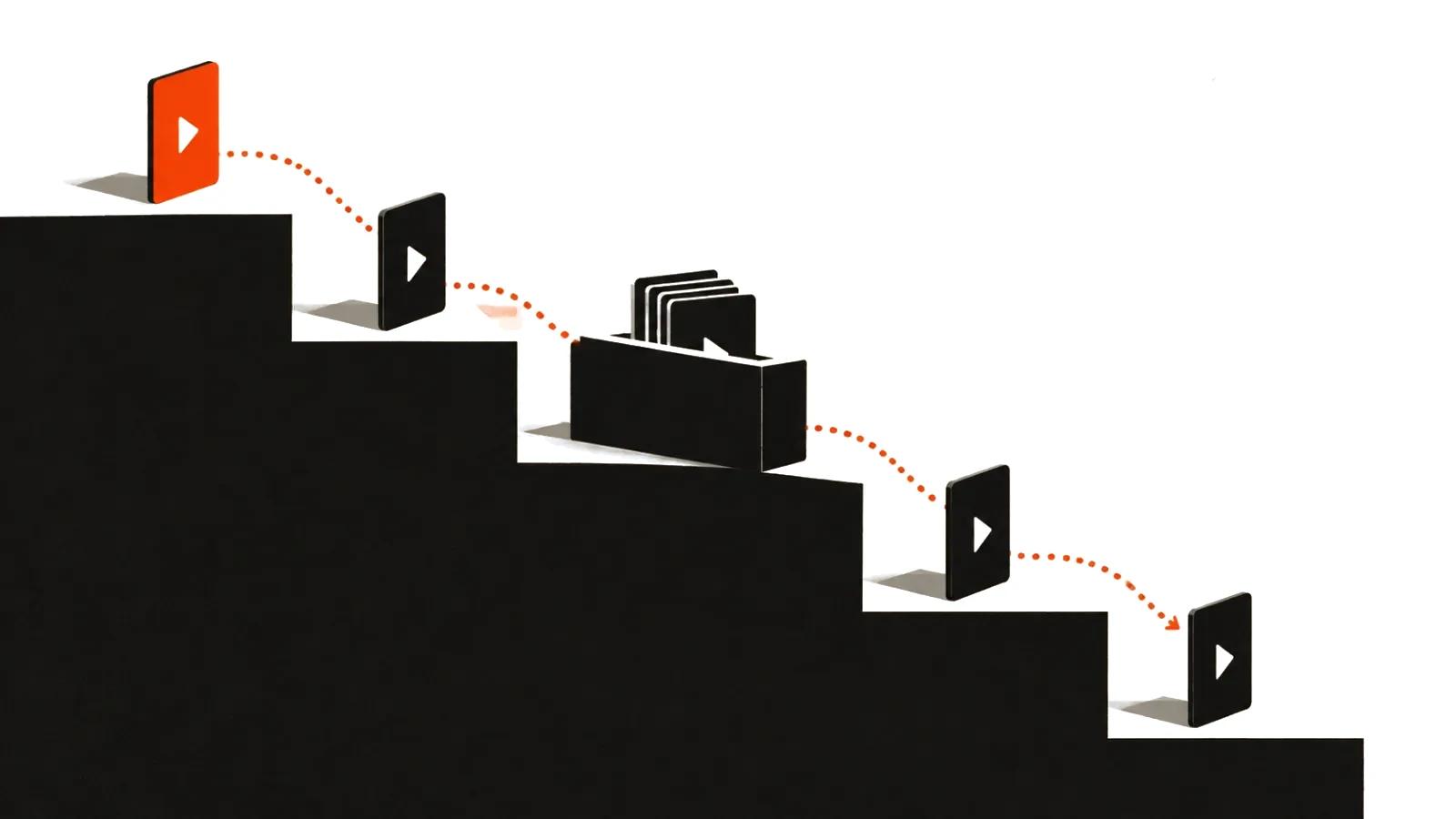
The order: how to remove an object from video with AI
One sequence, and it saves about half the rework.
First, stabilise the clip. Shake and micro-jitter throw the tracker off and the mask drifts away from the object. Two minutes in DaVinci or Premiere make everything downstream easier.
Second, build the mask. Draw the object by hand on key frames, then let the tracker carry it. A decent tracker holds while the subject stays in frame and does not cross another object.
Third, run video inpainting or build a clean plate. The first path hands the work to a model; the second takes a clean piece of background from another frame of the same scene. A clean plate wins on static shots, inpainting wins on movement.
Fourth, check edges at 100% zoom. Not in a fit-to-window viewer. Full scale, frame by frame, wherever the object moved.
Fifth, finish by hand. Leftover contours, a wobbling line, repeated texture. Clone stamp and a soft mask in Premiere or Fusion close the gap.
Masks and tracking: where the model loses the object
The weak spots are predictable. The object leaves the frame, passes behind something, changes shape. The mask slides and the model paints background over part of your subject.
Transparent edges are the second problem. Hair, glass, smoke, a reflection in a shop window. The model sees a mix of two textures and picks one, which leaves a flat smear where the hair used to be.
Light is the third. If exposure shifts during the shot, the patch drifts in brightness and reads as a patch.
The check: what to look at in the delivered file
Four ways to watch it. Pause on the first frame of removal, pause on the last, play the motion in real time, then watch the same fragment on a phone. The phone matters on its own: platform compression eats soft transitions and sharpens hard edges.
One more habit. Toggle between the original and the fixed version. The eye adapts to a patch within seconds and stops seeing it.
Tools: three classes, no ranking
Class one is cloud editors with a removal feature, Runway with its editing tools of the Aleph kind sits here. Class two is local ComfyUI pipelines with inpaint nodes, where everything renders on your own machine. Class three is Adobe's video tools in the Firefly line.
Pick by material. A batch of vertical ads is easier in the cloud: upload, mask, render. Long projects with confidential footage suit a local pipeline, at the cost of a decent GPU and setup time. None of the three promises a clean removal of a person against a busy background, and the client deserves to hear that before the job starts.
Where this kind of fix pays off
A simple background is a wall, asphalt, sky, even light. There the model saves hours of rotoscoping and the quote shows it.
A hard background is foliage, a crowd, a shop window full of reflections. There the savings stop and an operator starts.
For ads, removal belongs in the fix pass: vertical ad sets ship as a series of versions, and each one needs its own logo or second person gone. The same pass sits inside our handcrafted videos, from $190, where a person owns the frame. When the task runs the other way and versions need to look different, versioning takes over: same footage, new crop, new pacing, new graphics. If the thing to lose is a caption instead of an object, we have a separate guide on removing text from video with AI.
My conclusion
AI is a strong pair of hands here and a poor author. It closes a hole on a simple background in minutes, and it needs supervision on hair, glass and shifting light.
My routine for a new project: a ten second test on the worst shot, then a decision about the whole clip. If the test flickers, the next step is a clean plate and manual finishing, since rerunning the same tool produces the same flicker.
One last thing. Object removal is easy to sell as magic and easy to lose a client over a wobbling patch. Showing a test fragment before the main work costs less than redoing a whole series.