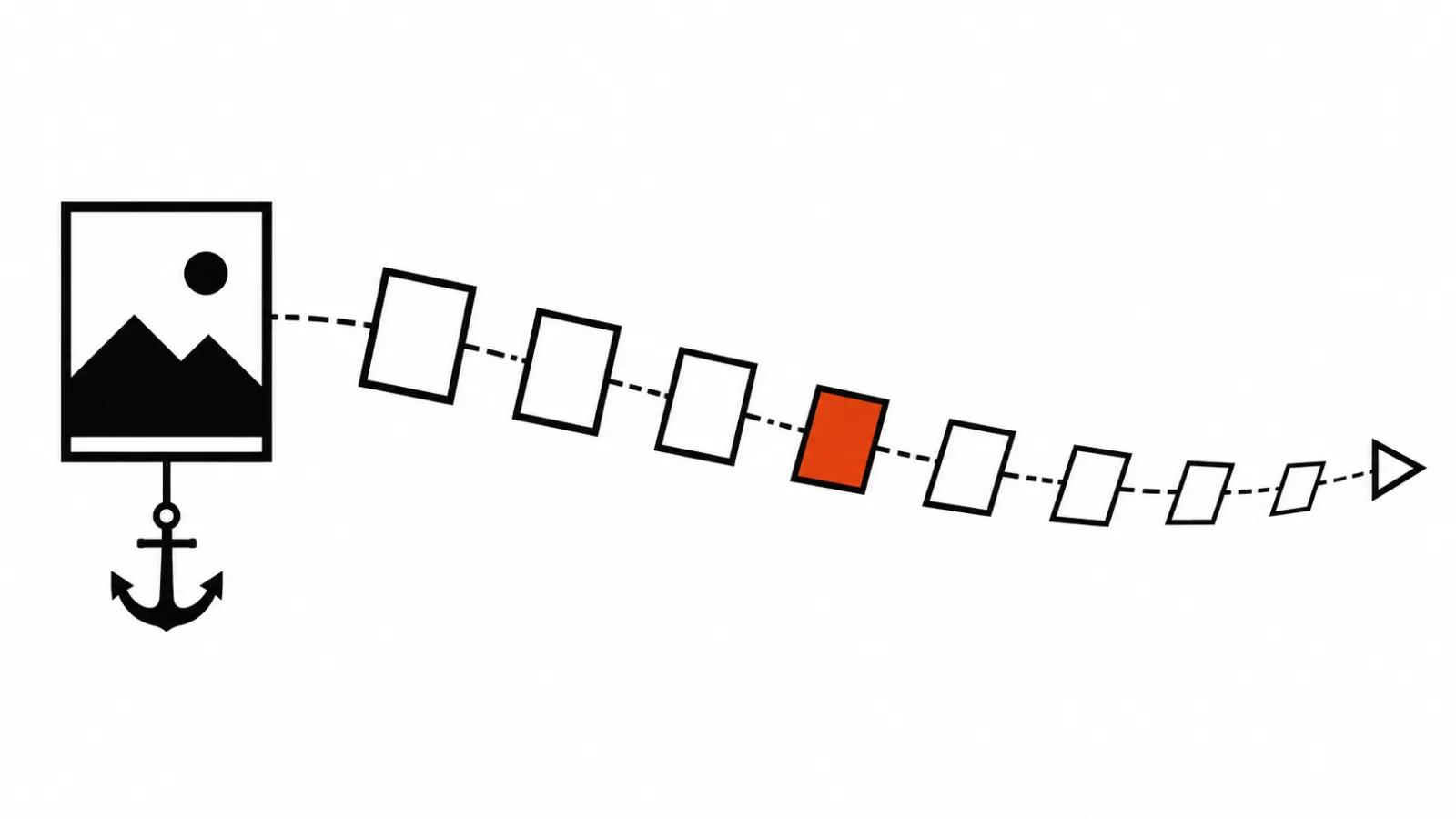
What the model is given
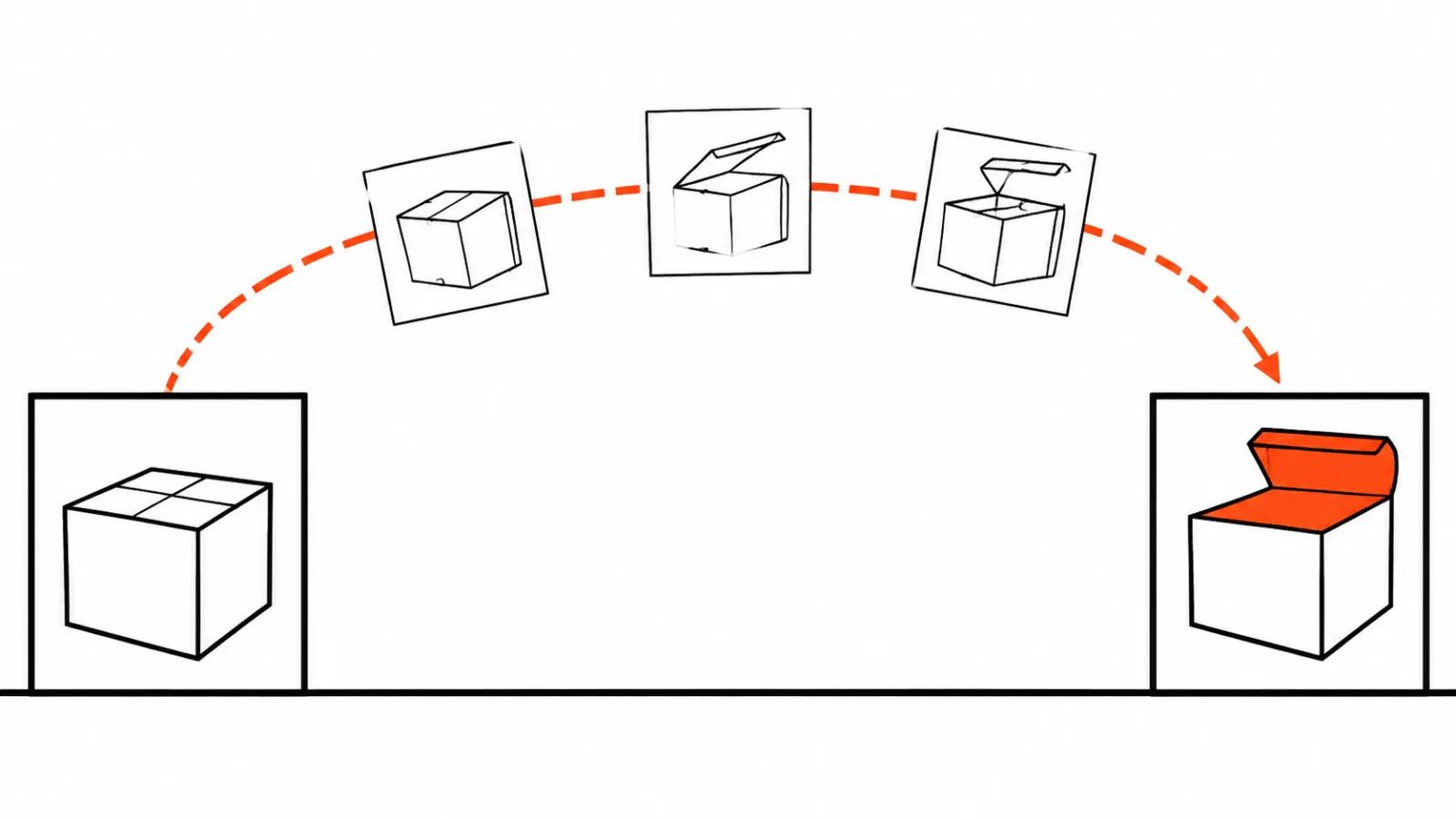
In image-to-video the picture works as a condition for the whole scene. Runway says it plainly in the official Gen-4 Video Prompting Guide: the input image sets the visual starting point of the entire process, subjects, composition, colours, light and style included. The model then builds motion on top of that condition.
A simple way to hold it: the image is an anchor the model is tied to at the start, the text is the direction it gets pulled in. The further from the anchor, the more the model invents on its own.
Two terms worth knowing. The anchor frame is the reference image the generation starts from. The latent is a compressed representation of frames that the model works with internally, and it becomes pixels only on the way out.
What the model takes from the picture, and what it leaves to the prompt
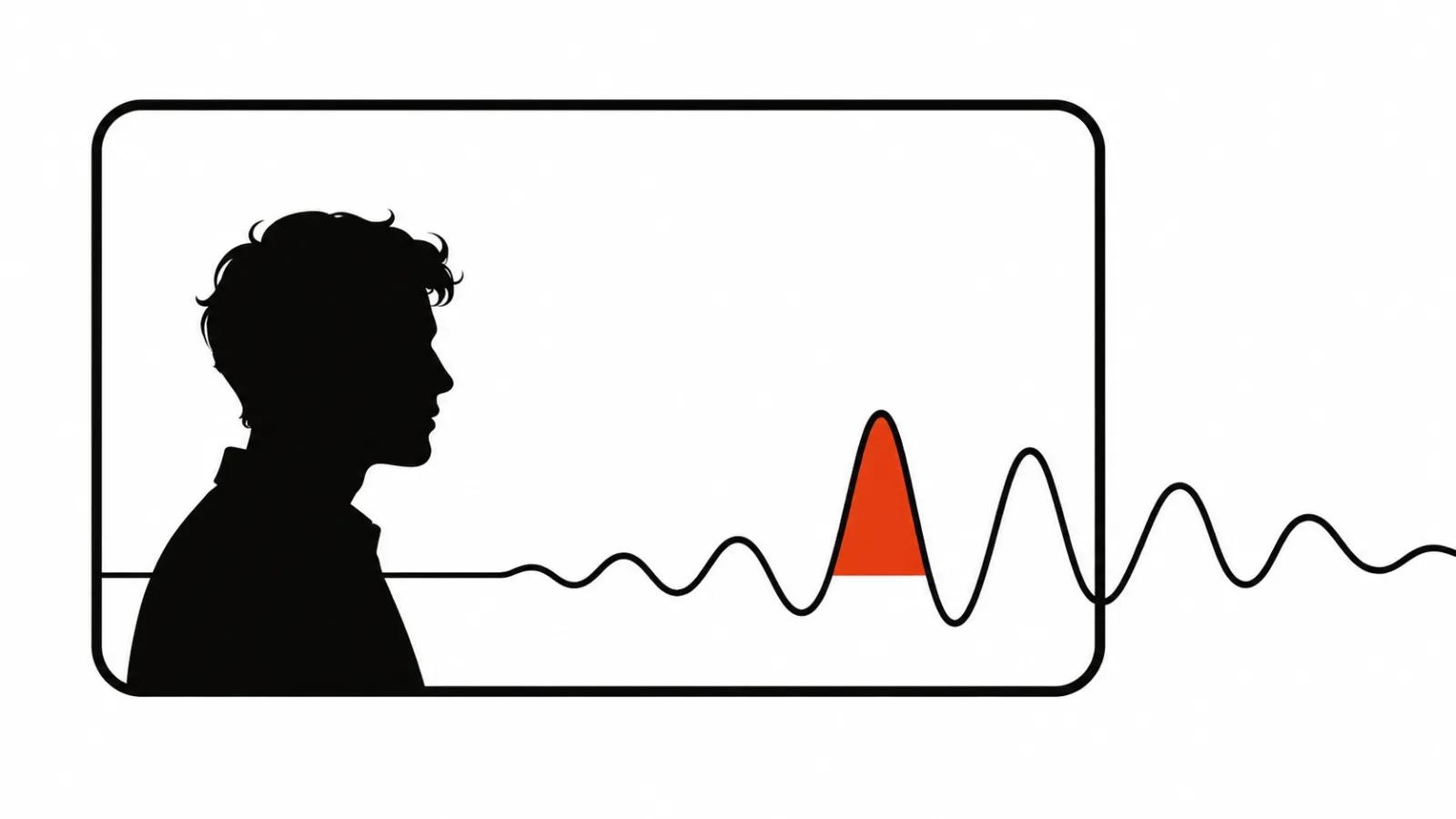
From the still it takes the subject's look, the arrangement of objects, the palette, the direction of light, the texture. All of that already counts as given, which is why Runway advises describing motion in the text. The guide adds a detail clients rarely enjoy: repeating image details in the prompt can reduce motion. The harder you work at listing what the subject is wearing, the less the subject moves.
Runway treats the image and the text as one prompt. A working split follows from that: the photo owns how the frame looks, the text owns what happens inside it. Two paragraphs about a jacket and half a line about the action give you a sluggish clip.
Inside: compressed frames instead of pixels
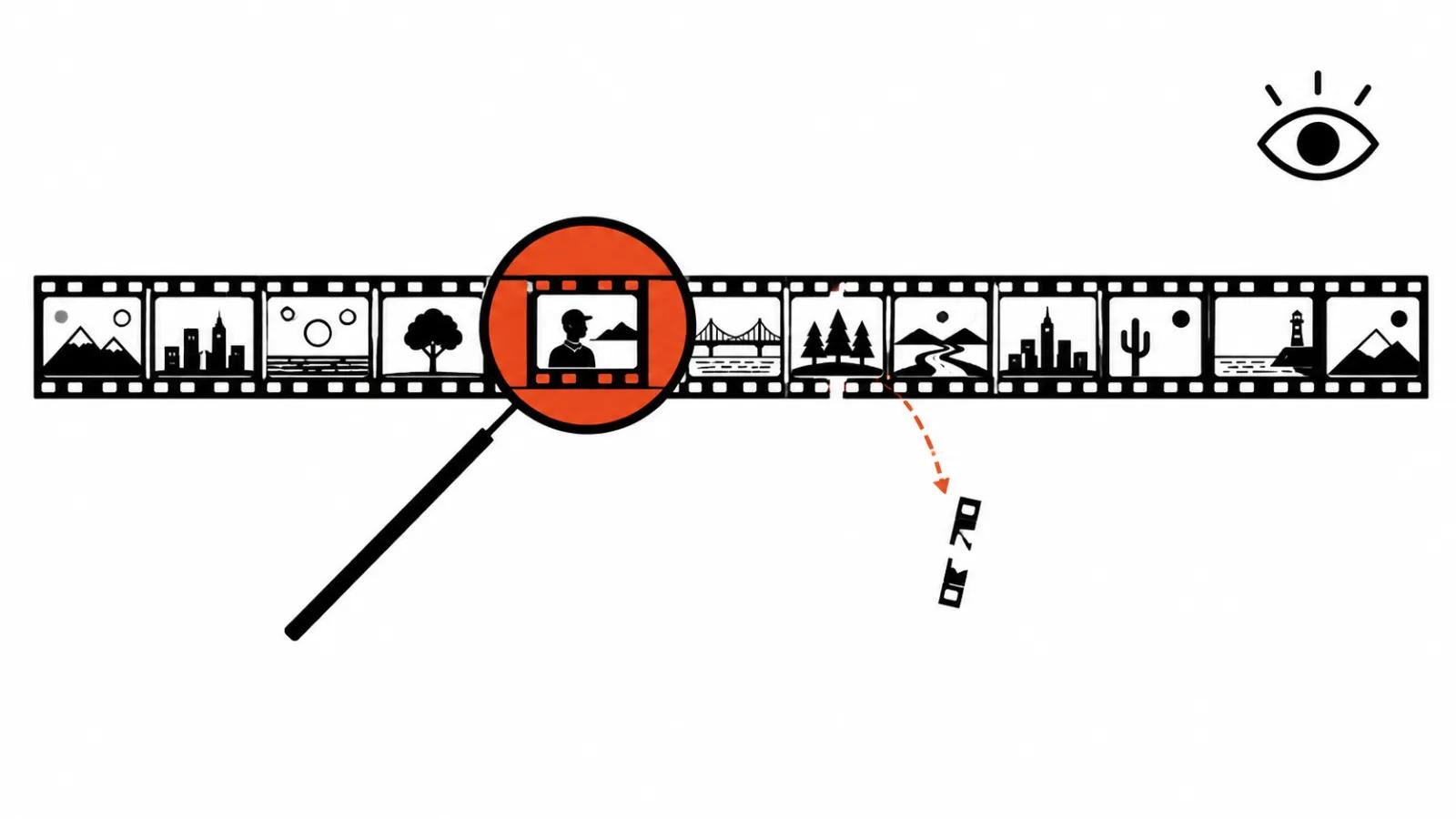
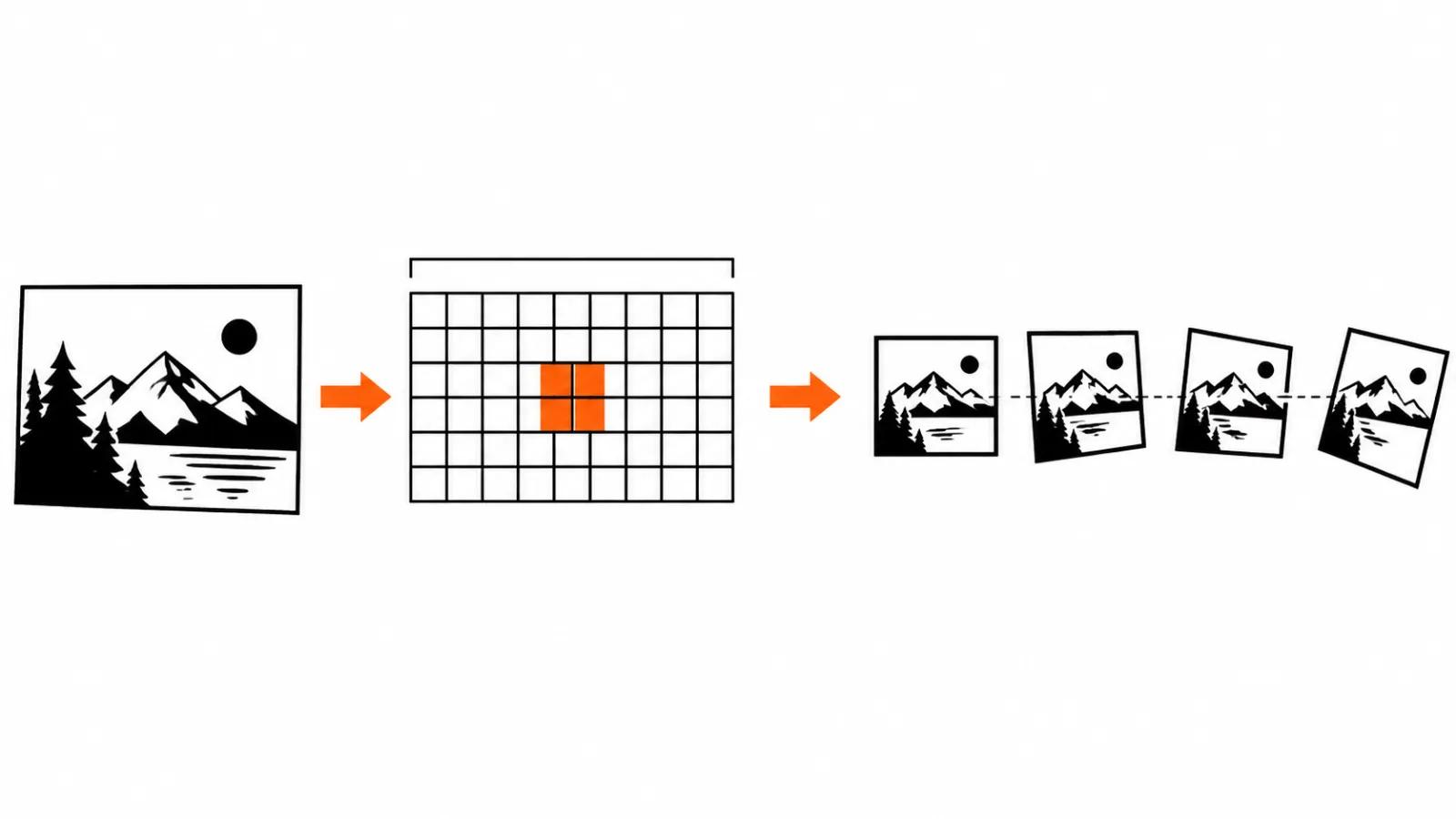
The open model Vimoo 1.0 (documentation and model card as retold by llms.blog on 9 November 2026) shows a layout you meet elsewhere too. A separate image encoder, SigLIP, encodes the picture, while the video is compressed and reconstructed by a Wan 2.2 VAE. In plain terms: the model does not paint millions of pixels per frame, it works with a compressed representation, the latent, and full frames appear at the end. The model thinks in notes.
One practical consequence. A small detail that made it poorly into those notes can show up late or change during the clip. A still frame hides it, motion shows it.
Why frame one can differ from the picture
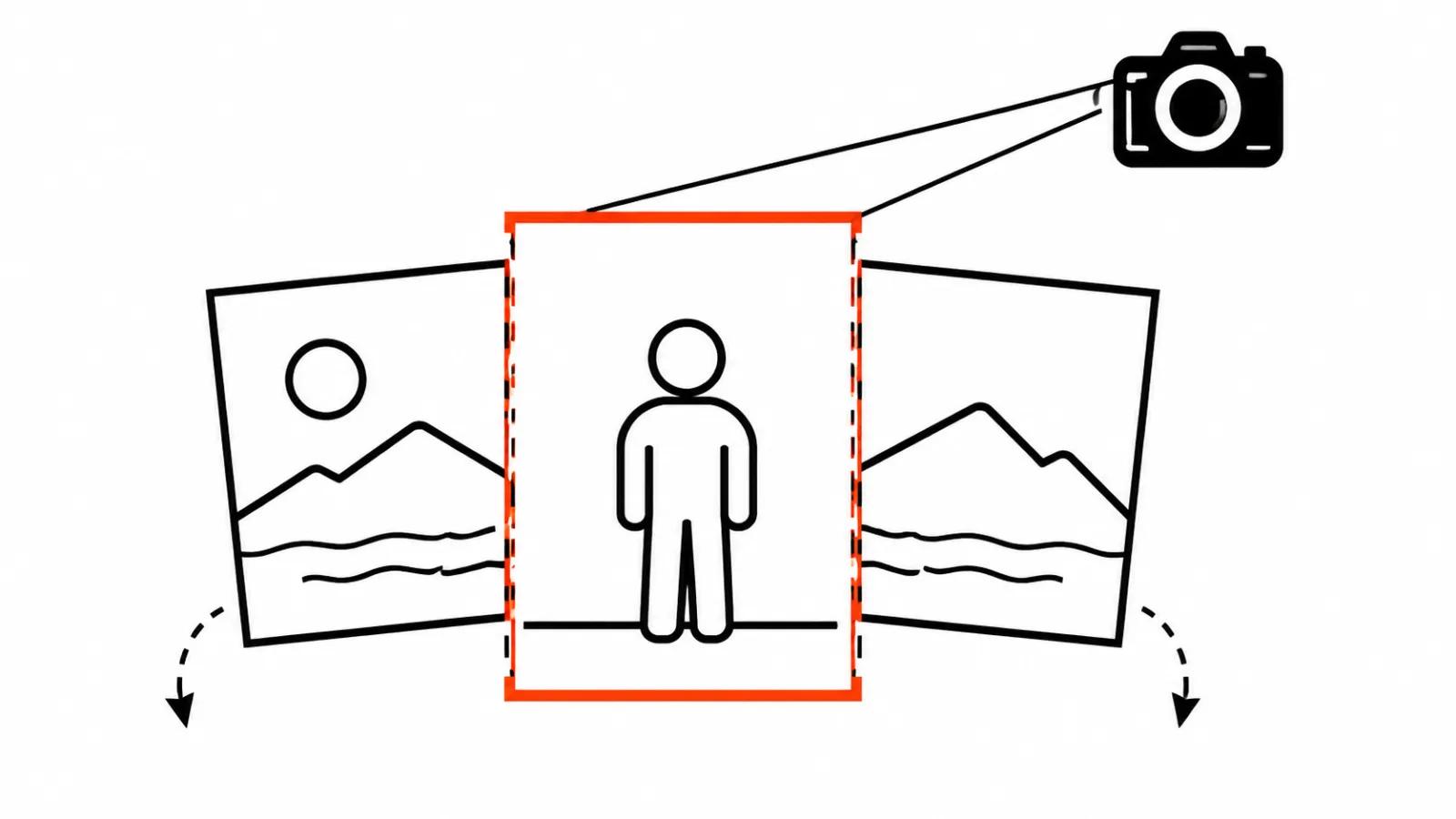
The Vimoo 1.0 documentation names two reasons. The image is resized and centre cropped to the video format. The first frame does not necessarily match the picture pixel for pixel. A landscape photo and a vertical clip mean the sides go away and the subject ends up closer to the edge than in the original.
The practical takeaway: check small details such as a print on a shirt, a piece of jewellery or a word on packaging in frame one separately, since that is where a gap shows most.
The first frame is not the only handle. The Google Gemini Omni guide describes a mode where you set the first and the last frame and the model builds continuous video between them. In that setup you describe what is in the first frame, the path the camera takes and what is in the last. The open Pika H3 Flex in Diffusers 0.43, per its card from 12 November 2026, supports a first frame, a last frame or both, plus multimodal references. Models are built differently, so you test on your own material.
Why a long clip drifts
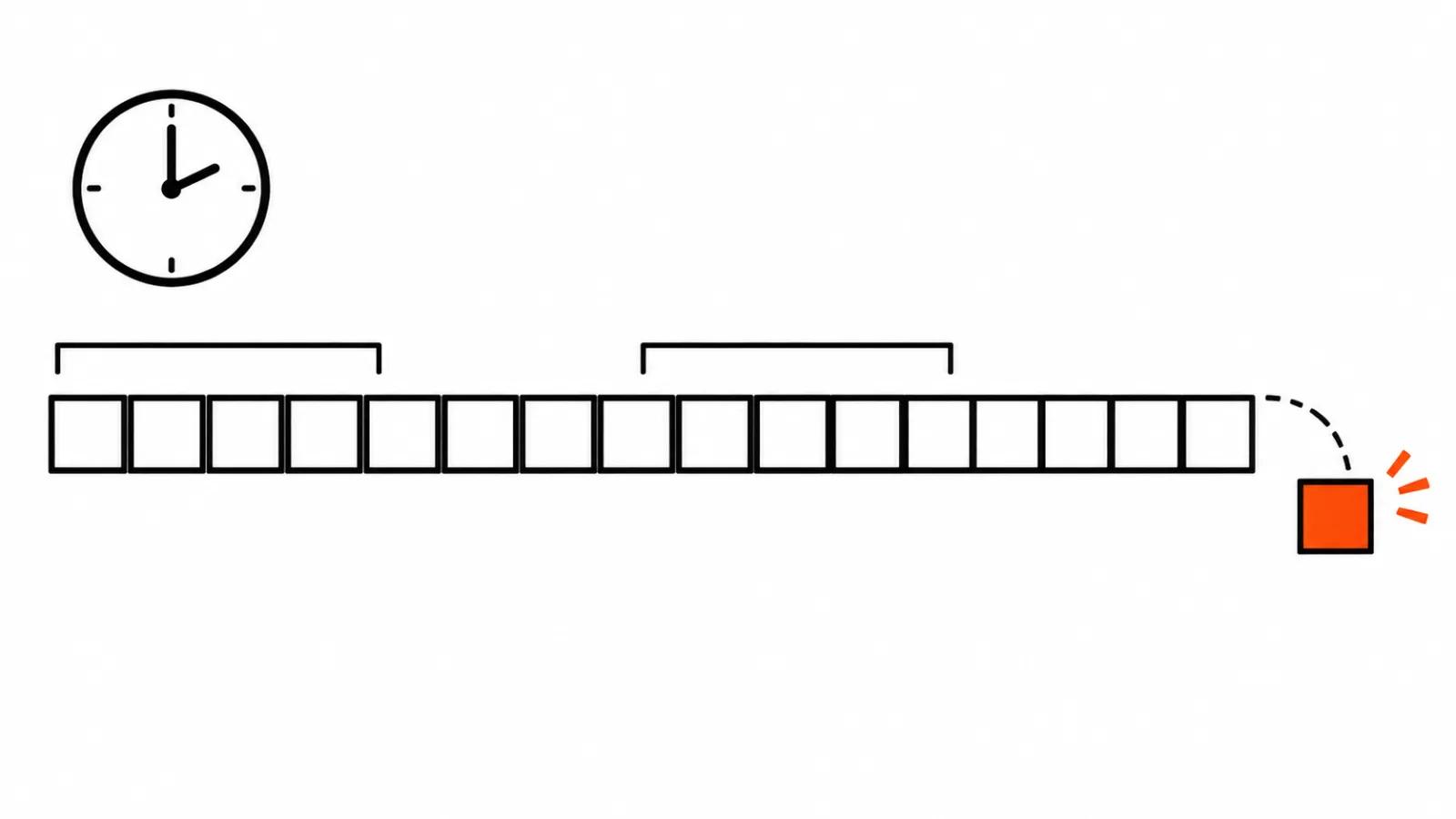
In many designs the model keeps recent frames in more detail than early ones. A telling example from world models: lucidml published a GTA world model on Hugging Face (11-12 November 2026, retold by ArtRealmAI) where the starting image stays in memory throughout and never gets evicted, the last two frames are kept at full resolution and older ones remain as compressed notes. On long sessions the image drifts anyway.
That is the argument for anchors and short segments. Kandinsky S2V 1.0 in Diffusers 0.43 animates a person from a picture and a speech recording, generates in 5 second chunks and passes memory between chunks through FramePack. The shorter the gap between reference frames, the less room drift has. On a long clip with no mid-points the error accumulates, and faces, hands and background give it away first.
Which picture to hand over
Format. The image should match the ratio of the clip. For vertical that is 9:16, otherwise the centre crop eats the edges and shifts the composition.
Edges. Keep the subject away from the border. A crop and a moving camera will lose it first.
Cleanliness. No artefacts in the source. Small text, extra fingers and blurry patches get read as part of the scene and repeated.
One centre. Three equal subjects in frame can lead the model to move all three and the viewer's attention spreads.
What to put in the prompt
The text owns motion: what the subject does, how the camera moves, what changes in the scene. One idea per shot. Repeating the subject's appearance is wasted work, the model already has it from the image.
A last frame earns its place when the clip has an ending: the product lands in a hand, the subject turns to the shop window, the car pulls up at the entrance. Then you prepare and describe it separately, the same way as the first. Without an ending, motion and one anchor are enough.
This is how a set gets built. Our AI video production runs as a stream, each clip with its own anchor frame and its own short text about motion. When you need one careful clip for a specific job, that is our handcrafted AI videos, where a person finishes the frame. The overall order of a generation, from text to a finished file, I covered in how an AI video generator works step by step. Control over reference points has its own piece, first and last frame in AI video.
My conclusion
The model does not bring a photograph to life in the everyday sense. It extends a scene from the image, holds it as support and slowly loses it. The practice that follows is plain: short segments, a check that frame one matches the source, a last frame wherever the ending matters.
If after the first pass the subject looks nothing like the photo, I change the input and leave the prompt alone. Another frame, another ratio, another moment. Text steers motion, appearance arrives from the picture.