How AI video generators work: from static to a picture
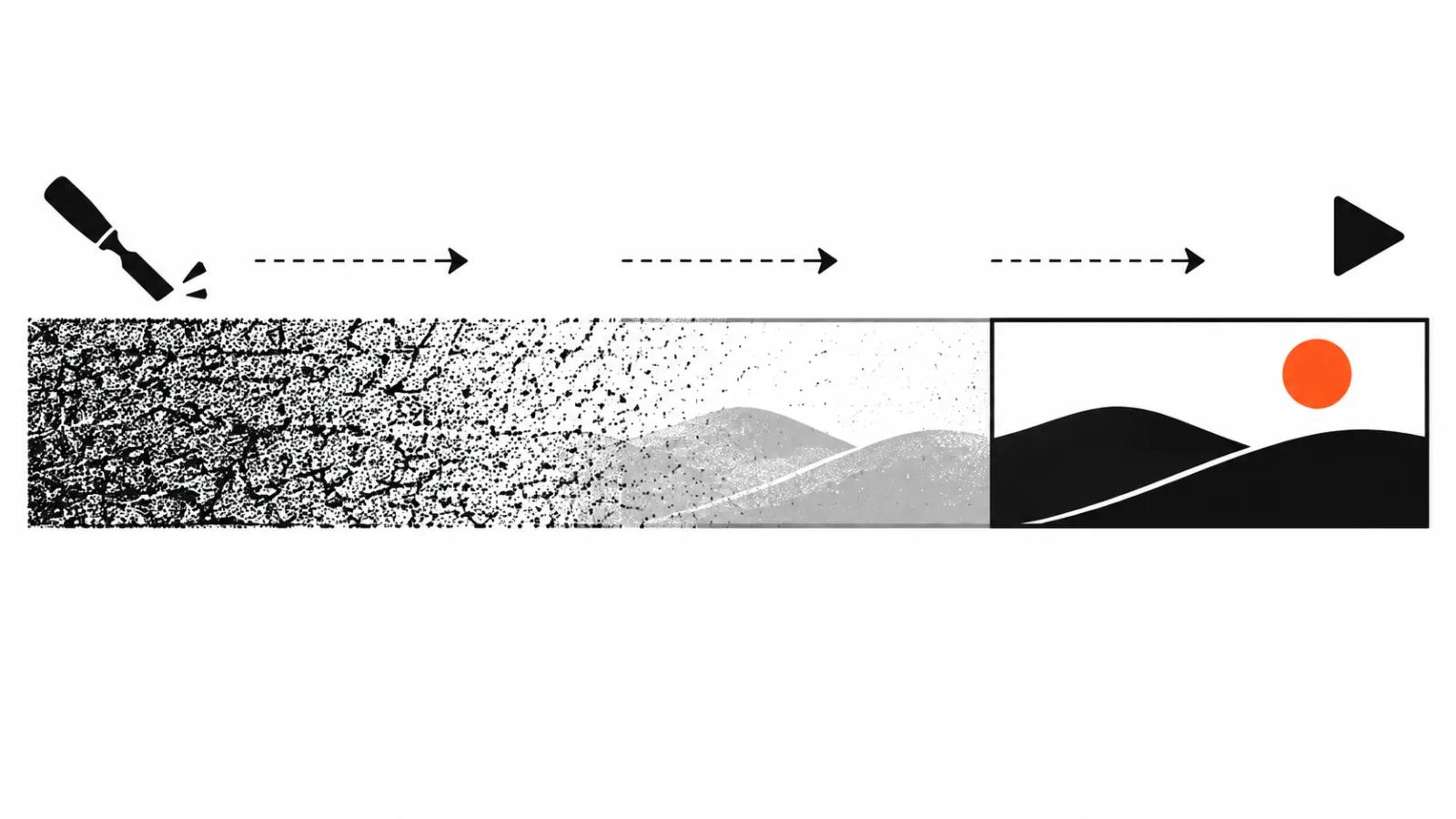
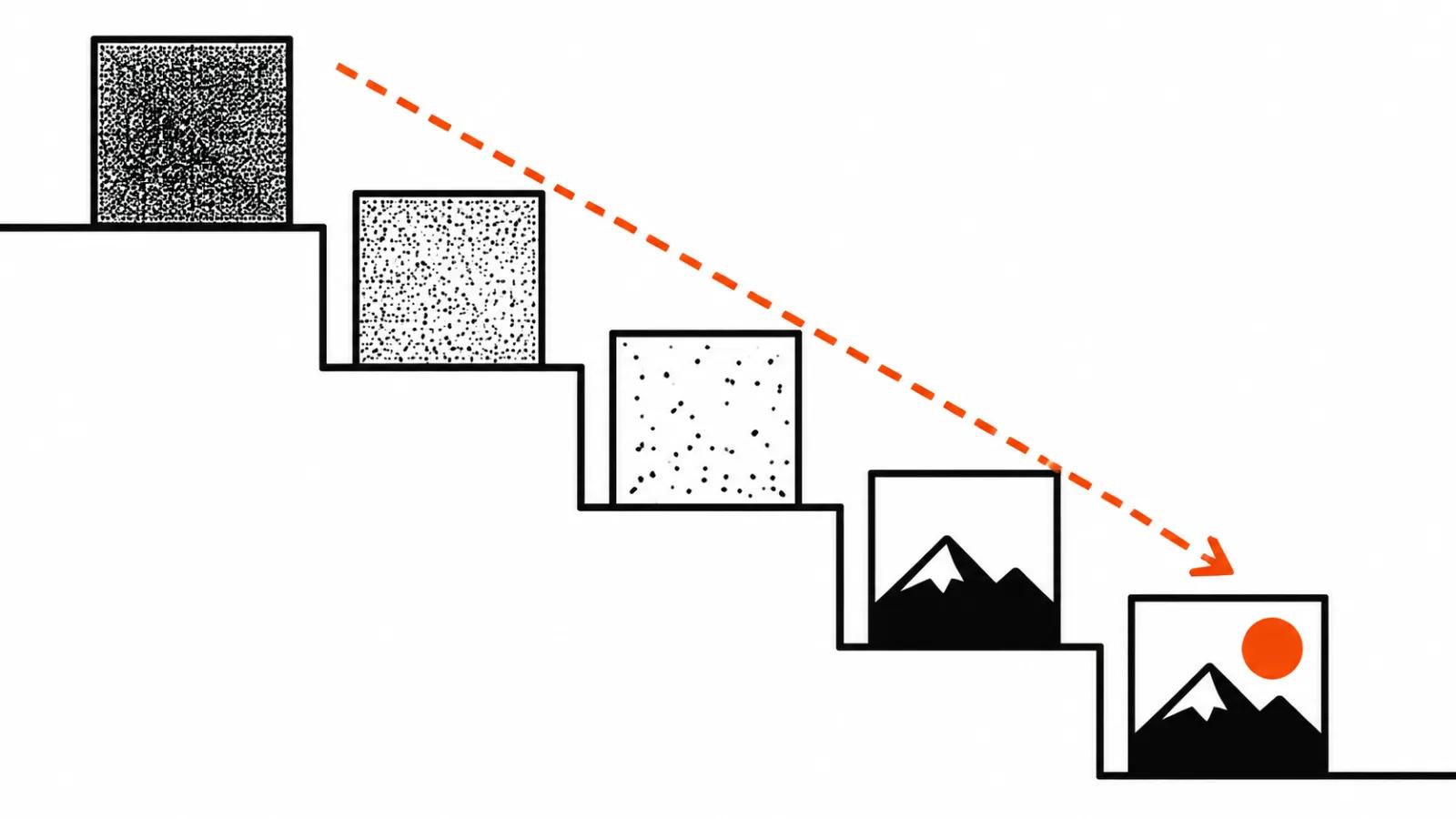
A video model starts with noise. Picture the static on an old television, only in colour and in motion: at the start the model has no recognisable object anywhere. Over several steps it removes that noise, and every step brings the frame closer to the prompt. A step is one pass through the model, after which the clip is slightly cleaner. Nothing is stitched from ready made frames, the clip grows out of that static.
The analogy is simple. A sculptor takes material off a block of stone, the model takes noise off the picture. The difference is that the sculptor can see the work, while the model checks the prompt and its own result at every step.
Why the work happens in a compressed form
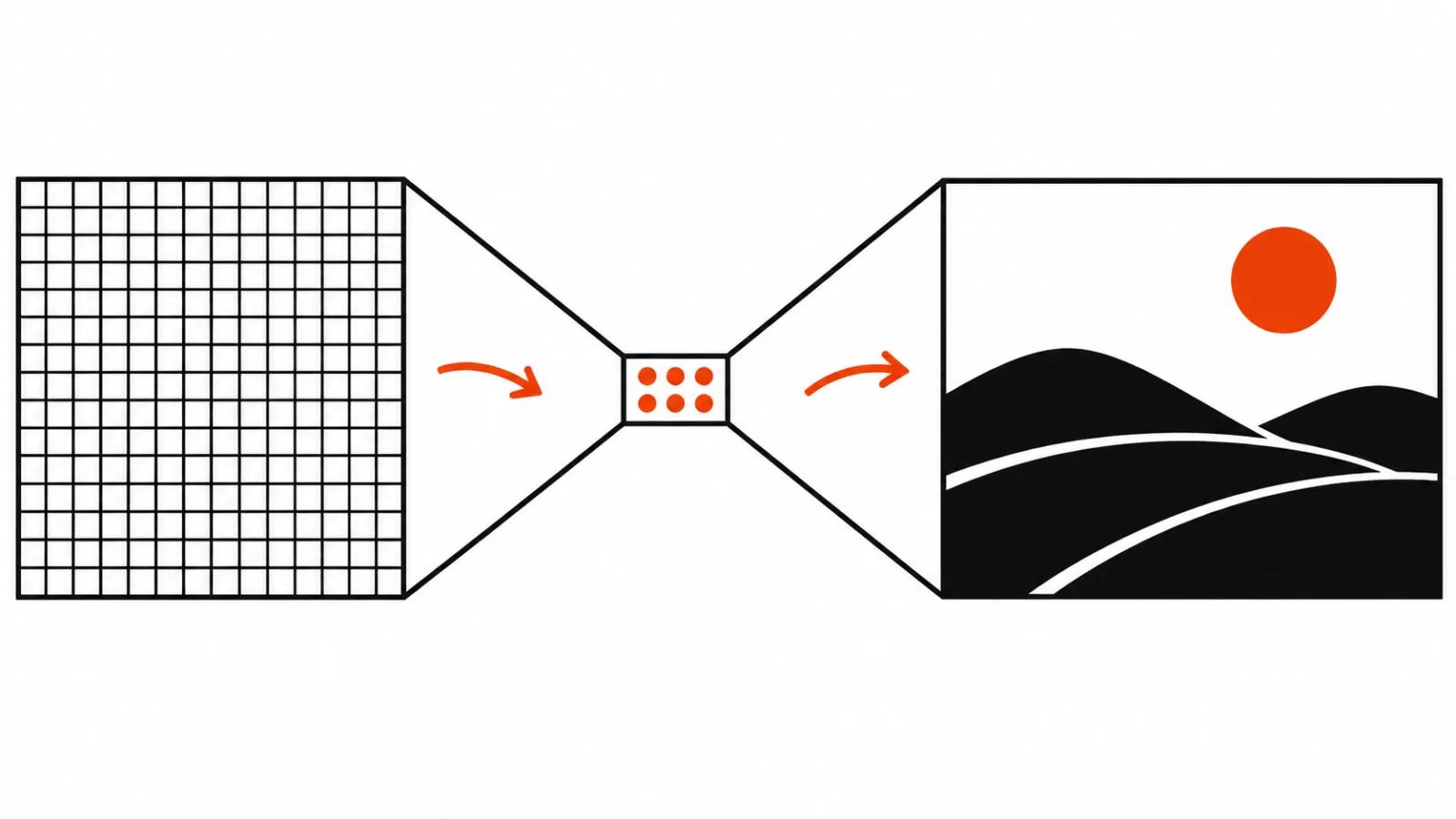
The model does not compute in pixels, that would be too expensive. It works in a latent, a short description of the video that gets expanded into a picture later. The expansion is done by a separate network, a decoder, usually a VAE.
How hard the compression is shows in real numbers. In MiniMax H3 one token covers 4 frames of 32×32 pixels, according to the pi-H3 team in a post dated 10 November 2026. A token here is a unit of description, roughly like one character in a sentence. A whole frame does not fit into that, only its general content does.
That leads to the first practical consequence. Small details go first: text, fingers, facial features in a wide shot. They get very little room in the compressed description, and the least attention from the model. This is one of the reasons AI video smears captions and hands, and there are other reasons on top.
How AI video is made: the whole clip in a single volume
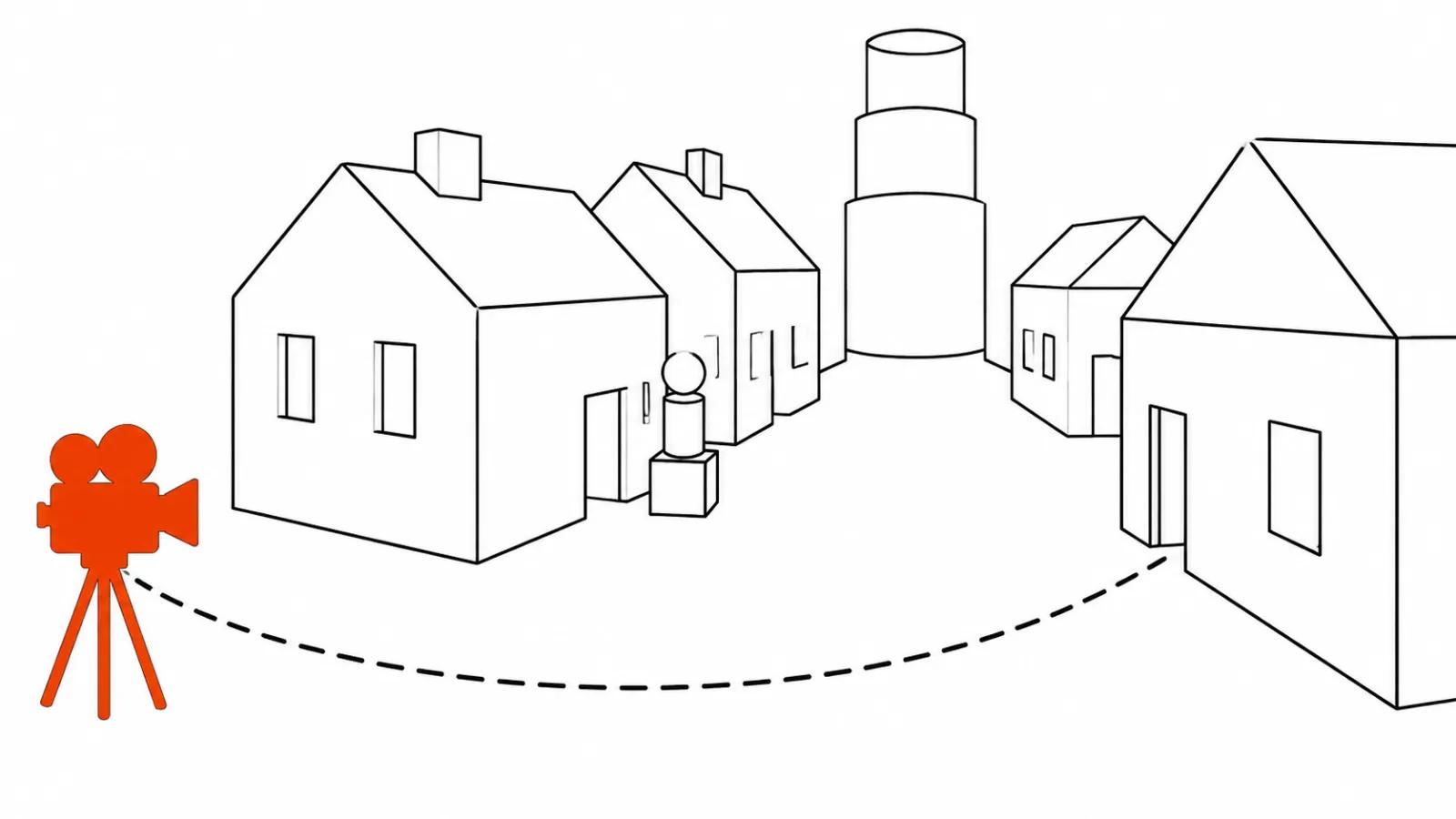
Frames in a finished clip stay consistent with each other, and the reason sits in the way the model computes. It generates the whole clip at once as a single volume, all frames together, so motion comes out continuous by construction. When a clip is built frame by frame, each new frame drawn from the previous one, errors can accumulate and drift across the scene.
This is the general principle behind modern video models. How each one arranges memory between frames depends on the model.
What each step decides
Steps do different jobs. The first one sets composition and motion: where the subject stands, where the camera travels, what happens in the shot. The last ones polish details: skin, fabric, small objects. Inside diffusion the work is usually split that way.
The noise ladder from the HyperFlow model card makes it visible. Four steps carry this sequence of noise levels: 1 → 0.68 → 0.21 → 0.04 → 0. One is pure noise, zero is a finished video. The noise level drops from 1 to 0.68 and straight on to 0.21: the biggest decisions about what the shot contains happen in the first steps. The last steps are small, and usually nothing can be rearranged there, only cleaned up.
CFG and the negative prompt
A classic trick in diffusion models is called CFG, classifier-free guidance. Every step the model computes twice: once with the prompt, once without, and the gap between the two results becomes a nudge in the direction of the prompt. The point is that the model holds on to the text more firmly.
The price is direct: the work doubles, and so does generation time. That is why some new models skip CFG. HyperFlow runs without it according to the model card, and there a negative prompt is unnecessary: there is nothing to forbid when the second pass has no prompt to compare against.
Fast modes: 4 steps, 6 steps, 8 steps
Fewer steps means faster. Models are trained for this on purpose, the method is called distillation: a fast student model learns to reproduce the output of a slow teacher model and gets the same result in fewer passes.
Concrete numbers from sources dated 10 November 2026. HyperFlow H3 Flash delivers video in 4, 6 or 8 steps: 4 for speed, 6 as a balance, 8 for quality, as the Hugging Face card states. pi-H3 runs in 2-4 steps, and on the final step it outputs pixels directly, without a decoder. Five seconds of video come out in 3.8 s on a single B200.
The cost of speed and what it means for a client
Fast modes have a flip side. The pi-H3 authors write that other fast H3 versions produce trimmed and mechanical motion. I cannot speak for pi-H3 itself, it makes its own claims, and the general rule is simple: the harder the step count is compressed, the higher the chance of losing natural movement.
So fast modes serve drafts and option picking. A cheap way to test an idea, compare two or three motions, settle the composition while the budget is intact. In Google Flow, Omni 1.2 Flash at 360p costs a third of the 720p price, and that adds up during exploration.
The final render happens at full quality. If text still swims at that stage, the caption belongs in the edit: titles in a timeline give crisp letters, and the model no longer has to guess the typeface.
A sensible order: drafts on fast modes and low resolution, final frames through AI video production with a person checking every frame. Ad work with hard on screen text suits handcrafted AI videos from $190, where captions and graphics are placed by hand. The control you get from reference frames is covered in our guide to keyframes in AI video, and notes on one of the models are collected in the MiniMax H3 field notes.
What a client should take from this
A video generator is noise that gets cleaned several times against a prompt, and every pass costs time and money. Knowing the steps pays off in a plain way: you see where to save, and you stop expecting final quality from a draft.
If one thing should stick, let it be the noise ladder. The first step sets composition, the last ones polish detail, and a rerun will not rescue a scene whose composition failed.