Figma put generation and editing in one workflow
On October 30 Figma published its breakdown of Weave: the service pulls image and video generation and their editing into connected workflows that can be reused. The same day the company explained how to keep Weave workflows next to Figma frames. The practical shift is that generation stops being a separate tab with someone else's interface and becomes part of the layout file.
Figma does not name a price in the breakdown, so the plan question stays open. That does not block the mechanics: what matters is how many times the same chain can run without a rebuild, and the cost of a single frame is the smaller number there.
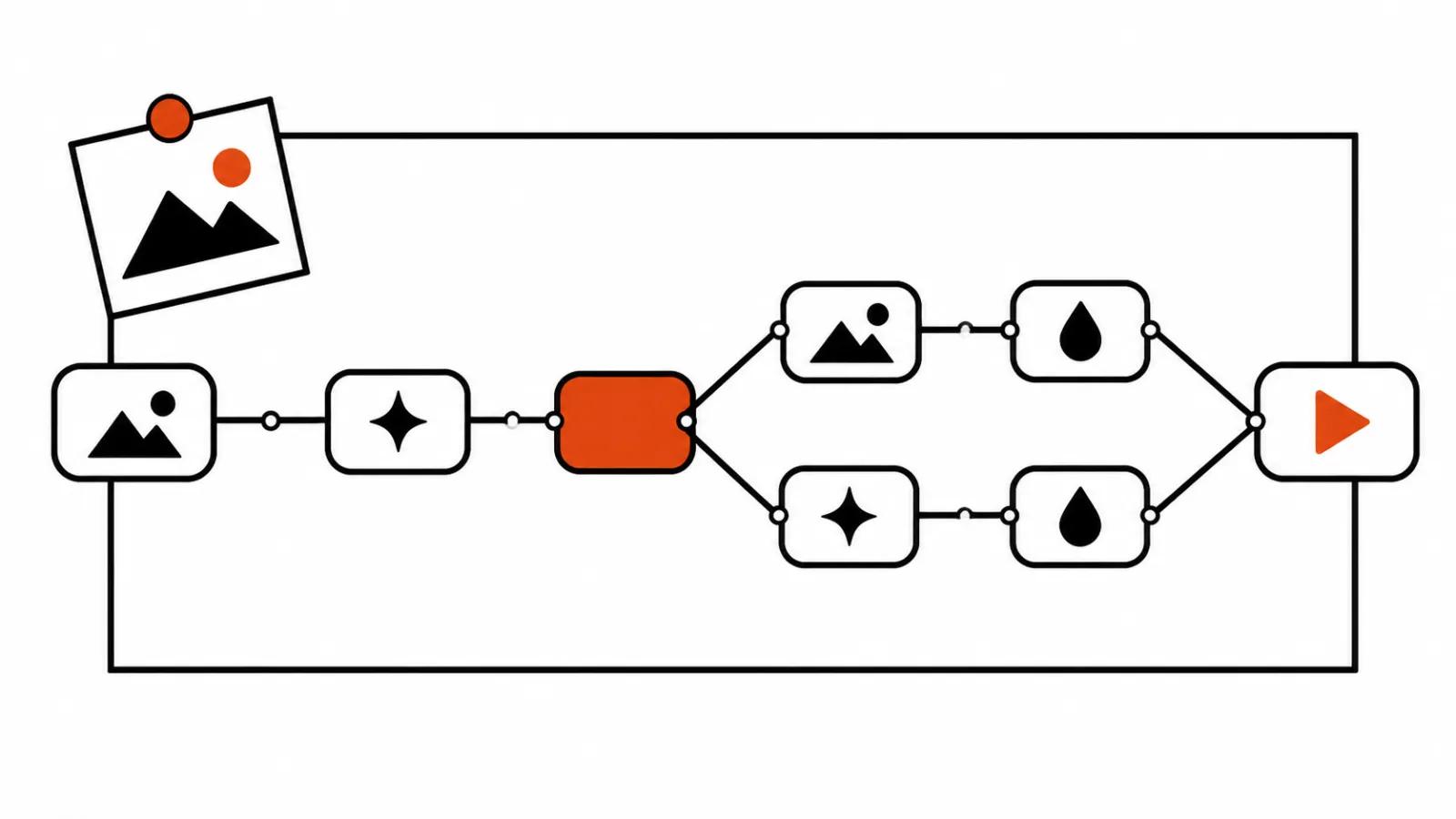
The work is built from nodes
A workflow is assembled from nodes: add images and prompts, generate, edit. The canvas shows how a result was produced, so a week later you can see which prompt gave the frame and which edit ruined it. You can step back to an earlier node and change it, and the chain rebuilds downstream on the same rules.
That sits closer to a project board than to a prompt line in a chat. The difference shows on the second order: in a chat you replay the setup, on a board you reuse it. For a designer the visibility itself matters, since chat history hides edits inside a conversation while the canvas keeps them in view.
Branches beat project copies
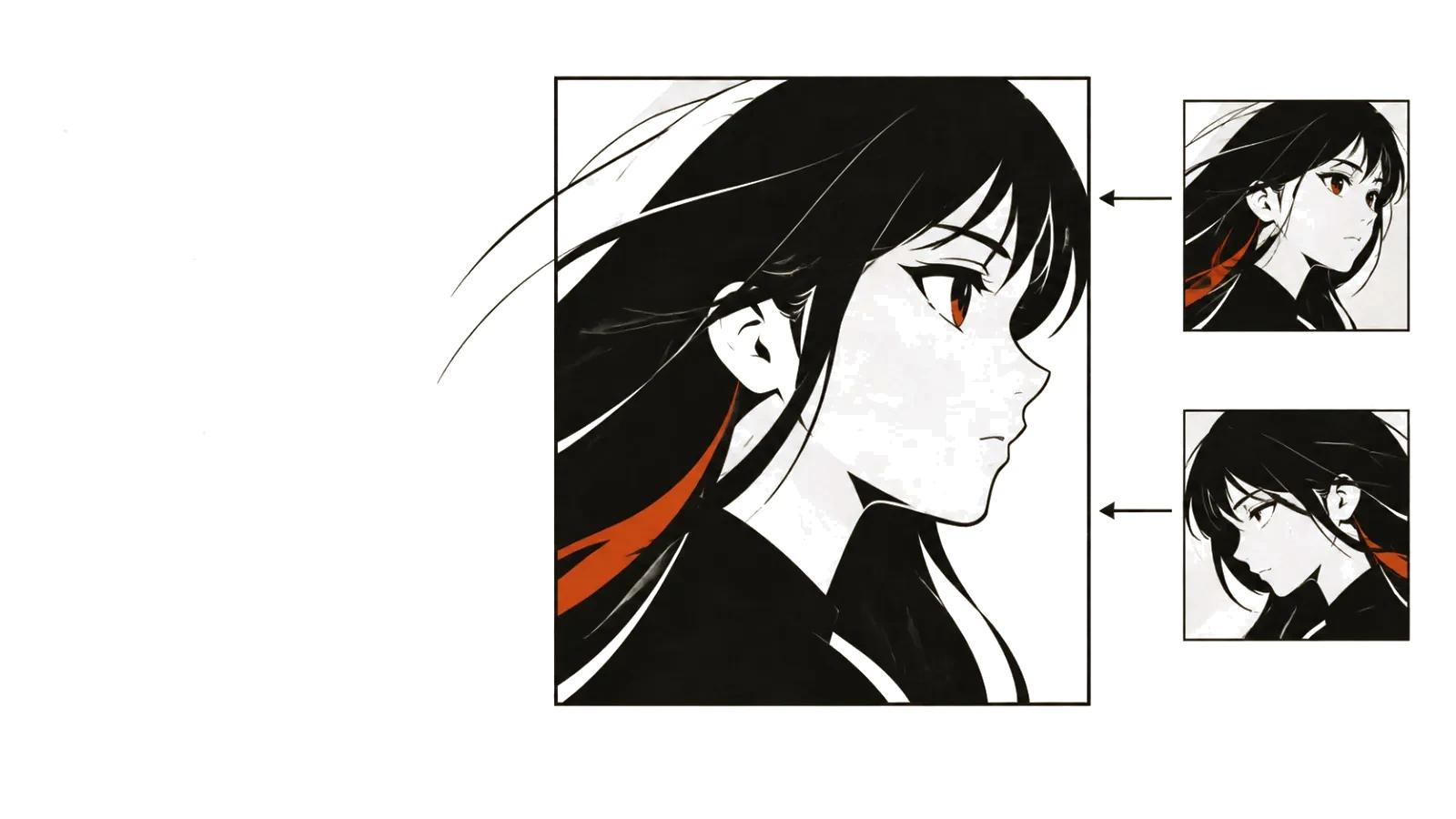
Branches hold different prompts or different edits from one point, and the original survives. A single prompt can run through several models with results compared side by side. For a studio that is a way to show a client options without rebuilding the project, and for one person it is insurance against the question of which take was the good one yesterday.
One doubt stays. The announcement does not show how branches merge back into a single finished creative. The mechanics are promised, worked examples are thin. If a branch lives as a separate file, half the gain evaporates, so test that on a real project before moving a whole cycle onto Weave.
The tools inside: Compositor, Trim, Crop, Levels
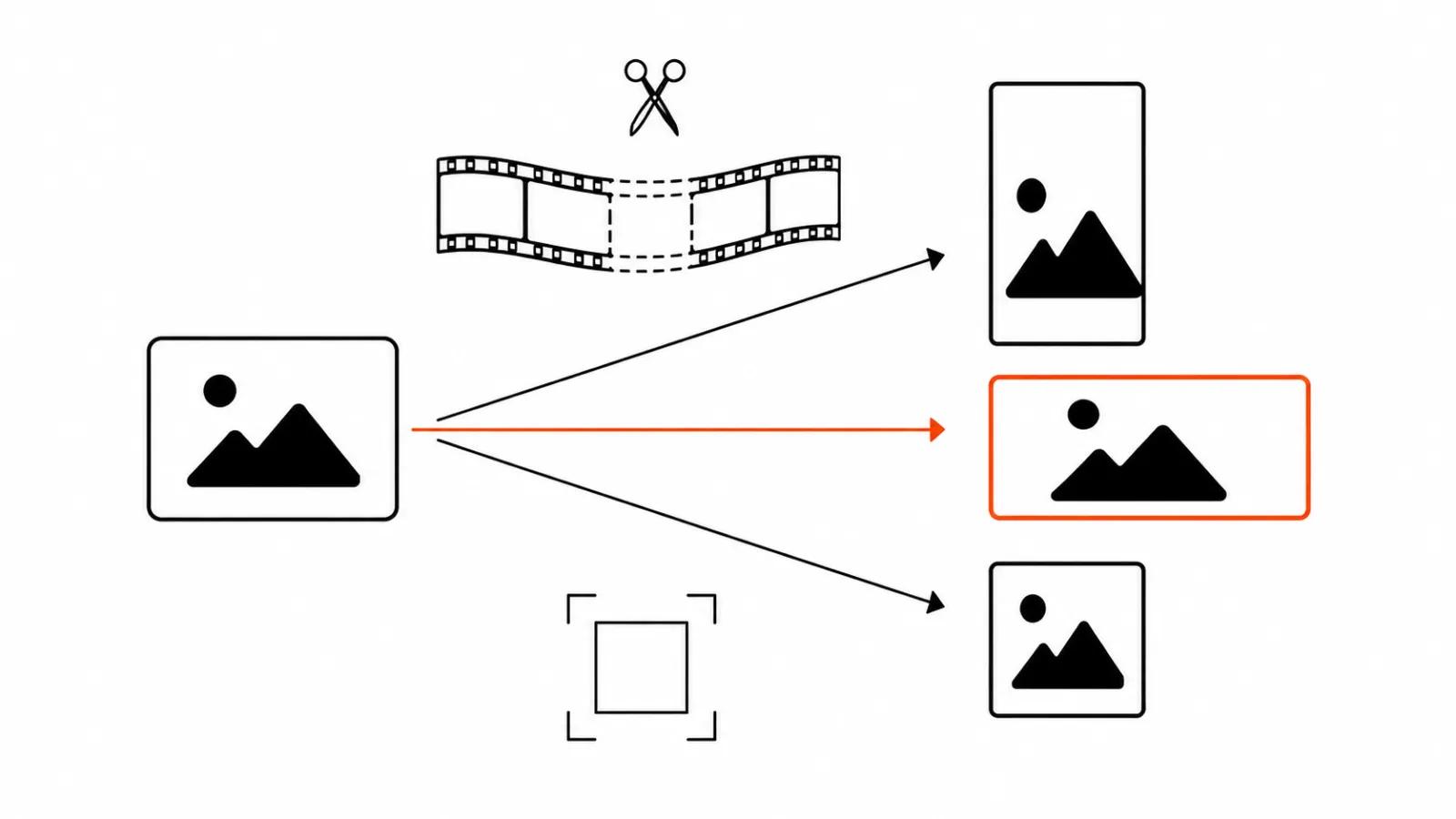
Weave ships color correction by hue and saturation, a Compositor for layers of images, video, text and shapes, Levels, Trim for cutting video without a separate editing app, Crop with aspect ratio presets, and Painter. The set does not replace a full edit suite. It covers the seam between generation and delivery: pulling 9:16 out of a horizontal frame, cutting one stray second, dropping text on a layer, fixing the light.
For a designer that saves context switches. For a production line it means fewer trips back to an editor over a single cut. The flip side is that edits now happen with people who lack editing habits, and taste matters more there than the button set.
Ad creatives made with AI: four scenarios Figma lists
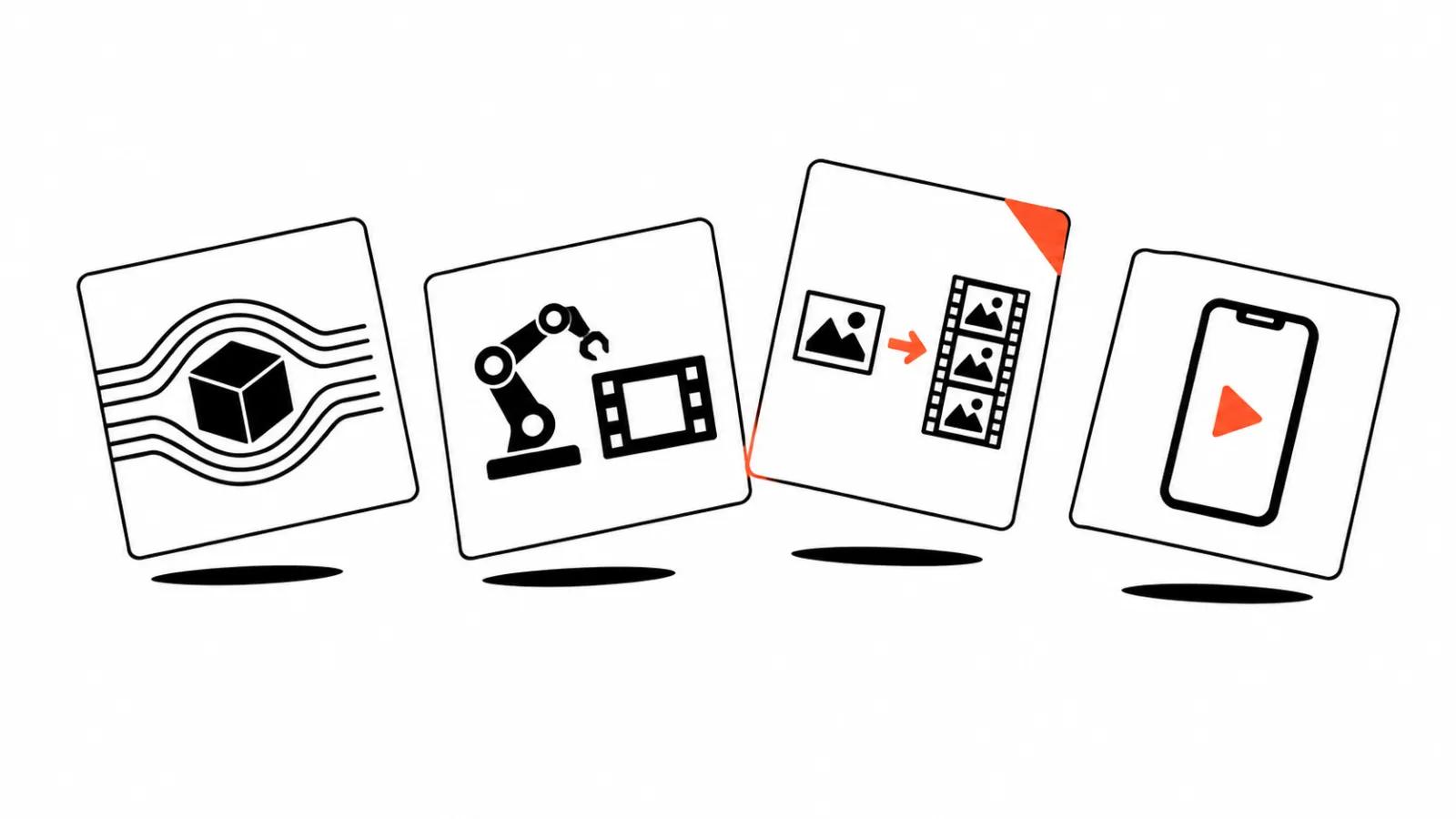
Figma names the scenarios itself: images for product variants with no new photo shoot, adapting a campaign visual to channels and markets, generating shots from references or finishing clips, turning existing images into video for a campaign. Those four describe one cycle: one product, many placements, short deadlines.
In that setup ad creative versions get counted in units, and the cost of a mistake drops because one node gets redone. The general logic of versions is laid out in the piece on ad creative versions, which covers volume and selection. Weave adds the place where those versions physically sit together.
AI for designers: reproducibility over a lucky frame
My argument is simple. A one-off generation answers the request to make something pretty right now. A pipeline answers the request to make the same thing for a new product by Friday. What changes is the source images and prompts, while the structure holds. That is why AI for designers shifts the unit of work here: one picture turns into a line that produces pictures.
For short ad clips this reads closer to manufacturing than to luck. Neighbouring products head the same way: the Runway App Studio breakdown shows workflows packed into tools, and Canva Craft and Kling 4.0 in Luma build a comparable canvas around models. Figma adds branches, Levels and trimming to that canvas, and the result starts to resemble a shop floor.
AI video advertising: what changes in practice
In production, AI video advertising runs in sets: one product, a dozen versions per placement, a week of deadline. Weave fits that shape, since a version is a branch from one point and the aspect ratios plus trimming already live in the service. A separate app for cutting 9:16 is barely needed.
The second point is handoff. The layout, the prompts and the finished frames sit in one file, so a newcomer sees a history of decisions instead of a folder of duplicates. For a team of three that costs less than any written process.
The third point is expectations. Weave helps where you need a volume of variants around a clear product. Where a person and exact speech have to be on camera, the chain hits the ceiling of generation quality, and branches will not paper over it. I would build the pipeline for product and graphic sets and keep difficult scenes on manual assembly.