What Bloomway showed on 13 November
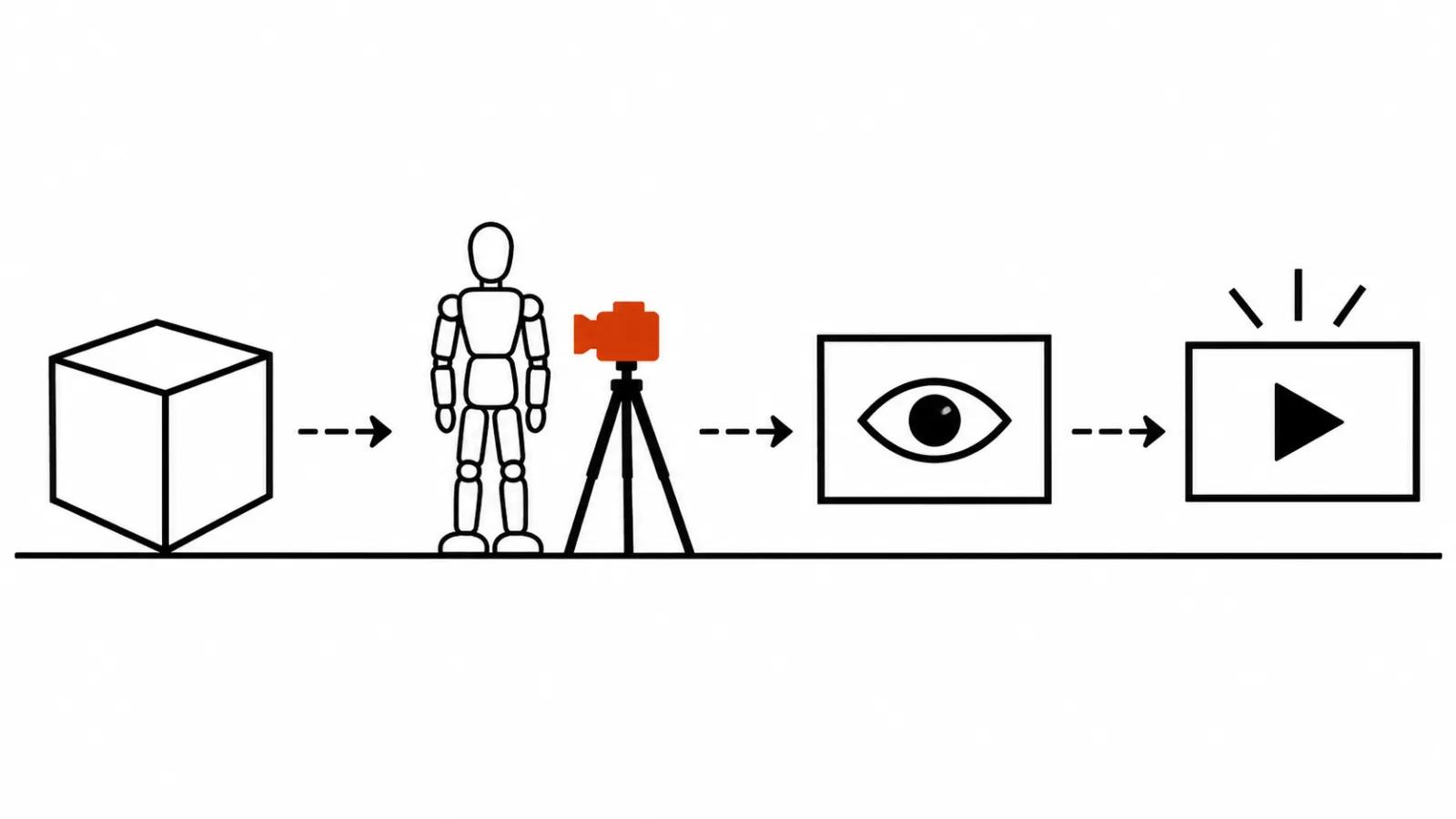
Bloomway AI calls itself a visual storytelling platform and is based in Johns Creek, Georgia. The press release went out on GlobeNewswire on 13 November 2026, and it describes a full loop: you build a three dimensional environment, describe what characters do and how the camera moves in plain language, and get an animated 3D previs. That previs then serves as the reference for generating the final video.
Previs means a rough animation of a scene made before a shoot or before generation. On a film set it is how a crew agrees on a shot: where the actor stands, where the camera looks from, how long the shot runs. Bloomway applies the same logic, with a generator in place of the set and mannequins in place of actors.
Storyboarding: a world from one sentence
The example in the release reads like any prompt: "A rainy night in an Edo-era town, with a castle tower in the distance". The studio turns the sentence into a 3D scene, and from there you edit it with words: streets, buildings, landmarks, atmosphere. You can also start from a ready made world and rework it piece by piece.
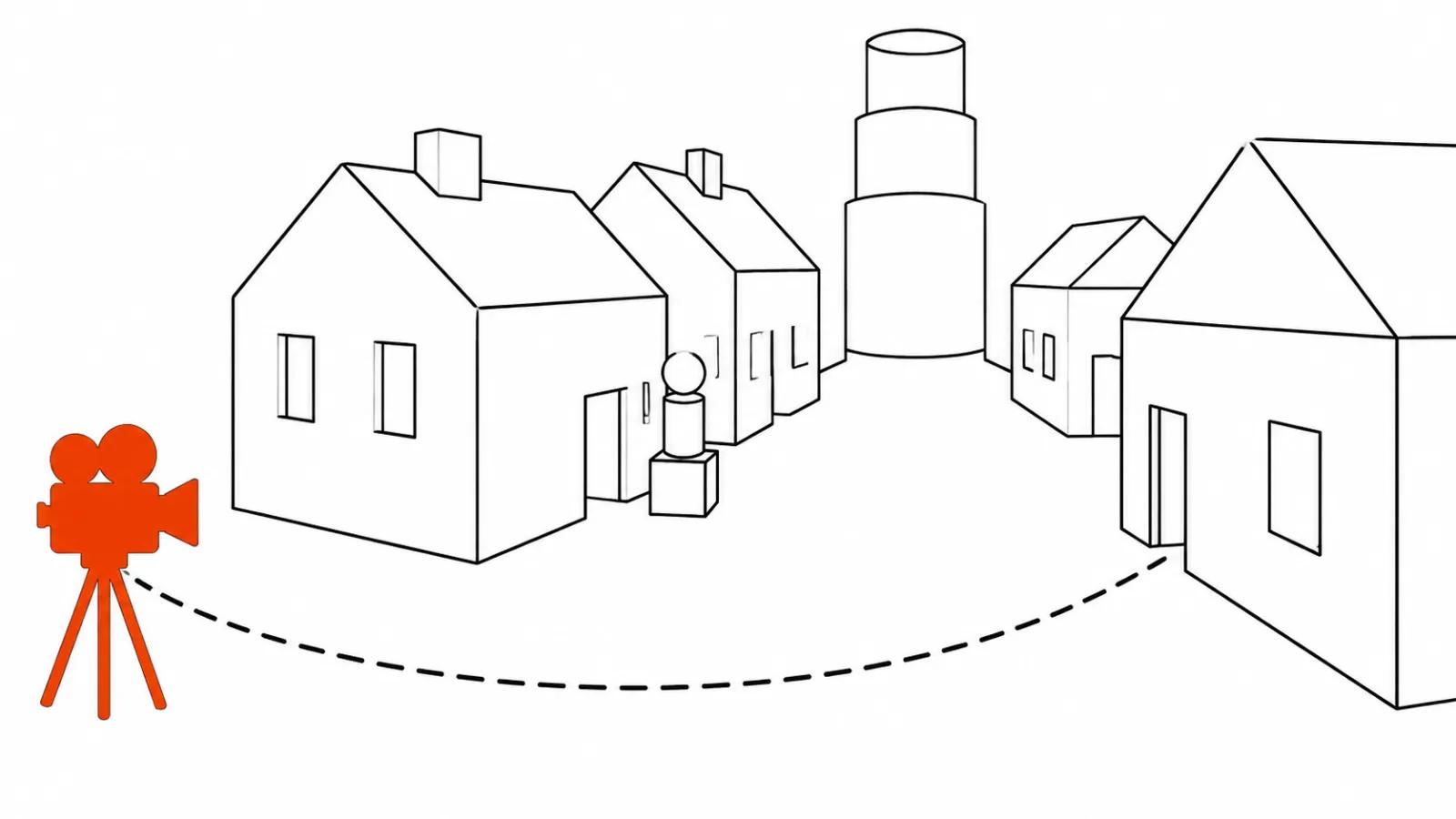
The geometry stays simplified, and that detail matters in practice. A town of boxes exists so you can read the space: where the street ends, what sits around the corner, whether the character fits and is not standing inside a wall. Textures come later.
Blocking and camera moves in plain language
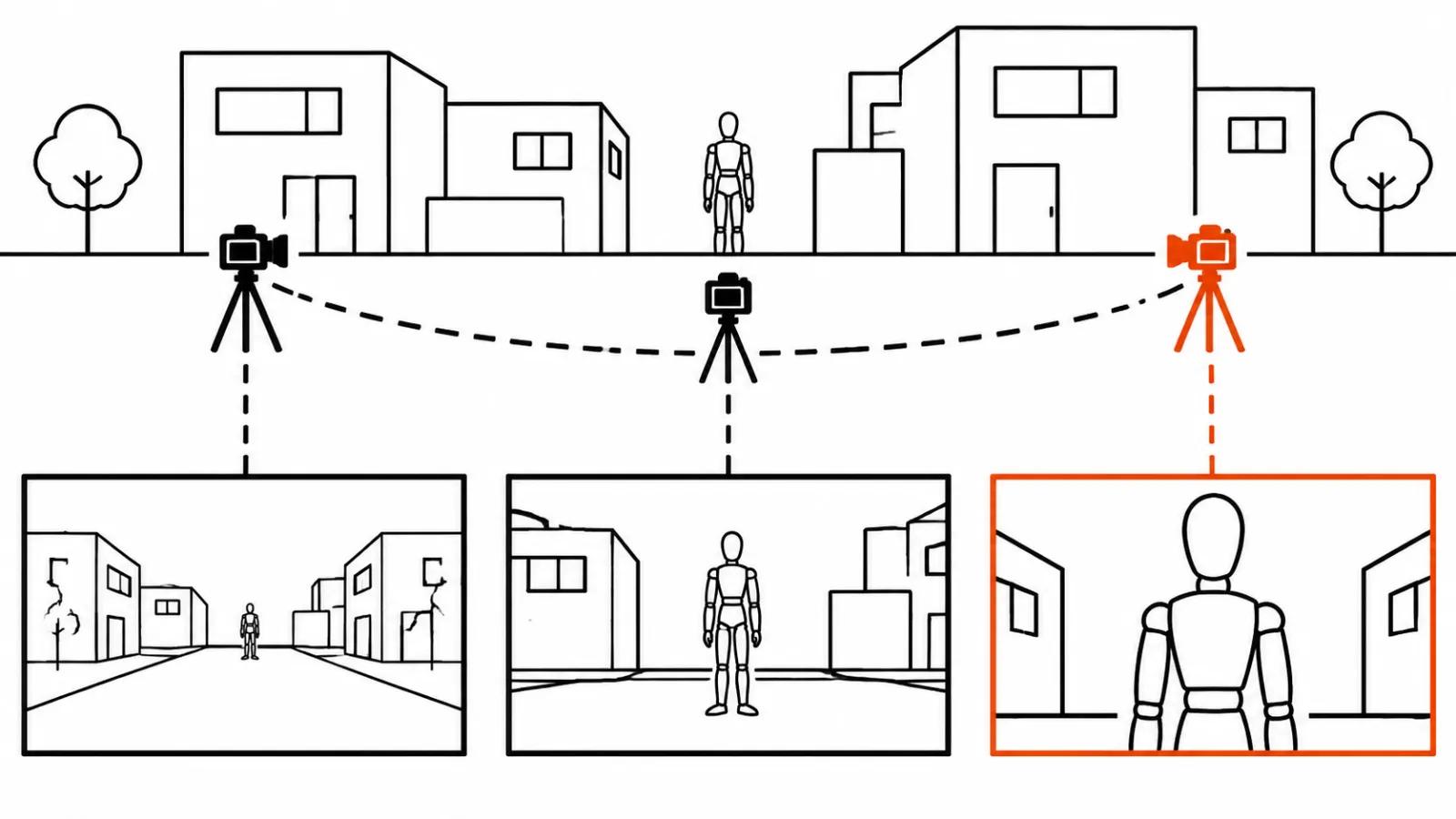
The second example: "She steps outside. The camera slowly pulls back." The studio turns that into motion for the mannequins and for the camera. Blocking, meaning who stands where and where they walk, plus the camera path, both arrive from text.
You can inspect the camera positions and the path and adjust them by hand. Focal length, shot size and angle have their own controls. This is exactly what a text prompt lacks: with words alone you describe the camera and hope the model reads them the way you did. Here the shot is visible before anything renders.
The loop: world, blocking, preview, generation
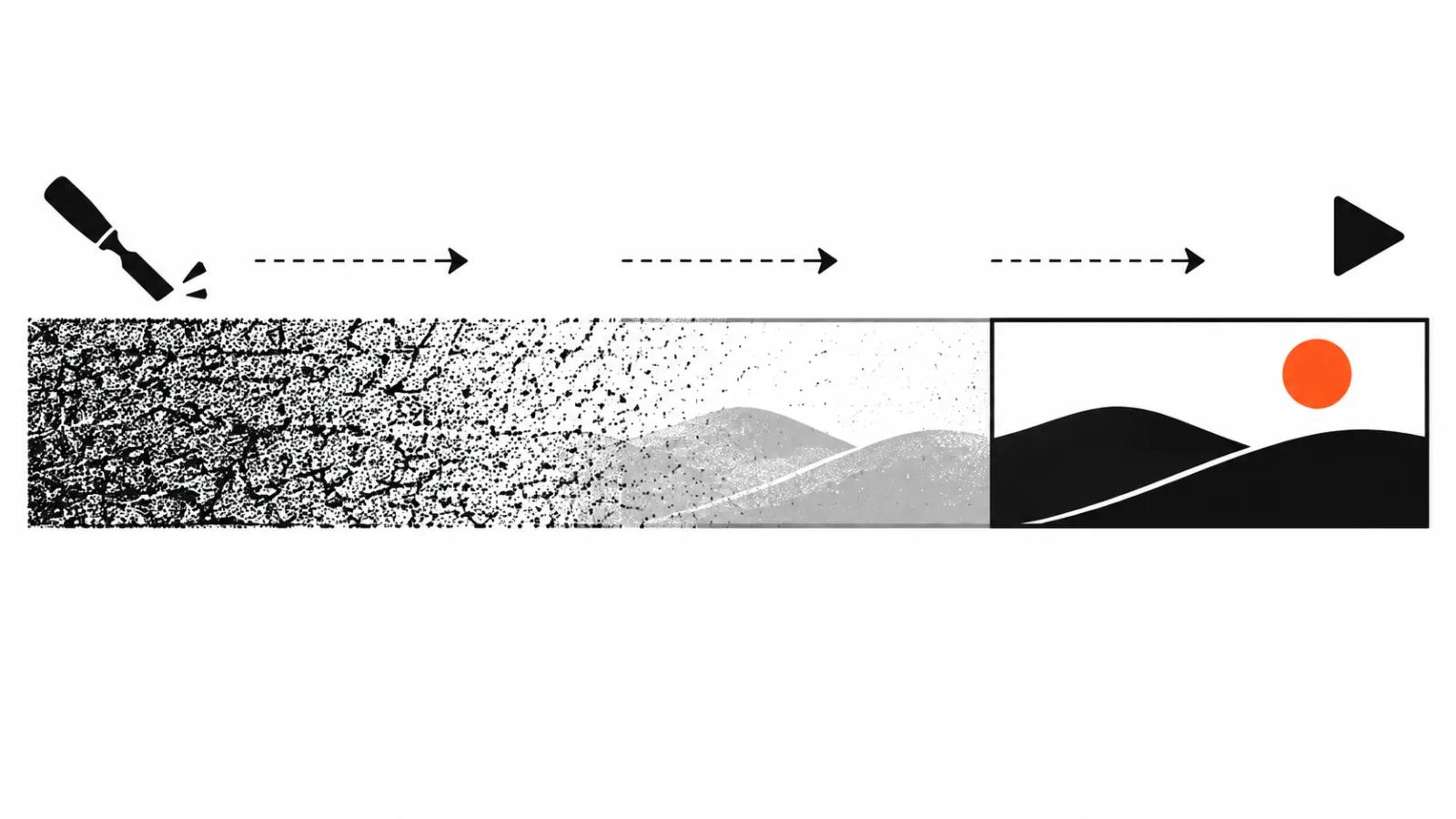
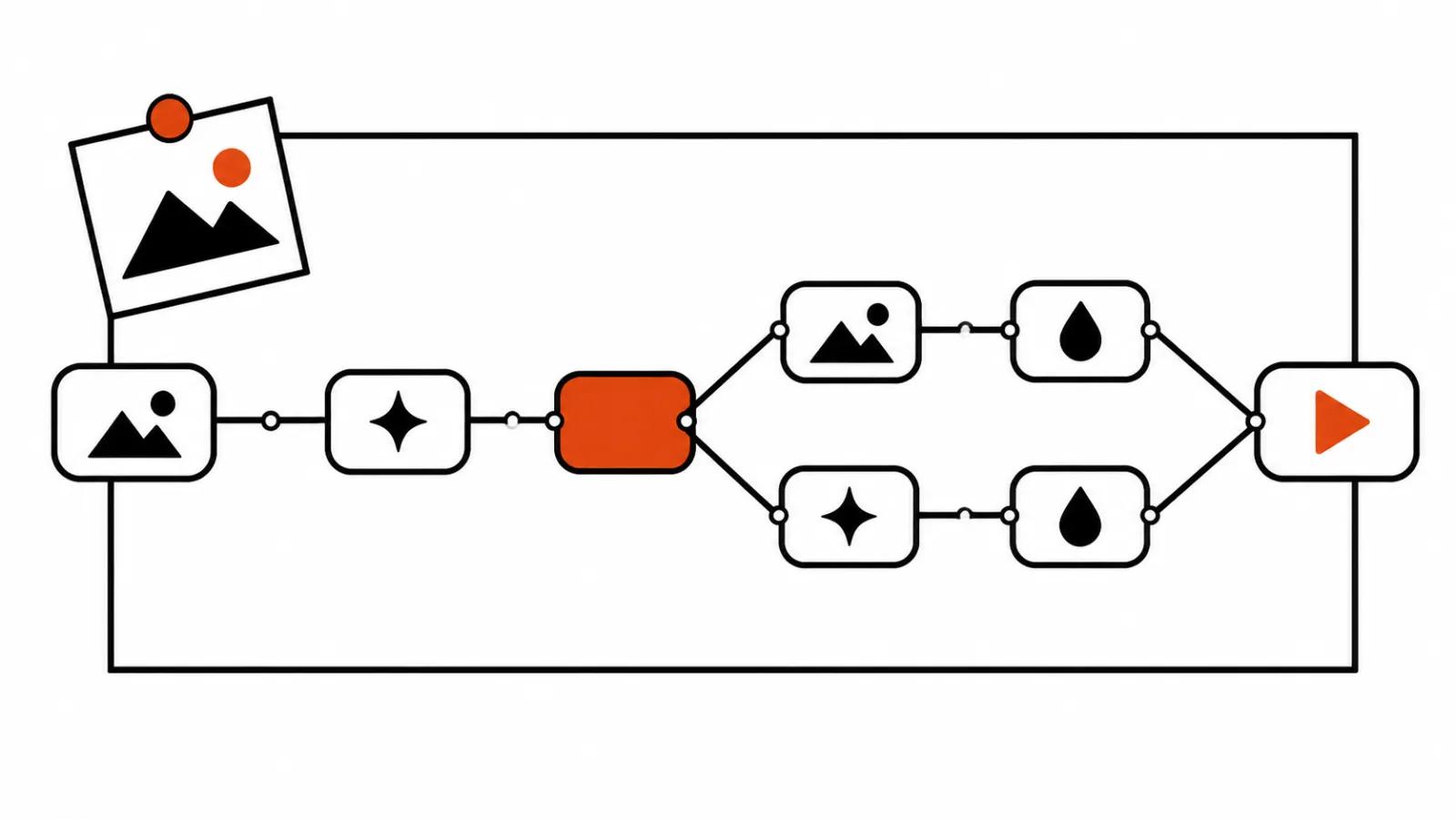
The order inside the studio is: build the world, block the scene, watch the motion, fix what bothers you. The previs then goes into AI generation so the video follows the composition, the blocking and the camera move more closely. In the demo a rainy Japanese street grows out of simple geometry and turns into a film frame.
I like that order for one reason. Composition mistakes are cheap to catch on cardboard. While the character is still a box, moving them two metres takes a minute. Once you have a take with rain texture and a face, the same move means another generation run. I wrote about camera movement in AI video prompts separately, and the core problem there is that a model reads words its own way.
Where previs saves time
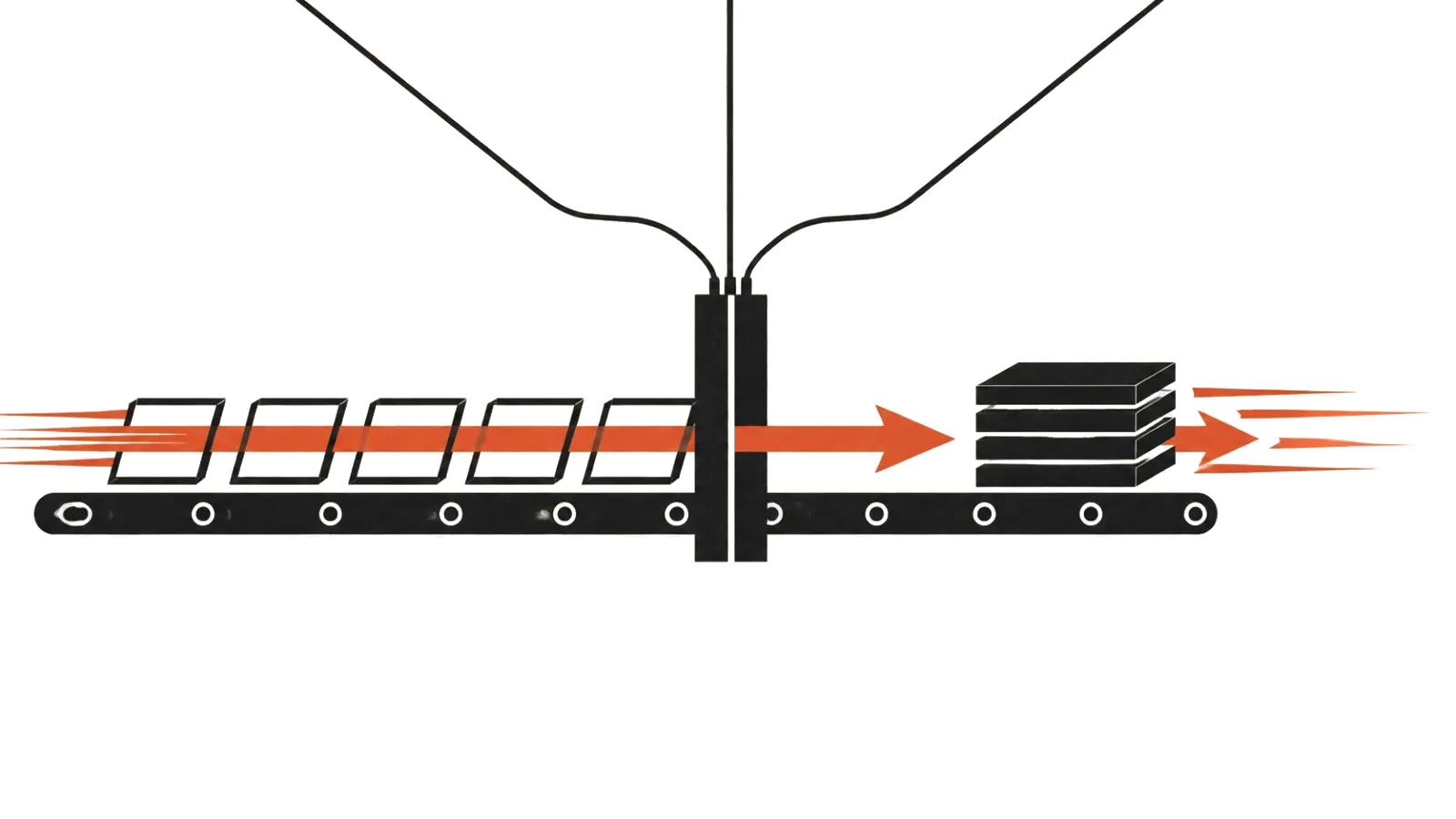
Storyboarding by shots settles length: a scene is cut into plans and each plan gets a description. Previs adds geometry and a camera path on top. For a series of spots with one character and one location that is real savings, since you can move the camera and see the result without spending a generation.
Then the open questions start. The release has no price. It does not name the video model that picks up the previs. There are no independent tests, only the company's own demo. Until that changes, I would test the studio on my own shot: ten seconds, two characters, a camera move. If the previs and the final frame match in composition, the tool works.
Who gets use out of it
The release names its audience directly: independent directors, advertising people, short drama teams, teachers. The last group seems the most obvious to me. Showing students how shot size changes the meaning of a scene is easier on mannequins than on stills from someone else's film.
In advertising the gain sits in approvals. When the client sees the camera move before any generation is spent, notes land on the scene, and the finished cut comes later. That kind of previs fits an AI commercial where the frame is signed off with a brand, and fits AI video production of a version set: one blocking plan, different copy and emphasis.
My take
The weak spot in generative video lives in staging. The model paints beautifully and often places the camera by guesswork. Bloomway aims straight at that gap, and the approach is right: space and motion first, render second.
What gives me pause is the cost of the first step. A 3D previs eats time, time costs money, and without a price and without tests I cannot say whether the studio pays off on short jobs. On long scenes where a reshoot is expensive the logic is clear.
The practical takeaway is simple. If your project has a series of shots with camera movement, build the rough geometry before you generate, in Bloomway's studio or in any 3D editor. Generation rewards a precise input and punishes guesses.