An AI video storyboard starts where the shot ends
The brief sounds short: a thirty second clip for a new product. Then a paragraph of text goes into the generator, the model tries to fit five events into it and averages them. What comes back is smooth porridge. Everything seems to be there and there is nothing to watch.
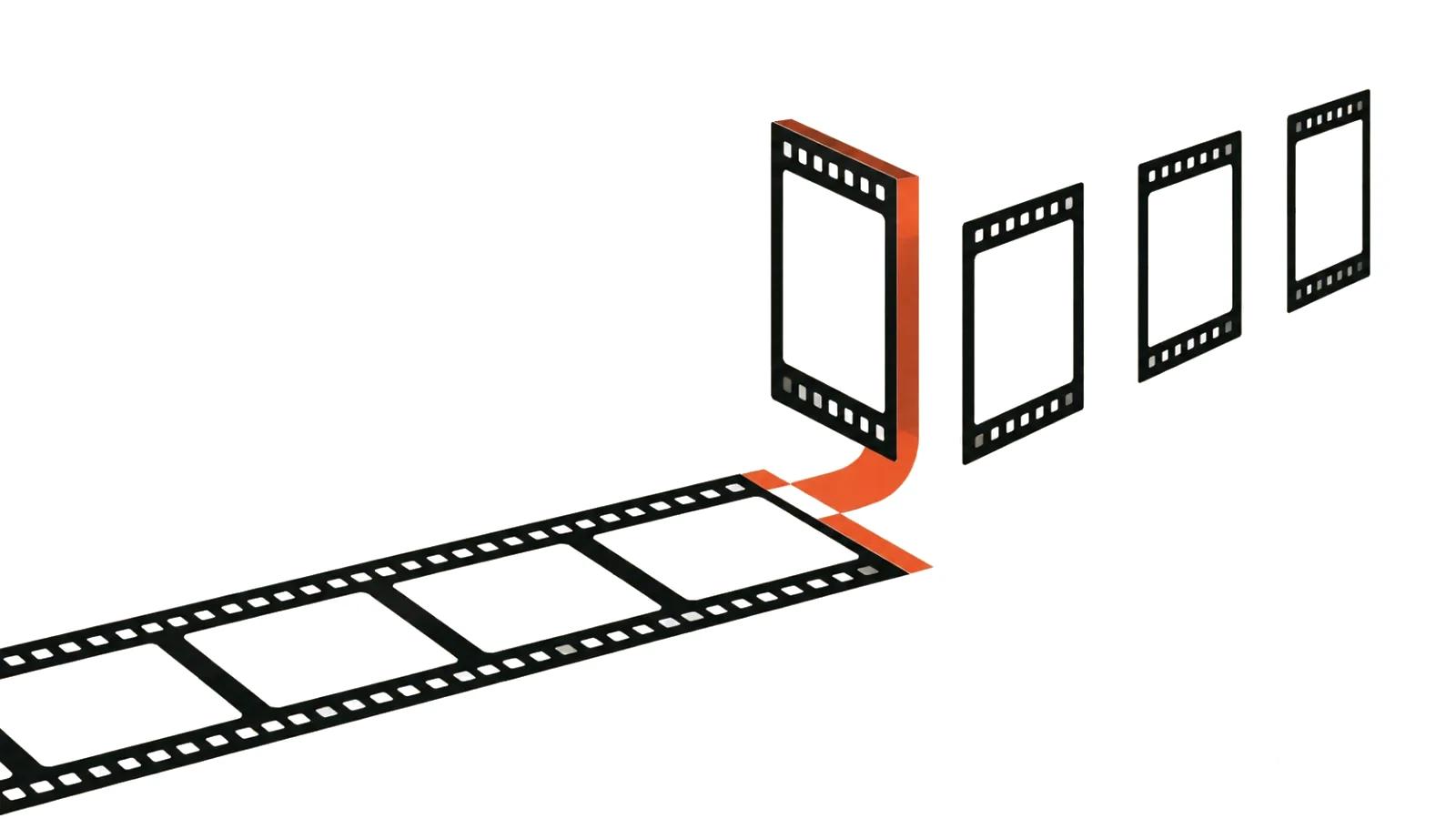
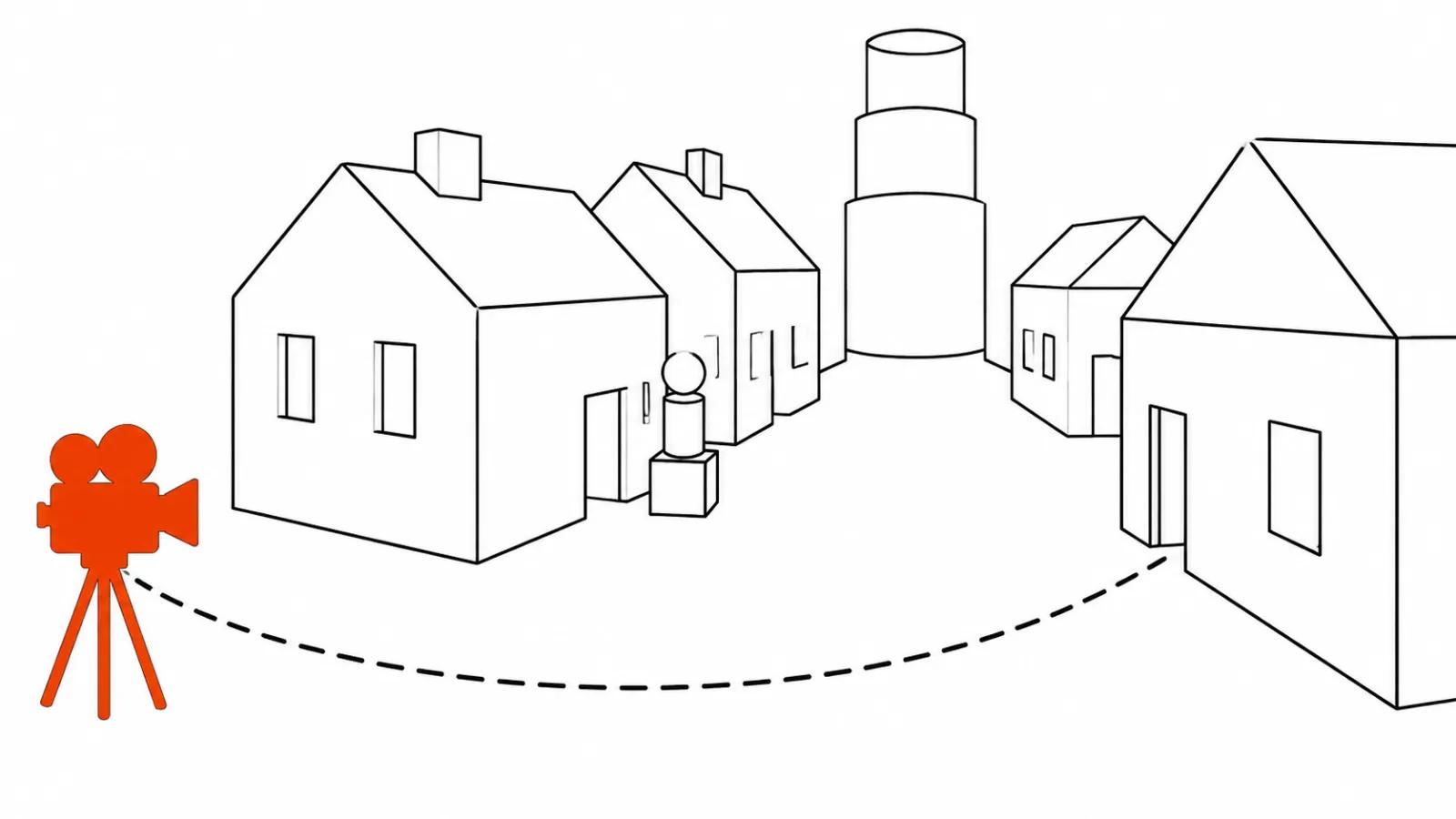
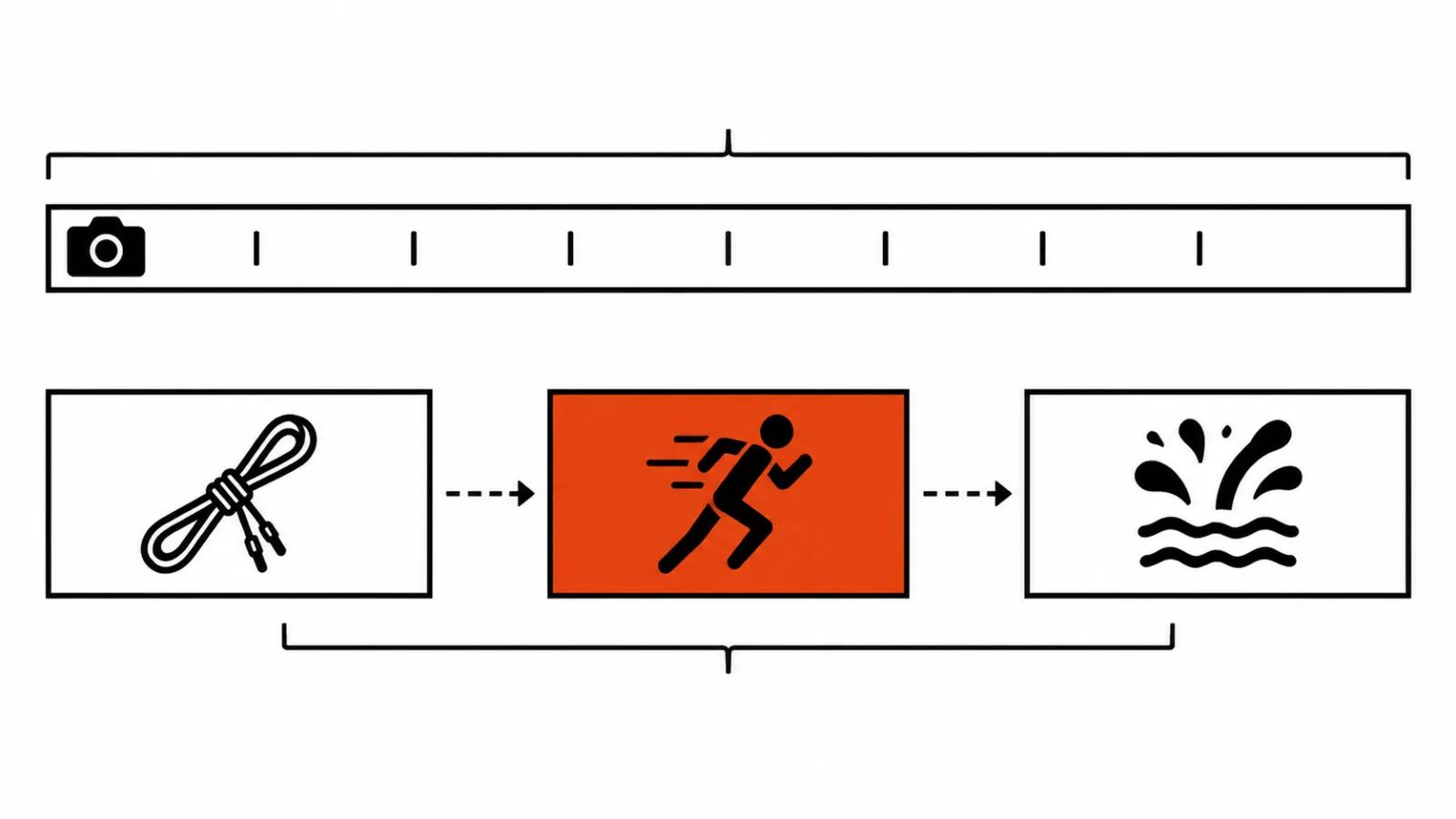
The reason is the unit of work. A shot lives between two cuts, and inside it there is one action and one camera move. A clip is a set of shots, and when that set was never planned, the model plans it for you.
In practice an AI video storyboard begins with a question: how many actions does this clip contain. Five actions make five shots. One thirty second generation with five events inside it often comes out blurred and loses the beats.
Storyboarding for AI video: two ways to cut a clip
The first way is one long generation with timecodes inside a single prompt. Kling 4.0 gives 3 to 30 seconds per pass, Seedance 2.5 flash also goes to 30 seconds with up to 10 images, 5 videos and 5 audio tracks on the input. The upside is obvious: one light, one sound bed, cuts already baked in. The expensive downside: a single bad stretch throws away the whole thirty seconds.
The second way is separate shots of 4 to 10 seconds, assembled in an edit. Slower, except a single shot can be regenerated on its own. Assembly services work this way: on November 11, 2026 EveryCatch showed an agent that builds 2 to 8 shots at 4, 6 or 8 seconds and stitches them into up to 60 seconds. There a shot equals one generation.
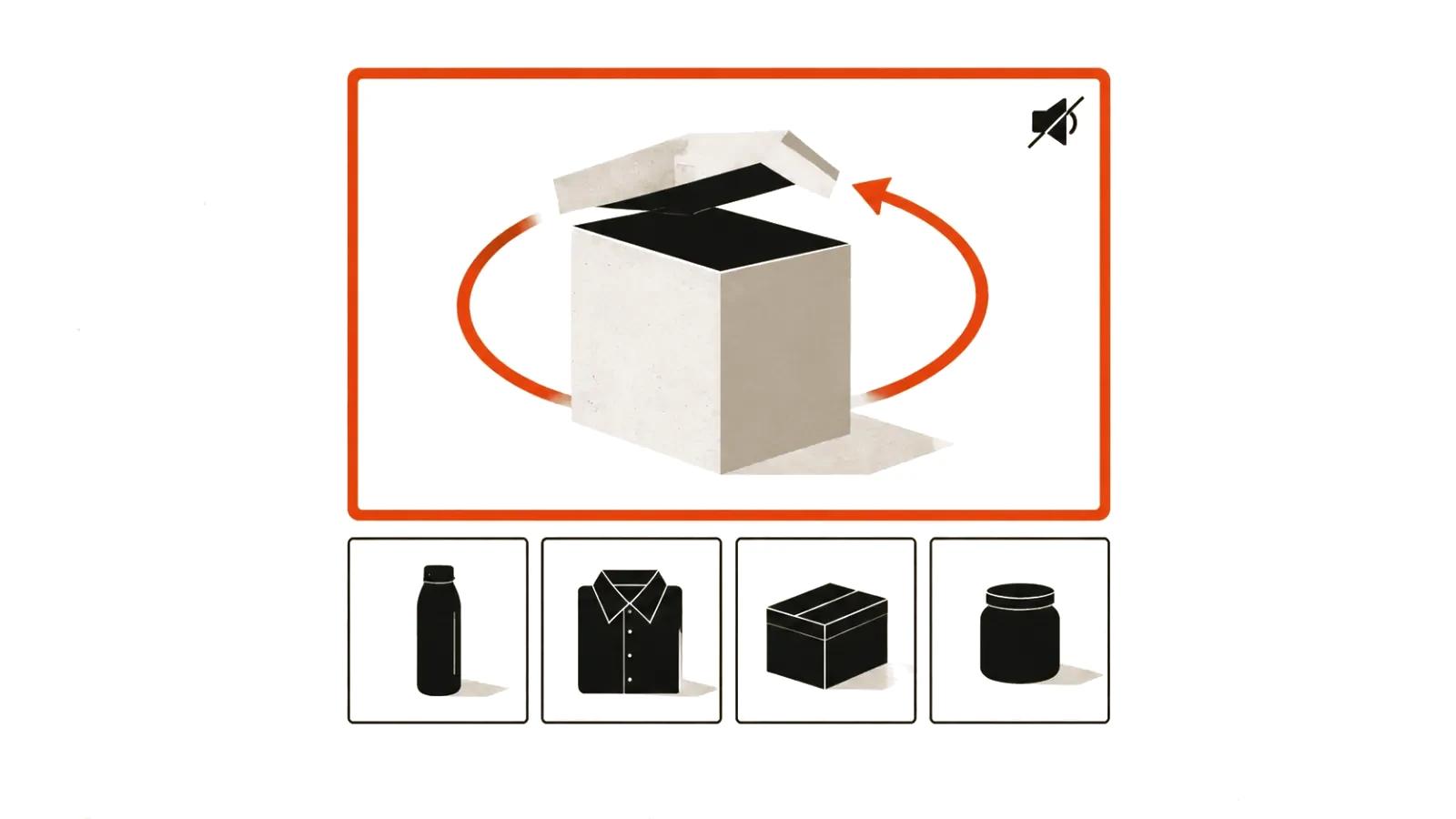
The material decides. Dialogue, a long tracking move and even light suit the first way. A fight, water, hands holding objects go to the second, since those shots are the ones that break.
What each model actually holds: length and cuts
Kling 4.0 ships with Multi-shot on by default: the model splits the segment itself and builds pacing from the content. That helps when there is an idea and no storyboard. When a storyboard exists, automatic splitting works against you, because the model does not know where your beat belongs.
The second control is keyframes, up to 10 of them. They set a character state, a scene change, a story point. The guide carries an important limit: the keyframe mode cannot be combined with references in the same job. So the work happens in two passes, keyframes and references separately, up to 15 references including 5 videos with 30 seconds total.
Gemini Omni 1.2 Flash caps at 3-15 seconds in one second steps, and extension adds 3-10 seconds, building on the last up to 30 seconds of the source. Google names the weak spots itself: fast sports motion, fast script changes, complex physics. For a storyboard that is a ready list of shots to hand to another model or to a separate generation.
| Model | Length of one generation | How to set the cut |
|---|---|---|
| Kling 4.0 | 3-30 s, Multi-shot on by default | timecodes plus the words Hard cut in the prompt |
| Kling 4.0 Flash | 3-20 s, 720p | the API announcement says nothing about cuts, I join shots in the edit |
| Gemini Omni 1.2 Flash | 3-15 s in 1 s steps, first and last frame 3-10 s | one continuous shot in the request |
| Seedance 2.5 flash | up to 30 s | cut syntax not documented, I try timecodes |
| EveryCatch | 2-8 shots at 4, 6 or 8 s, up to 60 s total | one shot per one generation |
Storyboarding by timecode: a 15 second example
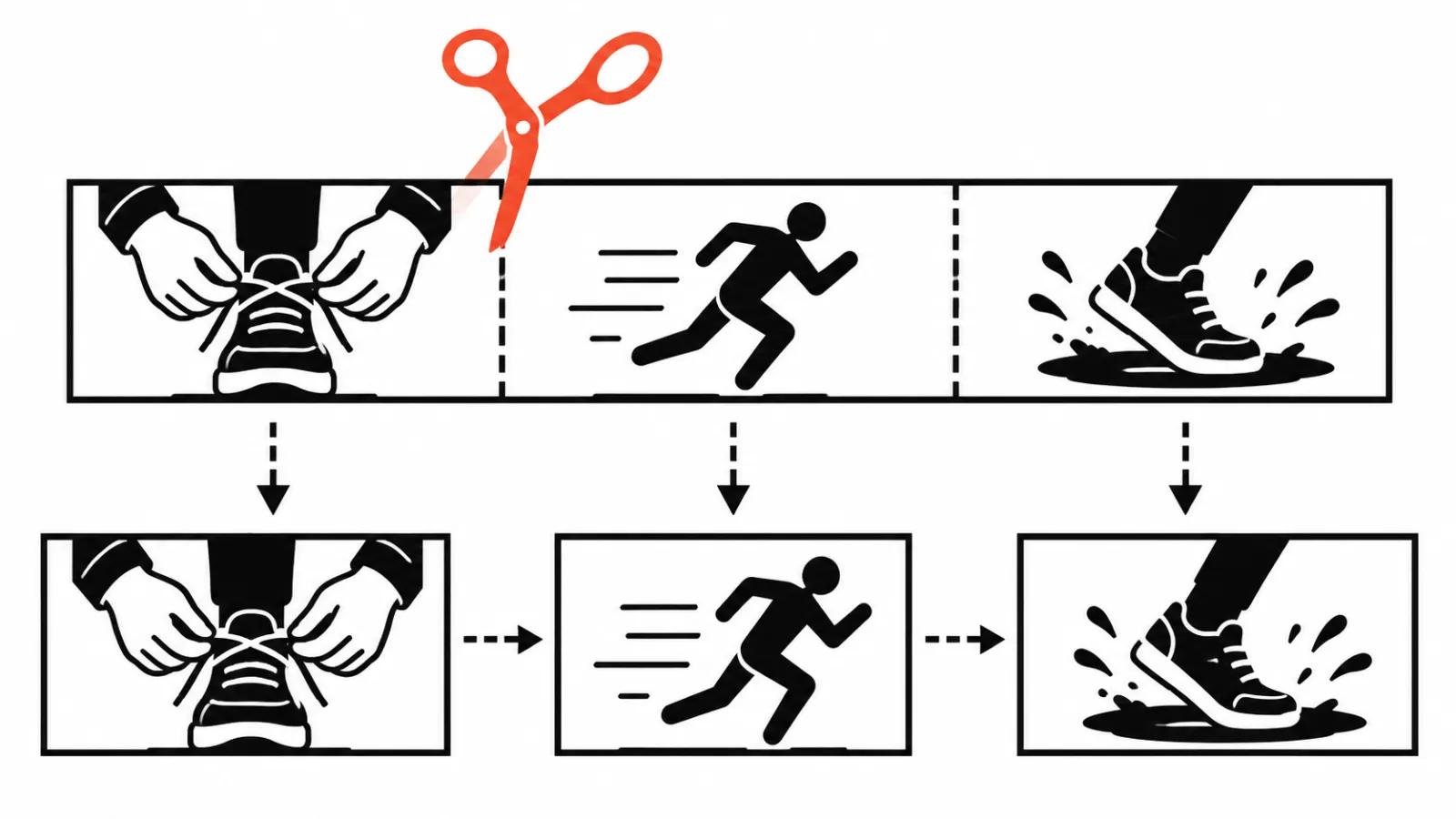
A vertical clip for running shoes, three shots, written for Kling 4.0.
The prompt behind it, in the structure from the official guide: asset roles, global settings, events by the second, sound.
Three shots in fifteen seconds is a normal pace for vertical work, and a single paragraph of text cannot carry that density. At thirty seconds the count grows to five or six: the Kling guide has a six shot example with segments of 9.0-11.5 s and 11.5-13.5 s.
- Assets: "@Image1 is the approved storyboard, keep the shoe shape identical".
- Settings: "vertical 9:16, overcast morning light, wet asphalt, no on-screen text".
- 00:00-00:05: "close-up, hands pull the lace tight over wet asphalt, static camera, shallow depth".
- 00:05-00:10: "Hard cut. Medium shot, runner steps out of a doorway and exits left, camera tracks sideways".
- 00:10-00:15: "Hard cut. Low angle, camera follows the stride, the shoe lands in a puddle, water sprays toward the lens".
- Audio: "footsteps on wet concrete, lace tightening, no music".
| Shot | Timecode | What is in frame | Camera |
|---|---|---|---|
| 1 | 00:00-00:05 | hands pull a lace tight above wet asphalt | static, close-up |
| 2 | 00:05-00:10 | runner steps out of a doorway and moves left | tracking along, medium shot |
| 3 | 00:10-00:15 | shoe lands in a puddle, spray hits the lens | moving with the stride, low angle |
Cuts in the prompt: what to write about transitions
First rule: call a cut a cut. The phrase Hard cut with a shot size attached works, and the Kling guide puts it straight into the timecode line: "13.5-15.0s: Hard cut inside the city".
Second: ban cuts explicitly when you do not want them. The guide has a ready sentence for that: "The entire sequence must be one continuous master shot with no visible cuts". Shot size then changes through camera movement and no edit is needed.
Third: some models cut on their own. For Gemini Omni 1.2 Flash the provider guide from Runware advises writing "one continuous shot" when you need a whole clip, because the model often splits it into several shots without being asked.
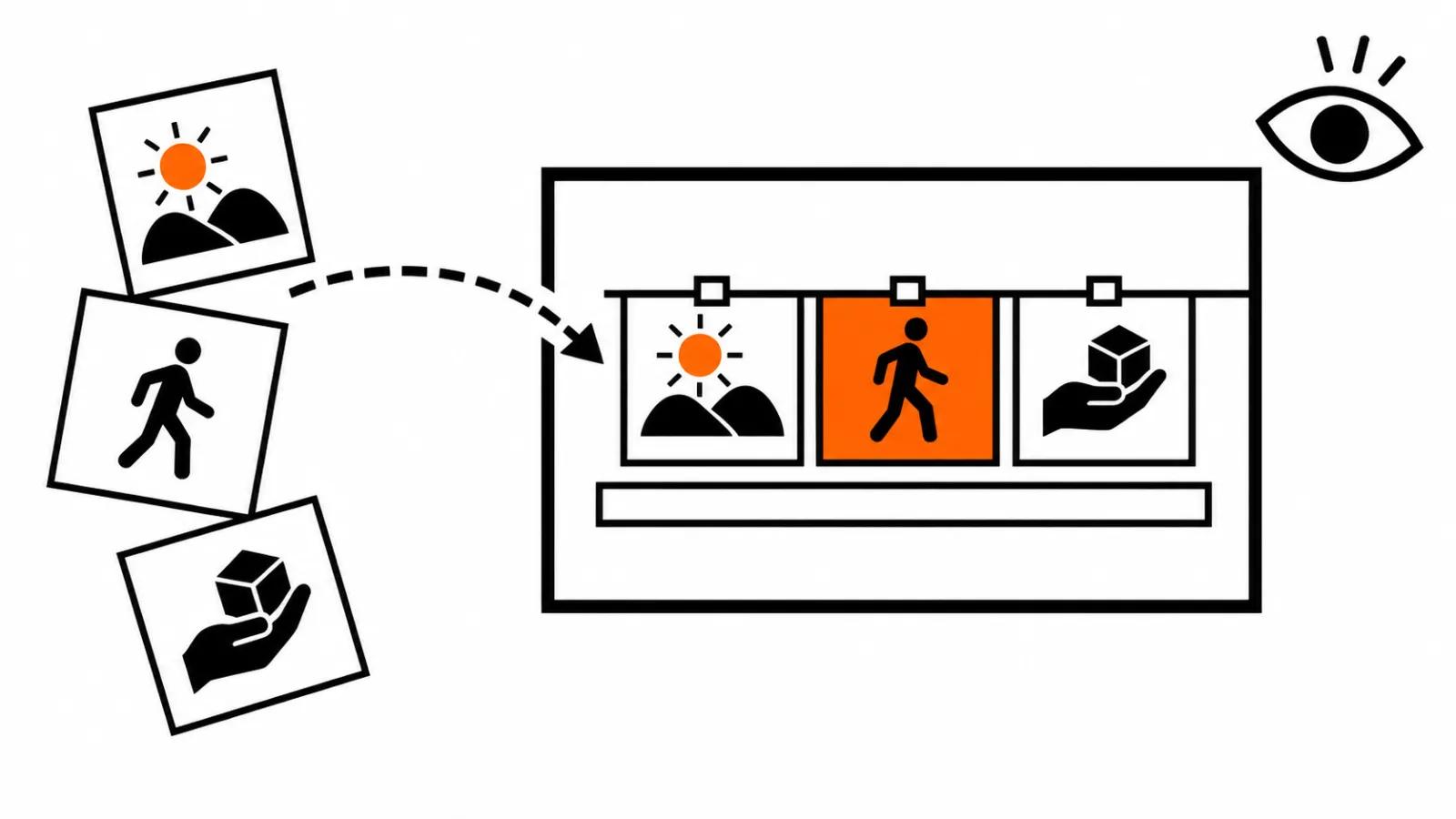
Fourth: a storyboard can go in as a picture. The same Kling guide suggests "use the storyboard in @Image2 as the director-approved sequence of shots" and separately "Do not render the storyboard itself". Add a ban on pencil texture, grid lines and captions, otherwise the model faithfully copies your markup into the render.
Storyboard checklist
One shot equals one action and one camera move.
- Shot length fits the model: 3-30 s on Kling 4.0, 3-15 s on Gemini Omni 1.2 Flash.
- Hard action sits in its own generation: running, water, physics, hands with objects.
- Timecodes are written down before the prompt, to the second.
- Every boundary says Hard cut or one continuous shot.
- Shot size and camera movement do not fight each other inside one shot.
- The worst shot is tested first, before the whole series goes into production.
Where a storyboard pays off
The list takes fifteen minutes on paper and saves an evening of generations. In AI video production it pays off where shots are many and similar: a series for one product, a long script cut into short episodes, ad versions for several platforms.
On a single test clip, running one long generation and looking at the result is the cheaper move.
In a series the storyboard pays off most: clips follow one scheme and regenerating a shot leaves its neighbours intact. When a clip needs the whole package, there are handcrafted AI videos from $190.
Before picking a model it helps to check how AI video length in a single pass changed through 2026: limits grow faster than quality inside one long shot. If the storyboard is easier to build from anchor states, there is a separate piece on keyframes in AI video.
My take
A storyboard is a schedule: what happens, at which second, in which shot size. A model holds one shot well and holds attention between shots badly, so the rhythm stays a human job.
My order on a new project: list of actions, list of shots, timecodes, prompt. If a shot fails twice, I split it. Splitting costs one cut, rewriting the wording costs an evening.