What Adobe announced on 10 November
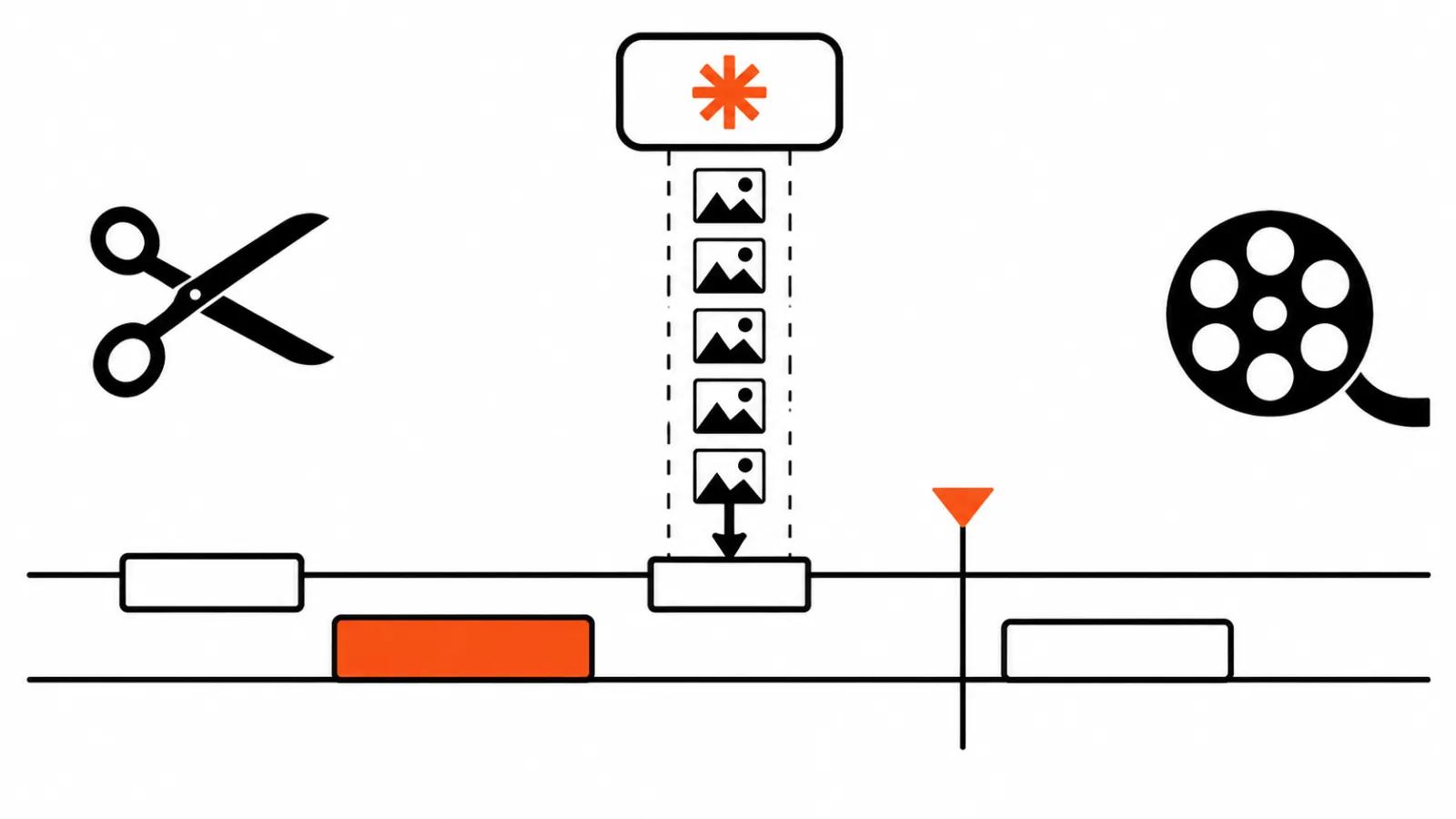
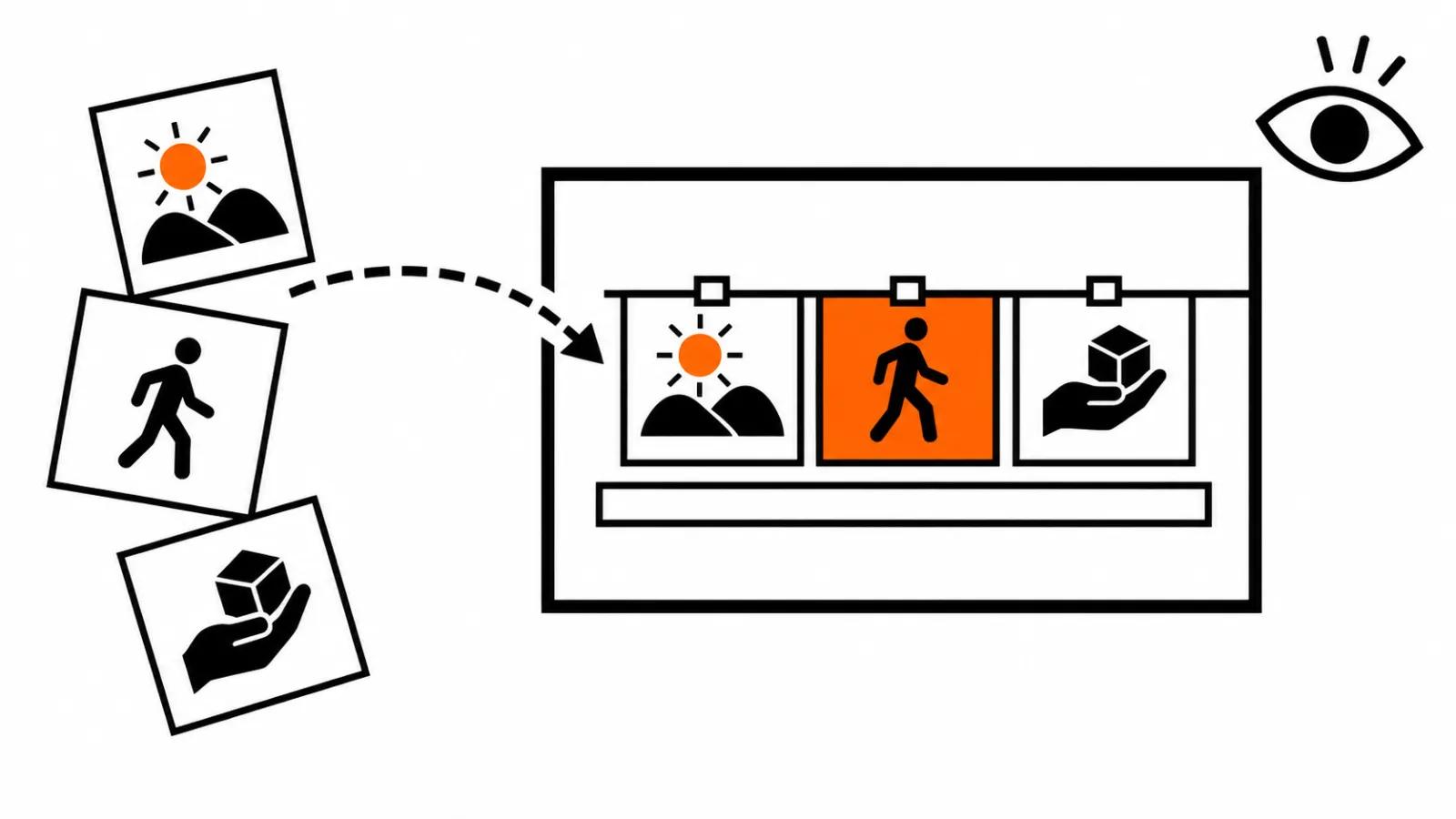
Adobe used MAX in Miami Beach to show what Firefly Video looks like after the update. The press release is long, the point is short: the assembly of a video moved into one window. A story grows from an arc into scenes and shots, clips drop onto a simplified timeline, and subtitles, transitions and B-roll appear in the same place.
That work used to sit in three different services with two file handoffs in between. One person drew the board, another ran generations, a third cut it all together and typed captions by hand. Detail easily gets lost at every handoff.
Adobe AI video production: from arc to shots
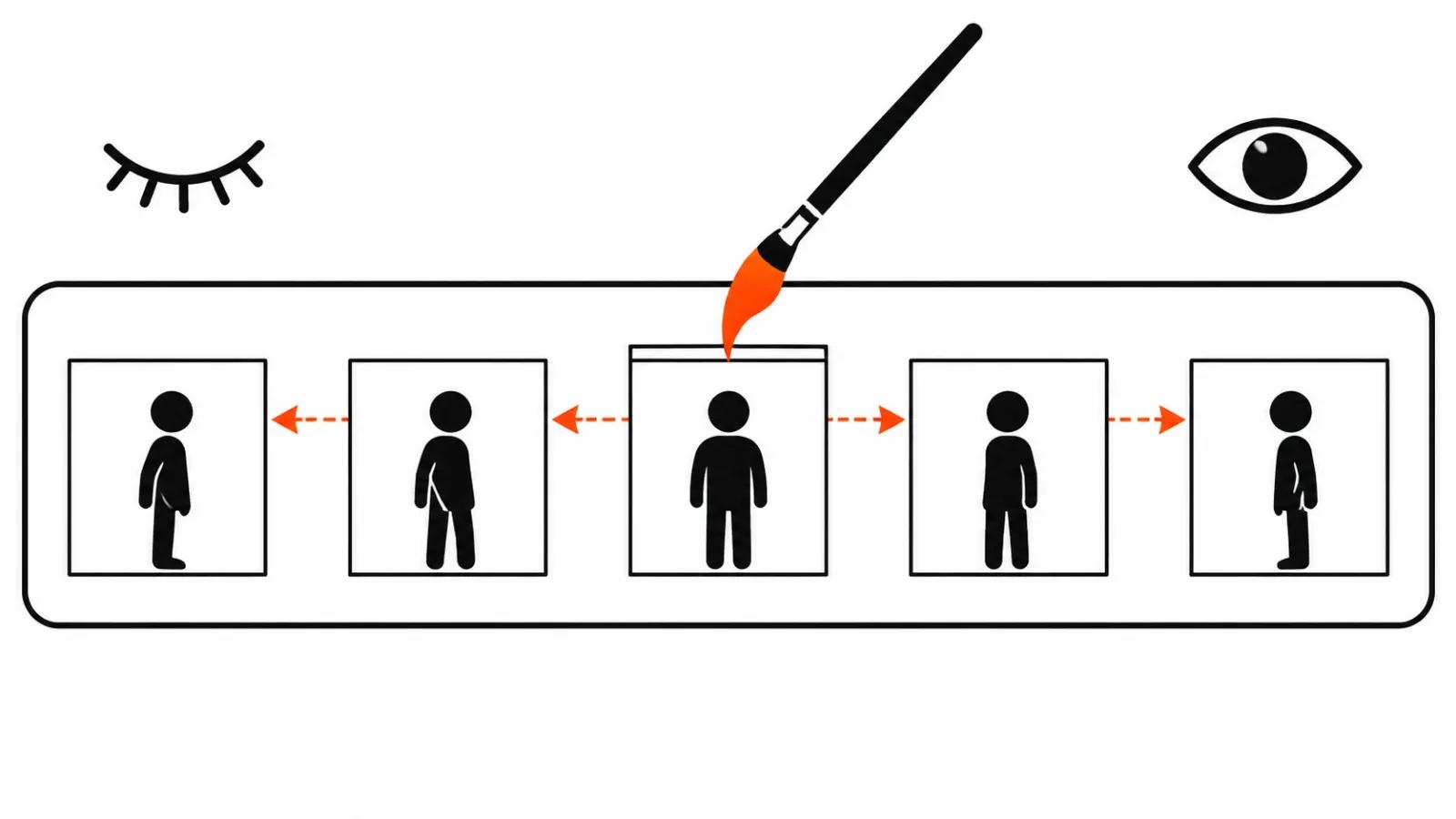
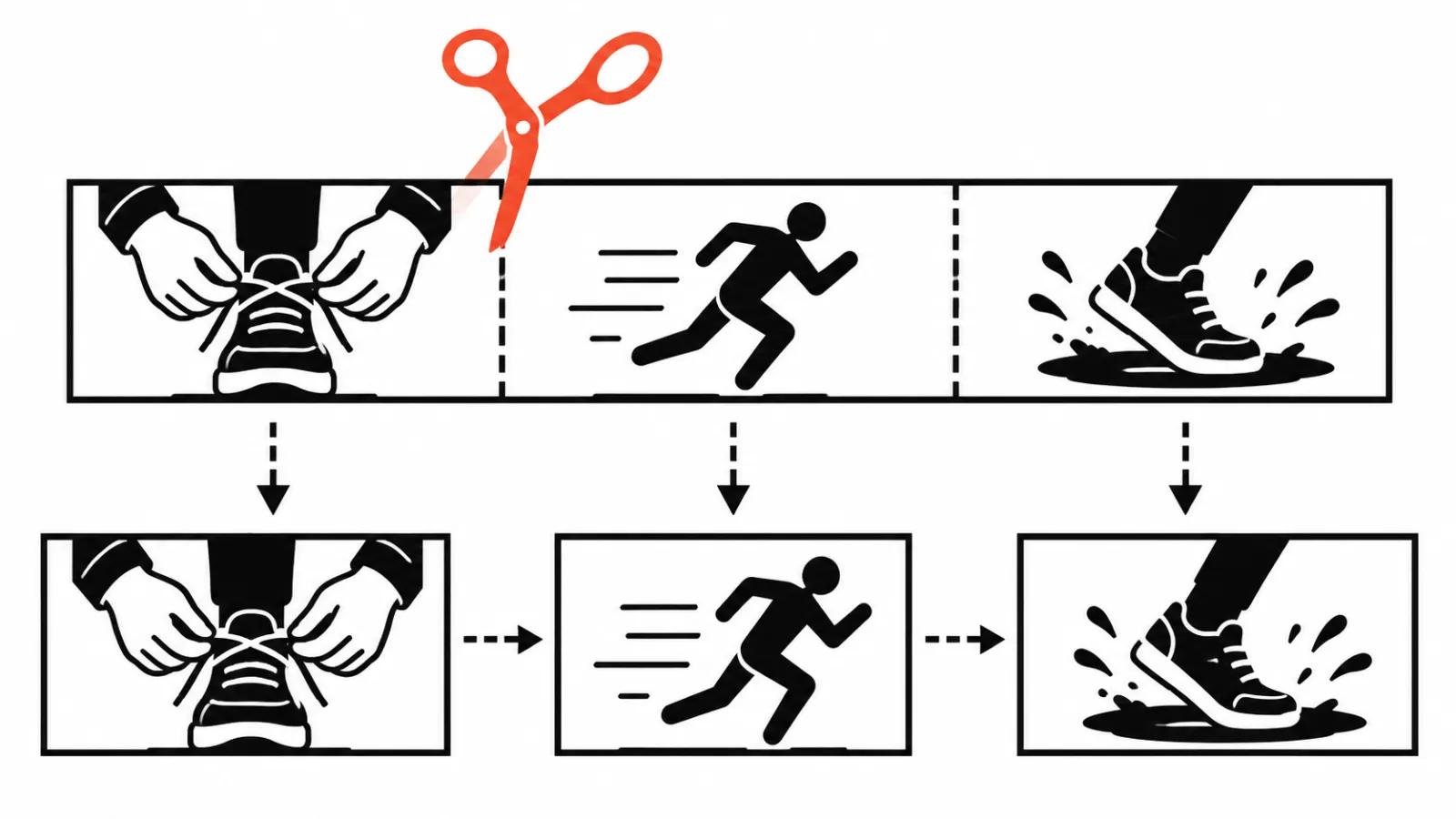
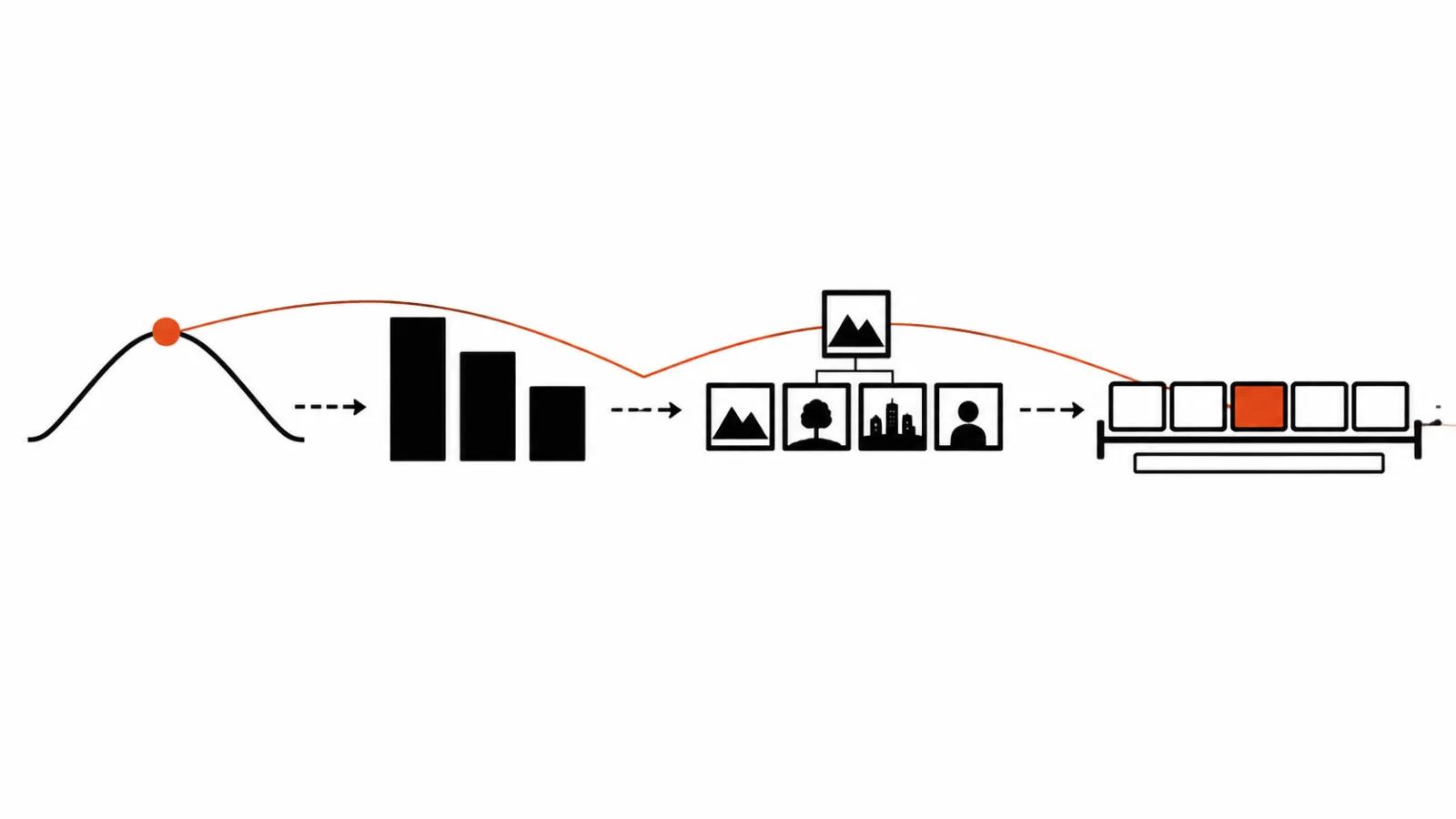
Step one inside Firefly Video is the story. You set a story arc, scenes grow out of it, shots grow out of the scenes. The reason this matters is boring and decisive: without an arc a single clip can look gorgeous and lead nowhere, which is exactly how a series of ten videos falls apart.
Shots then become clips. Adobe calls the timeline simplified and does not spell out what it can do. So for a project with motion graphics and compositing I would still plan the final pass in Premiere.
Editing with models: timeline, subtitles, transitions
Subtitles land early here. Text sits on the clips while the scenes are still moving, which saves the worst pass of the job: the one where the cut is locked and every caption has to be nudged by hand.
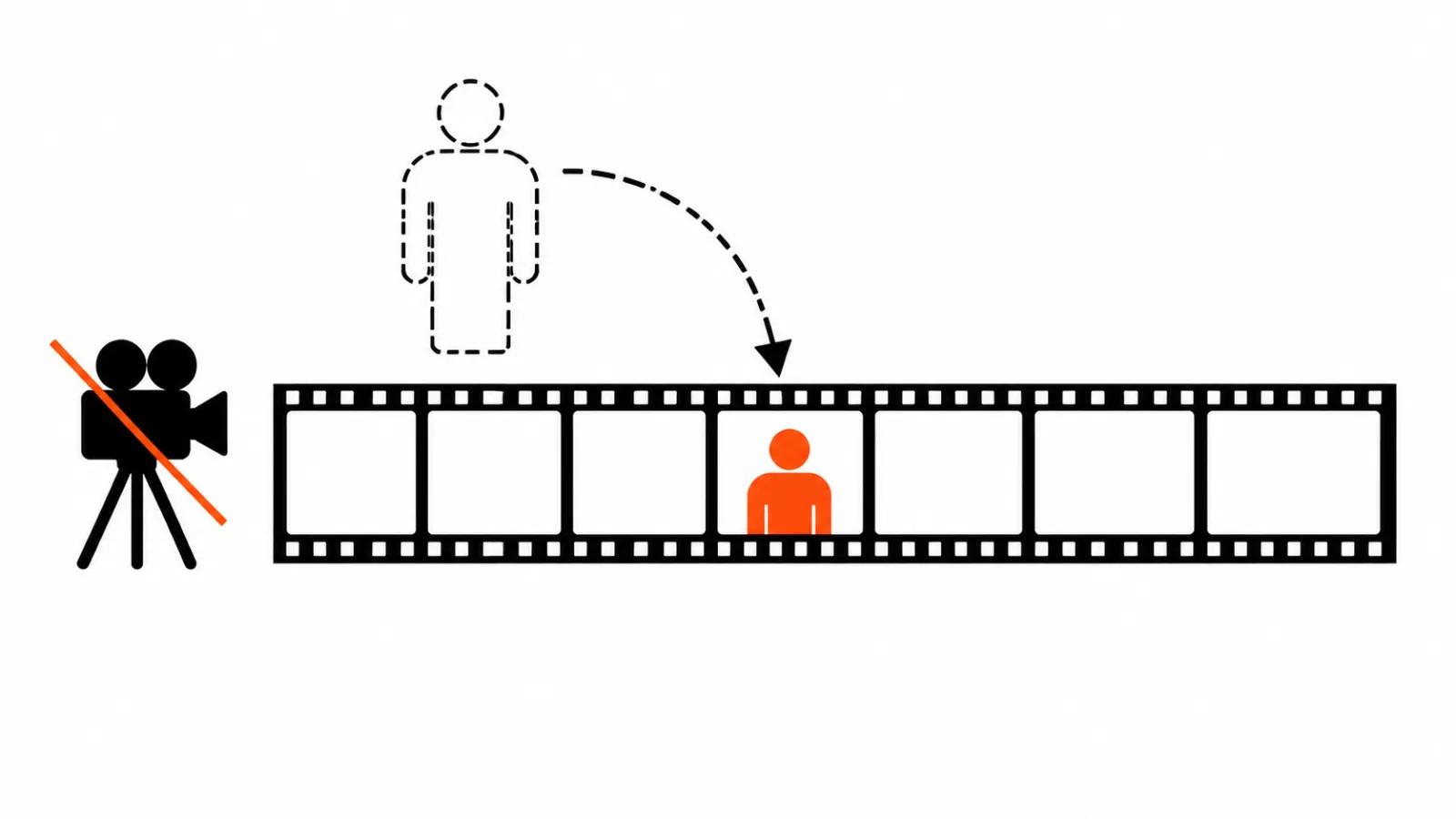
Transitions and B-roll are generated last, by partner models. The order is not random. First the skeleton of scenes exists, then the gaps get filled: a cutaway that is missing, a join between two shots that reads rough, a product-in-hand frame that was never shot. Generating B-roll before the edit means generating blind.
Adobe also announced MCP in Premiere the same day, and that has its own write-up. What matters here: the Firefly timeline is simplified and does not replace a full edit.
Which models sit inside
Firefly stopped being a shopfront for one model. The new build lists Dreamina Seedance 2.5, Kling 4.0, GPT Image 2.6 Sunburst and Flare, Nano Banana 2.1. The partner list runs ByteDance, Google, Kling, OpenAI, ElevenLabs and Topaz Labs.
For a client this means one shot can be pushed through several models and compared in one window, without hopping between sites. For a studio it means keeping your own test sheet: one model holds a character's face better, another handles camera movement more reliably, a third is cleaner with type inside the frame.
Creative Agent: a plan, a model, settings once
The second half of the announcement is Creative Agent, also called Firefly AI Assistant, in beta. Three parts of it save real time.
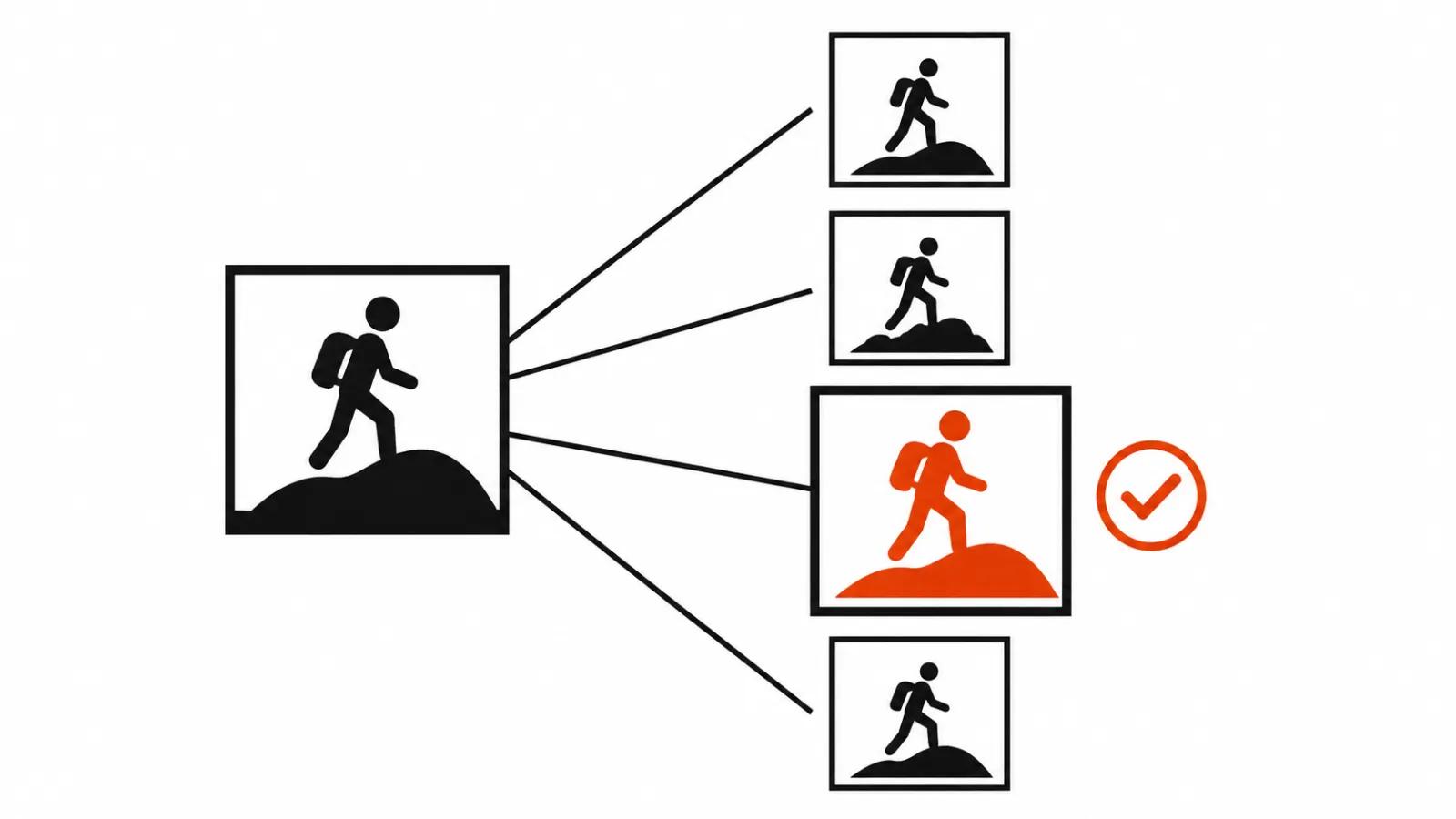
Plan Mode shows the agent's plan before it runs, and the plan can be corrected. That difference from a plain chat window is big: you see the intent before the generations are spent.
Model Selector lets you name a model or leave Auto-Select to pick one for the task.
Settings are configured once: formats, colours, brand kit, characters, products. After that the agent keeps those rails on every new task, and nobody explains the palette again for each video.
The agent also appears inside Firefly Boards, where moodboards and storyboards get built. For advertising that is a useful starting point: references, frames and the scene plan sit in one place.
Always-on agents, Quick Actions and graphs
Always-on agents in preview are background workers for routine: sorting assets, checking quality, preparing material for each channel. It sounds small, and it is the most expensive part of the week: unpack the delivery, reject the duds, cut versions for every format.
Quick Actions are one-click presets such as Remove Object, Thumbnail Generator and Build Product Ad. Buttons like that close the repetitive jobs where production usually gets stuck.
Firefly Graph in beta lets you build your own repeatable chains, for example character sheets and shot lists. Configure the sequence once, then it repeats on the next episode under the same rules.
What it changes for clients and for a studio
The client side is simple: fewer file handoffs between people, so fewer places where a video breaks. When the board, the generation and the edit live in one window, a note like "fix the second shot" stops being a half day project of its own.
One thing to keep in mind: several of these features are in beta, where limits and behaviour still move, and the quality of partner models inside Firefly depends on those models themselves.
For a studio the conclusion has not moved in years. The board and the script still decide, and the tool only shortens assembly. AI video production starts from the arc as well, and the first prompt comes after it. Where every frame needs supervision, handcrafted videos start from $190 and a person owns the shot. The format that gains most here is vertical ads: many versions, each built again, with captions and transitions eating the clock.
The Disney tie-up and brand-owned models have their own write-up, since that is a different part of the Adobe story.
The release is honest about the line. Edit Text, Retouch, Relight and Quick Actions are generally available, the rest of the new work sits in beta. No pricing appeared in the announcement, so budgeting around this build is premature.
My conclusion
Adobe is betting on process, and the bet is right. Arguing about whose model renders prettier is pointless: models turn over every couple of months while the order of work stays. The studio that wins keeps the board, the shot list and the captions in their places.
The money angle is second. When three services collapse into one, the saving arrives at the joints: fewer transfers, less drift, fewer rebuilds caused by the wrong file. For an agency that is hours, for a client that is the deadline.
And the sobering part. While features sit in beta, selling "all in one window" to a client as a finished solution is early. Test it on your own projects now, keep it out of promises for a while.