What Luma shipped on 6 November
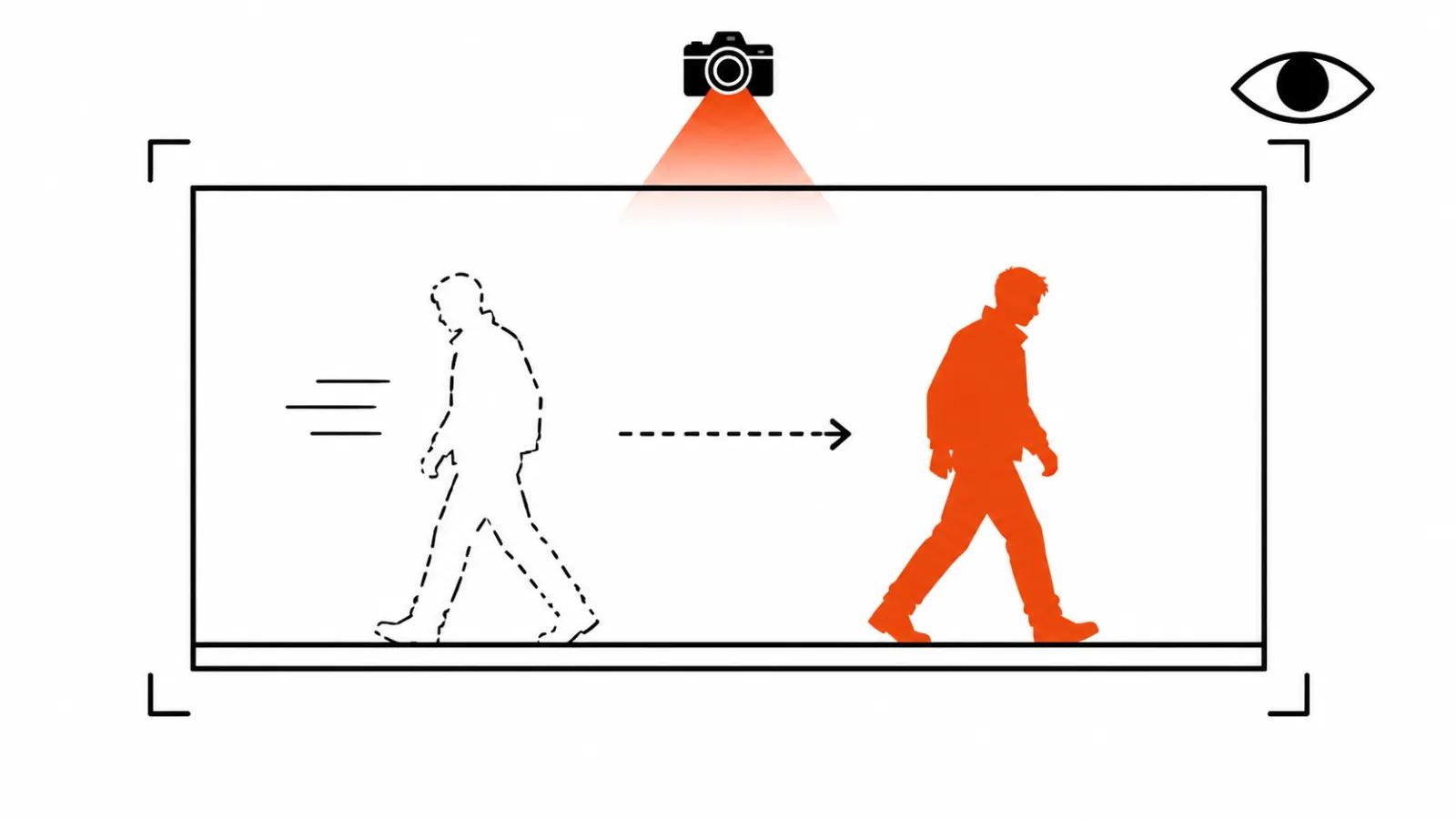
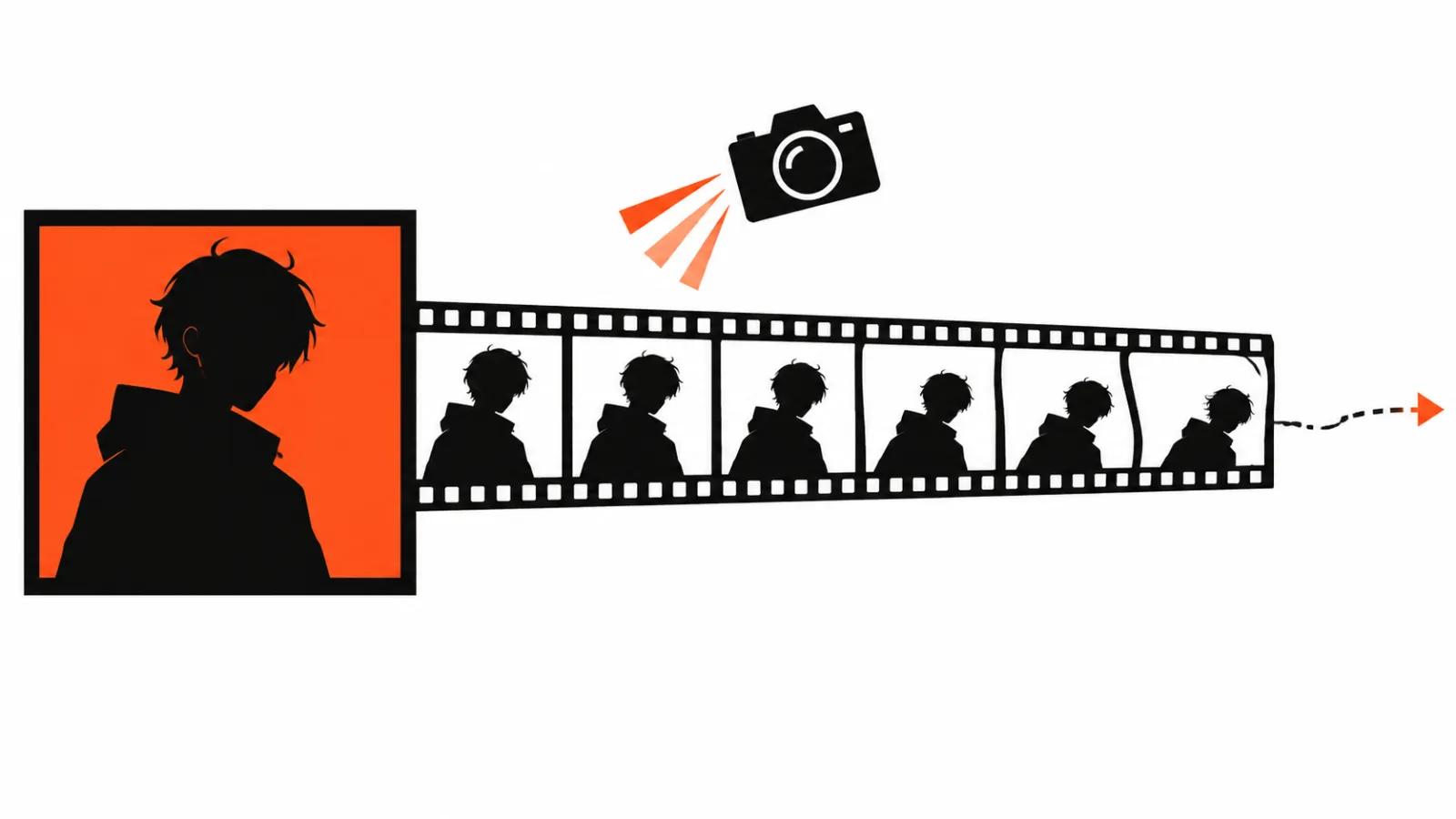
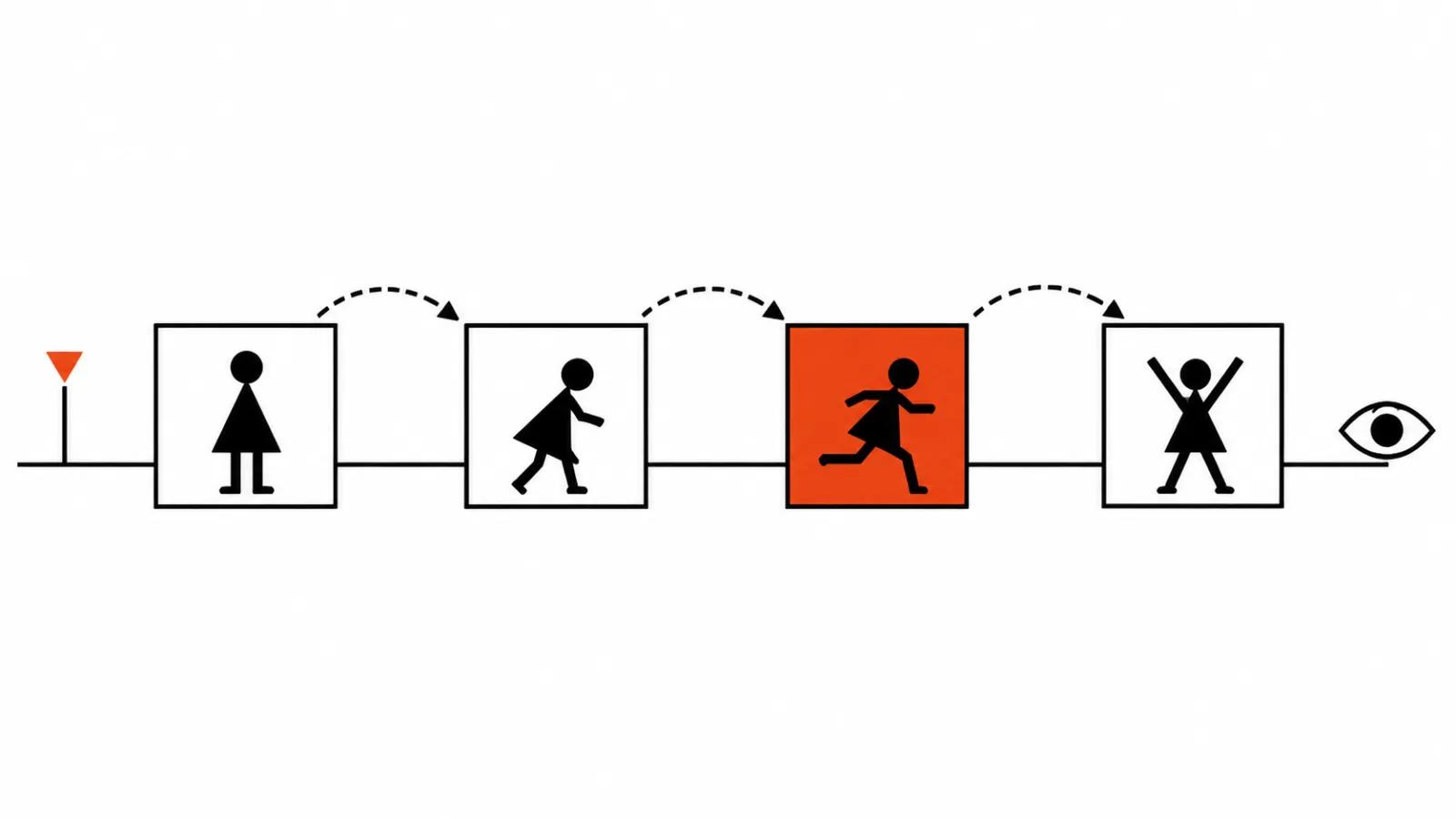
Luma's post on models that generate longer clips went up on 6 November 2026. It is the company's own material, so every number below reads as a vendor claim: no independent tests existed on publication day. The short version: Ray 3.2 accepts up to 16 keyframes inside a single clip through the Ray3.2 API. A keyframe here means the state of the scene at a given moment, and the model fills in the motion between those states. That is how you steer a character's path, the pace of a shot and its visual progression.
The production details carry weight too. Clips of 5 and 10 seconds per pass, extension to continue a scene, 16-bit HDR and EXR export. The last two do more work than they seem to. EXR lands in compositing without a colour hit, so an ad shot survives the grade.
Storyboarding with AI: who gets 16, 10 and 10
Kling 4.0 holds up to 10 keyframes, Omni Reference carries up to 15 assets, one pass runs up to 30 seconds. FLUX 3 is an image-to-video model with support for up to 10 key images, clips of 5-20 seconds and a draft mode for previews. Luma sits at 16.
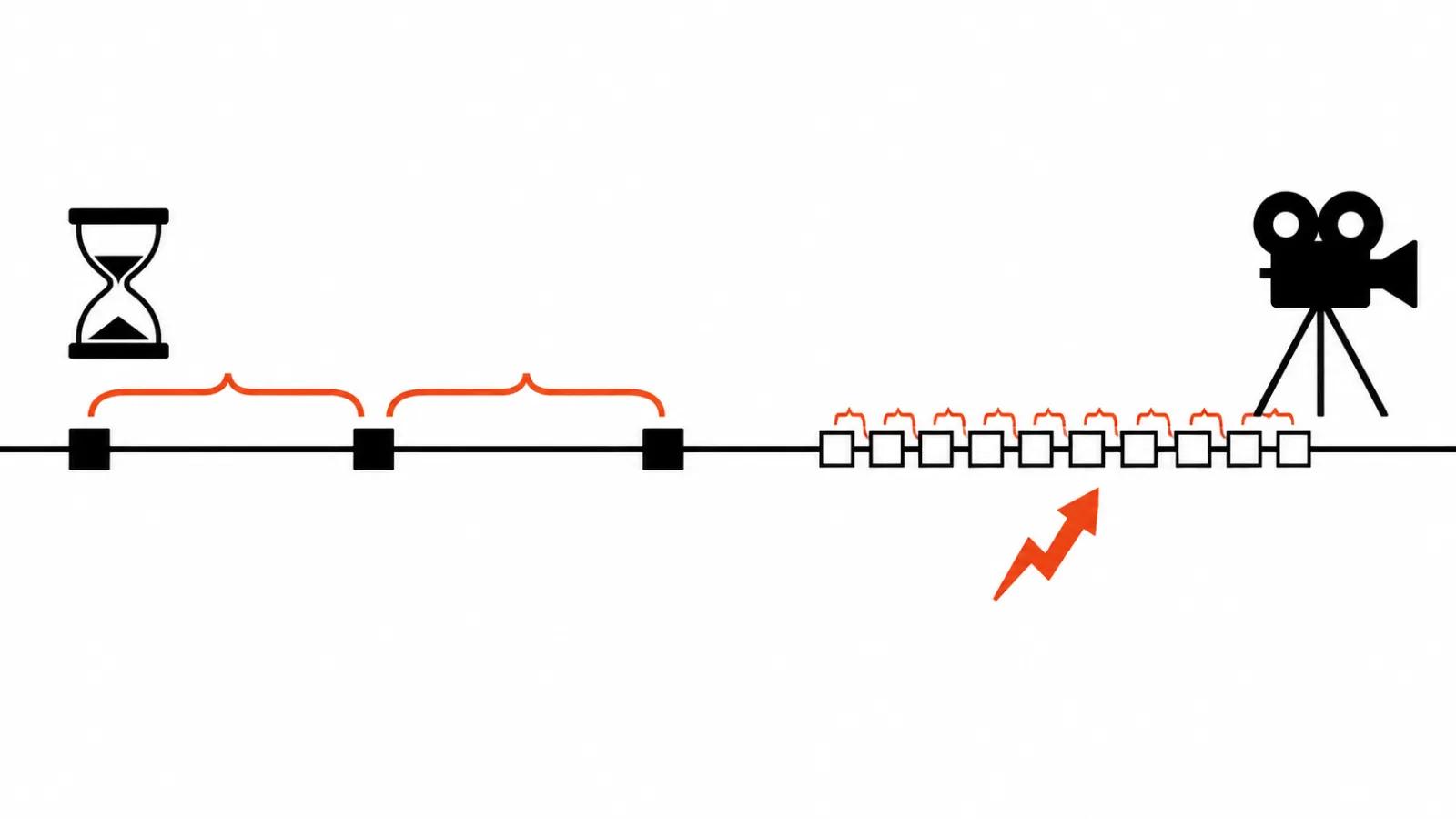
In practice this changes what people mean by AI storyboarding. It usually means one still at the start of a clip and luck after that. Now the board becomes literal: you prepare scene states and the model builds motion between them. Sixteen keys across ten seconds put a key down roughly every 0.6 of a second.
Two frames or ten
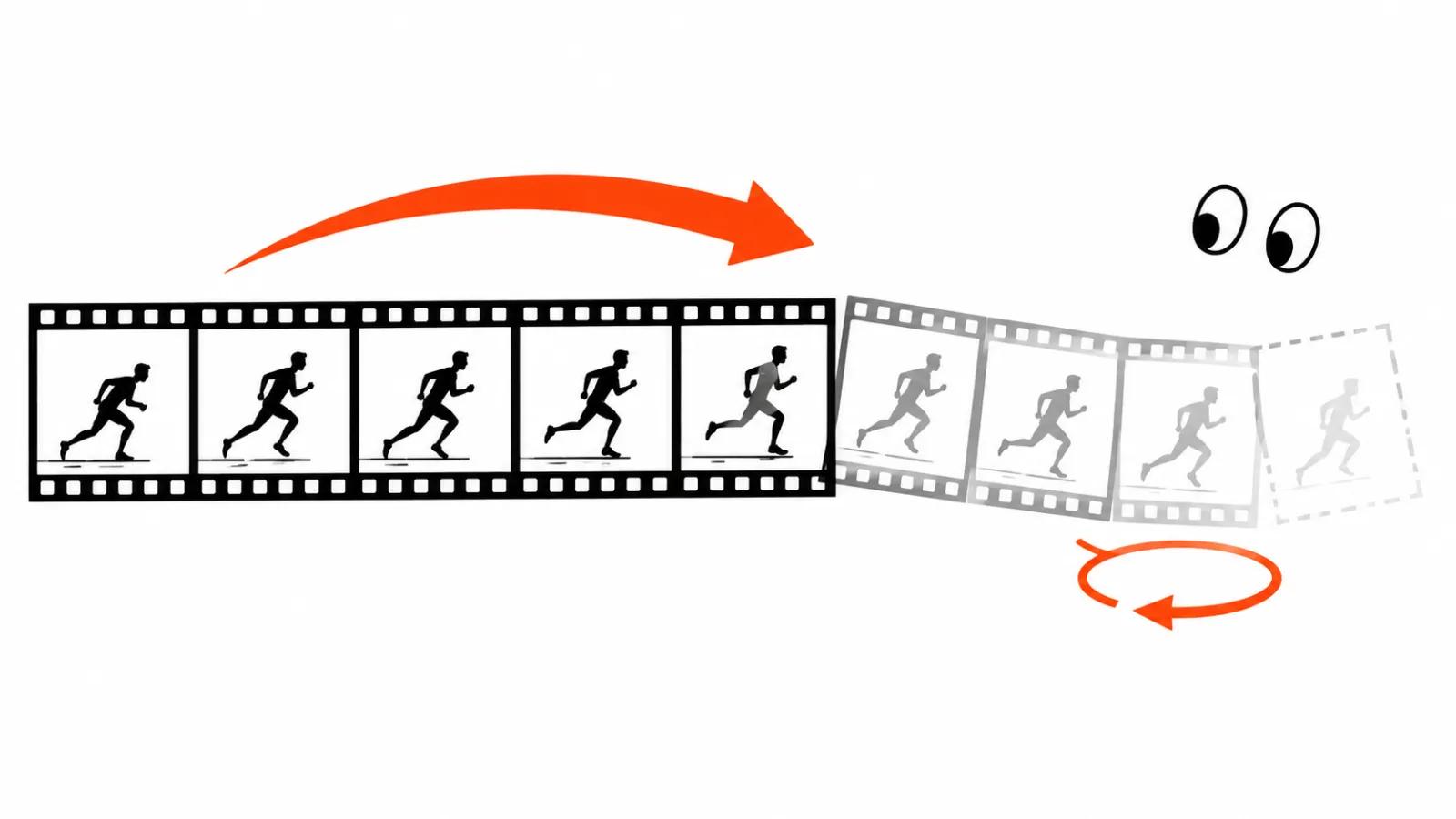
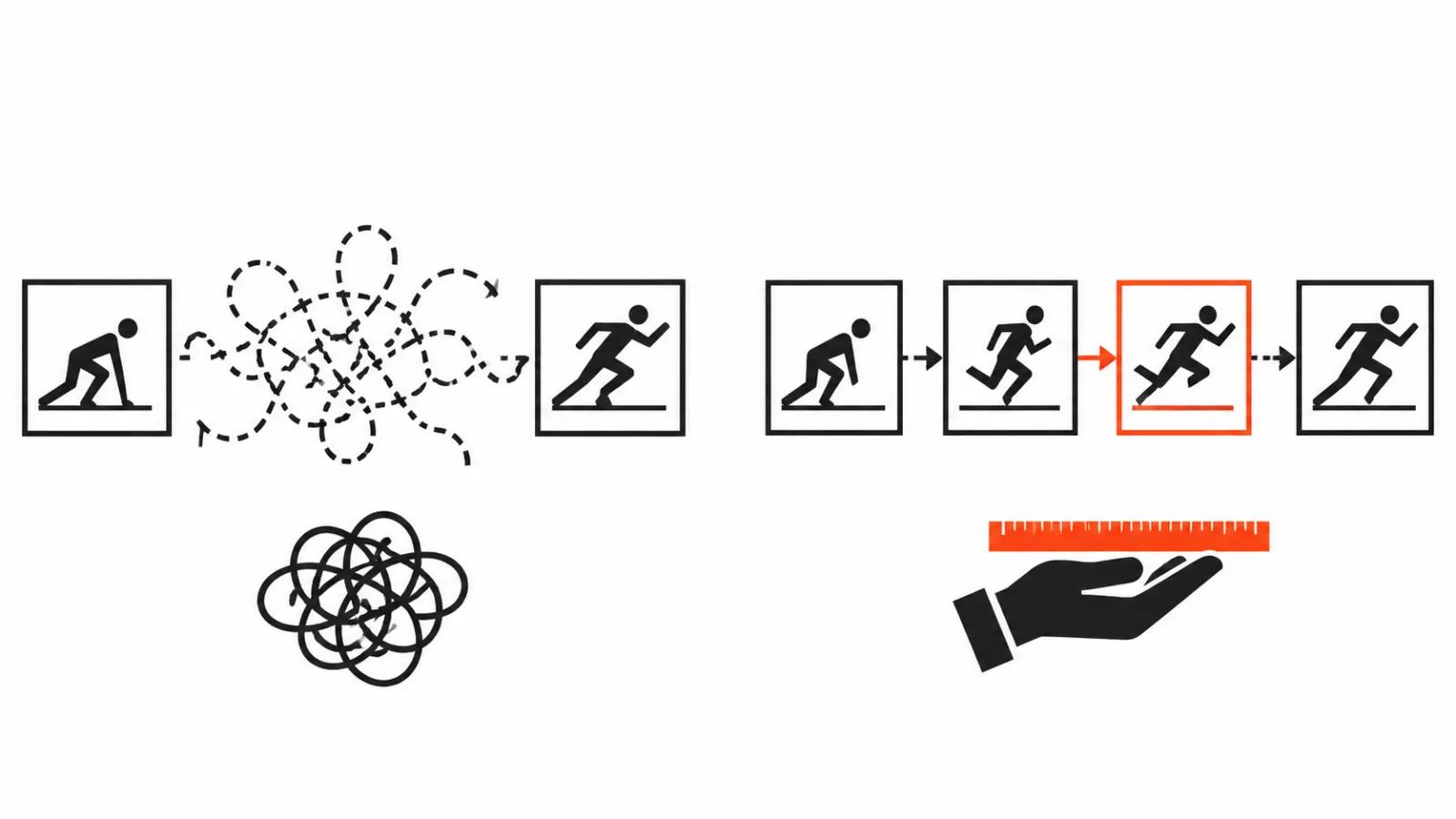
Wan 3.0, MiniMax H3 Max and Gemini Omni Flash 1.1 run on the first and last frame: two images and interpolation in between. That is the entry level, and we have a separate piece on how the first and last frame works. Inside that pair the model picks the motion, and you have almost no grip on the middle of a shot.
The gap between two frames and ten is the gap between intent and control. With a pair you order a result and hope the middle holds up. With ten you describe what happens on the way: where the subject turns, where the camera rises, where the light changes. For an ad shot that control is worth more than speed.
How to animate with a model: six steps
I use one sequence, and it settled after a run of vertical ads.
First, a board of 4-6 anchor states. That many keys cover a ten second shot, and the model fills the rest. More keys mean more places where the image can drift.
Second, the same light, focus and scale on the subject in every key image. If the hero stands chest up in the first key and waist up in the third, the model starts changing scale along the move and you can see it without pausing.
Third, keep at least 1-2 seconds between keys. Packing them tighter leaves too little room for in-between frames and the motion turns jerky.
Fourth, write the prompt about the transition. Say what happens in the gap: a head turn, a step, the camera rising, the shot size changing. Keys set the points, text sets the way to reach them.
Fifth, check morphing at 100% zoom. Hands, face, the logo on a shirt. That is where a model most often redraws a detail halfway through a clip.
Sixth, when it drifts, drop a key or split the shot in two. Adding keys to the problem area is usually the worst move, since each key has to agree with its neighbours.
My cap: 3-4 keys per ten seconds
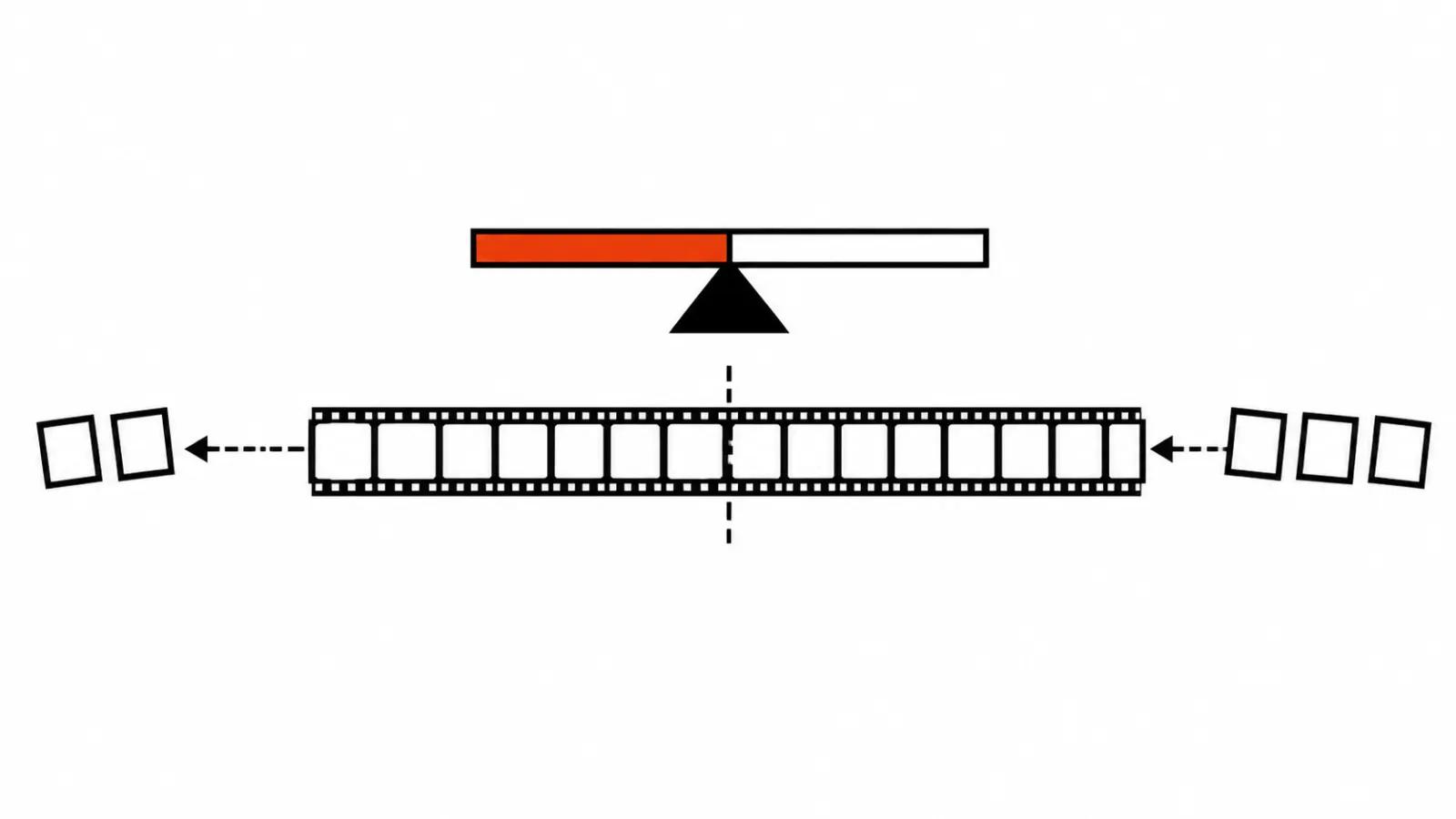
For vertical ads I hold 3-4 keys per ten seconds, even though these models allow sixteen. The reason is simple: a vertical spot holds attention for only a few seconds, and smoothness matters more than detail inside a shot. Four keys give three stretches of motion, enough to show the product, the reaction and a closing frame. Five and up usually break the smoothness, and the shot starts reading as a slideshow.
I treat sixteen keys as headroom for long scenes: a thirty second pass on Kling or an extended clip on Luma. There the density drops on its own, and every key gets two or three seconds of motion.
The check before delivery
Three passes. First, 100% zoom on hands and face, since fingers fuse first. Then the whole clip in real time on a phone, because platform compression eats soft transitions. Last, I compare every key with the generated frame that sits on its mark and check that the light has not shifted.
One habit on top: pause on the seam between two keys. If a micro-jerk shows there, the viewer will see it too, even without naming the cause.
Where keys pay off
The biggest win is approval. A client arrives with a paper board, and now those drawings become the states of a shot directly. A change at the key level costs less than a rebuild: swap one image, regenerate that stretch, leave the rest alone.
The build itself sits in AI video production, where keys form the skeleton of a shot and editing and sound are finished by hand. When the job needs full control over light and performance, handcrafted videos from $190 take over, and a person owns the frame. For a series of versions of one ad, keys save the most: one set of states, different endings.
My conclusion
Keyframes turn generation into an animatic. For me the value in Luma's news is the direction of a shot, and the number 16 stays headroom. While vendors trade key counts, the advantage goes to whoever can place them: four considered states beat sixteen random ones.
My routine on a new project: a paper board, four keys per ten seconds, a test on the hardest stretch, then a decision about the whole spot. If the middle drifts, I drop a key.
One warning for anyone selling this. The promise of any movement a board can draw sounds great, and morphing hands and faces still responds only to fewer keys and shorter stretches. A test fragment before the main work costs less than redoing a series.