What shipped on 11 November
MiniMax H3-Image landed on 11 November 2026 with open weights, built on H3. Three jobs: text to image, generation from reference images, and editing of an existing picture. Its 4K frame is 4096 by 4096 pixels, about 16 megapixels, and it renders in under ten seconds. The company claims "up to 5x faster than the main alternatives"; the number is theirs, so test it on your own hardware.
What matters to me here is throughput more than raw speed. Speed counts when stills come in dozens: five poses, three backgrounds, two lighting setups. Ten seconds a frame then buys a working shift instead of a pretty demo.
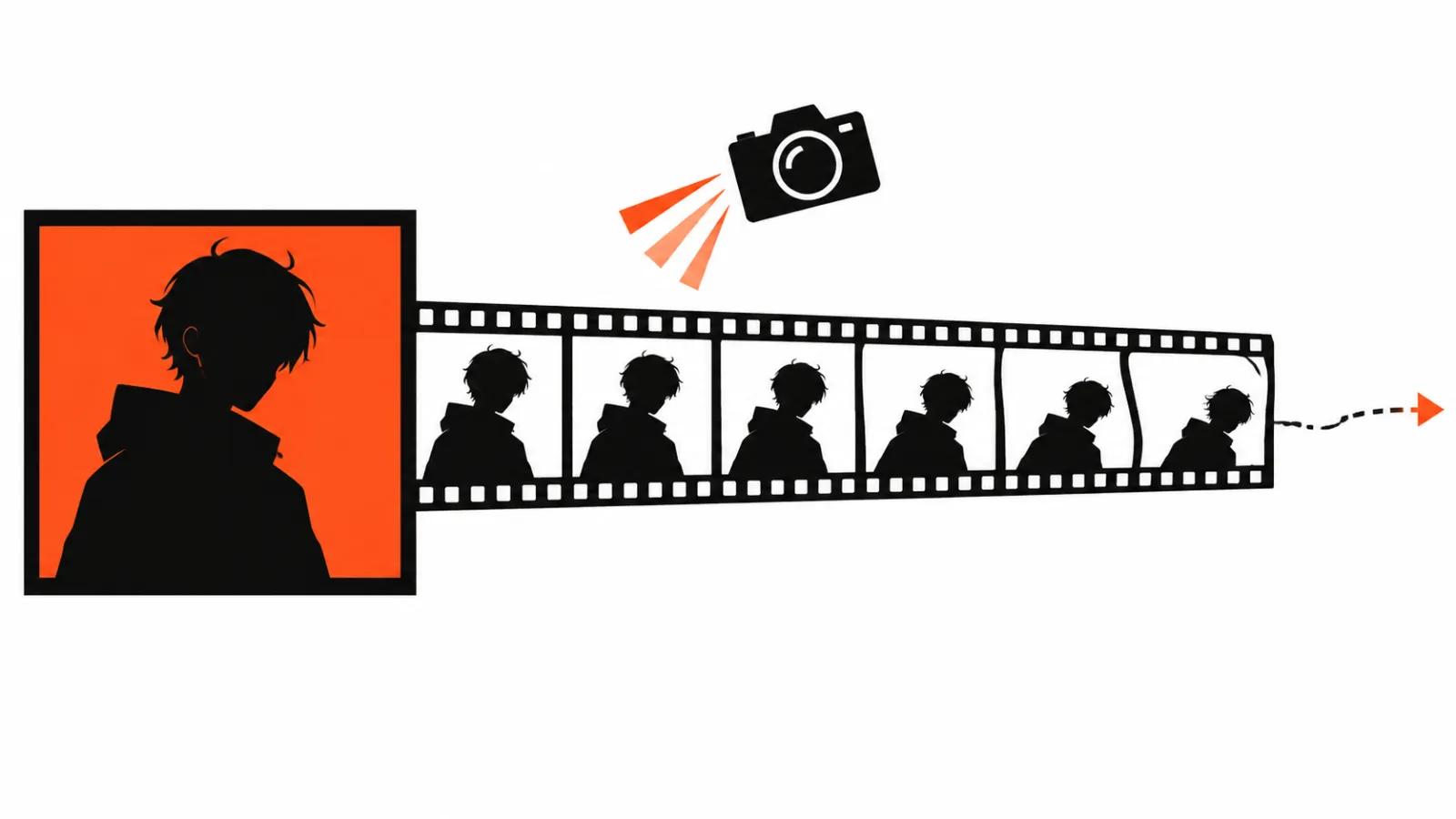
Why photo to video with AI starts with the first frame
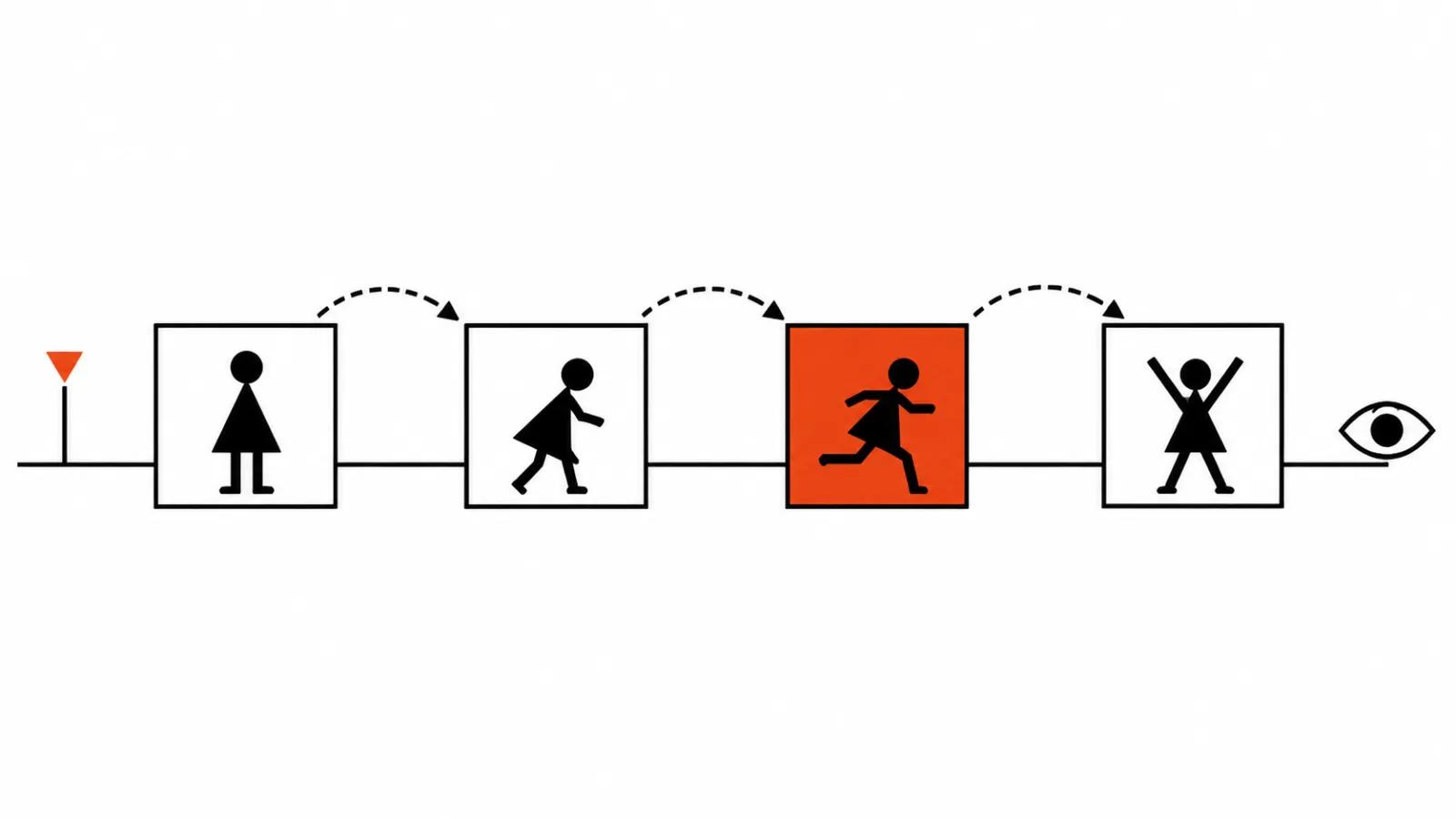
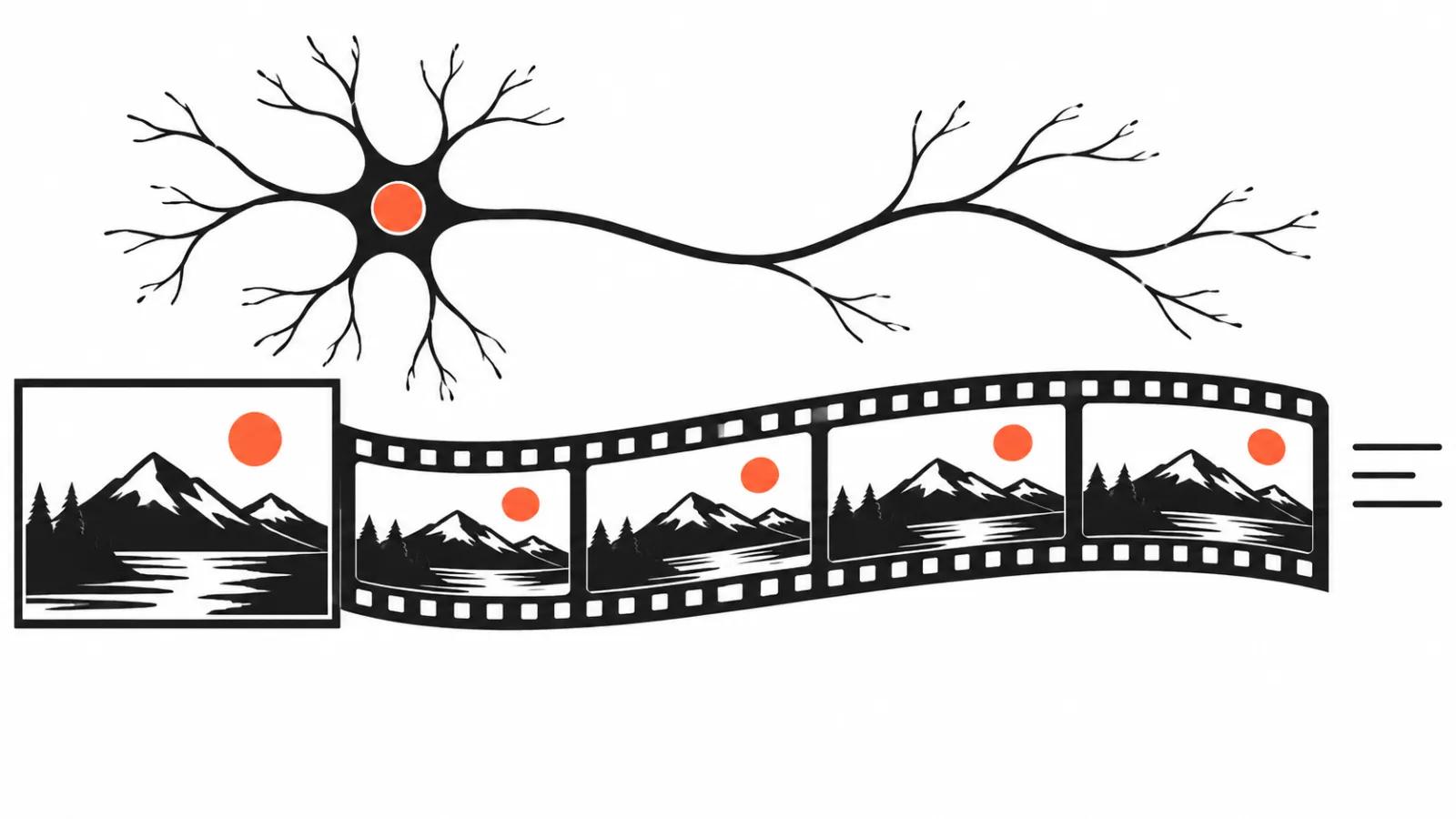
In a photo to video with AI pipeline the still arrives first, and everything downstream hangs off it: the hero's pose, the direction of light, the composition, where the camera will travel. Image-to-video models continue an existing picture, they build a scene from nothing only when asked. A mistake in the starting image multiplies across the whole clip, and the scene gets rebuilt from the top.
Hence my rule: time saved on the frame comes back as rework in the video. The order runs frame, motion, edit. How a picture turns into movement is broken down separately in our guide on generation steps and consistency between neighbouring frames.
4K as headroom for the crop
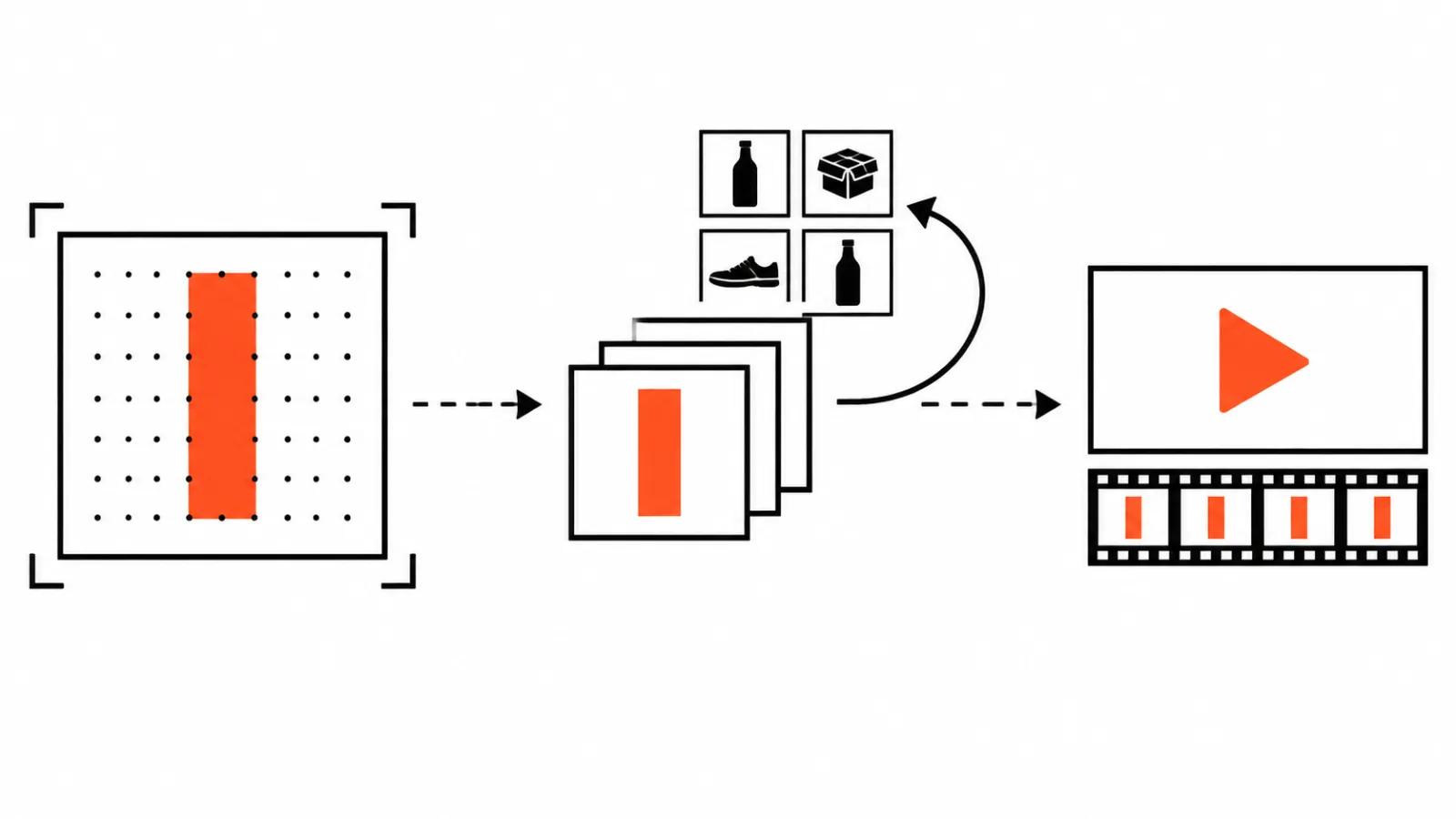
A 4096 by 4096 frame crops to 9:16 without an upscale: a 1080 by 1920 vertical takes its slice from a 16 megapixel square, and product detail stays sharp. AI video ads ship as sets of versions, and the spare resolution saves a separate upscale pass on every one of them.
The second benefit is references: up to 16 images on input. Prompt adherence is described by the company as the best among open models, and those are its words again. In practice 16 references earn their keep when one product has to hold up across angles: the bottle, the box, the sneaker stay themselves while the background changes.
How a still becomes a clip: three models and their image limits
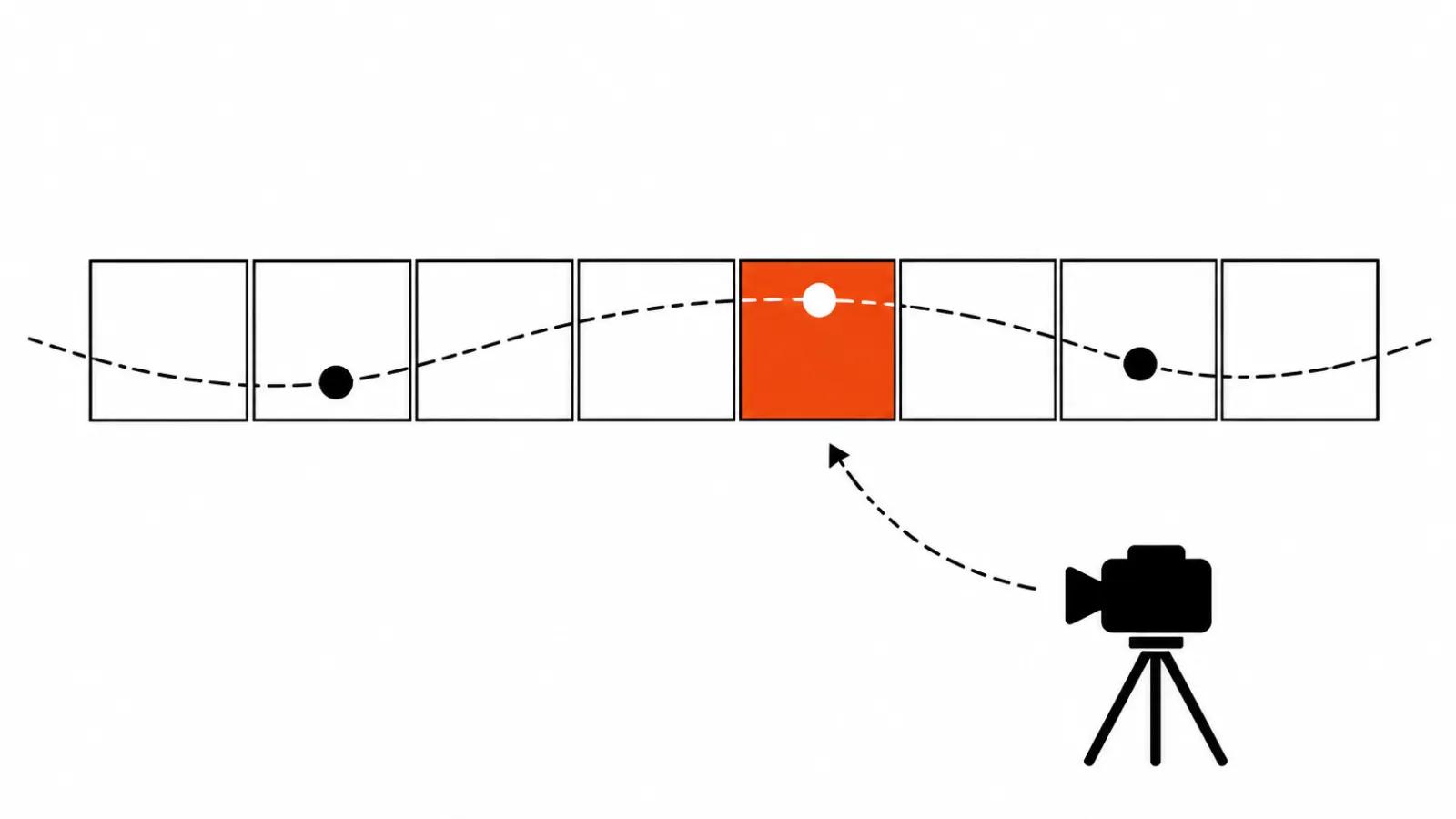
From there the frame goes into a video model, and the first number that matters is how many images it accepts. Kling 4.0 takes up to 10 keyframes according to its official guide. Gemini Omni 1.2 Flash works in a first and last frame mode, with a 3-10 second clip in that mode, per the Google Cloud documentation. Seedance 2.5 flash takes up to 10 images on input.
The difference is practical. One frame sets the start and the model improvises from there. Two frames set start and finish, and the light holds steadier. Ten frames amount to a storyboard, and the hero stops changing face between shots.
Where keyframes in AI video belong inside one scene gets its own treatment: that piece covers placing them so the model does not tear the motion apart.
The order I use: one hero, clean background, final frame from the same model
My sequence for a keyframe that has to survive into a video.
First: one hero in frame, clean background. A simple scene is easier for a model to continue, and a stray object in the starting image produces stray movement.
Second: no text in the frame. A video model rewrites lettering its own way, and the letters swim at the first sign of motion.
Third: build the final frame with the same model. Light and colour then match, and the cut stops reading as a cut.
Fourth: keep 4K until the edit. Crops, punch-ins and stabilisation pull from the full frame, and from a downscaled one they bring mush.
Speed, modes and the price tag
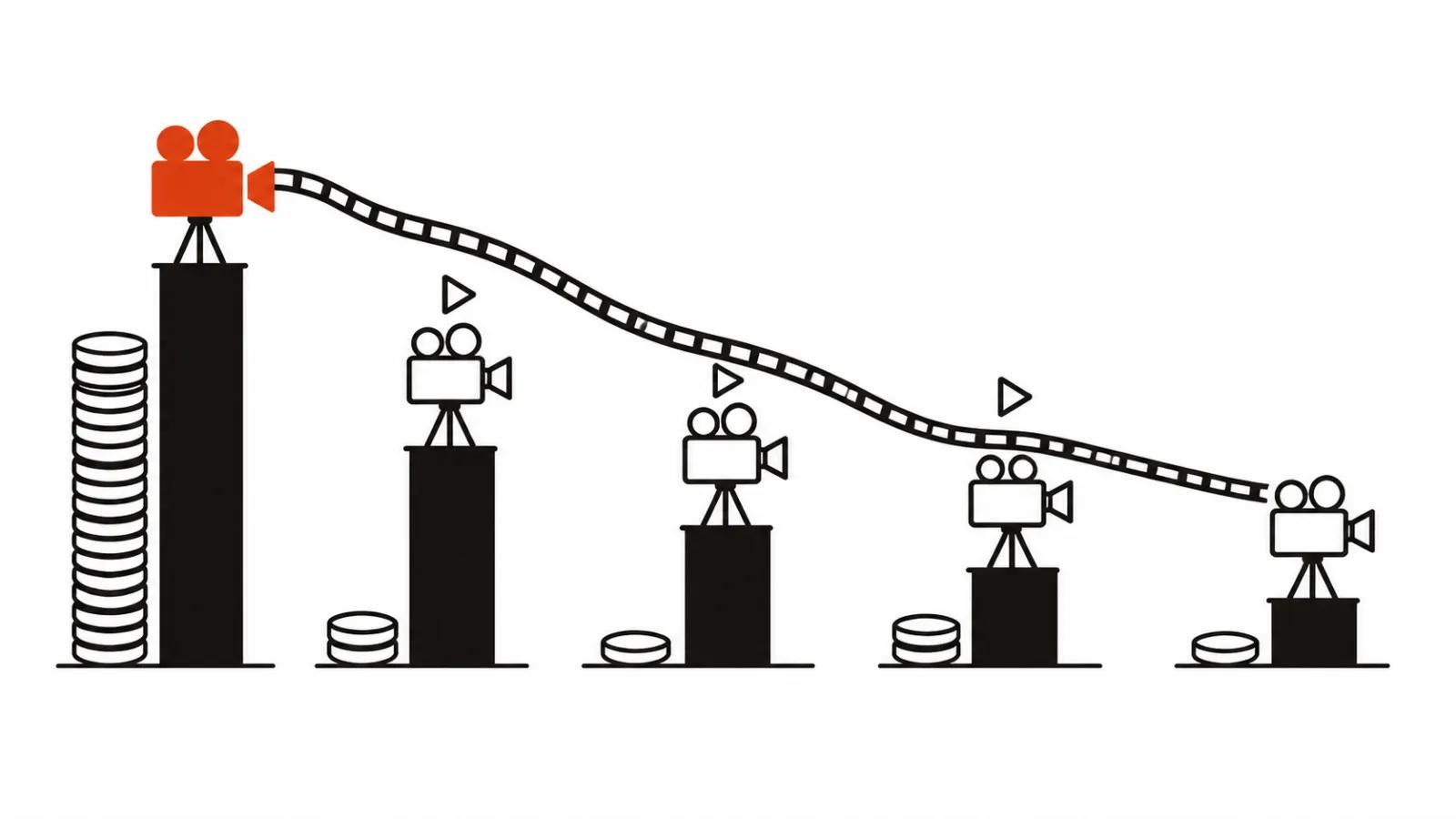
Per the platform's claim, Standard mode runs 1.5-2 times faster than alternatives and Highspeed runs 3-4 times faster. Pricing sits at 50-70 percent of comparable offers, with a 50 percent launch discount on 4K and above for the first week. Those percentages come from the vendor, so I budget on my own load: a hundred frames as a test, then a decision.
Access is wide: Hugging Face with the MiniMaxAI/MiniMax-H3-Image repository, MiniMax API Platform, MiniMax Code and Hailuo AI. Local weights and the API solve different problems. Locally, footage stays inside the studio. Through the API, nobody babysits a GPU.
The licence: where open weights come with a closed door
The MiniMax H3 (Community) licence excludes the United States, the EU, the United Kingdom and South Korea, where using it needs permission from MiniMax. AdGraam put it bluntly on 10 November: "US excluded". The H3-Image weight card deserves a separate look, since terms for weights and for the API can diverge. For a European client that is a conversation to have before the job, and everywhere else the weight card has the final word.
My conclusion
An open image model earns its place in video production at exactly one step: it makes the starting frame fast, and that frame goes into the video. I do not read it as a review of an image generator, because the deliverable here is a clip.
In my own work H3-Image sits at the prep stage. After that, AI video production follows the usual line: frame, motion, edit, sound. For a run of vertical spots that pace matters, since there are many versions and every one of them starts with a frame.
One last thing. The "5x faster" and "50-70 percent cheaper" claims get tested on a real project in one evening. If the numbers hold, the model stays in the pipeline for good. If they do not, it stays a tool for drafts.