What Luma announced on November 11
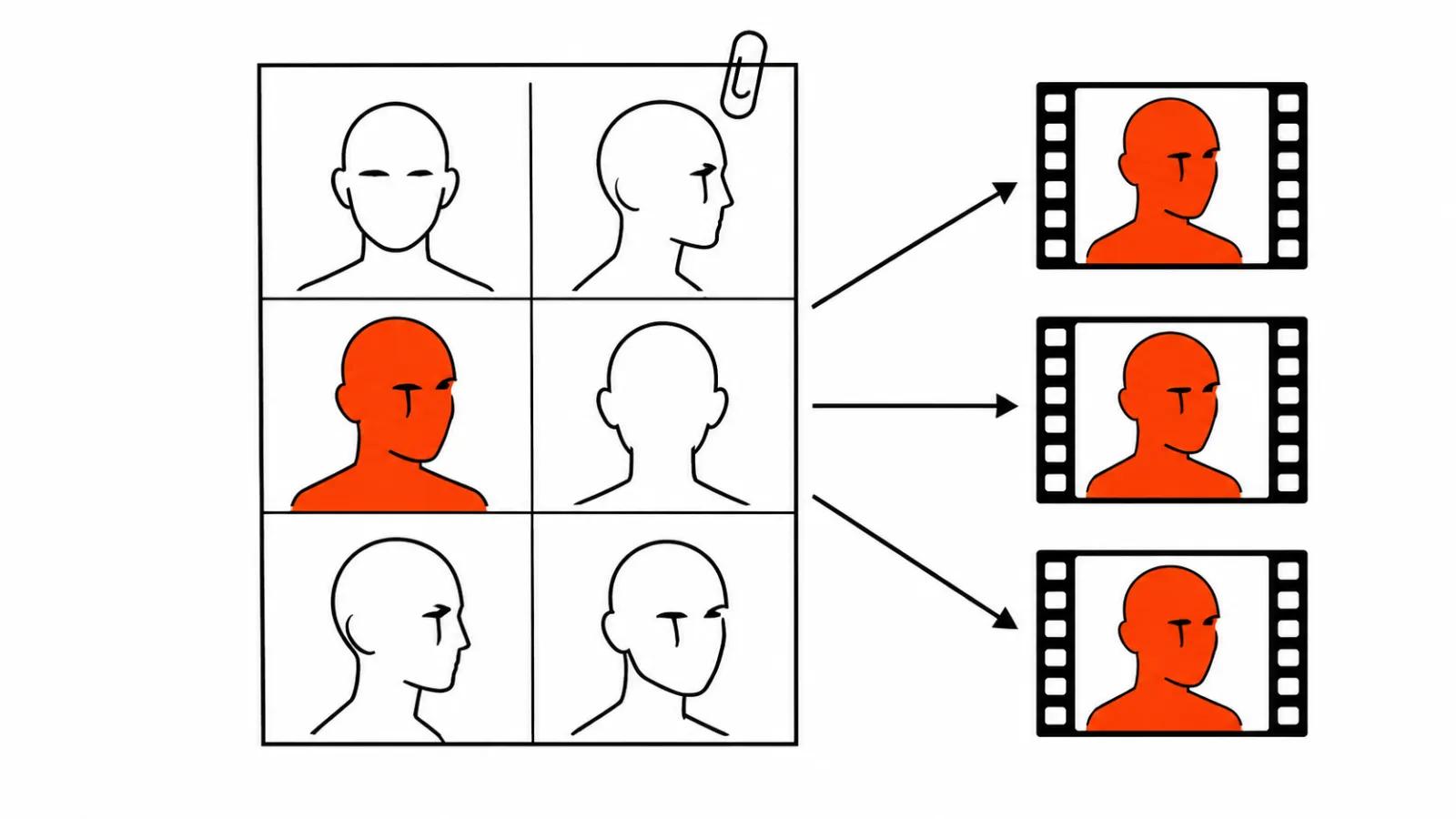
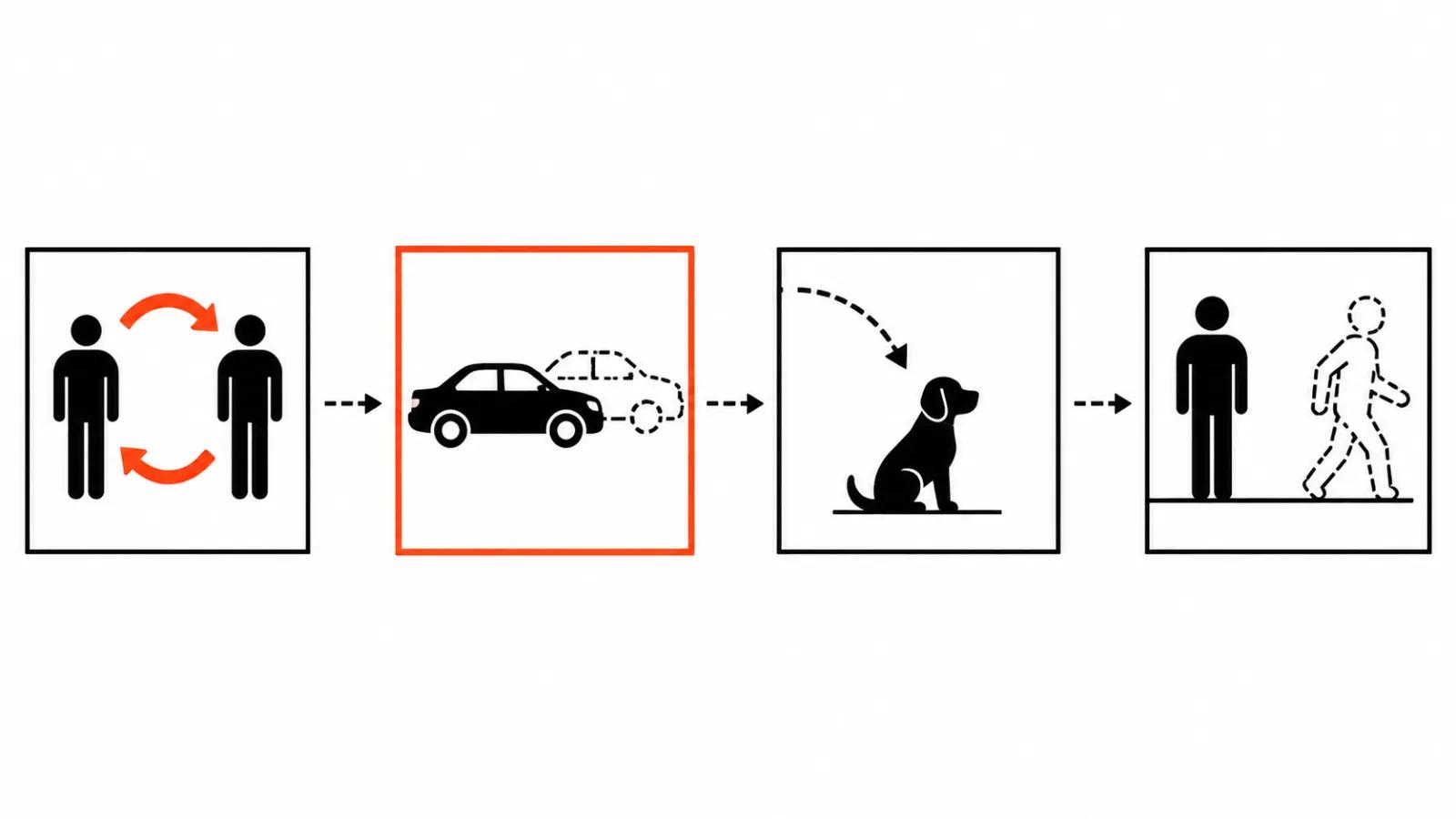
On November 11 the official @LumaLabsAI account posted: "The client has notes. Swap the cast, swap the car, add a dog, take someone out. Same shot. Character Swap & Insert is now in Luma." Read it as a production note and it says this: the client sent feedback, and part of that feedback now happens inside the frame you already have. A different actor in place of the one you shot, a different car in place of the old one, a dog where there was no dog, one person fewer in the background. Same shot.
Luma gave no details. No model, no resolution, no clip length, no price, no API. There is no technical write-up either, just the announcement and one line about the shot staying the same. Elsewhere in that same week Luma shipped an MCP connector for ChatGPT and Claude on November 3 and Character Sheet on November 4. Neither tells us anything about swap quality inside a finished shot, so one mention is enough.
Why same shot matters more than the swap
Replacing a person in video is an old trick, and it always ran into the same wall. After the swap the shot has to be rebuilt. The light on the face changes, the body language breaks, the contact between actor and prop falls apart, and the editor ends up with a new scene in place of a fix. The client asked for a different actor and got a different commercial, with a fresh lighting setup, new pacing and new sound.
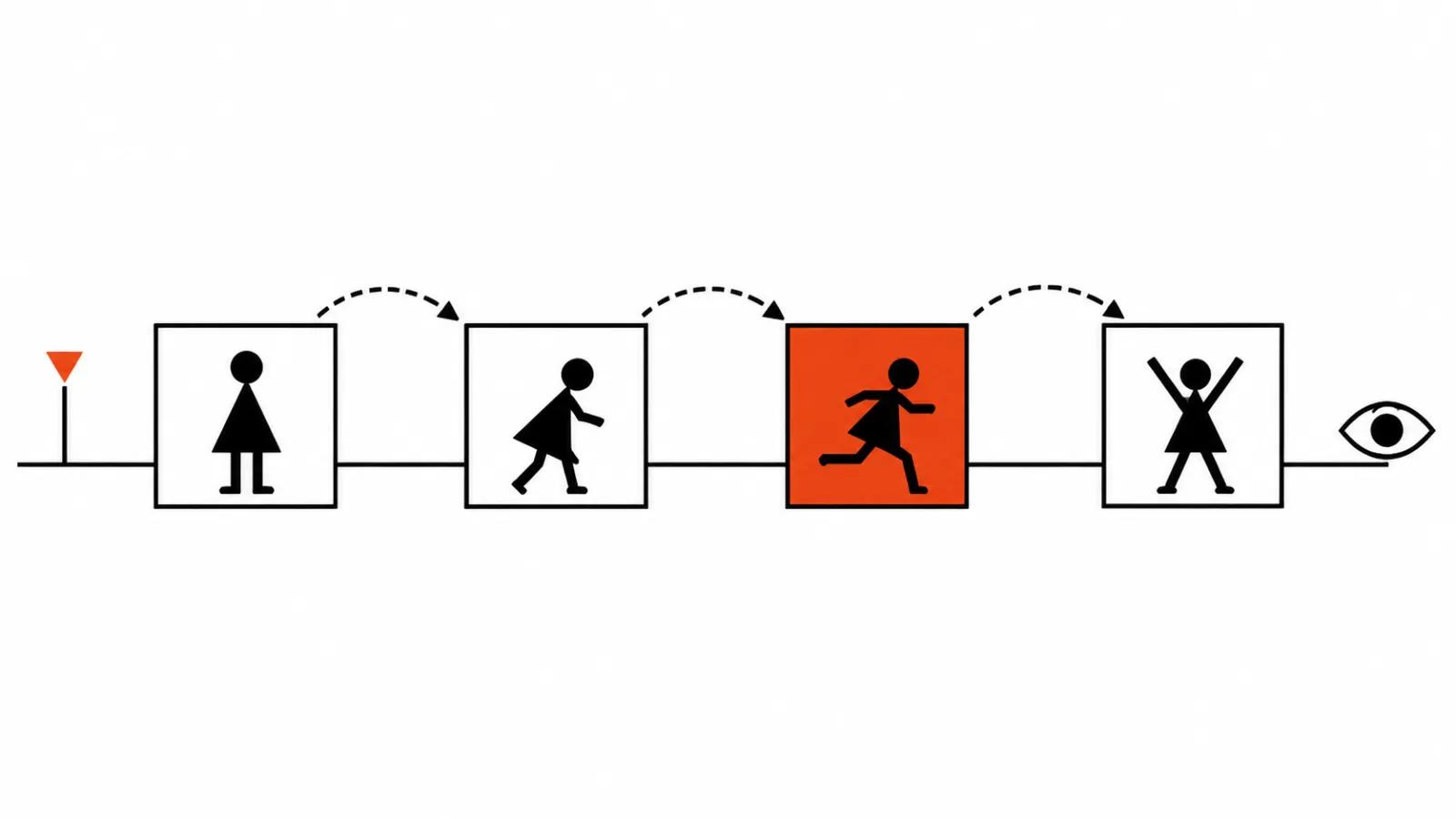
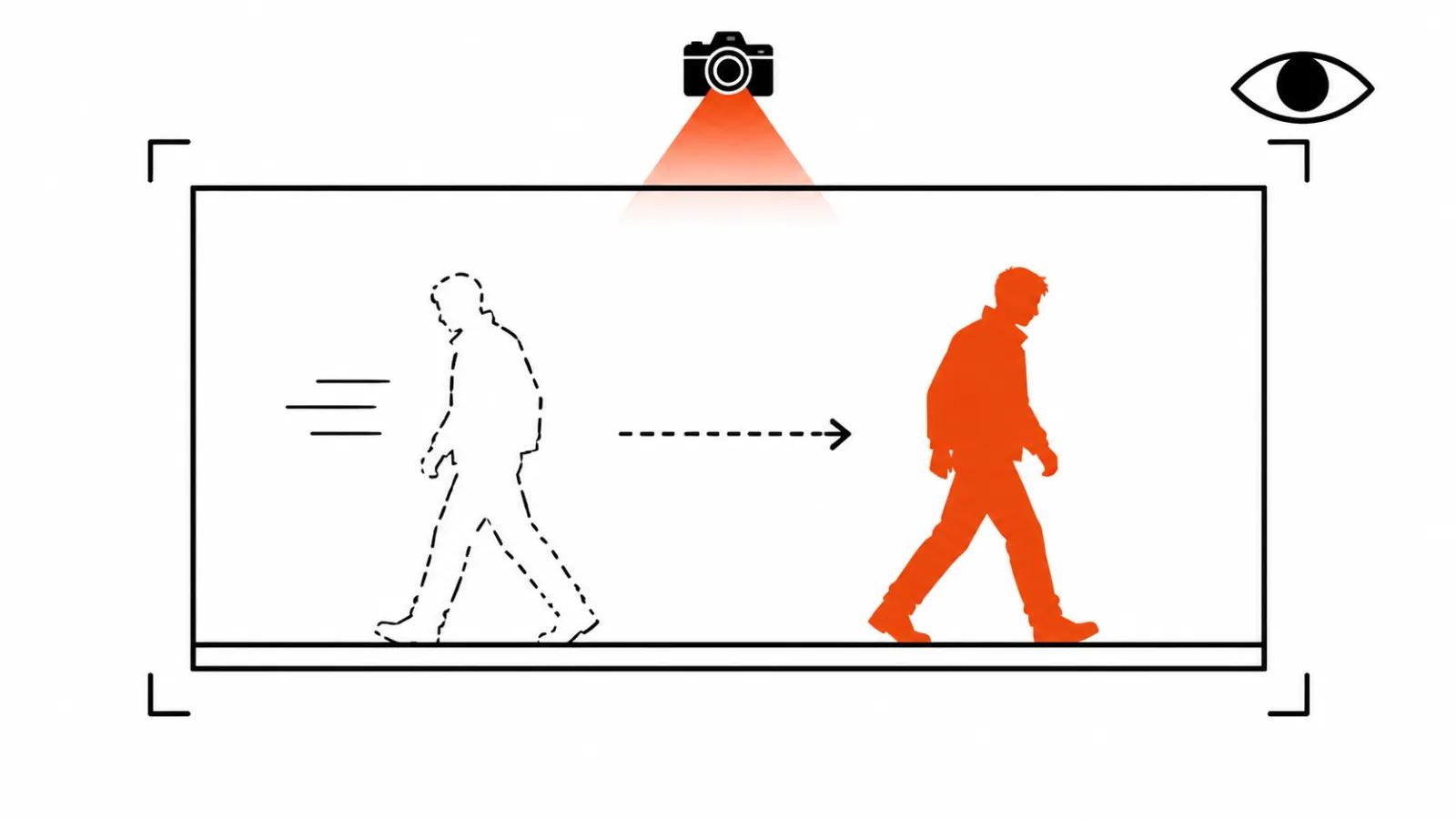
Same shot promises that a fix stays a fix: timing, camera, background and light untouched, only the person inside the frame has changed. If that holds on real footage, a studio gains a second answer to the note every client eventually sends, which is that they do not like the guy in the frame. The old answer was reshoot or regenerate.
For now it is a promise. Nobody has published measurements of this swap on fast motion, in a crowd, or where people cross each other in frame. Telling the client that upfront costs less than delivering a spot with a drifting face.
Four operations, one idea
Those four cover the notes that arrive in batches. Change the face for another audience, change the car model in the shot, add a pet to the scene, lose the extra person in the background. You can now remove a person from video with AI inside the shot you already have, and that is the change a studio will feel first. Each of those notes used to mean a separate session. According to the announcement, each of them is now one action in the interface.
- Swap the cast: another actor in place of the one you shot, same pose, same timing.
- Swap the object: a different car or product, the scene untouched.
- Insert: an element that was never in the frame.
- Take someone out: the person leaves, the background gets rebuilt.
How to remove a person from video with AI
The order does not depend on whose tool is in your hands, and it saves a lot of rework.
First, make a copy. The original goes to archive, the work happens on a file with a different name. I never break this rule.
Second, test one fragment. Five or ten seconds of the hardest moment in the shot: a head turn, hand movement, someone walking behind another person. That fragment tells you whether the tool can carry the job, and it tells you in minutes.
Third, run one operation at a time. When the actor and the car change in the same pass, you cannot tell which part broke.
Fourth, check faces, hands and object edges frame by frame. That deserves its own section below, because this is where quality disappears.
Fifth, finish the shot. Original audio, colour matched to the new element, a soft mask in Premiere where it helps.
What to check in the delivered frame
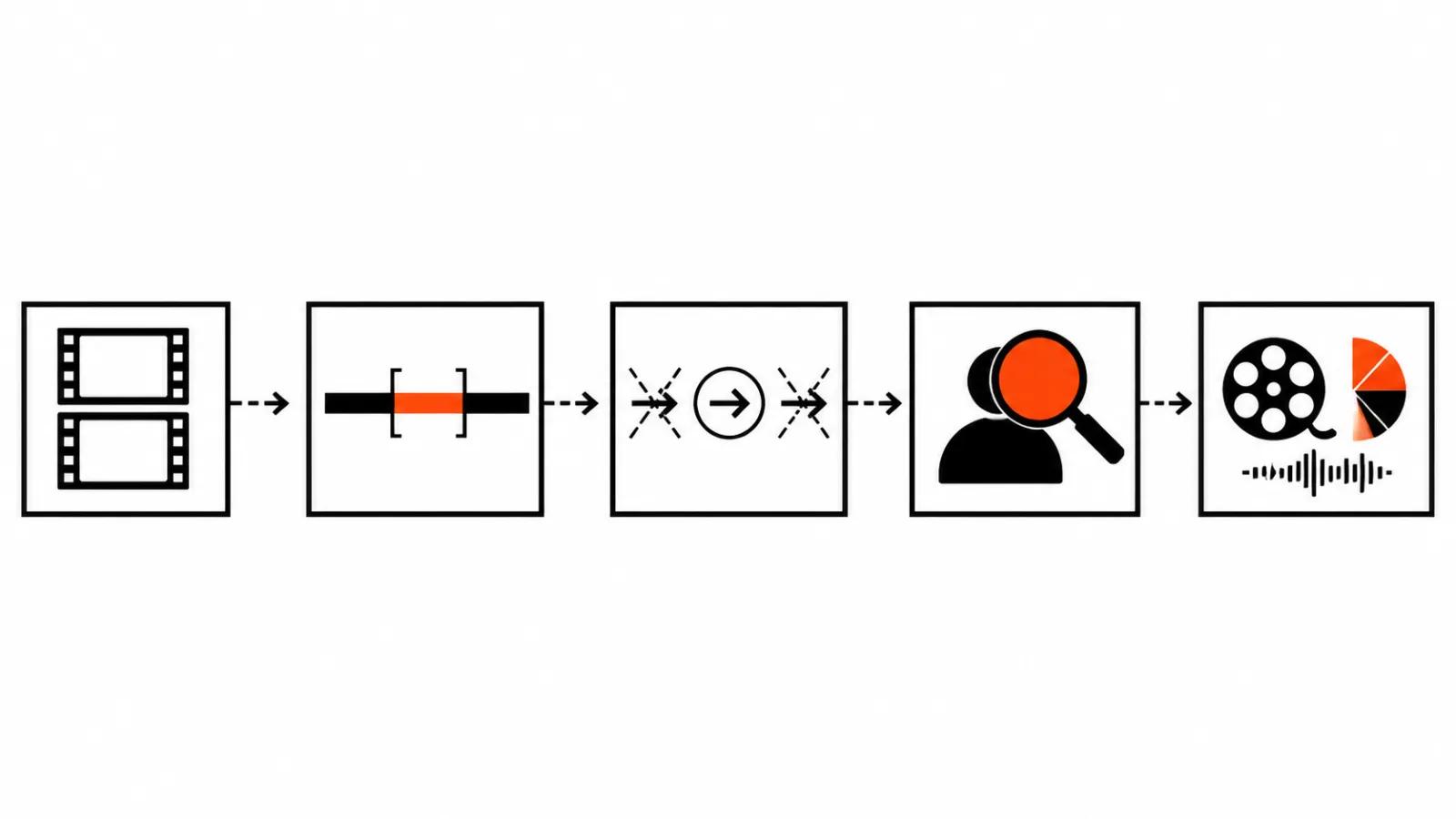
The face. Expression matters more than likeness: eyelids, corners of the mouth, where the eyes point, eyebrows moving on stressed syllables. A swap reads as fake the moment the face stops reacting to speech.
The hands. Fingers, grip on the prop, palm contact with a surface. Models fail on fingers more often than on faces, and a close-up shows it instantly.
The edges. The border between the new person and the background, hair against backlight, the shadow on the floor. If a shadow from the old actor stays behind, it gives the swap away faster than anything else.
The rhythm. Watch in real time, then on a phone. Platform compression eats soft transitions and sharpens hard edges.
Check at 100% scale, paused on the first and last frame of the fix, then in motion. The eye adapts to a patch within a couple of passes, so compare against the original by toggling layers.
Real faces, consent and the limits
Swapping an actor inside a finished shot looks harmless until the frame contains a real person. Any living face needs consent for the use of their likeness, signed before work starts. Announcements never mention this clause, and projects hit it first.
The second limit is simpler and harder. If the new actor resembles a famous person, the argument leaves editing and becomes legal, and no tool settles it. AI face swap has its own guide here, consent included.
Where the fix pays off
Version sets are normal in advertising: one script, different faces for different audiences. When a swap does not force a rebuild, a set of vertical ad versions ships noticeably faster. This kind of fix sits inside our AI video production, where a person owns the frame.
If the thing to lose is a prop instead of a person, the order is covered in the guide on how to remove an object from video, which is mostly about masks, tracking and a patch that will not flicker.
When the result has to be guaranteed, there are our handcrafted AI videos from $190.
My conclusion
Luma built what studios have been asking for: a fix inside the shot you already have. Test it on your own footage, because the announcement says nothing about motion or crowds.
My acceptance test is short. If the swap leaves lighting and edit untouched, the tool saves a session. If it does not, you are looking at a reshoot under another name, and the client should hear that before the invoice.
Five seconds of the worst shot separates the two cases quickly.