What Mangaka actually does
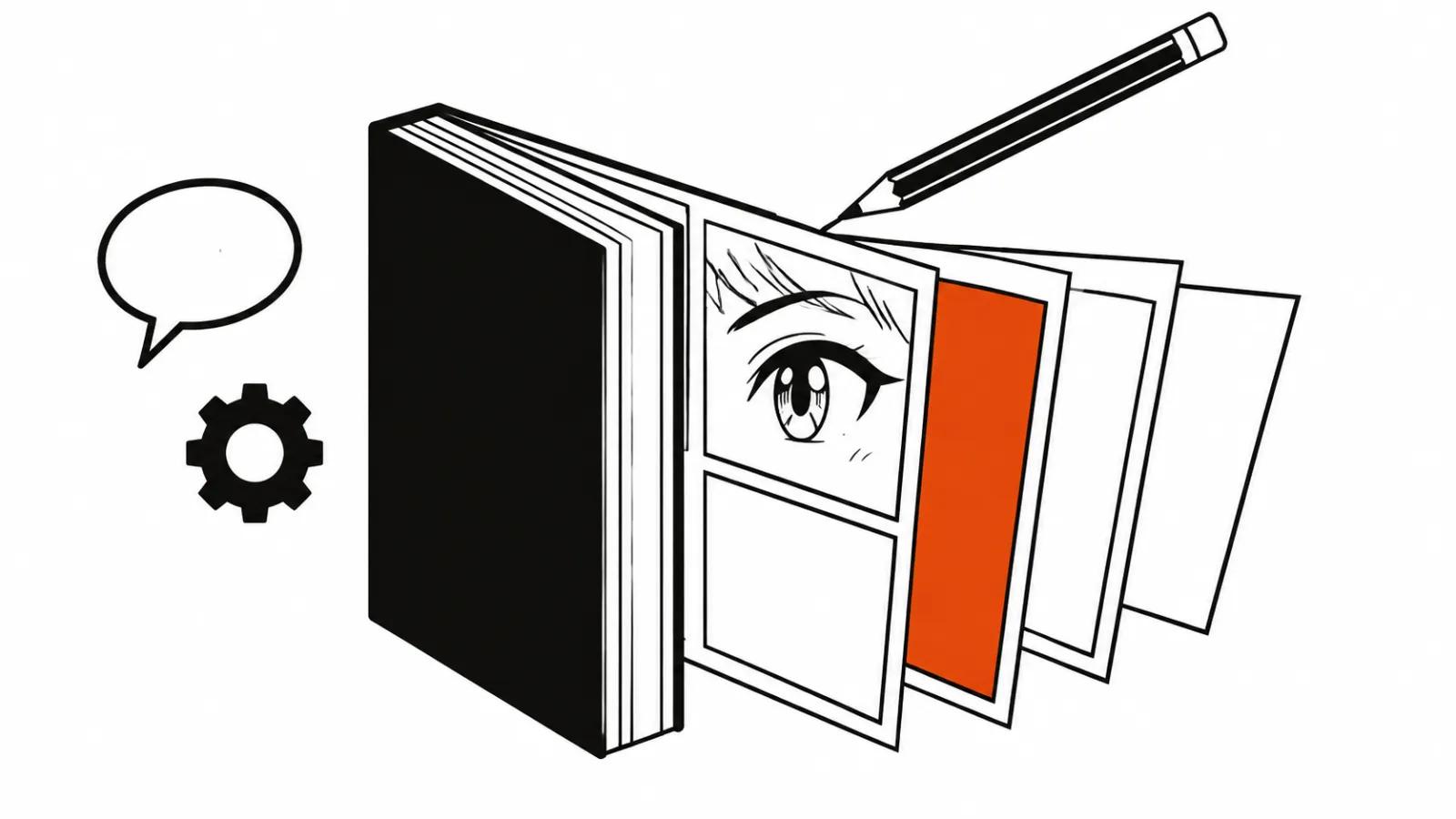
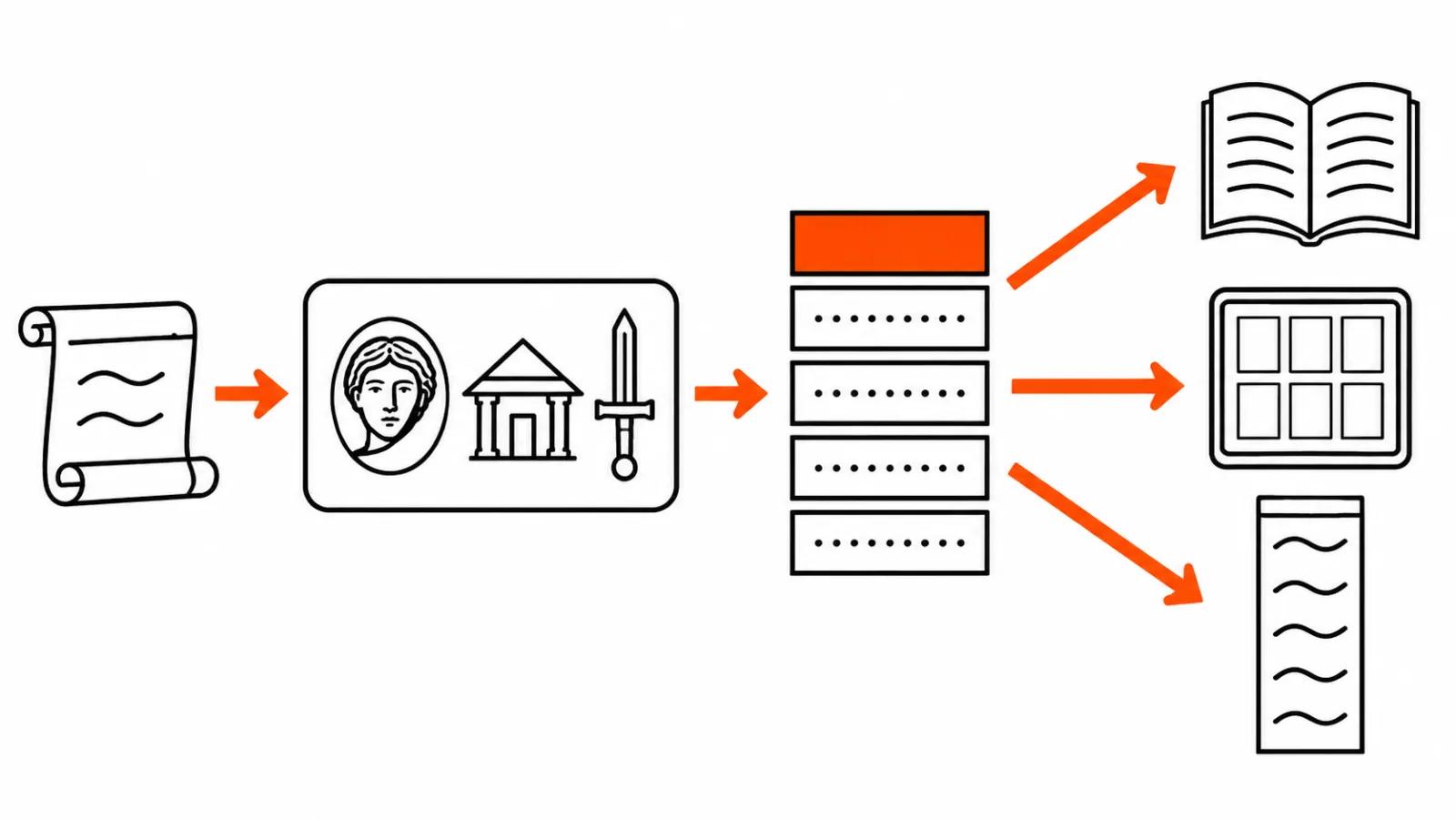
The changelog entry is dated November 2. The logic is short: an idea or a script with references goes in, a finished book comes out. In between sit characters, locations, props, chapters and pages, all of them editable by hand before export.
Four styles are on the list: black-and-white manga, color manga, comic and webtoon. Pick an aspect ratio and one of 14 languages on top. Language at the input stage means captions and dialogue arrive in the target one straight away, which removes a whole layer of work when a book is meant for another market.
Two modes cover the rest. Auto makes characters, locations, props and chapters on its own. Manual lets you generate and check every element one at a time. Auto suits a rough draft and a fast test of an idea, while Manual suits a project where the hero's face and one specific prop have to be right.
The path on the site is short: Mangaka, then Create from idea or Upload your references, style, format, language, Generate.
AI manga at scale: chapters, pages, export
The stated range runs from 4 to 30 chapters, at 20, 30 or 40 pages each. The top end is about 1,200 pages, and that number raises an obvious question about review: nobody reads every page at that length, so sampling becomes the method.
Export covers the whole book, individual chapters, or just the cast and the world. Formats are PDF, CBZ, PNG pages and webtoon. CBZ reads well on a tablet, PNG suits layout and corrections, webtoon fits platforms with vertical scrolling. A finished book can be published on Higgsfield itself.
The real gain is the speed of a first pass. A 20-page chapter takes an artist a long time to draw, while here the service makes the first version, and the question becomes what to fix. Better still, export does not lock the result in: the cast and the world come out as a separate package and travel into other tools.
Recreate: someone else's manga with your own cast
Recreate rebuilds an existing manga. Characters can be swapped for photographs, the title changed, and a prompt added for other edits. For a client that means showing a story on their own product without months of redrawing.
Rights stay with the copyright holder. The button technically allows taking someone else's book and dropping a new cast into it, and the legal side does not move with the interface. Photographs of real people work the same way: consent comes before any upload.
Comic video production starts with the book
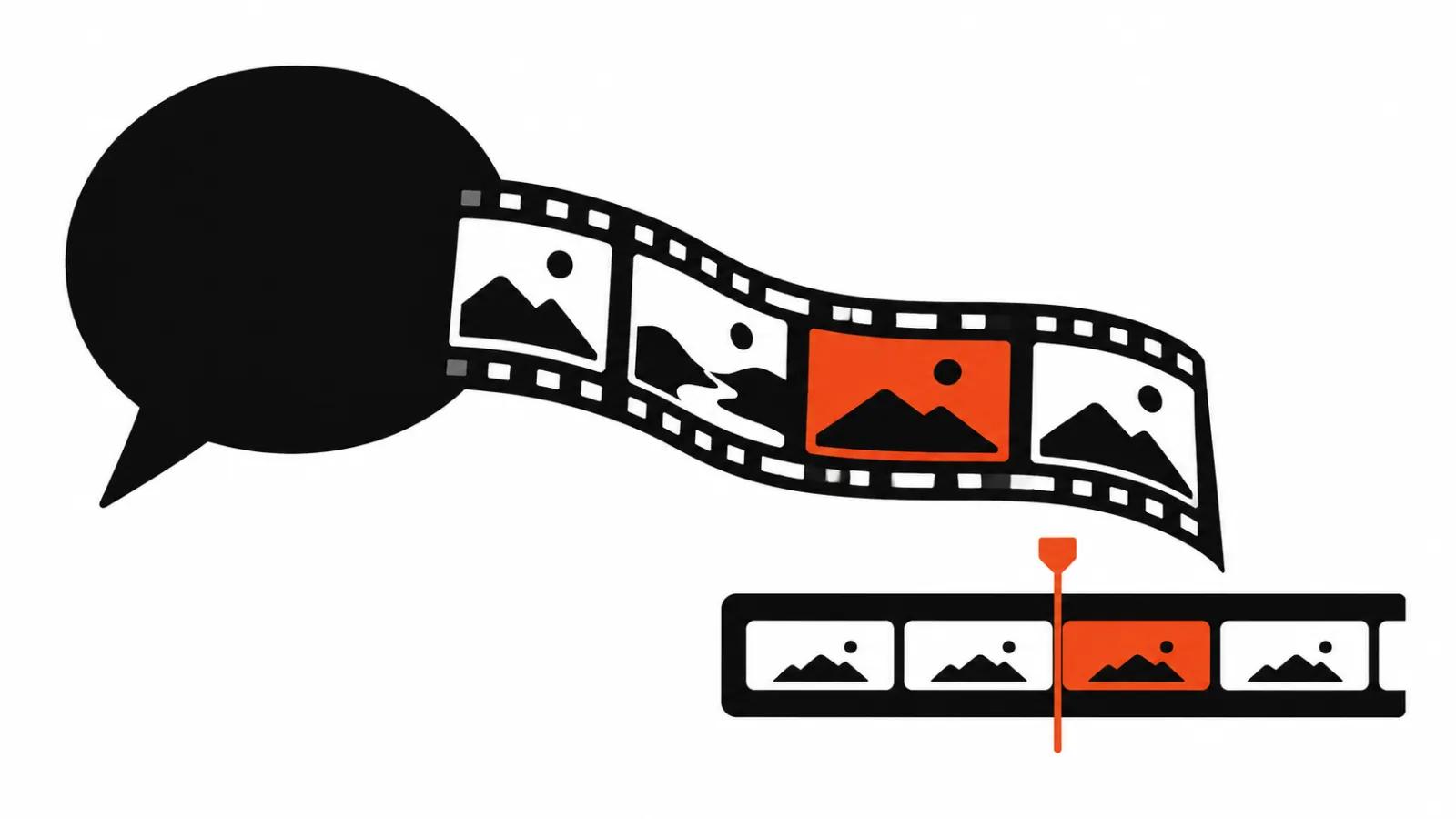
This is the part that matters for anyone who makes video. A book hands over a ready world: characters with faces, locations, props, the order of scenes. The same material goes into animation as reference, and the shot list stops being a separate stage of work.
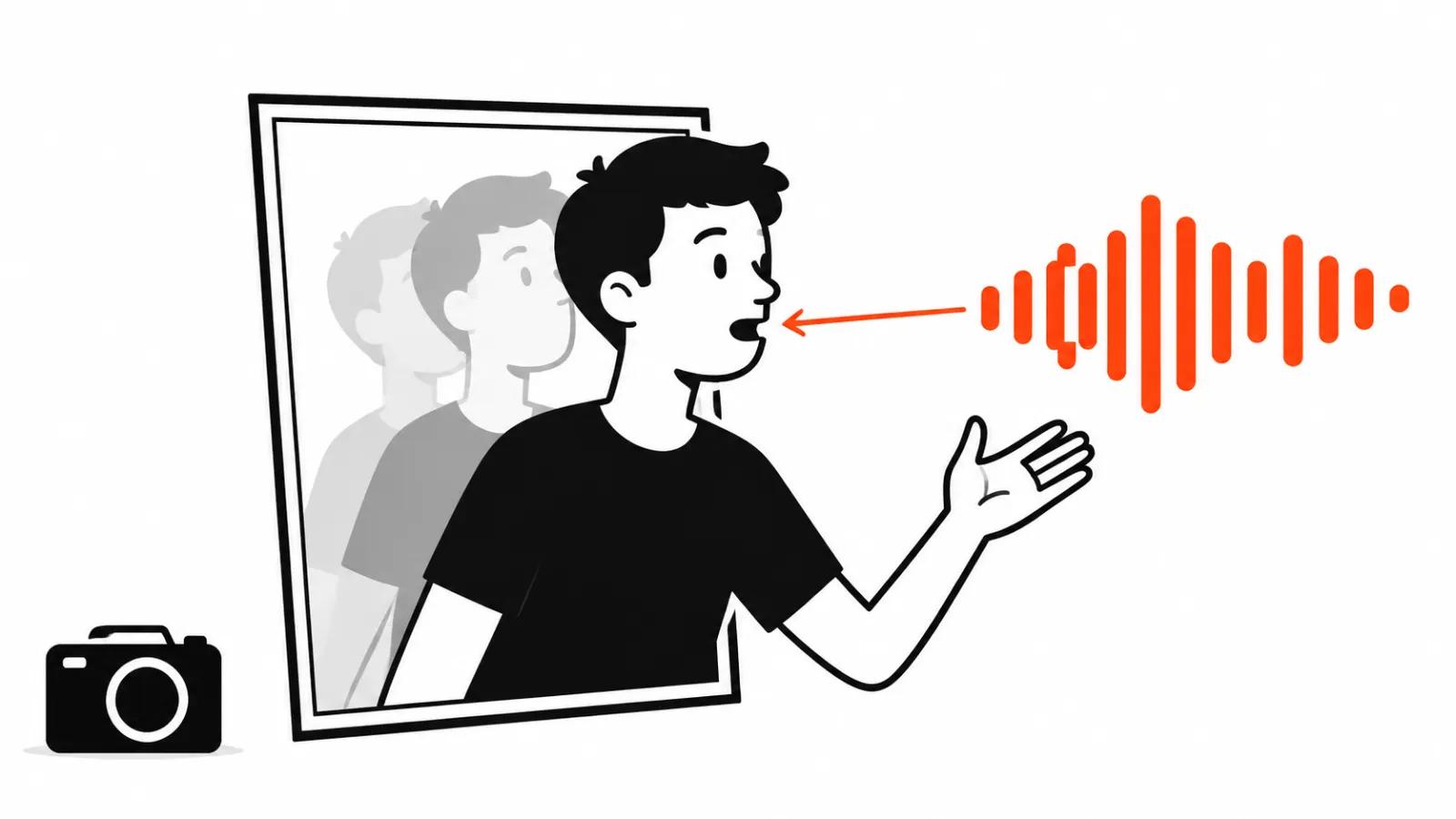
On October 13 MiniMax showed how one author brought a black-and-white manga to life with a free camera on the open H3 model with the ORB360 LoRA. The post came from @Hailuo_AI, and the write-up sits in the dailycited digest. The demo is telling: nobody redrew the pages, they were made to move.
So comic video production folds into one route. Mangaka assembles the book, the cast and the world come out of it, a video model animates the scenes. When the deliverable needs editing, sound and timing, the work moves to an animated video, where characters and scenes are designed for motion and audio from the start.
A comic video studio in one window
The temptation to call this a comic video studio in one window is fair: script, cast, pages and export live inside one interface. Before committing a project I would check three things.
- Credits. The changelog lists no prices, spend is counted in credits, and the budget for a chapter stays unknown until the first test.
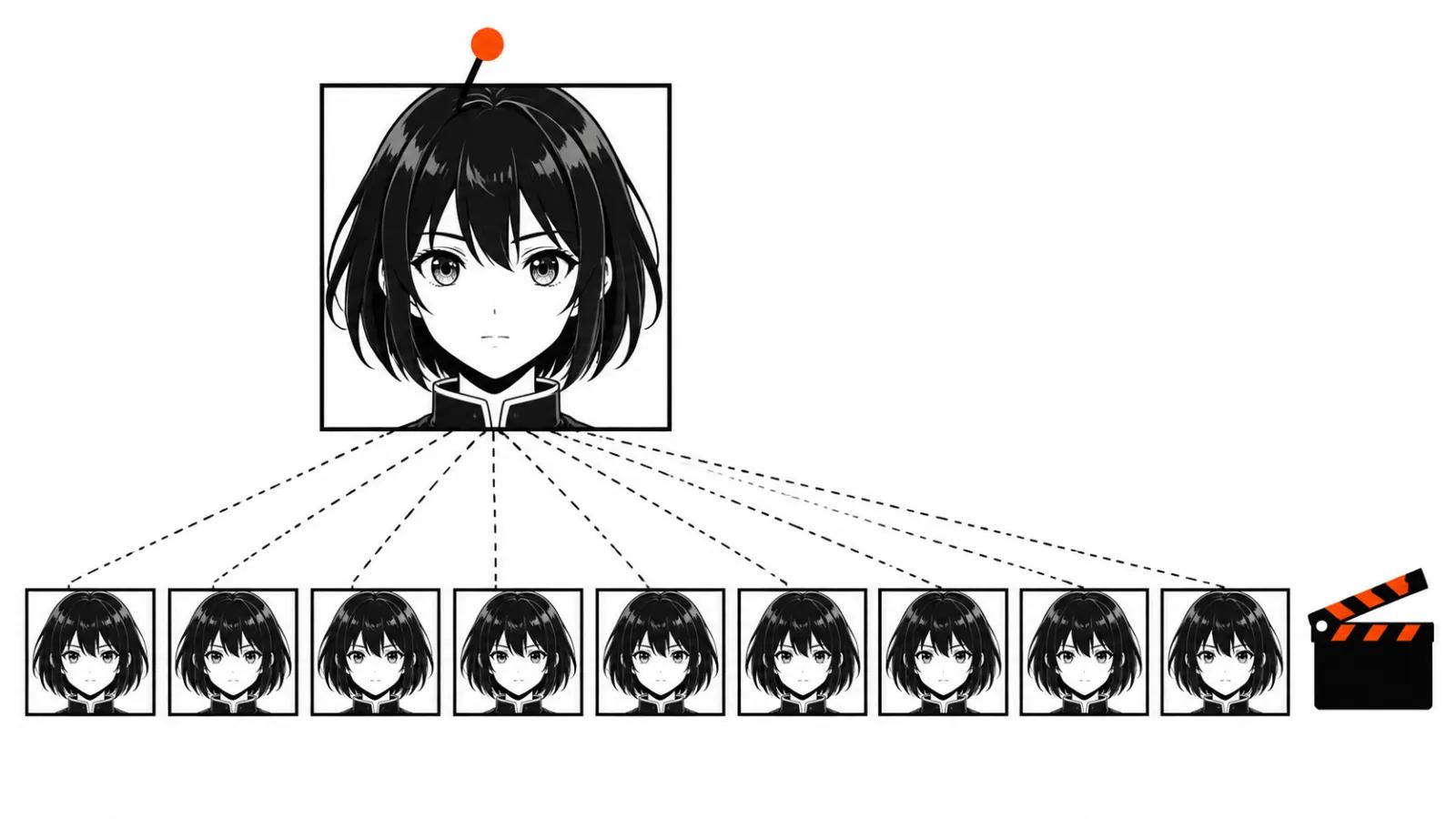
- The hero's face over distance. Thirty chapters means hundreds of pages with one character, and face consistency is not something the service promises. Test it on your own story and across five or six chapters before buying a large package.
- Rights. Recreate drags someone else's world along, photographs of real people need consent, and those are two separate conversations with a rights holder and with the person in the frame.
Who this fits
For a manga or webtoon author the tool shortens the road to a first chapter. For a business it produces a comic for social feeds and a brand character that can carry from issue to issue. Studios get previsualization before animation, with the cast and the locations already assembled.
If the style is still open, the breakdown of animation styles for AI video helps.
Once the book is done and animation is next, the guide on ordering 2D animation is the place to go. Pages become reference, while motion and face fixes still land on people.
My take
I would put Mangaka at the start of the pipeline, before animation and before a final layout. The book it produces is a draft of a world and a shot list that a designer, an animator and an editor pick up afterwards. Auto is enough to test an idea, while a commercial project needs Manual and a pass over every page with a hero in the frame.
Counting money is premature: the credits are not itemized in the entry, and the first test will produce a number the announcement does not contain. My advice is plain. Make a short story of four chapters, look at the hero's face across twenty frames in a row, and decide about thirty chapters only after that.