What Kling switched on
Kling AI posted it on X and VP Land covered it on 20 November. Kling 4.0 now does native 4K and 10-bit HDR, and HDR is available at two resolutions: 4K and 1080p. Until that day both items sat on the Kling 4.0 page marked as coming soon, so the promise has finally caught up with the product.
One piece of history first. Kling 3.0 already handled native 4K, VP Land said so at the time. The resolution on its own is old news, the story is the pairing with 10 bits and an official HDR mode. The generation gap is covered in our comparison of Kling 4.0 and 3.0 for business.
Five modes, two separate switches
The Kling 4.0 Video User Manual on kling.ai lists five modes: 720p, 1080p, 4K, 1080p HDR and 4K HDR. In the interface that reads as one choice. In the API the two properties live in different fields. settings.resolution takes 720p, 1080p or 4k, with 1080p as the default. settings.dynamic_range takes sdr or hdr, with sdr as the default. Two independent switches.
That produces one practical detail. 720p exists in SDR only. If you want HDR, the floor is 1080p, and 4K HDR means raising both fields.
What 10-bit actually buys an AI video generator
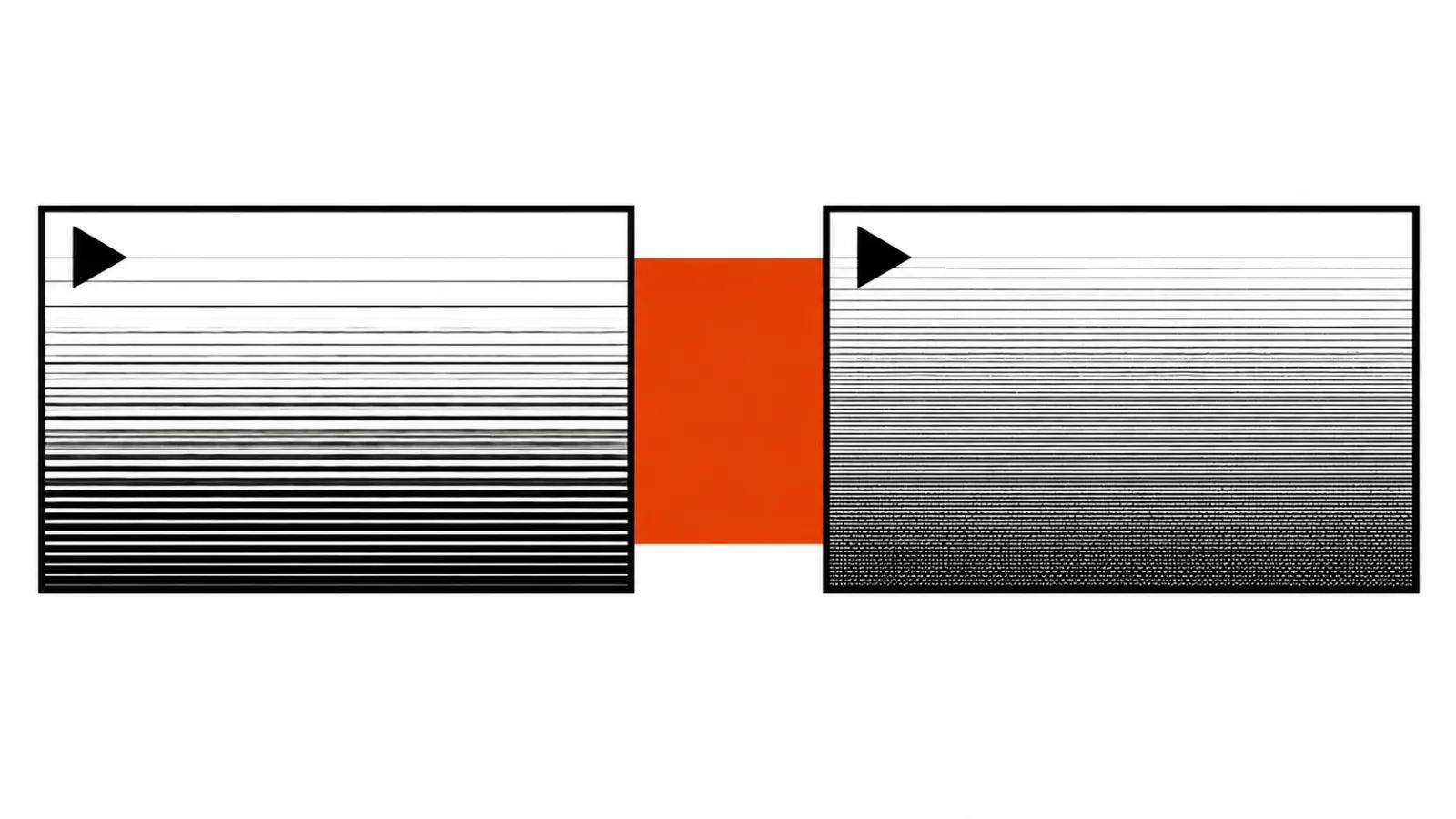
Kling promises richer tonal transitions, more detail in highlights and shadows, less banding. Banding is the staircase you see when a smooth gradient falls apart into stripes, usually in a sky. The example scenes in the manual are honest about where it shows: backlight, night, neon.
10 bits read simply. Each colour channel gets four times the levels of 8-bit video, so the sky gradient or the falloff from a lamp resolves more softly, and the grading suite inherits headroom for lifting the shadows. For anyone working with an AI video generator this headroom is the main practical argument for HDR.
Why 4K goes at the end of the job
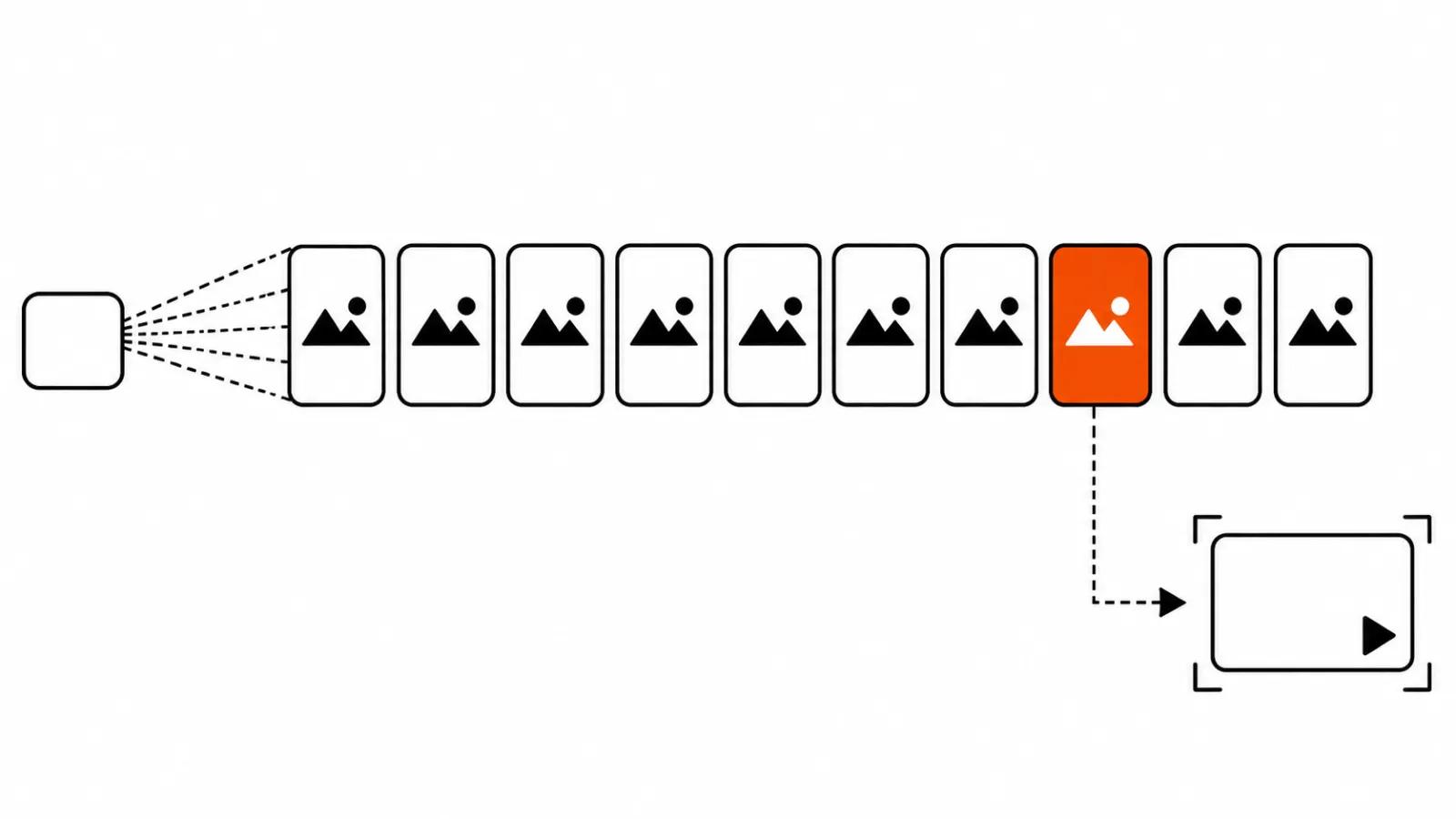
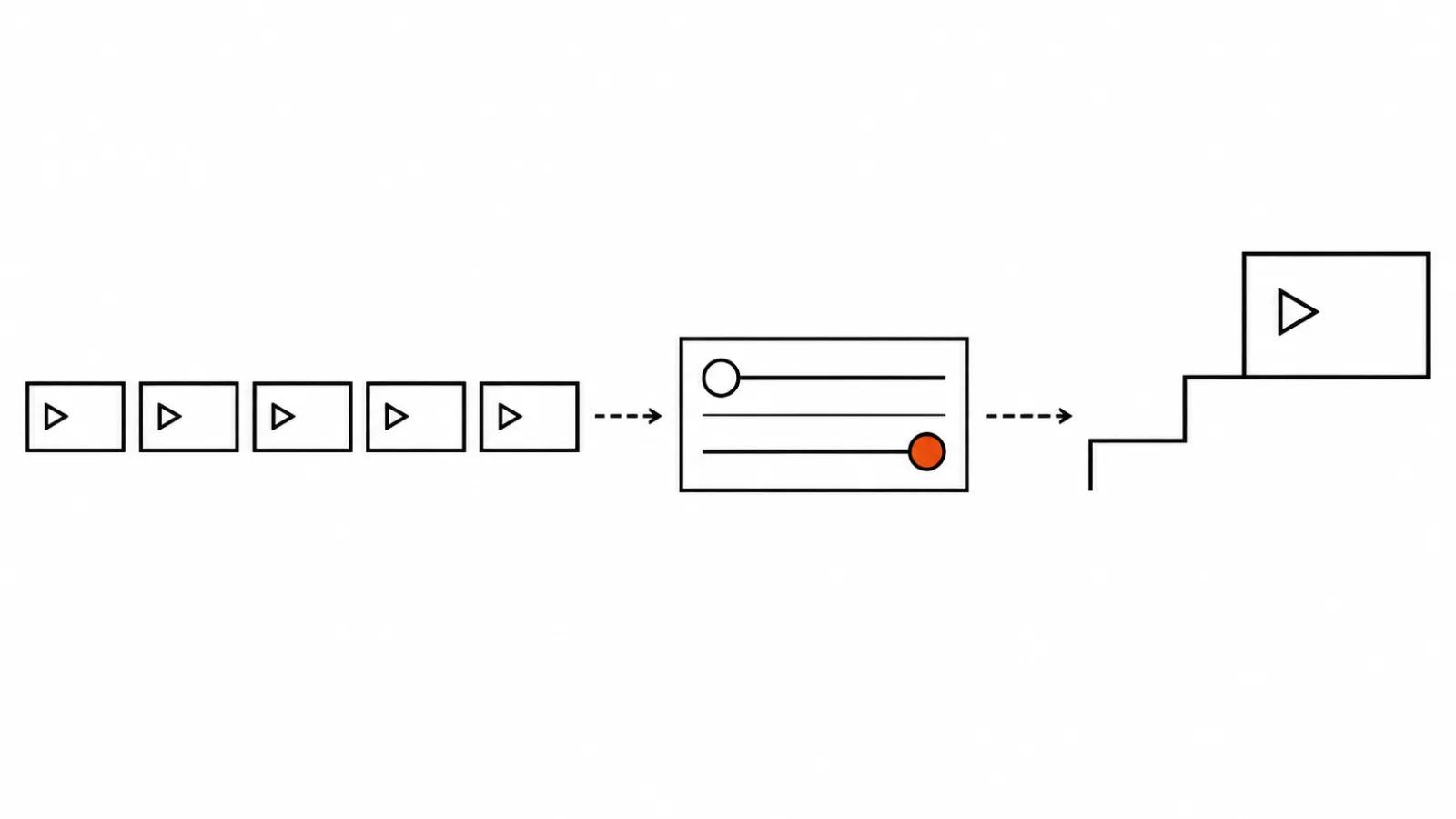
A draft lives on a phone or in a review link, and nobody sees a difference between 1080p and 4K there. Paying for 4K on every render is money thrown at frames that get rejected anyway. It is the same token bill we walked through in the piece on why 4K video costs more.
My order: build the scene at 1080p, pick the shots, then switch 4K on for the final renders of the takes that ship. The budget lands on the frame people will see. A comparable approach to drafts is in our write-up on draft and final renders.
Keep Kling 4.0 Flash in mind too. Flash reaches 20 seconds, yet it caps at 720p and takes no first frame, last frame or keyframes. It does not fit a 4K delivery, and it stays a fast way to test an idea.
Where HDR changes the picture
Neon at night, shop windows, headlights, backlight through a doorway. Those scenes hold a wide range of brightness, and 8 bits leave steps between a lamp and the shadow beside it. If the clip gets graded in DaVinci afterwards, the extra two bits let you pull the sky down without the highlights going muddy.
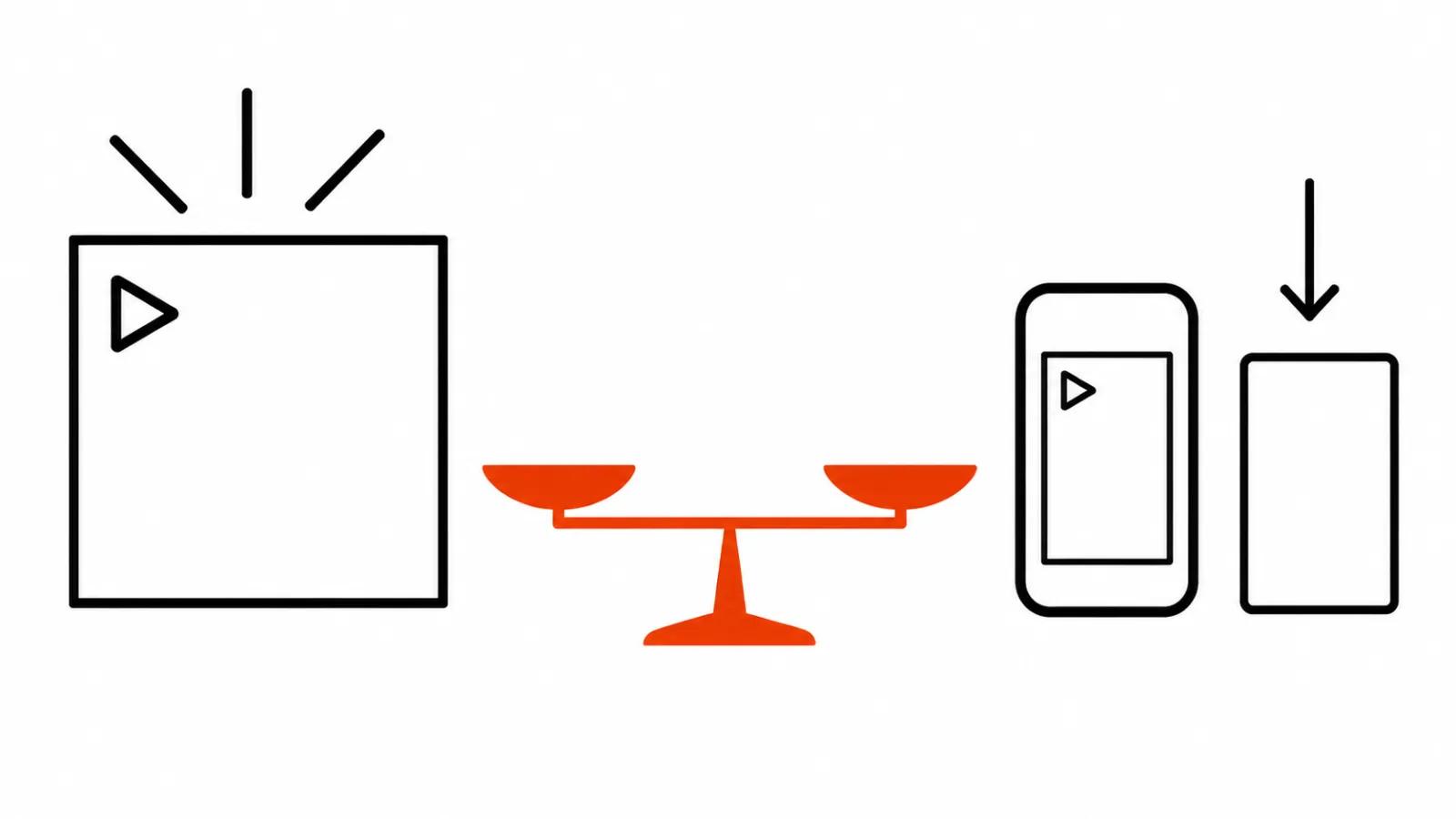
The other side: vertical ads for a feed will not show it. A phone in a hand, platform compression, daylight on the screen. There 10 bits are working headroom during the edit and nothing the viewer notices. HDR earns its keep on spots built for a large screen and on corporate work.
Four questions the announcement left open
VP Land listed the gaps, and they matter more than the numbers. First, which HDR standard, meaning which transfer function: HLG, PQ or something of Kling's own. Second, codec and container. Third, what 4K costs and what HDR costs. Fourth, duration limits in the heavier modes.
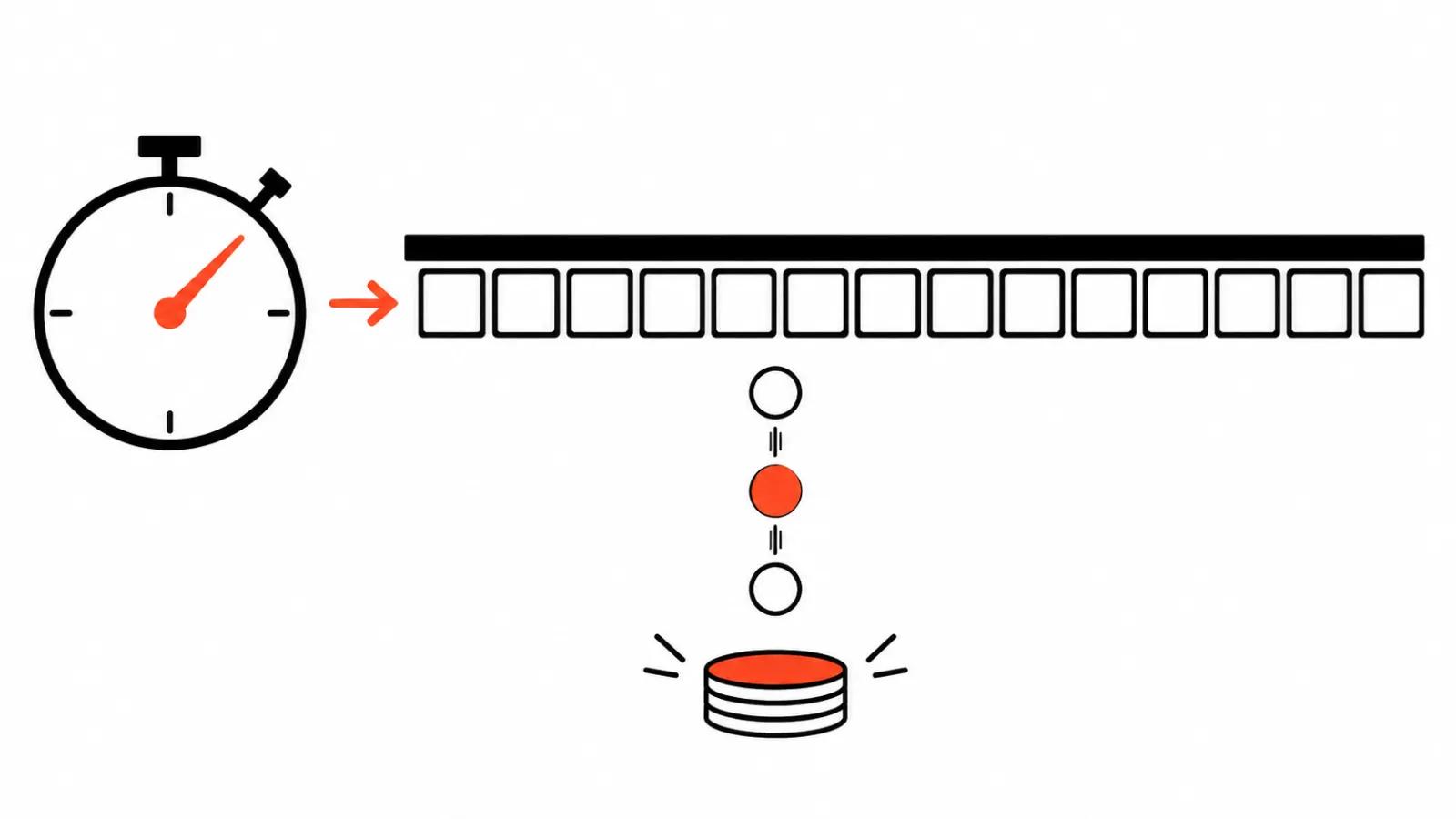
Money is partly answered in the manual. With HDR on, Kling charges extra for every second of output. The amount is not published, and the announcement does not include it either.
One more detail for anyone working through third-party platforms. Kling 4.0 exists on fal, and their description says nothing about 4K or HDR. Assuming the new modes arrived everywhere Kling 4.0 is listed is premature.
What it means for a brief and for grading
For a client the practice is short: the brief has to state whether HDR is wanted and which screen the clip is for. Otherwise the vendor delivers 1080p SDR and is technically within the agreement.
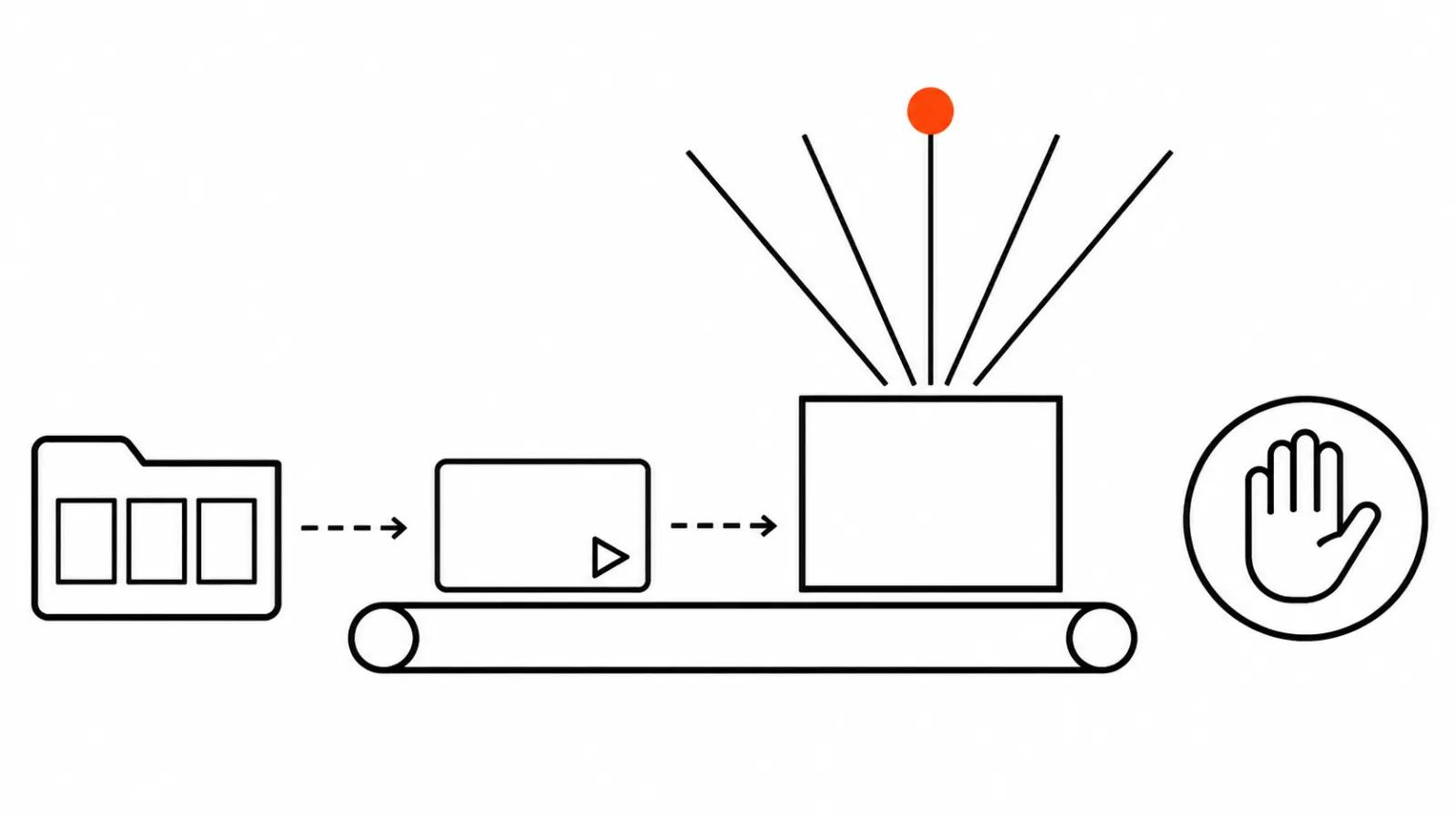
For post, one step gets added. A file with no declared HDR standard opens in DaVinci or Premiere with a guess, the image can drift in colour, and the delivery shows it as grey faces. Check it before the file leaves the building. When you order AI video production, put a colour profile check on every delivery file into the brief, vertical ad sets included.
My take
HDR in Kling 4.0 is a useful update for projects that get graded. 10 bits and smooth skies save real time on colour. 4K by itself stopped being a surprise when Kling 3.0 shipped it, and nobody needs to upgrade for resolution alone.
For new work I default to 1080p for drafts, 1080p HDR when the scene is night or heavily backlit, and 4K HDR for the final render that goes on a large screen. Everything else gets settled on the first two files, and it is cheaper to settle it now than at delivery.