What Meta added to Creator Assistant
Meta launched the assistant in June 2026. It lives in Facebook and Instagram and points out features on each app, working from an automatic read of what performs there. Until now the creator brought the question.
The update flips the direction. The assistant starts the conversation with proactive alerts about trends in your niche and about posts going viral. The second piece covers content creation. Meta's own wording: hand over an idea and get a storyboard and shot list, or upload a draft before publishing and get specific feedback on what works and what could improve. The paragraph ends with "you decide what happens next."
Access is on the web, inside the Meta Creator Dashboard. The company says it wants to bring the assistant into other apps and tools.
An idea in, a shot list out
The practical change is where the work starts. An ad used to begin with a brief, then a script, then a storyboard. Now you can type one line about the product and format into a chat and get a list of shots back. If you want the version without a chatbot, there is a table further down.
What stays out of frame matters more. The assistant does not know your product better than you do, since its suggestions come from an analysis of what performs on the apps. For a new product line or a new market the shots can easily come back generic.
The Social Media Today writer raises a second point, the risk of over-automation. The argument is simple: when everyone receives suggestions from one system, originality gets more valuable. A practical consequence follows. A shot list from the platform leans on the trends the platform itself promotes. That is fine for testing a hypothesis. It is thin ground for a video meant to stand apart from the neighbours in the feed.
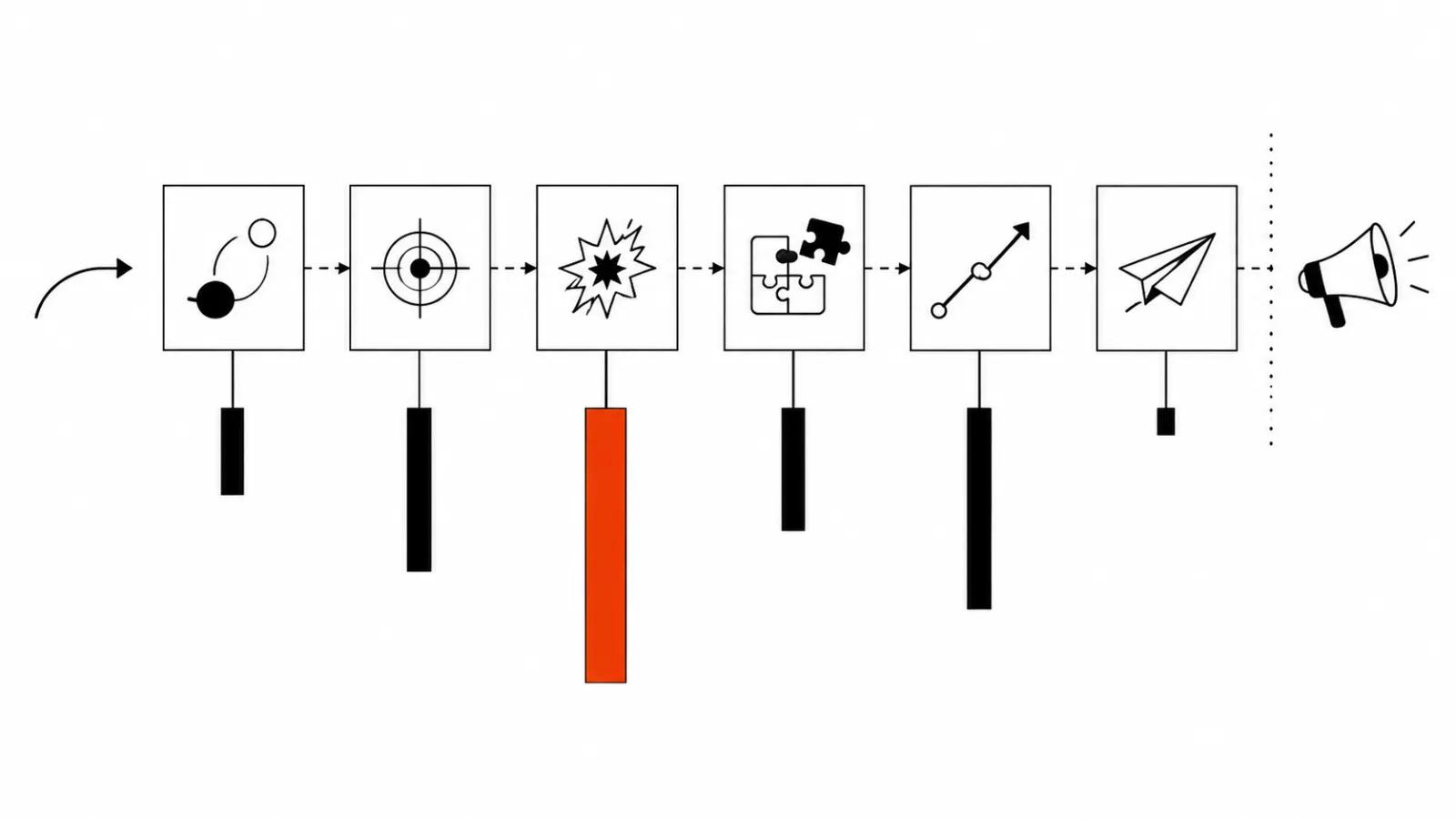
How to storyboard an ad by hand
You need your own scheme at least to have something to compare the chat answer against. It is short: a hook in the first seconds, five to eight shots, and for each shot what happens on screen, what you hear, how long it runs, then a call to action.
Six shots across 21 seconds is a workable frame for vertical. Then you trim it per platform: cut to 15 seconds in one place, add a seventh shot with reviews in another.
The count of rows is not the point. The point is that each shot describes one action, and an editor or a model receives it without guessing. A storyboard on paper answers the question of what to shoot. The question of how to make it look good gets settled on set.
| Shot | What is in frame | What you hear | Length |
|---|---|---|---|
| 1 | Product close up, hands moving | First line with a number or the viewer's problem | 2 s |
| 2 | Product in use, wide shot | The thought continues, no pause | 4 s |
| 3 | Detail, close up on the mechanism | The sound of it working, music down | 3 s |
| 4 | Result, a person using it | Voice: what changed | 5 s |
| 5 | Price, timeline, terms | Voice: specifics | 4 s |
| 6 | Product and logo | Call to action | 3 s |
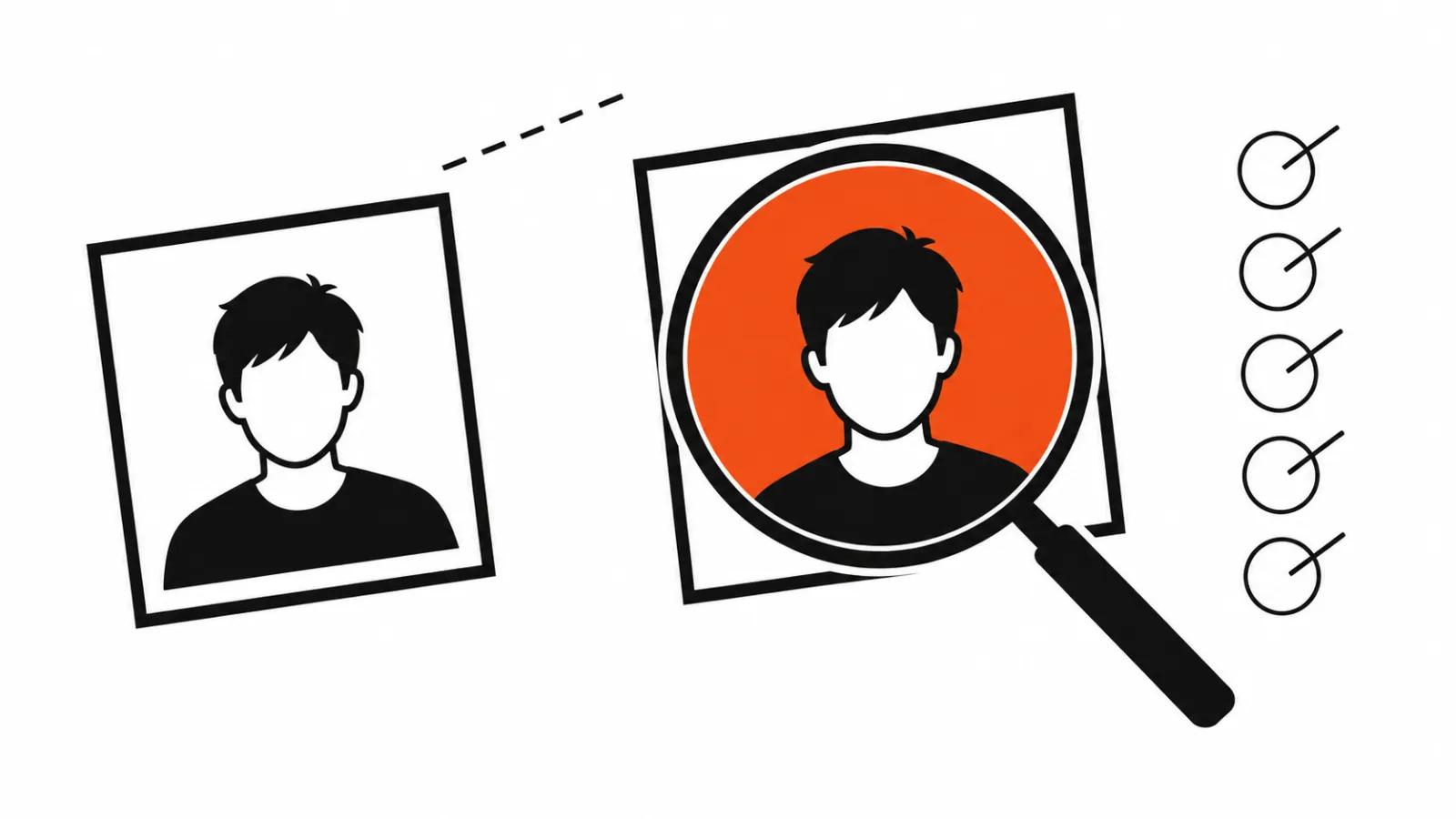
Checking an AI storyboard before generation
The answer from a chat reads convincingly, because it is written in an even tone. Run it through five checks.
One more test. If the shot list has five shots of the product and none of a person, you get a catalogue. A face or a hand on screen adds trust.
- The product reads at a glance, without a caption.
- Each shot can be generated by one model, without stitching three sources.
- No jump in light or location between neighbouring shots.
- On-screen text sits inside the safe zone under the app interface.
- The call to action is the second to last shot, and the last one holds the product.
Where AI storyboarding actually saves time
A storyboard model earns its place in two spots. First, the draft: a structure in a minute, then deleting what you do not need goes faster than starting from a blank page. Second, versions: one idea cut for 9:16, for 1:1 and for a longer video.
The saving stops where the product begins. Shots with a specific mechanism, a price and terms still come from a person who knows what must stay off screen.
Then the usual text work starts. An AI storyboard is assembled from a script, and the script rests on per-shot prompts. We have a walkthrough on making video from a script, where the storyboard is part of the script, and a separate piece on AI video prompts if you need a library of descriptions for one model.
Comment replies in the creator's voice
The third part of the update covers comments. The assistant picks the viewer questions that matter most and drafts replies in the creator's voice.
For an account with thirty questions under a video about price, delivery and timing, that saves real time. It also carries risk: the reply goes out under the creator's name, and the creator owns every word.
Check each draft. The model does not know what you promised another client, what you agreed in a direct message, or where a disclaimer is required by law. One wrong reply can cost more than the time it saved.
I would hand the assistant the sorting job, since that is its core function. The replies themselves are better written, or at least rewritten, by a human.
What I would do this week
Take your last three videos and write their shots into a table. Then ask the assistant for a storyboard on the same idea and compare. The gap shows where you have material of your own and where you are already speaking in generalities.
Second, do not rebuild the whole process around the update. The assistant sits on the web in the Creator Dashboard and does not leave Meta for now. Videos for other platforms need your own storyboard template, and that template stays yours.
Third, volume. If you ship many short videos, vertical video ads work as a system: one frame, many versions, a predictable cost per unit. Where a real person has to carry the shot, handcrafted AI videos remain the steady option, from $190 for a video up to 90 seconds.