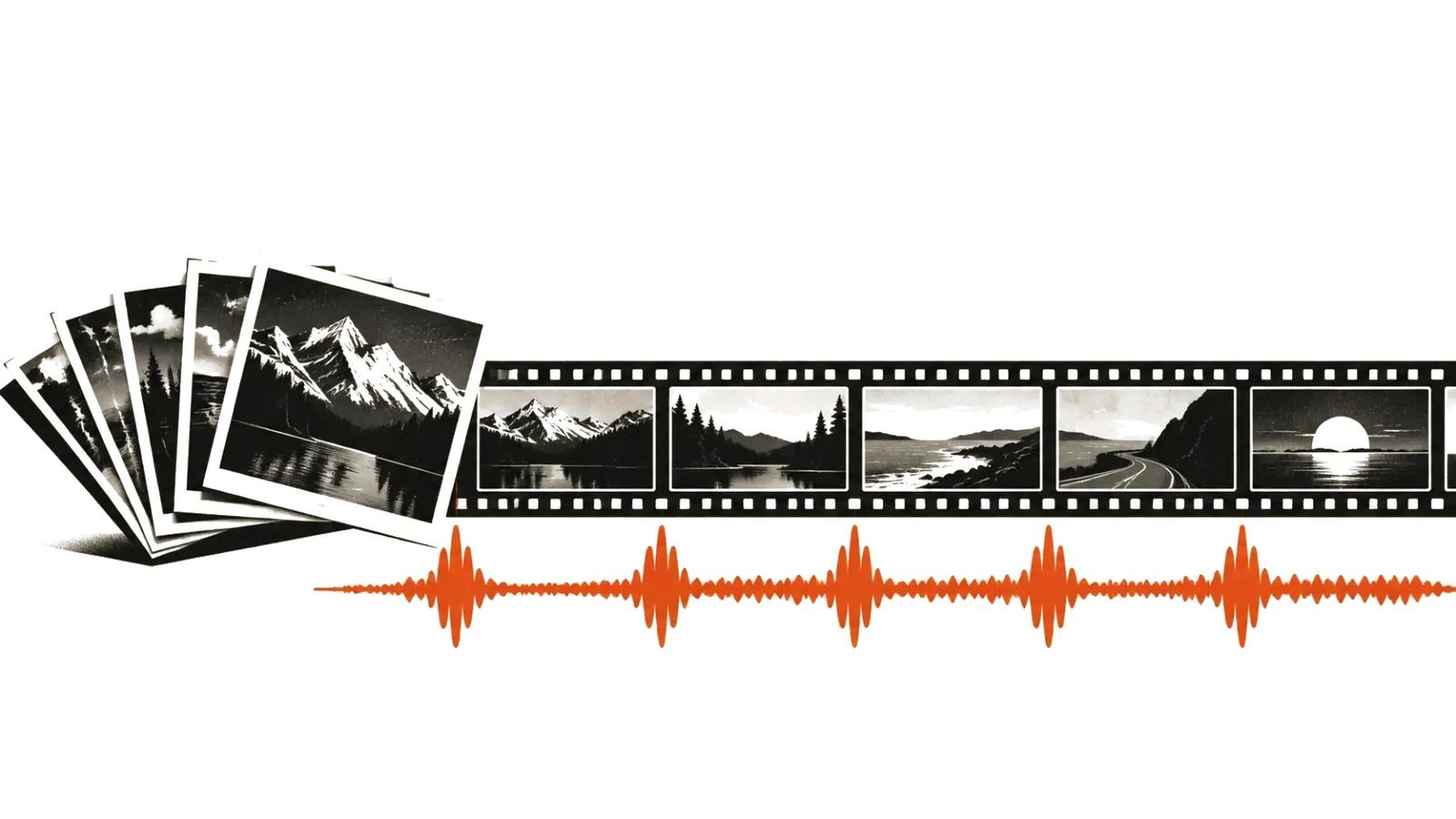
Three jobs behind one search
People typing "create video from photos" want three different things, and the wording does not separate them.
First, a slideshow. Photos follow each other, music sets the tempo, text carries the meaning. Cheapest and most predictable format.
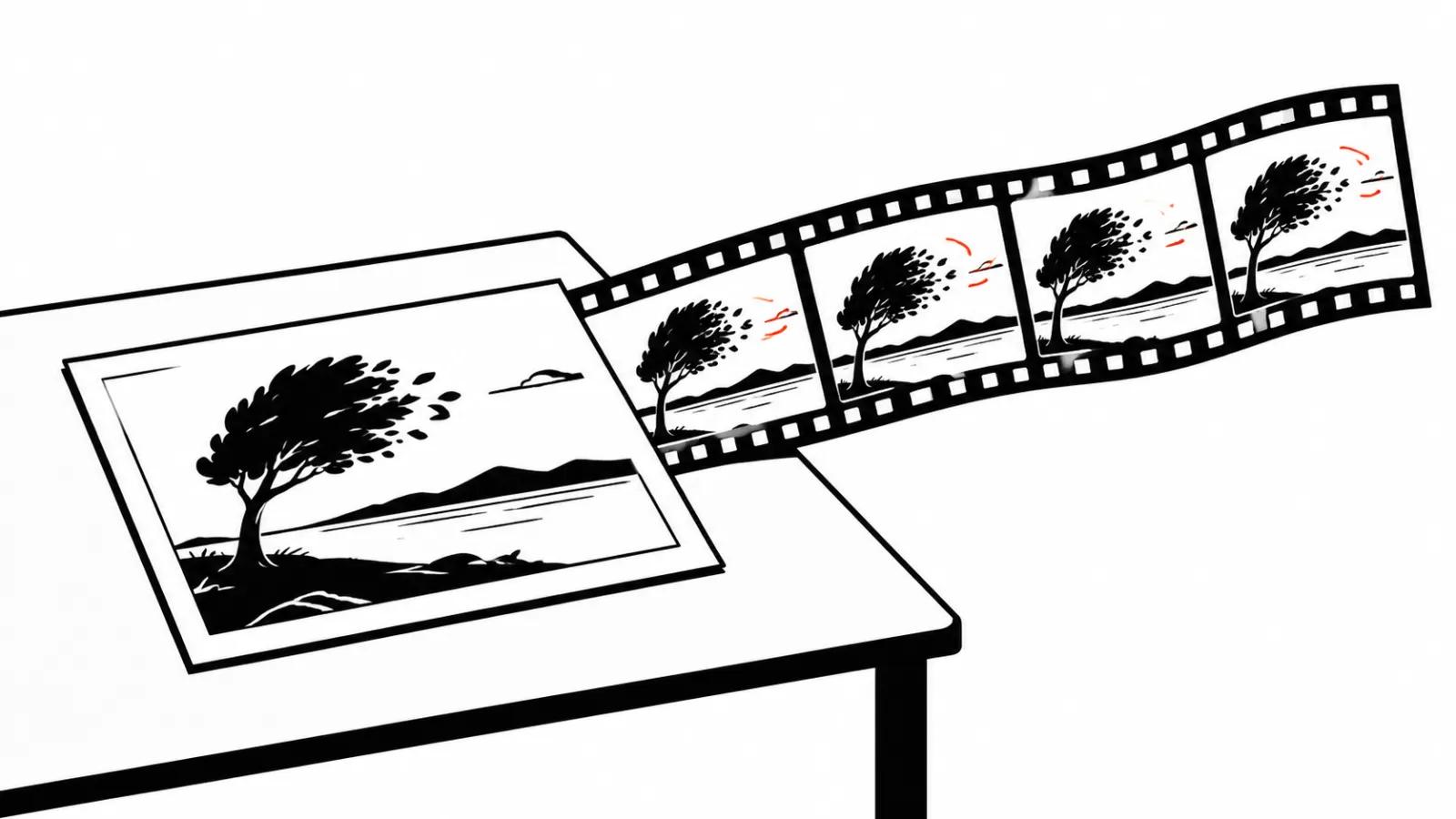
Second, animating a still. One frame becomes a few seconds of movement: a head turns, water runs, leaves shift. Strong effect, short life.
Third, assembly from photos and video. Stills alternate with short clips and music ties it together. This is how product, real estate and family archive videos are usually made.
Mixing the three is possible, with care: the viewer loses the thread when half the frames are static and half move.
Rhythm is the first thing a viewer feels
Here is the test. Watch the video muted. If the cuts look random, music will not save it.
How a normal build works:
That last point gets ignored the most. The music ends, the frame keeps going, and the whole impression collapses in the final second.
- a frame stays long enough to read, usually not under two seconds;
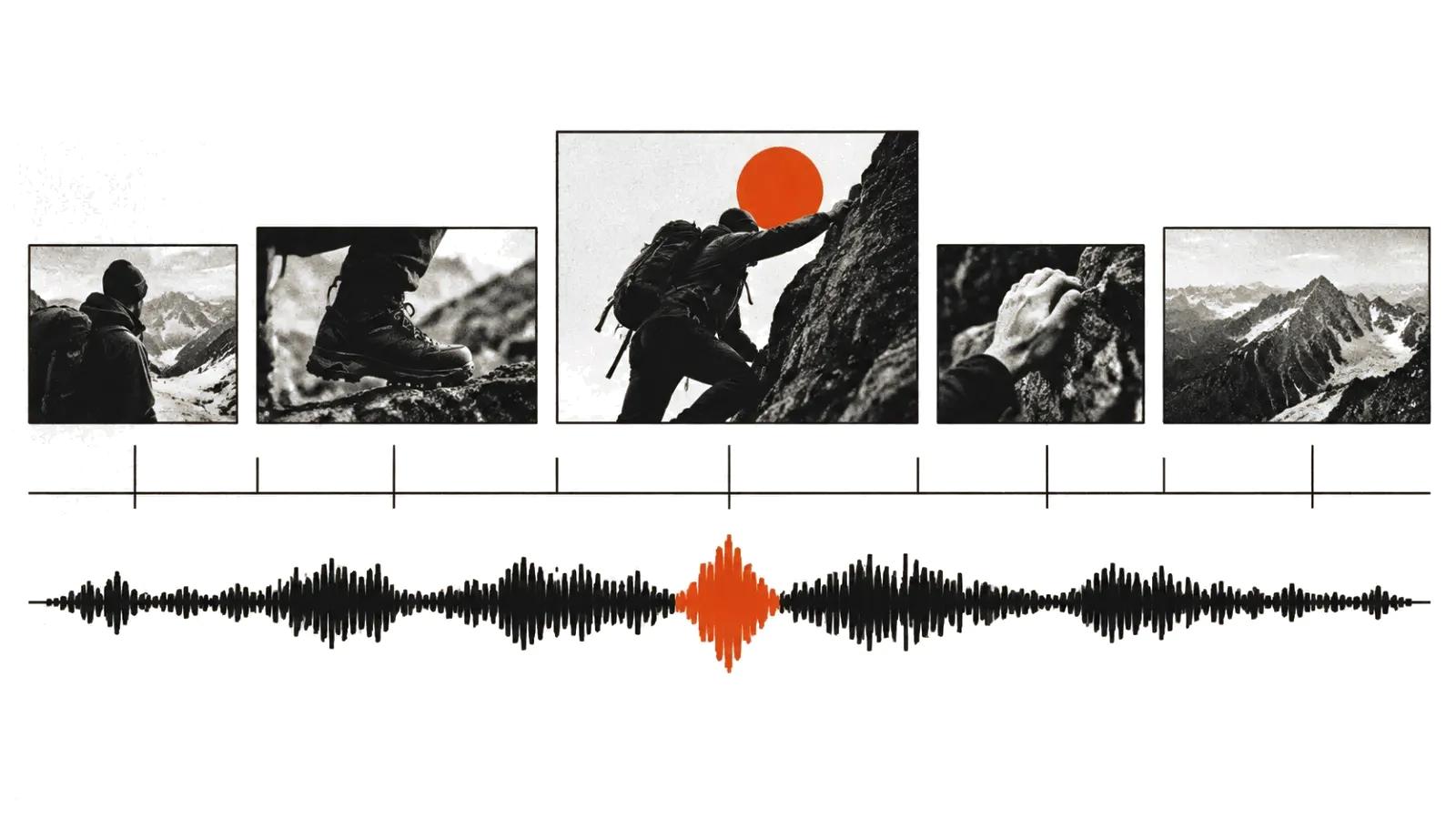
- cuts land on musical accents; a steady metronome does not work;
- the key frame lands on a strong beat, secondary frames on weak ones;
- the ending matches the end of a musical phrase, or the video stops mid-thought.
What AI does with a photo
Animating stills works best on three kinds of frame: portraits, nature, and objects on a plain background. The model adds micro-movement and a static photo stops looking like a slide.
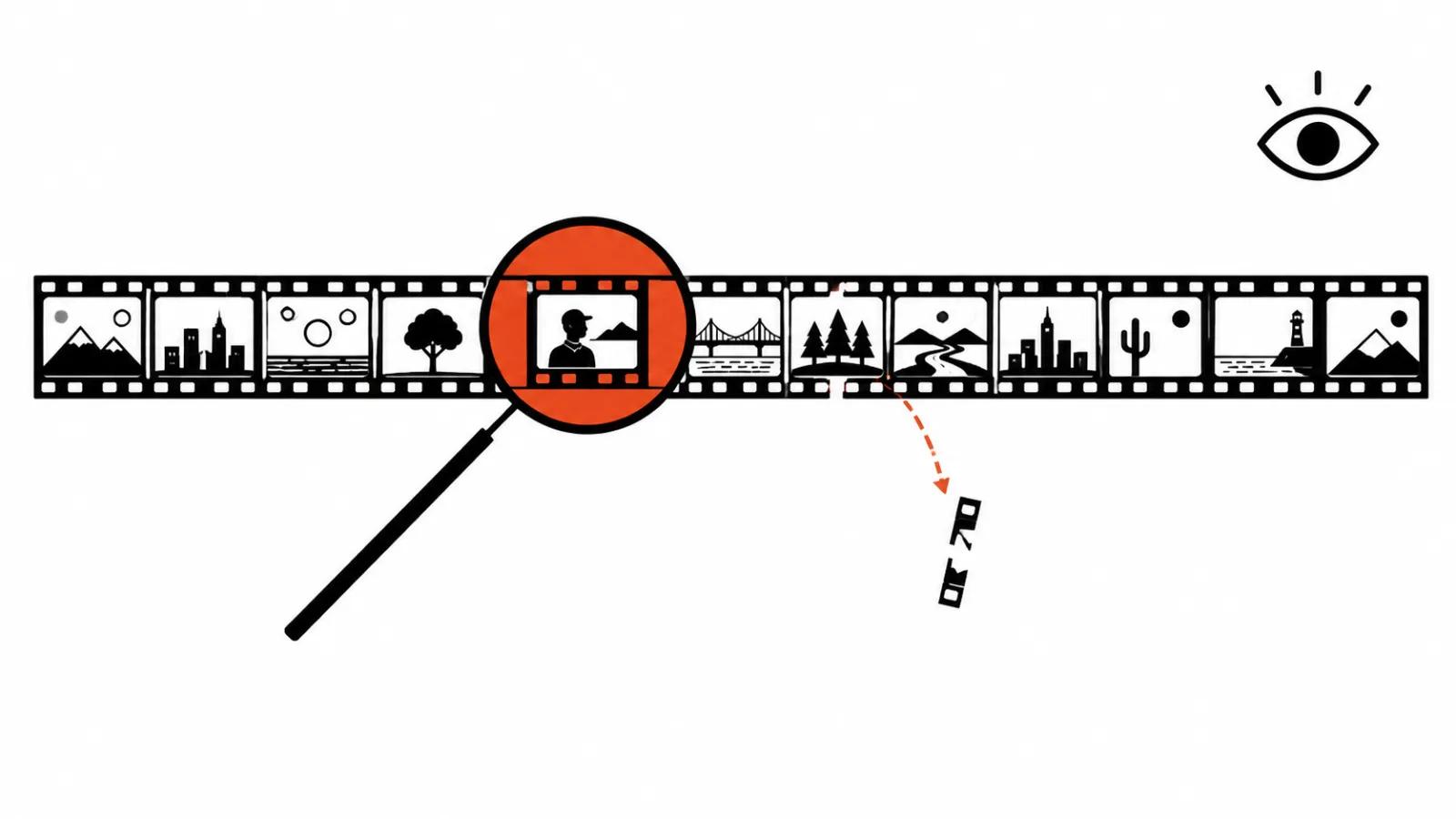
What breaks: hands, objects held in hands, crowds, reflections, text on clothing. The more small detail, the likelier an artifact.
Practical rule: animate one frame for every three or four static ones. The effect reads as an accent and defects stay out of sight.
If you want the model side in detail, there is a separate breakdown of AI photo to video. It covers what happens between a still and a clip, without promising magic.
Writing a slideshow
A slideshow without a script is an album people scroll past. A script adds three things.
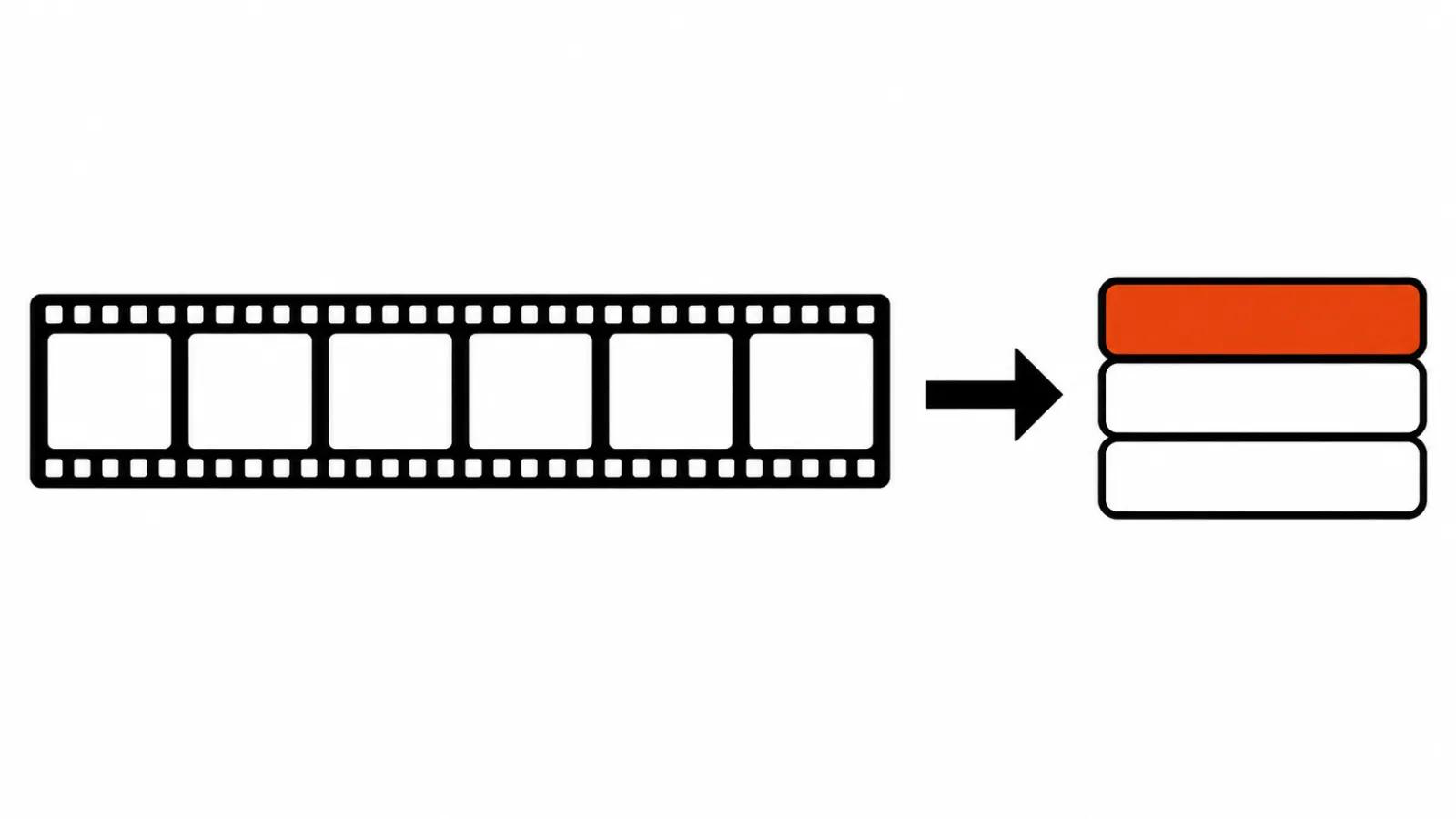
Order. The first frame makes a promise, the last one closes it. Anything in the middle can move as long as it does not confuse.
Text. One thought per screen, large, placed where no faces are. When text fights the photo, the viewer reads the text and misses the frame.
Length. A thirty-second slideshow usually beats a two-minute one when there is no story. The script sets the runtime. The photo count has no say in it.
Sound: music, sync, levels
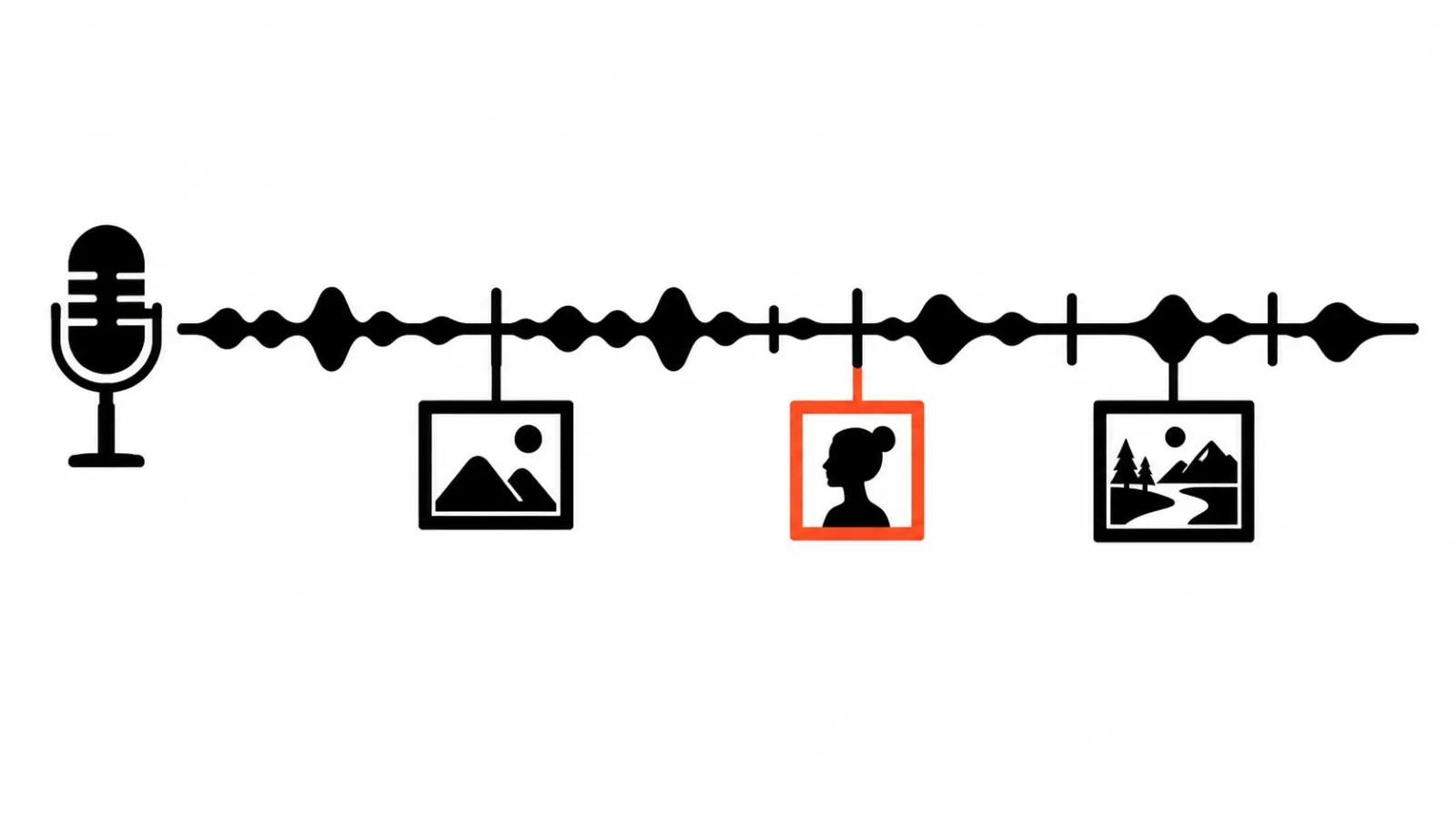
Pick the music before editing. The reverse does not work. Otherwise the edit gets rebuilt.
Then three technical points.
First, levels. Music must not bury a voice. A normal practice is to duck it several decibels under speech.
Second, licensing. Library music costs money, a track pulled from a feed can get the video blocked. It is the most common reason a finished video never gets published.
Third, silence. A pause before the final frame works better than one more effect.
Where this format earns its keep
Product pages: shots of the item, music, a short line with price and terms. Real estate: a walk-through sequence of rooms at a calm pace.
Family archives: scans and photos with dates, music from the same era. There is nothing to sell in these, so accuracy matters more than pace: wrong dates get noticed immediately. Social feeds: short slideshows cut to trending sounds.
In advertising the format still works, usually as a promo video with one hero frame and a clear action at the end.
The budget
Count frames and revisions. Minutes explain nothing.
Doing it yourself: a subscription, licensed music, and the time to select photos and sync them. The real work is manual: picking twenty frames out of two hundred.
Ordering it: handcrafted videos start at $394 per video up to 90 seconds. Volume versions, where one template spreads across dozens of product pages, are priced per view, up to $2.47 per 1000 views, and that is where mass posting does the work.
The price gap is simple: in the first case you pay for selection and editing, in the second for volume.