What Suno shipped on 17 November
The Visuals tab went live in Suno on 17 November. The company blog published a post titled Introducing Visuals, written by Jack Brody, its director of product. The Next Web picked the story up the same day, at 16:34 GMT, and it carries details the blog does not.
Visuals is a new tab that sits next to the music: images and video for songs already in the library. Inside there are lyric videos that move in time with the track, album covers and animated photos. For anyone holding a finished song, that is a set which used to be split across three services: words in one, cover art in the second, motion in the third.
How to make a music video clip from a song
The flow is short. Take a song from the library, drag it into the Visuals tab, get clips up to 15 seconds long. From there you extend them, edit them and change the prompt in plain text.
There are two starting points. Either Suno's original characters, or an image of your own: a photo, a cover, a still from an earlier video. The second route matters when a project has a look to keep across releases.
Assembling a clip from separate shots works differently, and that is the next section.
Why the model listens to the song itself
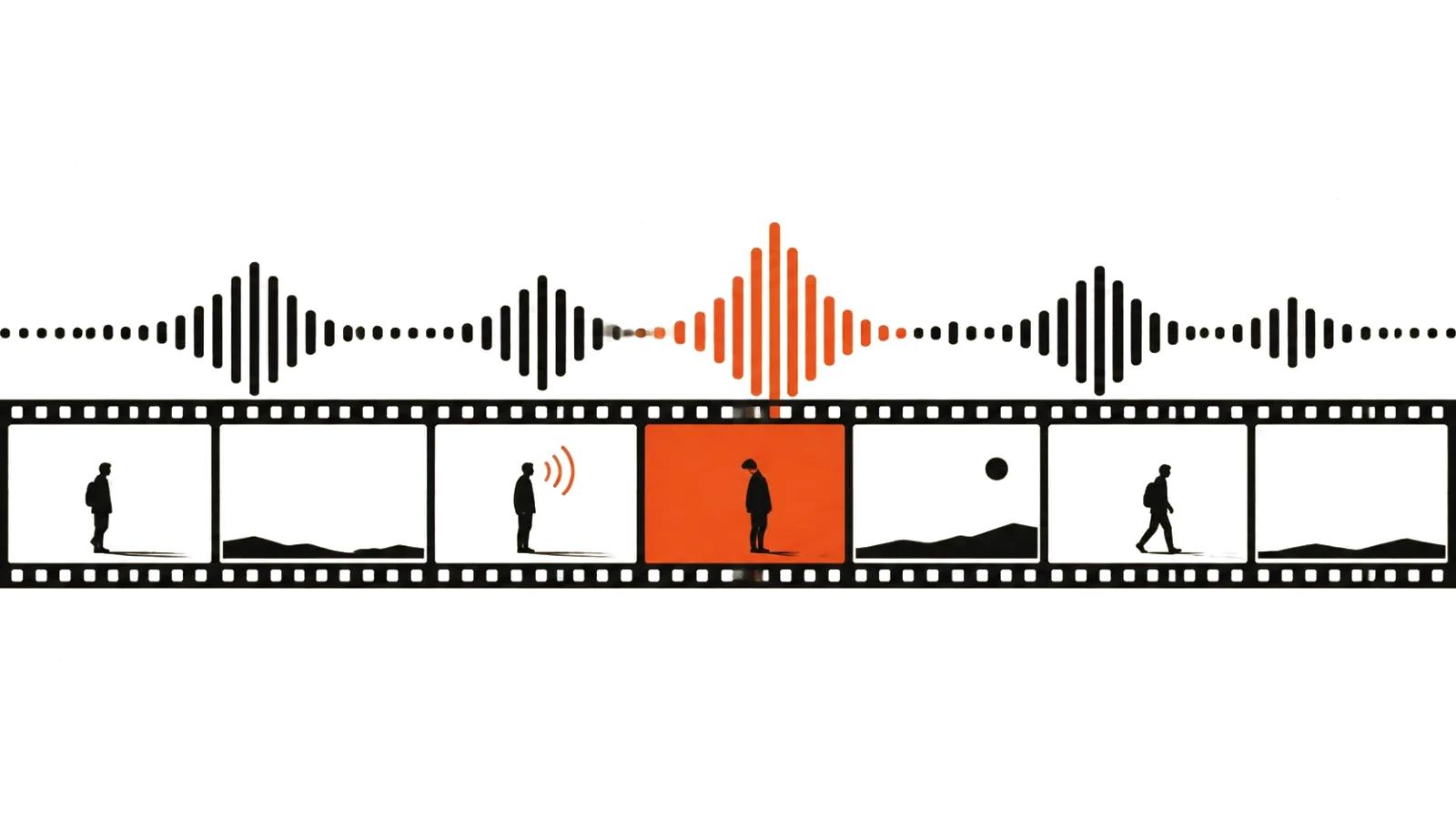
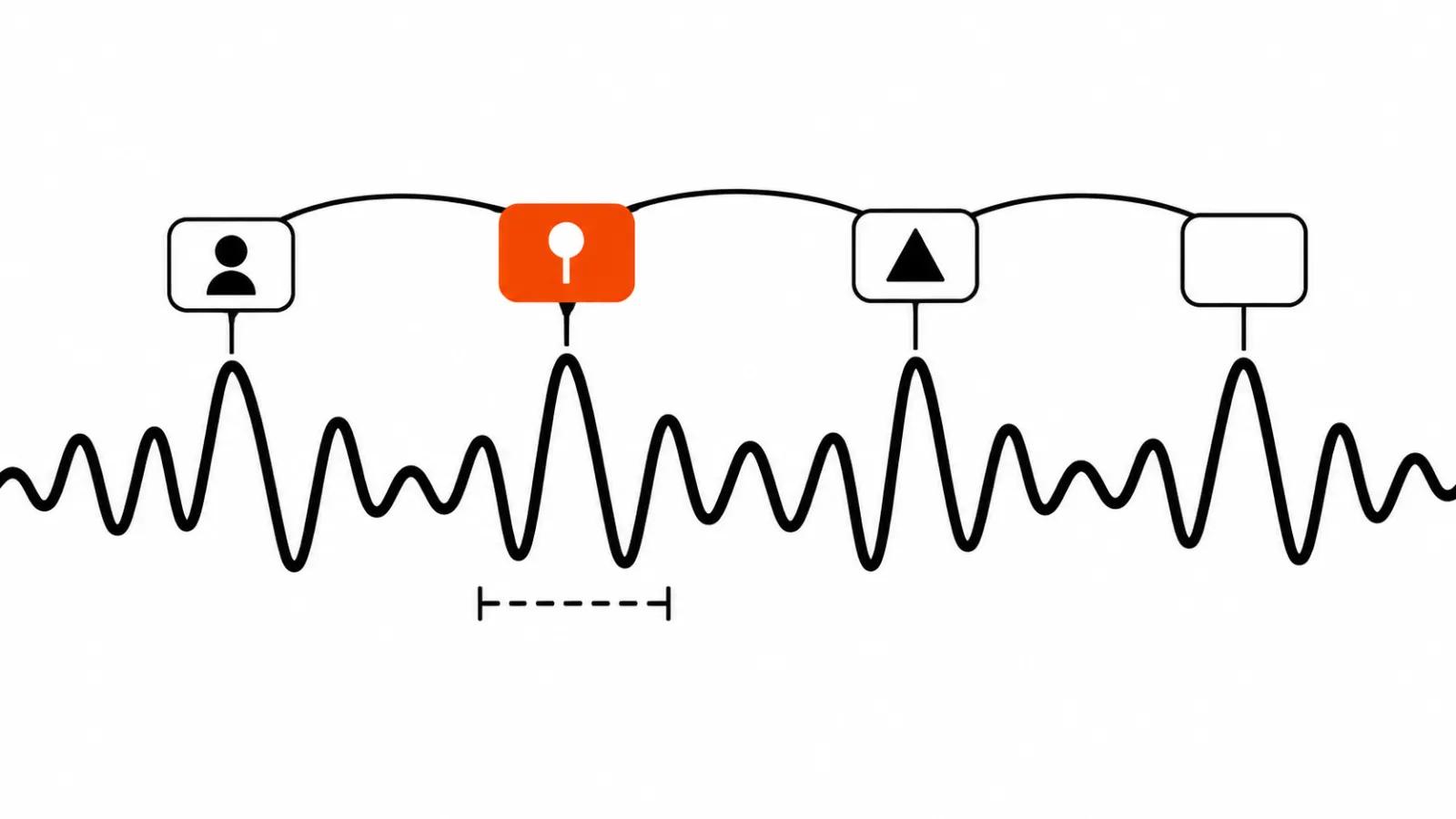
The important detail is that the model is tuned for music. Clips follow the structure of the song, pick up the words and sync the lips to them. A general video model gets a text description and has no idea where the chorus sits, where the silence falls, or which word the vocal starts on. Here the song is the input, so verse and chorus land in different pieces and the mouth matches the line.
That leads to a simple call for whoever orders the work. The tool earns its place where people sing on camera. A video with a voiceover does not need lip sync, and there is no reason to pay for it.
A music video clip from shots: where the difference sits
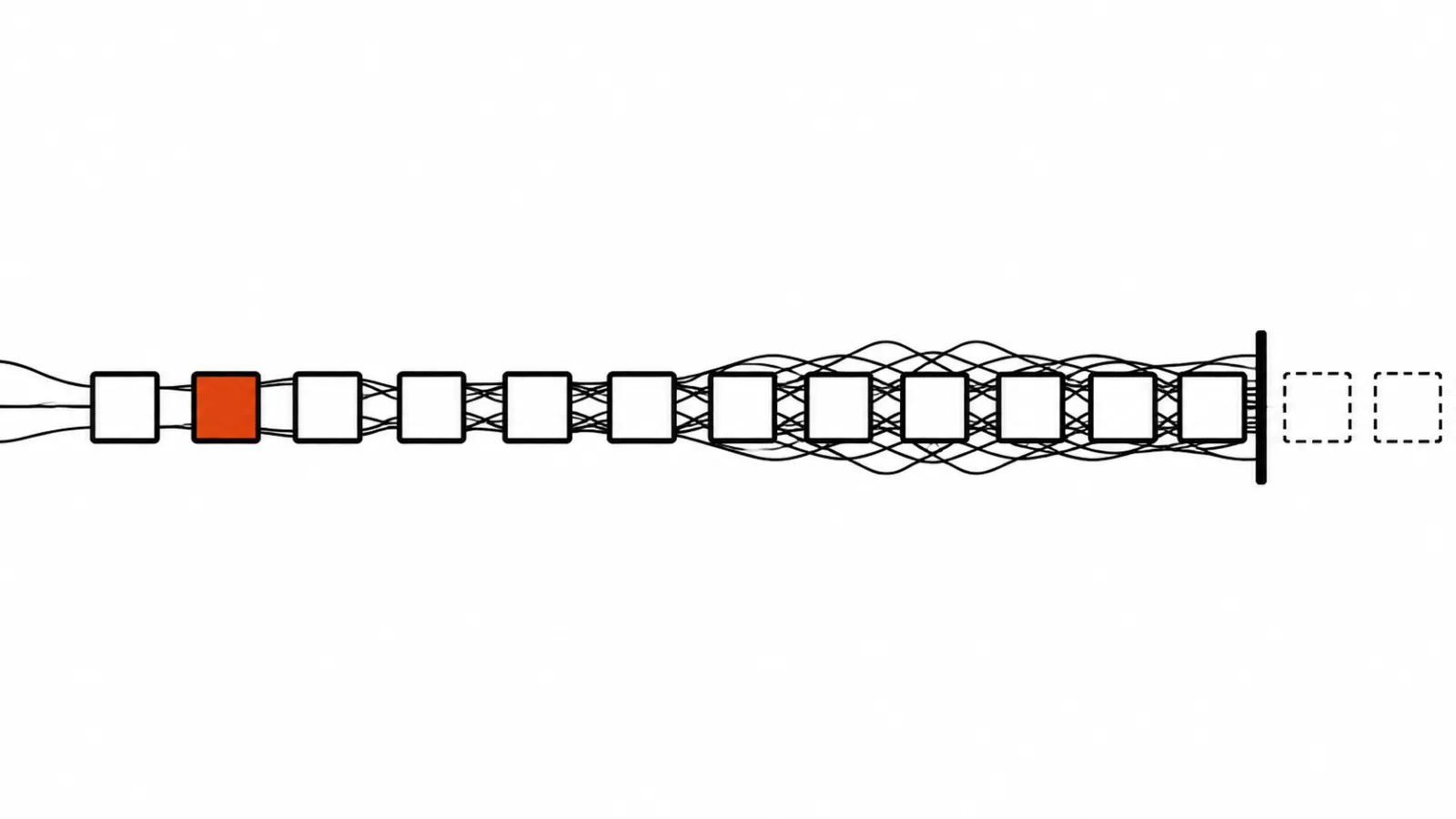
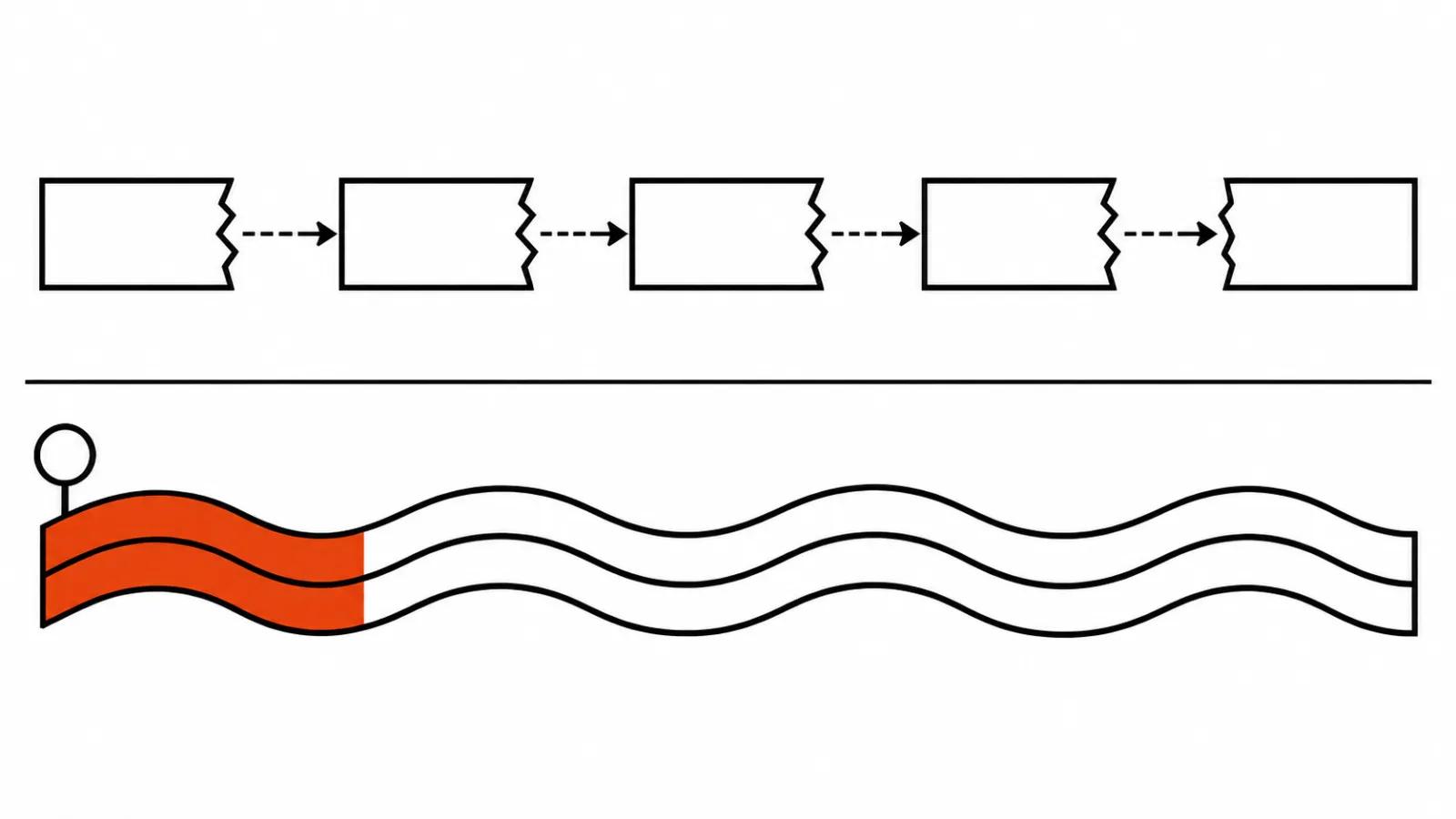
The usual build starts from a storyboard: plan the shots, generate each one, cut them to the beat in an editor. Control is the upside, and the seams are the weak spot. Light jumps between shots, a jacket changes colour, the direction of travel flips, and every junction becomes its own fix.
Visuals starts from the song. The model holds one continuous piece of up to 15 seconds where the picture is already tied to the sound. Fewer seams, and less choice too: you do not rebuild the scene shot by shot, you steer it with a text prompt.
A short lyric clip under a finished track comes faster in Visuals. A story video with characters and location changes still gets built from shots, and it still needs an editor. The tool changed, the order of the work did not.
Lyric videos, covers and animated photos
The three use cases in the announcement cost very different amounts of effort. A lyric video is the obvious one: words run in time and that is enough for social. An album cover is a single image that moves, and for a release it fills the gap between a single and a full video. Animated photos are the most interesting for an archive, where an old still starts breathing with the track.
This is also where the split with a regular AI music video shows up, the kind built shot by shot. There the movement is planned by hand against the music. Here the song suggests it.
Filters, watermarks and extra credits
The Next Web reports the filters. They block requests and uploads that name specific artists, public figures and protected characters. Before publishing outside Suno, videos get hidden watermarks. Credits are separate, which means on top of the usual subscription. TNW also reminds readers that ByteDance added similar limits to Seedance in March.
A filter on a borrowed name removes half the risk for a brand that commissions the work. The hidden watermark means a Visuals clip stays marked after export, and a client should hear that before the quote is issued. For AI video ads that transparency helps: platforms ask about the origin of footage more often every quarter.
What the announcement leaves out
Neither the blog nor TNW gives three things: the price of the credits, the resolution of a clip, and the rights for commercial use. On money we only learn that credits are separate. Resolution is not mentioned at all, so it is unclear whether the picture holds up in a store listing or on a billboard.
Rights matter more than the rest. While the sources say nothing about commercial use, treating Visuals as a channel for paid advertising is premature. First a test, then a contract with the client, then a series.
The sources also disagree on rollout. The Suno blog lists web, iOS and Android. TNW says the web app is live now and the mobile apps arrive in the coming weeks.
Bottom line
Visuals covers a narrow and frequent job: get a moving picture under your own song, fast, with the structure and the words respected. For a short clip, a reel or a track teaser it removes a whole stage of assembly. For a story ad with characters it stays a helper for now.
The routine for a new track is this. Start with 15 seconds on the chorus, where both the mouth and the words are visible. If the lips and the lines agree, extend and build the whole clip. If they drift, go back to shots and an editor, and let AI video production handle a series of short scenes.
One more thought. Suno launched Speech, its voice tool, in October. The company keeps adding to the same pile around a song: words, voice, picture. For anyone making videos to music that means half the pipeline may soon sit in one window. The only way to check is hands on, once Visuals reaches phones.
Related reading: music video from a song with AI.