Why the clip stops at ten seconds
The request sounds routine. A one minute video, ideally with voice over. The model hands back three to thirty seconds and then the conversation turns to budget and patience. Tariffs are not the problem.
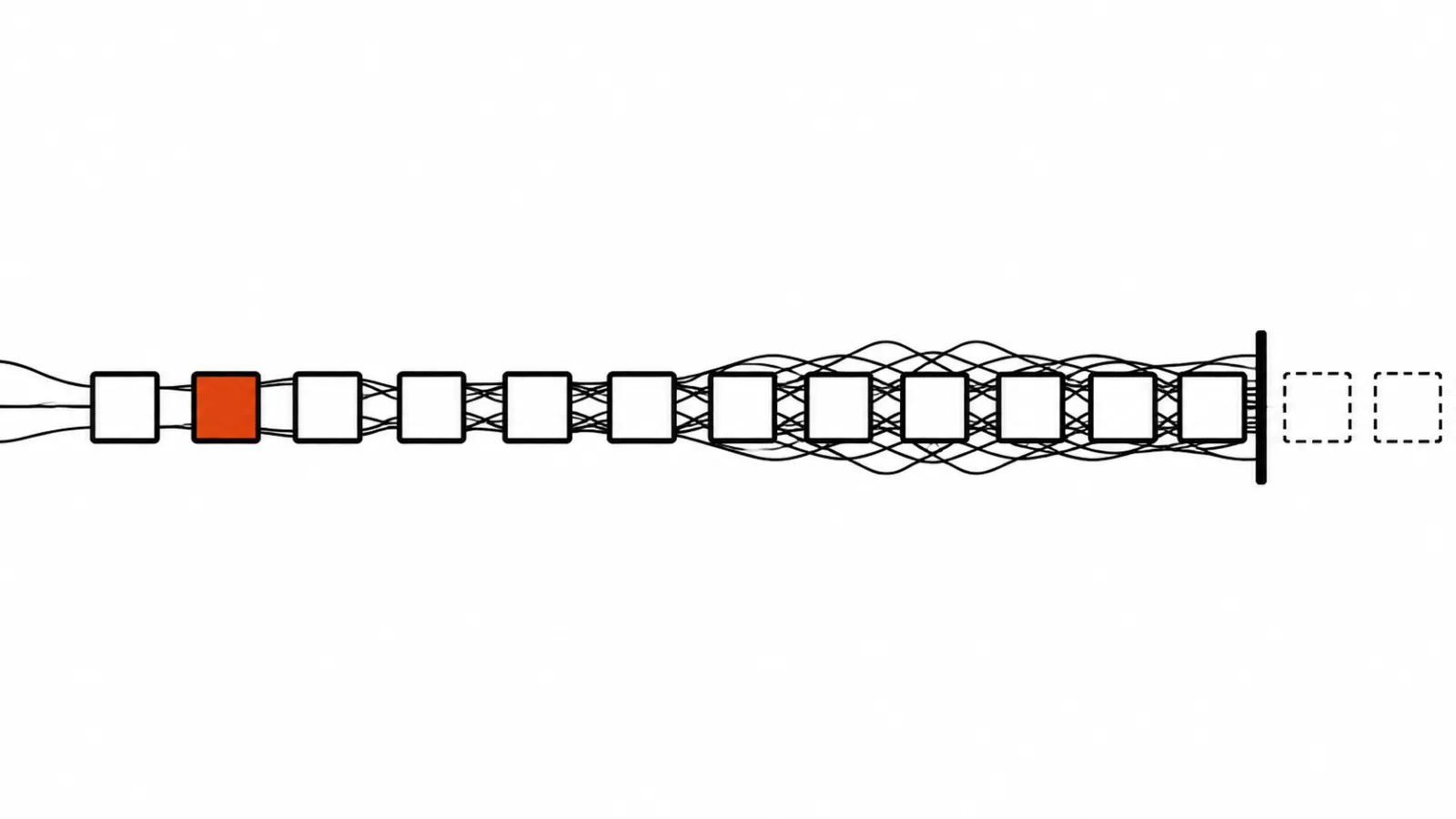
A video model is built much like a language model. Every new frame is checked against the frames already generated, so motion, light and texture hold together from the first moment of a scene to the last. The mechanism is called attention: a frame looks back at the earlier ones and decides what to continue. That is why a background stays steady and a man keeps the same jacket through a walk. It is also why generation hits a ceiling.
Attention gets expensive faster than length
The arithmetic is simple, no formulas needed. Five seconds at 24 frames per second is 120 frames. Thirty seconds is 720 frames. Six times the frames, roughly thirty six times the pairwise checks. Double the length, quadruple the work, and quadruple the memory to hold it.
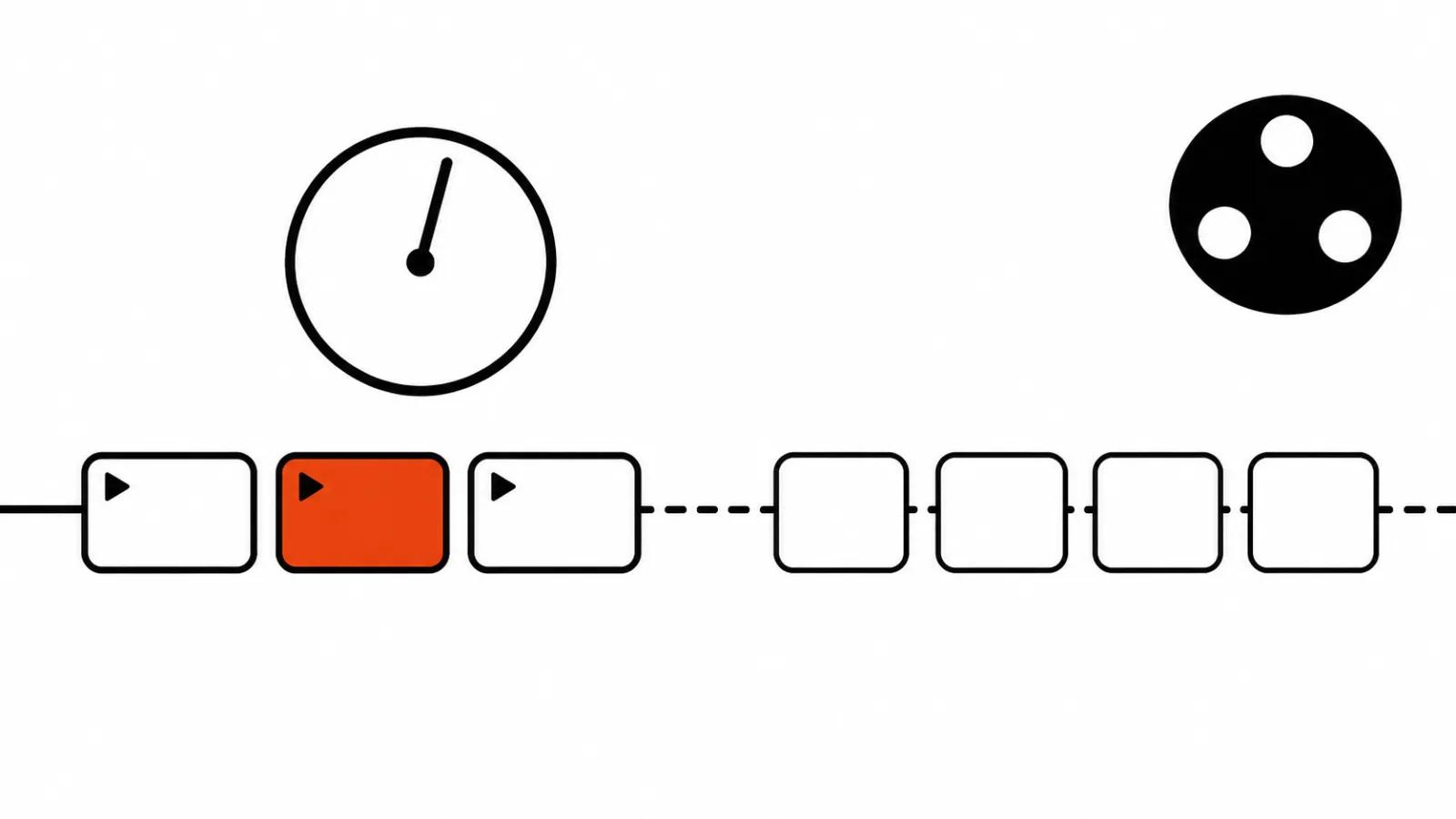
Two things follow. Every model has a maximum length for a single pass. And a second of a long video costs more than a second of a short one. For a provider it is cheaper to break the work into short generations, so that is what they sell.
Long AI video runs into the ceiling of the model
The numbers come from the official model pages, checked on 16 November.
Kling 4.0 generates three to thirty seconds in one pass. Gemini Omni 1.2 Flash stays between three and fifteen seconds, and a clip built from a first and last frame is capped at ten. Seedance 2.5 Flash returns four to thirty seconds per request.
Thirty seconds is already a serious ad shot: a character enters, the product gets shown, the closing frame lands. It does not stretch to a one minute explainer or a dialogue with two lines. Past that point you build the video, and there are three ways to do it.
Continuing from the last frame
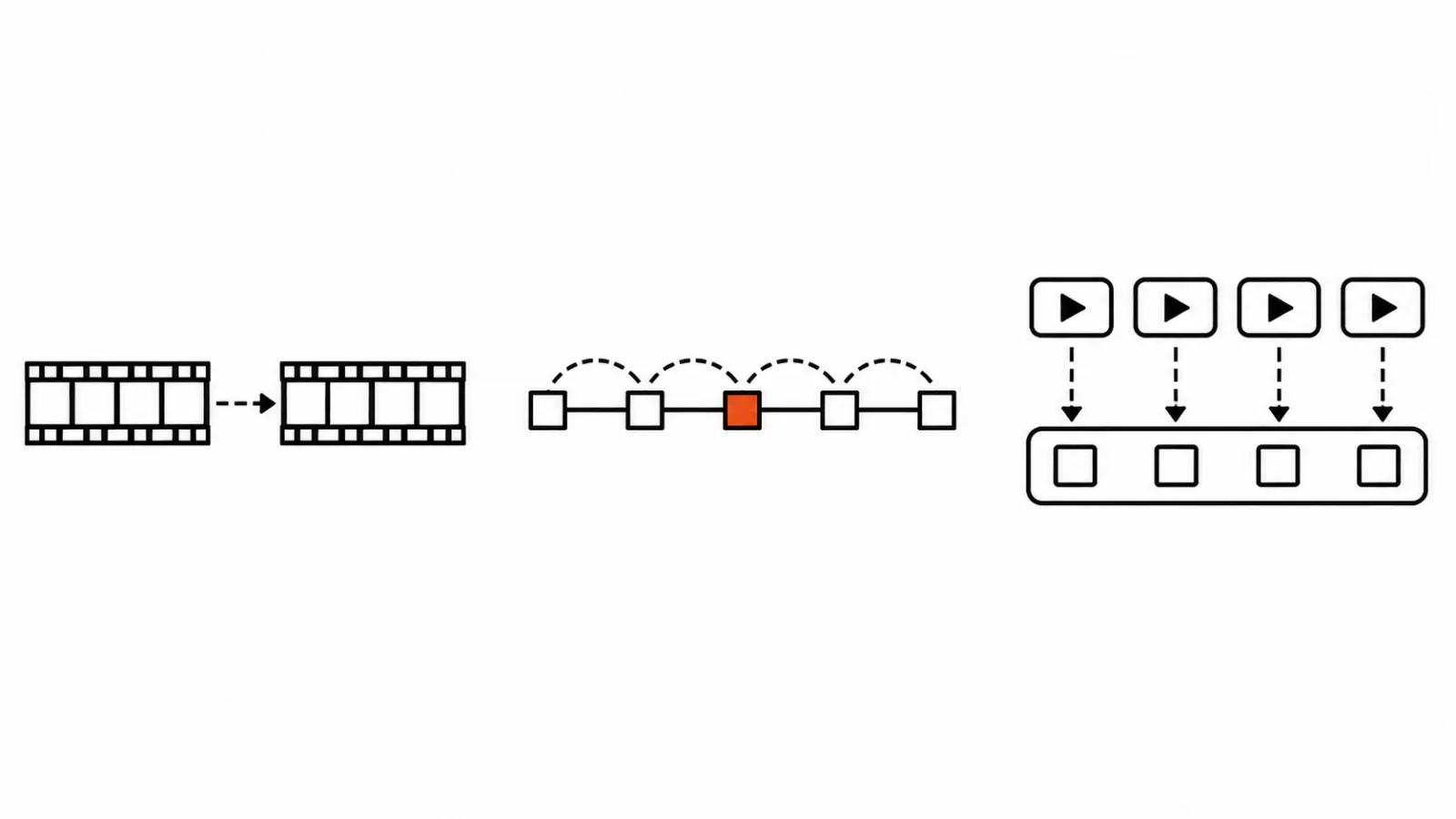
Way one: feed the model the end of a finished clip and ask it to carry the motion on.
LongCat-Video-Avatar 1.6 from the Meituan team works exactly like that. The last frames of the previous clip move forward, new frames get written on top, and the video grows in steps. The weakness is predictable: error accumulates. A small slip at the mouth or in the skin texture grows a little on every step, and after ten continuations the person on screen is someone else. Version 1.6 was trained on situations where the model continues its own generated clips, which pushed finished videos past 10 minutes with less drift in face and mouth. We covered separately why AI faces and hands drift, and the mechanics are the same accumulation.
Kling 4.0 continues clips too: Video Extension builds forward and backward across several passes and reaches two minutes according to the official description. Seedance 2.5 Flash extends a video over multiple rounds through the API. One rule holds either way: the continuation latches onto the final frame, and the quality of that frame sets the quality of the next piece.
Keyframes on the timeline
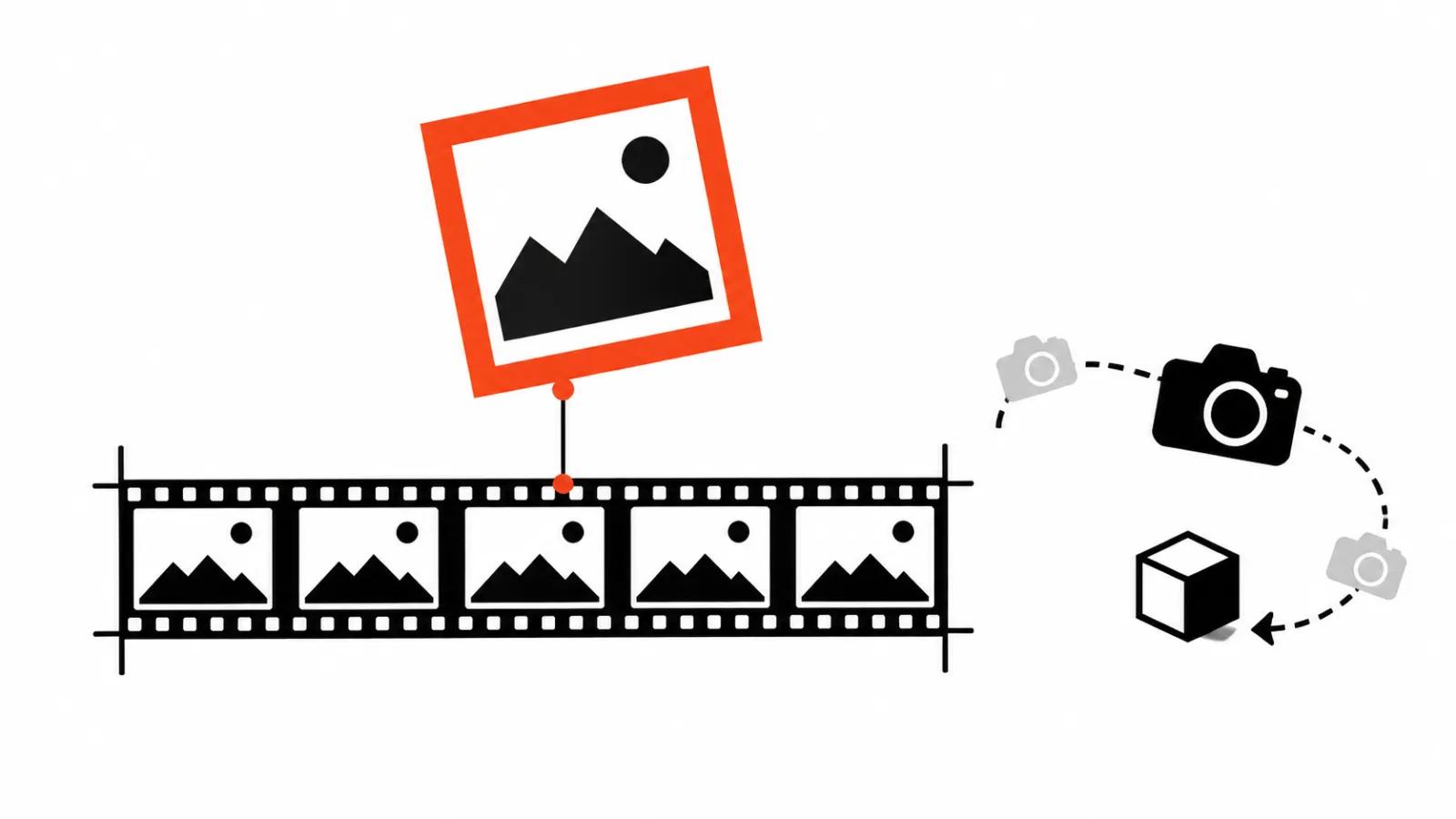
Way two: place reference images along the timeline and let the model draw the motion between them. Kling 4.0 takes up to 10 keyframes per generation: a character pose, a change of shot, a camera turn, a product landing on a table.
The logic is clear. The model walks the scene from anchor to anchor and the structure of the video stops being a lottery. Directing moves into the storyboard, which is a comfortable place to do it by hand.
The limit is honest too. Between keyframes the model fills the gaps itself, and over a long stretch it can wander. The denser the keyframes, the tighter the control and the less room for motion. For advertising that is usually a plus. For dance or a fight it is a minus.
Cutting into shots and editing
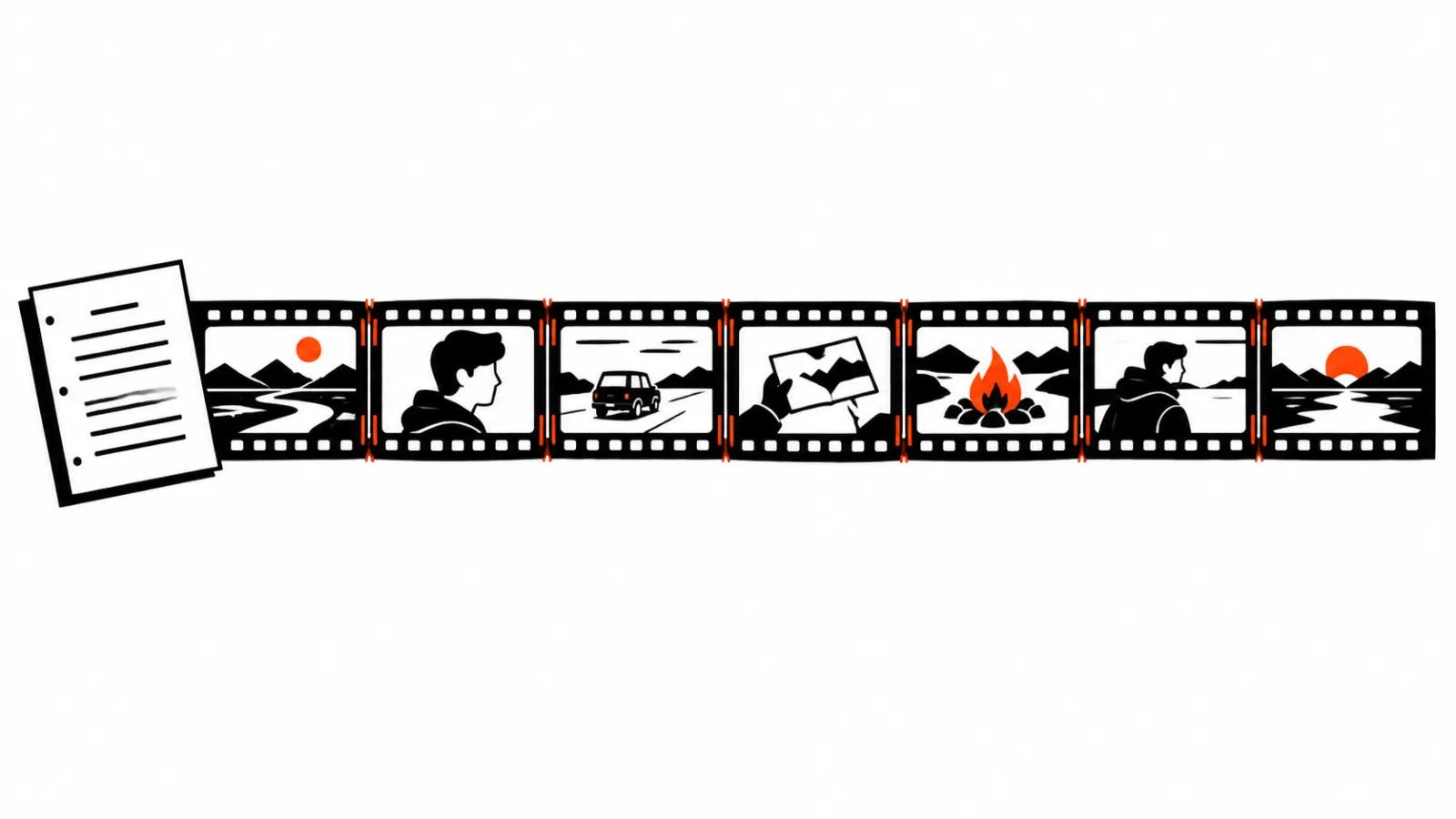
Way three, the most reliable and the dullest: cut the video into shots of five to ten seconds, generate each one separately, then assemble in an editor. Cuts, sound, captions and colour live in post.
The upside is obvious: a bad shot does not drag the rest down, and a redo costs the time of one piece. The downside is just as obvious: seams show if nobody planned for them. Shared references for face, wardrobe and light help, so does motion that carries across a cut, and so does editing rhythm that hides the join.
It pays to know what latent space means here. It is the compressed description of a scene inside the model, a set of numbers with no pixels in it. The model compares those descriptions, and across two independent generations they disagree: the light shifts slightly, the face changes slightly. That is where the odd jumps on a seam come from, and the eye catches them before the brain does.
What it means for the quote
A long video is a series of shots, and that is how it should be priced. A minute of final cut usually means around ten generated pieces, and some of them will be thrown away because the storyboard keeps changing as the work goes.
The second line in the quote is rework. The first shot is always the most expensive in time: references, light and style get set there, and it is the shot most often redone from scratch. After that, work speeds up once the references are locked.
So the useful conversation with a client is about the number of shots and the room for a redo. Length follows from those two. Our AI video production is built this way, shot by shot, while handcrafted AI videos take on projects that need one continuous take or a real acting scene.
My take
The thirty second ceiling will not disappear with a patch. It follows from how the model counts: the longer the video, the more every extra second costs. Models will keep pushing further, extension and keyframes already work, and the principle stays.
My working order is therefore unglamorous. Storyboard into shots, generate one piece at a time with shared references, edit at the end. I use continuation from the last frame when the scene needs one continuous camera move. And I always leave slack on the first shot for a redo, otherwise the quote starts lying by day two.