Three different failures clients describe as one
A client sends a clip back and says the face drifts. A minute later three complaints are on the table. The face: eyes slide a pixel sideways, the corner of the mouth changes shape, the person looks like someone else between two shots. The hands: fingers melt into one, a sixth one appears, the hand fuses with a cup or a door handle. The text: a letter loses its stroke, a shirt caption reads as noise, a shop sign logo crawls apart.
All three come from the same place and show up differently. Mechanism first, then the fixes that actually work.
Why faces drift in AI video: the model sees a rough sketch of the frame
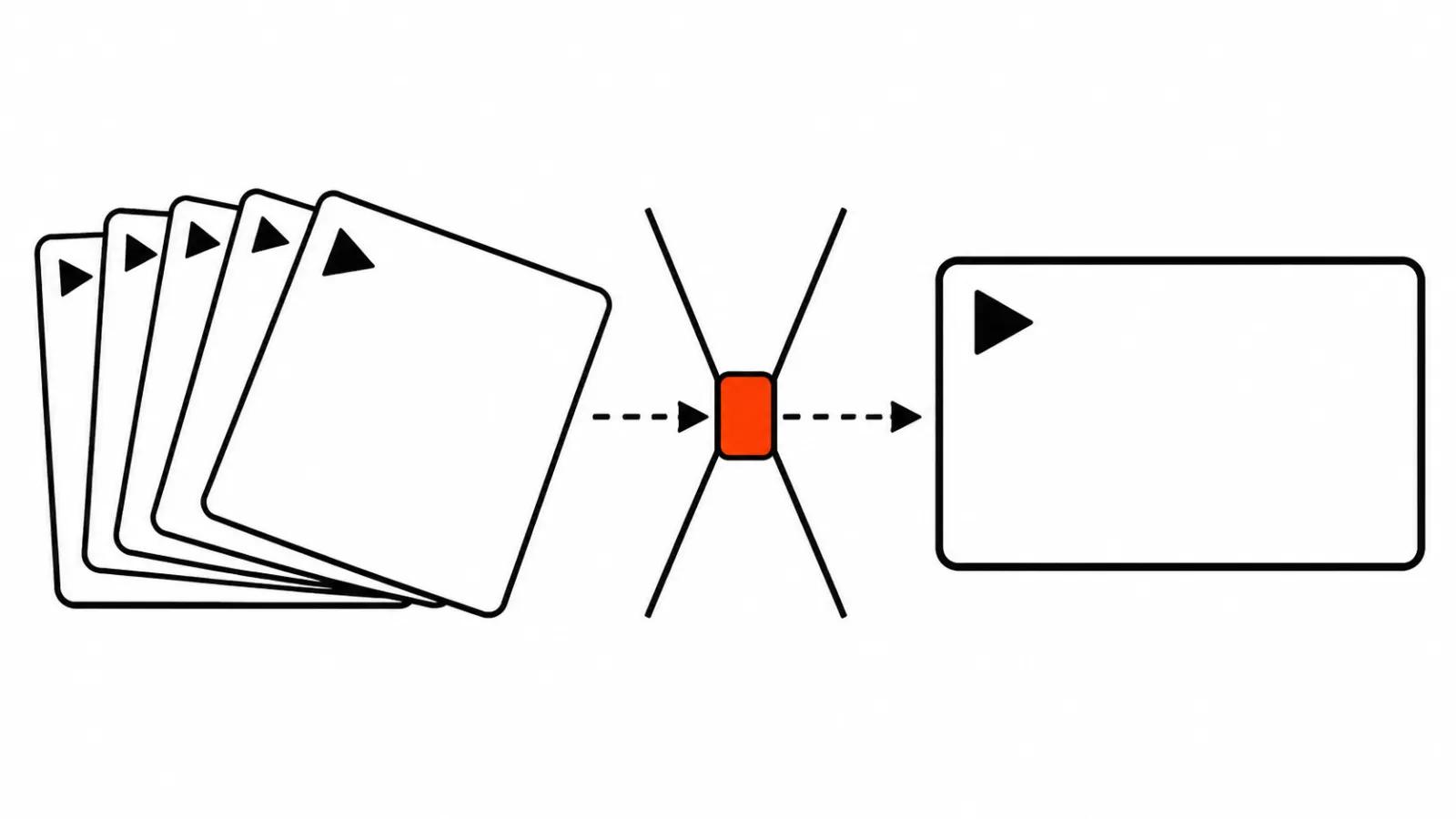
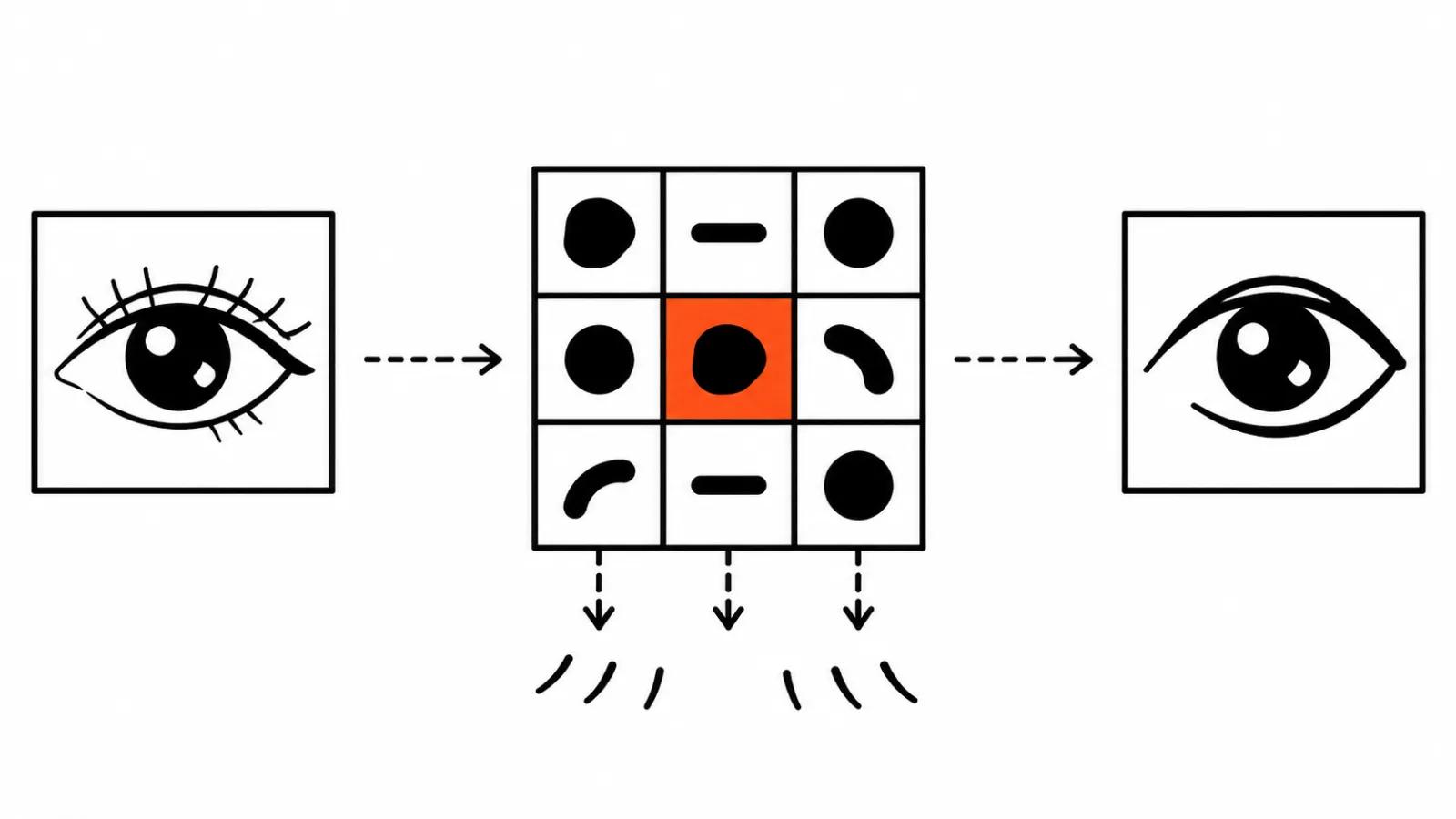
A video model does not paint pixels directly. It works with a latent, a compressed sketch of the frame where fine detail is already gone. In the open LTX-Video model from Lightricks (paper on arXiv 2501.00103) the encoder squeezes video 192 times: one token covers a 32 by 32 pixel block across 8 frames.
In plain terms, the frame is chopped into 32 pixel cubes and the model says one sentence about each cube. A whole nose or a slice of cheek fits in a cube. A pupil, an eyelash, a letter on a sign takes a fraction of one. The model barely stores that fraction. When the decoder puts the frame back together it invents the small stuff from context: an eye belongs here, so draw an eye. It draws a similar eye, and in the next frame a slightly different one.
That has a price. The smaller the detail, the less of it survived in the sketch, and the more the decoder makes up on its own.
Every frame is redrawn from scratch, and the small shifts add up
The second layer is that small detail in every frame gets rebuilt from the draft. Even when a model generates frames together, an eye or a finger comes out slightly different from one frame to the next.
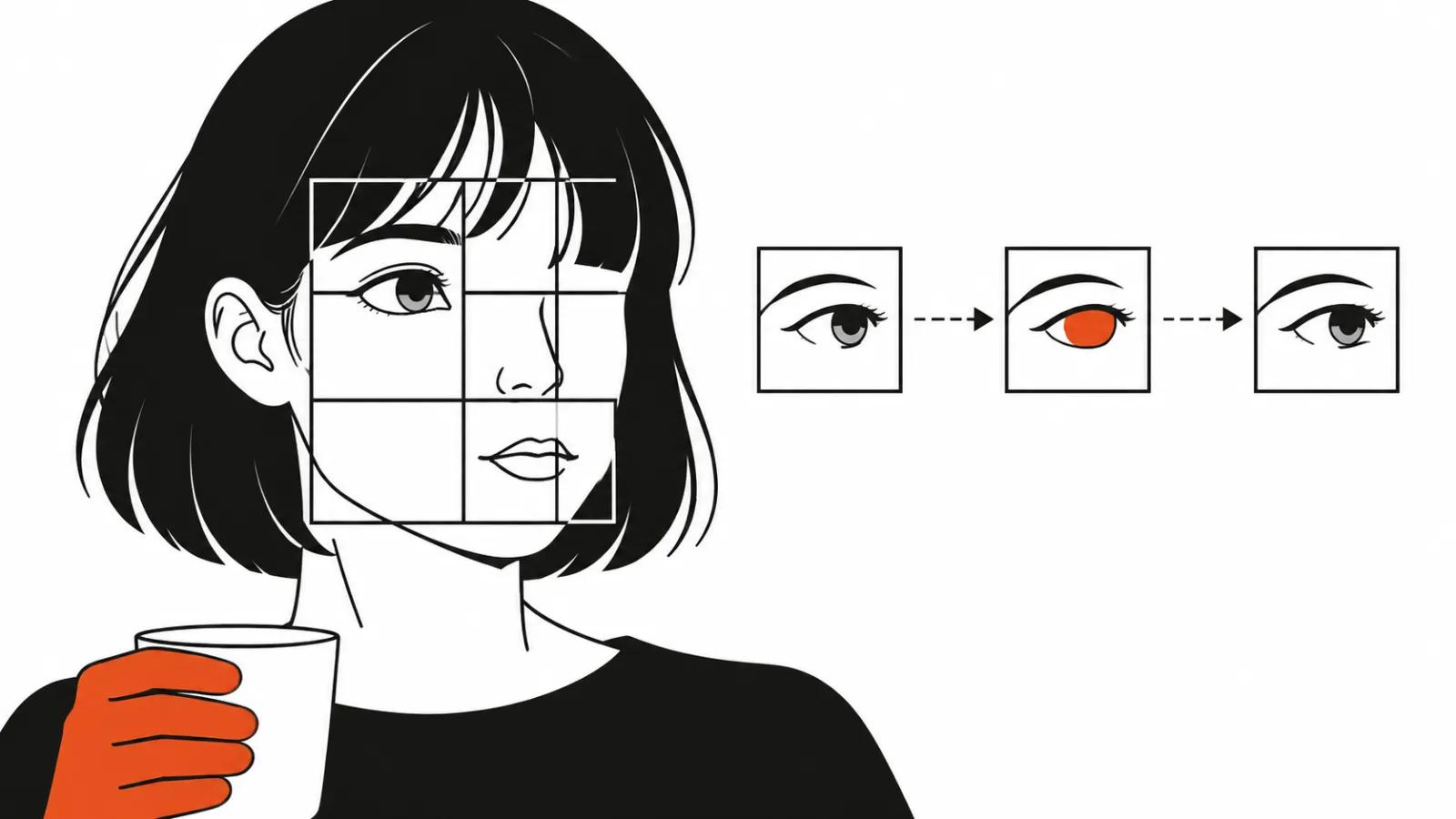
On 11 November 2026 the author of the ComfyUI-H3-FaceRefine-Plus filter (a GitHub project) described this on MiniMax H3. A redrawn face jitters: eyes and mouth corners land one or two pixels off, and the offset is different in every frame. Hair and ears stay put because they are bigger. The jitter reads as a nervous tic, even though any single frame looks fine.
Their Flow Lock filter took the jitter on a test shot from 0.73% of face height down to 0.19%. Those numbers come from the author and one test, yet the order of magnitude is clear: the shift can be removed if the face is tracked frame to frame in a separate pass.
The third reason is bigger than the first two: the model can lose the object itself.
PhyRubric, a benchmark from the University of Illinois Chicago (arXiv 2611.13576, 10 November 2026), scores generated video against physical checkpoints. Across 10 models, 20.4% of physics failures came down to permanence and counting: objects vanish between frames, double up, merge into each other. Shape and identity errors sit in their own category.
The strongest model in the run, Seedance 2.5, matched both the scene description and the physics in 44.20% of videos. The numbers behind that figure, and the rest of the physics in AI video, have their own write-up with the full checklist. For a client the takeaway is simple: holding one object steady from the first frame to the last is a hard problem for a generator, and it solves it approximately.
Why hands drift
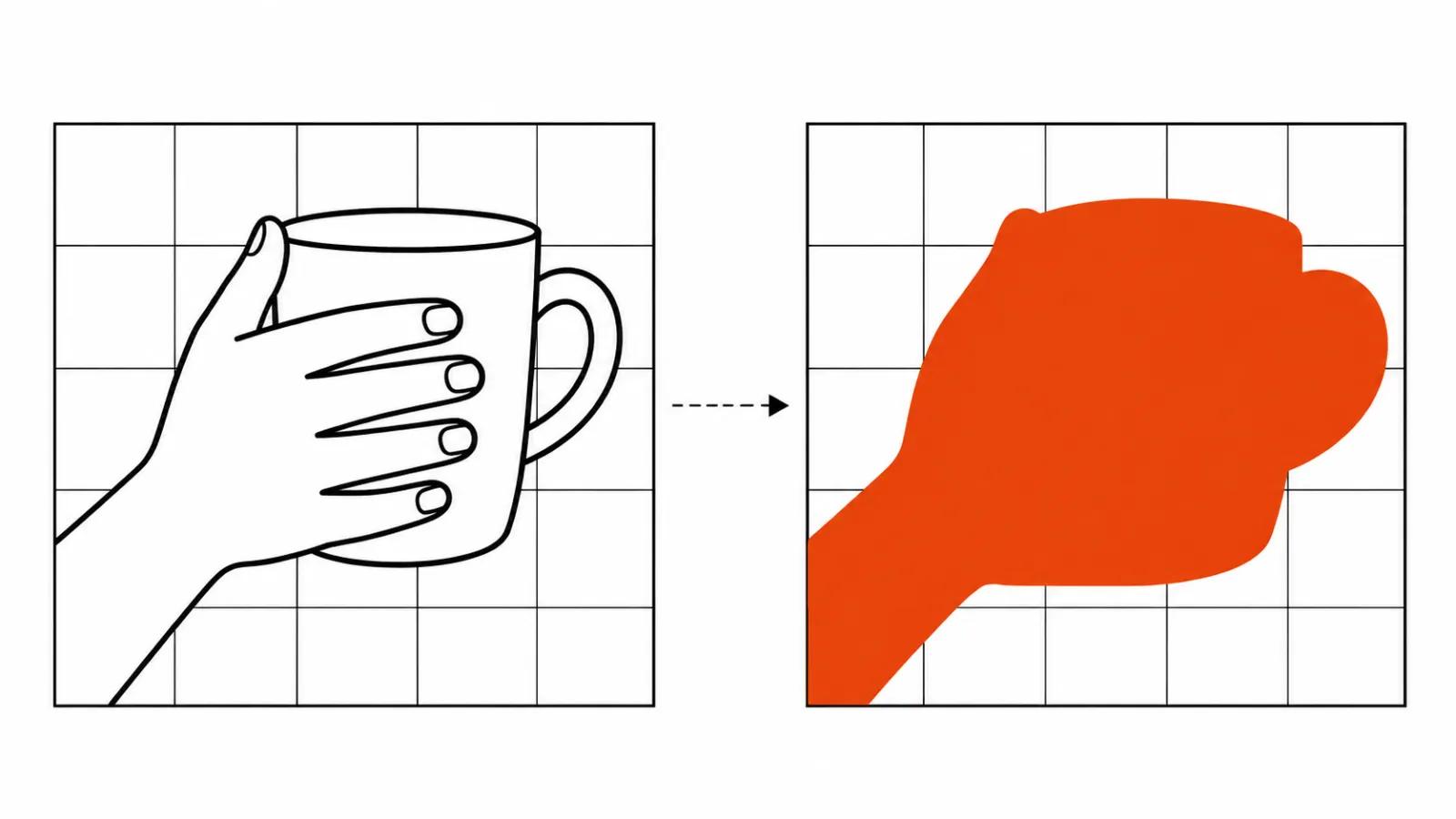
A hand is five fingers, a palm, a wrist and whatever it holds. The parts are small and they overlap each other. Several fingers land inside one 32 by 32 pixel block, sometimes along with the rim of a cup. Then the same mechanism runs: the model knows there is a hand here and draws fingers from context.
Two consequences follow. A close-up of a hand pouring tea or typing stays the hardest shot to get right. And the more the object covers the fingers, the higher the chance that hand and object melt into a single blob.
Why on-screen text breaks
A letter is an exact shape. It differs from its neighbour by one stroke, and the swap is obvious instantly, because we have been reading since childhood.
Compression hits text hardest of all. A short word can fit in one or two blocks, and inside a block the model keeps a general idea, something like "a sign goes here". On the way out it produces a plausible sign, the letters look like letters and they are the wrong ones. Brand names and logos break first, since every line matters there.
The practical answer: add captions, price tags and logos in the edit. A text layer over finished footage reads perfectly and does not depend on what the model invented inside the frame.
The vendors admit it
Google's description of Gemini Omni 1.2 Flash (blog.google, 5 November 2026) lists what still needs work: fast sports motion, rapid scene changes and complex physics. The same post promises less face and object drift from the first frame to the last. So the company treats drift as its own problem and says it got better.
Kling takes another route in the 4.0 guide. Their prompt examples state outright that the hero has to stay visually identical in every frame. That is a hint to the model which removes part of the problem and hands another part to whoever writes the prompt.
Face drift across shots is a topic of its own, and the ways to keep a character consistent in AI video are collected in an earlier write-up.
What to do on set and in the edit
Five rules against drift.
Shoot the face larger when the face carries the meaning. In a medium shot the eye is a couple of pixels wide and the jitter shows. In a close-up the same detail gets many times more pixels and the shift disappears.
Keep face shots shorter. The fewer frames the model draws in a row, the fewer shifts it accumulates.
Use a face reference. A reference gives the model an anchor and the likeness holds better. On Gemini Omni, according to the Runware guide, a reference video holds likeness best, and a single photo does a weaker job.
Put text, price tags and logos in the edit.
Check frame by frame before delivery. Scrub the risky spots at full scale, then watch the same fragment on a phone. Jitter that is invisible in a preview window shows up on a phone immediately.
For AI video production this checklist is worth running on every delivery. When a script needs close faces and readable captions, those scenes are easier to hand to handcrafted AI videos from $190, where a person owns the frame.
My conclusion
Drifting faces, fingers and letters are a property of the method. The model works from a compressed sketch of the frame and redraws the detail from scratch at every step. While that holds, part of a scene has to be built around the limit: bigger face, shorter shot, captions in the edit.
The order I settled on sounds dull. A storyboard that respects what the model can hold, then a ten second test on the hardest shot, then a decision for the whole series. How the generation steps work and where the noise comes from is a separate piece, how an AI video generator works step by step. This text is about something else: what those steps do to small details.