Which AI video model is best: one control shot instead of a general test
The test exists to produce a decision. Impressions do not survive the trip into a brief and they do not help pick a model. The question of which model is best has no answer in the abstract, because it depends on the subject, the shot length and the placement.
A general test made of ten clips fails at that job. Subject, light, length, resolution and prompt text all move at the same time. What is left afterwards is a feeling that one option looked livelier, with no handle to repeat it.
A control shot works differently. Parameters are written down before the render, one variable changes per run, and the result gets compared against the previous one. That test stays inside a single shot, which is what keeps it repeatable. A broad review of what each model offers is a separate job, covered in the piece on AI video models.
What to write down before the render
The set is short: one movement, one character or product, known lighting, five seconds long, 1080p, and an aspect ratio that matches the placement.
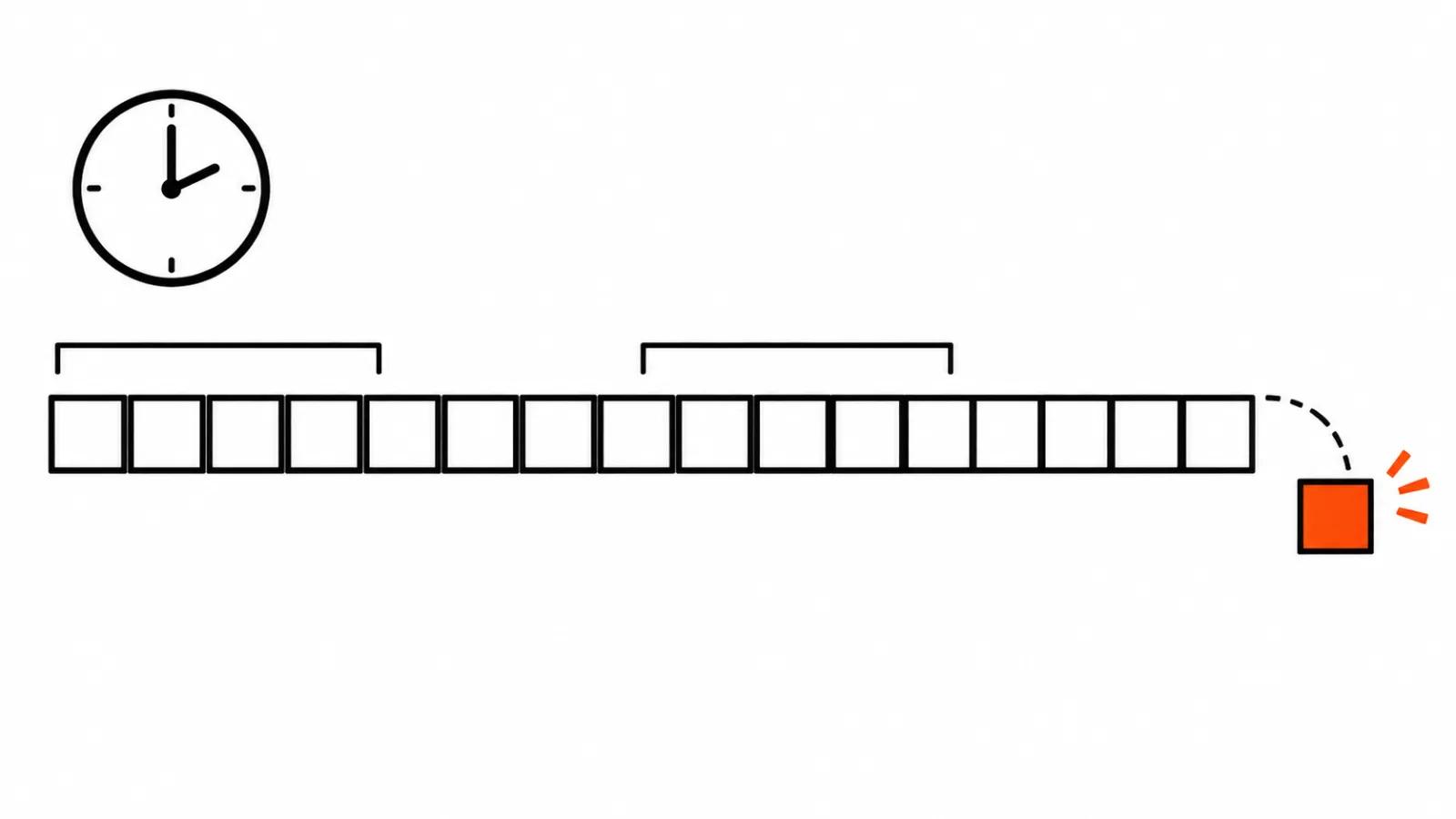
Five seconds is a compromise: long enough to see whether the model holds a face and handles the motion, short enough that a wrecked render costs little. On a long shot defects pile up and nobody can tell which one came first.
1080p is the baseline resolution in Kling 4.0. In the API, settings.resolution takes 720p, 1080p or 4k, with 1080p as the default. A second setting sits next to it: settings.dynamic_range takes sdr or hdr, sdr by default. The link is hard, since 720p exists only in SDR.
Duration runs from 3 to 30 seconds in one-second steps, 10 seconds by default (Kling 4.0 Video User Manual, kling.ai, checked 20.11.2026). For a test, set it to 5. The one-second step pays off on its own, because it shows the length where the model starts dropping the motion.
Aspect ratio comes in six options: 21:9, 16:9, 9:16, 1:1, 4:3, 3:4. Proportions are set before generation and do not change on the finished file, so a vertical cut for a feed and a horizontal one for a site are two renders of the same scene.
Writing it all down has one reason: comparisons only work when like is measured against like. A real brief carries a longer list, laid out in the piece on the AI video brief.
Four questions with a yes or no answer
First: does the model hold the look from frame to frame. Compare the face in the first second against the last second of the shot. Same hair and same features means yes.
Second: does it deliver the motion that was asked for. A prompt calls for a head turn and the render gives a nod, so the answer is no. Repeating the same input will not fix it: wording, angle or shot length has to change.
Third: are text and logo readable, when there is any in frame. One line in a familiar typeface is enough for the test. Blurry letters at five seconds will be blurry letters at thirty.
Fourth: does the background and light hold together. Look at room geometry, shadows, reflections, and where an object meets a surface.
Every question gets one criterion with a yes or no, no scores. Scores need a threshold above which the model counts as good enough, and that threshold gets invented on the spot. A yes or no closes the question immediately and goes into a document without translation.
A 480p draft and keyframes
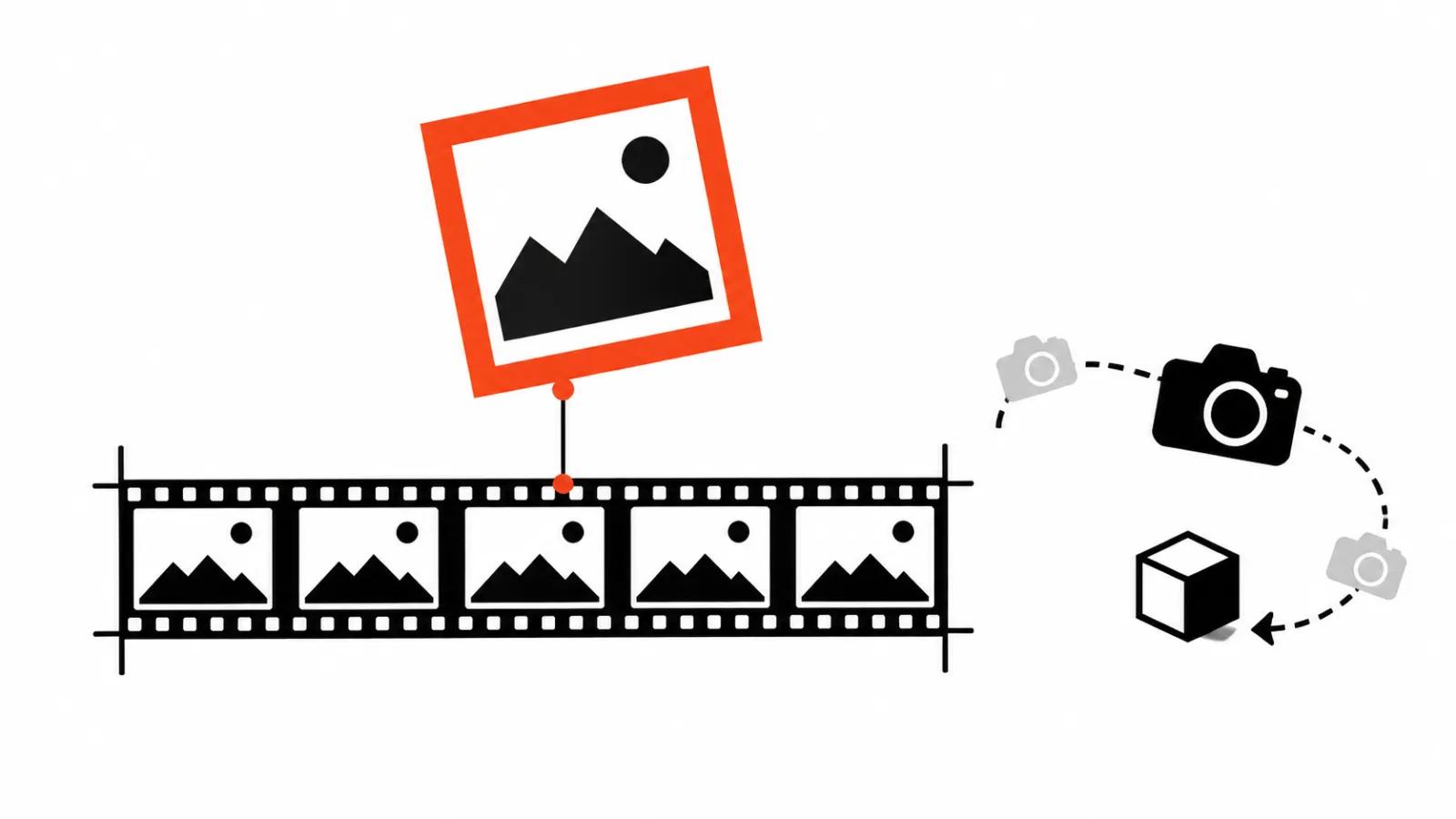
Start with a low-resolution draft where the model offers that mode. In Krea, Seedance 2.5 has a Draft mode: the shot renders at 480p at the 480p rate, then finishes to 1080p or 4K by its draft id (Krea changelog, 15.11.2026, https://www.krea.ai/docs/changelog). A draft stays usable for 7 days. The mode does not work for Seedance 2.5 Flash or for video editing.
A draft answers the question about motion and composition. Colour and small defects show up poorly on it, so it does not replace the final check.
Keyframes go in after the draft has confirmed the motion. Kling 4.0 takes up to ten keyframes: first, last and the ones in between. References go up to fifteen, of which up to ten images, up to five videos with a combined length of 30 seconds, and up to seven elements. The prompt is capped at 8,000 tokens.
Keyframes are written into the prompt using the pattern from section 9, Keyframes, of the Kling 4.0 Video Prompt Guide: "X-Y s | Keyframe 1: what happens; Y-Z s | Keyframe 2: ...". For the first frame, describe what happens next. For the last, describe the path toward it. For every intermediate frame, state what happens at that point and how the camera arrives there.
When 4K and HDR earn their place
Neither belongs in a test. In Kling 4.0, HDR switched on is billed on top of the base price for every second of output video (kling.ai manual, as reported by VP Land, 20.11.2026, https://www.vp-land.com/stories/kling-4-0-adds-native-4k-and-10-bit-hdr-output). A 30-second shot becomes 30 billed seconds on every run, and during a test that money buys rejects.
The second argument is simpler. The difference between SDR and HDR in a phone feed is barely visible, and in a messenger preview it disappears. HDR makes sense when the clip plays on a large screen or goes into a showing with colour requirements.
4K follows the same logic. Resolution changes the pixel count and does nothing for whether the scene works: a hand the model lost at 1080p is lost more visibly at 4K.
One note on versions. Kling 4.0 Flash is a different mode: up to 20 seconds, 720p maximum, and no first or last frames and no keyframes. Measuring Flash with the same tasks as Kling 4.0 does not work. How the versions differ is covered in the piece on Kling 4.0 versus 3.0.
How to record the result
The result is four lines: model with version and mode, date of the render, parameters, and the verdict on all four questions. The date matters because documentation and limits move.
That record feeds two documents. The brief, where it shows which parameters were agreed and what counts as a defect. And the delivery review, where the same four questions get asked again on the finished file and compared against the test answers. The order for that check is in the piece on the AI video delivery checklist.
Money goes on a separate line: the HDR surcharge is billed by the second. Per-second benchmarks are collected in the piece on AI video cost per second.
Common mistakes in a test
The first and most expensive: comparing Flash against the full model and drawing a conclusion about the whole line. These are two modes with different ceilings on length, resolution and frame handling.
Second: testing at 30 seconds. On a long shot the model manages to both hold the motion and lose the face, so nobody can say which part broke. Five seconds answers the same question faster and cheaper.
Third: changing two parameters at once. After that run there is no way to say why the picture got better or worse.
Fourth: judging by one lucky frame. Generation is probabilistic, and a single good render proves nothing. Run several renders with identical input and count how many returned a yes.
What this changes in a commission
One shot is all it needs. It also removes the main argument at delivery, because by the time the clip is finished both sides hold written answers to the same questions.
Then volume starts. A handcrafted clip up to 90 seconds, with every frame reviewed, is priced from $190 and takes about a week. A stream of vertical videos is priced by views, up to $2.40 per 1000 views: the format gets built once and repeated across hundreds of clips.
Which one applies depends on the job. One AI commercial against a date is planned in weeks. Volume work is priced by views on the AI video production page.