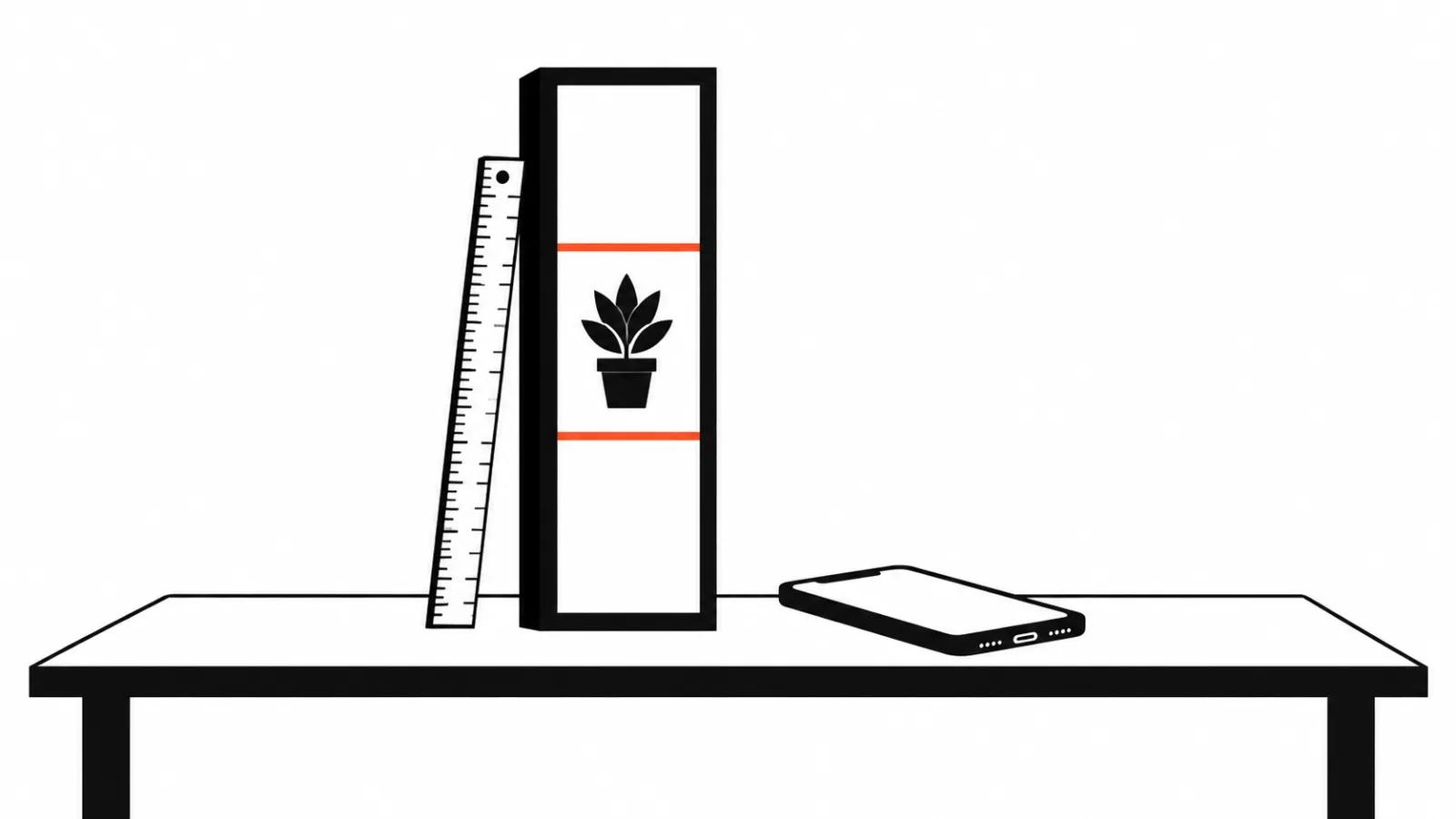
Vertical video format in numbers
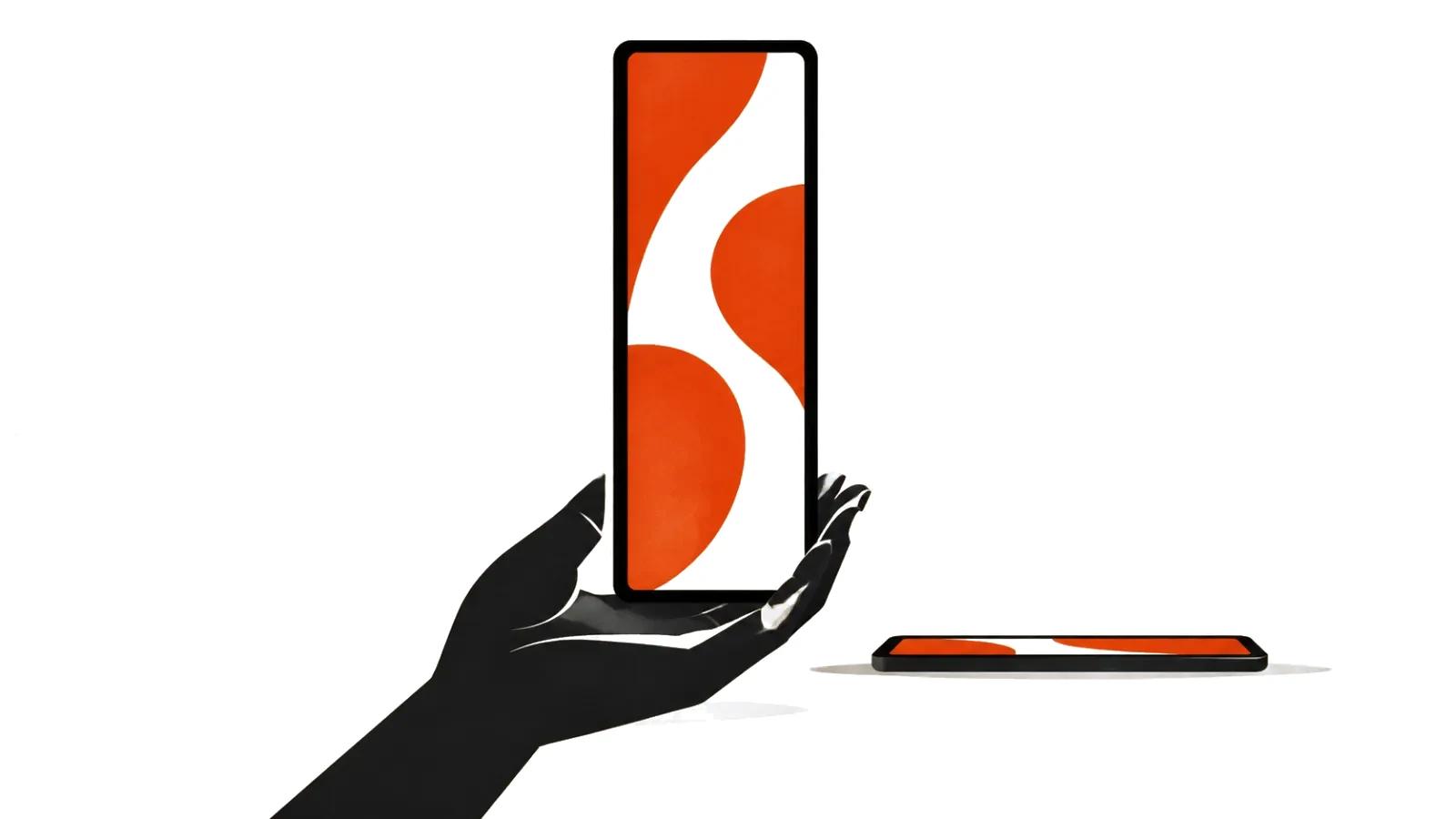
Vertical video is taller than it is wide. The aspect ratio is 9 by 16, and at 1080p the frame is 1080 by 1920 pixels.
YouTube's standard for video on a computer is 16 by 9. The help center says so directly, and lists the recommended resolutions for that ratio from 4320p down to 240p.
There is no separate vertical ladder published by YouTube. Vertical usually takes the same steps with width and height swapped.
Resolution: 1080 by 1920, and when to go bigger
1080 by 1920 is the working baseline. That frame survives a feed, a re-share and a phone with a tired screen.
4K vertical is 2160 by 3840. It earns its place when the footage gets punched in later or plays on a large display. In a feed the difference is rarely visible.
Below 720 on the short side the point disappears: faces and on-screen text turn into smudges.
What actually matters is the pixel count on the short side. A phone stretches vertical video across its full height, and every missing pixel of width shows.
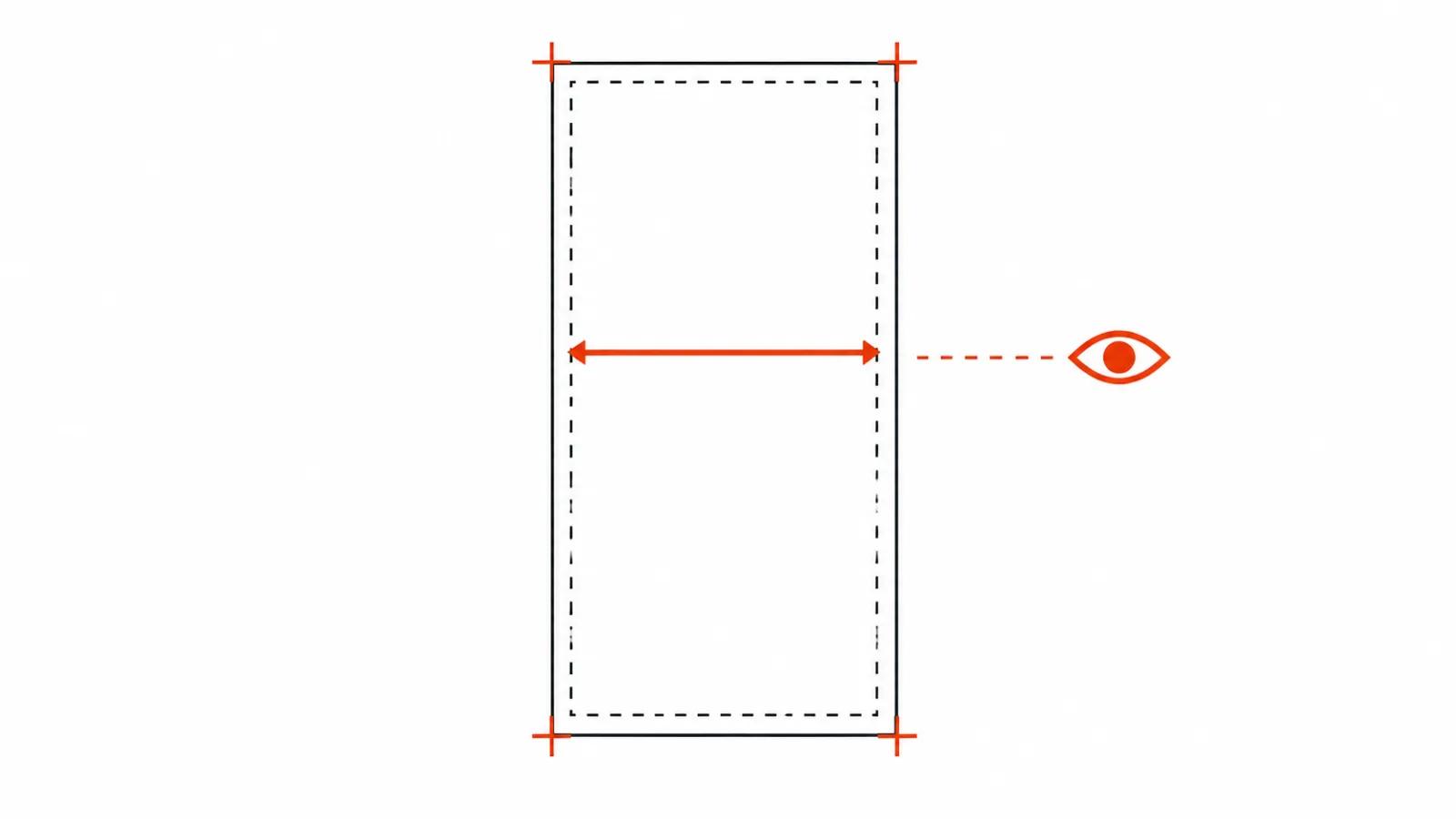
What the platform says about aspect ratio
YouTube's help center states that when a video has a different aspect ratio, the player adapts to fit the video and the viewer's device.
Then comes the detail worth remembering. For some combinations, including 9 by 16 vertical video in a computer browser, the platform may add padding for comfortable viewing. The padding is white by default and dark gray with the dark theme on.
The recommendation that follows: do not add padding or black bars to the file itself. Padding interferes with the player's ability to resize to the video and the device.
Put another way, the platform decides how to fill the empty space. Your job is to hand over a clean frame.
Safe areas: where the interface sits
Even a correct frame loses part of its picture. Captions, buttons and the progress bar sit at the top and bottom of mobile feeds.
A workable rule: keep the meaning in the middle third of the height, and keep text at least a tenth of the frame away from any edge.
If the same film will also run square, plan for that now. A square crop takes the middle of the vertical, and a composition built from the top edge collapses inside it.
What a horizontal cut loses
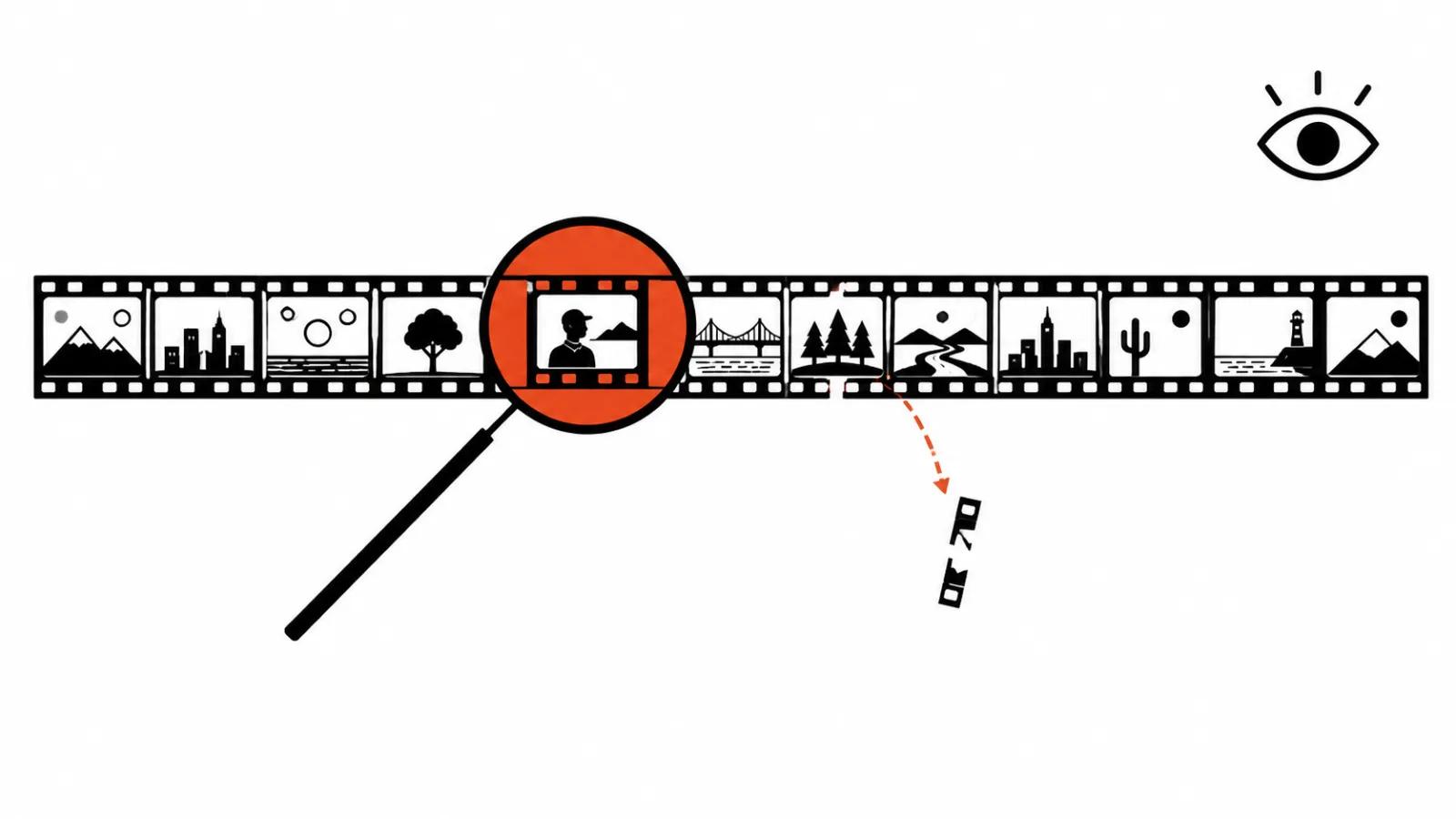
A widescreen frame cropped to vertical loses its sides, and the sides take people standing at the edge plus any text that ran in a row.
Going the other direction is worse. Vertical into widescreen either picks up bars or loses the top and bottom, which is where heads and titles usually live.
The practice that follows: shoot and cut for both frames when both are needed. One edit for vertical, one for widescreen, from the same material.
Export settings
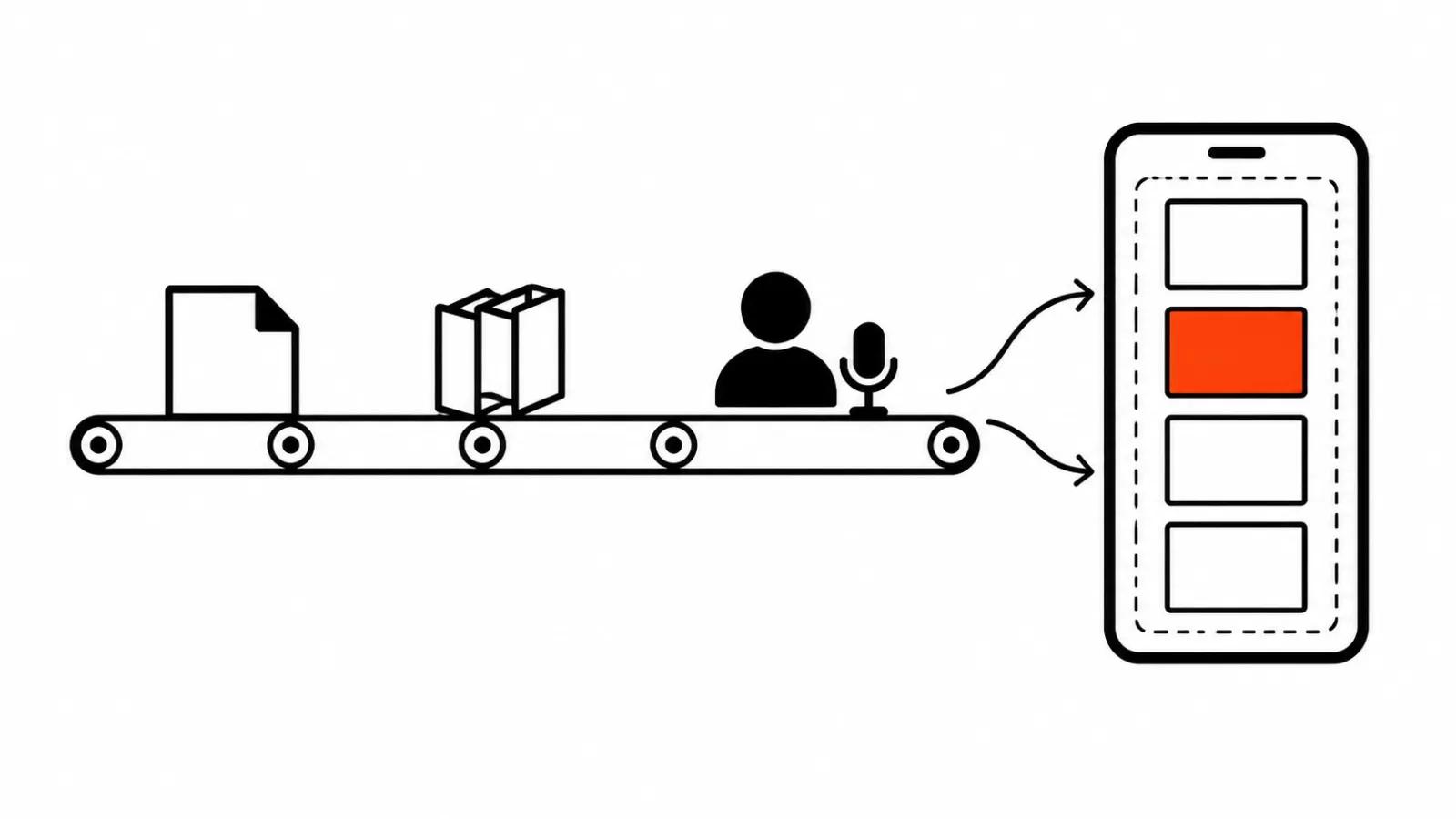
When a run of films differs only in packaging, it helps to see how short-form video at scale is built: there the format is a production parameter, decided before the edit. For feed and story campaigns, read the breakdown of vertical video ads in 9:16. The broader case for vertical videos for business, including how many a month makes sense, is worth reading before anyone prices the job. And when a film is made for a specific placement with paid delivery, format gets discussed next to budget, which is where vertical video ads as a service come in.
| Setting | Vertical 9:16 | Widescreen 16:9 |
|---|---|---|
| Base resolution | 1080 by 1920 | 1920 by 1080 |
| Resolution with headroom | 2160 by 3840 | 3840 by 2160 |
| Frame rate | as shot, unchanged | as shot, unchanged |
| Bars in the file | none | none |
| On-screen text | centered, inset from edges | inset from edges |
The check before publishing
Six steps that catch most of it.
Watch the film on a phone. A monitor flatters contrast and hides small type.
Watch it inside the platform's app. Captions and buttons sit at the top and bottom and cover more than the edit timeline suggests.
Check the first and last frame for clipped lettering.
Switch the computer to dark theme and look at the padding the platform adds.
Listen in headphones. Vertical video gets watched in public, and quiet lines vanish there.
Confirm the duration fits the placement. For films created in the Shorts camera, YouTube states a limit of three minutes.
When vertical is the wrong choice
When the film plays on a large screen: a hall, a trade show booth, a meeting room.
When the frame carries a lot of text and tables. Vertical is a poor carrier for those, and reading gets uncomfortable.
When the viewer is on a computer. Vertical fills half the screen there, and the platform adds padding.
In every other case vertical is the default, and has been for years. The frame simply has to be built for it from the start.