Brightness steps, explained simply
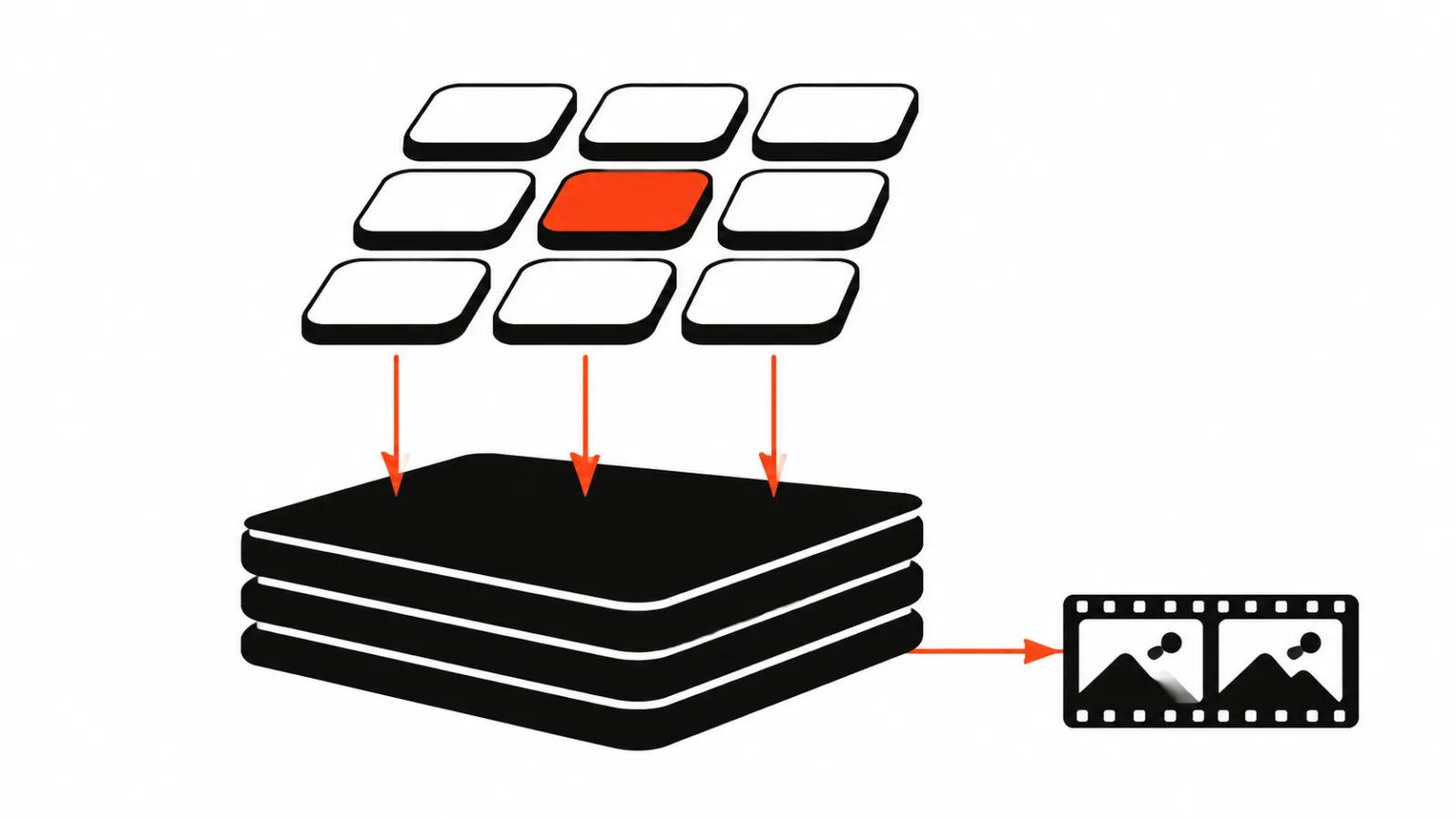
A digital image is a grid of dots, and every dot carries three numbers: how much red, green and blue it holds. Bit depth says how many different values each of those numbers can take. At 8 bits per channel that is 256 values, from zero to 255. At 10 bits it is 1024.
The difference sounds modest and behaves like a lot. Four times the steps per colour means there are in-between tones between nearly white and white, tones an 8-bit file simply cannot store.
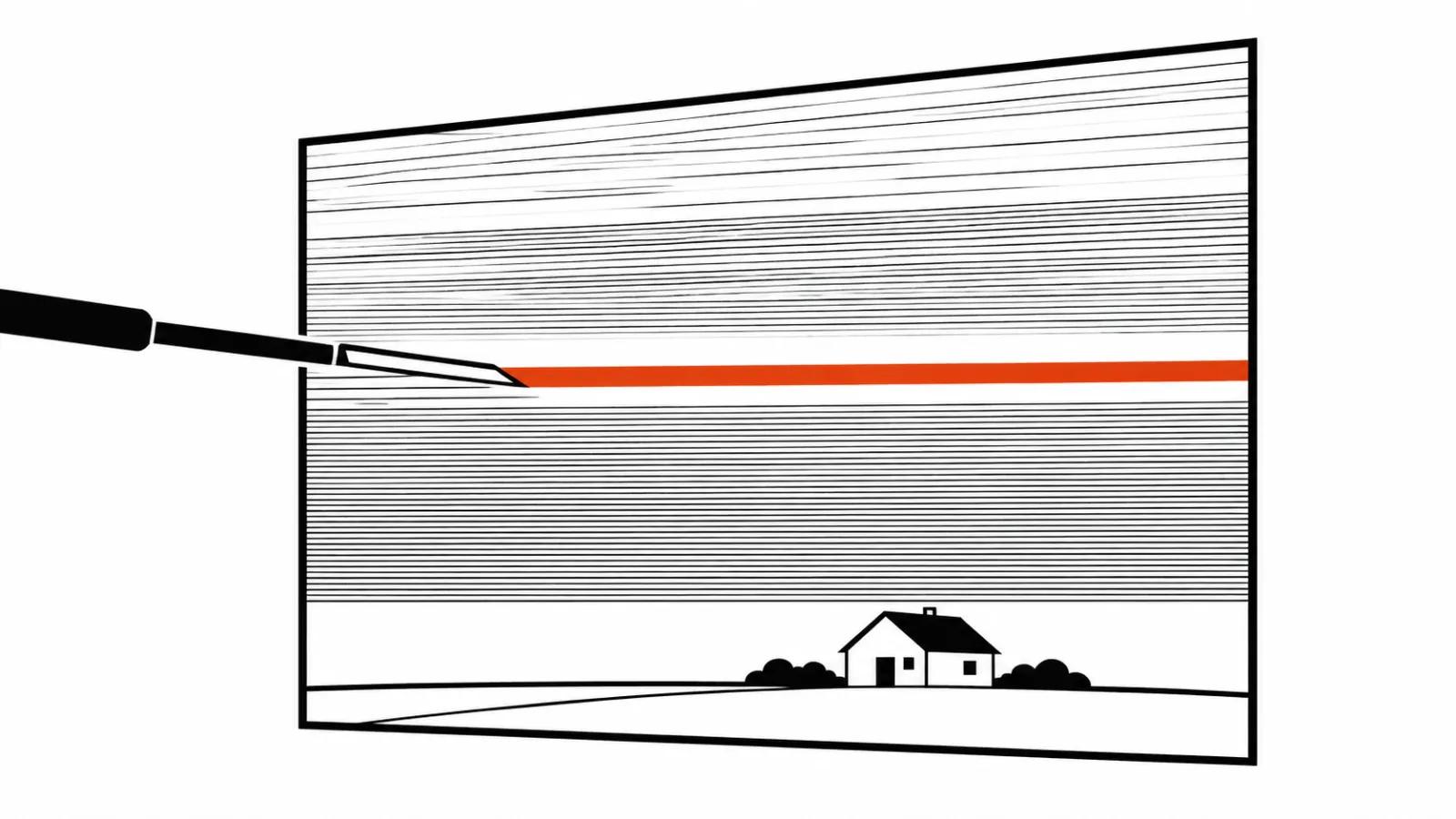
The case that matters is a slow gradient. A cloudless sky, an evenly lit wall, fog, the glow of neon in a dark scene. Brightness shifts gradually across dozens of pixels, and the eye needs many close values to read that shift as smooth.
Why bands appear in the sky
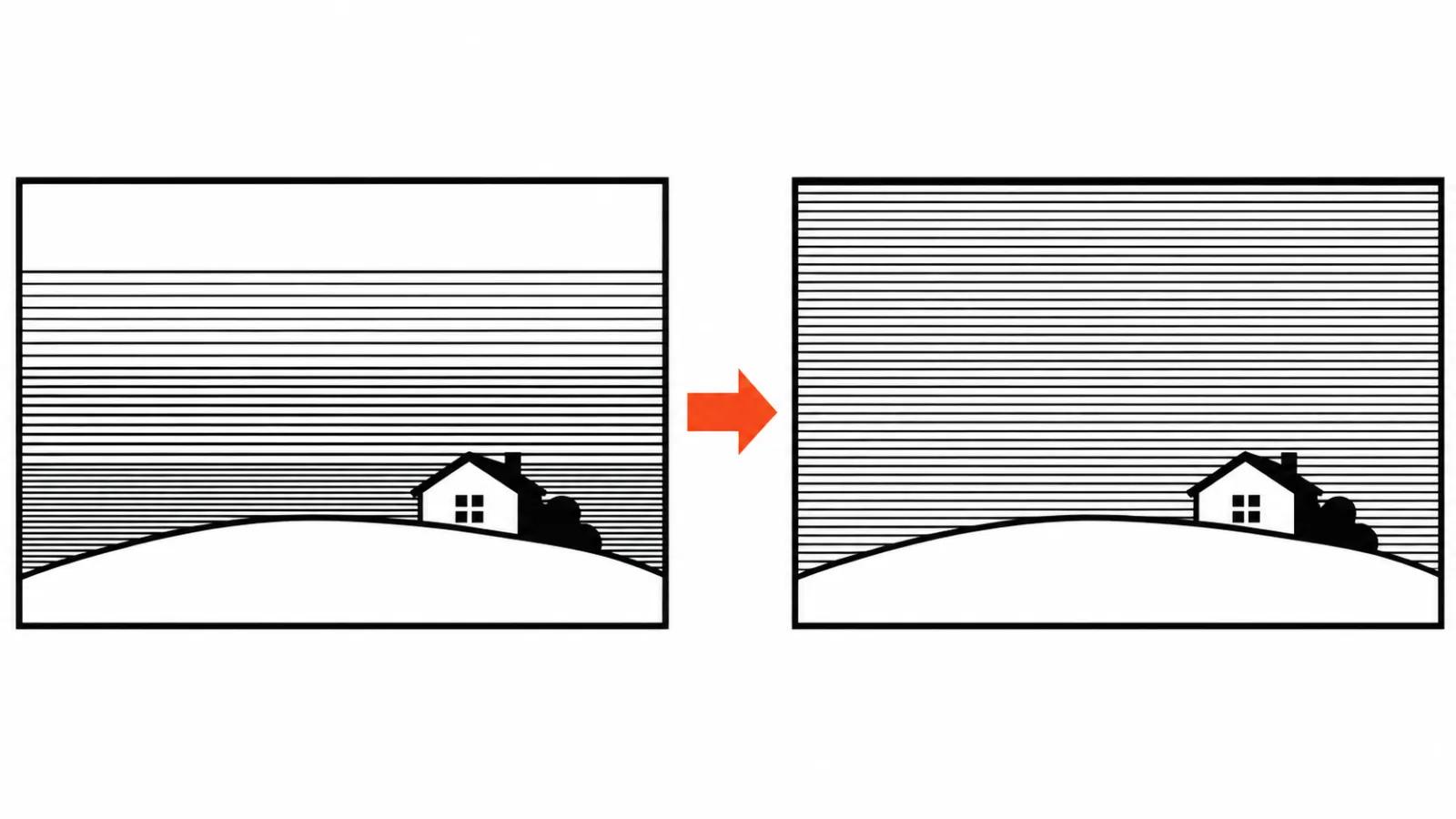
When the steps run out, the gradient breaks into visible bands. People in post call it banding. In AI video there are two causes.
The first is bit depth. If the model delivered the frame at 8 bits, part of the sky is already gone before you open the file. The second is compression. Web video is compressed hard, and that adds blocky artefacts alongside the bands. Even a 10-bit master can show steps once a platform has re-encoded it.
So the first practical reading: bands in a finished clip mean precision ran out somewhere in the chain. The file itself will point at the weak link.
HDR: dynamic range and the transfer function
HDR is the term that trips people, because the name promises “brighter” and the subject is something else. HDR, high dynamic range, describes the span between the darkest and the brightest part of the frame, and how those values get translated into screen brightness. That translation is called the transfer function.
Everyday video runs SDR with the familiar Rec.709 colour space. In HDR video there are two main standards. PQ (SMPTE ST 2084) is the base of HDR10 and Dolby Vision. HLG was designed for broadcast. HDR usually travels together with the wide Rec.2020 colour space.
Why the transfer function matters: the eye does not read brightness linearly, and without an agreed mapping the same numbers render differently on different screens.
Why generators shipped 8-bit SDR for years
Plain training logic explains most of it. As a rule, video models learn from what is on the internet, and the overwhelming majority of that material is 8-bit SDR. A model delivers frames through a decoder trained on the same kind of material, so it hands back what it was taught. Nobody outside has published the internals of commercial video models, so I stop at that general picture.
The second layer is practice. Platforms re-encode whatever you upload, and for a generator maker it is cheaper and simpler to deliver the file everyone expects than to explain HDR metadata to an editor.
The third layer is the one people argue about. Metadata and a transfer function are what make an HDR file open correctly. Without them a normal screen shows the picture washed out or blown out by highlights. So the question worth asking is what a generator actually outputs, and a promo headline does not answer it.
What Kling 4.0 and Luma Ray3 changed
Kling shipped an update to 4.0 on November 20. According to the guide on kling.ai, the post on X and VP Land's write-up of November 20, Kling 4.0 delivers native 10-bit HDR at 1080p and 4K, while 720p stays SDR only. HDR carries an extra charge per second. Kling promises more detail in highlights and shadows and less banding in backlight, night and neon shots. The important questions are unanswered: the HDR standard, the codec, the container, none of them named.
Luma's Ray3 was announced in September 2025 as the first generator to produce 16-bit HDR in the EXR format (ACES), aimed squarely at colour grading and film. In November 2026 the HDR+EXR mode disappeared from the Ray3.14 pricing page at Luma, a shift we covered in our piece on Luma charging per second. Bold claim, shorter shelf life.
The takeaway: through 2026, HDR in generators moved from announcement to price list, and the second half of that trip proved harder than the first. I went through Kling's modes separately in the Kling 4.0 4K and 10-bit HDR piece.
When the extra two bits are worth paying for
Paying for HDR makes sense when the clip will be graded, cut into a film, or shown on HDR screens. A night scene with neon, a shop window, backlight through a doorway: that is where real dynamic range lives, and the extra bits give a colourist room to lift shadows and hold highlights without mud.
For a phone feed the gain is smaller. The platform re-encodes the clip anyway, and on a screen in your hand the difference between 8 and 10 bits is invisible in most shots.
Short version: what 10-bit and HDR in AI video mean in practice, using Kling and Luma as the example.
One common myth deserves a line of its own. Upscaling 8-bit footage to 10-bit does not bring back lost steps. Steps that were never recorded do not appear. You can only hide the bands under noise or grain so they stop reading as bands. With footage already shot and compressed at 8 bits, the fix belongs to a colour and grain conversation, and it has little to do with bit depth.
Budget note. HDR costs money on every single render, and not every shot deserves it. The same logic that makes heavy modes expensive sits behind the price of 4K output in video, which I covered in a separate piece asking why 4K costs more.
For graded work and cinema screens, start from AI video production with HDR agreed up front. Recomputing bit depth in post does not recover the steps.
When a short spot with nights and neon runs as an ad, HDR pays off more visibly: an ad production build starts with the delivery screen in mind.
What to check in the delivered file
The check takes a minute and prevents most arguments at delivery. First, open the file's media info and look at bit depth: it should read 10 bit if you paid for it. Colour space and transfer function sit nearby and should match what you agreed on.
Second, play the file and watch the sky gradients on a slow camera move, then watch shadows in the night shots. Bands and staircases show up on the first gentle transition. Third, look at the clip on a phone: that is what your viewer gets after the platform is done with it.
If the brief calls for footage that will be graded or shown on a big screen, put the bit depth and transfer function requirement in writing before the job starts. Otherwise the deliverable arrives as 8-bit SDR and technically meets the brief. A colour profile check on every final file adds a step to the schedule, and the AI video production quote should reflect it.
My conclusion
Bit depth is not “quality” in a general sense. It is precision in reserve for transitions. 256 steps cover a well-lit scene and run out on a sky, fog and night neon. 1024 steps cover those cases, which is why HDR arrived in AI video as a working option.
My order for a project: decide where the clip meets the viewer, then decide about the surcharge. Graded and shown on a large screen, 10-bit HDR earns its price. Vertical clip headed for a feed, SDR is enough, and the money is better spent on the script and the edit.
One last thing. Standard names and codecs in generator announcements still lag behind the modes themselves. Until the maker names a transfer function and a container, treat claims of “true HDR” as something to verify on the delivered file, since a promo screenshot proves nothing.