What people ask for when they want a clothing try-on
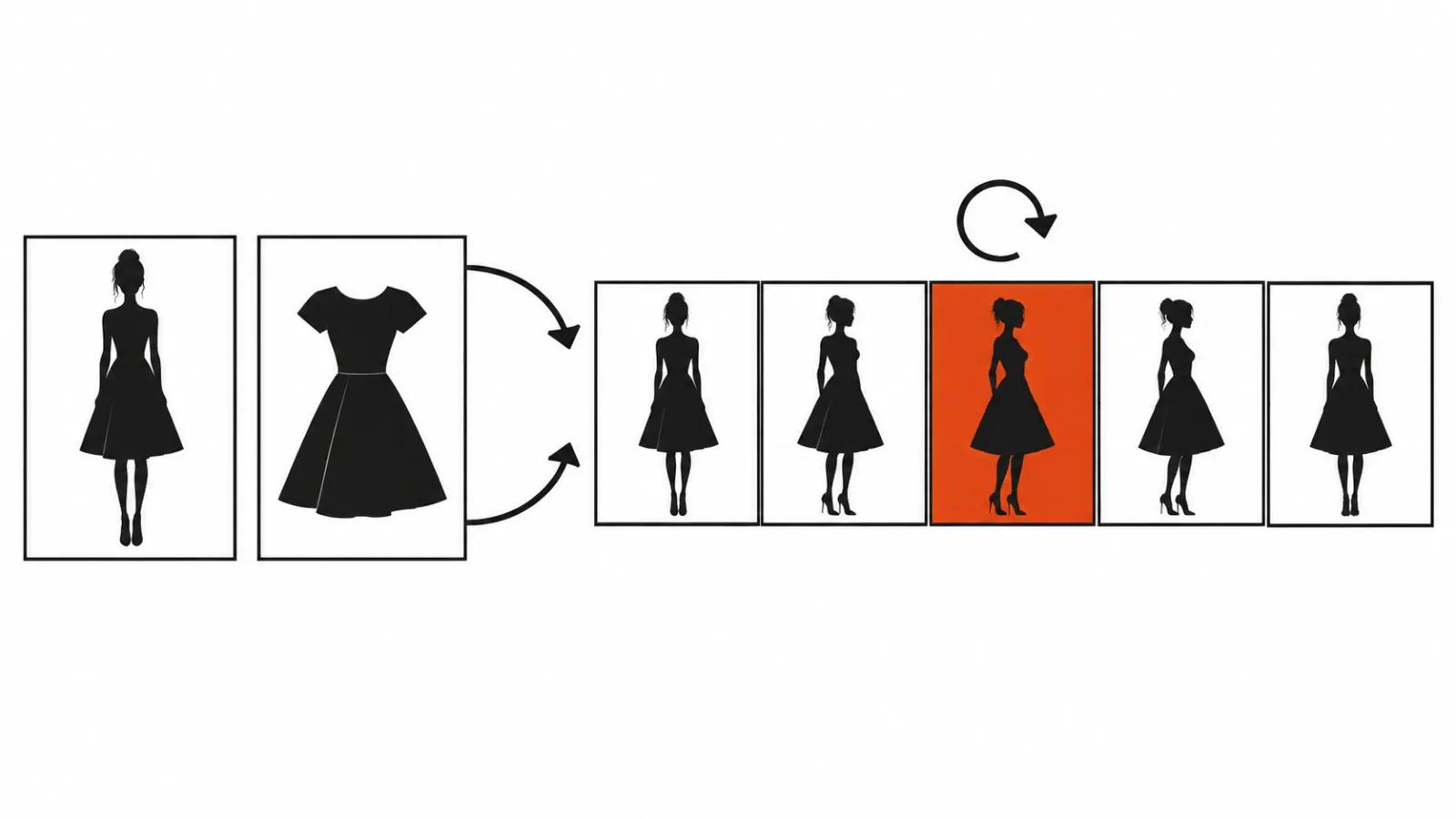
"I have a model photo and a product photo, make a video of her wearing it." I hear that sentence from clothing brands, from sellers on marketplaces, and from single shop owners. The ask behind it is narrow: a short clip where the garment sits on a body, the fabric and hardware read clearly, and the face stays the same face.
The files usually arrive as a set of three or four: a full length studio shot of the person, a front shot of the item on white, a back shot, sometimes a close up of a cuff or a zipper. That set is enough for a clip between five and fifteen seconds. Anything longer is wasted on a product page, since a shopper gives this kind of video two seconds before scrolling.
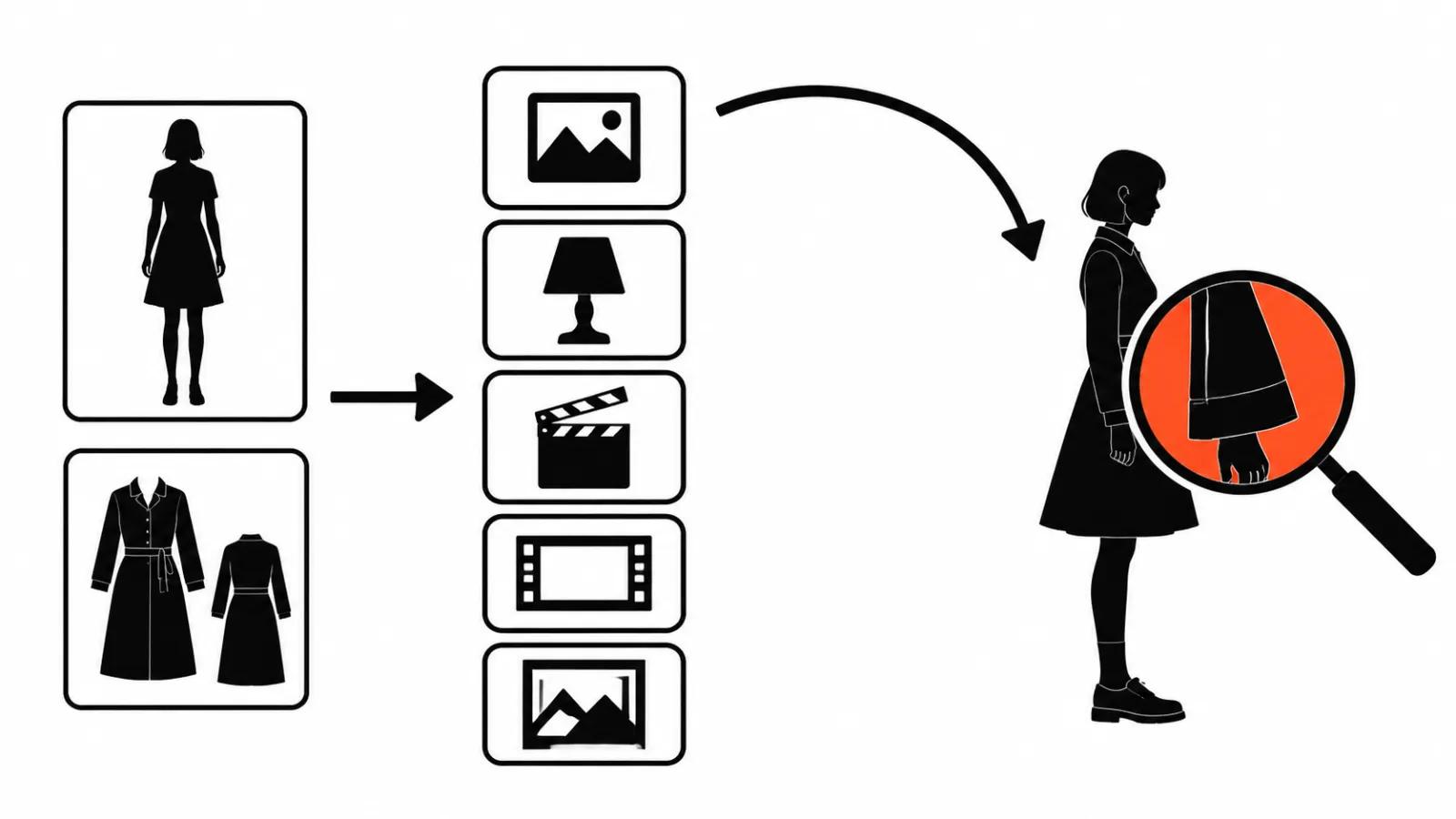
The pipeline: product video from AI and two photos
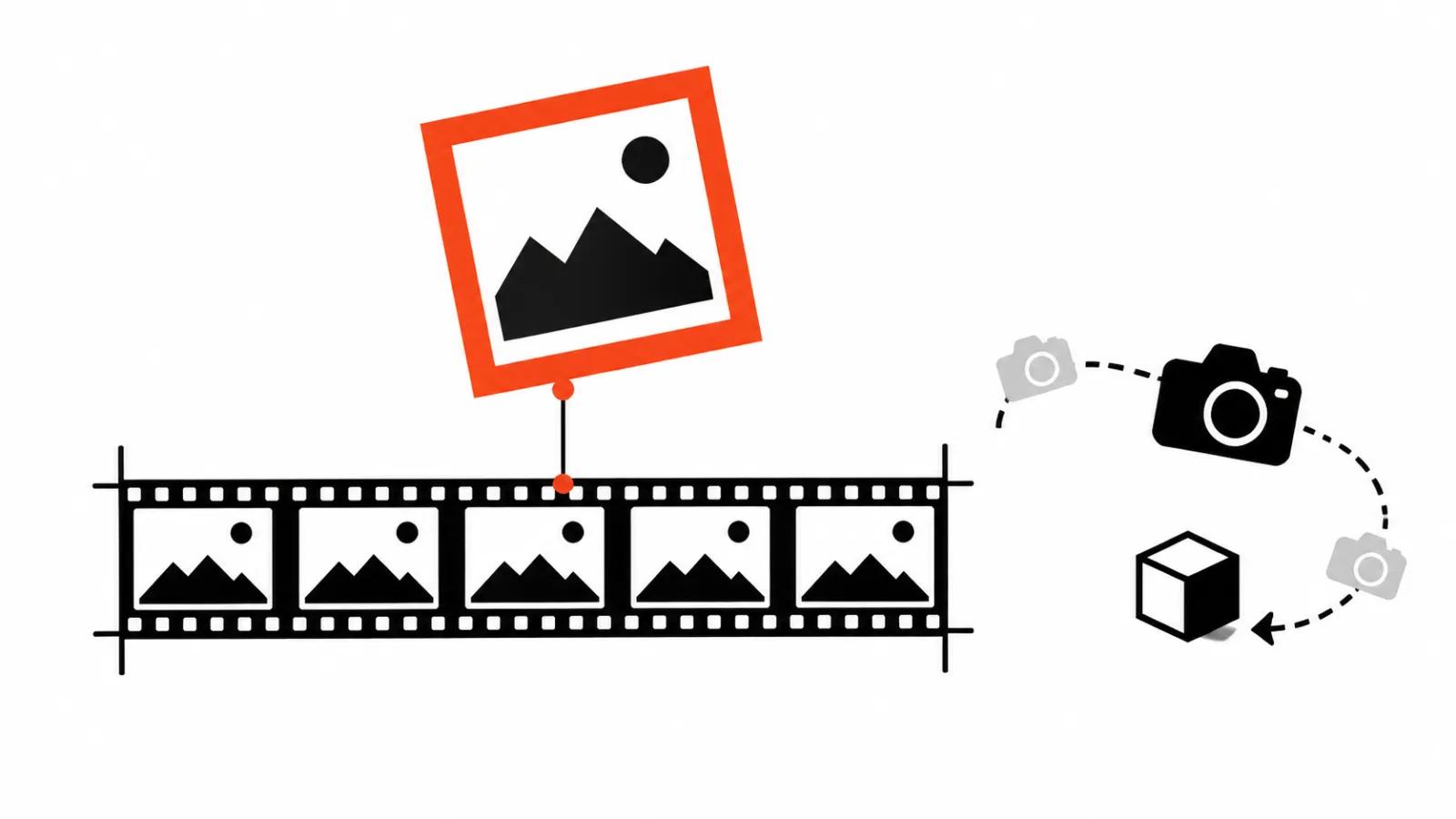
The scheme is short. The person reference carries the face, the build and the clothes they already wear. The front and back of the garment carry the cut, the colour, the weight and the small details. Then the model generates motion: the person turns, the camera arcs around, a match cut onto a close up can sit in the middle.
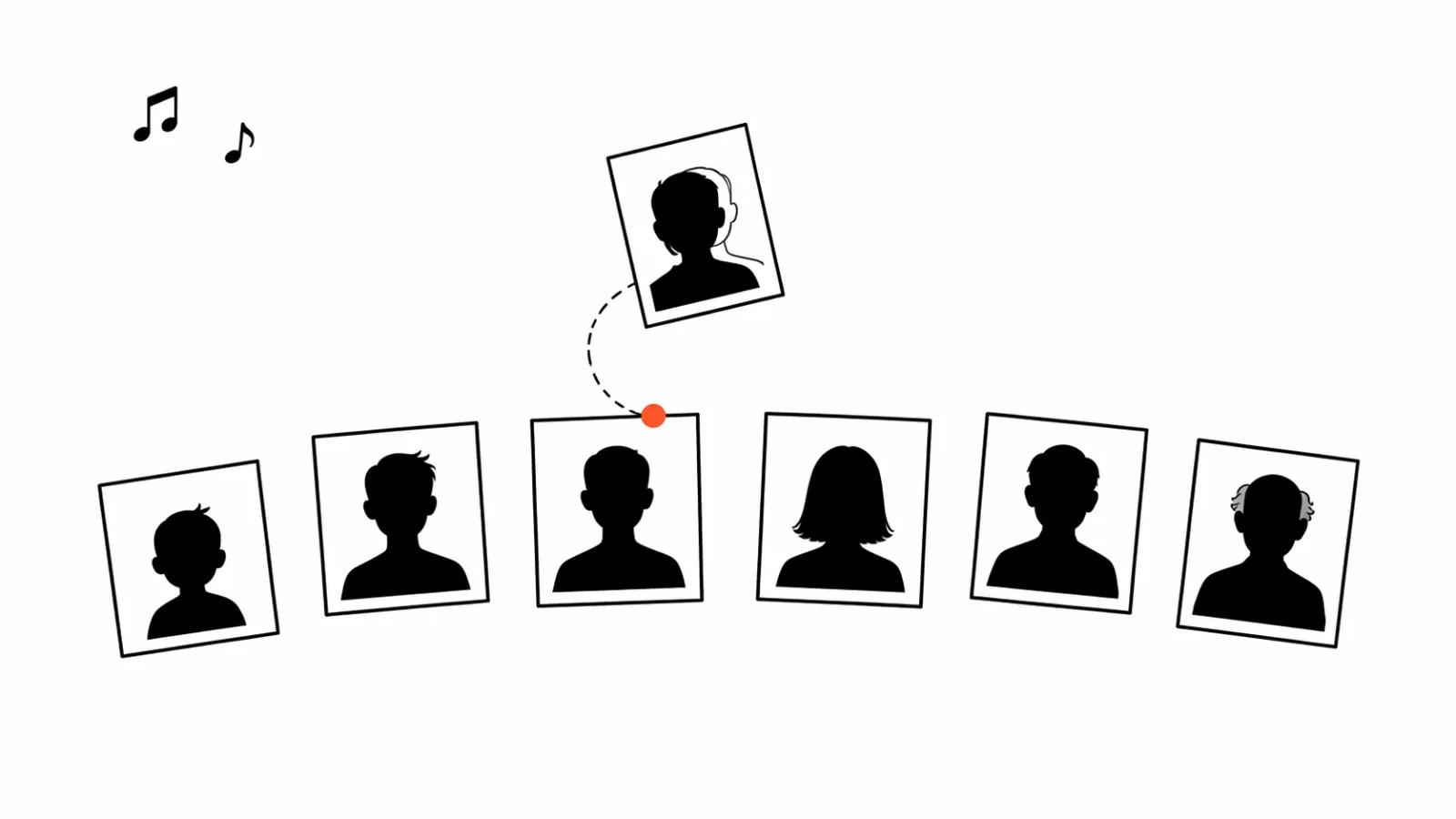
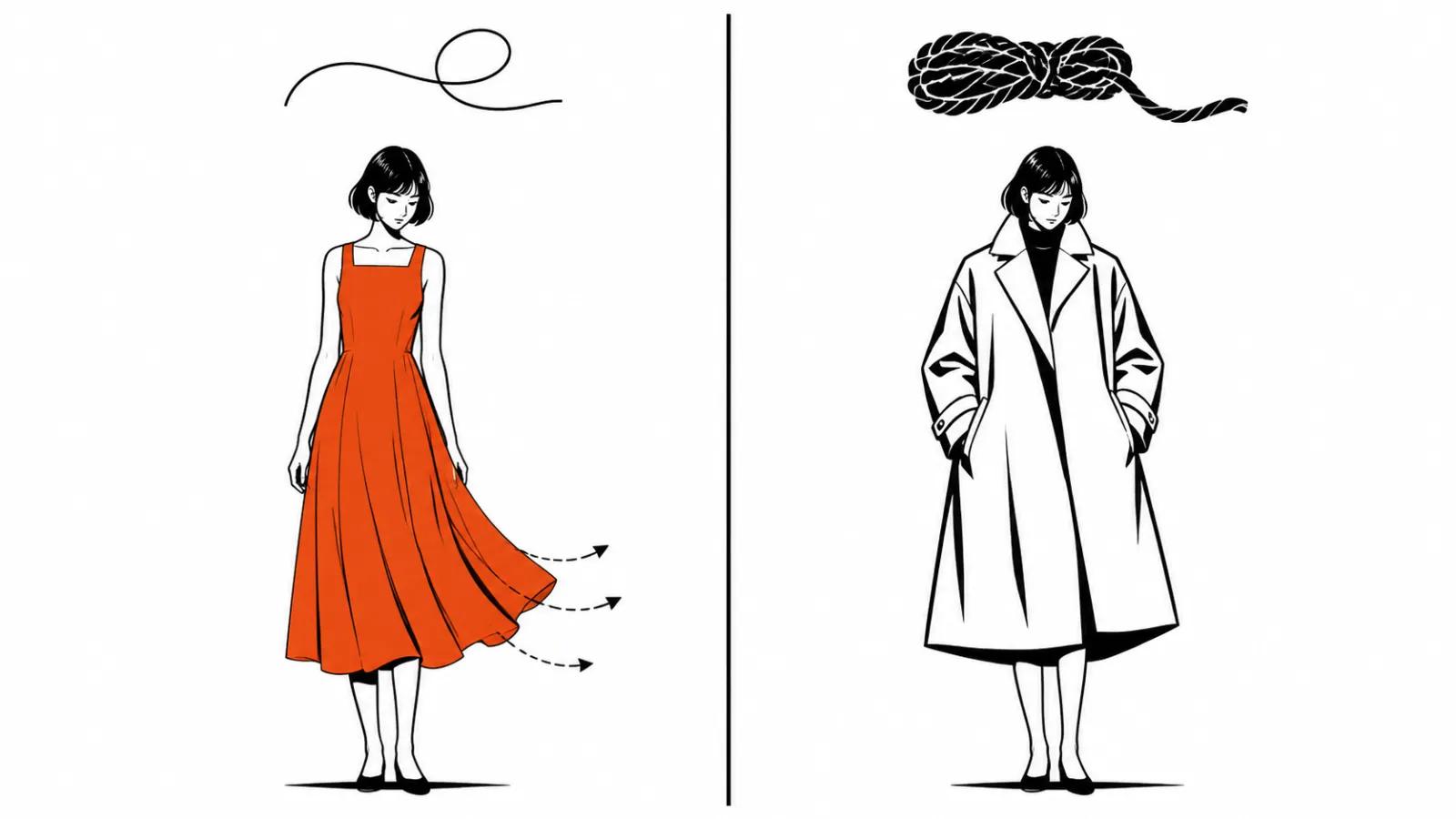
Two goals live inside that scheme, and mixing them up costs a render. The first is identity. Same face in every frame, same proportions, same hair. The second is fabric consistency. Same cloth, same folds on the same motion, same sheen. A clip that passes on the face and changes the weight of the fabric from frame to frame is not usable.
Where it breaks: fabric, the back, the face on the third turn
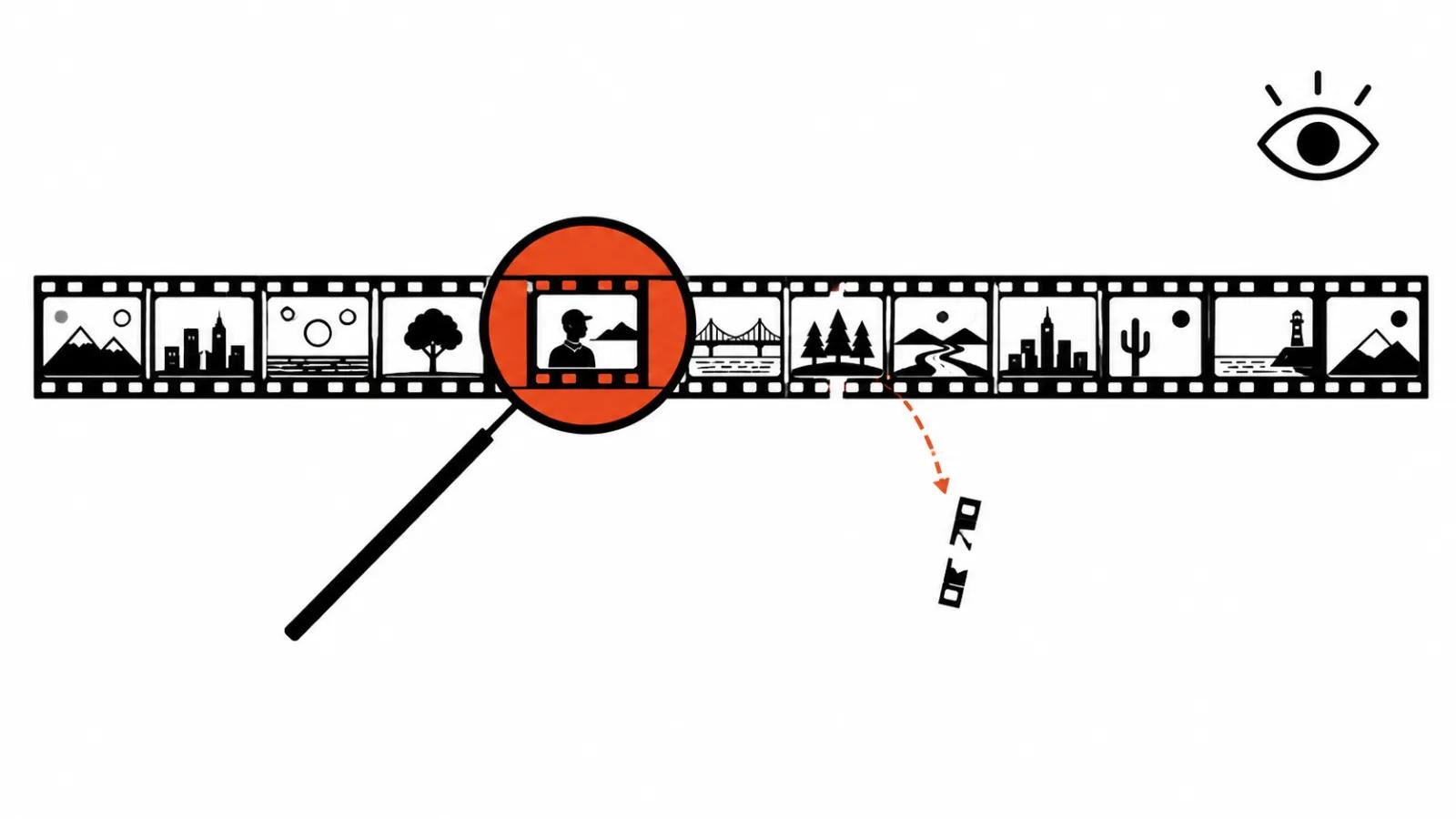
The failures repeat from project to project. Fabric floats, because the model draws folds without knowing how the material hangs, and light silk ends up behaving like heavy wool. The back of the garment disagrees with the front reference when no back shot was supplied: the seam is invented, the darts sit in the wrong place, the print stops halfway. The face drifts on the third turn, since the model loses the reference and rebuilds the profile from memory. A logo on the chest floats too, letters spreading and the embroidery edge shivering.
Hence the rule that saves me half the rework. I test the problem on one move, then run the full clip. A ninety degree turn shows the face, the fabric and the behaviour of small details in a single pass.
Control steps: five before the final render
Clean product flats. White background, garment laid flat, no creases from the box, front and back at the same scale.
- Neutral light on the model. No coloured bounce and no hard shadows on the face, otherwise the model drags that tint onto the cloth.
- A short clip of five to eight seconds. Check identity and fit while the render is cheap and fast.
- Extension and multi-turn edit. Only once the face and the fabric hold on the first move.
- A manual packshot at the end. A static shot of the item on white answers detail questions and gives the edit a cut point.
A fresh example of the class: Omni 1.2 Flash
On November 5 Google published a post about Omni 1.2 Flash, and it shows virtual try-on directly: fifteen seconds, turns through 360 degrees, one garment on one person. Better reference adherence is claimed alongside it. For me it marks the level this class of models now holds, and a reason to stop dragging five tools into a single production.
One demo does not mean every garment lands on the first run. It means fifteen seconds with a full turn is no longer a trick.
Formats: vertical 9:16 for marketplaces, 16:9 for the site
A marketplace listing is fine with 9:16 and eight to twelve seconds: one turn, a close up of the cloth, a packshot at the end. A brand site works better in 16:9, because the product block is horizontal and the clip plays behind the copy. The listing rules themselves are covered in our guide on AI video for product pages, which deals with the spec and moderation. This text stays on garment motion.
Where the savings stop
The savings are real. A lookbook of eight looks is a day on set, a photographer, a stylist, a studio and retouching. A try-on built from existing photos covers part of that list without a shoot. One condition applies: fabric and hardware have to read.
Heavy knits are the first limit, meaning chunky wool, fleece, angora, cashmere with a halo. Sheer fabrics are the second, meaning chiffon, organza, mesh. There the model loses the structure of the fibre and the garment starts to look painted. That is retouching territory, or a normal shoot.
Volume comes next. One clip can be assembled by hand in an evening. A run of ten SKUs with one light and retouching needs a person on the frame, and that is where our handcrafted videos from $190 come in. When the try-on feeds advertising, vertical ad sets reuse the same clips as a series of versions with different hooks. The wider list of work sits under AI video production.
My conclusion
AI saves the shoot while the garment is simple in texture. Leather, denim, dense cotton and sports synthetics come out predictably. Pile, sheer fabric and complicated construction still need retouching, and promising a client otherwise is a bad trade.
My launch routine: five to eight seconds on one turn, watched on a phone, then a decision about the series. If the logo floated in the test, I change the reference or move to a shoot, because a second run of the same setup reproduces the same float.