Cohere shipped Video Intelligence in Compass
On 16 November Cohere introduced Video Intelligence inside Compass. It sits in closed preview: the company is signing up partners and testing search on their own recordings. There is no public access and no price list, so the useful part to discuss is how the thing behaves. Both write-ups, at Unite AI and TheHype, ran on 16 November.
What video search in Compass does
Compass is where Cohere answers questions over a company's own material: documents, reports and decks sit in the index, an employee asks in plain words and gets an answer with a source. Video Intelligence drops recordings into the same index.
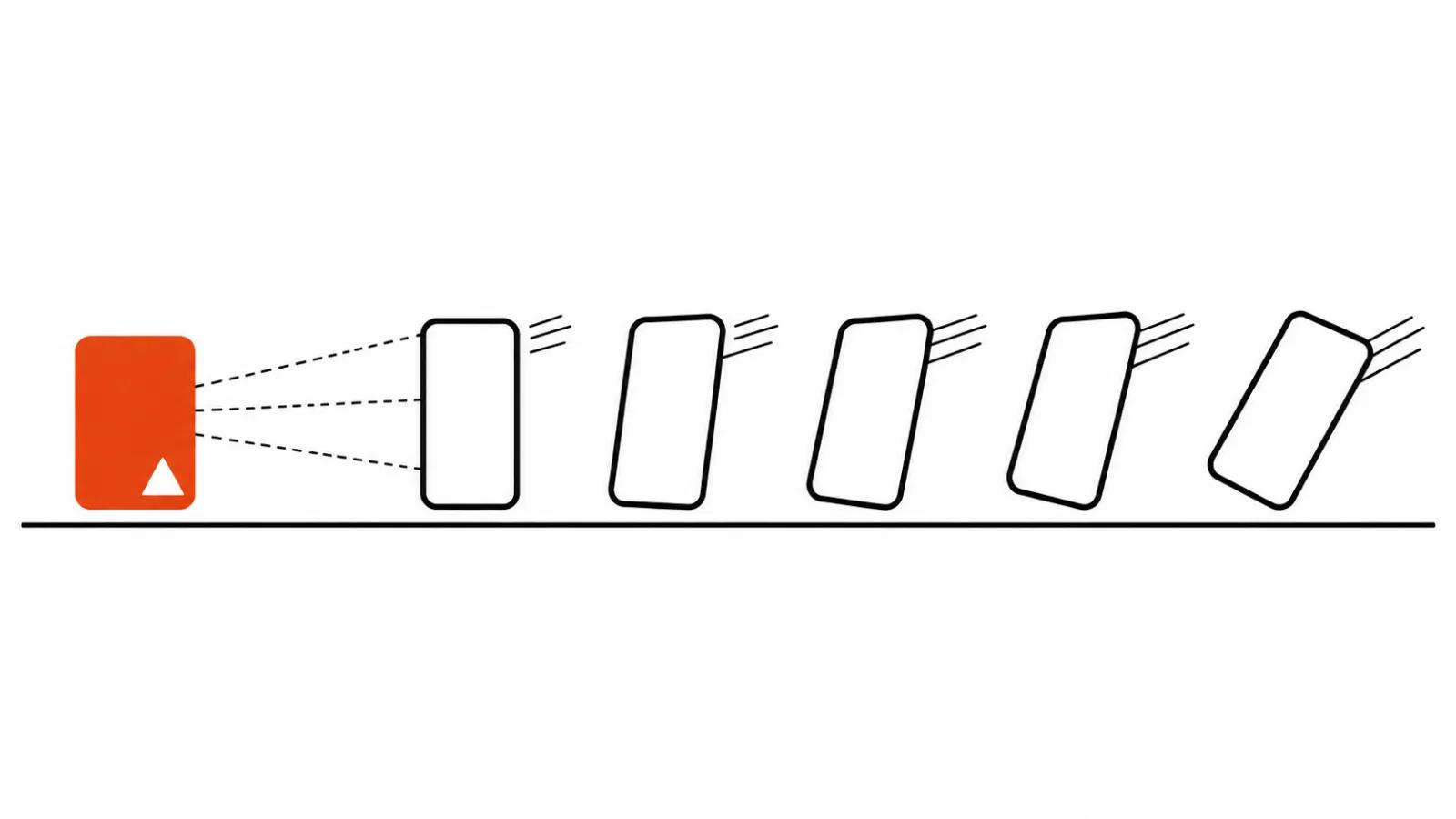
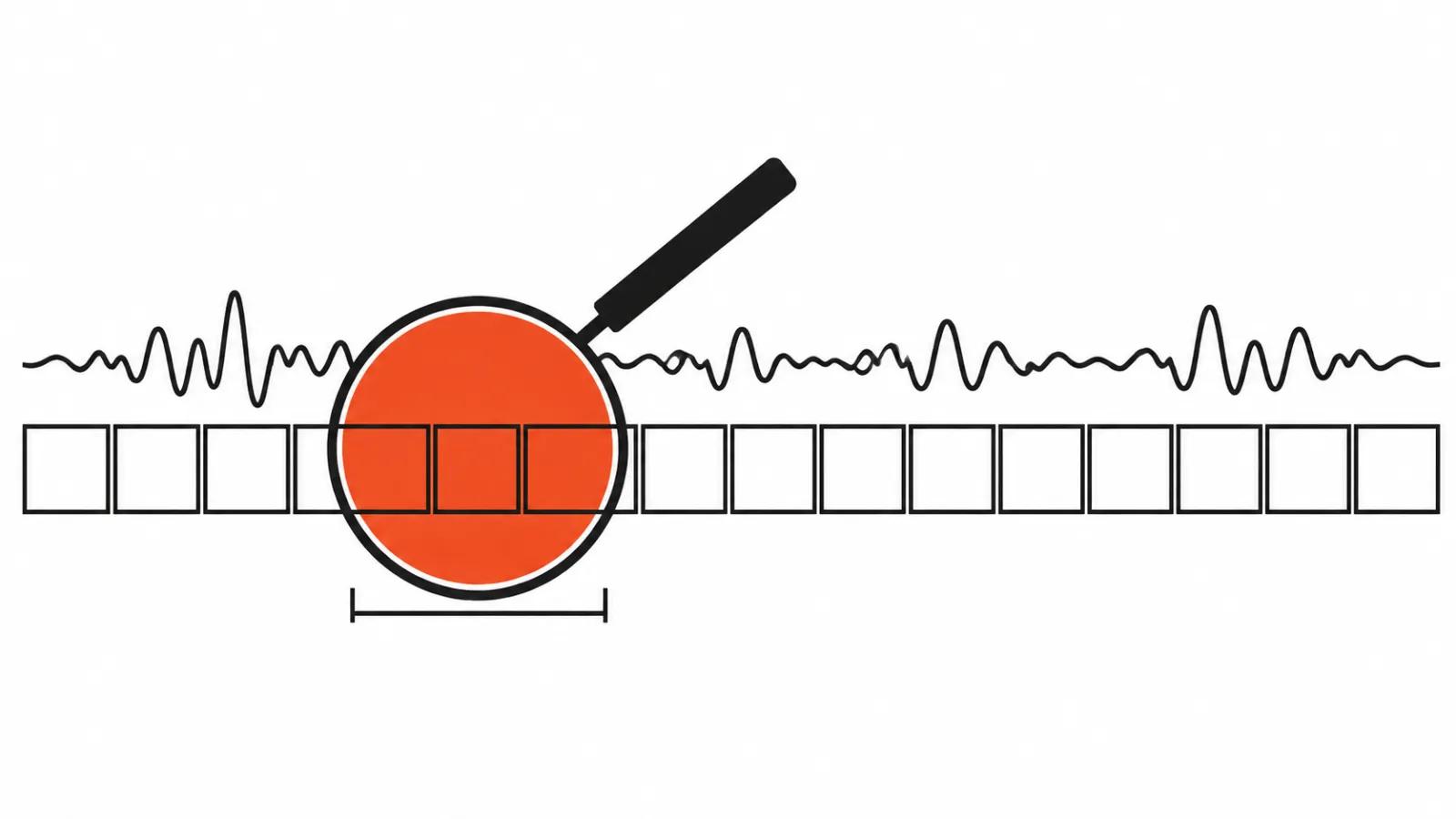
Two tracks are indexed at once. Speech, meaning what people say. And the picture, meaning what is on the screen: slides, charts, product demos. A query about where the churn chart appeared finds the frame even if nobody said a word about churn out loud. A sentence with no slide under it gets found too.
The result is built like evidence. You get a clip, plus a link to the source file, a timestamp, a transcript and a description of what is visible on screen. Checking the machine takes a click. That matters more than it sounds: without a timestamp, every answer has to be taken on faith.
How the AI chooses the clip
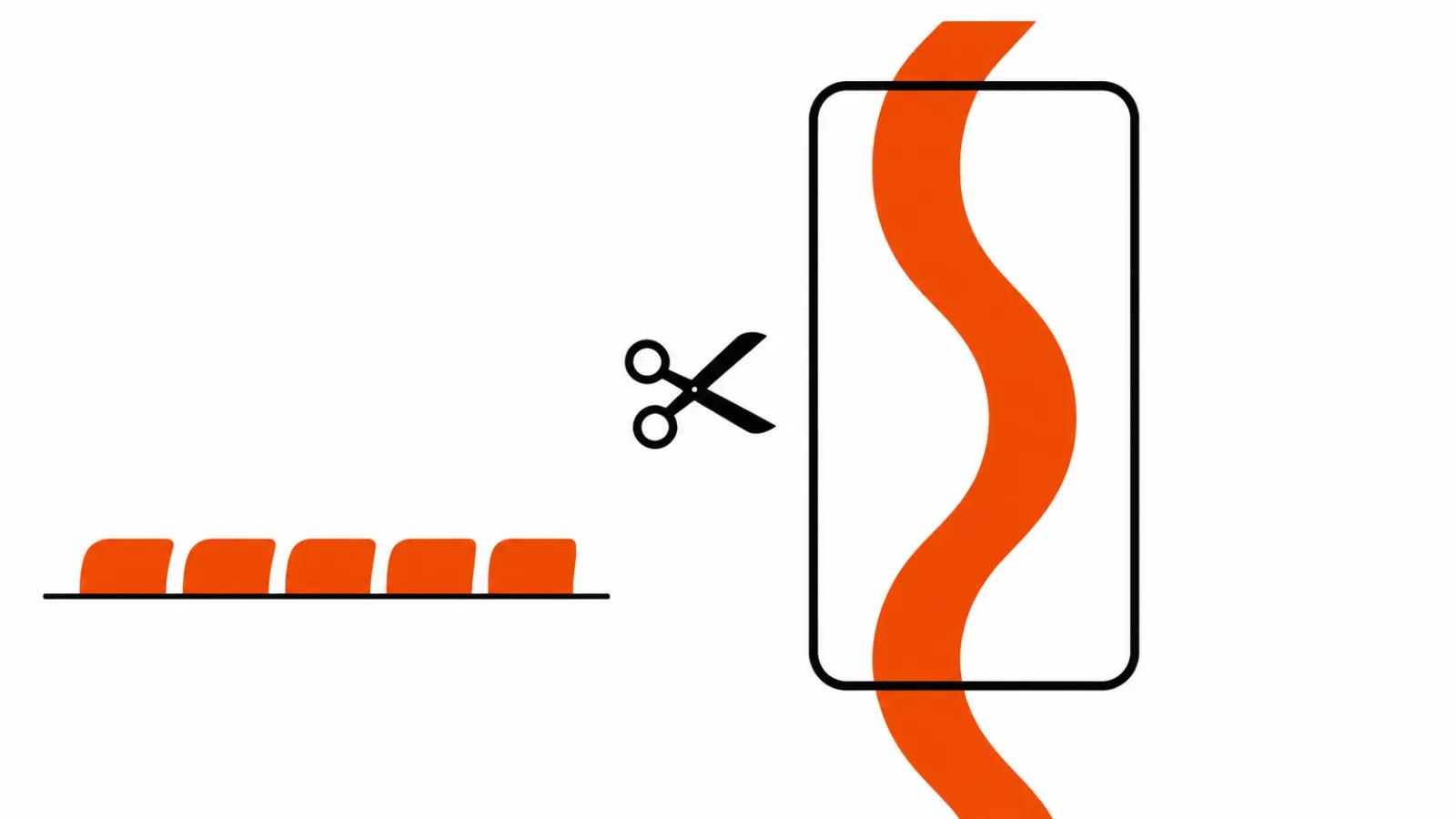
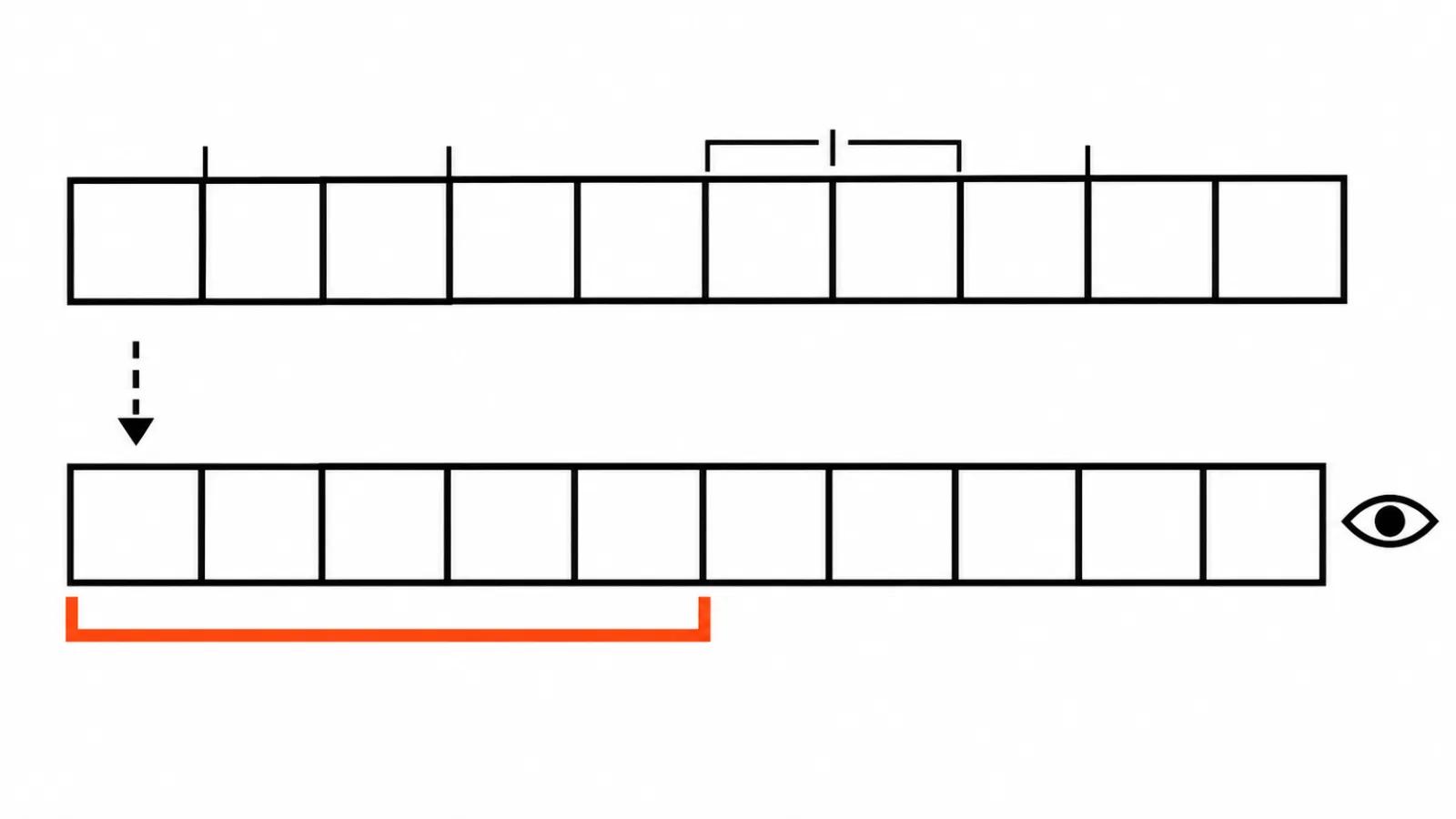
The detail that carries the launch. Boundaries are computed for a specific query at search time. The library is not pre-sliced into ten second chunks, and that changes quality.
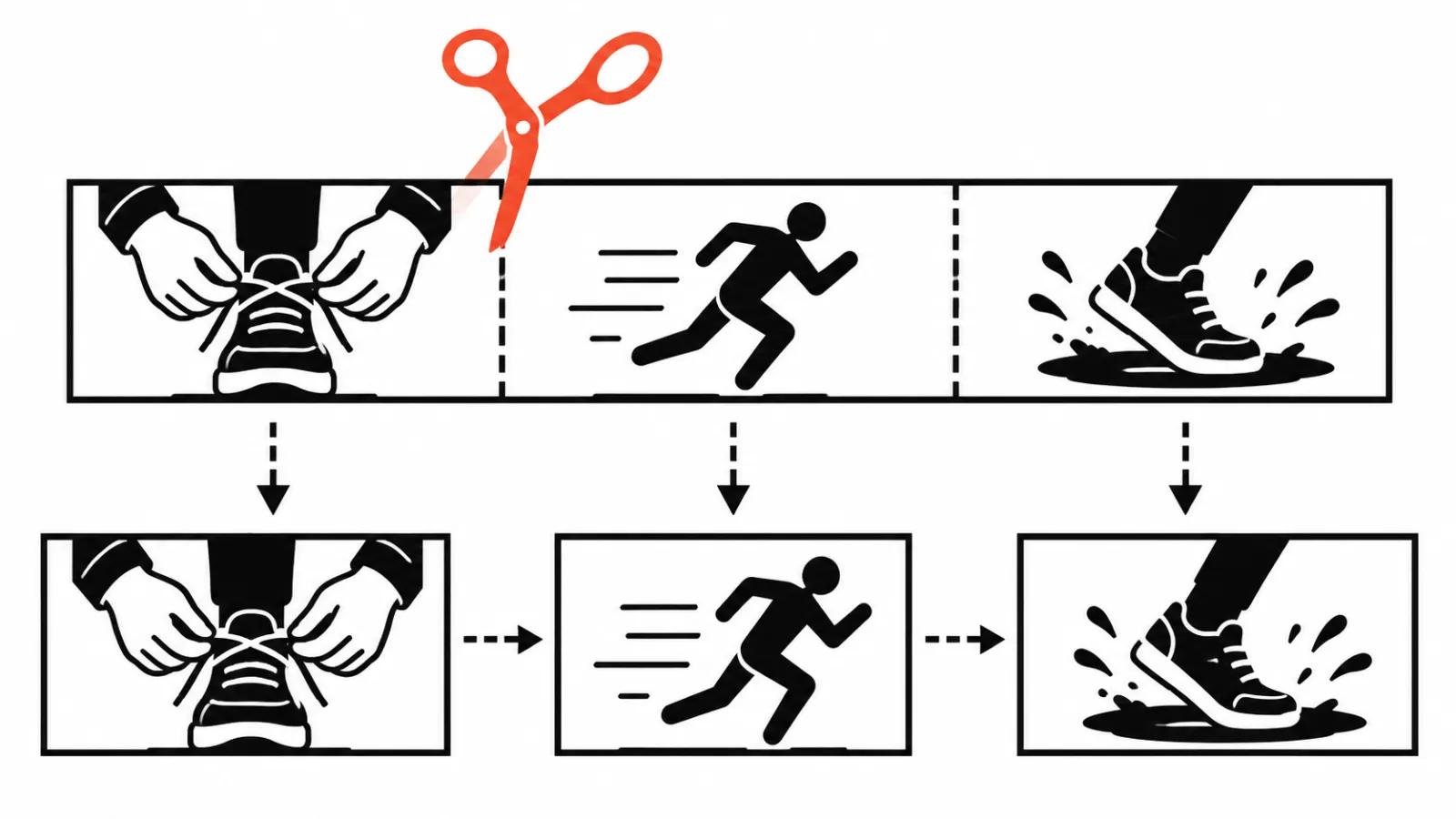
A plain example. Chopping by the minute cuts through the middle of a thought: a setting starts at the end of one minute and finishes at the start of the next. Search that cuts by meaning hands you the whole stretch, from the first word to the last. On a two hour webinar that difference decides between watching ten minutes and watching forty.
An honest caveat: Cohere does not say how the boundaries are found. The launch post shows the result, the mechanics stay off screen.
Transcript and picture in one index
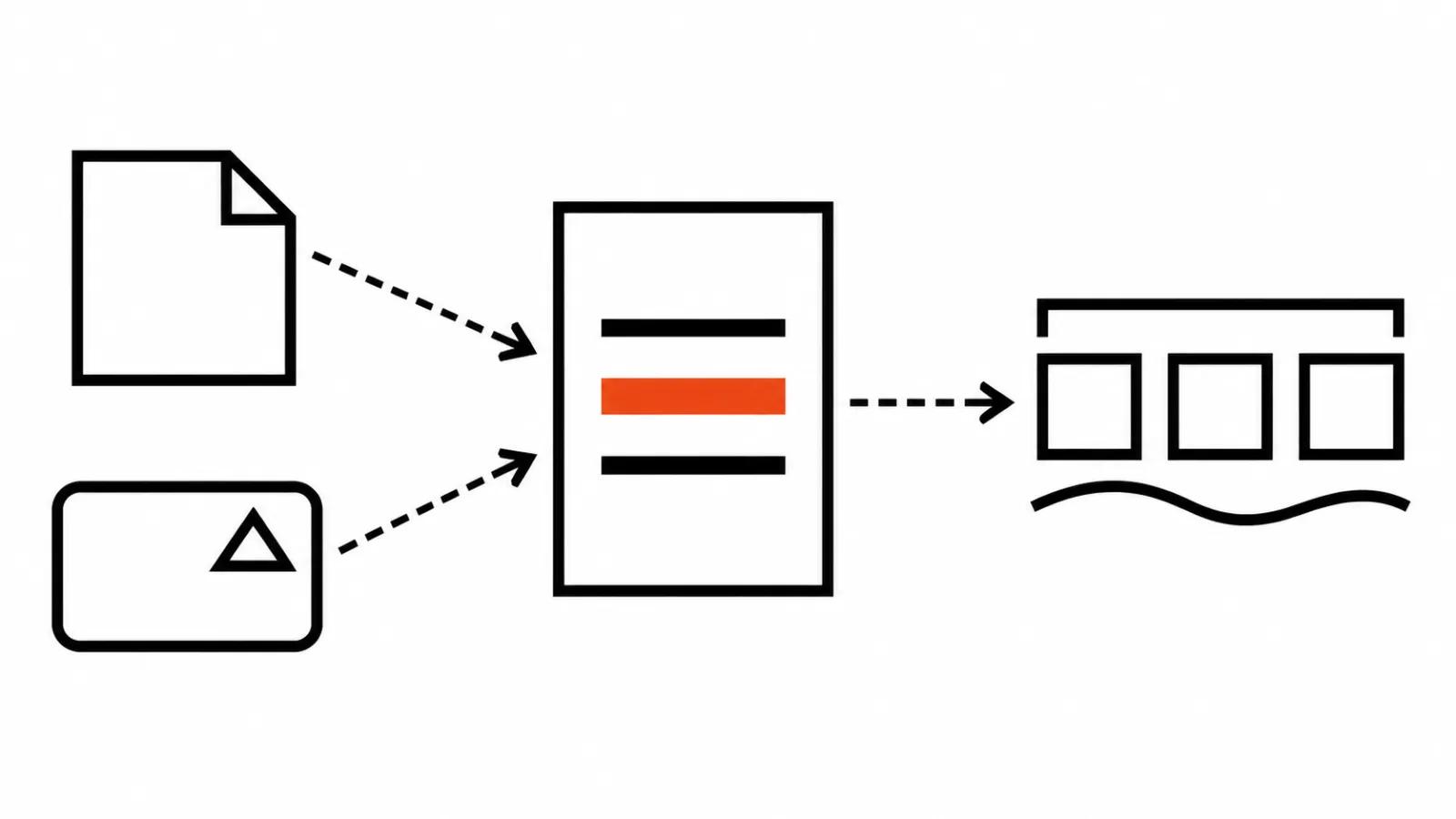
Video sits where the documents sit, and that is the strong part. No second system to maintain, no explaining to a colleague where to look. One search box, one result list, and a slide from a deck ends up next to the minute of recording where that slide was discussed.
Then the enterprise plumbing, without which a product like this never gets signed off. Access rights are honoured at search time: a person sees the recordings they are allowed to see. Fields are configurable, the model can be picked, and deployment runs in the cloud or in your own infrastructure. For teams holding sensitive calls, the second option is often the only one.
There is also an MCP server for Compass. Search can be handed to an agent as a tool: it calls the index itself and brings back the clip in response to a user question.
Who this actually unblocks
Interview and shoot archives. Here search saves days. Finding the moment a subject says the line you need, inside twenty hours of raw footage, normally means watching it.
Training. Webinar and internal course recordings stop being opened after the first month, because there is no way to look inside them. Search over speech and screen puts those recordings back into circulation.
Calls. A meeting recording is useful until the next meeting. With timestamps people return to it when they need to remember who promised what.
Media libraries and production. An archive grows faster than anyone can rewatch it, and that is the main argument for tools of this kind.
The quality claim: 0.69 and 4.4 points
Cohere publishes its own video ranking evaluation. An average score of 0.69 across 11 datasets, on average 4.4 points above the strongest alternative. This is a vendor number about a vendor product, with no independent run behind it yet. Treat it as a promise; the checking starts on your own recordings.
A benchmark and a live office look different. A call with a bad microphone, echo and a shared screen produces material a tidy dataset never contains. Before buying, test on your own: a hundred recordings, a dozen real questions, the first fifty answers checked by hand.
What changes in video work
Archive search and production are tied closer than they look. When a week of videos made through AI video production pipelines goes out, finding the right fragment in existing footage matters more than writing a fresh prompt. Running an AI YouTube channel leans on the archive for the same reason: old episodes feed new cuts and new scripts, and without search over recordings that is hand labour.
Two companion reads. Our piece on AI video analysis covers what a model actually sees in a frame and where it goes wrong. The HeyGen Video 1 in MCP article covers the other direction of the same trend, with a model that judges a finished video against your questions.
My conclusion
The tool is for people whose archive grows faster than they can rewatch it. Everything else is secondary. A pretty interface does not save you when the question was where the budget got discussed and the system returns forty minutes of recording with no timestamp.
Cohere bet on proof: the clip, the link, the transcript, the frame description. I like that, because it leaves the human a way to check. The scores in the launch post can wait; a test on your own archive tells the truth faster.
While the product is in preview, the practical step is simple. If you keep a media library nobody opens because searching it costs too much, a trial run on your own recordings in the preview beats any review.