What Microsoft shipped on 17 November
On 20 November the Microsoft 365 Message Center published item MC1560920, titled "Copilot video creation in Clipchamp Video Hub is now live in Frontier Public". The fact inside is short. Video creation in Video Hub entered public preview on 17 November 2026. The preview runs through the Frontier programme, general availability is expected in February, and Microsoft calls that date subject to change in the same breath.
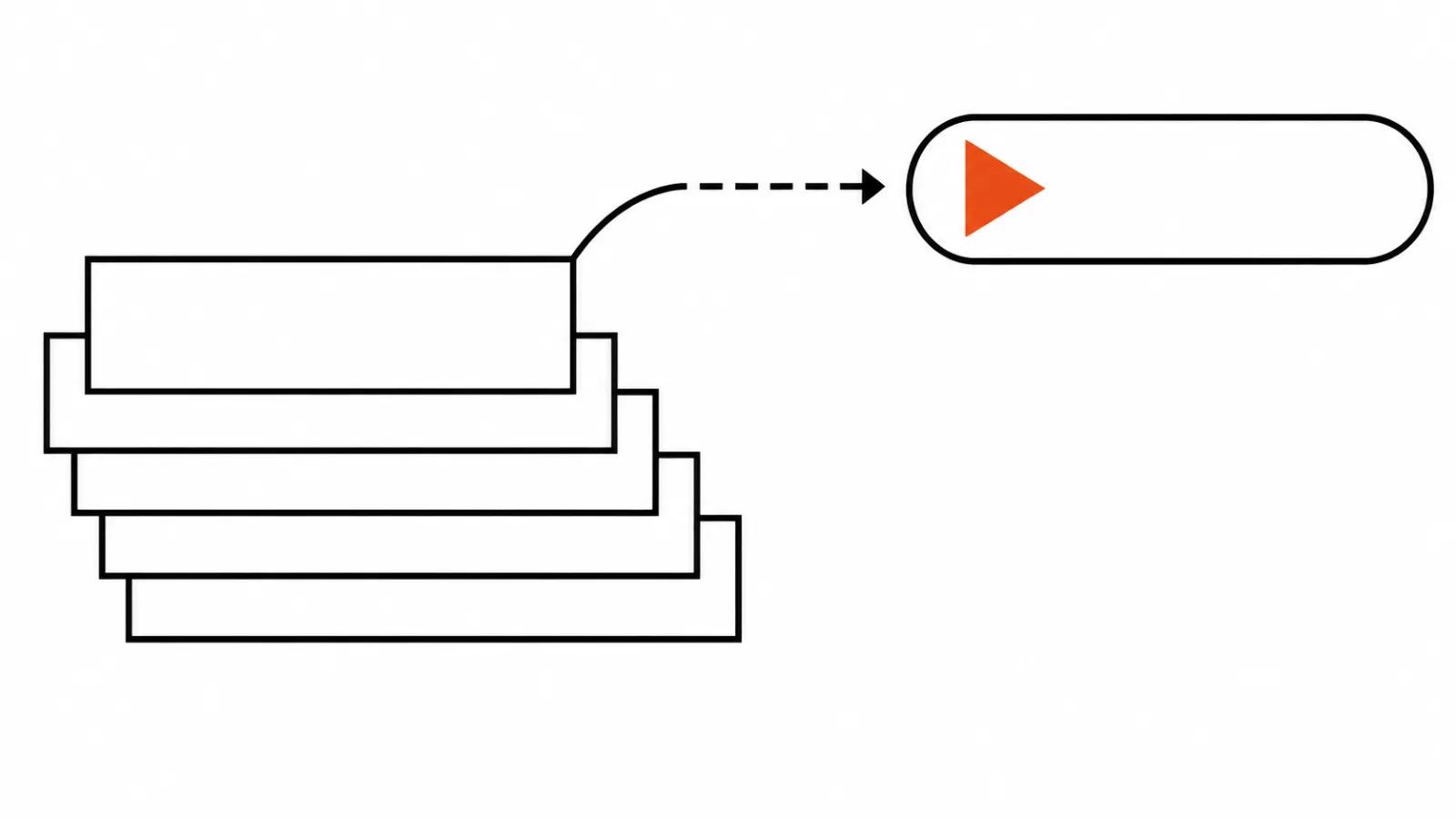
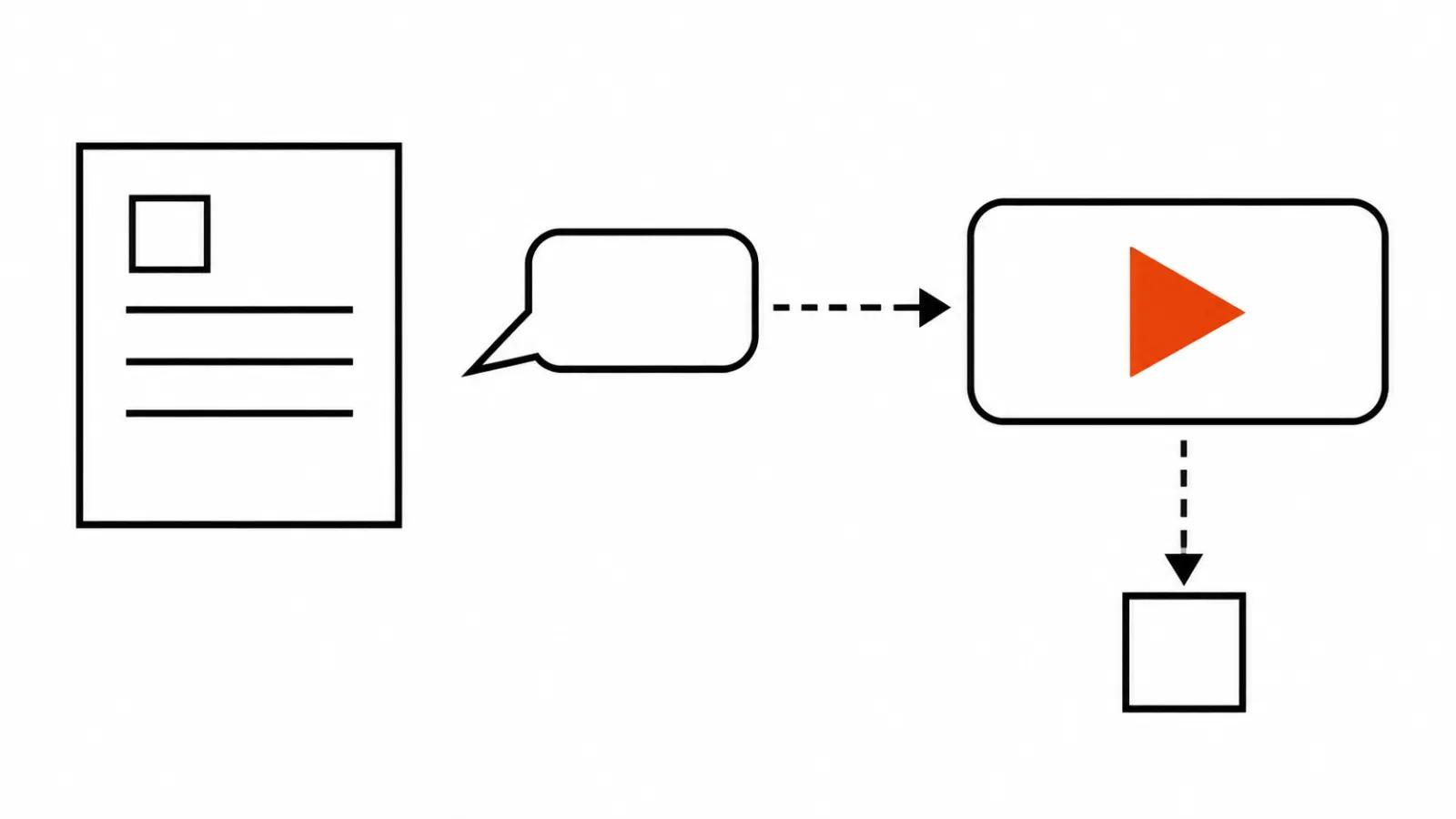
What it means for a buyer is simple. The job "build a video from our deck" moves out of the production team and into a browser tab with a chat window. Upload the document, describe the clip in words, get an MP4, watch the result in the same window where you had the conversation. That is video creation from a PowerPoint deck delivered the way Microsoft promised it a year ago, at least for preview customers.
What Copilot in Clipchamp actually does
You can start two ways. Write a prompt with the topic, the audience, the tone and the length, or take a ready-made starter prompt and drop your own material into it. It works in your own language, localisation is claimed too, and the example edit in the note is refreshingly ordinary: "localise this into Japanese".
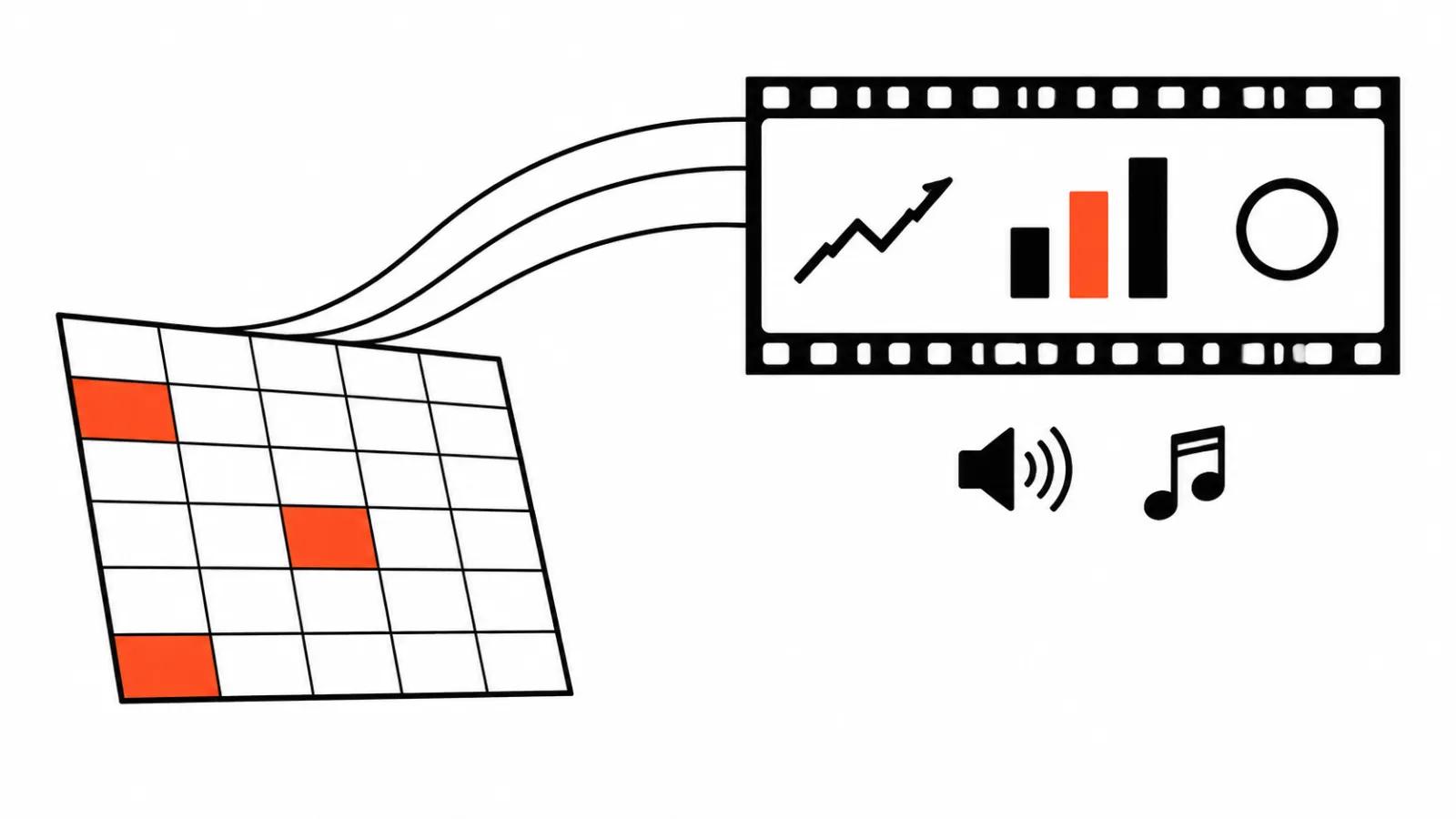
Source material comes from what the company already owns. A Word document, a PowerPoint deck, up to three images per request, video up to 50 MB, a PDF from OneDrive, plus work context through Work IQ. There is a web search as well for facts that live outside the files. Fixes happen in conversation: "more formal", "shorter", "update the title". Export is MP4.
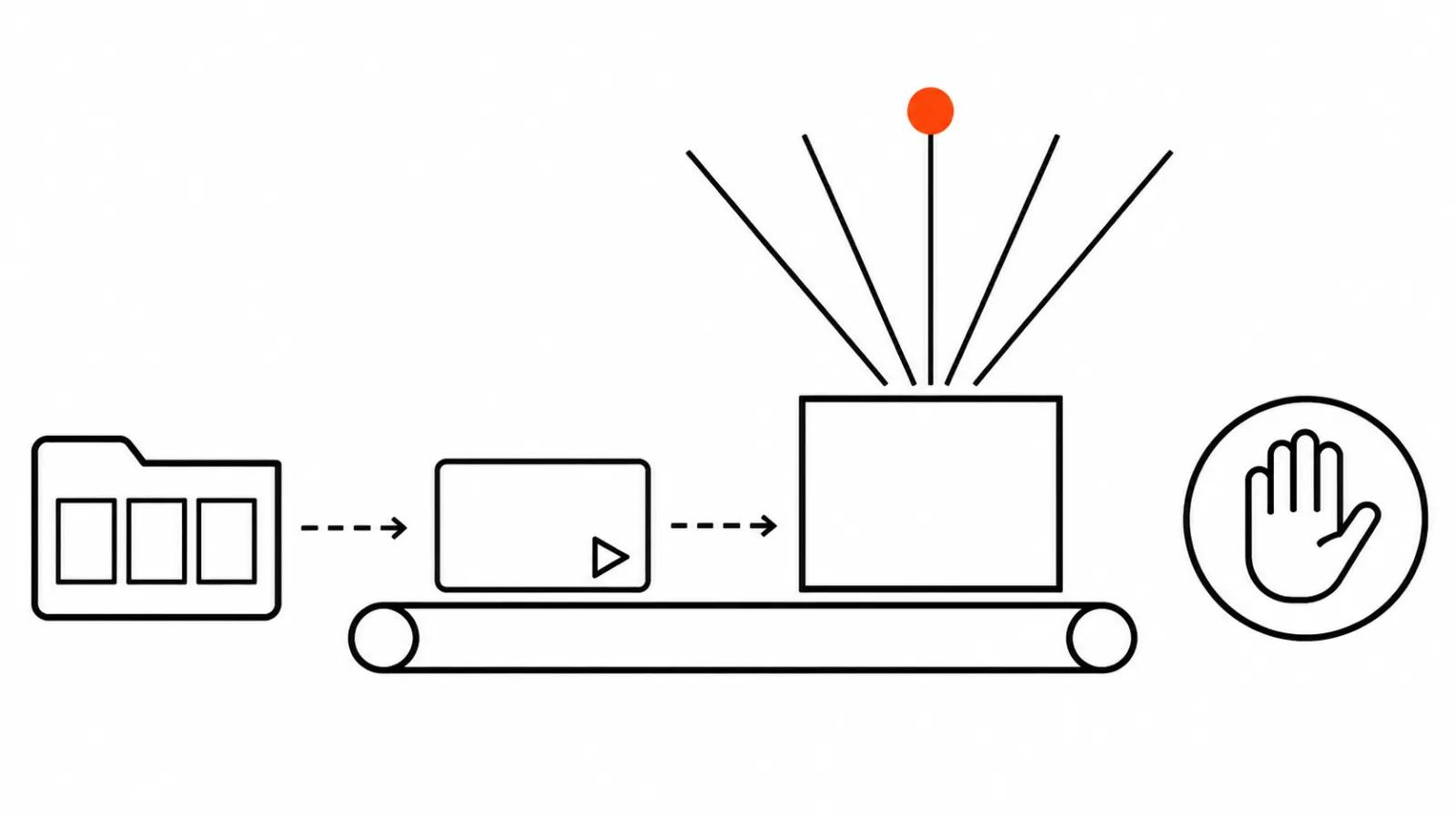
The limits are listed in the same message, and they matter more than the feature list. You cannot edit individual scenes or elements in Clipchamp yet, you can only ask in words. The tab has to stay open or the generation gives up waiting for an answer. One session at a time. Generation can take a long while, and requests time out. The finished clip carries an AI watermark.
Who this closes the job for
Three kinds of buyers need this today. Internal communications and HR, where a short clip about a new process or a policy update is due every week. Product teams, who want a walkthrough of a new feature for staff. Sales teams, who turn an approved deck into an explainer for partners. In all three cases the clip lives inside the company, nobody cares about a unique look, and speed decides.
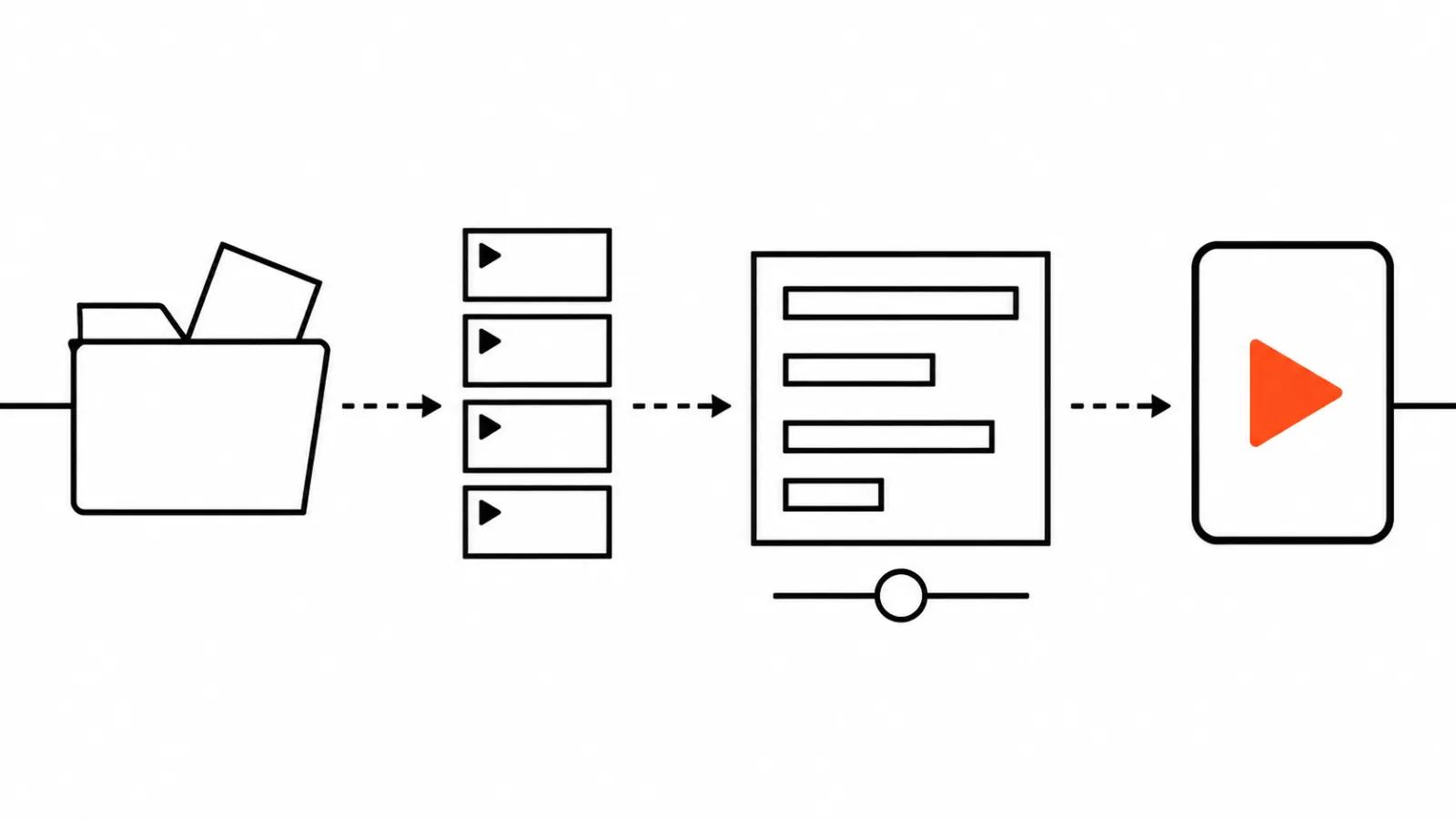
The logic holds up. If the source is already written and signed off, half the work happened before generation. What remains is turning text into pictures and voice, and that is the part Microsoft hands to the chat. Copilot takes the rough assembly; the blueprint stays with the document.
Synthesia shipped a similar idea in November, connecting to Claude as a connector and building a clip from a Notion page by conversation. The difference sits in the surroundings. Microsoft has mail, files and an admin centre for spend within reach. Synthesia brings its own avatars and templates. We covered that launch separately.
Where this does not replace the work
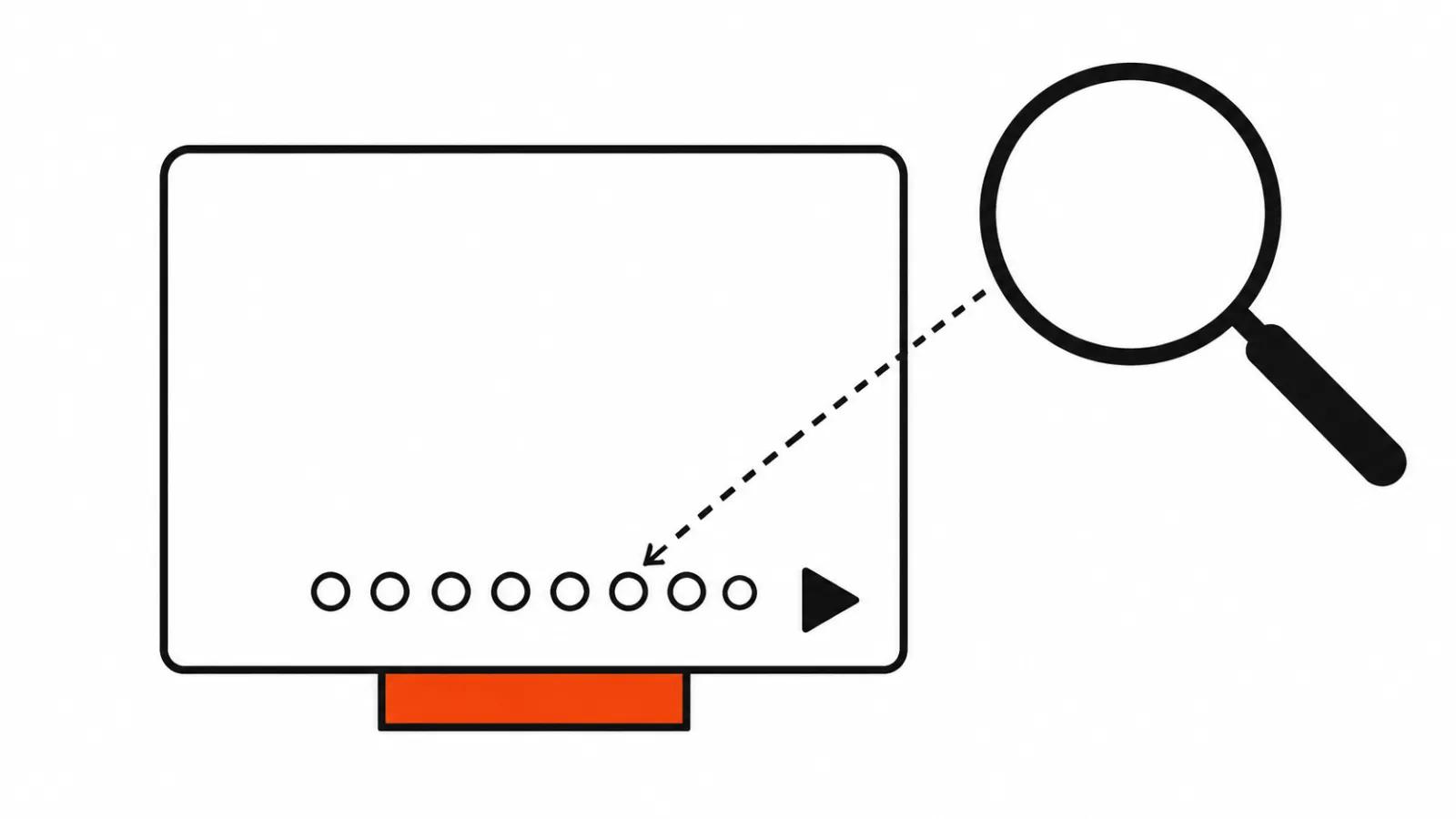
For advertising and brand work the picture changes. Somebody has to own the composition, the pacing, the emphasis and the way the brand appears on screen. Copilot does not take that responsibility. A scene cannot be edited, the pacing of a segment cannot be changed, one picture cannot be swapped for another inside a finished clip. You can ask in words for as long as you like, and every ask is another generation and another charge in credits. A spec for an outward-facing company video stays handcrafted, while the chat is good for drafts and internal material.
There is a second barrier, and it is technical. To switch the feature on, an admin has to allow Anthropic models and set the rules for Copilot Credits spend. Credits are charged as used, per video and per edit, with accounting inside the Microsoft 365 admin centre. Microsoft did not publish a credit price in this note, so a quote for a given company has to be built from its own plan and its own number of runs. Promising a client "cheaper than an editor" up front would be a stretch.
Documents and decks: where the preview trips
The data limits look reasonable until you hit the first one. A video built from a document tagged with a sensitivity label above General cannot be downloaded. You can watch it; you do not get the file. For a bank, a clinic or an industrial manufacturer that is exactly where the deck tends to live. The feature works on paper, and the security team has a say before marketing does.
Then come the small things that eat time. The tab must stay open, one session only, a long generation can time out and half the request has to be repeated. The AI watermark cannot be removed. For anything the company publishes outward, that file reads as a draft, one more argument for handcrafted assembly where clients are watching.
If the job is bigger than one tool, we have a separate guide on making AI video from a presentation: which models fit which task, voice, and how the scenes get assembled. Copilot in Clipchamp shortens the path from text to file and produces the first cut. Direction starts after that, and it sits outside the chat for now.
How I would put this to work
A workable order. Start with one document, one clip, and one person on the team who can get admin rights to switch it on. Then a test on a ten-minute deck and a look at the result with no fixes applied. If the draft is good enough to show colleagues, the credits are worth it. If after the first minute you want to move scenes around, the next step is ordinary hands-on editing.
Second, agree in advance which documents may go into generation. A sensitivity label is not a formality; it decides whether you get a file or a viewing window.
Third, keep internal and external clips in separate queues. An internal clip from a document lives a day and nobody minds its look. A company video lives a year and costs more, so handcrafted work pays off there. That split settles half the arguments about AI studios.
Corporate videos for the website and for client presentations are usually ordered as a separate service with manual assembly. AI video production does a different job: series, tests, localisation and volume for a specific channel.
My take
Microsoft closed an obvious hole in the workflow. Before 17 November a video from a deck was assembled by hand or inside a separate service with its own subscription; now it is a button in Clipchamp next to the document. For internal clips and training that is good news, because part of the work stops being a project.
The bad news is that the preview is still a preview. No scene editing, no way to rescue a timeout, no download from a restricted document. Those are not small things; they are the line between a tool for staff and a tool for clients. I would keep February in mind: if general availability brings scene edits and a workable export under labels, the case for replacing an agency on internal clips becomes real. Until then, Clipchamp with Copilot is a fast draft, and useful as one.