What shipped on 18 November
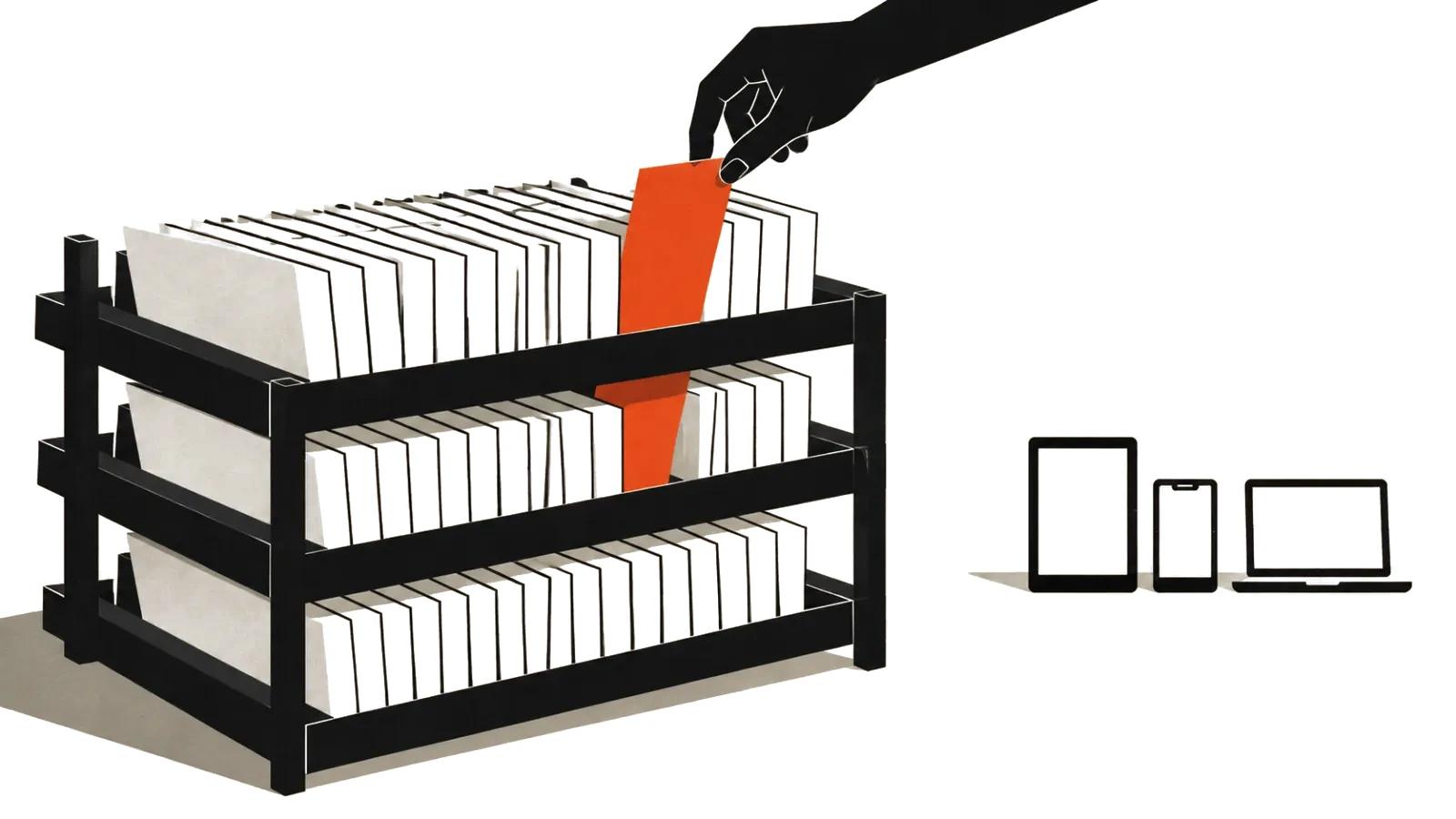
Synthesia published a post called "Synthesia Brings Agentic Video Directly Into Claude" on 18 November 2026, written by Dan Spooner. The news is short: the platform is now available inside Claude as a connector. You describe the video, pull in a document, a deck or a spreadsheet, and Claude handles the conversation with Synthesia.
The mechanics look simple. Connectors can be combined, and the example in the post reads: make a 60 second explainer from a Notion page. Before generation a widget appears in the chat where you pick the workspace, the template, the brand kit and the avatar. A person confirms the settings, the model does not guess them.
The second layer of the news matters more. Synthesia is building the habit of ordering video where text work already happens. For a company that means an internal clip stops being a separate project with a separate owner.
Business video from chat: what the Syren agent does
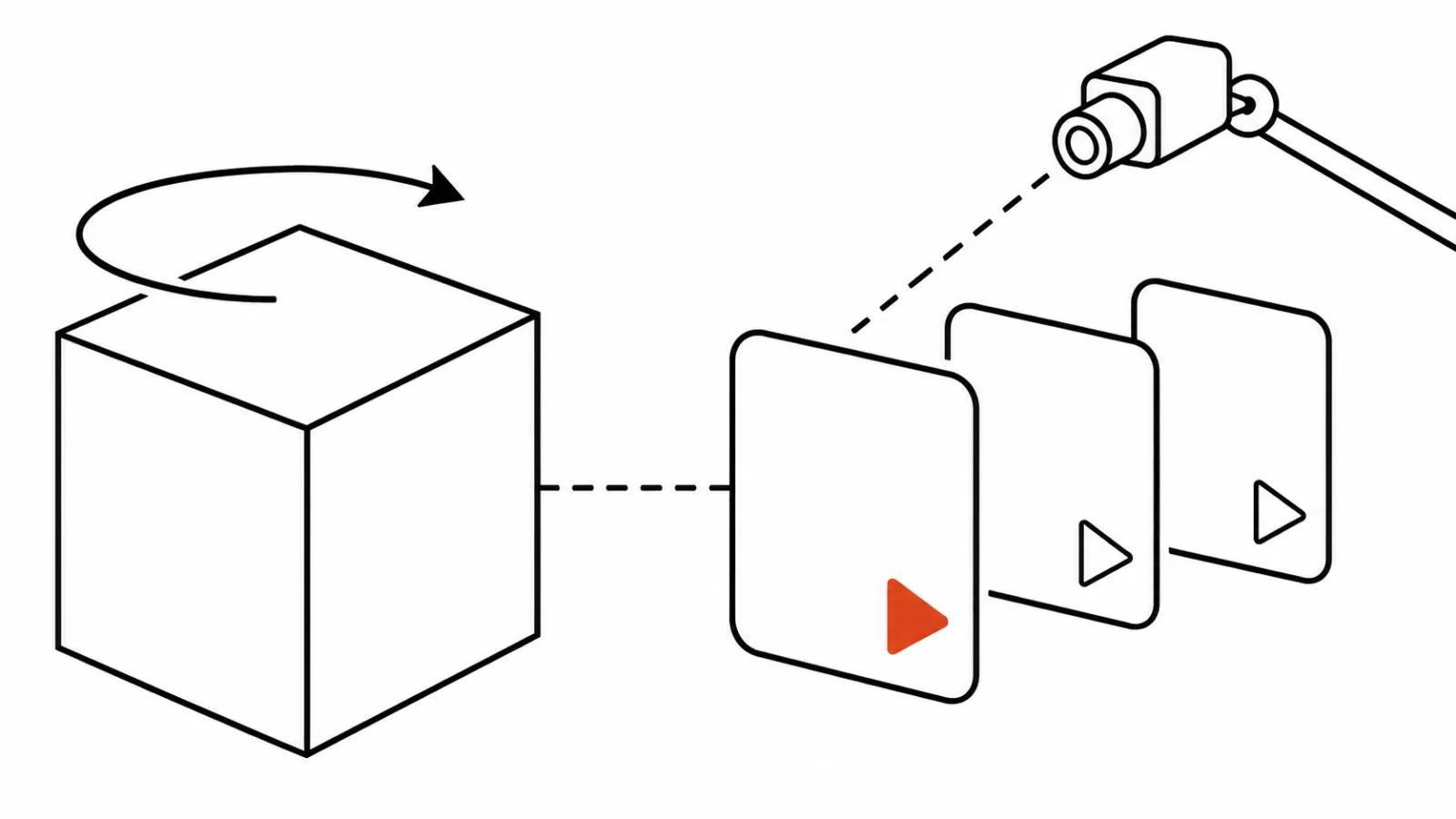
By default the job goes to Syren, the Synthesia agent built for business video. It plans the video, writes the voice-over and renders every scene as code, then the engine produces the file. Synthesia says Syren runs on Opus 5.5. Nobody outside can verify that, so treat it as a vendor claim.
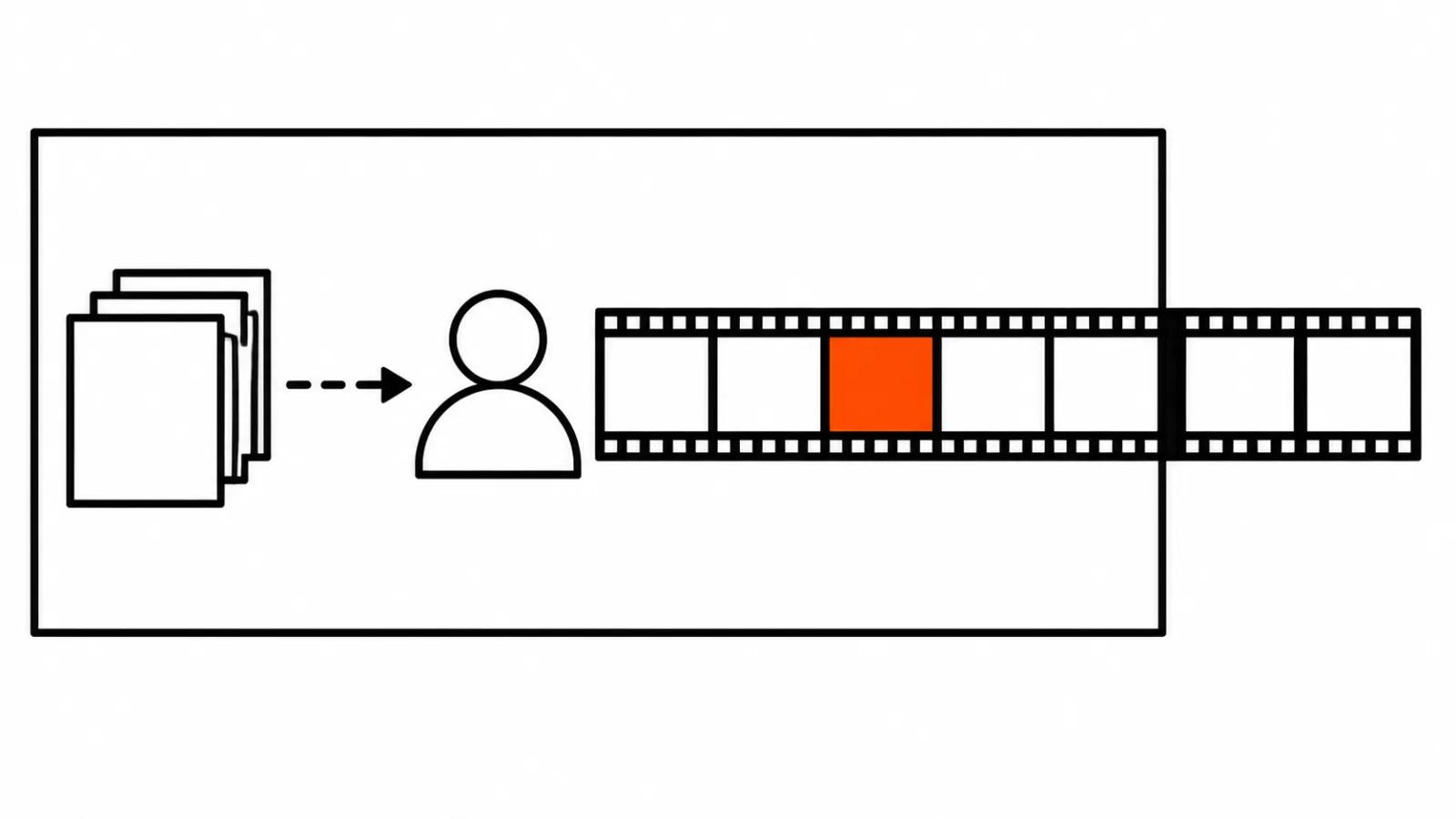
Then comes the part the connector was made for: editing in words. Drop the second slide. Rewrite the ending. Lower the music. Every edit is saved as a version and any of them can be rolled back. For internal clips that matters more than it sounds, because an argument about the wording of a new-hire greeting is usually settled by putting two drafts side by side.
Studio mode: when the script is signed off
If the script is approved and not one word may change, Studio takes over. The avatar reads the text word for word and the draft opens in the Synthesia editor. Templates, titles and anything that has to match the brand kit live there too.
The line between the two modes sits with responsibility. In chat you get a draft and edit it by ear. In Studio you own every word, because the avatar will say exactly what is written. For policies, safety briefings and announcements in a company voice that difference decides which mode you use.
Automation: on request, on a schedule, on an event
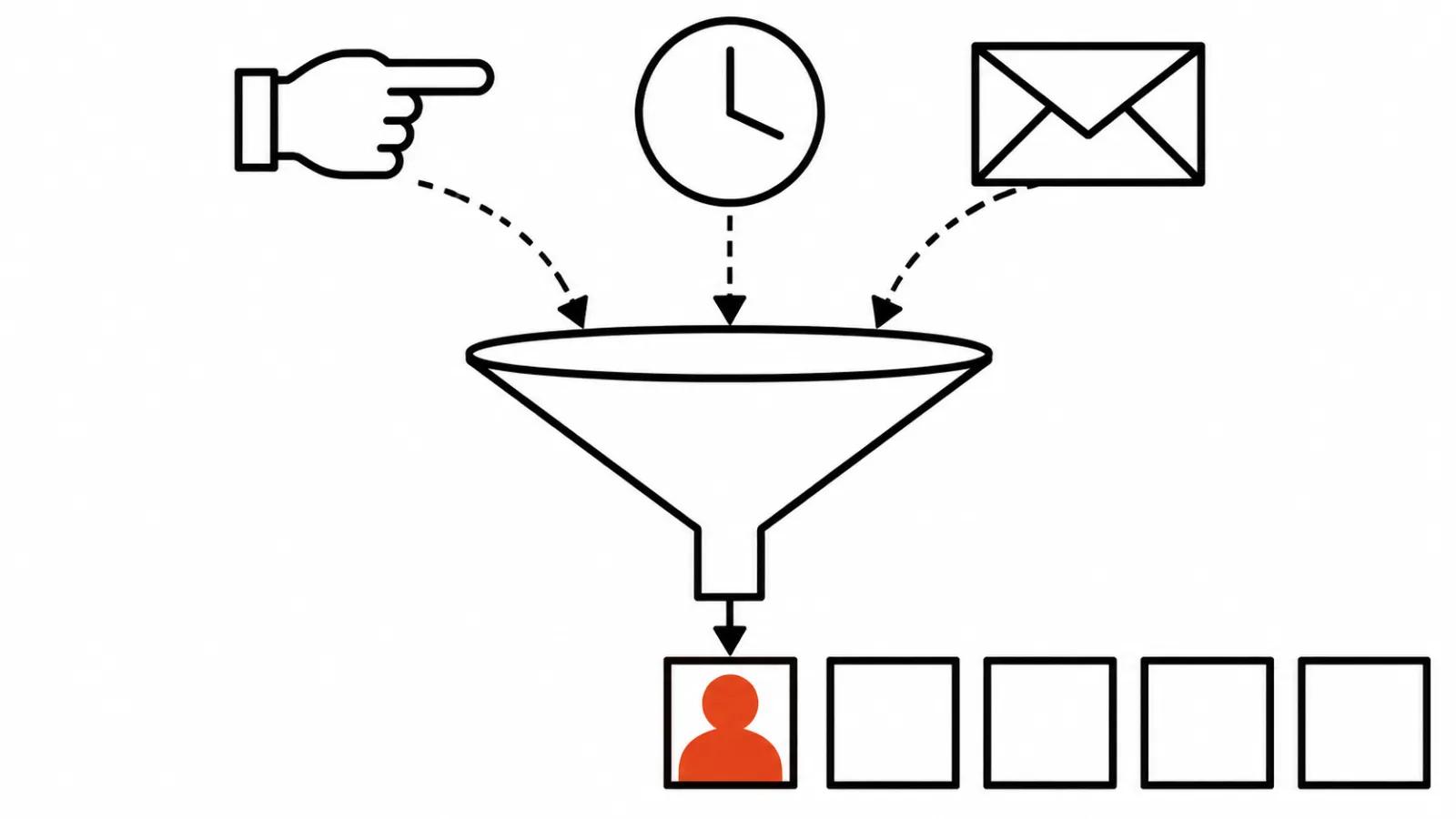
This is the interesting part. Renders fire three ways: on request, on a schedule, or on an event. The event can be Slack, email, or anything else the connector listens to. The post lists ready scenarios: a 30 second clip for every product release, a 60 second call recap, a new-hire welcome pulled from BambooHR, a how-to built from help centre articles, a video for every GitHub release, a two minute Friday digest.
Look at what happens to the economics. The old chain ran like this: someone spots the moment, writes a script, gets it approved, books a shoot, waits for the edit. Clips jammed at one narrow point and some of the moments died in a thread. Now the trigger starts the render and a person arrives at a finished draft and edits it in sentences.
A steady flow of lookalike video without a shoot is the real market for this connector. Releases, hiring, training, process changes. Everything an employee has to watch and nobody would ever light, shoot and edit.
There is a flip side. When a clip costs almost no time, the temptation to ship one for every small thing grows, and employee attention does not grow with it. Endless template avatars in a company channel quickly become wallpaper. The discipline is the same as any internal channel: one reason, one video, clear value.
Where the line sits: template video and advertising
My position is simple. An avatar on screen is a utility genre, and utility genres are where it wins: instructions, notices, policies, welcomes. Viewers want information from that video and ask nothing of the look.
Ads and brand films work differently. Light, composition, rhythm, a performance, an idea that holds the first three seconds. An avatar cannot deliver that by design, it reads text inside a studio box. A clip assembled from a template in a minute reads as an internal notice in a paid feed, and the media budget burns on the first frames.
So I split the jobs early. When the task is a template avatar video for a stream of internal messages, the Claude connector closes it whole. When the task is a campaign or a brand piece, handcrafted videos for ads are built another way: script, direction, selects, colour, sound. AI takes part there as a tool inside the shoot, from $190.
Training deserves its own note. A training video for employees is exactly the genre where a template fits, and we covered it before the connector existed. The connector only changes the entrance: a Notion page or a help article becomes a draft in one sentence, and the instructional designer edits content instead of arranging slides.
Plans and access
The connector is available on Starter, Pro and Enterprise. Setup runs through Customize, then Connectors, then Add custom connector, with the server address taken from the Synthesia instructions. In Team and Enterprise an admin adds it, a regular employee cannot connect it alone. Syren renders spend credits the same way regular Synthesia generation does, so the limit drains from the same account. Brand kits are Enterprise only. A new user can create a free account during setup.
The money conclusion: the connector adds no plan of its own and does not make video cheaper by itself. It removes assembly time. Count the editor hours and approval loops that a flow of lookalike clips eats, the subscription price is secondary.
My conclusion
The Synthesia connector in Claude is a new front door into a familiar avatar platform. The value sits in three places: a document becomes a draft without retyping, edits happen in words with version rollback, and a Slack or BambooHR event fires a render with no human in the loop.
I would connect it in companies where internal moments repeat: releases, hiring, policies, training. And I would keep advertising separate, because direction decides there and you cannot order direction in a chat window.
One market observation. We covered the Runway connector inside Claude and the pattern repeats: vendors stop fighting for a browser tab and move into the chat next to the model. Business video looks set to be ordered more and more where the copy is written, and the companies that win will be the ones with a working review process. More tools do not help.